


by NOVA

Aug 17, 2026
A smart panel and a gateway may serve different control roles in a B2B system. Before quoting, define what users see, what the network connects, which devices and zones are in scope, and who owns commissioning.
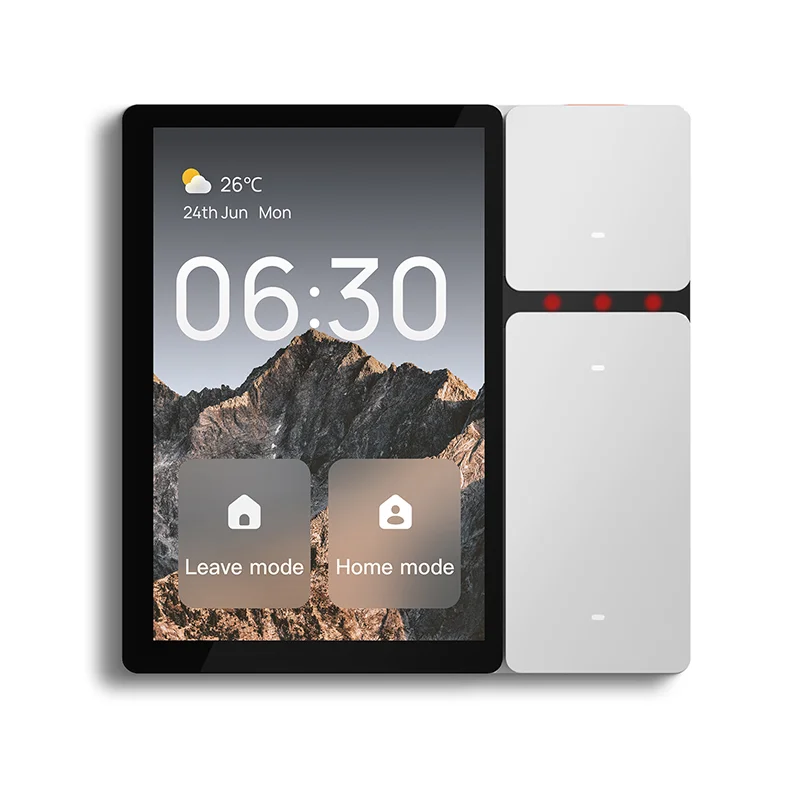
This first-party MOES image illustrates smart-home control context. It does not prove a panel/gateway architecture, protocol, or interoperability.
Use the MOES Smart Modules route as category navigation only.
Important: A panel image or category label does not show which devices, protocols, or zones are supported. Source note: general system-boundary guidance; no model claim.
Start by separating the user-facing control role from the connectivity or protocol role. A panel may be requested for scenes, status, or local interaction; a gateway may be requested for network, protocol, or device coordination. The brief should preserve the distinction rather than assume one product performs both roles.
Record the intended user groups, rooms or zones, visual status needs, local-control expectations, scene or schedule questions, access rules, mounting context, and handover owner. Mark every function as required, preferred, observed, or unknown.
| Panel field | Buyer record | Owner |
|---|---|---|
| User role | Residents, staff, installer, or other | Project lead |
| Zone scope | Rooms, floors, or equipment groups | Integrator |
| Interaction | Local display, scene, status, or unknown | Buyer |
| Handover | Training, credentials, and documents | Project lead |
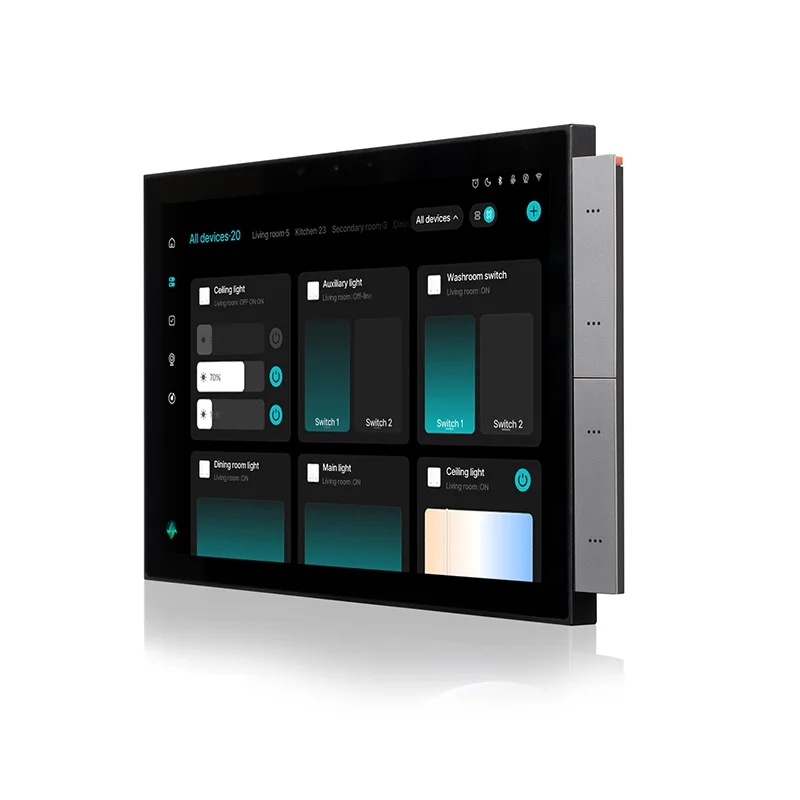
This image is a user-interface context illustration and does not establish a specific panel function.
Record the network boundary, device discovery, protocol questions, account or commissioning owner, local/cloud assumptions, recovery process, and any external equipment. Do not infer supported protocols or device counts from a product family name.
| Gateway field | Evidence to request | Status |
|---|---|---|
| Network role | Current diagram and commissioning note | Confirmed / open |
| Device boundary | Device list and protocol question | Confirmed / open |
| Account owner | Access and handover record | Planned / open |
| Recovery | Reset, replacement, or service process | Planned / open |
Map each device to its zone, control role, proposed panel or gateway path, wiring or network evidence, and unresolved question. A map makes gaps visible and prevents a panel demonstration from being treated as proof of full-system integration.
| RFQ input | Send with quote | Owner |
|---|---|---|
| Zone and device map | Yes | Integrator |
| Panel/gateway role questions | Yes | Technical reviewer |
| Quantity, documents, and handover scope | Yes | Buyer |
Compare options against the same role table: confirmed, document pending, buyer requirement, unknown, and supplier clarification. Keep the model identity, document revision, test condition, device list, and handover owner together.
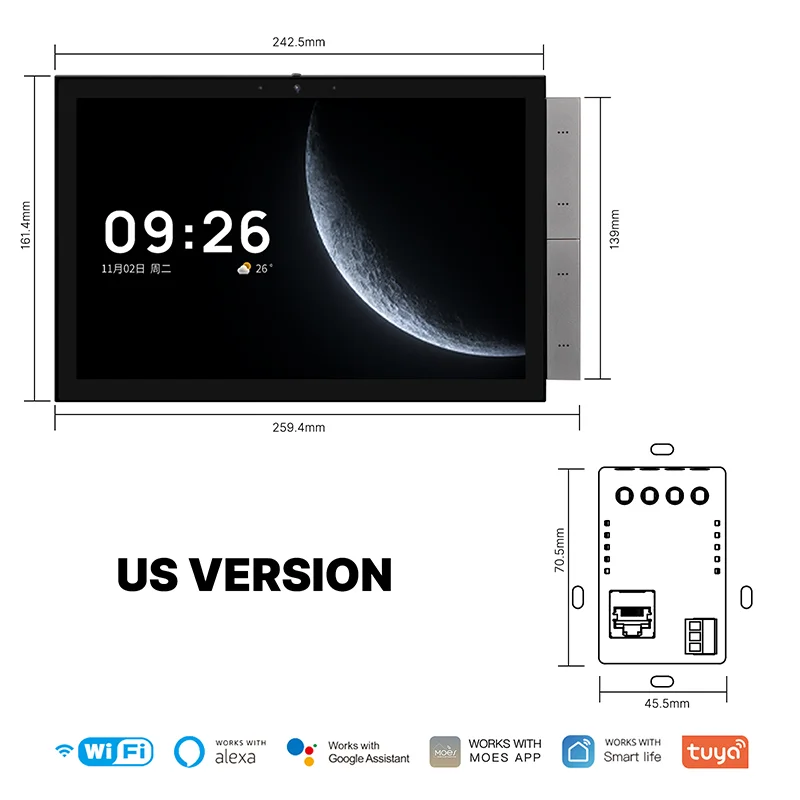
This first-party image supports device-mapping discussion only; it does not prove integration or certification.
For lateral context, see the Tuya vs MOES control-panel sizing guide and WiFi vs Zigbee distributor comparison.
Product recommendation: use the MOES Smart Modules category only as a navigation starting point; no named panel, gateway, protocol, or integration result is recommended until the project evidence is closed. Send model-specific questions through Contact Us.
Not automatically. The project must define the user-interface, connectivity, protocol, device, and handover roles separately.
Record users, zones, visual status, local interaction, scenes or schedules, access rules, mounting context, and handover ownership.
Record network role, device and protocol questions, account ownership, commissioning, recovery, and external equipment.
Map each device to its zone, control role, proposed path, evidence, and open question.
No. Request current model documents and a qualified project review.
Name the buyer, integrator, technical reviewer, commissioning owner, and handover owner.


OTHER SMART DEVICES
Jun 13,2026
OTHER SMART DEVICES
Jun 12,2026
TUYA SMART HOME PRODUCTS
Jun 12,2026
 +86 137 3639 3028





