


by NOVA

Sep 04, 2026
The advantages and disadvantages of zigbee that matter for B2B channels are a paired trade-off set: self-healing mesh reliability and low-power end devices on one side, versus hub dependency, limited per-hop range, interoperability quirks, and RF congestion from dense installs on the other. This page turns that balance into RFQ fields so distributors and installers can quote Zigbee upsides without hiding the disadvantages buyers feel after commissioning.
For Zigbee application-path taxonomy (lighting, sensors, modules, gateway planning), see Zigbee Application: RFQ Selection Checklist. Same-day sibling coverage of advantages of zigbee as an upside-only RFQ frame belongs on that dedicated checklist when live—this article stays on balanced selection trade-offs.
For channels, advantages and disadvantages of Zigbee are procurement language, not a hobbyist scorecard. Zigbee is a low-power, low-data-rate wireless mesh stack built on IEEE 802.15.4 for personal-area control and sensing—lighting, sensors, and related automation—not a general Wi-Fi replacement for video or heavy LAN traffic.
Standards bodies describe a full-stack mesh with certified ecosystem intent. Independent overviews put the same stack next to a single coordinator per network, limited radio range, and co-existence planning with other 2.4 GHz radios.
That pairing is the job of this checklist. A United States distributor quoting Zigbee dimmer modules for multi-unit retrofits is answering a different question than a buyer who wants “no hub” Wi-Fi SKUs without naming LAN load.
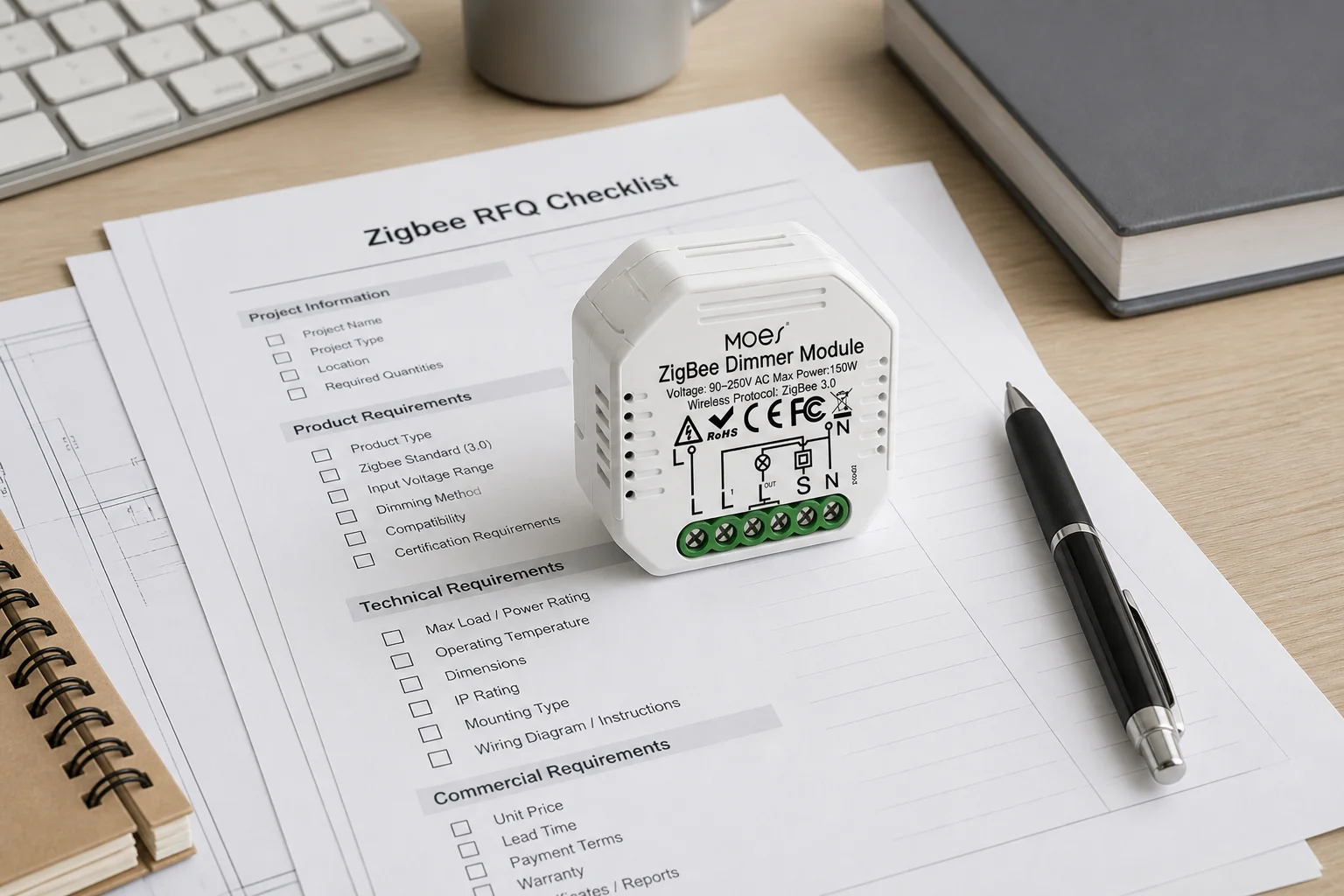
The sellable upsides still start with mesh reliability and low power. A self-healing mesh network can route around failed paths when mains-powered routers are present, which is why Zigbee remains attractive for dense sensor and lighting control carts.
Low-power end device nodes spend most of their life asleep and wake to talk to a parent router or coordinator. That battery-friendly leaf role is a real advantage when the RFQ also funds the always-on backbone those leaves need.
Control-grade data rates—on the order of tens to a few hundred kilobits per second depending on band—are enough for switch commands and sensor packets. Channels should sell that fit honestly: Zigbee is strong where intermittent control traffic matters, not where buyers expect Wi-Fi-class streaming.
Certified interoperability intent is the third upside worth naming briefly. Alliance messaging emphasizes a shared application language and backward-compatible ecosystem growth. Keep that claim short here: it is the “advantage” half of a trade-off that still needs hub, profile, and quirk gates below—not a license to skip assortment testing.
Do not expand these upsides into an application-path matrix or an advantages-only RFQ thesis. Those jobs sit on sibling pages.
The disadvantages of zigbee that channels must document are not abstract warnings. They are line items someone will own after the quote.
Hub and coordinator dependency come first. A Zigbee network typically forms around one hub (coordinator) that commissions devices, holds keys, and often bridges to other networks. Most channel carts still need a named hub or gateway SKU, plus who supports pairing and recovery.
Range limits come next. Published line-of-sight bands are often cited around 10–100 meters depending on power and environment; indoor 2.4 GHz paths commonly shrink toward tens of meters when walls and materials intervene. Mesh hops extend coverage, but only when intermediate routers exist—range is not a free property of the logo on the box.
Interoperability quirks follow. Certification intent does not automatically erase proprietary clusters, custom attributes, or hub-app limitations across every multi-vendor basket. RFQs that promise “any Zigbee works with any hub” without a compatibility table create ticket volume before the first floor is commissioned.
RF congestion closes the core set. Zigbee commonly shares the 2.4 GHz ISM band with Wi-Fi. Community operators repeatedly report dropouts when Zigbee and Wi-Fi channels stack on top of each other, and educational notes suggest planning Wi-Fi on channels such as 1, 6, or 11 while parking Zigbee on spaced channels such as 15, 20, or 25 when the gear allows.
Install density is the multiplier on those disadvantages. Mains-powered Zigbee devices usually act as a repeater; battery end devices typically do not, because they sleep. Selling a cart full of sleepy sensors without enough always-on routers is how mesh reliability becomes a disadvantage on day two.
Important: Treat Wi-Fi/Zigbee channel overlap and missing mains-powered repeaters as quote risks, not after-sales surprises. SmartThings community threads on reliable mesh and interference FAQs repeatedly tie dropouts to channel stacking and thin router backbones—lock channel ownership and repeater density in the RFQ when you sell dense Zigbee lighting or sensing.
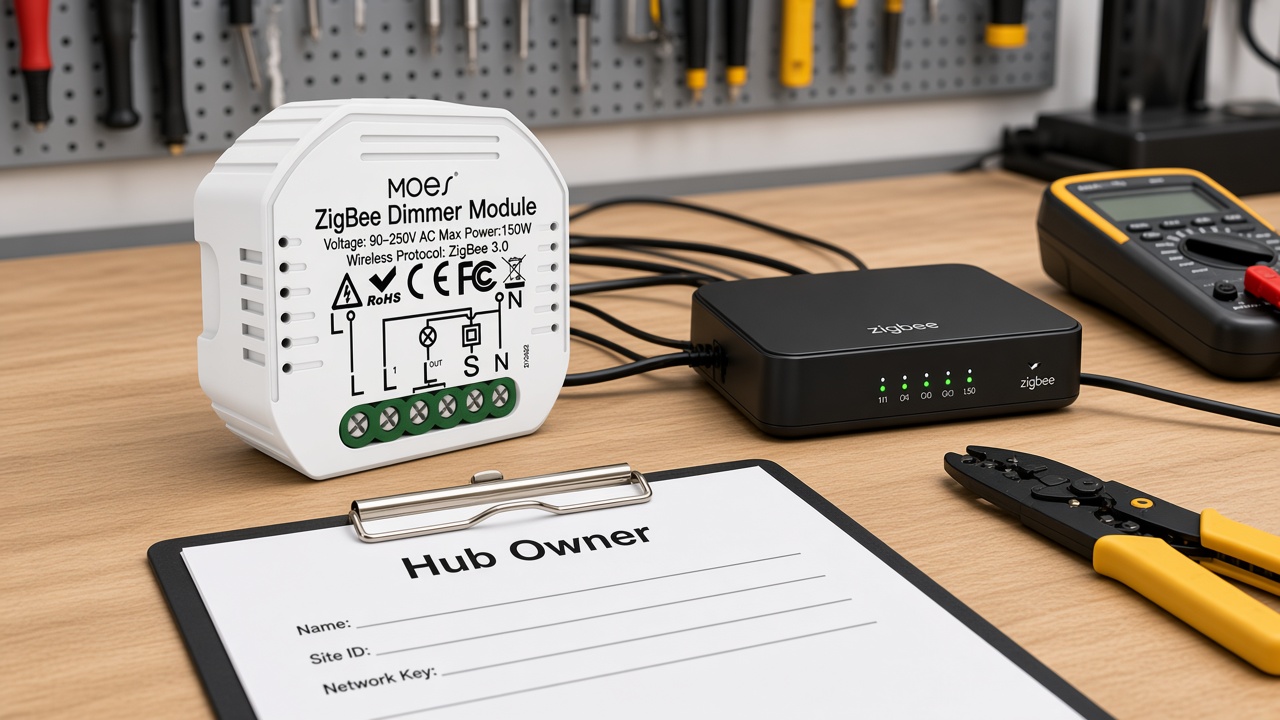
Each upside creates a paired disadvantage. Lock both in the RFQ before SKU selection.
| Upside buyers hear | Paired disadvantage | RFQ fields to lock early |
|---|---|---|
| Self-healing mesh reliability | Needs mains-powered routers; battery leaves usually do not repeat | Router/repeater density; which SKUs are mains routers vs end devices |
| Long battery life on sensors/switches | Limited parent range; orphaned leaves if backbone is thin | End-device count vs router map; expected hop budget |
| Many devices on one control network | RF congestion with 2.4 GHz Wi-Fi; channel clashes | Wi-Fi channel plan; Zigbee channel owner; AP placement distance from hub |
| Certified “works with Zigbee” story | Proprietary quirks; hub-app profile limits | Hub SKU; compatibility table; which profiles are in scope |
| Local mesh when WAN is weak | Still needs a coordinator/hub on site | Hub model; who commissions and recovers the network |
| Lower LAN load than all-Wi-Fi switches | Not a substitute for high-bandwidth Wi-Fi jobs | Which loads stay Zigbee vs Wi-Fi; no video-on-Zigbee claims |
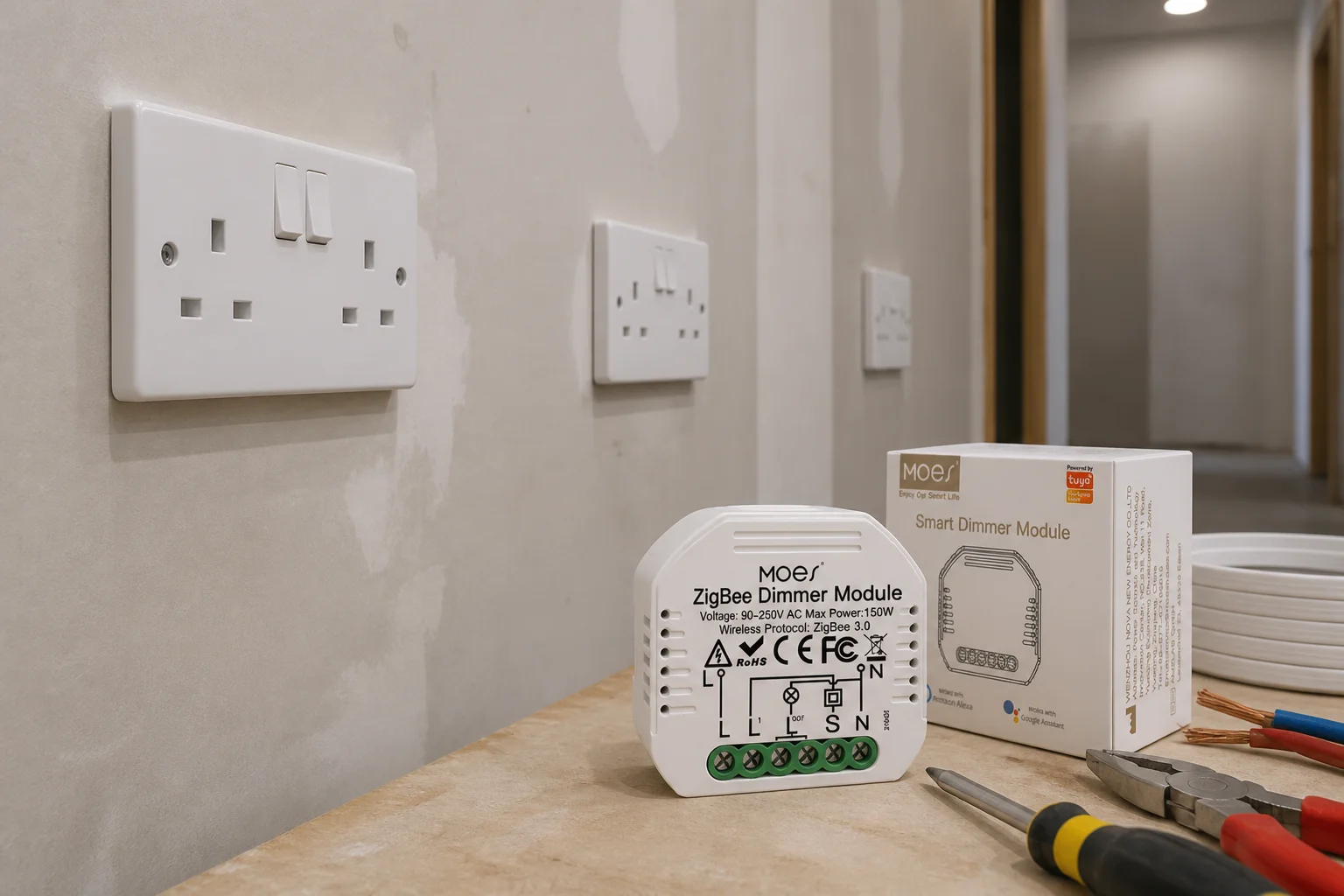
Scope is how channels keep disadvantages from eating the upside.
Start with hub ownership. Name the coordinator SKU, who pairs devices, and what happens when the hub is replaced. “Zigbee assortment” without a hub line is an incomplete RFQ.
Next, draw a router map. Community planning language often targets roughly one mains-powered repeater about every 40 feet in typical United States construction—or denser behind brick and metal. You do not need that exact number on every quote, but you do need a density rule the installer accepts.
Then fix coexistence. Prefer heavy Wi-Fi traffic on 5 GHz when the site allows it, keep the hub away from the access point and metal cabinets, and document 2.4 GHz channel choices so Zigbee is not parked under a busy Wi-Fi channel.
Finally, bound feature sprawl. Zigbee vs Wi-Fi—and the common search phrasing zigbee vs wifi—is not a personality contest: Wi-Fi SKUs can be simpler for small, hub-averse jobs; Zigbee carts win when mesh density and battery leaves are planned. Keep application-path deep dives on the Zigbee application RFQ checklist—here you only lock the trade-offs that make those applications honest.
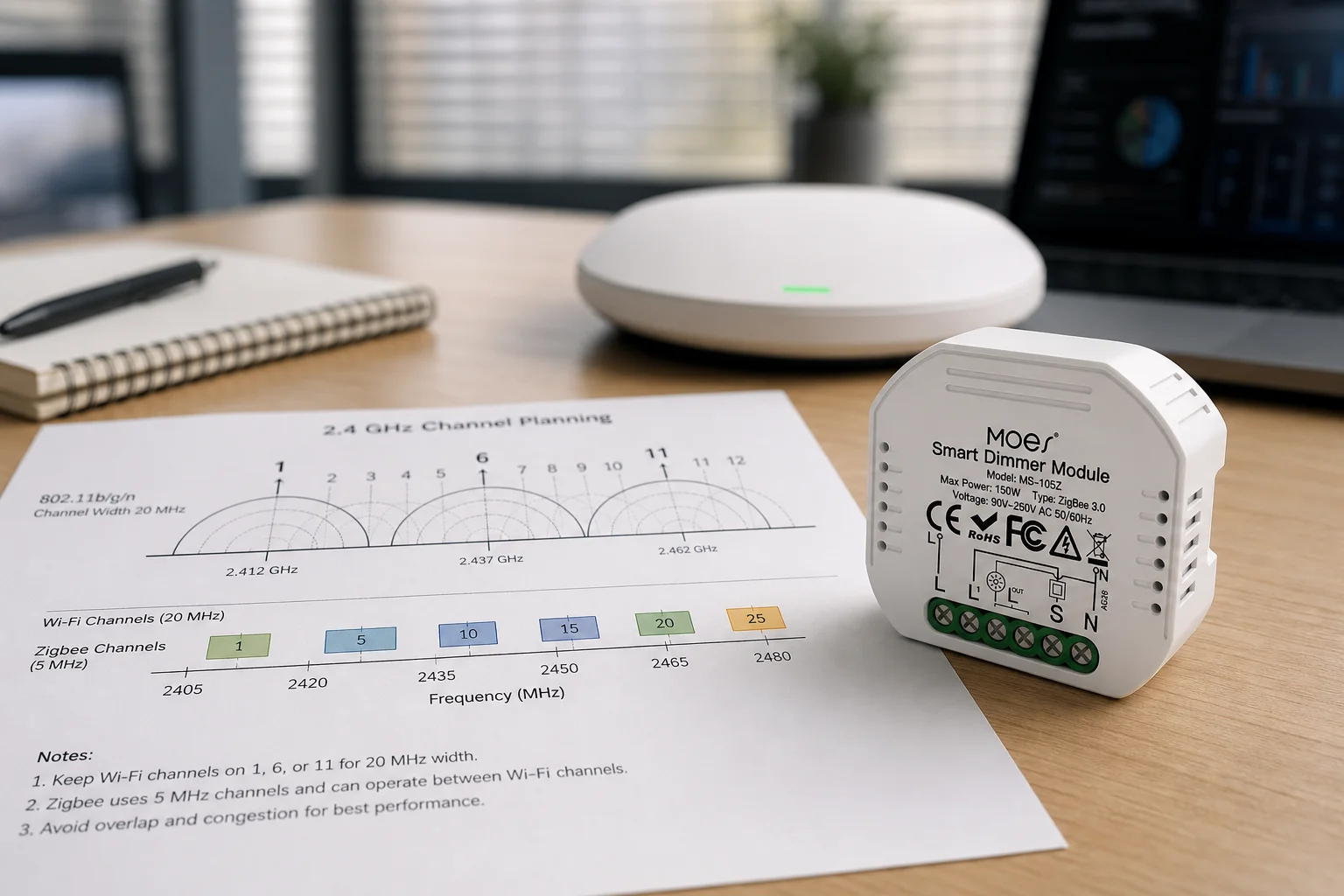
Use this field checklist so every promised upside has a disclosed disadvantage owner.
| RFQ field | What to lock | Why it protects the quote |
|---|---|---|
| Protocol intent | Zigbee vs Wi-Fi vs mixed | Prevents silent LAN overload or missing hub |
| Hub / coordinator | Model, owner, recovery process | Prices hub dependency honestly |
| Router density | Mains repeater map / spacing rule | Protects mesh reliability upside |
| End-device class | Battery vs mains; routing capability | Avoids leaf-only carts that fail at range |
| Channel plan | Wi-Fi 2.4/5 GHz; Zigbee channel owner | Reduces RF congestion tickets |
| Compatibility table | Hub + module/switch profiles in scope | Contains interoperability quirks |
| Load / wiring gates | Watts, switch type (e.g., reset), box format | Stops electrical surprises on module SKUs |
| Support ownership | Who answers offline/pairing tickets | Turns disadvantages into assigned work |
| Sibling isolation | Application matrix vs advantages-only vs this trade-off page | Prevents cannibalized sales stories |
If a row cannot be filled, do not promise the matching upside on the quote.
When the RFQ already locks hub dependency, router density, channel plan, and compatibility expectations, a bounded module example helps channels move from checklist to SKU.
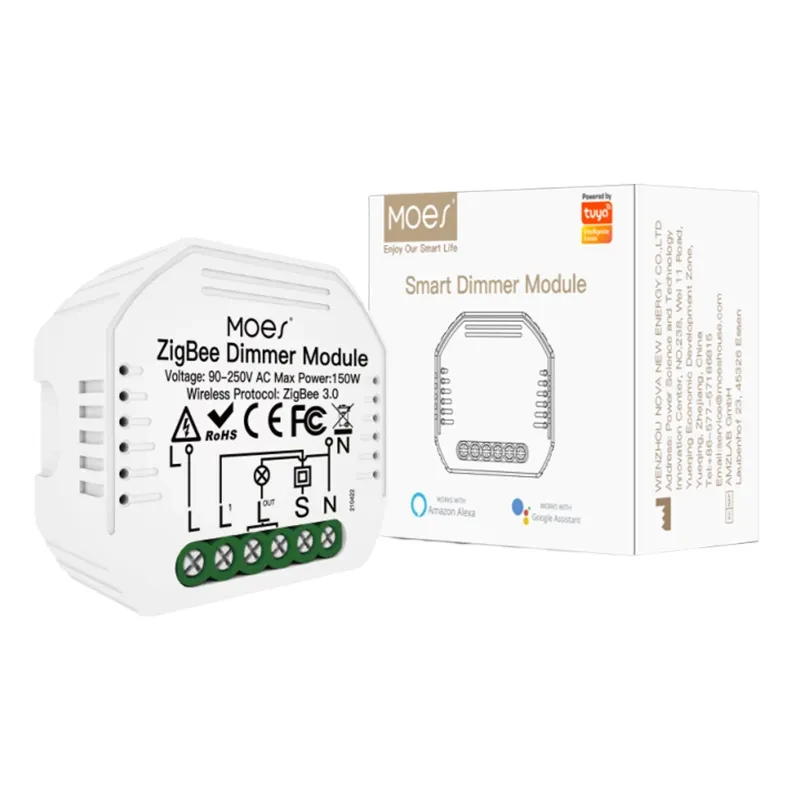
The Moes Tuya ZigBee 3.0 Smart Dimmer Switch Relay Module (model MS-105Z) is a ZigBee 3.0 dimmer relay in the Smart Modules assortment. First-party copy states it is designed for the ZigBee 3.0 protocol with a Tuya ZigBee hub required, positions local Zigbee LAN control when WAN is weak, and lists 90–250V AC, maximum power 75W at 110V / 150W at 220V, 52×47×18 mm housing, 2.400–2.483 GHz operation, and a reset-switch suitability note.
Use that SKU only as a hub-led dimmer-module example after those gates are locked—not as proof of universal multi-vendor interoperability, measured building range, or battery life.
Advantages center on self-healing mesh, low-power end devices, and control-grade traffic that keeps load off Wi-Fi. Disadvantages center on hub/coordinator dependency, limited per-hop range, interoperability quirks, and RF congestion when installs get dense. Channels should quote both sides as RFQ fields.
Most practical channel carts need a coordinator or gateway that forms the network, holds keys, and bridges to apps. Treat the hub as a required RFQ line, not an optional accessory.
Stock Zigbee when mesh density and battery leaves are planned and a hub owner exists. Stock Wi-Fi when jobs are small, hub-averse, or need higher bandwidth. Many assortments mix both—document which loads sit on which protocol.
Expect shorter indoor paths than marketing line-of-sight bands. Walls and materials shrink range; mesh routers extend it. RFQs should plan hops and router placement instead of assuming one radio covers a whole floor.
Mesh reliability depends on mains-powered routers that repeat traffic. Battery end devices usually sleep and do not repeat. Dense leaf-only carts turn the mesh upside into a dropout disadvantage.
Keep certified ecosystem language, then attach a hub-plus-SKU compatibility table. Do not promise every Zigbee logo works identically in every app without testing the profiles in scope.
The Zigbee application RFQ checklist owns use-case taxonomy. An advantages-of-Zigbee sibling owns upside-only RFQ packaging. This page owns balanced advantages-and-disadvantages trade-offs for selection.
When the RFQ already names a Tuya ZigBee hub, reset-switch wiring, load watts within the published 75W/150W limits, and the disadvantage owners above. It is a smart-modules example, not a solar or storage SKU.


OTHER SMART DEVICES
Jun 13,2026
OTHER SMART DEVICES
Jun 12,2026
TUYA SMART HOME PRODUCTS
Jun 12,2026
 +86 137 3639 3028





