


by NOVA

Sep 08, 2026
Before crews buy radios for a job that asks how to connect to smart meter zigbee, freeze the meter interface, who owns utility or grid permission, which path will carry data (Zigbee HAN radio, P1/HAN port, pulse, or CT), pairing credentials, RF barriers, monitoring-only versus load-control intent, and who may touch sealed meter gear—onto one signed sheet. Installers, integrator coordinators, and distributors use this form when Zigbee shows up next to a utility or premises energy meter. It is not a utility portal reprint and not a claim that any Zigbee lighting module is a smart meter.
The sections below turn those fields into an order gate, then show when a premises Zigbee kit such as a MOES dimmer module belongs on the pick ticket after the metering path is already settled.
After every row passes, open the smart switch pillar for Zigbee wall families, and use smart modules when the sheet points to a hidden-box relay path.
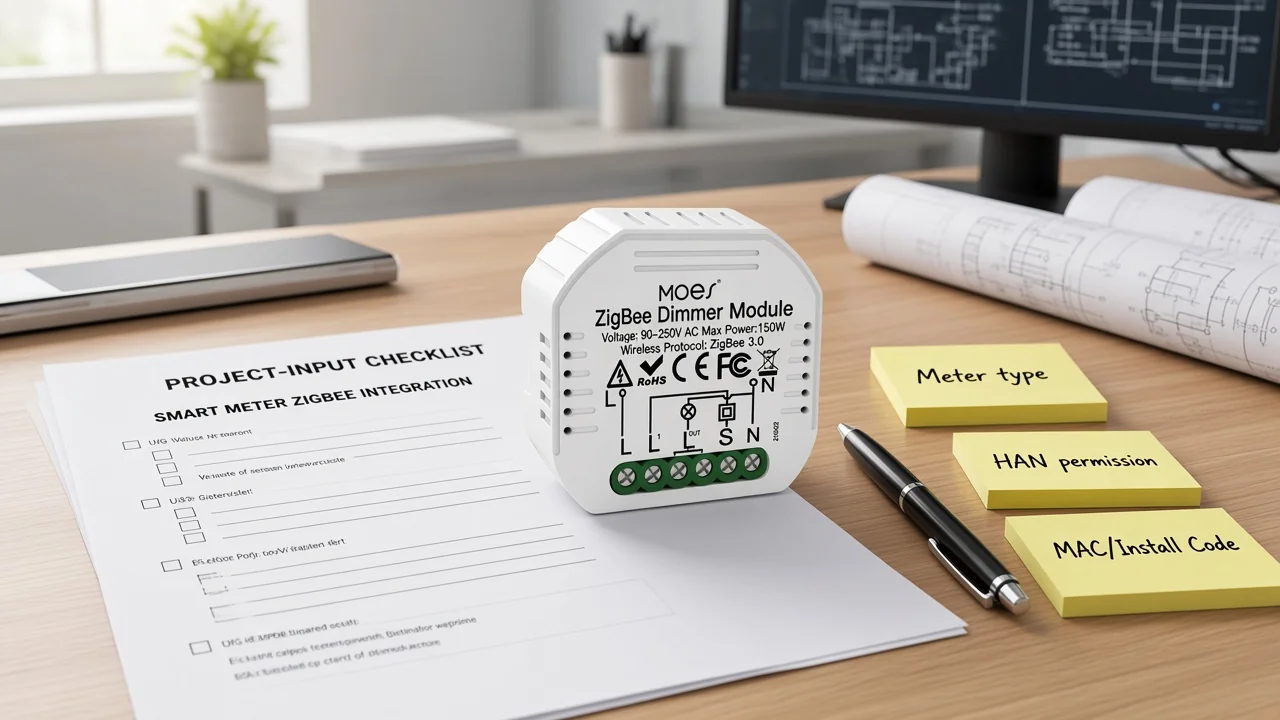
Capture the integration path on paper before anyone mirrors a retail Zigbee card or launches a phone wizard against the meter. Search results for this question lean on utility HAN how-tos and product manuals; those assets almost never force a channel archive of which interface the meter exposes, who must open it, or whether the buyer actually needs load control.
The signed form becomes the order gate. Warehouse staff can attach it to the pick ticket so Zigbee hubs, SEP-class HAN devices, pulse kits, or premises modules leave only when the sheet matches the site.
Write whether the premises smart meter is AMI/smart or legacy analog, and which customer-side Home Area Network interface exists today: Zigbee HAN radio, a wired HAN/P1-style port, a pulse output, or none confirmed. Utility Home Area Network programs describe the radio path as a link between a qualified energy device and the smart meter so near-real-time usage can be observed—legacy analog meters are simply not eligible on those programs.
Research notes on AMS/HAN ports make the same planning point in plainer words: many modern meters expose a customer-side HAN interface, but it may stay closed until the grid company opens it, and the data that emerges belongs to the customer once enabled.
Photograph the meter label, note the utility or DSO account reference, and record “interface unknown—escalate” when the crew cannot see a port or confirmed radio capability. Do not invent a Zigbee path because the marketing brochure said “smart.”
| Field | What to write | Why it matters |
|---|---|---|
| Meter class | AMI/smart / legacy / unknown | Stops ordering HAN radios for analog meters |
| Customer interface | Zigbee HAN / P1-HAN port / pulse / none | Chooses hardware family |
| Photo + label | Meter face + barcode/serial if allowed | Archive for provisioning tickets |
| Account / premise ID | Utility or grid reference | Needed for permission requests |
| Owner of verification | Who confirmed the interface on site | Accountability |
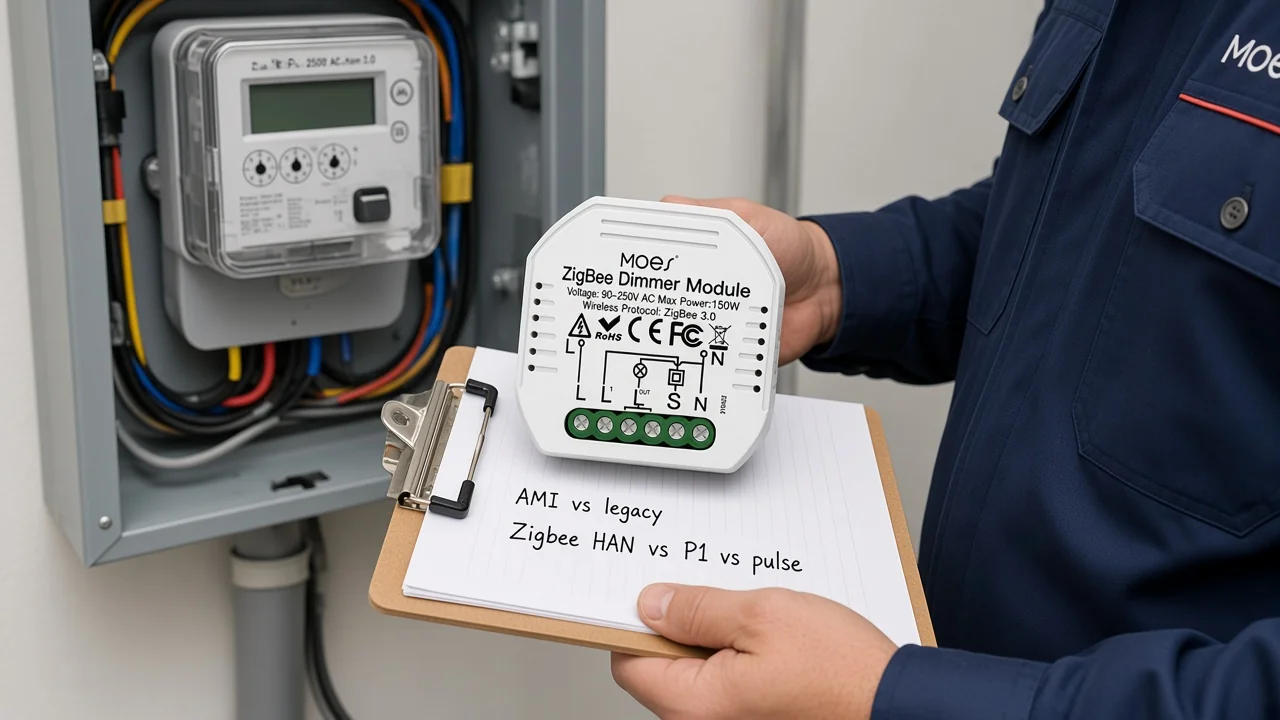
Name who will request enablement or portal provisioning before any Zigbee radio is treated as “ready.” Independent HAN research stresses that customers typically must ask the grid company to open a HAN port; community integrators repeat that, in many US contexts, the energy provider must permit an additional monitoring device onto the meter’s Zigbee/HAN security domain.
Log the ticket or portal reference, the expected turnaround, and what “open” looks like on this utility (remote enablement, eligibility code, or in-person work). If permission is denied or the program is closed, rewrite the path row—do not keep shipping radios into a locked meter.
From the field: SmartThings contributors put it bluntly for US jobs: you need the energy provider’s permission because the smart meter sits on their Zigbee network, and a casual Home Automation hub join is not the same problem. (source)
Record the required application profile on the same line as the radio path. Connectivity Standards Alliance Smart Energy materials describe certificate-based authentication between HAN devices and utility meters; that is not the same claim as a ZigBee 3.0 lighting module joining a Tuya/Smart Life hub.
Treat Zigbee Home Automation vs Smart Energy as two different rows on the sheet, not as synonyms. A Zigbee HAN smart meter path expects the utility dialect and enrollment rules; a premises Zigbee Home Automation mesh expects a local hub and lighting endpoints.
Community FAQs echo the buyer trap: utility meters normally use a different Zigbee profile and already live on a different network than a Home Automation hub. An authorized consumer-access device or bridge may expose data through an app or API after utility permission—without ever adding the meter to a lighting mesh.
Important: “Zigbee” on a dimmer or wall switch label does not prove Smart Energy / meter-HAN eligibility. Freeze the profile requirement before the pick ticket prints. — source: CSA Smart Energy / community FAQ on profile mismatch.
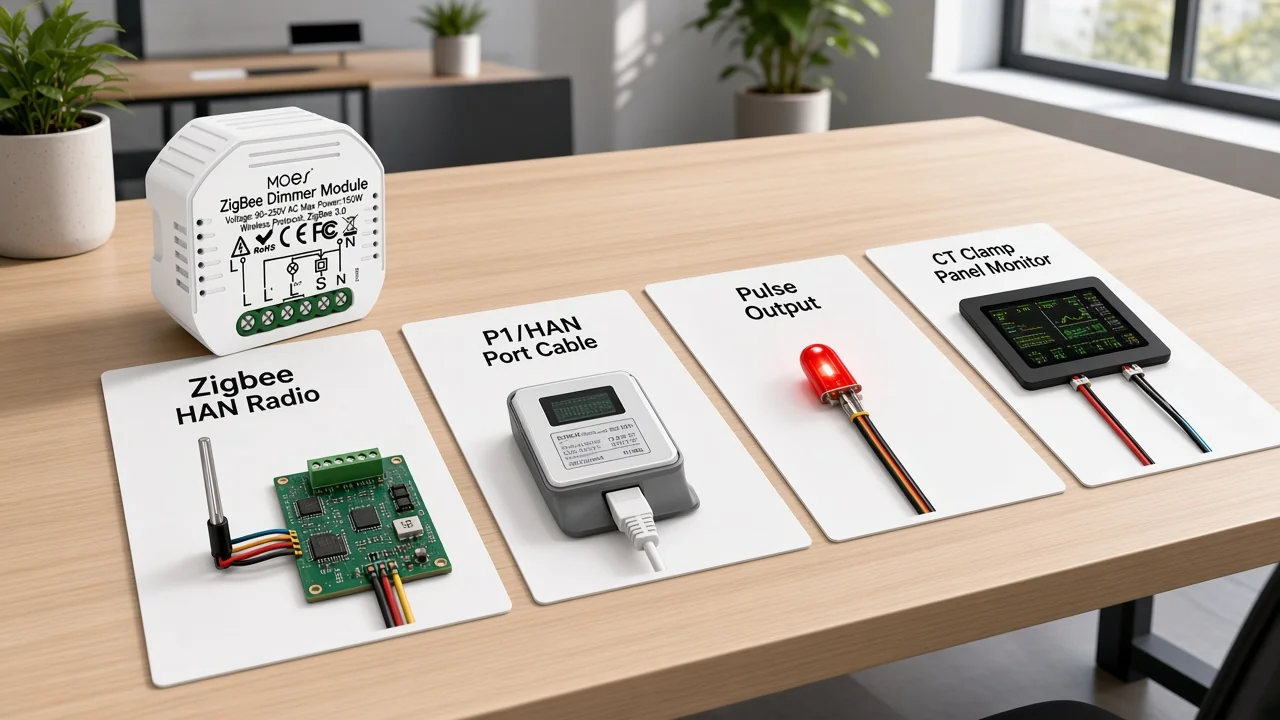
Pick one metering path and write why the others are out.
Radio Zigbee HAN suits jobs with an eligible AMI meter, an open utility program, and a qualified SEP-class device. Wired HAN/P1-style ports appear on many regional AMS meters once the grid company enables them.
Pulse-output classes show up on some utility qualified lists as an alternate to wireless energy monitors. Premises CT/panel monitors sit entirely on the customer side of the service equipment when meter HAN radio is unavailable—useful, but they are not a meter join.
Do not let a lighting Zigbee BOM silently become the “meter connection.” If the sheet’s goal is usage visibility for automation later, say so and keep the meter path and the premises mesh as two linked rows—not one confused SKU line.
| Path | Typical trigger on the sheet | What to freeze before purchase |
|---|---|---|
| Zigbee HAN radio | AMI meter + utility program + SEP-class device | Permission, MAC/Install Code, range, monitoring vs control |
| P1 / HAN wired port | Regional AMS meter with customer port | Port enablement ticket; cable/reader model; data ownership |
| Pulse output | Utility lists pulse devices or radio HAN unsupported | Pulse hardware class; who lands the tap |
| CT / panel monitor | No meter HAN path; premises visibility still required | Panel access; CT amp class; isolation from meter seals |
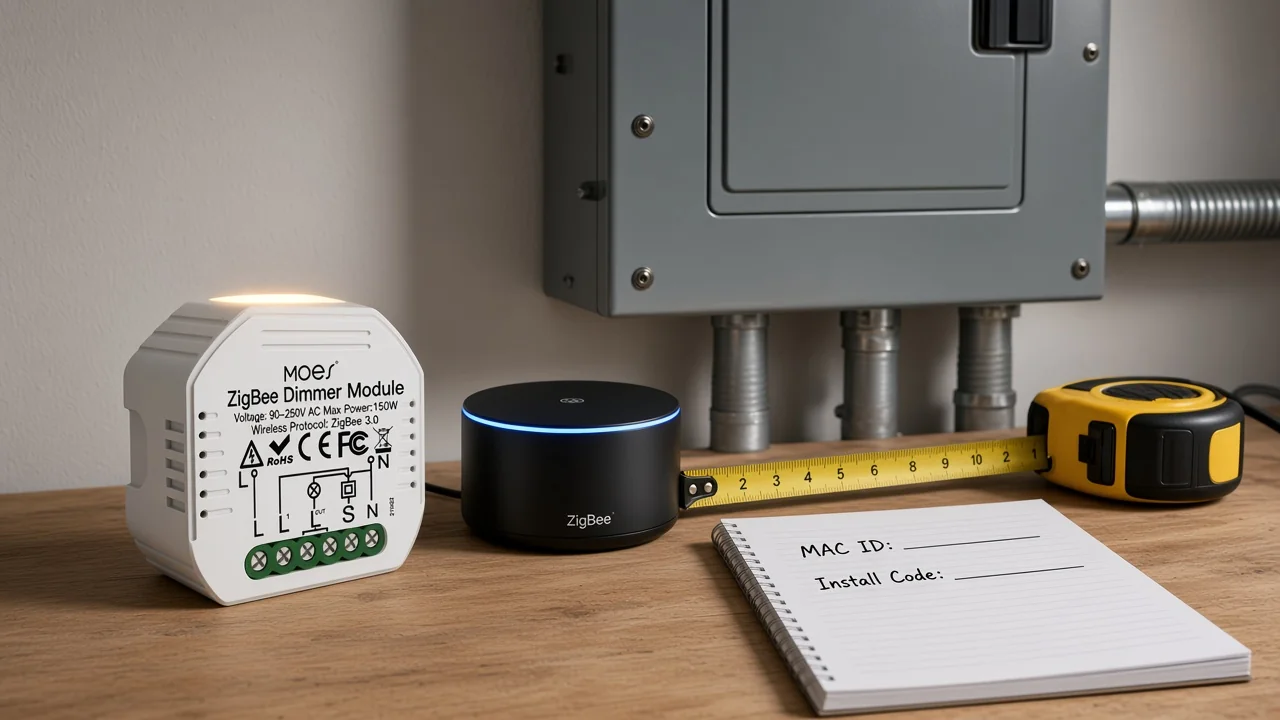
When the sheet chose Zigbee HAN radio, copy the device MAC ID (sometimes labeled EUID) and smart meter Install Code before the truck rolls. Reviewed US utility HAN programs ask for those codes in the customer portal and warn that wrong characters, unpowered devices, or placement beyond their stated planning distance will fail provisioning. Planning figures on those programs commonly land around fifty to seventy-five feet from the meter with a clear path—treat the number as the utility’s planning note for that job, not as a radio guarantee from any lighting module.
For premises Zigbee HA meshes that run beside a settled metering path, freeze which hub or gateway owns pairing, who may open the app, and where mains-powered routers will sit. Metal meter closets and packed panels are frequent RF barriers; community and device manuals keep reporting “no data” when a reader is trapped inside a steel cabinet with a closed or weak link.
Restore power and prove the chosen path’s basic live signal before anyone declares commissioning complete. Pairing a mis-placed radio early manufactures “Zigbee offline” tickets that were distance and permission mistakes all along.
Write whether the job only needs near-real-time usage visibility or also expects load control / demand-response style commands. Utility HAN materials often separate devices that display energy usage from devices that participate in load control, and they disclaim manufacturer feature depth beyond registration. Lighting relays and dimmer modules are not a substitute line for “utility load control approved.”
On the same sheet, name who may open meter enclosures, request HAN enablement, or land pulse hardware, versus who may install premises Zigbee endpoints downstream of documented circuits. Meter and service equipment work stays with qualified, authorized persons. Do not treat a DIY module install as a meter-seal bypass.
NIST smart-grid program framing is useful here as a planning reminder: interoperability and secure communications are infrastructure problems, not phone-wizard tricks. Keep that humility on the sign-off line.
Lock photos, path choice, permission status, profile requirement, codes, RF notes, control intent, and safety ownership before purchase orders move. Only after those rows pass should the channel decide which premises Zigbee endpoints belong on the automation side of the job.
| Input | What “done” looks like |
|---|---|
| Meter class + interface | AMI/legacy + HAN radio / P1 / pulse / none — photo attached |
| Permission | Owner + ticket/reference + open/closed/pending |
| Profile requirement | Smart Energy HAN vs premises HA — written |
| Path choice | One primary path + reason alternates rejected |
| MAC / Install Code | Copied for HAN radio devices (N/A if non-radio path) |
| Hub / gateway owner | Named for premises mesh (if any) |
| RF / placement | Distance plan + barriers noted |
| Monitoring vs load control | Intent frozen |
| Safety ownership | Meter work vs premises endpoint work split |
| Sign-off | Date + names before PO |
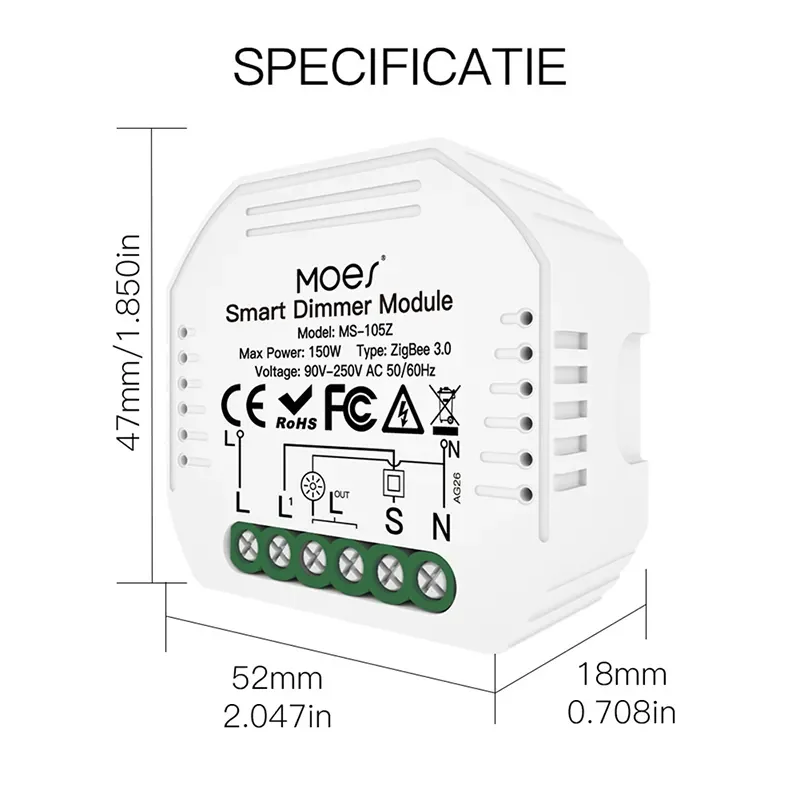
When the sheet’s metering path is already settled and the remaining need is a premises Zigbee Home Automation lighting endpoint—not a utility meter—the live Moes Tuya ZigBee 3.0 Smart Dimmer Switch Relay Module (MS-105Z) is a bounded kit example. The product page lists Model MS-105Z, ZigBee 3.0, 90–250V AC 50/60Hz, max power 75W at 110V / 150W at 220V, mini 52×47×18 mm housing, and a required Tuya ZigBee hub for Smart Life/Tuya app control on reset-switch circuits. It is not a smart meter, it is not a claim of Smart Energy / utility HAN certification, and it does not replace meter approval.
Browse Zigbee wall families on the smart switch pillar, or other DIY modules under smart modules, only after the same inputs freeze. If the sheet still needs a utility-qualified HAN display or pulse device, keep that line on the utility program list—do not swap in a lighting module to close the meter row.
Freeze meter class and customer-side interface, permission owner, Zigbee Smart Energy versus premises HA profile, path (radio HAN, P1/HAN, pulse, or CT), MAC/Install Code when radios are in scope, hub ownership, RF barriers, monitoring versus load-control intent, and safety ownership—then sign before POs move.
No. Smart Energy / meter HAN profiles and certificate expectations differ from Zigbee Home Automation lighting endpoints. Community FAQs note meters usually sit on a different Zigbee network than a HA hub.
Usually yes for opening a HAN/P1 interface or provisioning a radio device to the meter. Independent HAN research and integrator threads both treat permission as a hard gate before data appears.
They are the provisioning credentials many utility HAN portals require to register a qualified device to the meter. Copy them from the device or packaging before the truck rolls, and keep special-character typos off the form.
Rewrite the path to a wired HAN/P1 port (where regional meters expose one), a pulse-output class, or a premises CT/panel monitor. Do not keep ordering HAN radios into a closed program.
Because the job may only need usage visibility, while load-control participation is a different device class on many utility lists. Lighting relays are not a silent substitute for approved load control.
Record the utility program’s stated planning distance and note metal closets, walls, and other radios as barriers. Reviewed US HAN pages commonly cite on the order of fifty to seventy-five feet—use the local program’s number on the sheet.
Only after the metering path is settled and the remaining need is a premises Zigbee HA lighting endpoint with a Tuya ZigBee hub, matching the published voltage/power limits. It is not a utility smart meter and does not replace meter approval.
Only qualified, authorized persons named on the sheet. Premises Zigbee endpoint installs stay on documented customer-side circuits and never double as a meter-seal bypass.


OTHER SMART DEVICES
Jun 13,2026
OTHER SMART DEVICES
Jun 12,2026
TUYA SMART HOME PRODUCTS
Jun 12,2026
 +86 137 3639 3028





