


by NOVA

Sep 16, 2026
Compare smart home hub vs wifi options by three things a channel can actually price: how many devices the site will carry, which network those devices attach to, and what a gateway adds to the bill of materials, the commissioning labour and the spares policy. The slogan answer — a hub keeps the Wi-Fi clear — is only half right, and the half it hides is where channel margin leaks. What follows is a decision matrix, outage and labour consequences, a stocking view, the inputs to settle before pricing, and two live MOES switches whose protocol is stated exactly as each product page states it.
Browse the assortment on the Smart Switch pillar and the in-wall parts under Smart Modules. Questions about application layers and mesh radios belong to the Matter versus Thread comparison, and radio roles inside a Zigbee network belong to the Zigbee radio type guide.
It settles which piece of network hardware you sell and which one you assume the customer already owns. Everything else in the argument follows from that single line item.
NIST’s consumer-IoT baseline profile treats specialty networking or gateway hardware — a smart home hub, in plain terms — as one of the components that sit around the device itself, next to the companion app and the vendor’s backend. The same profile adds that such hardware is sometimes bought separately yet still needed for the product to work beyond basic features, and sometimes simply assumed to be part of the customer’s network infrastructure, the way a Wi-Fi router is assumed.
Read commercially, that is the entire difference. A hub-based quote carries a gateway, its power supply and its warranty line; a direct Wi-Fi quote carries none of them and instead inherits an access point the supplier never specified and cannot service.
Vocabulary makes the conversation harder than it should be. Readers who search smart home hub vs wifi router are often asking about broadband boxes, because several carriers use “hub” and “router” as interchangeable words, so a purchase order that says “hub” can mean either machine.
Settle the noun before the price. Name the model that holds the coordinator role, then name who supplies the box that reaches the internet, and the rest of the quote stops drifting.
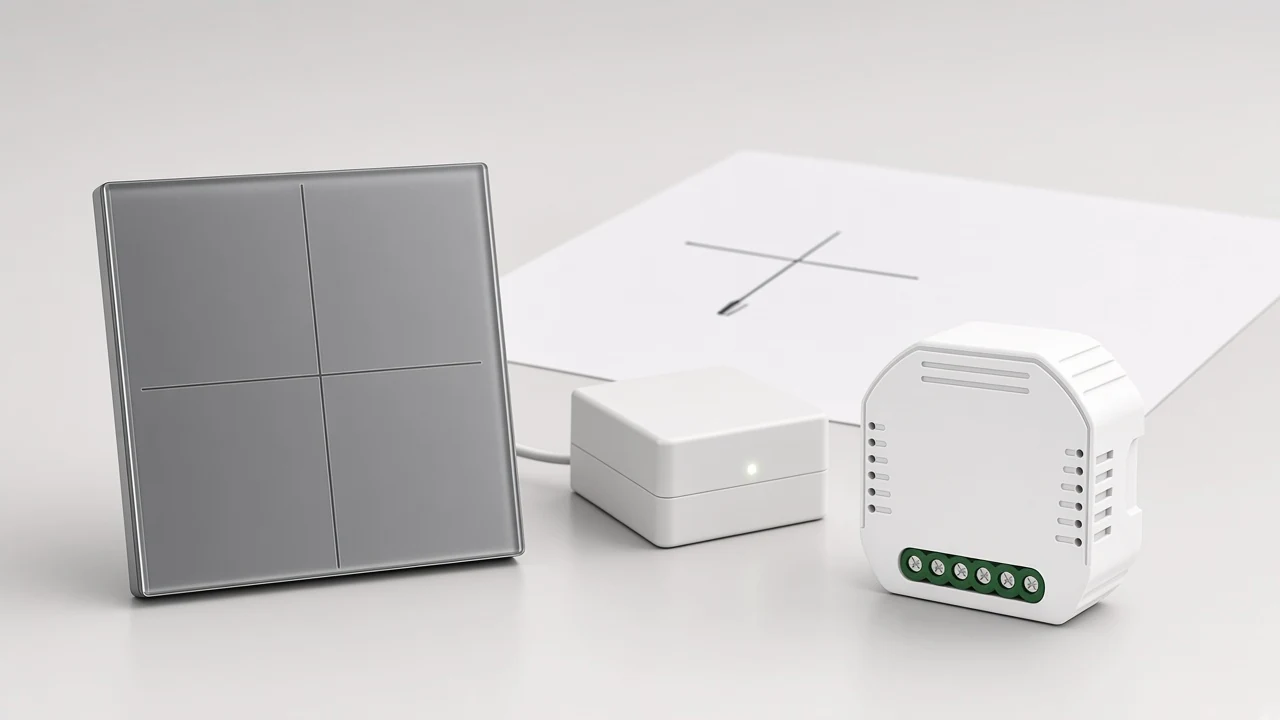
Device count and density move the answer more than any brand argument does, because every Wi-Fi station shares airtime with every other station on its channel. Wi-Fi is a contention medium: available throughput to each device halves once two stations transmit actively, and the collision-avoidance scheme still leaves retransmissions that eat capacity.
Crowding is a property of the building, not only of the device list. In North America only channels 1, 6 and 11 form a group of three non-overlapping channels in the 2.4 GHz band, and Zigbee devices sit in that same band alongside security cameras, Bluetooth gear and microwave ovens.
Important: A hub-based path removes low-power devices from the access point’s client list and address pool — it does not move them out of the shared band, because a Zigbee coordinator transmits there too.
That distinction matters when someone promises a customer “clean Wi-Fi”. The honest version is narrower and more useful: the hub path shrinks what the router has to track, which is exactly the pressure installers describe on dense sites.
On dense sites, practitioners describe it bluntly. Home Assistant forum members report Wi-Fi spectrum contention in high-density housing where every channel is already in use, and describe flooding client tables and running out of addresses on a flat subnet as the practical failure mode rather than raw bandwidth.
Behind all of this sits a design limit on the end device itself. The IETF’s terminology for constrained node networks describes an end device whose cost, size, weight and available energy rule out the behaviour taken for granted on an ordinary Internet host, which is why a battery sensor is designed around a different radio in the first place.
Vendor pages will sometimes make the density argument for you, and the wording is worth reading carefully rather than repeating as a measurement. The MS-105Z module page says it “allows for more devices connected via ZigBee than WiFi protocol”, while a separate MOES gateway page publishes its own maximum sub-device figure — so ask for the number printed on the specific gateway model instead of assuming one.
Compare the fields that move money and callbacks — ownership, joins, outage behaviour, spares and expansion — rather than the marketing bullets both sides publish.
| Decision field | Hub-based architecture | Direct Wi-Fi architecture |
|---|---|---|
| Network hardware on the quote | Gateway SKU plus its power supply and warranty line | None; the customer’s access point is assumed |
| Who owns the network | Supplier specifies and can replace the coordinator | Customer owns the access point and its band plan |
| Load on the router | Devices leave the client list and address pool | Every device becomes another station and another address |
| Shared spectrum | Coordinator still transmits in the 2.4 GHz band | Access point and devices share the same band |
| Commissioning shape | One gateway setup, then repeated device joins to it | A credential join per device, repeated per room |
| Outage behaviour | Local processing can survive a dropped uplink | Cloud-processed automations stop with the uplink |
| Expansion headroom | Bounded by the gateway’s stated sub-device figure | Bounded by the access point class and band crowding |
| Spare parts | Gateway becomes a stocked spare and a single point of failure | Spares are device-level only |
| Best-fit job | Many low-power switches, modules and battery sensors | Few high-bandwidth or standalone devices |
Nothing here makes hub-based smart home systems automatically the safer engineering answer. One forum member ran an all-Wi-Fi property on four access points and reported the radio side as fast and reliable; what failed repeatedly was smart-plug hardware shortly after its warranty period.
From the field: A well-built Wi-Fi estate can hold up when the band plan and the access points are right — the recurring complaint is device durability and cloud dependency, not the wireless link itself.
Read the matrix as a fit question rather than a ranking. Held against the device list, the building and the service contract, the architecture usually picks itself.
Nothing survives an uplink failure unless it runs on site, so the question to settle is where each automation actually executes. A hub does not guarantee local control by itself; a cloud-managed gateway processes its rules in the service and goes quiet with the connection, while a locally managed one keeps its failure points inside the equipment on the premises.
Wi-Fi devices tend to make the dependency more visible because so many of them route commands through a vendor backend. Forum contributors flag exactly that: a third party sits in the path and can change the terms, the subscription or the feature set after the site is handed over.
First-party pages sometimes state the local behaviour plainly. The MS-105Z module page describes combining the module with a ZigBee gateway to form a home local network for use when the network signal is weak or absent, which is a page-stated local-network claim rather than a general promise about every hub.
Put the expectation in writing. If the customer wants lights and scenes to work during an outage, the quote has to name which controller runs the logic and which features degrade without the internet.
Direct Wi-Fi front-loads a repeated task, while a hub front-loads one setup and then repeats a cheaper join. Each Wi-Fi device needs the site credentials handed to it individually, which is the line that quietly grows on a multi-room retrofit.
The hub path replaces that with one gateway commissioning step and a shorter pairing action per device. Installers also care where the box sits: a SmartThings community thread argues for a wireless uplink on the hub precisely so the unit can be relocated later to keep device links healthy.
Retrofit sites add a physical constraint that changes the SKU shape. The MS-105Z page positions the module for a hidden wall box behind an existing mechanical switch with a reset control, which is why module-plus-hub often wins where the faceplate cannot change.
New-build work usually flips the balance. When the wall box, the neutral and the access-point layout are all still on paper, a direct Wi-Fi list can be commissioned room by room without waiting for a gateway to be sited.
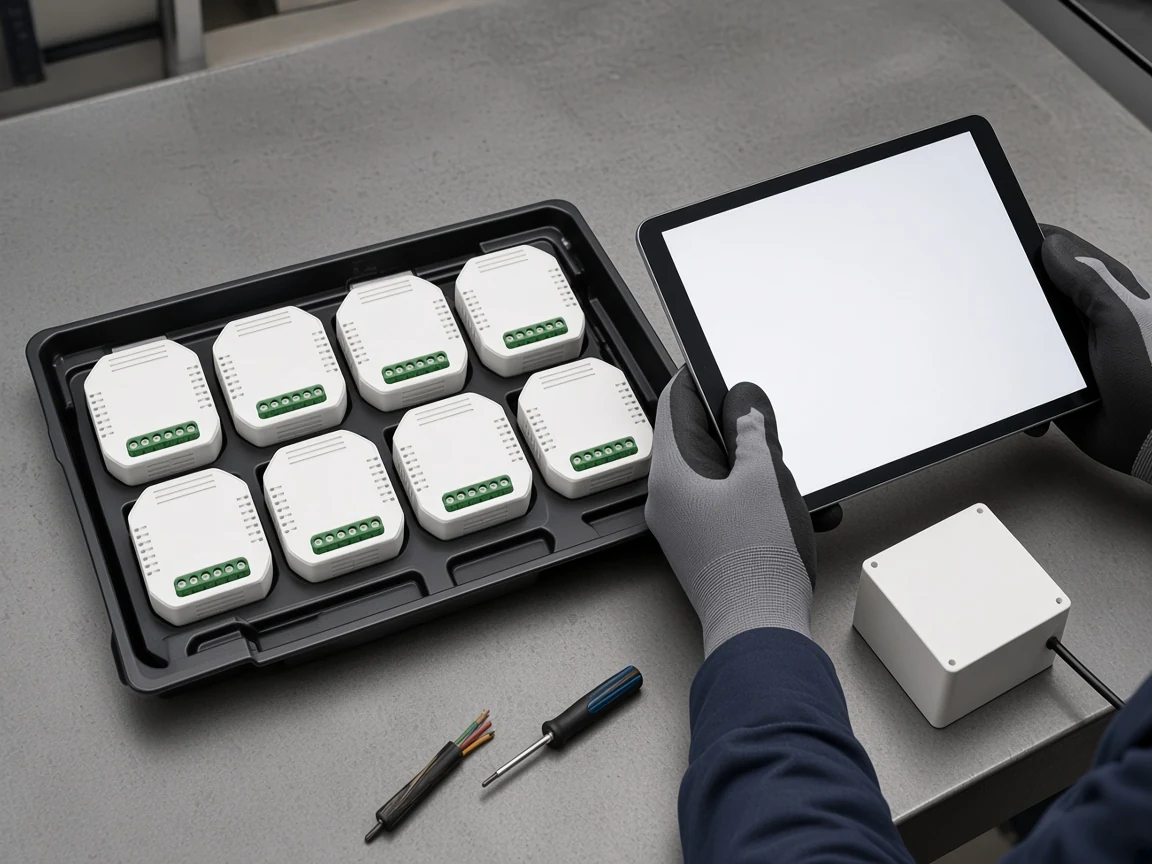
A gateway adds a stock-keeping unit, a power supply, a warranty line and a spare policy, and it concentrates risk in one box. Everything joined to a coordinator stops when that coordinator stops, which is the failure mode forum users describe after a hub loses its connection.
Let the stocking sheet inherit the page-stated gateway parameters. The MOES ZHUB-W gateway page states a 5V 2A supply over Micro USB DC5V, ZigBee 802.15.4, a 2.412-2.484GHz frequency band and a full 2-year warranty, and it also states the unit is required for its ZigBee products.
Treat the zigbee gateway as a project-critical part rather than an accessory, because that dependency is commercial as much as technical. Decide whether a spare sits in the van, in the warehouse or nowhere, and price the callback that follows the third option.
Ask about discontinuation too, since it carries the slower version of the same risk. Find out how long the coordinator model stays available and whether a replacement re-adopts the existing devices, because a re-join across a whole floor is labour nobody quoted.
Even the Wi-Fi side carries stocking questions. Spares stay device-level, which is simpler, but the practitioner pattern of plugs failing soon after warranty means the spares ratio deserves a number rather than optimism.
Lock these inputs before anyone argues brand or unit price, because each one can flip the architecture on its own.
| Quote input | Why it changes the answer | What to ask for |
|---|---|---|
| Device count by class | Mains switches, modules and battery sensors scale differently | Line-item list split by power source |
| Density around one access point | Rooms per access point drive contention | Floor plan with access-point positions |
| Network ownership | Decides who can fix a radio problem | Named owner of the access point and its band plan |
| Address and client plan | Flat subnets exhaust addresses and client tables | Subnet or VLAN plan for device traffic |
| Outage expectation | Decides whether local processing is mandatory | Written list of scenes that must survive an outage |
| Gateway sub-device figure | Caps expansion per coordinator | The figure printed on the specific gateway page |
| Faceplate and wall-box freedom | Retrofit often forces a hidden module | Photos of the existing switch and box depth |
| Voice and app control path | Some SKUs need a coordinator for app control | The control features the customer was promised |
| Spare and continuity policy | Decides callback exposure | Spares ratio and who holds the spare gateway |
| Protocol wording on the order | Prevents a certification mismatch at delivery | The protocol as printed on the product page |
Two of those inputs settle most disputes on their own: who owns the access point, and whether anything must keep working without the internet. Collect them early and the rest of the sheet fills in quickly.
Each path deserves one live example whose product page states its own protocol, so the order and the hardware agree. The two below are chosen for that reason.
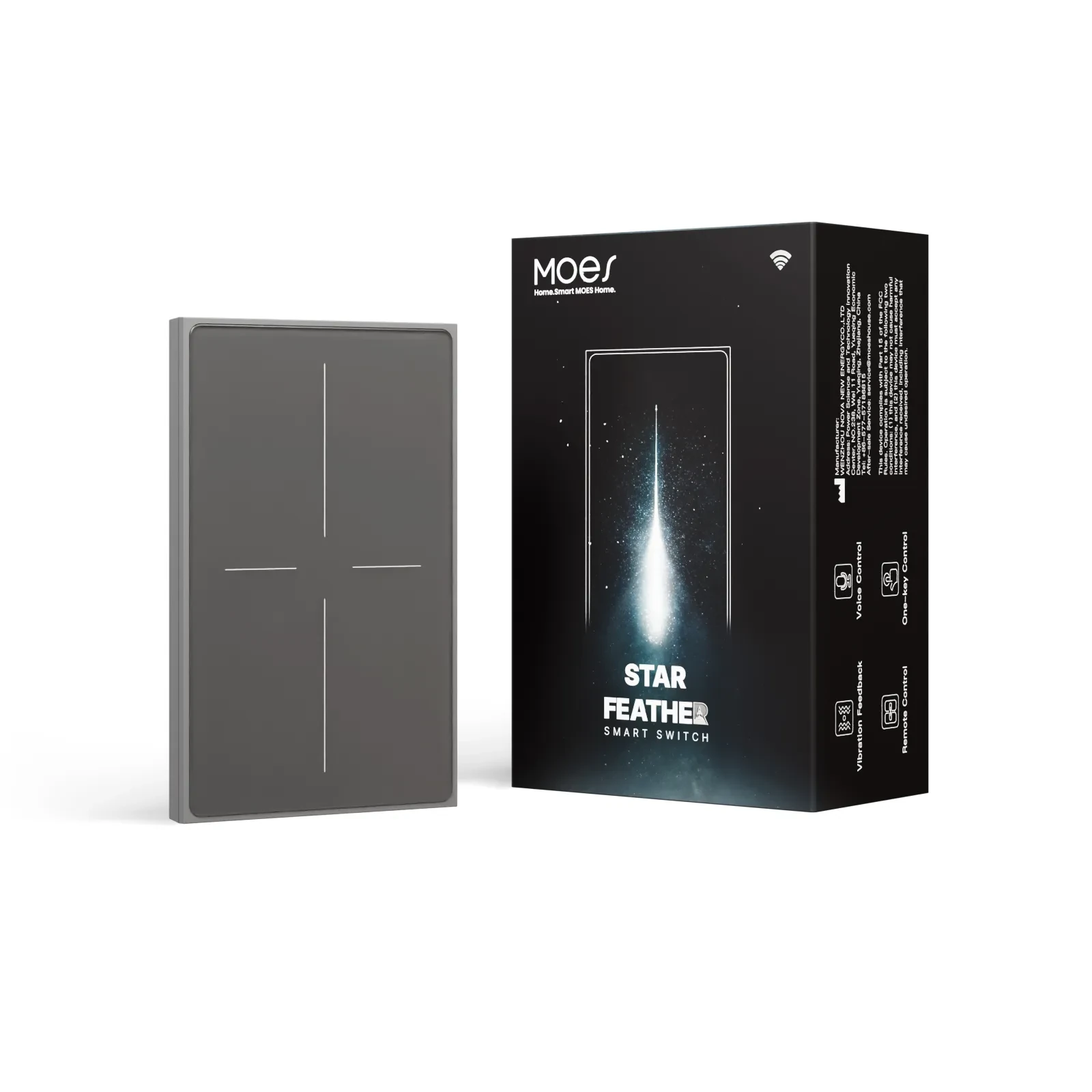
For the direct path, the MOES Tuya WiFi Star Feather Series US Switch is the straightforward choice, because its page states Wi-Fi as the wireless protocol and lists app, voice-assistant and touch control without a separate coordinator. The Star Feather page lists model WS-SF-US1/2/3/4, 90-250V AC at 50/60Hz, 10A per gang with a 10A total, Wi-Fi as the wireless protocol and a 2.412~2.484GHz frequency band.
For the coordinator path, the MOES Tuya ZigBee 3.0 smart dimmer switch relay module matches the claim, because its page states ZigBee 3.0 and states that a Tuya ZigBee hub is required and connected for app and voice control. The MS-105Z page lists 90-250V AC at 50/60Hz, a maximum 75W at 110V or 150W at 220V, a 52×47×18 mm body, IP20 and a 2.400-2.483GHz frequency band.
| Page-stated field | Star Feather US switch | MS-105Z dimmer module |
|---|---|---|
| Wireless protocol as printed | Wi-Fi | ZigBee 3.0 |
| Coordinator needed for app and voice | Not stated as needed | Tuya ZigBee hub required and connected |
| Model designation | WS-SF-US1/2/3/4 | MS-105Z |
| Supply voltage | 90-250V AC, 50/60Hz | 90-250V AC, 50/60Hz |
| Stated load limit | 10A per gang, 10A total | 75W at 110V, 150W at 220V |
| Frequency band | 2.412~2.484GHz | 2.400-2.483GHz |
| Physical shape | Wall-plate switch with glass touch panel | Hidden wall-box module, 52×47×18 mm, IP20 |
| Local network wording | Not stated on the page | Forms a home local network with a ZigBee gateway |
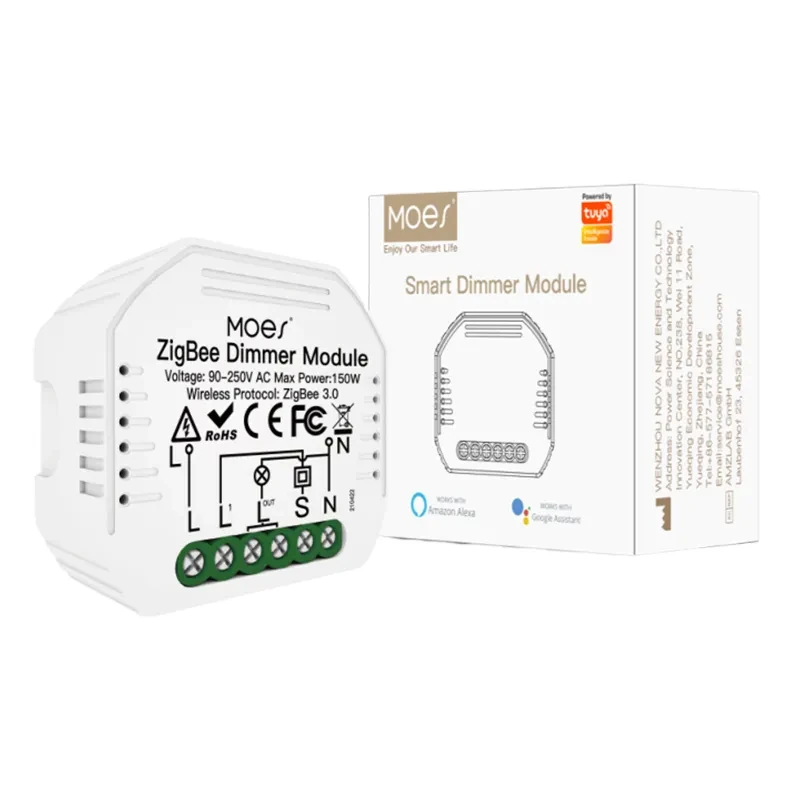
Skip the module when no coordinator is in the kit or the site refuses an extra box, and skip the Star Feather when the list is large and battery-heavy or when scenes must run through an outage. Neither belongs on an order that asks for Matter or Thread, because neither page states those.
Mixed sites are normal, and the paperwork should say so. Put the coordinator-bound devices and the direct-connected devices on separate lines, with the owning network named against each group, then send the device list and floor plan to Contact Us.
No published number fits every site, because the answer depends on the access-point class, the band plan and how crowded the building already is.
Ask for the device count by class, the rooms served per access point and the subnet plan, then size the network from those rather than from a round figure.
No. A Zigbee coordinator transmits in the same band the access point uses, so the spectrum is still shared.
What the coordinator does remove is pressure on the router: the devices leave its client list and its address pool, which is the real benefit worth quoting.
Only when the behaviour is processed locally. A cloud-managed coordinator runs its rules in the service, so the app and the automations follow the connection down.
Ask where each automation executes before promising offline operation, and name the scenes that must survive.
Somebody has to, because it is a line item with its own power supply and warranty. Either it sits inside your kit and your margin, or it sits in the customer’s infrastructure and someone else buys and supports it.
State which of the two applies before the order is issued, so the gateway does not arrive as a surprise.
Functionally it can hold the coordinator role, and plenty of ecosystems work that way. Commercially it is still a different purchase, with a different support path and a different replacement cycle.
The order should name the model that holds the role, whatever shape the box takes.
Everything joined to it stops responding until a working coordinator is back. Forum users describe exactly that when a hub loses its network connection.
Ask for a spare-coordinator policy and a re-adoption plan, because re-joining a whole floor is unpriced labour.
Yes, and most real projects do. High-bandwidth items such as cameras and doorbells usually stay on the access point, while switches, modules and battery sensors sit behind a coordinator.
The quote simply has to say which devices belong to which network, so responsibility is clear after handover.
It depends on the product page, and the two MOES examples differ. The Star Feather page lists app, voice-assistant and touch control without naming a coordinator, while the MS-105Z page states that a Tuya ZigBee hub is required and connected for app and voice control.
Read the control path on the page for the model being ordered rather than generalising from the protocol name.


OTHER SMART DEVICES
Jun 13,2026
OTHER SMART DEVICES
Jun 12,2026
TUYA SMART HOME PRODUCTS
Jun 12,2026
 +86 137 3639 3028





