


by NOVA

Aug 20, 2026
An application smart switch decision for distributors and installers is about where wall smart switches belong in a project—and which RFQ inputs lock the SKU—not Samsung’s phone data-transfer app. This page maps project applications, wiring gates, Wi-Fi versus Zigbee channel selection, and a practical quote checklist, then points to a neutral-wire glass assortment path on MOES.
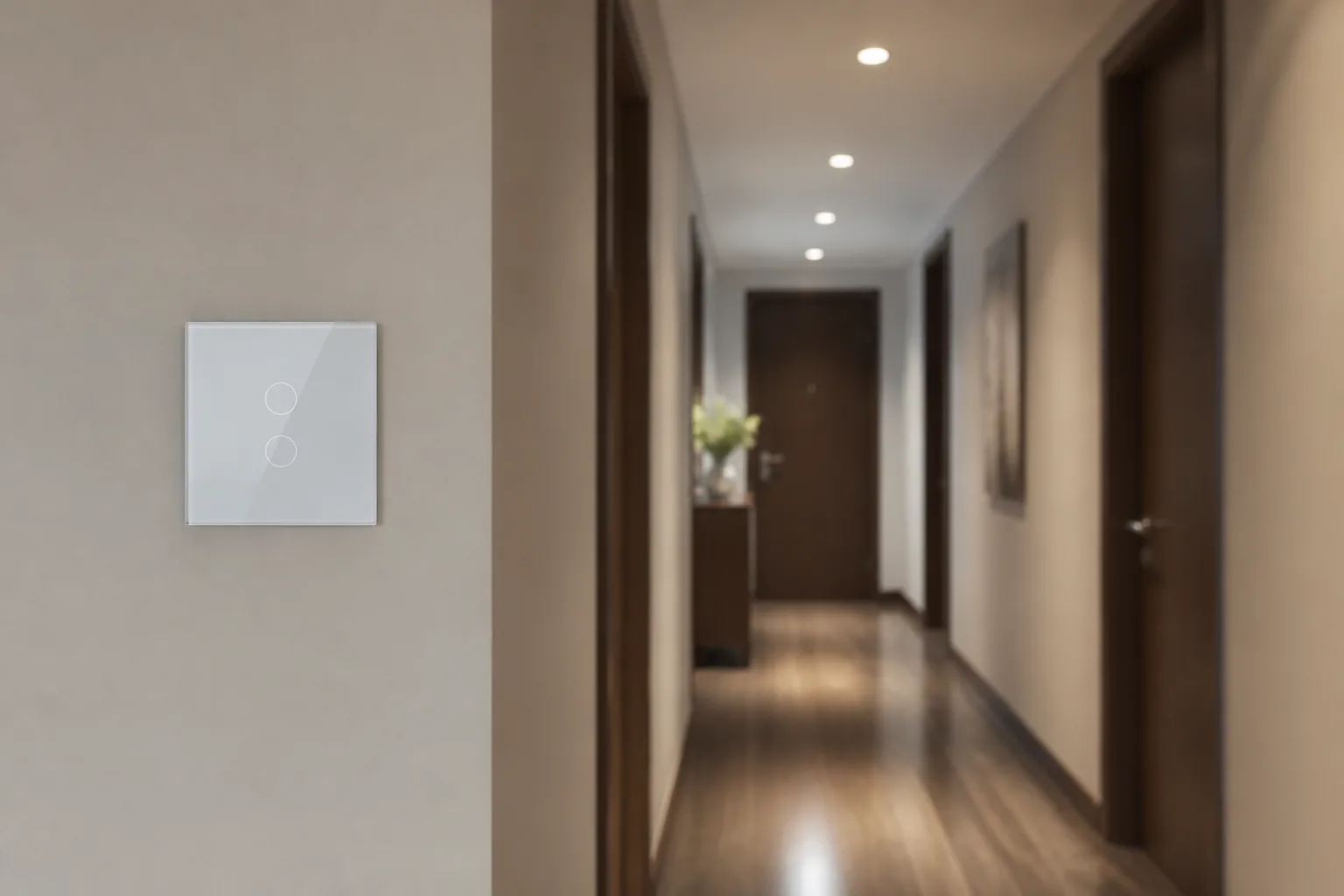
For channel buyers, smart switch application work means placing a smart wall switch where lighting circuits need networked control at the wall plate.
That is different from Samsung Smart Switch (phone) software that moves contacts and photos to a Galaxy device. Search results for the exact phrase often surface those phone pages first, so RFQs and landing pages should state wall-switch scope in plain language.
A wall smart switch replaces a conventional switch position. Users still press the plate; they also gain app, voice, schedule, and automation paths when the radio and platform are commissioned.
Wall smart switches earn their place when a project needs repeatable wall control that still ties into scenes, apps, or a building system—not only a one-off consumer gadget.
In apartment rollouts, buyers usually care about install speed, consistent faceplates across hundreds of rooms, and a physical button that still works if the app is offline. Multi-gang plates keep living rooms and corridors visually consistent while mapping different circuits.
Villa and high-end residential projects often push scene density: entry, movie, away, and night modes on a unified series. Hotels and serviced apartments lean the other way—guests will not download apps—so clear physical scene buttons matter more than deep phone UI.
Showrooms need switches that demonstrate value in seconds: one tap changes lights or curtains while a panel updates. Across these jobs, the assortment question is the same: which gang counts, which radio, and which wiring assumption.
Distributors win when the sample board mirrors those scenarios instead of a single hero SKU. A one-gang Wi-Fi plate may close a retail impulse buy, yet a hotel corridor package usually needs matching multi-gang faces, spare colors, and a written scene map the installer can leave in the room folio.
Keep application notes on the RFQ even when the buyer only asks for price. Villa living room, three circuits, scenes required, neutrals confirmed prevents a week of wrong-airfreight samples.
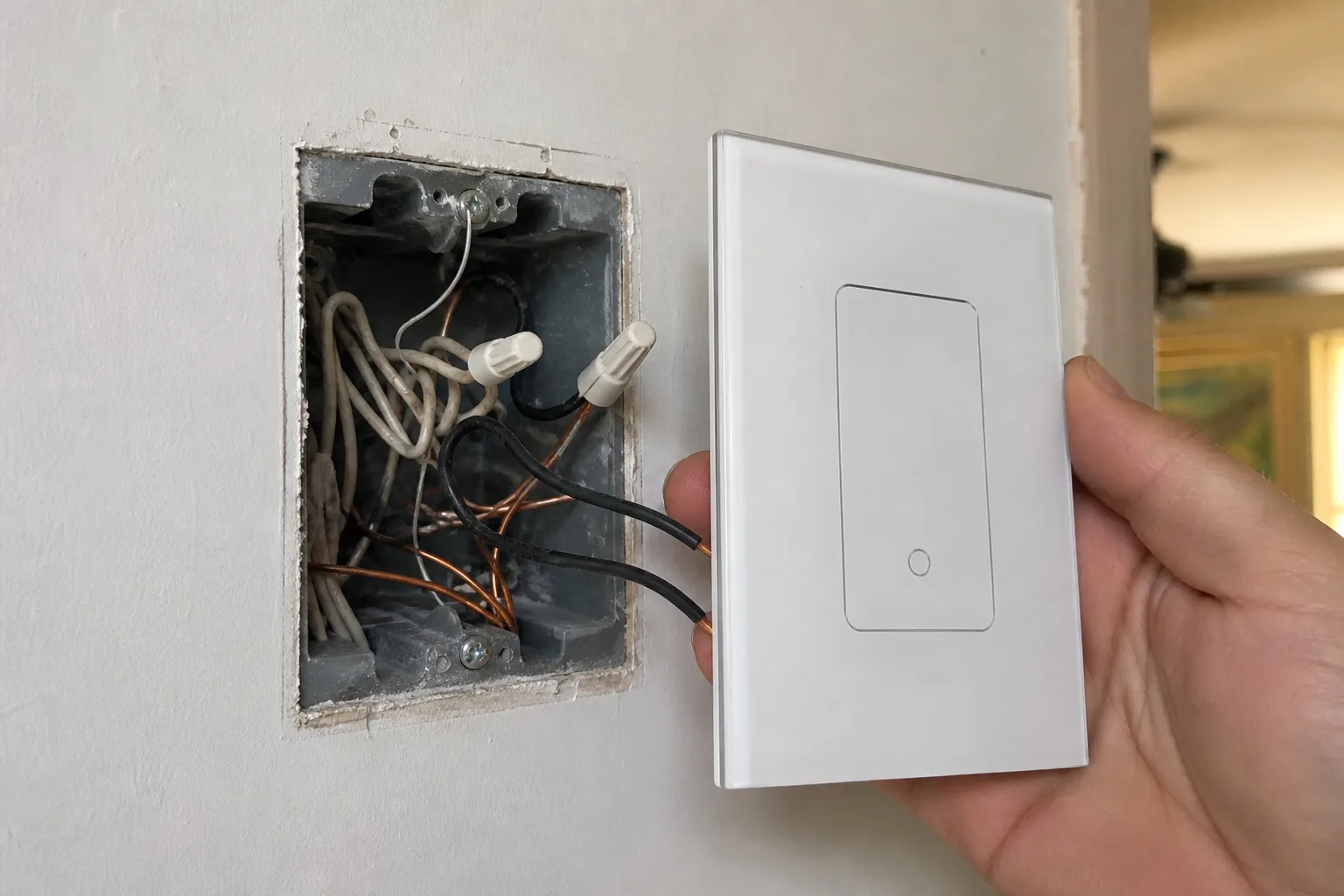
Neutral presence is the first electrical gate in a smart-switch RFQ. Many smart switches need a neutral so their radios stay powered when the lamp is off; a traditional switch often never used that conductor.
If the box is a switch loop with only hot and switched-hot, a neutral-required SKU will not commission cleanly. No-neutral designs exist, but they depend on leaking a small current through the load and can fight low-watt LEDs or smart bulbs.
Multi-way locations add a second wiring gate. Some projects keep traveler wiring and add smart masters carefully; others replace multi-way logic with wireless association or app-linked gangs. Either path is fine when it is written down—silent assumptions are what create truck rolls.
From the field: Installer threads on no-neutral dimmers report blinking LEDs, reboots, and buzzing when smart bulbs do not draw enough standby current—even after adding bypasses. Document load type (dumb LED vs smart bulb) beside the wiring note before you quote.
MOES Star Feather collection copy for the listed US and EU entries requires a neutral wire. Treat that as a hard assortments filter for that series, not a claim about every SKU in the wider Smart Switch category.
When a site survey is incomplete, quote a discovery step instead of guessing. A short photo of the open box (wires capped, neutrals visible or absent) is often enough for the channel desk to choose the right family.
Channel selection starts with radio behavior, not with which mobile app logo is printed on the carton.
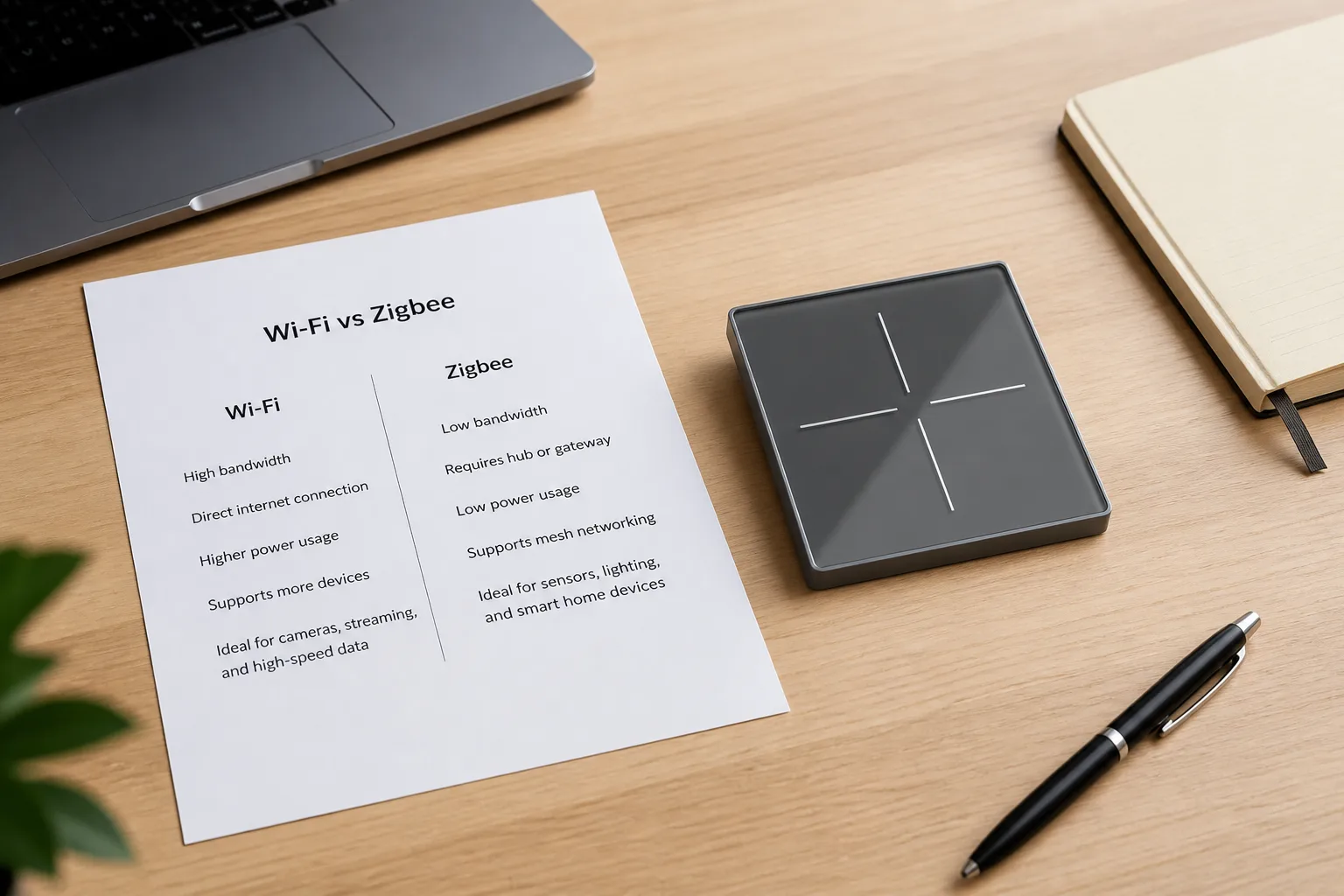
Wi-Fi switches usually join the site router and start without a dedicated hub, which suits small packs and fast demos. Zigbee switches usually need a compatible hub or gateway; in return they build a mesh that scales better when a project adds many powered nodes and should keep local automations healthier when the WAN drops.
| Decision factor | Wi-Fi assortment | Zigbee assortment |
|---|---|---|
| Extra hub | Usually no | Usually yes |
| Best first stock | Small packs, quick demos | Larger meshes, multi-room automation |
| Router load | Each switch is another Wi-Fi client | Traffic stays on the mesh via the hub |
| Internet outage | Local button still works; remote/cloud features may stop | Local mesh/automations often continue via hub |
| Platform note | App brands (for example Tuya / Smart Life) are not the radio | Same apps can ride Wi-Fi or Zigbee SKUs |
Matter sits at a different layer: it is an interoperability standard for certified devices across major ecosystems. Stocking decisions still need the transport (Wi-Fi, Thread, and so on) and certification status for the exact model—not a logo assumption.
For channel planning, separate three budgets: switch unit cost, hub/gateway cost (Zigbee), and commissioning labor. Wi-Fi looks cheaper per plate until a dense building overloads a weak router; Zigbee looks more expensive until the mesh absorbs the twentieth device without another Wi-Fi SSID crisis.
Also separate works with Smart Life from is Zigbee. Sales decks that blur those words create returns when a buyer expects mesh behavior from a Wi-Fi-only carton.
A complete RFQ turns application talk into SKUs that install without callbacks. Collect these fields in writing before price and lead-time talk.
| Project input | What to capture | Why it changes the quote |
|---|---|---|
| Region / faceplate | US, EU 86 mm, or other | Box and plate geometry |
| Gang / multi-gang count | 1 / 2 / 3 / 4… | Circuit mapping and inventory |
| Wiring | Neutral present? Switch loop? Multi-way? | Neutral-required vs no-neutral families |
| Load type | LED driver, fan, curtain, heater class | Current rating and product family |
| Control intent | Light only, scene only, or both | Mode exclusivity on some panels |
| Radio | Wi-Fi or Zigbee (or other) | Hub cost and mesh plan |
| Platform | App / voice / Matter target | Commissioning path |
| Quantity mix | Per gang and color | Sample vs project pack |
Important: Treat “needs Alexa” as incomplete. Ask which radio and whether a hub is already on site; voice support rides on that stack.
When the RFQ confirms neutrals, glass touch preference, and Wi-Fi commissioning without a hub, the MOES Star Feather series Wi-Fi line is a concrete sample path inside the Smart Switch category.
The US product page lists models WS-SF-US1/2/3/4 at 90-250V AC, 50/60Hz, with 10A per gang and 10A total on Wi-Fi at 2.412-2.484GHz. The EU product page lists models WS-SF-EU1/2/3/4 with the same voltage, current, and Wi-Fi band pattern for EU formats. Collection copy positions US entries around 1-3 gang neutral-wire installs and EU entries around 1-4 gang neutral-wire installs.
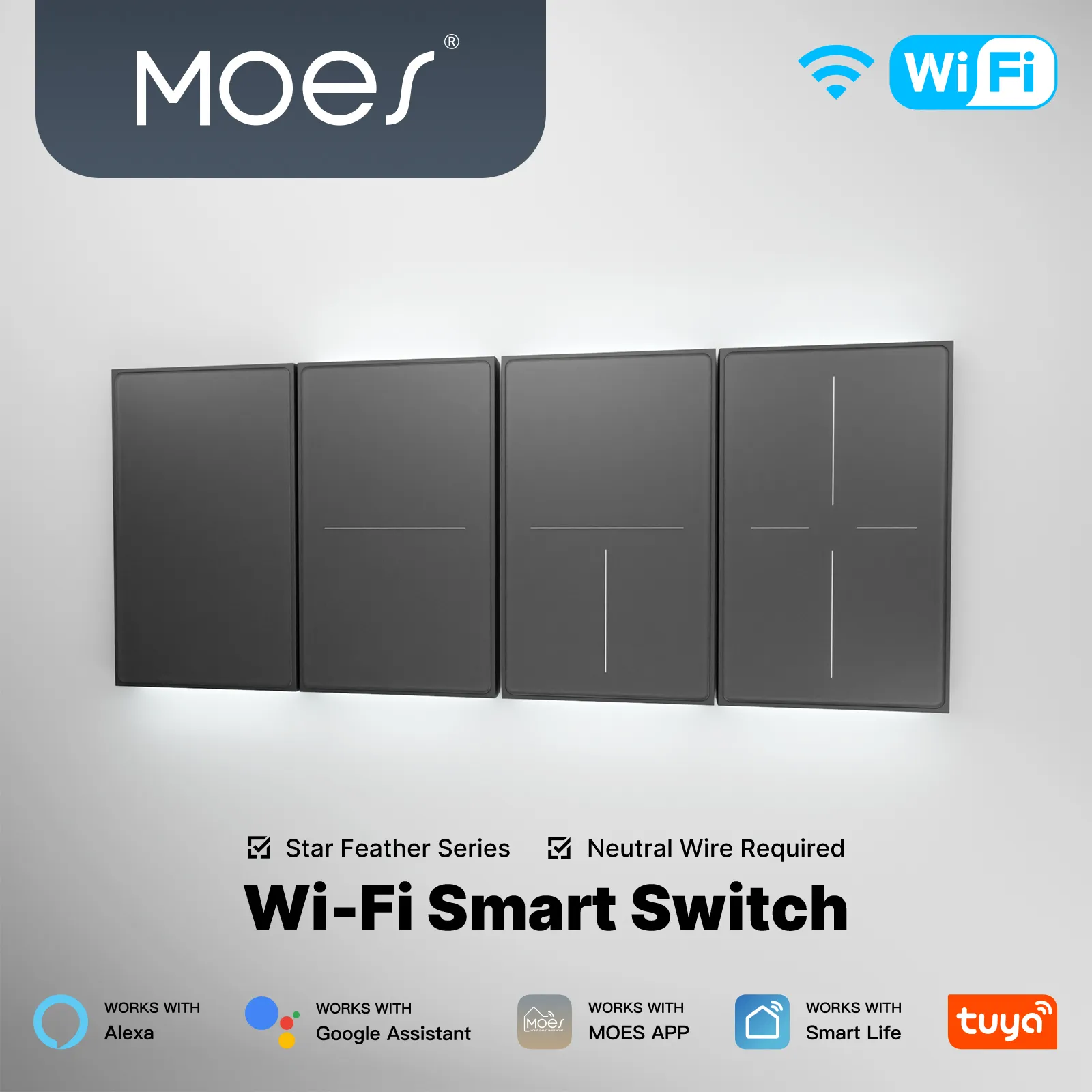
Tip: Star Feather states Light Mode and Scene Mode cannot run together—capture the intended mode in the RFQ (scene mode vs light mode).
Review the US Star Feather Wi-Fi switch and EU Star Feather Wi-Fi switch pages for the published tables, then use Contact when the assortment mix needs confirmation.
No. Phone “Smart Switch” tools move contacts and media to Galaxy devices. This article covers wall smart switch applications and channel RFQ inputs for lighting control.
Apartment consistency, villa scenes, hotel guest-proof buttons, and showroom demos. Each changes gang mix, scene logic, and durability expectations.
Many do, because radios need power when the lamp is off. Always record whether the box has a neutral before selecting a family such as Star Feather, which lists neutral-required entries.
Sometimes, but expect load and bypass constraints. Smart bulbs on no-neutral circuits are a frequent support topic in installer communities.
Wi-Fi for small, hub-free packs; Zigbee when a hub and larger mesh are planned. Many catalogs eventually carry both.
Most do, for app control and mesh coordination. Budget the gateway beside the switch count.
Tuya/Smart Life are platforms/apps. Zigbee and Wi-Fi are radios. The same app brand can appear on either radio SKU.
As mutually exclusive modes per the collection note. Capture the intended mode in the RFQ so installers do not promise both at once.


OTHER SMART DEVICES
Jun 13,2026
OTHER SMART DEVICES
Jun 12,2026
TUYA SMART HOME PRODUCTS
Jun 12,2026
 +86 137 3639 3028





