


by NOVA

Sep 21, 2026
A what is matter smart home question, for a channel about to quote, has a short answer: Matter is an application-layer interoperability standard, so a device that has joined a fabric takes the same kind of commands over IP. The radio under that layer can be Ethernet, Wi-Fi, or Thread. A quote still has to name the matter controller, the matter fabric, the commissioning path, and the SKU page that actually prints Matter.
The catalog home for these devices is Tuya smart home products. Comparison of Matter with Thread stays on its own page, linked once below.
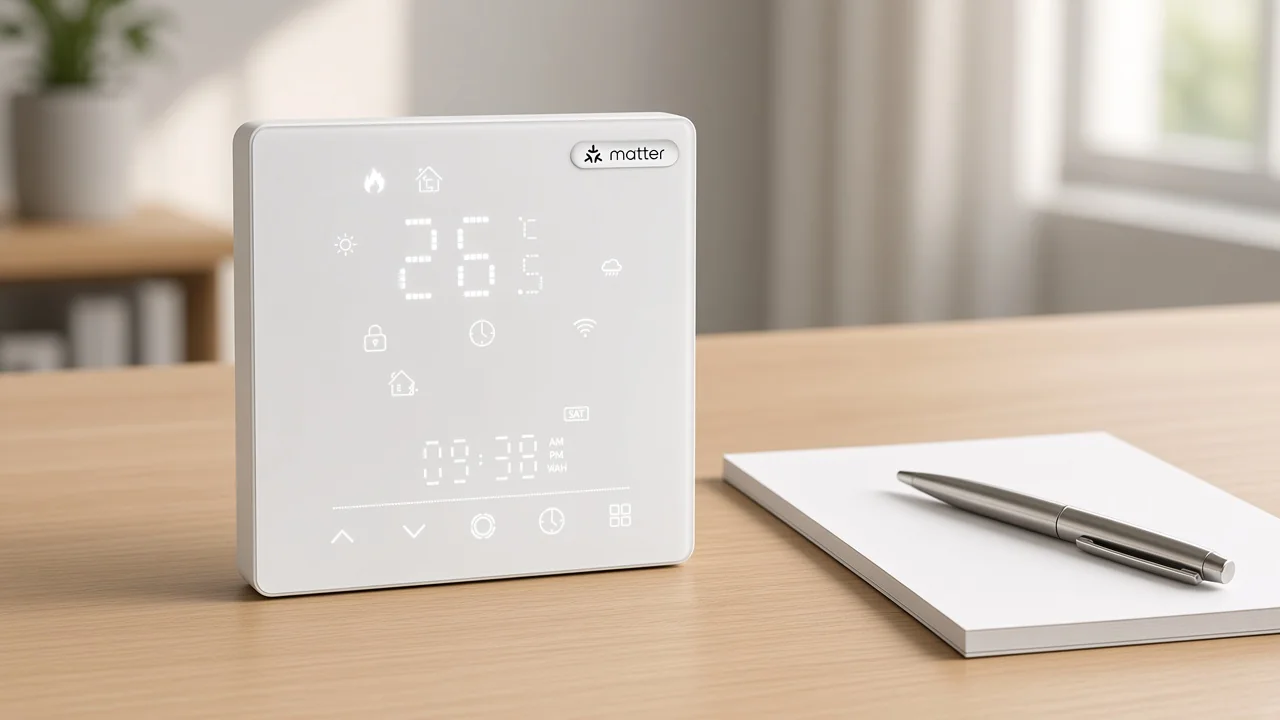
The name covers a shared command layer over IP, maintained by the Connectivity Standards Alliance.
That layer is what a light, a lock, or a thermostat uses to describe itself and to accept a command. The Connectivity Standards Alliance publishes the specification, and members build products against it.
The alliance page describes Matter as an IP-based way for devices, mobile apps, and cloud services to communicate. It also ties certification to a defined set of IP networking technologies.
A finished box is not the standard. The standard is the language the box is supposed to speak after it joins. Two brands can share that language and still differ in finish, load, and which app the installer opens first.
People also use the name as a shopping seal. The useful reading is narrower. If the page in front of the buyer does not print Matter, the shopping seal is not on that page.
| What people file under the name | What the name actually covers |
|---|---|
| A new radio that replaces Wi-Fi or Zigbee | A command layer that rides an IP network |
| A single brand or a single app | A specification any member can implement |
| A promise that every smart SKU in a catalog speaks it | Only the SKU whose own page prints it |
| Alexa, Apple Home, or Google Home | Controller ecosystems that can sit on top of the layer |
Matter sits above Ethernet, Wi-Fi, and Thread. It does not bring its own radio.
The core specification describes an interoperable application layer for smart home devices over the Internet Protocol. In the version that names link layers, those layers are Ethernet, Wi-Fi, and Thread.
After the join, packets stay on IP. The pipe can change, and the command language is what stays.
Thread carries those IP packets on a low-power mesh. It suits a battery sensor that should stay off the building access point.
It remains a pipe. A Thread radio with no Matter application on top does not become a Matter device because the quote used both words.
Wi-Fi carries powered devices such as a thermostat or a plug, and those devices can speak Matter without joining a mesh.
Ethernet covers a wired controller or a wired border router. The cable does not rewrite the command set.
Zigbee keeps its own mesh and its own coordinator.
Hearing both names in one meeting does not merge them. If the job is which radio, and whether the application matches, the longer comparison is how buyers compare Matter and Thread. This page stays on the definition.
From the field: On a Hubitat forum thread about future controller support, one user asked why a Zigbee radio would decide Matter at all if Matter runs on IP networks. Another user answered that Wi-Fi Matter devices can be reached directly, while Thread devices still need a border router the controller can use. — Hubitat C-8 discussion
That split is the one a channel can copy. The radio is a line, and the application is a second line.
Mixing them is how a Wi-Fi switch gets sold as if a mesh and a new command set were already in the wall.
A Wi-Fi or Zigbee line on one page does not move the Matter name onto the next page.
Wi-Fi only means the radio on that page is Wi-Fi. Plenty of Wi-Fi products never implement the application layer. Zigbee only means that mesh.
A bridge can later expose some Zigbee gear to a Matter controller, and that bridge is its own product, with its own page. The bridged device did not become a native Matter device because a slide used both logos.
The same rule applies inside one brand. MOES publishes Wi-Fi switches, Zigbee switches, and at least one thermostat page that prints Matter.
Those are different pages. A buyer who liked the glass face on a Wi-Fi switch cannot carry the thermostat’s Matter line across.
Star Feather is the clear local example. The Star Feather US page lists wireless protocol as Wi-Fi. It does not print Matter.
Treat that family as a Wi-Fi wall switch. If the project needs the application layer, leave that switch off the Matter line and open the page that uses the word.
A category grid can show a Matter bulb card beside Wi-Fi and Zigbee cards. The card title is merchandising. Open the product page before repeating the word.
The quote names the matter controller that holds the matter fabric, and it keeps that line separate from any border router.
A fabric lists the nodes that share trust and the controller allowed to send commands. One building can hold more than one fabric when more than one ecosystem is allowed to see the same device.
Call that arrangement multi-admin. The list is still controllers. The radio stays what it was.
The controller speaks the application layer. It might be a speaker, a hub, a screen, or software running beside a dashboard.
Home Assistant’s Matter notes call that network a fabric and run the controller as its own process. Other ecosystems do the same job under their own product names. The job, not the logo, is what the quote needs.
A Thread border router does a different job. It forwards packets between the mesh and the rest of the IP network. One enclosure can run both services.
A single model name does not prove both are present. Hubitat users put it in practical terms: a hub without a Thread radio can still speak Matter over Wi-Fi, and a Thread device still needs a border router that can take part in commissioning.
Write the two lines even when the hardware is one box.
| Quote line | What the channel writes |
|---|---|
| matter controller | Which product or app issues Matter commands |
| matter fabric | Which trust domain the device joins, and whether a second ecosystem is allowed |
| Radio under Matter | Ethernet, Wi-Fi, or Thread, copied from the SKU page |
| commissioning | Which app or platform performs the join, and whether a border router is in that step |
| SKU page | The live URL that prints Matter, rather than a category card |
A staffed site feels this when night staff unplug the only speaker that was also the border router. Thread sensors drop. Wi-Fi devices on the access point stay reachable.
The quote that promised one hub does everything was missing a second line.
Alexa and Apple Home show up here as controller ecosystems, not as the standard. A buyer can prefer one of them and still need the SKU to speak Matter if the promise was cross-platform control. Preferring a voice app is not the same fact as the application layer.
Commissioning joins the device. Everyday commands ride the IP network after that handshake ends.
The join starts from an onboarding payload, often a QR code or a numeric setup code, and it commonly uses Bluetooth Low Energy for the first hop. That hop is not the network the device lives on afterward. Once the device is on Wi-Fi, Ethernet, or Thread, commands stay on that IP path.
Later specification notes add another way to finish the join, including an NFC path. They also describe a joint fabric in which more than one authorized controller shares one network.
Those notes are about the specification. They do not update a MOES page by themselves. If a buyer asks whether a new release changed a thermostat already in the warehouse, the answer is on that thermostat’s page, not in the release headline.
Commissioning fails in ordinary ways. The phone is on the wrong LAN, the border router is offline, or the code was already used and not regenerated.
Those misses mean the join did not finish. The quote should say who performs commissioning and what hardware must be powered during it.
Local control is part of the design. Core commands are meant to run on the premises network, so a lost internet connection is not the same event as a lost controller.
A cloud account can still be part of a vendor’s setup before Matter is enabled. Say that plainly when the platform asks for an account, and do not promise that every brand skips the account step.
Only the live thermostat page that prints Matter WiFi Smart Thermostat carries that label here.
That page is the MOES Tuya Matter WiFi Smart Thermostat, model MWHT-S02-GA/GB/GC. The product type line reads Matter WiFi Smart Thermostat.
The description calls it “our matter thermostat” when it talks about the glass panel. The same page names remote control through MOES, Apple Home, and Alexa, plus voice with Alexa, Google Home, and Homekit. Those names stay on this SKU.
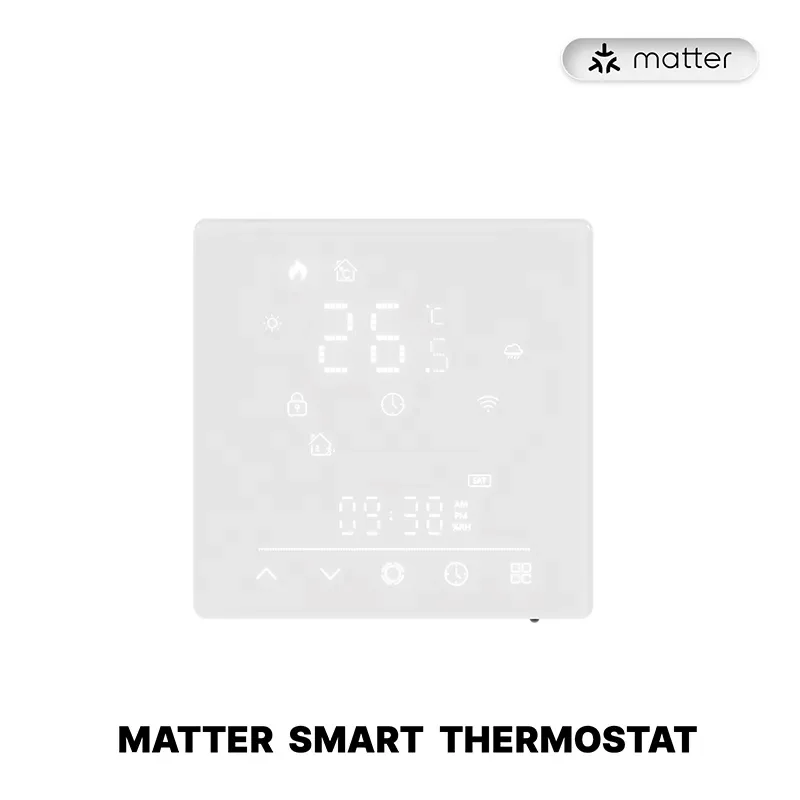
Use the Matter WiFi Smart Thermostat when the quote has already locked a matter controller, a matter fabric, Wi-Fi as the radio under Matter, and commissioning in one of the apps that page names. The page does not print Thread, and nothing here adds it.
Leave Star Feather US on the Wi-Fi switch line. Its page does not print Matter, so it cannot fill the Matter line of the table above. A category card for a bulb is the same kind of stop: open that bulb’s own page before anyone repeats the word.
The page text is the statement to repeat, and it stays on MWHT-S02. Nobody commissioned the thermostat on a bench for this page.
Matter is the application-layer standard. Alexa is Amazon’s controller and voice ecosystem.
An Echo can act as a matter controller for devices that speak Matter. The two names are not substitutes, and choosing Alexa does not label a Wi-Fi switch that never prints Matter.
No. Wi-Fi is one of the link layers the specification already uses.
Matter rides on Wi-Fi, on Ethernet, or on Thread. Replacing the access point is a different project.
Only devices whose own pages say so. In this catalog the page that was read in full is the Matter WiFi Smart Thermostat, model MWHT-S02. A Wi-Fi or Zigbee label on a different SKU is not that statement.
No. Apple Home is a controller ecosystem, in the same way Alexa and Google Home are. Matter is the shared command layer those ecosystems can use when the device and the controller both implement it.
Core commands are designed to run locally on the IP network after commissioning. A dead internet link is not the same thing as a dead controller or a dead border router. Some brands still ask for an account before they enable the feature.
No. The border router moves Thread packets onto the rest of the IP network. The matter controller holds the matter fabric and issues commands.
One box may do both, but the quote should still show both lines.




OTHER SMART DEVICES
Jun 13,2026
OTHER SMART DEVICES
Jun 12,2026
TUYA SMART HOME PRODUCTS
Jun 12,2026
 +86 137 3639 3028



