by NOVA

Oct 12, 2026
A zigbee smart plug is a plug-in socket that switches a corded appliance and joins a Zigbee network, usually through a hub.
The buyer’s next cut is the radio printed on the page that will ship. A wifi smart plug takes a different path, and a wall socket that happens to say ZigBee is a different object.
This page names the plug-in class, the hub path, the corded load, and the live MOES pages that print Wi-Fi or Matter instead.
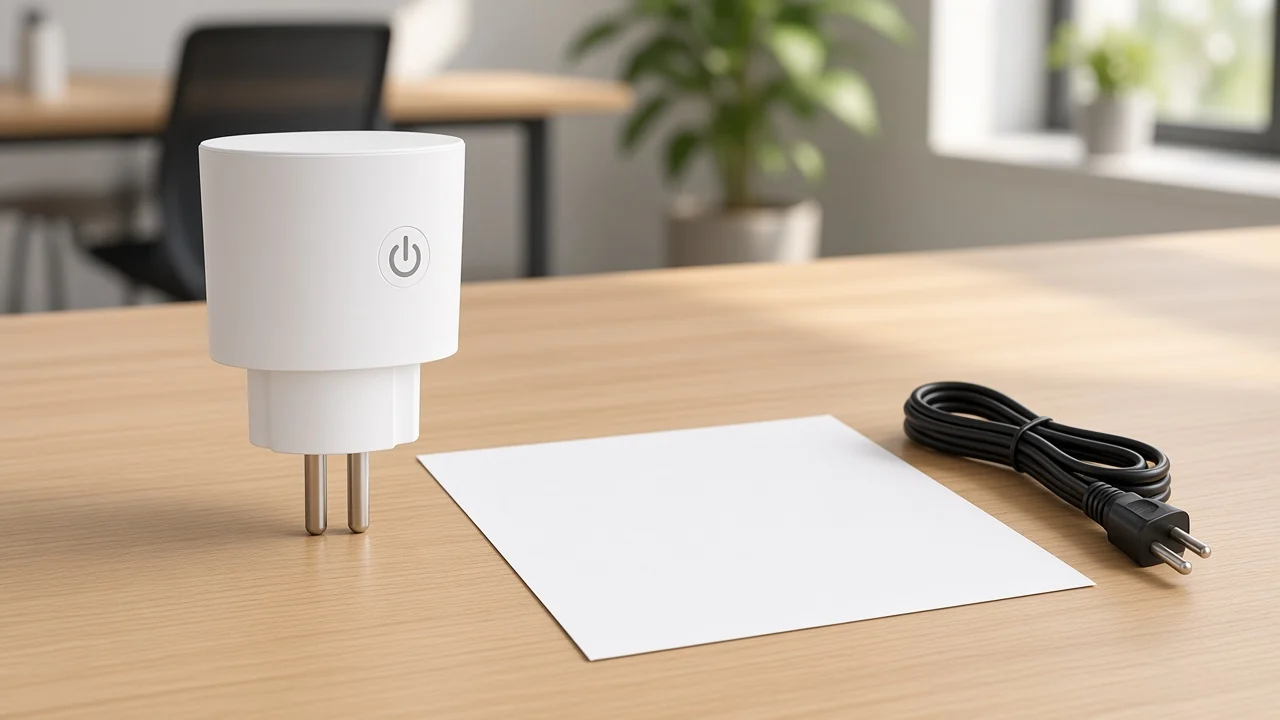
A Zigbee smart plug is the outlet adaptor you insert into a wall socket so a lamp, fan, or other corded device can be switched on the Zigbee mesh.
Frient’s class description is the clean one: the unit is a small adaptor in an electrical outlet, it communicates with a hub, and the appliance in the front face turns on or off from the smart-home app. Some of those adaptors also report energy. Many do not.
The Connectivity Standards Alliance describes Zigbee as a full-stack mesh with a shared device language, including AES-128 bit message encryption, and it names commercial buildings alongside homes. That is the network the plug joins. It is not a promise that every white adaptor on a shelf speaks Zigbee.
Shopping pages often stop at “smart plug” and let the radio float. For a line item, the physical cut comes first.
The object sits in an outlet that already exists. It takes a cord. It leaves the wall box, the hidden module, and the bulb on other rows.
Network roles for any Zigbee node, including this one, are set out in What Is A Zigbee Device. The plug is one device class inside that network, the one with a socket face and a corded load.
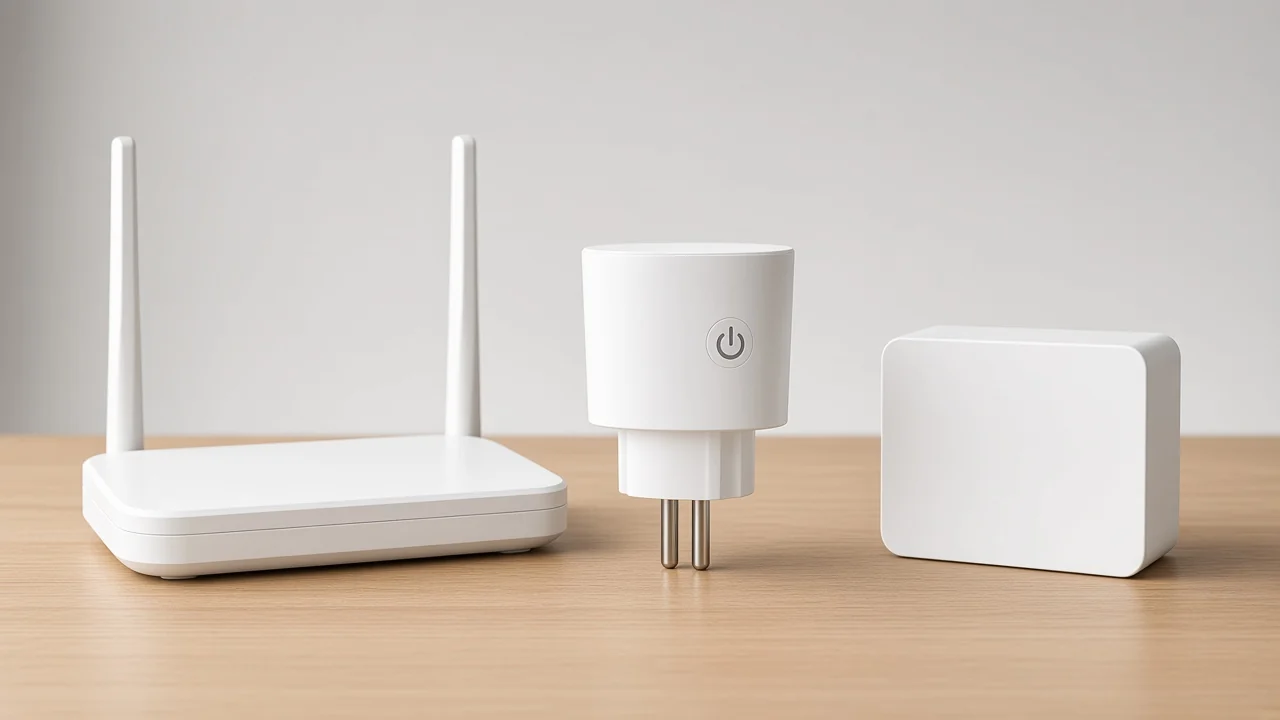
The radio line decides the plug. Read Zigbee, Wi-Fi, or Matter as the page prints it, and only then read the amp cell on that same page.
Zigbee rides IEEE 802.15.4. Digi describes that stack as a low-power mesh with a data rate up to 250 kbit/s, 128-bit AES, and a line-of-sight reach of about 10 to 100 meters, depending on power and the room. Those figures describe the protocol write-up, not a MOES plug datasheet.
A Wi-Fi smart plug associates to the site’s access point. PYC’s comparison puts the hub row as “usually yes” for Zigbee and “no” for Wi-Fi.
A buyer who already has a router, and only one or two cords to switch, often lands on the wifi smart plug for that reason. A buyer who already runs a Zigbee mesh lands the other way.
Matter is a third printed word, and it is not a nickname for Zigbee. On the live MOES plug that says Matter, the wireless cell is a 2.4 gigahertz line. Treat that as Wi-Fi-band radio plus a Matter claim, and keep Zigbee off the row unless a cell on that page says Zigbee.
| Quote line | What the plug joins | What the phone path usually needs |
|---|---|---|
| Zigbee | Zigbee mesh on IEEE 802.15.4 | A Zigbee hub, or a speaker that already contains that coordinator |
| Wi-Fi | The site access point | The router and the app account named on the page |
| Matter, as printed on a Wi-Fi plug | The Matter wording plus the radio cell beside it | A Matter controller for that radio, not a Zigbee hub by assumption |
Amp cells travel with the radio cell. A 16 amp figure on a Matter page, or on a wall-socket page, stays on that model. Copying it onto a Zigbee plug line invents a SKU the catalog has not printed.
Most Zigbee smart plugs reach a phone through a zigbee hub. Digi treats hub, coordinator, and gateway as the same job in practice: that box forms the network, and something else carries IP onward.
A Reddit buyer put the trade in one sentence: a hub is required, and it is the thing Wi-Fi plugs usually skip, because the mesh can take more device types later. That is user language, not a lab result. It matches the pattern on product pages that say a Zigbee gateway is required for app control.
Some speakers and displays already contain a Zigbee coordinator. In that case the “extra box” may already be on the quote as the speaker. The plug still needs a coordinator somewhere.
A bare plug does not open its own app account the way the Wi-Fi socket description does when that description says no hub.
Because the plug stays on mains, neighbors often use it as a Zigbee router. Mains nodes can forward traffic. Battery sensors usually do not.
Sonoff’s plug page calls the same behavior a router and also says scheduled timers stop if the plug leaves the gateway. Local button control can remain. Remote schedules belong to the hub path.
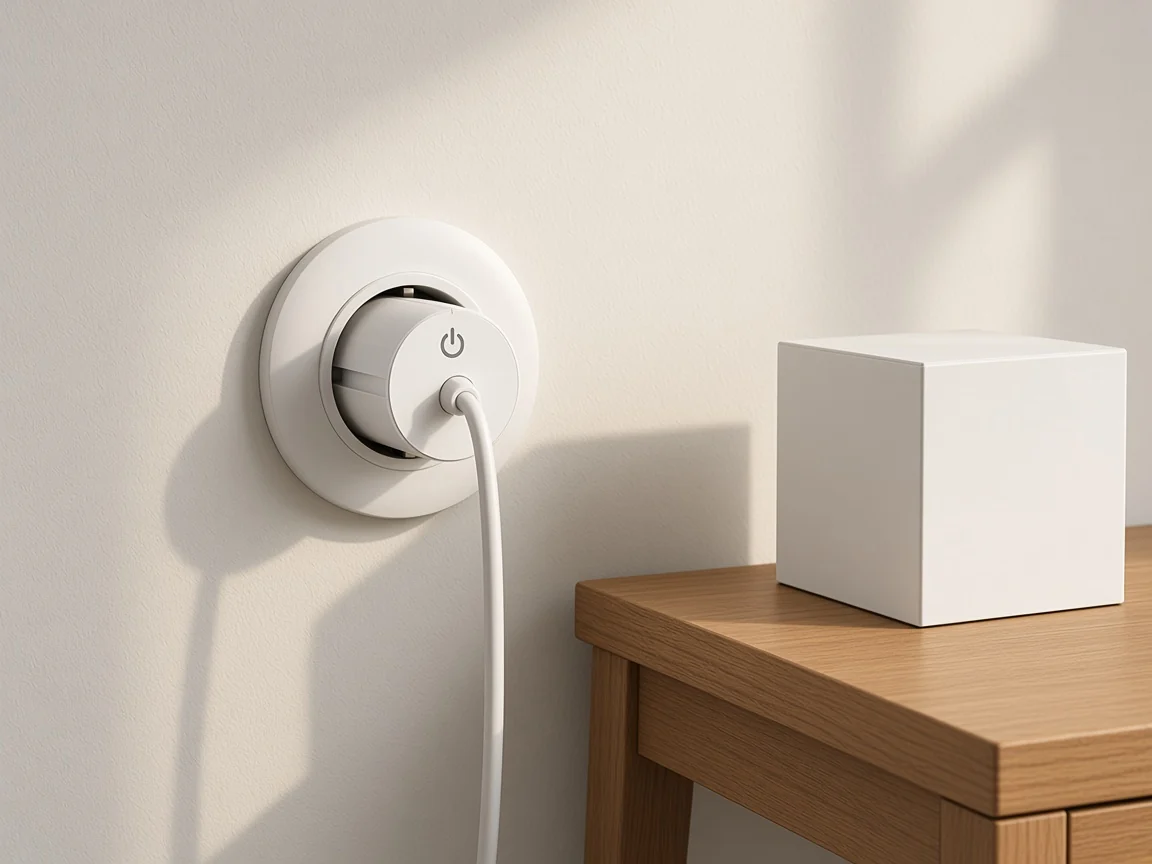
Stock the hub line when the endpoint page calls for one. Leave it off when the page, like the live Wi-Fi plug, says the socket joins Wi-Fi with no bridge. One bill of materials can carry both, on two lines, with two radios.
Inside the face of the plug, the cord is the load, and the amp cell on that same page sets the limit. The unit leaves the wall box alone, and it leaves the lamp as a separate object.
Typical cords are lamps, fans, and small appliances whose own switch can stay in the on position so the plug is the switch. Heaters and other high-draw cords belong on a page whose amp cell was written for them. If that cell is missing, the line is incomplete.
Energy metering is a second printed feature, not part of the class name. Frient says some Zigbee plugs track consumption.
A buying guide that lines up seven plugs shows metering present on some models and absent on others. The shell will not tell you which.
From the field: Hubitat owners have watched a meter plug and a non-meter plug share the same shell (Power Monitoring Smart Plug). One reply on that thread is blunt: the two versions look identical, and only the metering version reports energy. Ask for the meter line in writing.
A hidden module is the other way to switch a load, and it lives behind a faceplate or in a box. That class is the Zigbee relay module.
Use it when the project has no free outlet and the load is already hardwired. Use the plug when the load already has a cord.
A wall smart switch replaces the switch in the wall. The comparison with bulbs, and the note that a bulb SKU is a different object, sits on smart bulb versus smart switch. MOES does not show a smart-bulb product in this plug research, so a “plug plus bulb” kit should not be invented to fill the row.
On 12 October 2026 the live plug-in pages do not print a Zigbee smart plug. A product search for that pair of words returned a gateway, not a socket. The pages that do exist say something else, and the quote should repeat them.
Other Smart Devices is the pillar for the plug-in neighbors. Two of them are sockets you can hold. A third page prints ZigBee and then describes a smart switch.
| Live page | Model | What the page calls it | Radio as printed | Load cell stays on this row |
|---|---|---|---|---|
| Matter plug | MWP-EU16M | Matter Plug WiFi Socket, in Other Smart Devices | Matter wording, Wireless Type 2.4GHz, band 2.412-2.484GHz | 95V~250V, 16A, 50/60Hz, up to 3680W |
| Wi-Fi power socket | WP-USD | Wifi Smart Plug | Protocol WiFi, 2.4G, no hub or bridge in the description | AC100V-240V 50/60Hz, Rated Power under 200W |
| ZigBee EU socket | ZK-SR-EU | A smart switch, filed under Smart Switch | Wireless Protocol ZigBee, IEEE 802.15.4 | 95~245V AC 50/60Hz, 16A pure resistive, 3500W, rated 220V |
Open MWP-EU16M when the buyer wants a plug-in socket from this site. Its carton and table support Matter and a 2.4 gigahertz radio. They do not support a Zigbee claim, and they do not support a Matter-on-Zigbee claim.
The 16A and the 3680W figure belong to MWP-EU16M alone.
On WP-USD, the protocol cell prints WiFi and the rated-power cell sits below 200W. That power cell is easy to over-read. It is this model’s table, not a ceiling for every plug MOES might ship later.
Turn to ZK-SR-EU when the job is the wall device: the page prints ZigBee and the body calls it a smart switch. Its 16A and 3500W stay there. For the wall-switch class itself, use what a smart switch is.
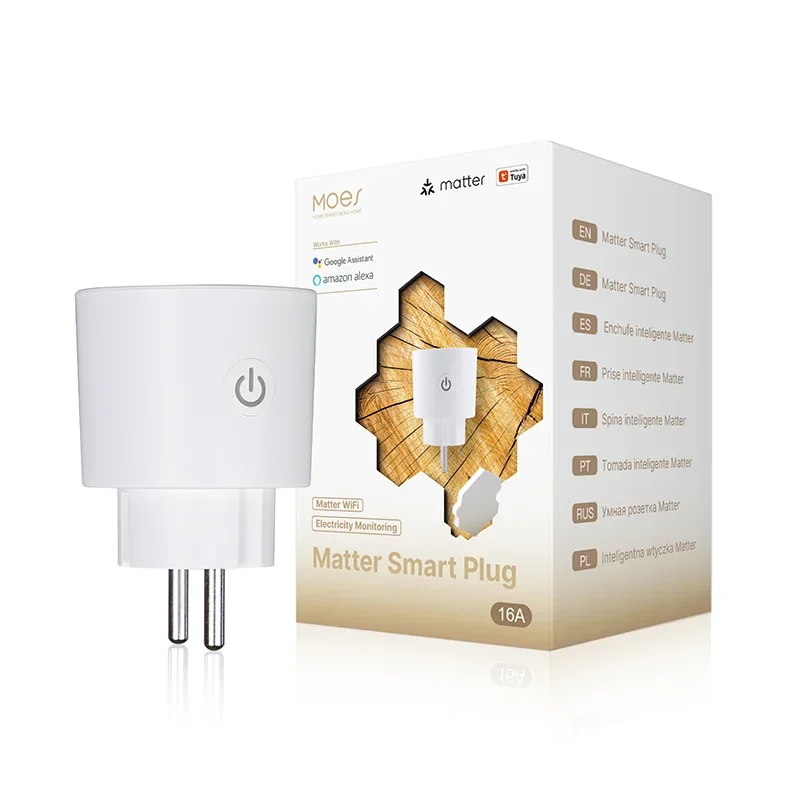
If the project truly needs a plug-in Zigbee socket, the request should say so in the radio cell and wait for a page or a datasheet that prints Zigbee on a plug-in model. Until that page exists, MWP-EU16M and WP-USD are the plug-in sockets you can link, each with the radio they already print.
A usable line has four cells taken from one page: form (plug-in socket), radio (Zigbee, Wi-Fi, or the Matter wording plus its radio), hub (required, already inside a named speaker, or not required), and load (only the amp, watt, and voltage that page prints).
Write the hub as “zigbee hub” when the radio cell says Zigbee. Write “no hub” only when the page says that, as WP-USD does for Wi-Fi. Write the meter as yes only when the page says energy monitoring, as MWP-EU16M does, and leave it blank when the page is silent.
Face shape follows the model suffix and the photo, EU or US, as a logistics note. It is not an approval to sell that face into every country. The same rule keeps a distributor from pasting ZK-SR-EU’s current into a plug-in Zigbee row that the site has not published.
Usually yes. The plug speaks Zigbee, and the phone path runs through a coordinator. That coordinator can be a separate zigbee hub or a speaker that already includes one.
A Wi-Fi plug such as WP-USD is the case that prints “no hub,” and that sentence does not transfer.
The local button can still change the relay on many plugs. App control, remote schedules, and voice accounts go through the coordinator and whatever IP link that coordinator uses. Digi’s description of the hub job is the short version: the coordinator holds the Zigbee devices, then something else reaches the network beyond the room.
Metering shows up on some models and not others, including pairs that look the same. MWP-EU16M prints energy monitoring. A Zigbee class name alone does not.
The plug is an adaptor in an outlet, with a cord in the front. The relay module is hidden and switches a hardwired load.
Both can use Zigbee. They are different lines on the bill of materials, and the module page is the one to open for the hidden part.
A wall switch replaces the switch in the wall. ZK-SR-EU is the live MOES page that prints ZigBee and then calls itself a smart switch. A plug-in socket leaves that wall device in place and only switches the cord plugged into it.
Ask for the radio line the seller will print on the plug-in page, the hub that radio needs, and the amp cell from that same page. Today the linkable plug-in pages are MWP-EU16M (Matter, 2.4 gigahertz, 16A on that page) and WP-USD (Protocol WiFi, rated power below 200W). Neither line is a Zigbee plug.

OTHER SMART DEVICES
Jun 13,2026
OTHER SMART DEVICES
Jun 12,2026
TUYA SMART HOME PRODUCTS
Jun 12,2026
 +86 137 3639 3028