


by NOVA

Aug 20, 2026
A dependable smart home automation installation begins with project inputs documentation, not with an open carton of switches. Freeze topology, the device map, wiring ownership, and the hub / gateway path before trades overlap. This guide shows each integrator / installer how to log those inputs, then where MOES Tuya hardware fits after the path is clear.
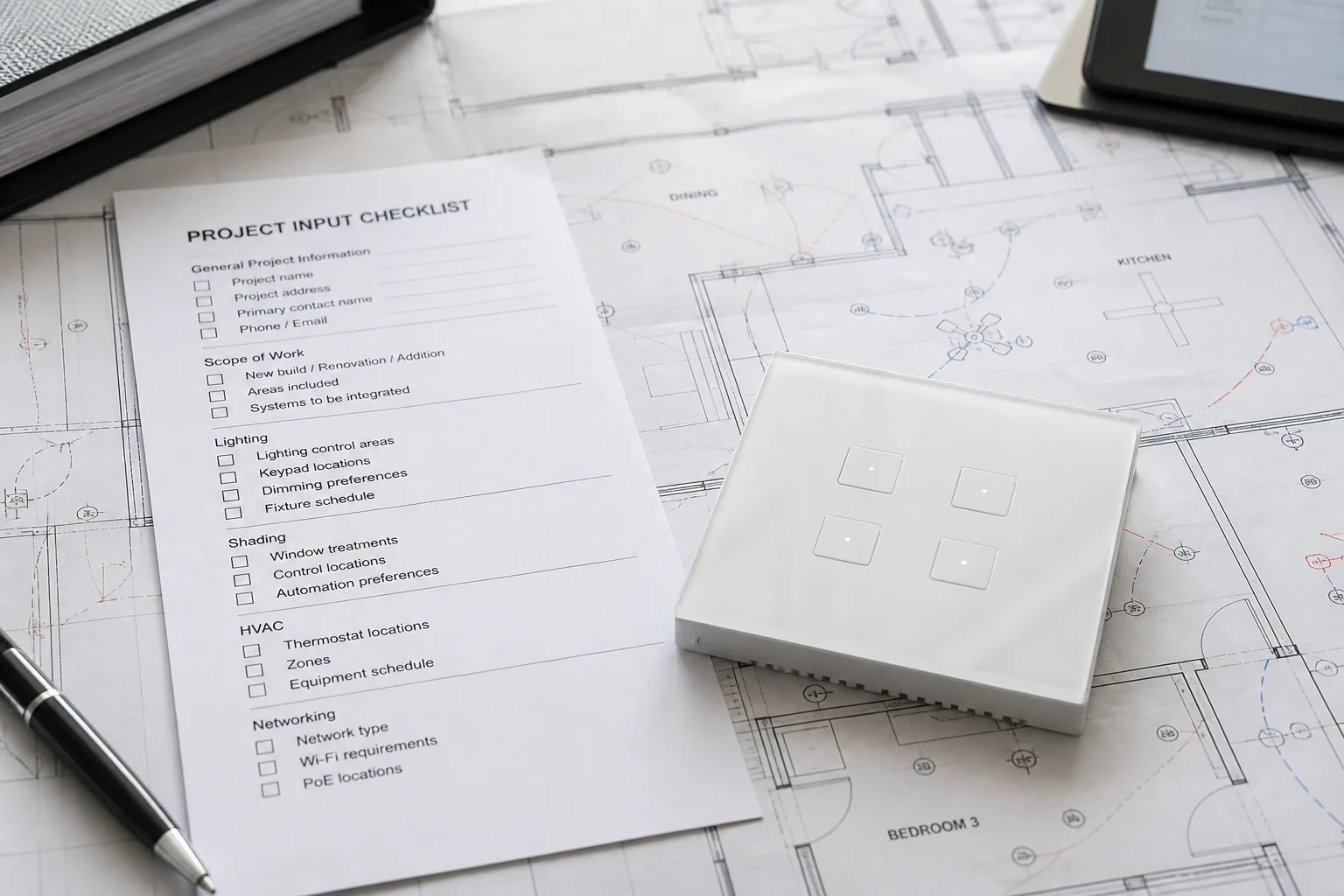
Freeze five artifacts before carts or drywall: topology log, device map, wiring responsibility, hub/gateway path, and security handoff notes.
Remodels fail when the electrician closes switch boxes while the low-voltage crew still lacks a marked plan. Capturing the log early keeps line-voltage, structured wiring, and radio devices on one commissioning story.
| Input field | What to capture | Owner example |
|---|---|---|
| Topology log | Central closet location, home-run list, labels, conduit notes | Low-voltage / integrator |
| Device map | Room, circuit, protocol, control path per endpoint | Integrator |
| Wiring RACI | Neutrals, travelers, Ethernet, PoE, speaker pulls | Electrician vs LV |
| Hub path | Hub model family, Ethernet/power, RF placement | Integrator |
| Security handoff | Admin accounts, update owner, network segment | Integrator + IT |
Home automation wiring decisions belong in this table before any smart switch installation packing list. Treat the table as the job’s single source of truth when electricians, low-voltage crews, and commissioning techs rotate through the same address.
If a remodel already closed boxes without this log, rebuild the five fields from photos and as-built notes before ordering endpoints. That pause costs less than swapping the wrong radio family after finish work.
Log a home-run topology to one structured media closet, with both ends labeled and conduit noted for future pulls.
CEDIA’s smart-home wiring guidance treats home-runs, labelling, and documentation as the backbone of reliable installs. Extra Ethernet at media walls and ceiling access-point drops are cheaper open than after sheetrock.
Community installers planning pre-drywall jobs routinely call for Ethernet to TVs, offices, data rooms, and ceiling AP locations, plus conduit or interduct toward the main media wall. Dual pulls at critical spots reduce future fish work.
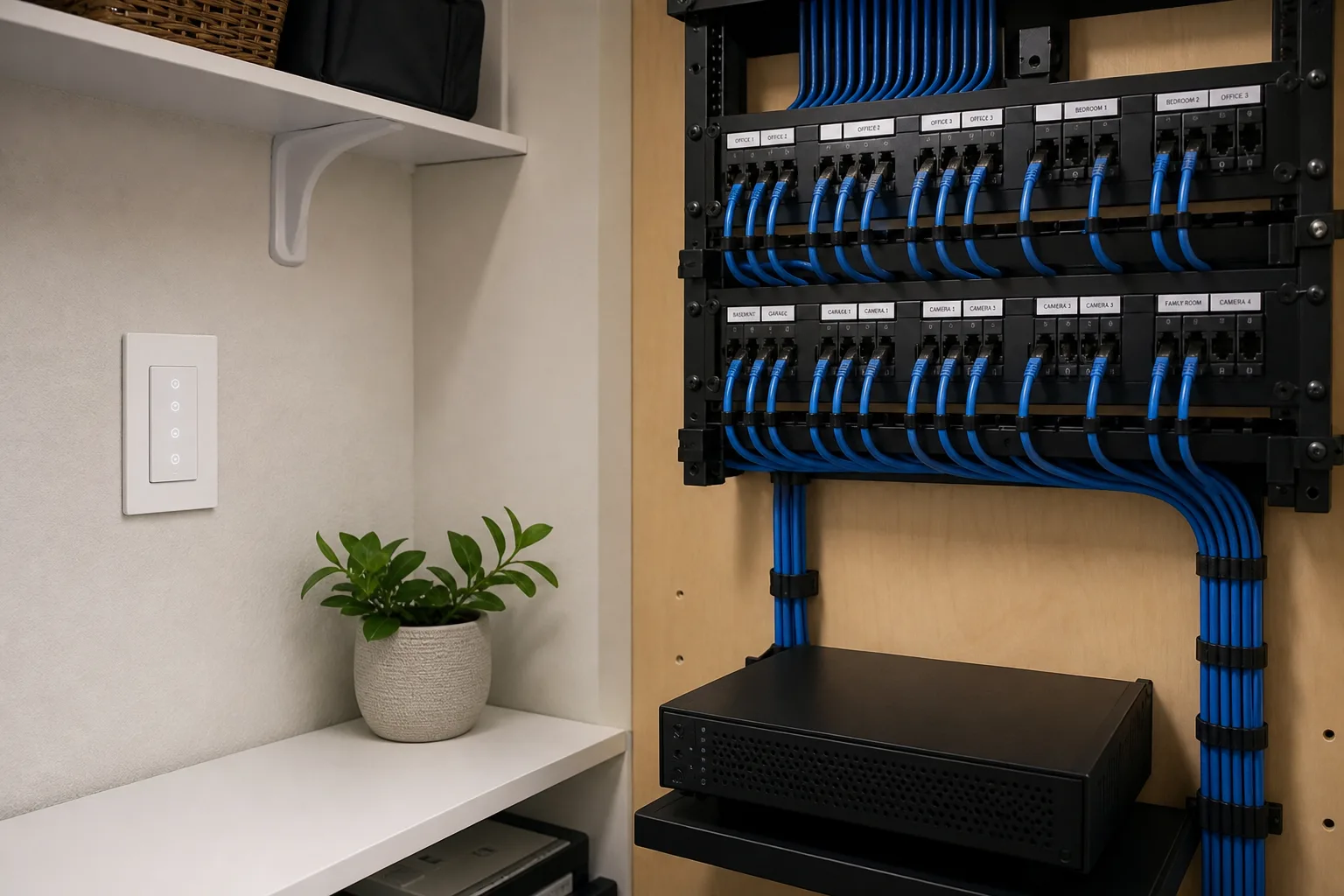
Record ISP demarc proximity, rack or enclosure size, and whether commercial rack gear will replace consumer Wi-Fi piles. That single page becomes the as-built seed for service calls years later. Keep Cat6 / Cat6A drop IDs on the same sheet so the hub / gateway path and the backbone stay tied together for every integrator / installer on the crew.
Build a device map that lists every planned endpoint by room, circuit or drop ID, protocol family, and control path.
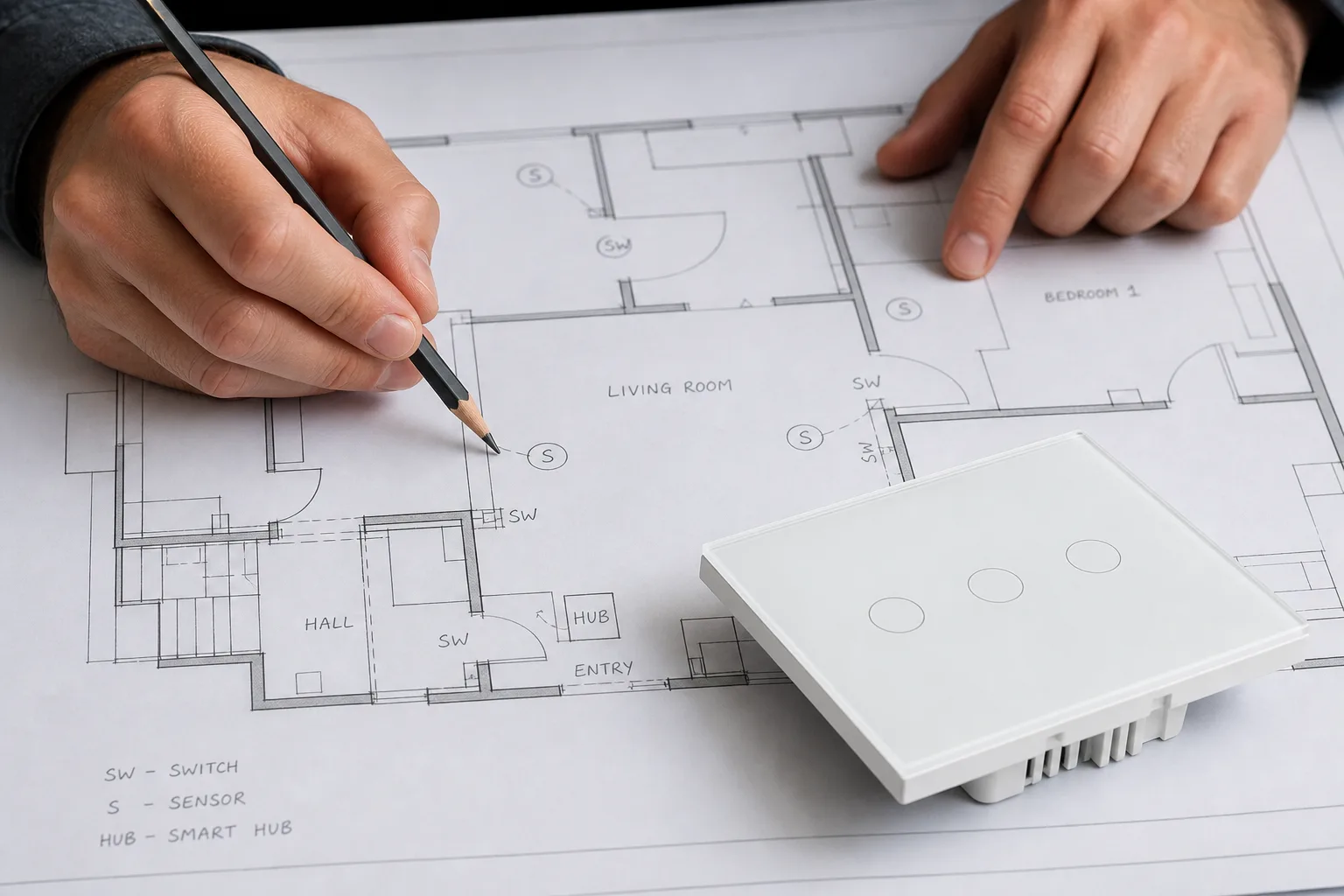
A map that only says “smart lights upstairs” forces the commissioning tech to reverse-engineer intent on site. Include whether control is wall-switch, hub scene, voice, or schedule.
For each row, note power class (line-voltage, PoE, battery) and whether the endpoint needs Ethernet, Wi-Fi, Zigbee, or another radio. Protocol family mismatches show up here before hardware arrives.
When the map is dense, print it beside the floor plan and keep a revision date. The map is a living commissioning artifact, not a marketing mood board.
Assign line-voltage work and low-voltage work to named owners before either trade opens walls.
Smart switch installation commonly stalls when switch boxes lack a neutral. Electrician handbooks and contractor planning guides treat neutral availability as a first check, not a late surprise.
| Scope item | Typical owner | Log before start |
|---|---|---|
| Neutral and travelers at switch boxes | Electrician | Box survey / photo set |
| Deep boxes for bulky modules | Electrician | Cubic-inch notes |
| Cat6 / Cat6A home-runs and AP drops | Low-voltage | Drop schedule |
| PoE camera / doorbell paths | Low-voltage + electrician coordination | Power budget note |
| Hub AC outlet and ventilation | Electrician / GC | Closet power circuit |
From the field: Community buyers describe weak jobs that “just install a Ring Doorbell, a Nest Thermostat, and some random Wi-Fi light bulbs” and then tell the household to juggle multiple apps while leaving physical switches untouched. That failure mode is a documentation failure as much as a hardware failure.
Keep the RACI on one page that both crews sign. Ambiguous ownership is how neutrals and Ethernet drops each wait on the other trade.
Choose hub placement for radio coverage and Ethernet access, not only for rack neatness.
Mesh hubs that coordinate Zigbee or Z-Wave devices need a central path through the living volume. Community guidance warns against basements, garages, and closed cabinets where concrete, pipes, and metal starve coverage.
If the ISP router sits in a corner, plan an Ethernet-fed access point or switch port nearer the hub rather than forcing every radio hop through a dead zone. Powered repeaters help, but they do not replace a bad hub seat.
Document whether the project is Wi-Fi-first wall controls, a multi-mode gateway, or a hybrid hub/gateway path. MOES lists gateways and hubs under Smart Modules, so the pathway choice can be tied to a real category before SKUs are frozen.
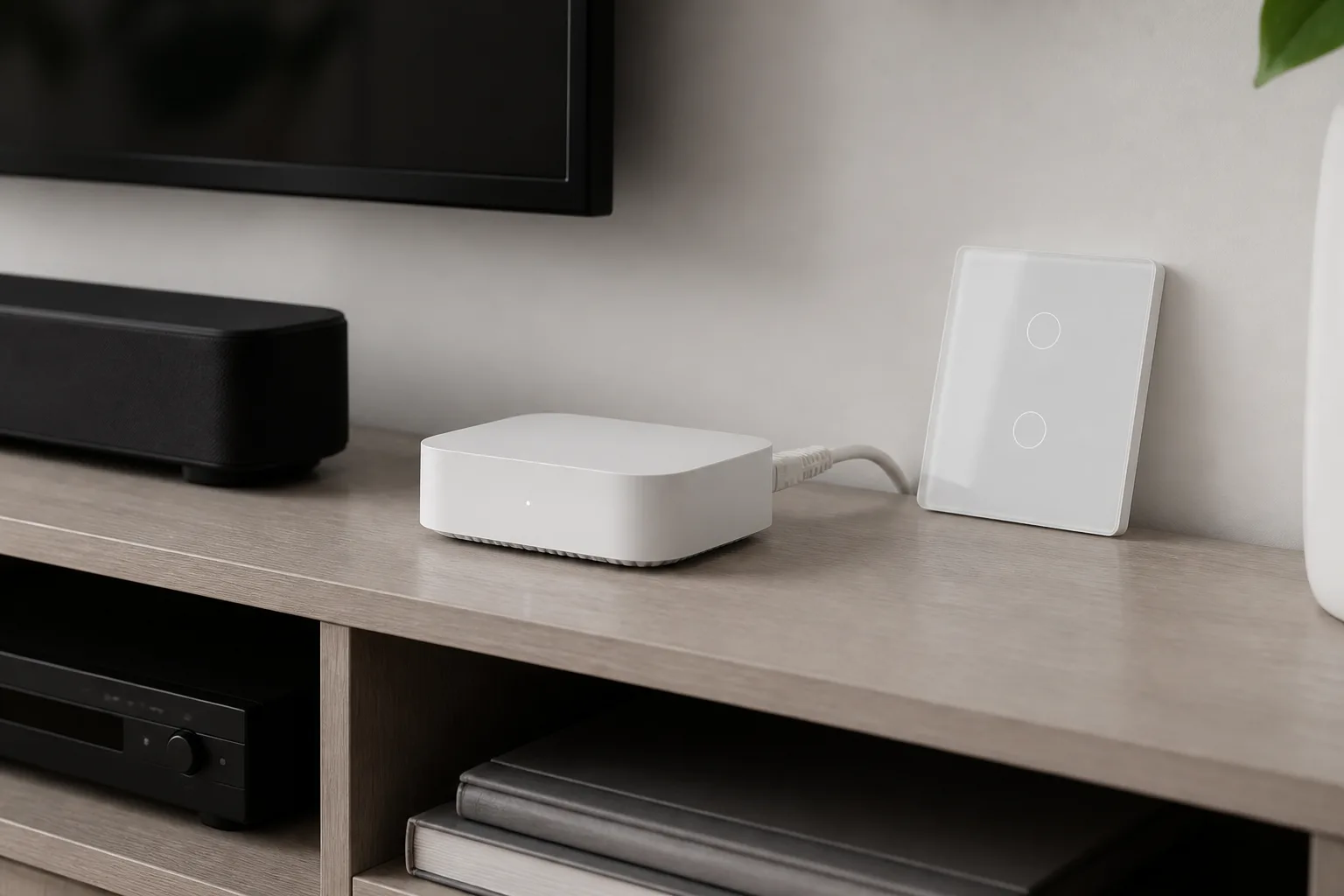
Record security settings ownership and update responsibility in the same package as the device map.
NIST SP 800-213 frames IoT acquisition around the cybersecurity requirements an organization expects from devices and suppliers. Even residential channel jobs benefit when admin credentials, guest access, and patch ownership are named.
CISA’s IoT guidance stresses reviewing security settings, applying updates, connecting carefully, and using strong passwords. Put those checks on the handoff sheet so the household or facility IT contact inherits a maintained system, not an orphaned mesh.
If the network uses a dedicated IoT SSID or VLAN, write that decision beside the hub path. Security inputs belong with commissioning, not as a weekend afterthought.
After neutrals and the hub path are logged, MOES Tuya wall switches are a practical channel option for documented lighting control.
Browse the Tuya Smart Home Products category for the family mix, then open Smart Switch listings that state neutral requirements per SKU. Pair gateway needs with Smart Modules when the device map calls for a hub path beyond pure Wi-Fi.
For US Wi-Fi wall controls, the MOES Tuya WiFi Star Feather Series US Switch publishes model codes WS-SF-US1/2/3/4, 90-250V AC at 50/60Hz, and 10A per gang with 10A total, on Wi-Fi. The MOES Star Feather product page also describes lighting and scene modes that can be switched in the app.
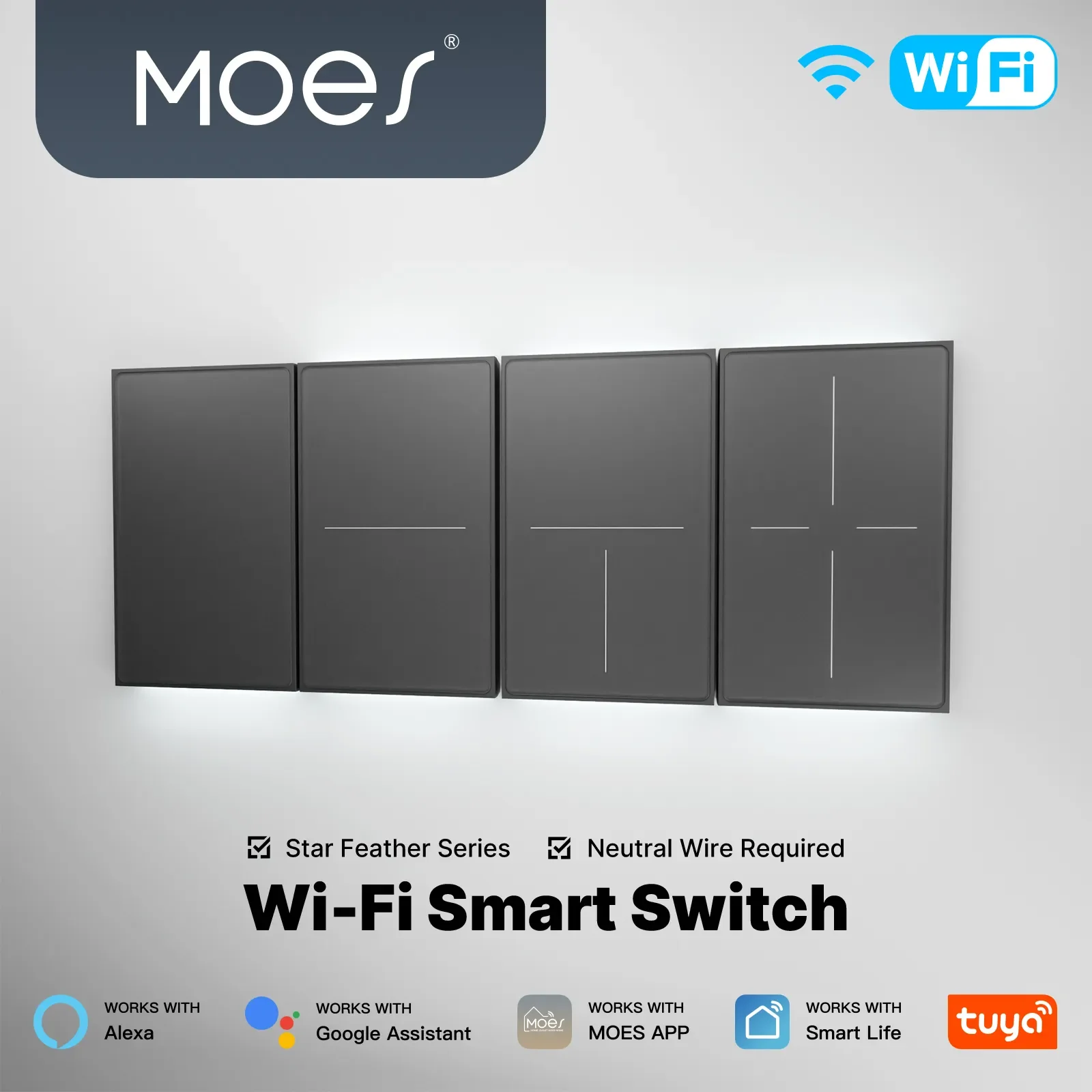
Collection notes for the Star Feather family state that Light Mode and Scene Mode cannot be used simultaneously, and they describe the listed gang formats as neutral-wire products. Keep those conditions on the device map row for each switch.
Skip this pathway when the box survey shows no neutral and no approved alternate SKU, when the RFQ locks a non-Wi-Fi radio only, or when the faceplate format must be EU—use the matching EU product page instead. For channel confirmation after the input log is complete, use Contact Us.
Freeze the topology log, device map, wiring responsibility matrix, hub/gateway path, and security handoff notes before carts or drywall.
Electricians typically own neutrals and travelers; low-voltage owns Ethernet/AP drops; the integrator owns hub placement and protocol path—write names, not assumptions.
Place it for central RF coverage and Ethernet/power access. Avoid basements, garages, and closed metal-heavy cabinets when the hub coordinates mesh radios.
Many do. Confirm each SKU. Treat missing neutrals as a wiring-scope change, not a last-hour product swap.
At minimum: room, drop or circuit ID, power class, protocol family, and control path. Dense maps prevent commissioning guesswork.
Admin ownership, password policy, update responsibility, and any IoT network segment decisions, aligned with IoT acquisition hygiene.
No. Document topology, wiring ownership, and hub path first. Platform shopping without those inputs recreates multi-app drift.
When the customer expects one coherent control story but the bid only stacks unrelated Wi-Fi gadgets without switch discipline or a hub path.


OTHER SMART DEVICES
Jun 13,2026
OTHER SMART DEVICES
Jun 12,2026
TUYA SMART HOME PRODUCTS
Jun 12,2026
 +86 137 3639 3028





