


by NOVA

Aug 21, 2026
Successful smart switch installation starts with a written map of neutrals, line and load, multi-way control points, load class, and wireless protocol—before any device is ordered. This page walks those inputs in order, then closes with a field checklist and when a MOES Star Feather Wi-Fi wall switch fits the documented job.
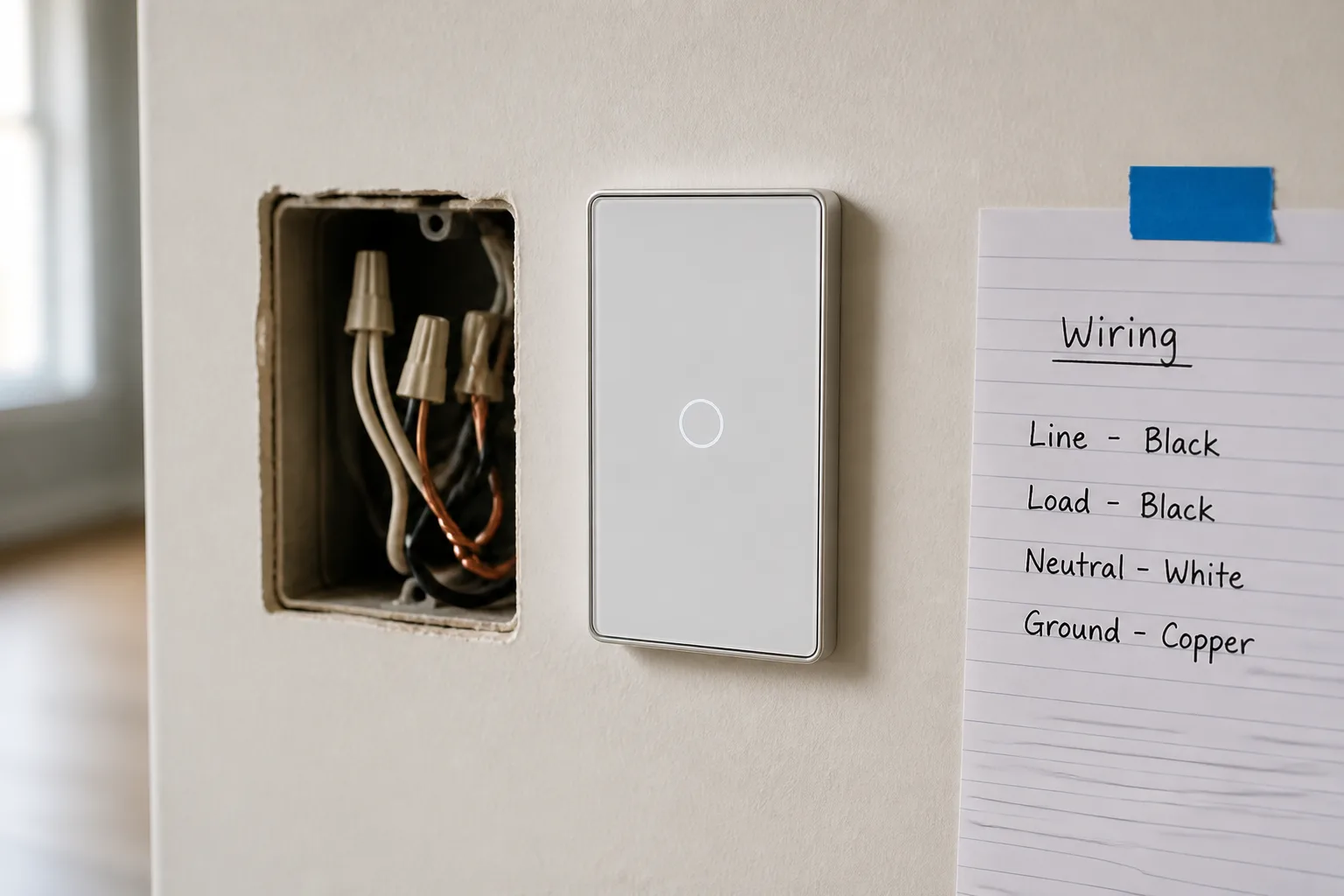
Most failed wall jobs are missing paperwork, not missing screwdrivers. Consumer how-tos show how to land wires once the box is open; distributors and contractors still lose days when the SKU assumes a neutral, a single-pole feed, or a Wi-Fi path the site cannot support.
Treat the input sheet as the first deliverable. Capture what each box contains, how many locations control the same load, what lamps hang on the circuit, and which radio path the building will accept. Ordering only after that sheet is frozen keeps smart switch selection aligned with the field.
Most smart wall switches need a neutral conductor — a return path — so the radio stays alive when the light is off. A mechanical toggle never needed that path, so the white bundle often sits capped in the back of the box while the old device only lands line and load.
On US work governed by NEC 404.2(C), many lighting switch locations that feed general-purpose branch circuits in covered rooms are expected to provide a grounded conductor for electronic controls, subject to Code exceptions and the AHJ. Confirm the adopted edition locally rather than treating a blog summary as the Code text—start from the National Electrical Code standards development page and the licensed Code book.
Write a per-box note: neutral bundle present, absent, or uncertain. Uncertain is still useful; it blocks “assume no-neutral” purchases until a qualified person opens and verifies the conductors.
Smart switch wiring fails fast when line and load are swapped or when a traveler is mistaken for either one. Line is the unswitched hot from the panel; load is the switched leg to the fixture; ground is the safety path (bare or green).
Before the old device comes off, qualified crews should identify and label line versus load, then photograph the as-found state. PCWorld’s install walkthrough still uses a voltage check with the breaker momentarily re-energized and the switch off to see which black conductor remains hot—only trained people should run that step.
Ground stays bonded even when radios steal the spotlight. Metal boxes, pigtails, and device ground screws belong on the same sheet so the replacement does not “lose” a bond during box restuff.
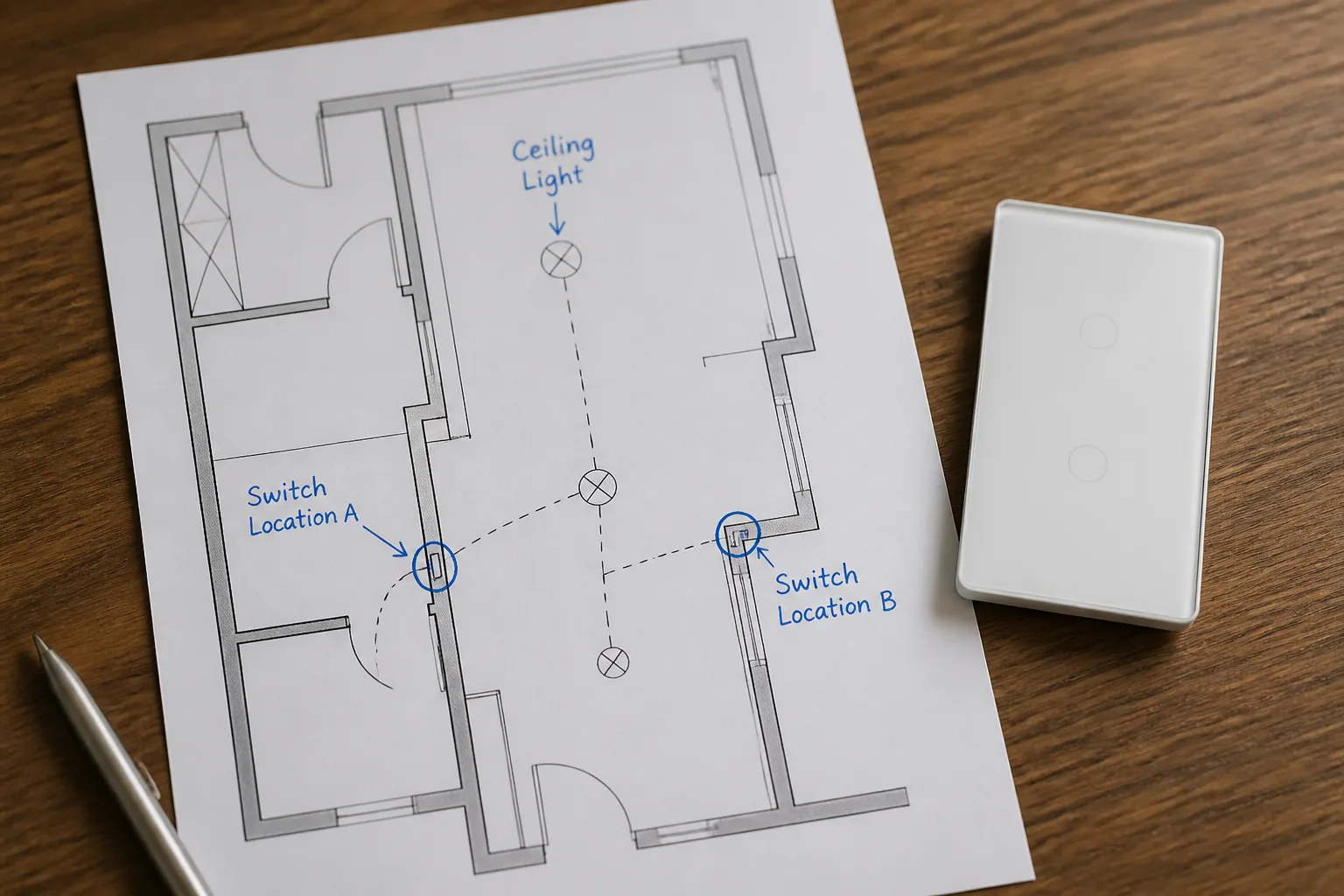
A 3-way / multi-way smart switch installation is a topology problem before it is a pairing problem. Traditional 3-way hardware shuttles power on travelers; many smart systems replace that with a primary device that switches the load and a companion that signals over a traveler or wireless link.
Document every control location for the same lamp. Note which box has continuous line, which box faces the load, and which boxes already contain neutrals. Technical guides on smart companions stress that when only one box has neutrals, the primary/master usually belongs in that box so its electronics can stay powered.
| Neutral map | Primary host candidate | What to write on the sheet |
|---|---|---|
| Neutrals in both boxes | Prefer the line-side or load-host location named by the chosen brand diagram | Primary location + companion locations + traveler/signal wire ID |
| Neutrals in one box only | Host primary in the neutral box for neutral-required systems | Explicit “secondary is companion/no-neutral path” note |
| Neutrals in neither box | Do not force a neutral-required SKU | No-neutral architecture, fixture module, or rewire decision |
Cap unused travelers when a brand diagram says only one communication conductor is used. Leaving a floating second traveler unlabeled is how stair jobs bounce between “works upstairs only” tickets.
Write the lamp type, approximate wattage class, and whether dimming is required. No-neutral devices that leak standby current through the fixture often quarrel with low-watt LED loads—flicker and ghost glow show up after the crew leaves.
From the field: Installers in no-neutral flats describe wall boxes that never received a return conductor, then discover that cutting power at the wall also kills any “smart” lamp strategy that assumed constant feed. Architecture has to be chosen on paper first. — Home Assistant Community
Compare the recorded load path to the device page before quoting. MOES Star Feather Wi-Fi pages list 90–250 V AC, 50/60 Hz with 10 A per gang and 10 A total—those figures are page-scoped ratings, not a universal building limit.
Capture the Wi-Fi / Zigbee protocol the project will support: Wi-Fi to the LAN, Zigbee through a hub, or another mandated stack. A Wi-Fi wall switch that needs solid LAN coverage fails differently than a hub-based mesh node, even when the copper looks perfect.
Note cover plate material. Metal plates can blunt radio range on wall devices, a practical detail called out in consumer install guides when pairing stalls after a clean copper land.
Record gateway ownership, VLAN or SSID constraints, and who will complete commissioning. Protocol notes belong beside the wiring map so purchasing does not ship a radio the building will reject.
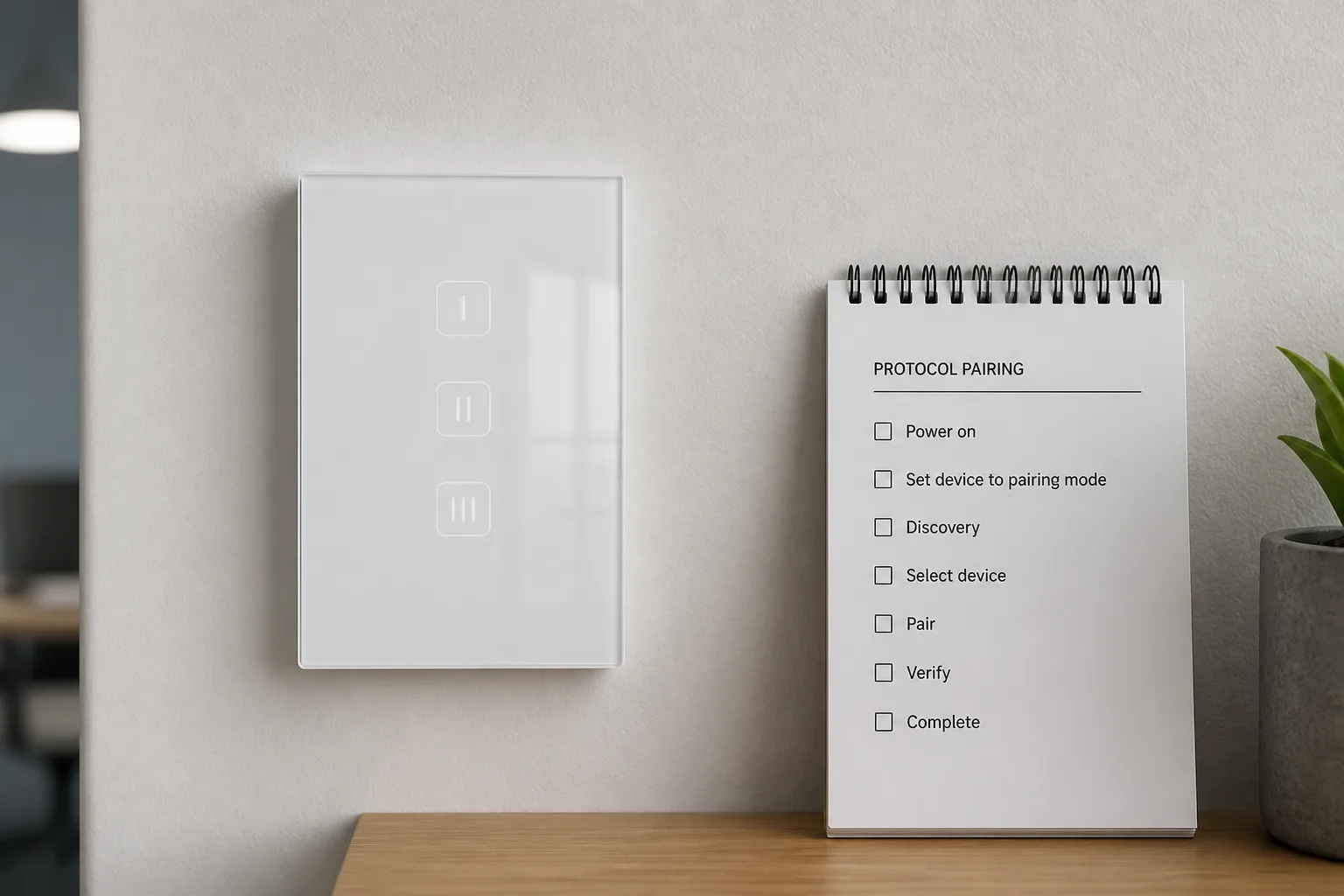
Freeze the sheet before purchase orders move. The table below is the minimum set that keeps smart switch installation work from oscillating between the warehouse and the wall.
| Input | What “done” looks like |
|---|---|
| Circuit ID / breaker | Breaker labeled; lockout plan named |
| Per-box neutral | Present / absent / verify-on-open |
| Line / load / ground | Labeled on photo or tag |
| Control locations | Count + primary host candidate |
| Traveler / companion plan | Wire ID or wireless companion SKU |
| Load class | Lamp type, dimming yes/no, rough wattage class |
| Protocol path | Wi-Fi / Zigbee / other + hub owner |
| Cover plate | Metal / non-metal |
| Format | US / EU / other regional face |
| Gang count | 1–n matched to plate and box |
Hand the same sheet to estimating, purchasing, and the lead installer. When any row is blank, treat the job as not ready to buy devices.
Choose MOES Tuya WiFi Star Feather Series US Switch when the sheet shows a neutral-wire path, a Wi-Fi wall control plan, and load current inside the page ratings above. Use the EU Star Feather twin when the format row is EU.
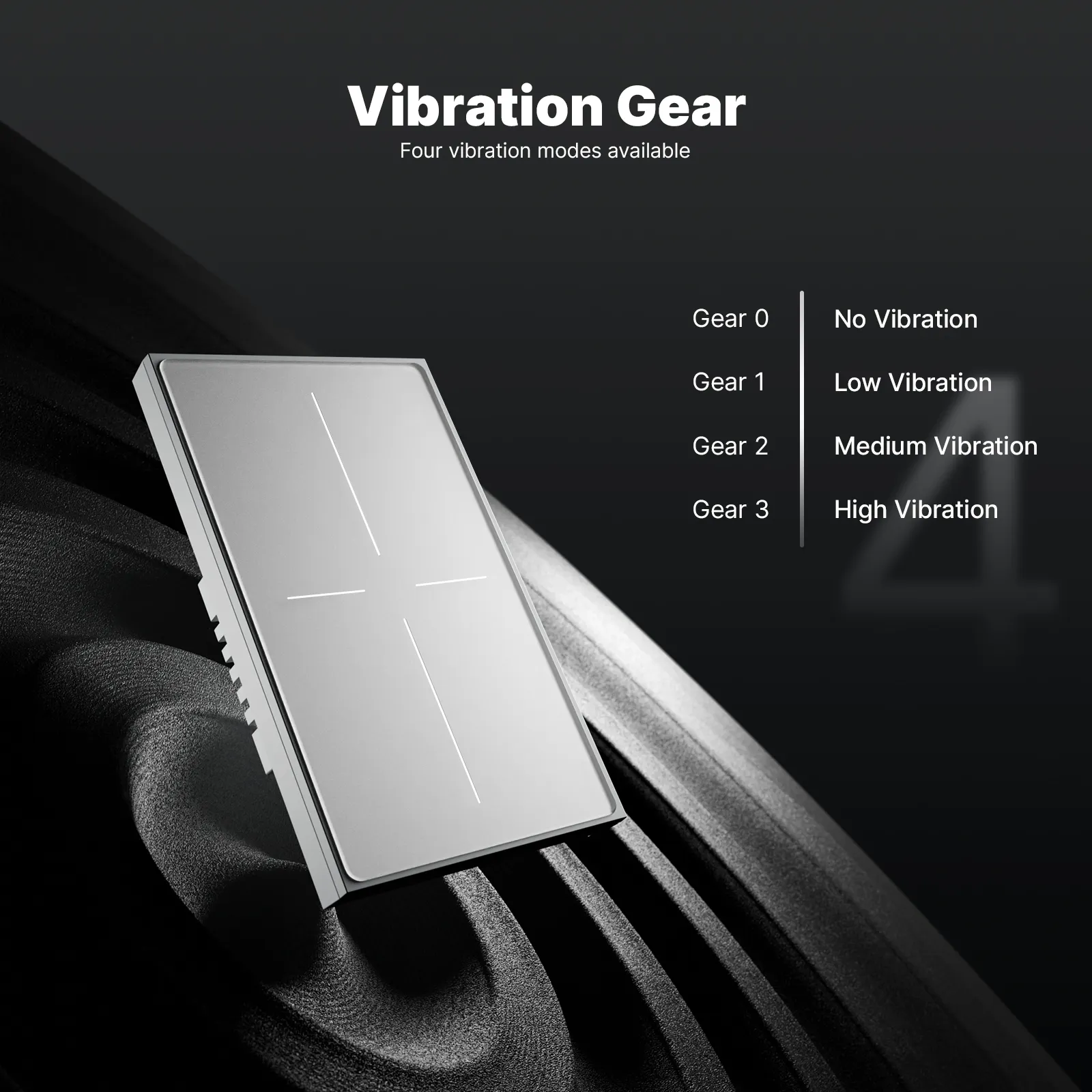
Star Feather collection wording describes listed gang entries as neutral-wire products and states that Light Mode and Scene Mode cannot be used simultaneously—capture the intended mode in commissioning notes so app setup matches the sales promise. If the sheet shows no neutrals, a non-Wi-Fi mandate, or current above the page total, stop and select another path instead of forcing the family name.
Browse the broader smart switch category when adjacent loads (fans, curtains, dimmers) share the same project packet. For distributor or installer quotes after the input sheet is complete, use Contact Us.
Usually yes for Wi-Fi or Zigbee wall devices that keep a radio online while the lamp is off. Document the white bundle before you buy; a no-neutral SKU is a different device family, not a wiring afterthought.
List every control location, which box has line, which faces the load, where neutrals exist, and which location will host the primary. Add the traveler or companion plan the chosen brand requires.
Qualified people identify the constantly hot line versus the switched load, label both, and photograph the as-found device. Do not rely on paint color alone—travelers are often black as well.
Lamp type (LED or other), dimming requirement, and a rough wattage class. Those notes decide bypass needs on no-neutral paths and whether a dimmer SKU is even valid.
Protocol, hub or gateway owner, Wi-Fi band constraints if relevant, and cover-plate material. Pairing tickets are cheaper to prevent than to dispatch.
After the wiring and protocol rows match a neutral-wire Wi-Fi wall switch. Then compare the circuit to the page ratings already recorded on the product sheet for voltage band and per-gang / total current.
For neutral-required smart systems, record that box as the primary host candidate and treat the other location as companion or alternate architecture. Do not assume both ends can run identical primary SKUs.
No. This page covers wall lighting smart-switch project inputs—neutrals, multi-way topology, load, and protocol—for install and procurement teams.


OTHER SMART DEVICES
Jun 13,2026
OTHER SMART DEVICES
Jun 12,2026
TUYA SMART HOME PRODUCTS
Jun 12,2026
 +86 137 3639 3028





