


by NOVA

Aug 22, 2026
To install smart switch hardware without rework, start with a written project input sheet that records box wiring, loads, protocol choice, and sign-off fields before anyone removes a wall plate. This walkthrough targets electricians, contractor coordinators, and distributors who quote wall controls—not the Samsung Smart Switch phone backup app.
You will get copy-ready checklist tables, wiring columns that support smart switch wiring plans, and a neutral-wire gate that blocks the wrong SKU. When inputs are complete, link back to the smart switch category for hardware shortlists.
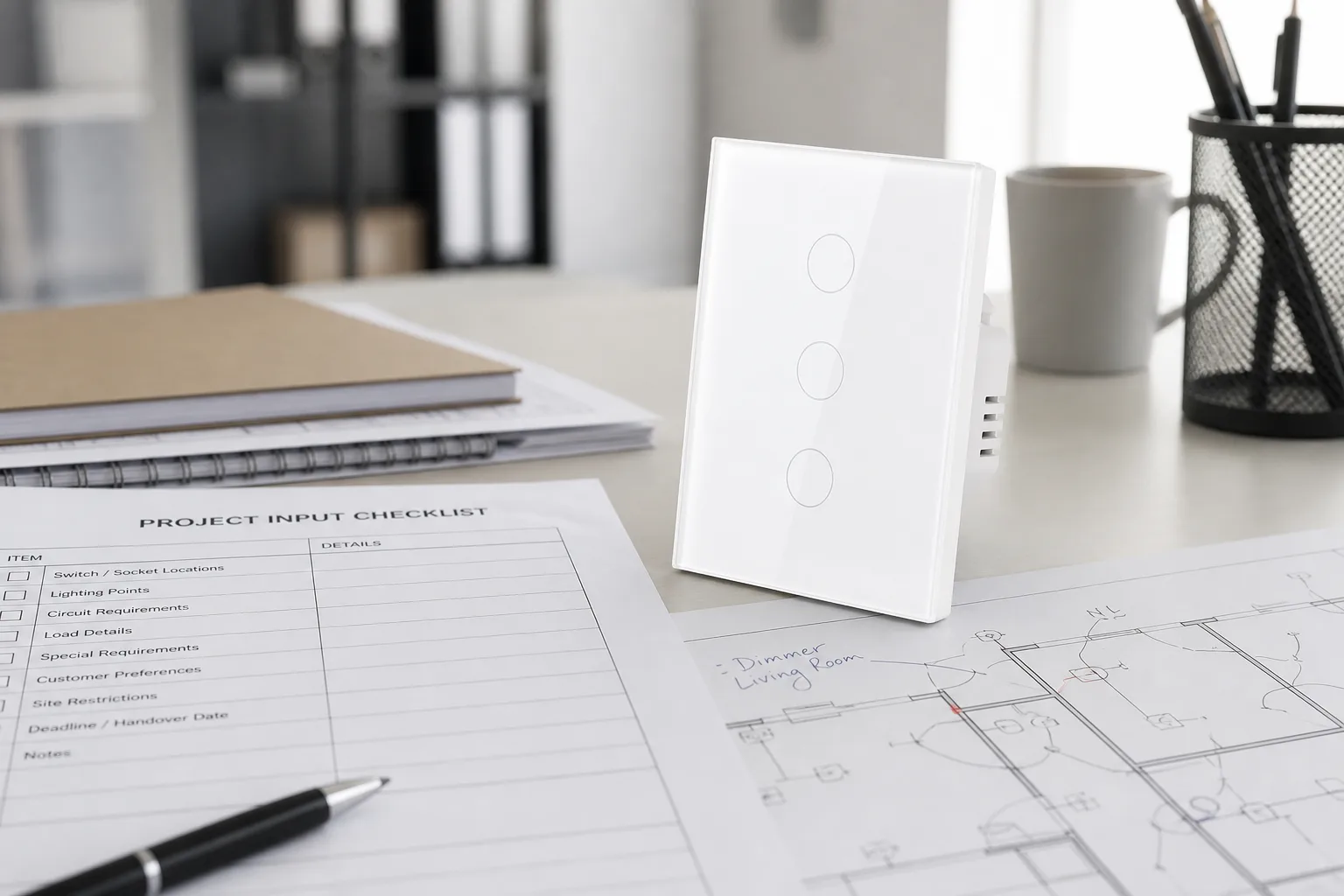
Paperwork should lock the SKU, wiring method, and client expectations before a screwdriver touches a strap screw. Installer blogs and electrical educators treat neutral verification and box survey as day-one tasks, yet few publish a single sheet crews can archive per job.
A one-page project input sheet turns those ad hoc checks into columns: box ID, neutral status, line/load labels, load watts, protocol, gang count, permit ID, and sign-off names. Channel teams can attach the same sheet to sample orders so warehouse picks match what the wall will accept.
Distributors often request photos of every junction box on the first walkthrough so sales engineers can flag neutral-required SKUs before a truck roll. That archive prevents return freight when a neutral-wire line was quoted for a documented no-neutral stairwell.
Photograph each junction box with the plate off, then label whether a grounded neutral bundle sits capped in the back, whether the box depth accepts a smart switch body, and how many gangs share the opening.
Many smart switches need a neutral so the Wi-Fi or Zigbee radio stays powered when the lamp is off. Look past the switch terminals for a white or gray bundle joined with a wire nut—not a white wire landed on a brass screw, which may be a switched leg on older switch loops.
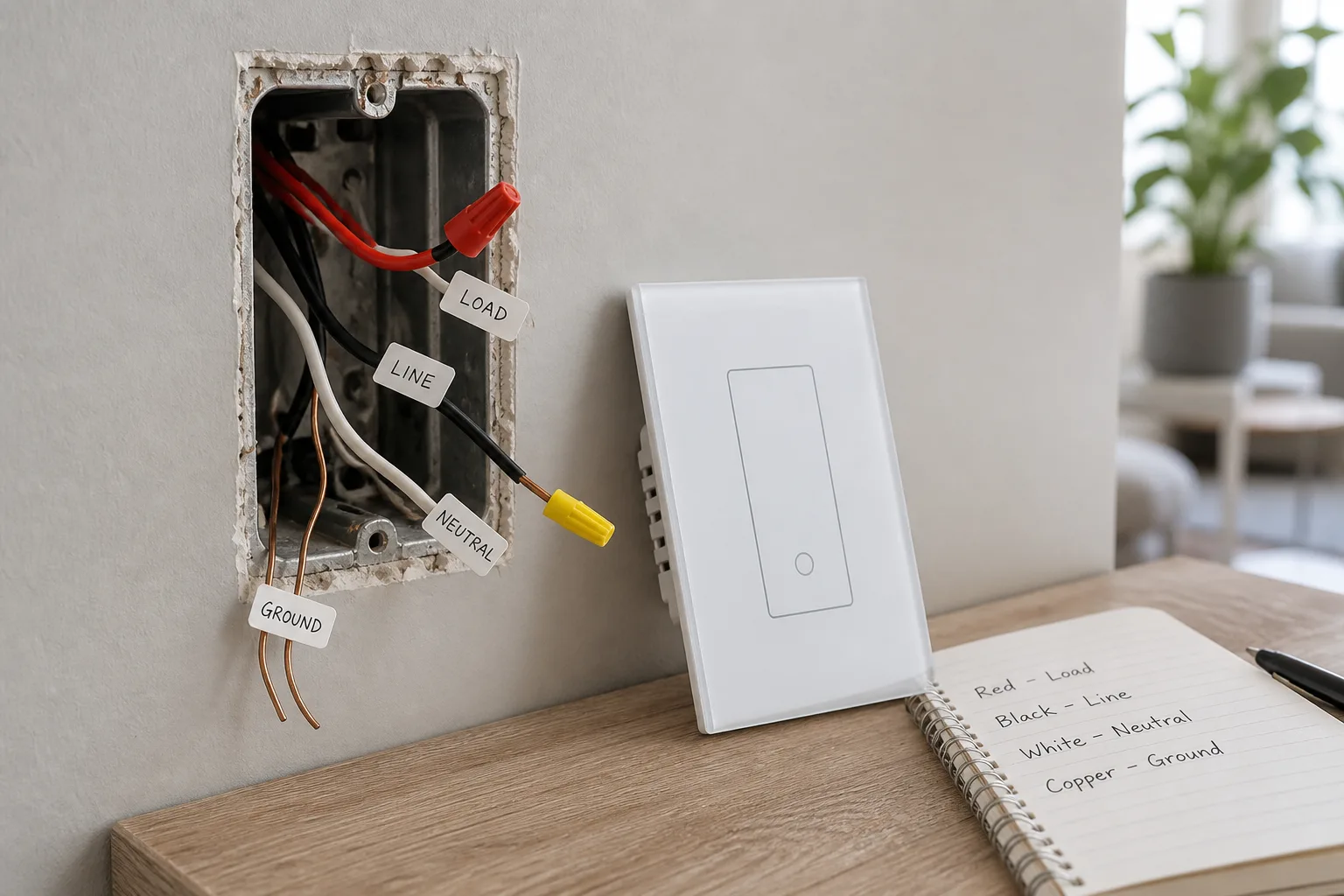
| Box survey field | What to record | Why it blocks install |
|---|---|---|
| Neutral present? | Yes / no / unknown after test | Neutral-required SKUs cannot be mounted in documented no-neutral boxes |
| White wire role | Neutral bundle vs switched hot | Mis-labeled whites cause unsafe guesses |
| Box depth | Inches behind device ears | Smart bodies are deeper than toggle switches |
| Gang layout | 1–4 gang and shared neutrals | Multi-gang orders need per-gang photos |
| Neutral wire smart switch gate | Pass / fail for quoted SKU | Failed gate triggers rework or no-neutral alternate |
From the field: Community installers warn that wire colors are guides, not proof—verify neutral with a meter before you trust a white conductor in a crowded box.
Line / load wires must be identified before you order smart switch wiring hardware. Mark which conductor is constant hot from the panel and which feeds the fixture, especially when a three-way circuit shares travelers between boxes.
Low-watt LED load retrofits often need a confirmed neutral when you spec standard smart switches rather than no-neutral specialty lines. Record bulb type, counted wattage, and whether a smart bulb shares the circuit.
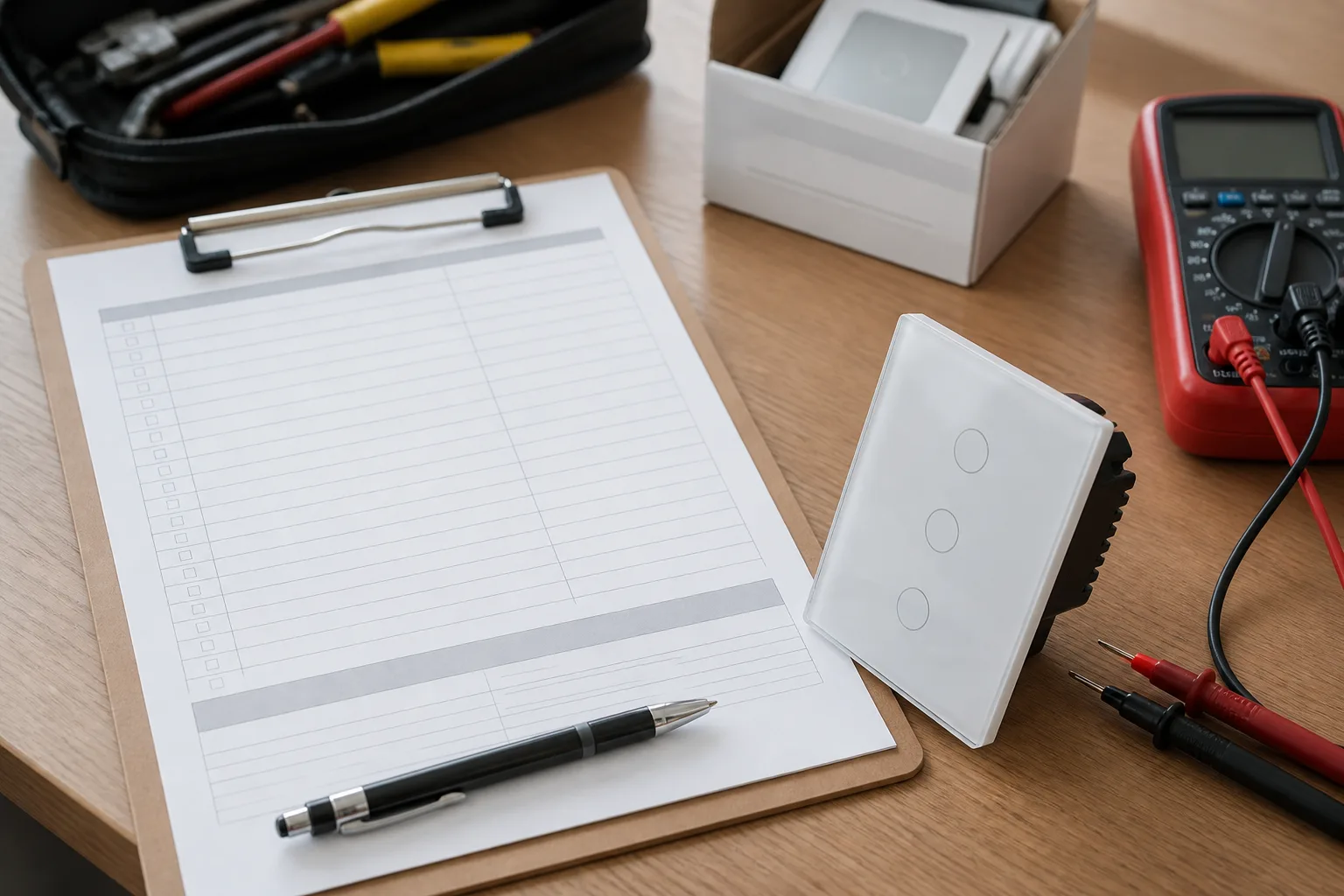
| Circuit field | Installer note |
|---|---|
| Line (hot from panel) | Usually black or red—mark with meter reading |
| Load (to fixture) | Often black; may be red in three-way sets |
| Traveler(s) | Required for three-way/four-way—sketch screw colors |
| Load watts | Count LED, fan, or mixed loads per gang |
| Smart bulb on circuit? | Yes/no—pairs with no-neutral dimmer risk |
Protocol choice changes which columns appear on the project sheet. Wi-Fi rows need SSID band notes and signal spot checks; Zigbee rows need Smart hub / gateway model, placement, and mesh count.
Wi-Fi smart switches usually connect directly to the home router, so hub SKUs are often omitted. Zigbee plans need a gateway line item and spare Ethernet or USB power for the coordinator.
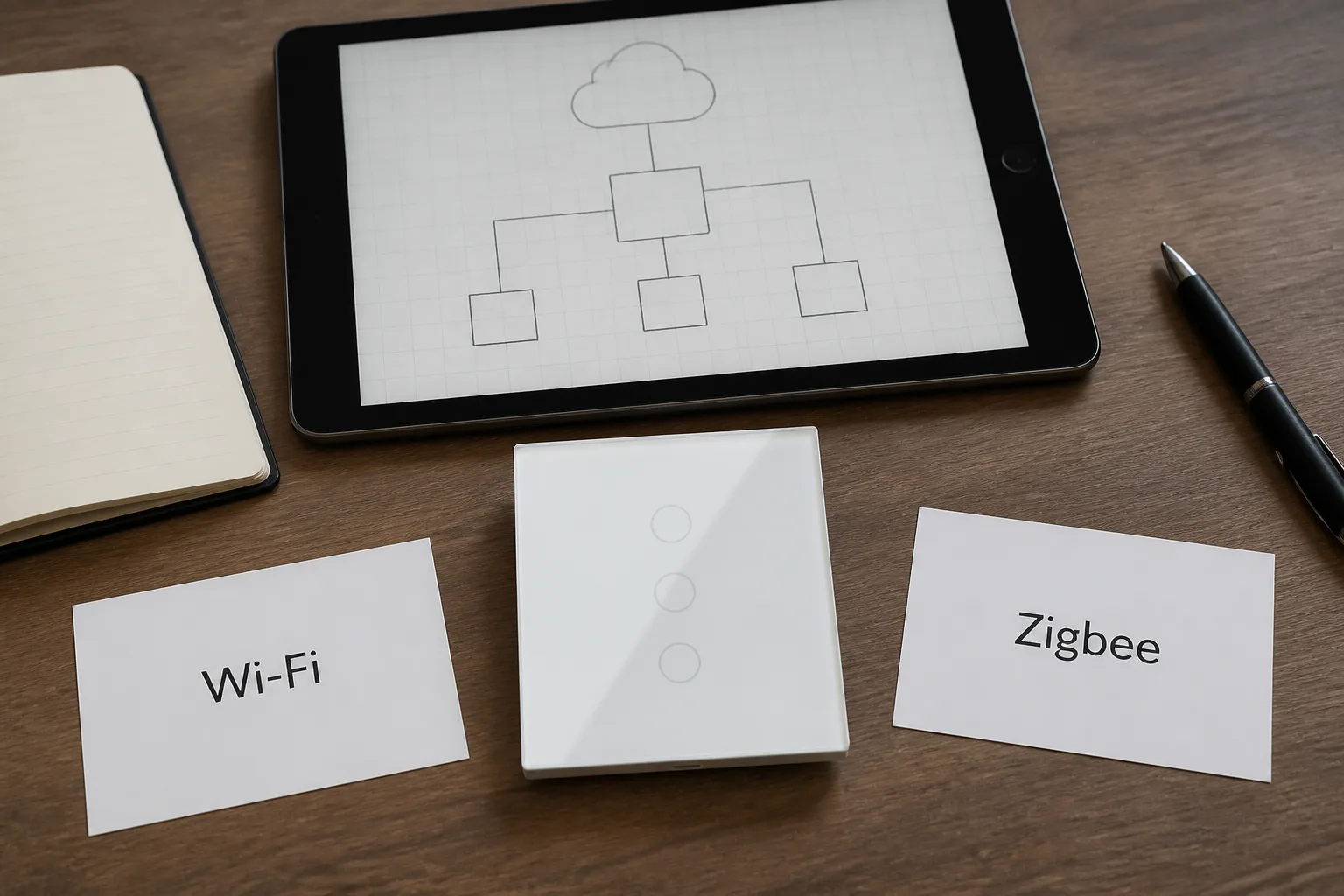
| Documentation column | Wi-Fi smart switch plan | Zigbee smart switch plan |
|---|---|---|
| Hub / gateway | Usually none on sheet | Gateway model and mount location |
| Radio band | 2.4 GHz SSID and RSSI note | Mesh count of powered routers nearby |
| App platform | Tuya / Smart Life / OEM app ID | Same + hub firmware version |
| Offline behavior | Cloud app may stop when ISP drops | Local automations may still run |
Regional format and gang count belong on every distributor line item. US single-pole and three-way boxes use different strap spacing than EU 86 mm layouts, and gang count drives whether you quote one module or a multi-gang faceplate.
Star Feather US listings cover one- through three-gang neutral-wire configurations. EU Star Feather lines extend to four gangs with the same neutral requirement on collection-scoped listings.
US format: note NEMA box depth and line voltage (typically 120 V circuits). EU format: note 86 mm box depth and local voltage range on the sheet. List finish color—white or gray faceplates—for distributor sample boards.
Permit and inspection columns protect the contractor when NEC / AHJ teams adopt National Electrical Code rules that expect a neutral at switch locations on new work.
Since the 2011 NEC update, Article 404.2(C) has pushed neutral conductors toward switch boxes so future controls can be added safely. Archive client sign-off photos, crew lead approval dates, and inspector names on the same sheet.
The MOES Star Feather US Wi-Fi switch fits jobs where the sheet already shows a neutral bundle, gang count within the US one- to three-gang range, and a Wi-Fi plan without an extra hub row.
MOES Star Feather US Wi-Fi switches align with those documented inputs when neutral, gang, and protocol columns are already signed off.
Live MOES product data for WS-SF-US variants lists 90-250 V AC at 50/60 Hz, 10 A per gang with 10 A total, and Wi-Fi in the 2.412-2.484 GHz band. Quote those figures only when the signed SKU is Star Feather US—not every MOES switch family.
Important: On Star Feather collection listings, Light Mode and Scene Mode cannot run at the same time—record which mode the client expects before programming.
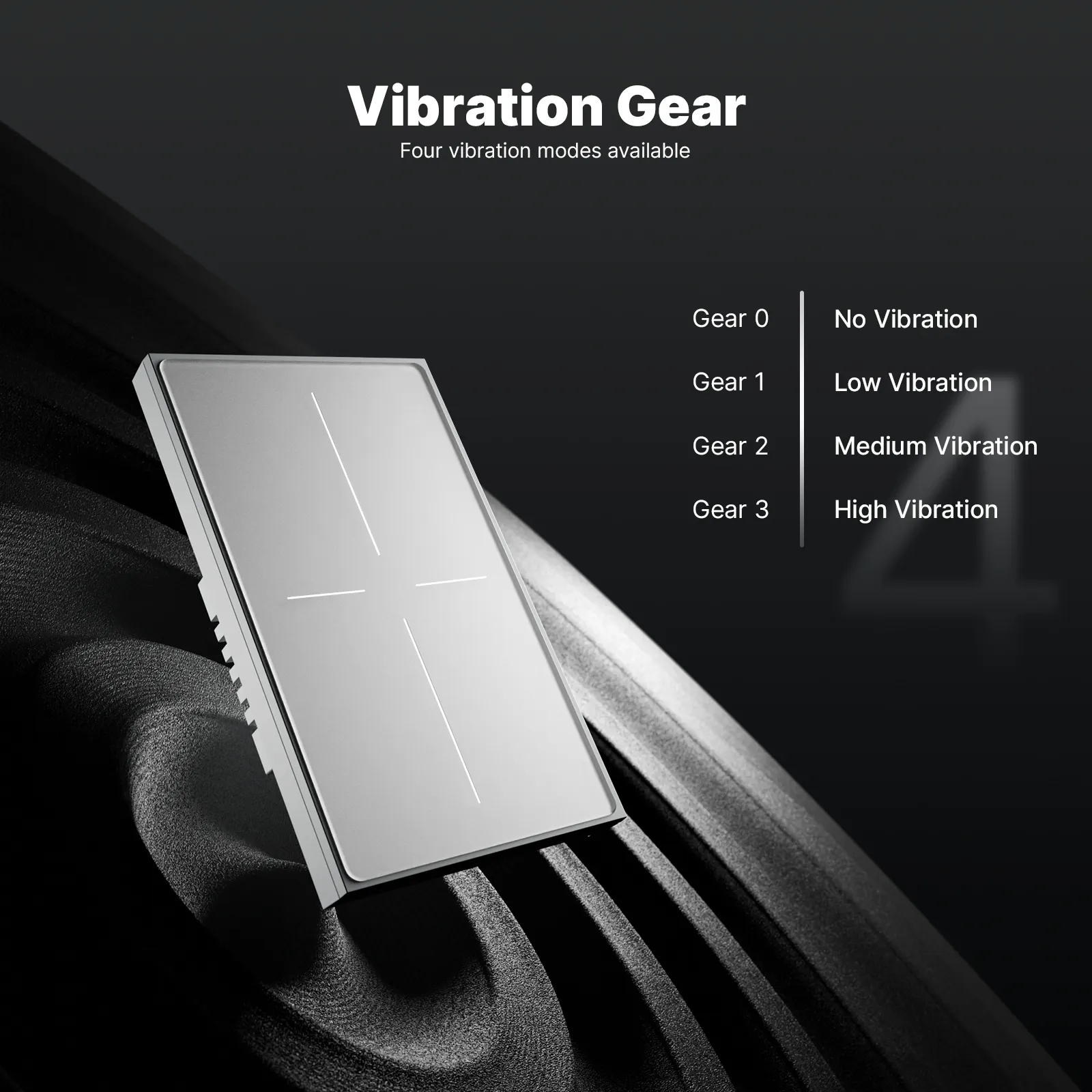
The WS-SF-US parameter snapshot below should match the signed distributor line.
| Star Feather US parameter | Documented value (WS-SF-US line) |
|---|---|
| Voltage | 90-250 V AC, 50/60 Hz |
| Current | 10 A/gang; total 10 A |
| Wireless | Wi-Fi 2.412-2.484 GHz |
| Wiring gate | Neutral required on collection-scoped US Star Feather SKUs |
When gang count or neutral status fails the sheet, browse other smart switch families or the EU Star Feather route for 86 mm boxes. Distributors can request samples through contact once the input sheet is signed.
Most smart switches need a neutral so the radio stays powered when the light is off. Document neutral presence on the sheet before you order a neutral-required SKU.
Some no-neutral models exist, but they can conflict with low-watt LEDs or smart bulbs. If the sheet shows no neutral, note a rework path or a no-neutral alternate before install day.
Record line, load, ground, neutral or switched-leg status, and any travelers. Meter readings beat color assumptions in older homes.
Licensed crews should handle new neutrals, multi-way rewires, and permit work. DIY swaps are only appropriate when the sheet shows a simple single-pole with confirmed neutral.
Wi-Fi rows emphasize SSID and signal checks; Zigbee rows add gateway model and mesh notes. Mixing protocols on one sheet prevents wrong hub picks.
List fixture type, wattage, dimming need, and whether smart bulbs share the circuit. Low-watt LED counts matter for neutral-required lines.
US and EU Star Feather collection listings describe neutral-wire products. Do not spec them for boxes documented as no-neutral.
No. This article covers wall smart switch installation inputs, not Samsung phone data migration software.


OTHER SMART DEVICES
Jun 13,2026
OTHER SMART DEVICES
Jun 12,2026
TUYA SMART HOME PRODUCTS
Jun 12,2026
 +86 137 3639 3028





