


by NOVA

Sep 10, 2026
Before crews open a breaker panel for an emporia smart home energy monitor installation, freeze the metering objective, who may access the enclosure, the service class, the main versus branch versus solar CT map, Wi-Fi and app ownership, and any utility-seal or local-code constraints onto one signed sheet. Installers, electrical contractors, and distributors use this form when a buyer arrives with an Emporia-class whole-home / panel CT energy-monitor request. It is not a brand wiring manual, not a utility Zigbee HAN pairing guide, and not a claim that MOES sells a panel energy-monitor clone.
The sections below turn those fields into an order gate, then show when a live MOES Star Feather US Wi-Fi switch belongs on the pick ticket only after the monitor path is already settled.
After every row passes, open the Tuya Smart Home Products pillar for adjacent control SKUs, and use the smart switch browse path when the sheet points to wall lighting control.

Capture the job on paper before anyone mirrors a retail install video or prints a clamp BOM from a product page. Search results for this brand-plus-installation query lean on manufacturer steps and DIY walkthroughs; those assets almost never force a channel archive of what the monitor must measure, who owns panel access, or whether the site even allows clamps inside the load center.
The signed form becomes the order gate. Warehouse staff can attach it to the pick ticket so main clamps, branch clamps, optional solar clamps, and any later smart-home SKUs leave only when the sheet matches the site.
Facility metering guidance puts the same idea in plainer words: decide the metering objective—whole-building versus end-use detail—before you choose sensors. Write that objective as the first row.
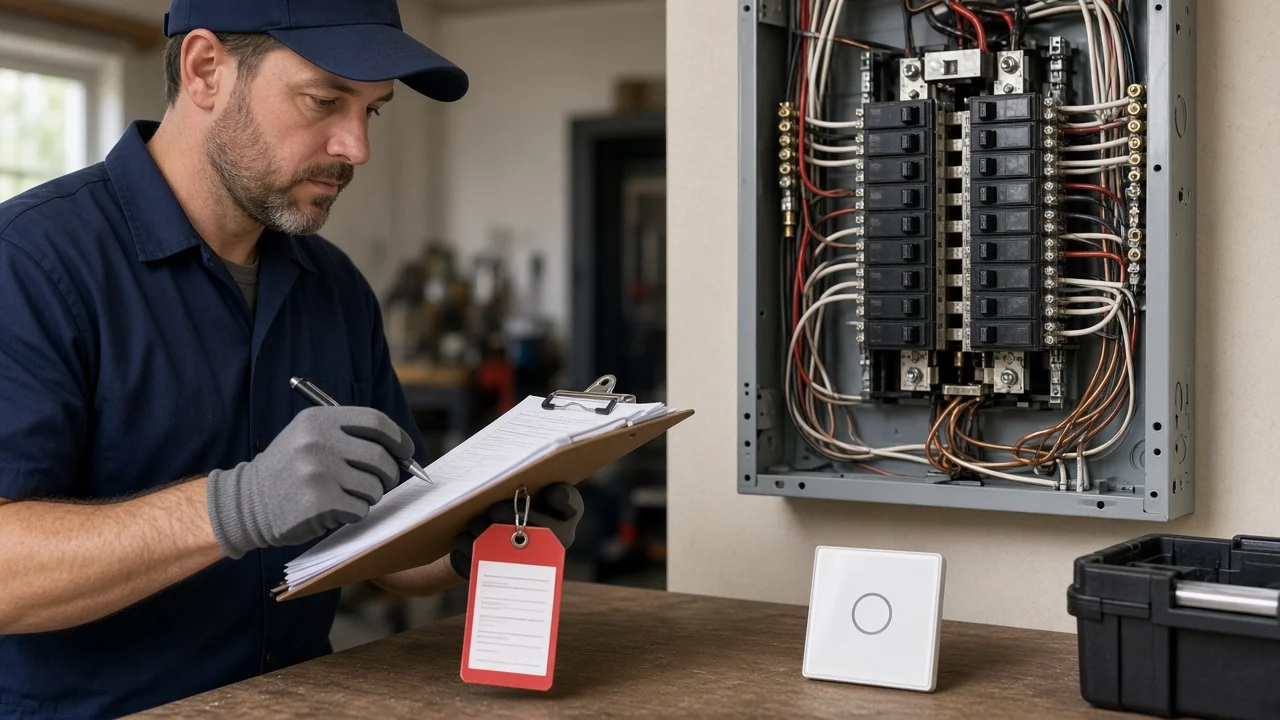
Name who is authorized to open the load center, how the panel will be isolated, and how absence of voltage will be verified before contact work. Turning the interior main breaker off is a common first step on panel energy-monitor jobs, but service entrance conductors can remain energized; crews that need a colder panel often plan an upstream service disconnect, lock it, and prove the result with a meter—not with optimism.
Name the breaker panel / load center ID on the access block, and write whether a utility meter seal sits on any enclosure the crew must not open. Document Wi-Fi commissioning as its own row. Emporia brand search intent still maps to this panel-CT documentation job—not to a MOES meter SKU.
Write the electrical service class on the same block: residential split-phase, three-phase, voltage notes, and whether the work sits in a main panel, subpanel, or both. That class drives how many main-line CTs the sheet should expect and where branch work can even fit.
| Field | What to write | Why it matters |
|---|---|---|
| Authorized person | License / role + name | Stops casual DIY on live gear |
| Isolation method | Main off / outdoor disconnect / utility hold | Defines residual hazard |
| Verify method | Multimeter / NCVT + who signs | Proves the plan worked |
| Service class | Split-phase / three-phase + panel type | Sets CT count expectations |
| Photo plan | Cover on/off + label shots | Archive for punch-list disputes |
Important: Treat “main breaker off” as a starting assumption, not a guarantee that every conductor in the enclosure is dead. Freeze verification on the sheet before tools enter the can. — electrical safety practice for qualified persons.
Write which conductors get which current-transformer role before anyone orders clamps.
A current transformer (CT) sits around a conductor and reports current from the magnetic field of that conductor—plainly, it is a clamp that reads amps without cutting the wire.
Facility metering practice for a typical residential distribution panel calls for two main-line CTs, one on each 120-volt service line; three-phase work needs the additional phase covered.
Retrofit jobs usually prefer split-core clamps that open around existing conductors. Busbars or awkward geometry may need a flexible-coil style instead—log the form factor you actually expect to fit.
Keep the main vs branch CT plan on one page so the pick ticket cannot mix roles.
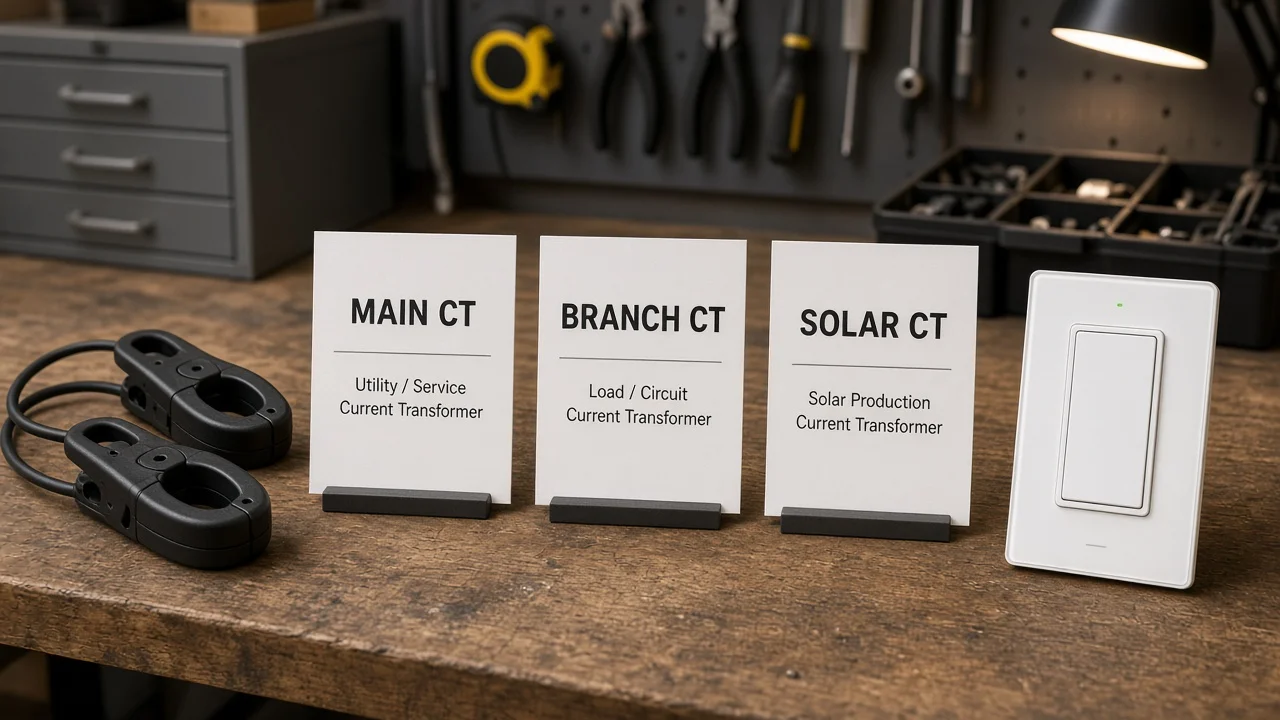
Name each Main service CT and each Branch circuit CT on the map before buying hardware.
Keep three roles separate on the sheet:
| CT role | Typical conductors | What “done” looks like on the sheet |
|---|---|---|
| Main / service | Incoming legs feeding the monitored panel | Orientation plan toward the breakers/load; count matches service class |
| Branch / circuit | Individual breaker hot conductors | Circuit list + which clamps are mandatory vs optional |
| Solar / production | PV inverter feed conductors when generation is in scope | Topology note (breaker-fed vs line-side / outside panel) + direction intent |
Orientation is not decoration. Class-level panel monitors expect a consistent “toward breaker / toward load” plan; solar production CTs need their own intent written down so crews do not invent unidirectional versus bidirectional settings after the cover is back on. Community installers keep rediscovering that merging solar hots and then mis-labeling generation flips signs and breaks daily totals.
Also freeze where the clamps will live. Some crews ask whether a shared raceway outside multiple panels is safer or quieter than a crowded can; either choice is fine only when the sheet records the location plan and interference risks. Do not leave “clamp somewhere near the wires” as an oral instruction.
Freeze the network path as a separate row from the copper CT map. App-connected whole-home monitors usually commission after the cover returns and breakers reclose; that only works when someone owns the SSID, guest-network policy, password custody, and who may create the monitoring account.
Walk the panel location against the planned Wi-Fi. Metal enclosures, basements, and exterior closets regularly starve signal. If the sheet expects a phone to finish pairing at the panel, write a temporary hotspot plan or a pre-check that the monitor can reach the network from the mounted position—before the truck rolls with only clamps and hope.
Credentials custody matters for B2B handoff. Distributors and GC offices should know whether the homeowner, property manager, or integrator keeps the app login after cutover. Leaving that blank manufactures “we cannot see the data” tickets that have nothing to do with CT orientation.
Separate customer-panel CT work from utility-sealed meter equipment. Community electricians put the rule bluntly: do not break power-company seals on the meter pan. Panel energy monitors belong on the customer side of that boundary unless a utility process explicitly says otherwise.
Log which electrical code edition and authority having jurisdiction (AHJ) rules apply, and who owns inspection if the job triggers one.
Academic deployment notes also warn that some U.S. jurisdictions disallow current transformers inside the breaker panel at all—forcing a different metering architecture.
If the sheet cannot confirm local allowance, escalate before promising an in-panel clamp BOM.
NIST smart-grid framing is useful here as humility, not as a product claim: energy data paths sit inside interoperability and measurement problems. A phone wizard does not erase seal rules or AHJ limits.
From the field: Installers who hoped a shared cable tray would simplify multi-panel CT work still had to answer interference and topology questions on paper first—placement outside the can is still a documented design choice, not a shortcut around the role map. (source)
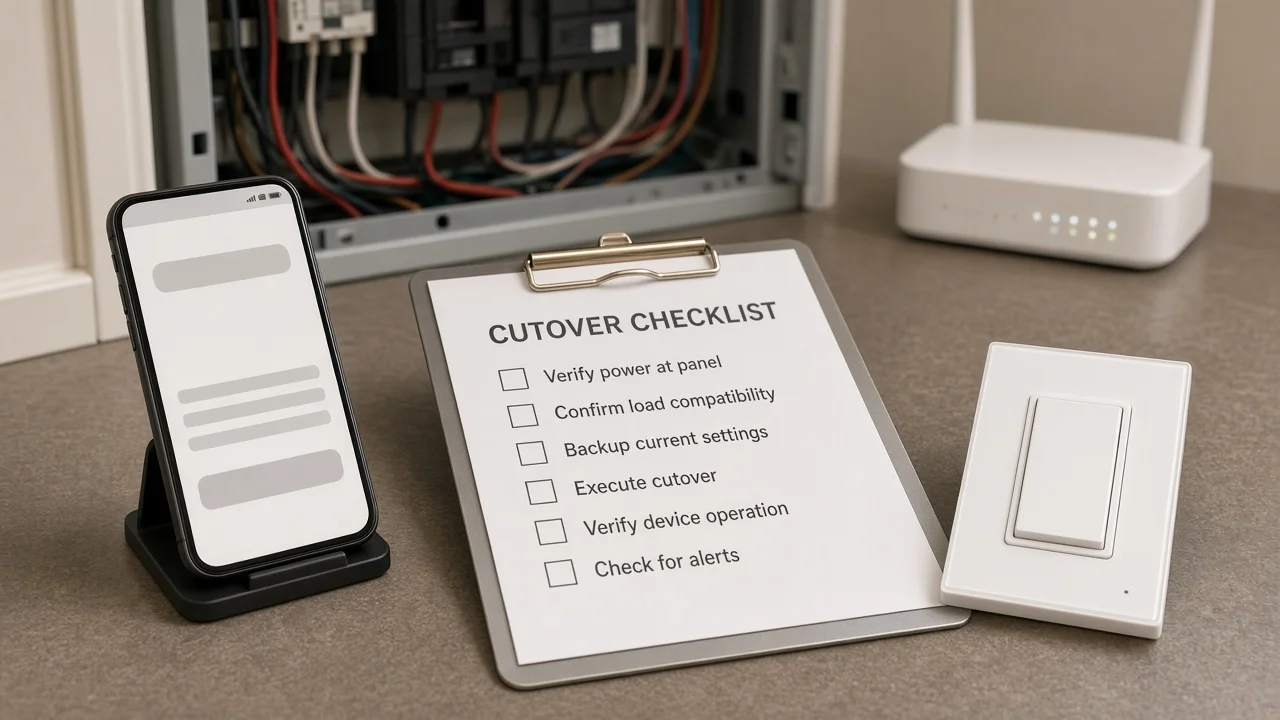
Lock photos, CT role map, isolation proof, Wi-Fi plan, and code notes before purchase orders move—and again before the final whole-home energy monitor cutover. Cutover is where undocumented jobs fail loudly: cover screws left out, branch CTs on the wrong hot, solar intent never set, or app pairing attempted while the panel is still open and unsafe.
| Input | What “done” looks like |
|---|---|
| Objective | Whole-building / end-use / both — written |
| Access + verify | Authorized person + isolation + meter check signed |
| Service class | Split-phase / three-phase + panel ID |
| CT role map | Main / branch / solar rows complete with photos |
| Wi-Fi / app | SSID owner + login custody + signal plan |
| Seals / AHJ | Meter seals untouched; local CT-in-panel allowance noted |
| Cover + energize | Cover restored; breakers restored per plan; live reading vs sheet |
| Sign-off | Date + names before PO and after live check |
Restore the cover, return breakers to the planned state, and prove the monitor’s basic live reading against the signed map before anyone declares commissioning complete. Pairing the app early while copper is still floating manufactures “bad data” tickets that were really incomplete cutover.
Lock the energy-monitor documentation first. Only after those rows pass should the channel decide which premises smart-home endpoints belong on the automation side of the same project.
Live MOES Tuya Smart Home Products catalog browsing shows switches, modules, sensors, and gateways—not a whole-home panel CT energy monitor. Do not invent one.
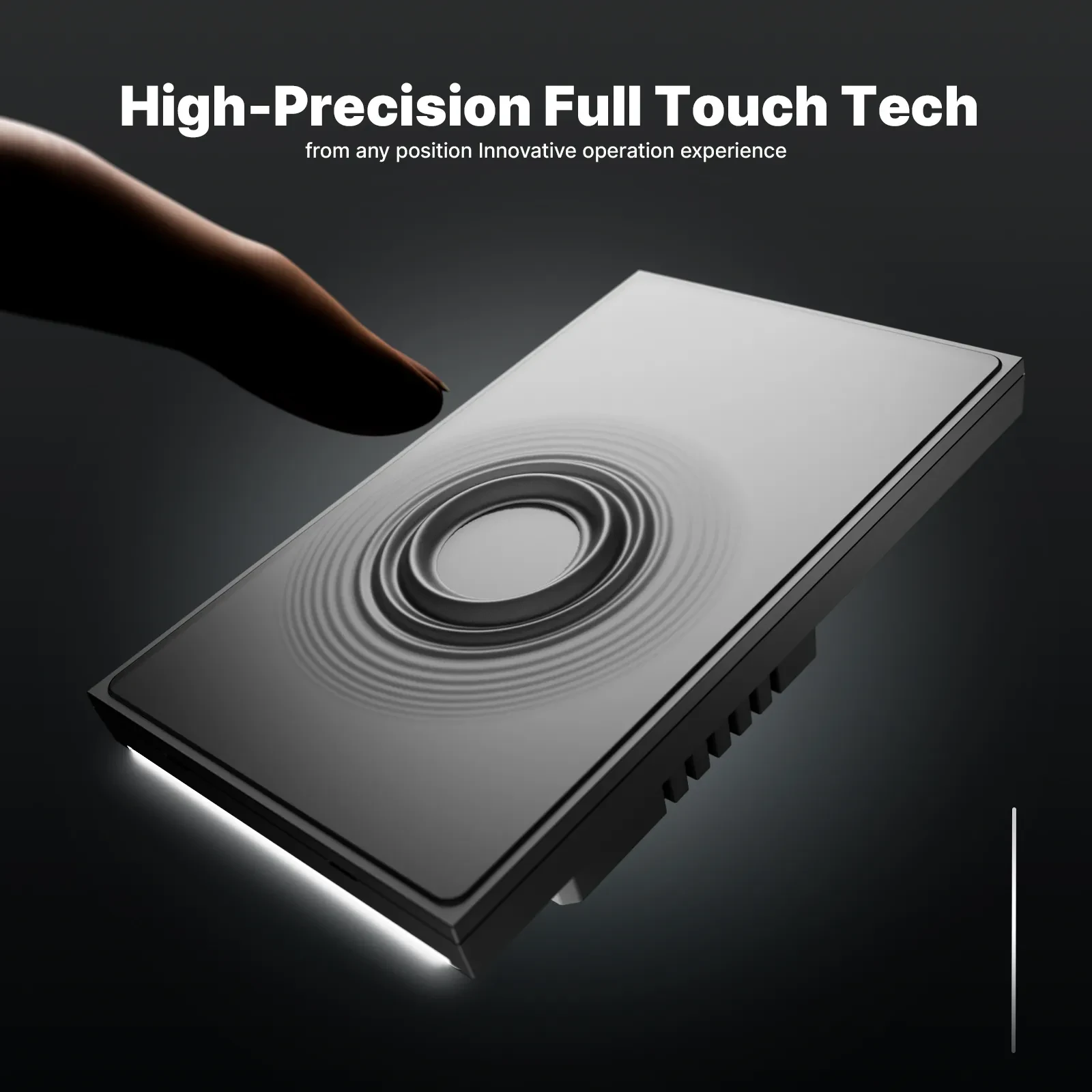
When the sheet’s remaining need is adjacent lighting control after the monitor path is documented, the live MOES Tuya WiFi Star Feather Series US Switch is a bounded kit example.
The product page lists Model WS-SF-US1/2/3/4, 90–250V AC 50/60Hz, max 10A per gang with 10A total, Wi-Fi on 2.412–2.484 GHz, and maximum RF transmit power under +10 dBm, with app, voice, and touch control.
Collection notes also keep Light Mode and Scene Mode from running at the same time—freeze which mode the rooms need before the switch line ships.
It is not an Emporia-class panel meter, it is not a CT clamp kit, and it does not replace panel meter certification or utility approval. Browse other wall families on the smart switch pillar only after the same energy-monitor inputs freeze. If the sheet still needs a panel CT monitor hardware line, keep that line on the monitor vendor’s qualified kit—do not swap in a lighting switch to close the meter row.
Freeze metering objective, authorized panel access and verification method, service class, main versus branch versus solar CT map, Wi-Fi and app ownership, utility-seal and local-rule notes, and a signed cutover checklist—before POs and before final energize.
No. Keep the Zigbee HAN smart meter path on its own sheet.
A panel CT monitor clamps customer-side conductors inside or around the load center. A utility Zigbee HAN path is a different permission and radio problem at the meter.
Not by itself. Service entrance conductors can remain energized after an interior main is off. Write the isolation method and the person who will verify absence of voltage before contact work.
Use a role map: mains on the incoming legs that match the service class, branch clamps on listed breaker hots, and solar clamps only when PV topology and direction intent are written. Photograph placements against the sheet.
No. MOES does not publish a live Emporia-class panel CT energy-monitor SKU on the smart-home catalog reviewed for this article. Star Feather US is an adjacent Wi-Fi lighting switch example after the monitor path is documented—not a meter substitute.
Escalate before promising an in-panel clamp BOM. Some jurisdictions restrict CT placement inside breaker panels; the sheet must record the allowed architecture or stop the order.
Name the SSID owner, password custody, and who keeps the monitoring account after handoff. Commissioning is a separate row from copper CT work.
Only after the energy-monitor inputs and cutover rows pass, and only when the remaining need is premises lighting control—not when the open row is still “buy a panel meter.”


OTHER SMART DEVICES
Jun 13,2026
OTHER SMART DEVICES
Jun 12,2026
TUYA SMART HOME PRODUCTS
Jun 12,2026
 +86 137 3639 3028





