


by NOVA

Sep 19, 2026
types of zigbee devices, for a channel that stocks finished goods, are catalog classes: wall switches, dimmer modules, plugs, lights, sensors, locks, thermostats, and gateways. A mesh diagram that stops at coordinator, router, and end device is answering a different question, and that radio map already lives on the radio-type classification. This page names the finished class, then the fields that class pulls into the next quote.
A buyer who mixes those two axes will quote a hidden module as if it were a wall plate, or a bulb as if it were the control. The sheet below keeps each line separate.
Search results for this phrase still lead with coordinator, router, and end device. A Zigbee device class is the catalog job of the SKU, and the radio role is a separate question. That lesson is real, and it is not the stocking label.
Call these bins zigbee device types when the job is a finished SKU. Home Assistant’s ZHA integration already lists light, lock, switch, sensor, climate, cover, fan, siren, and button as device types a stack can expose.
Mirror that menu only as a menu. The practical bins for this catalog are narrower: switch, dimmer module, plug, light, sensor, lock, thermostat, and gateway.
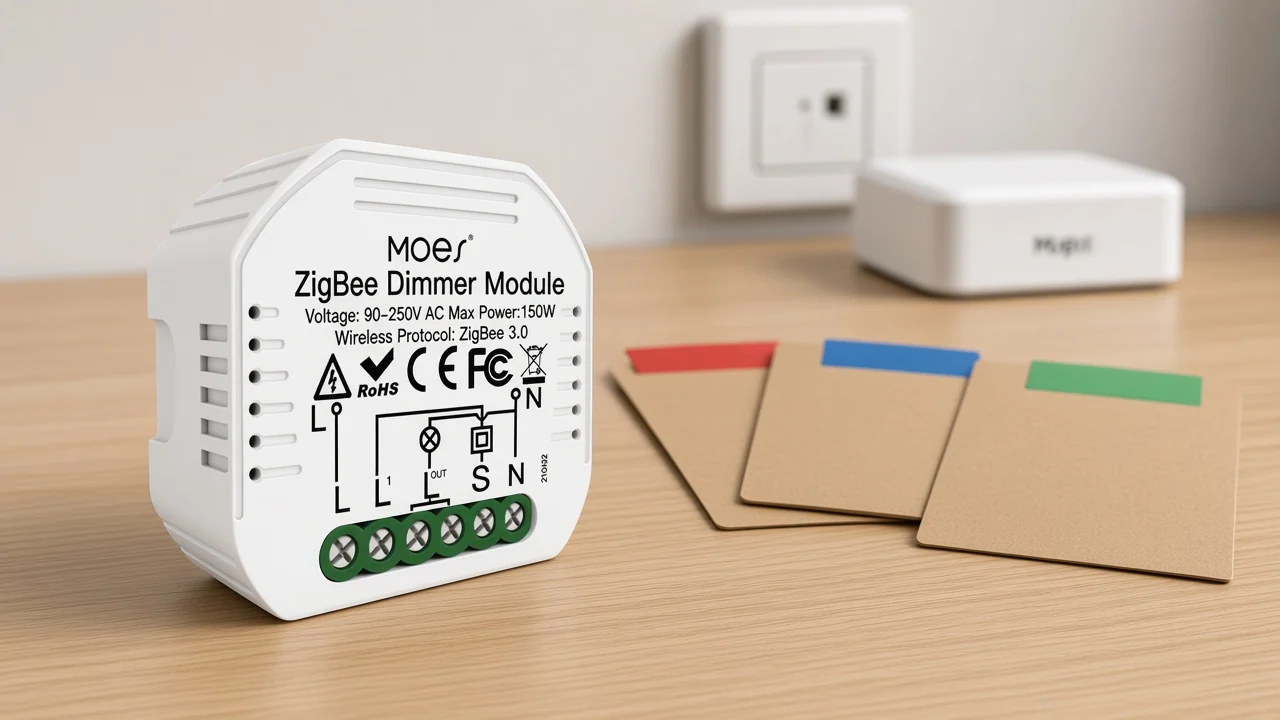
From the field: A Home Assistant thread opens by setting light switches, smart bulbs, and door sensors aside as the obvious items, then asks what else is worth adding — source: r/homeassistant must-have thread. Buyers already sort by finished class before they ask about mesh roles.
Use the class name on the line sheet first. The smart-modules pillar is where in-box modules sit. Wall plates, sockets, and hubs stay on their own rows even when they share ZigBee 3.0.
| Finished class | What the buyer is holding | Field that follows |
|---|---|---|
| Wall switch | A gang plate on the wall | Gang count, neutral, load per gang |
| Dimmer module | A module that hides in the box | Hub, reset-switch fit, brightness range |
| Plug or socket | An outlet form | Region, monitored or plain |
| Light | The lamp or bulb | Color behavior, grouped with controls or not |
| Sensor | A reporter, not an actuator | Which event it reports |
| Lock | Access hardware | Credential method, hub |
| Thermostat | A climate control | Heat source it is built for |
| Gateway | The hub the others join | Which protocol family it hosts |
People touch a wall switch. The dimmer module hides behind a traditional switch and changes brightness. They can share ZigBee 3.0 and still be two stock lines.
Gang count stays inside one radio. A 3-gang wall switch can be one radio with three endpoints, one for each gang.
That is why a 1-gang plate and a 4-gang plate are the same class with a different gang count, not two protocols. The zigbee smart switch line on this site is that plate class.
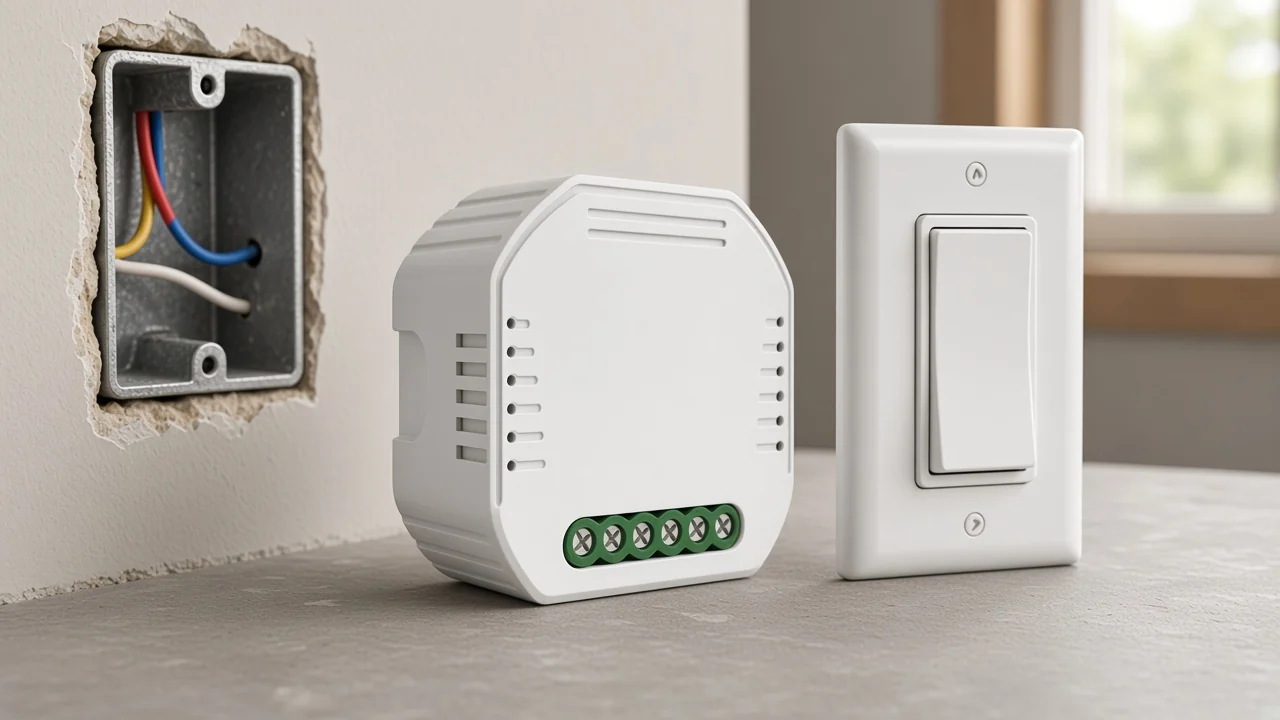
On the live wall-switch page, the plate example reads as follows. ZS-B-US is the wall-switch contrast: a ZigBee 3.0 plate offered in one to four gangs.
The page also states outgoing ground and neutral wires. It does not state a mesh role, so the quote stays on gang count, voltage, and current from the spec table.
Behind the plate sits the other line. The zigbee dimmer module line is the hidden part. MS-105Z is sold as a Smart Dimmer Module on ZigBee 3.0, and the page says a Tuya ZigBee hub is required.
It sits in a wall box with a reset switch, including a two-way arrangement where two plates command one light. The plate SKU stays on the wall-switch line.
A plug or socket is its own line because the buyer is quoting an outlet form rather than a gang plate. Users who list must-have gear name smart plugs beside switches, often because the plug also repeats traffic. That repeater habit does not move the plug onto the switch row.
Home Assistant treats a switch and a plug-in unit as different device types even when both can turn a load on and off. For a channel, the split is the form: wall gang versus plug or socket. Region, pin pattern, and whether the page states energy figures belong on the plug row.
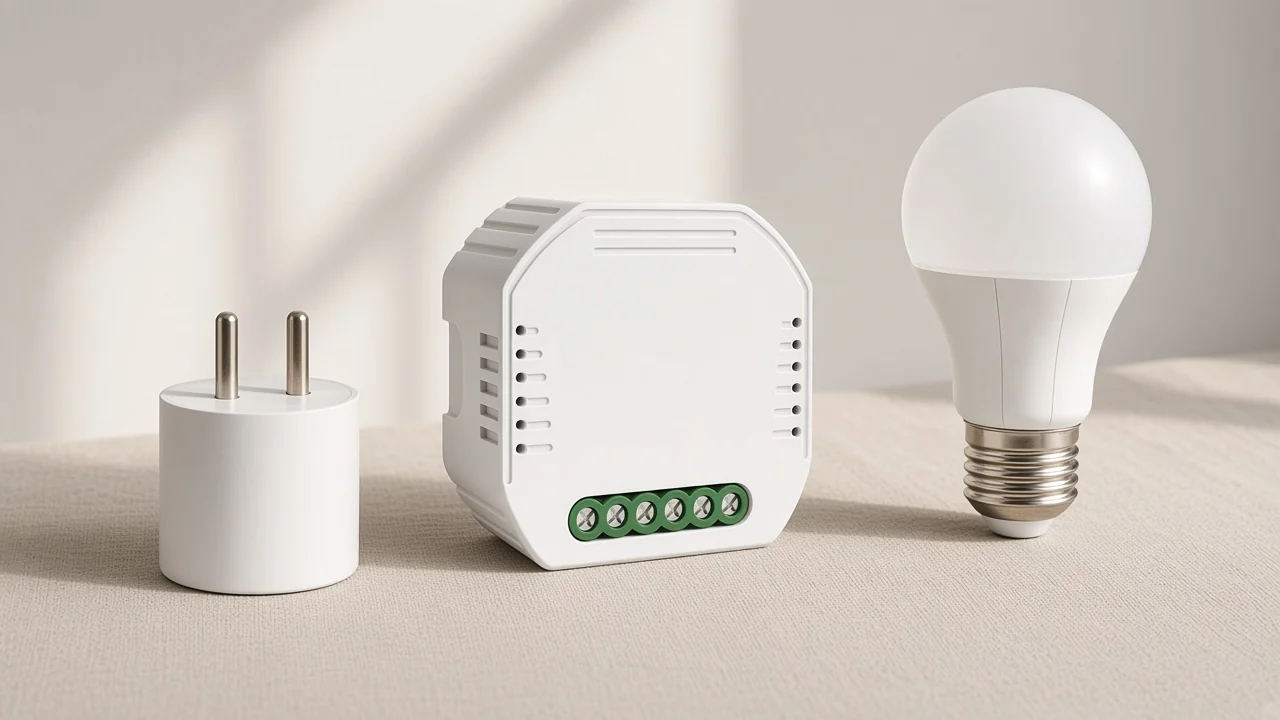
Do not fold a smart plug into the switch bin to save a column. The next quote will ask the wrong questions, and the carton will not match the wall-box installers expect.
A light is the load, and the switch or the dimmer module is the control. On the Zigbee Cluster Library, a light can sit on the on/off server side while the control sits on the client side. Group and scene commands can then hit many lights at once.
Stock the bulb, strip, or lamp on the light line. Stock the plate or the hidden module on the control line. A project that wants both still writes two lines, because a failed lamp and a failed module are different replacements.
The broader device-type classification covers controls across protocols. This page only keeps the Zigbee split: the lamp versus the thing that commands it.
Sensors, locks, and thermostats are three lines. A sensor reports an event, a door lock controls access, and a thermostat runs a climate setpoint.
Collapsing the three into one detector bin hides the quote.
Sensor detail across protocols is already on the sensor classification. Here the Zigbee decision keeps a sensor SKU off the switch row, the lock row, and the thermostat row. Leak, contact, motion, and temperature reporters can share the sensor row until a later page splits them.
A door lock stays on the access row even when the same hub also carries contact sensors. A thermostat stays on the climate row even when a temperature sensor sits in the same room. The buyer’s next field is the job: report, unlock, or hold a setpoint.
A Zigbee gateway is the hub the wall SKU joins. It is the catalog home of the coordinator product, whether that product is a dedicated hub or a panel with a hub inside. It is not another switch, and it is not the dimmer module.
Community buying notes push a coordinator and some always-powered gear before a pile of battery sensors. That stocking order still leaves the hub on its own row, separate from any wall plate. Radio-role detail, including what “coordinator” means on the air, stays on the radio-type page.
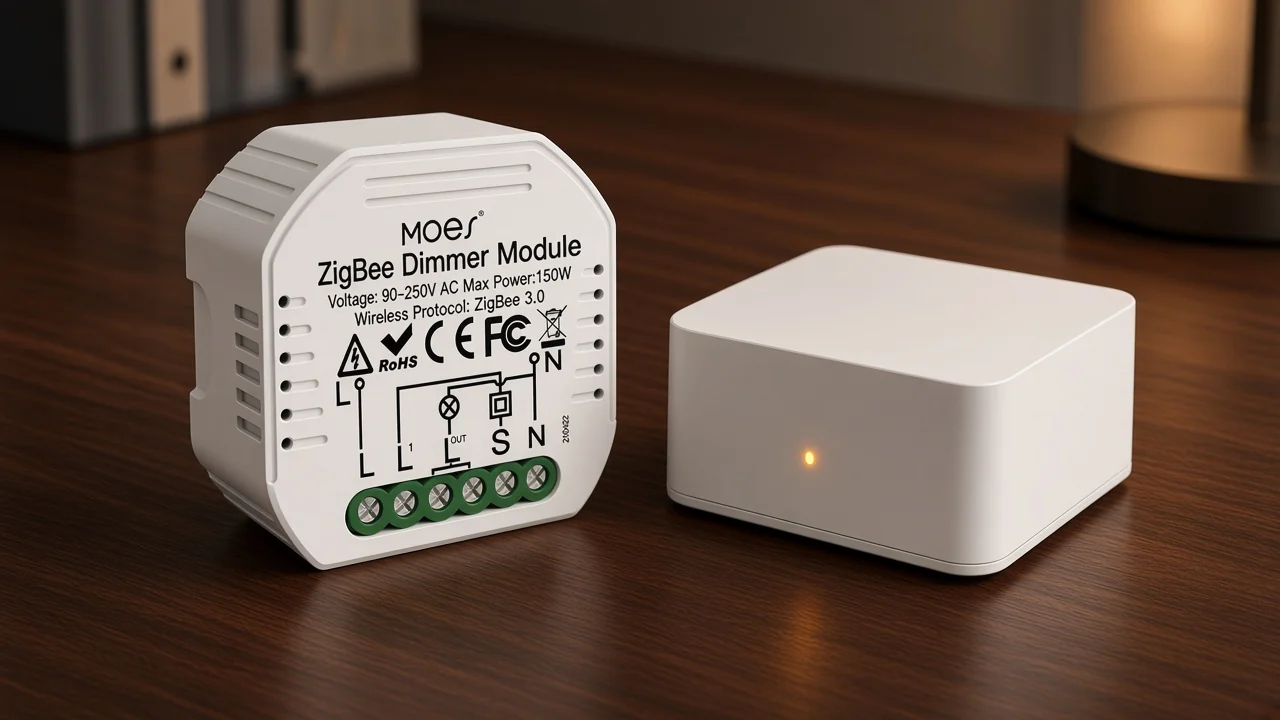
When a module page says a Tuya ZigBee hub is required, the gateway line is already implied. Quote the hub as its own class. Do not bury it inside the module’s accessory notes and then discover the network has nowhere to form.
Name the class, then collect hub, gang or channel count, load behavior, and the function the class exists to do. Protocol family comes with the class on this site’s Zigbee rows, because these pages state ZigBee 3.0 rather than a generic radio.
| Class | Ask next | Leave for another page |
|---|---|---|
| Wall switch | Gangs, neutral, current per gang | Mesh role |
| Dimmer module | Hub, reset-switch fit, max load | Chip vendor |
| Plug | Region and whether energy figures are printed | Sensor subtypes |
| Light | On/off only, dim, or color | Radio band lesson |
| Sensor | The event it reports | Full sensor taxonomy |
| Lock | Credential method and hub | Advantage essays |
| Thermostat | Heat source | Protocol comparisons |
| Gateway | Which device families it hosts | Adapter-stack names |
Open the quote with those fields. Range, chip names, and Green Power stay off the sheet unless the product page itself prints them. Neither live page used here states a chip or Green Power.
For the dimmer-module line, start with MS-105Z. The page calls it a Smart Dimmer Module, names ZigBee 3.0, and requires a Tuya ZigBee hub. Voice and app control are described only with that hub connected.
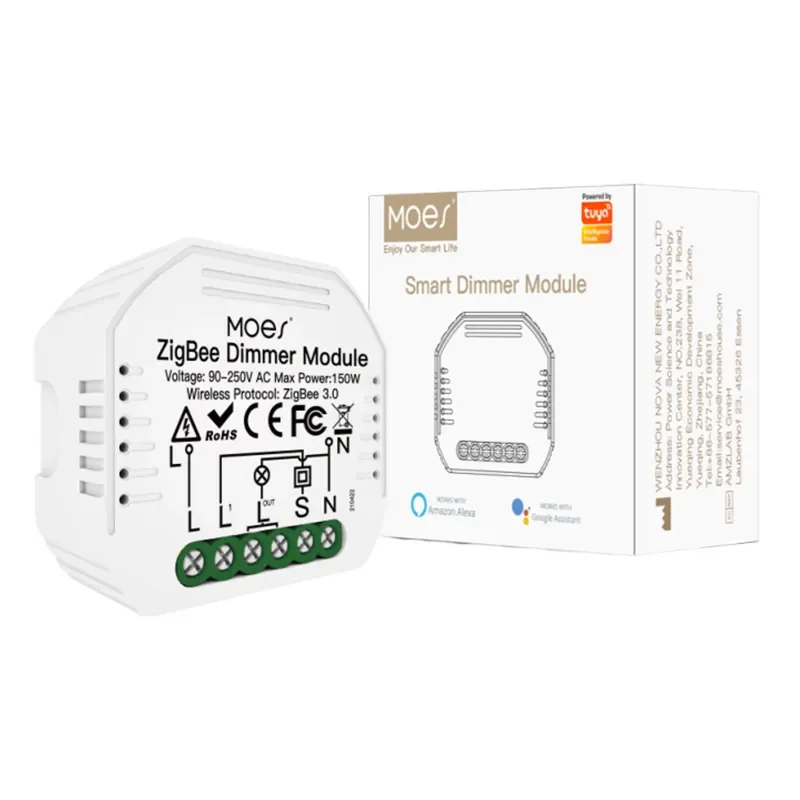
The MS-105Z ZigBee 3.0 dimmer module fits buyers who already want hidden brightness control instead of a plate or a plug. Pair it with a gateway class SKU. Use ZS-B-US only when the line is a US wall plate.
| Model | Class on this page | Protocol the page states | Hub note | Page limits kept in the table |
|---|---|---|---|---|
| MS-105Z | Dimmer module | ZigBee 3.0 | Tuya ZigBee hub required | 90-250V AC 50/60Hz; 75W at 110V and 150W at 220V; 52×47×18 mm; IP20; 2.400-2.483GHz |
| ZS-B-US | Wall switch | ZigBee 3.0 | Not stated as a hub | 90-240V AC 50/60Hz; 10A per gang and 10A total; 1-4 gang |
Read those limits on the product page before you copy them into a tender. Mesh role, chip name, and Green Power stay off both SKUs because the pages do not state them.
People also ask this, and the live box names Thread and Matter while saying Zigbee gear is still in use. That replacement question is handled in the Matter versus Thread comparison. It does not change which finished class a current Zigbee SKU sits on.
There is no single best SKU. A public buyer’s guide tells newcomers to research devices instead of chasing a brand list, and forum replies split must-haves into plugs, sensors, switches, and lights. Pick the class first, then compare pages inside that class.
Downsides are a separate quote conversation, already written as a Zigbee disadvantages checklist. Class sorting still comes first. A disadvantage does not move a lock onto the sensor row.
One tutorial separates a theoretical ceiling of 65,000 devices from practical meshes nearer 240. Treat both figures as that tutorial’s numbers, not as a limit printed on MS-105Z or ZS-B-US. Capacity planning is not a class label.
The same people-also-ask expansion says Zigbee is still used beside newer options. Obsolete is the wrong word for a class sheet. Stock the class the project still specifies.
It counts as one radio and several endpoints. A four-gang plate is still one wall-switch SKU, with the gang count written beside it. It is not four gateways and not four dimmer modules.




OTHER SMART DEVICES
Jun 13,2026
OTHER SMART DEVICES
Jun 12,2026
TUYA SMART HOME PRODUCTS
Jun 12,2026
 +86 137 3639 3028



