


by NOVA

Oct 23, 2026
A zigbee door sensor is a door or window contact sensor that reports open or closed and joins a Zigbee network through a hub. On this catalog, a live search for door sensor, window sensor, contact, reed, and magnetic contact did not return a dedicated contact-sensor page. The sections below define the class, name the adjacent live pages that are not that class, and keep any quote on printed fields only.
The other smart devices pillar and the types of smart home sensors taxonomy stay as orientation links. This page does not rewrite the Zigbee presence sensor, smart home security camera, or Zigbee door lock articles. It only settles the contact name against the live shelf.
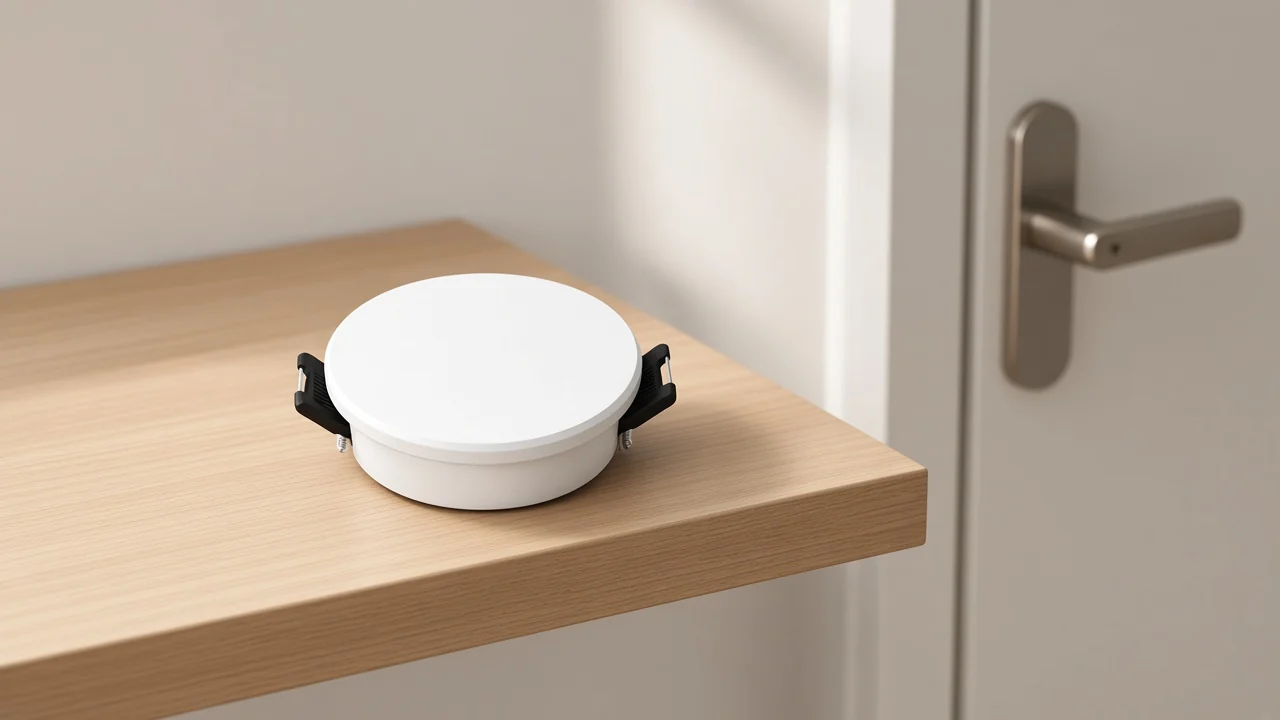
A door window contact sensor uses two pieces: a sensor body and a separate magnet. One piece sits on the frame; the other sits on the moving leaf. On a closed door, the magnet stays near the body.
On an open door, the magnet moves away and the sensing element inside the body changes state. That open or closed state is the job buyers mean when they say door sensor or window sensor in a security or automation enquiry.
Security educators describe this pair as a magnetic contact sensor. The common historical design is a reed switch inside the sensor body.
A magnet nearby closes or opens the reed; the electronics then treat that change as closed or open. Component sheets for magnetic contacts describe the same reed-and-magnet idea.
Chip makers also discuss Hall-effect contact designs as alternatives for contact sensors. Those are design options in the market. They are not a license to invent a sensing gap, a battery year, or a radio timing number for a page this catalog does not list.
Nothing in that sentence creates a contact SKU here. Channel staff still read the page they are about to quote.
Zigbee is the radio path, not the open/close job. A Zigbee contact sensor still needs a Zigbee hub / gateway, bridge, or coordinator so the contact can join a network and report state.
Roundups that explain Zigbee contacts say the same thing: the reed and magnet do the sensing; the Zigbee radio talks to the hub.
This site lists Zigbee hubs as hubs. The wireless Zigbee gateway page is a control center for Tuya Zigbee 3.0 products.
The multi-mode wired hub page talks about sub-device control and automation that can involve security sensors. Marketing copy on a hub that mentions a door sensor does not invent a reed contact listing.
If the buyer only needs a bridge, send a hub page and keep the contact name off that line item.
Door sensor and window sensor usually name the same contact hardware class. Installers mount the same two-piece body and magnet on an entry door, a balcony door, or a window sash.
The placement changes; the open/close job does not. Independent explainers treat door and window wording as the same magnetic-contact family for that reason.
When a buyer writes “Zigbee window sensor,” ask whether they mean open/close on a sash. If they mean gas in a kitchen, occupancy in a room, or a camera view of a window, that is a different page.
A gas leak sensor that appeared in a noisy window-sensor search is still a natural-gas alarm, not a sash contact.
This catalog has no dedicated door/window contact-sensor SKU on the 2026-10-23 product searches used for this article. Adjacent live pages stay on their printed jobs.
| Live page class | What the page prints | Why it is not a Zigbee door contact |
|---|---|---|
| Zigbee human presence / radar | Occupancy, static presence, mmWave or radar (and sometimes PIR) | Reports people in a space, not reed open/close on a leaf |
| Security camera | Video, night vision, motion or human alerts | Vision monitoring, not a magnetic contact |
| Wi-Fi smart door lock | Unlock methods, App records; some pages mention doorbell alarm text | Access hardware; doorbell-alarm text is not a contact sensor |
| Zigbee / multi-mode hub | Gateway and automation center | A bridge for devices; hub copy that says “door sensor” is not a contact SKU |
Presence / mmWave sensor pages such as the MOES Zigbee human presence detector describe mmWave presence work and a ZigBee hub requirement.
Sister radar and radar-plus-PIR pages stay in that occupancy family. They are easy to misread in a photo because they are small white sensors. The face of the enquiry is still occupancy, not a door leaf.
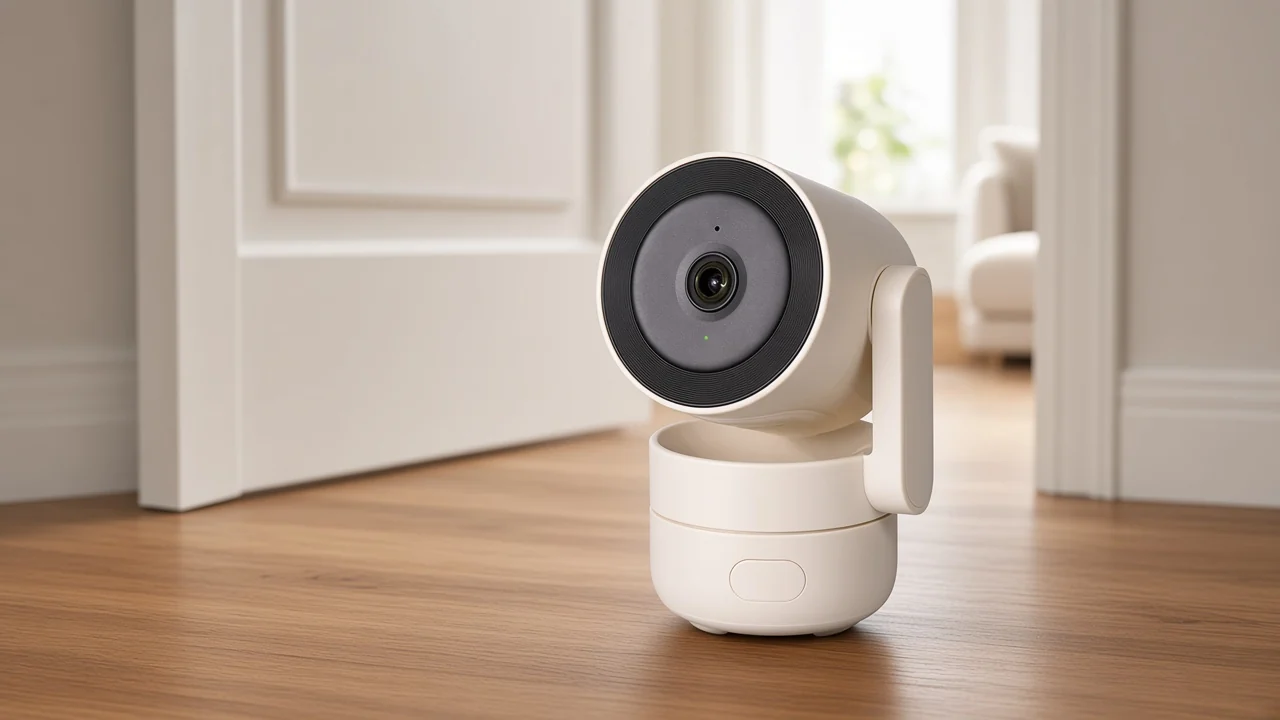
Camera pages such as the indoor pan-tilt monitor and the solar outdoor cameras print imaging, night vision, and motion or human alerts. They answer “what does the entry look like,” not “did the magnet leave the reed.”
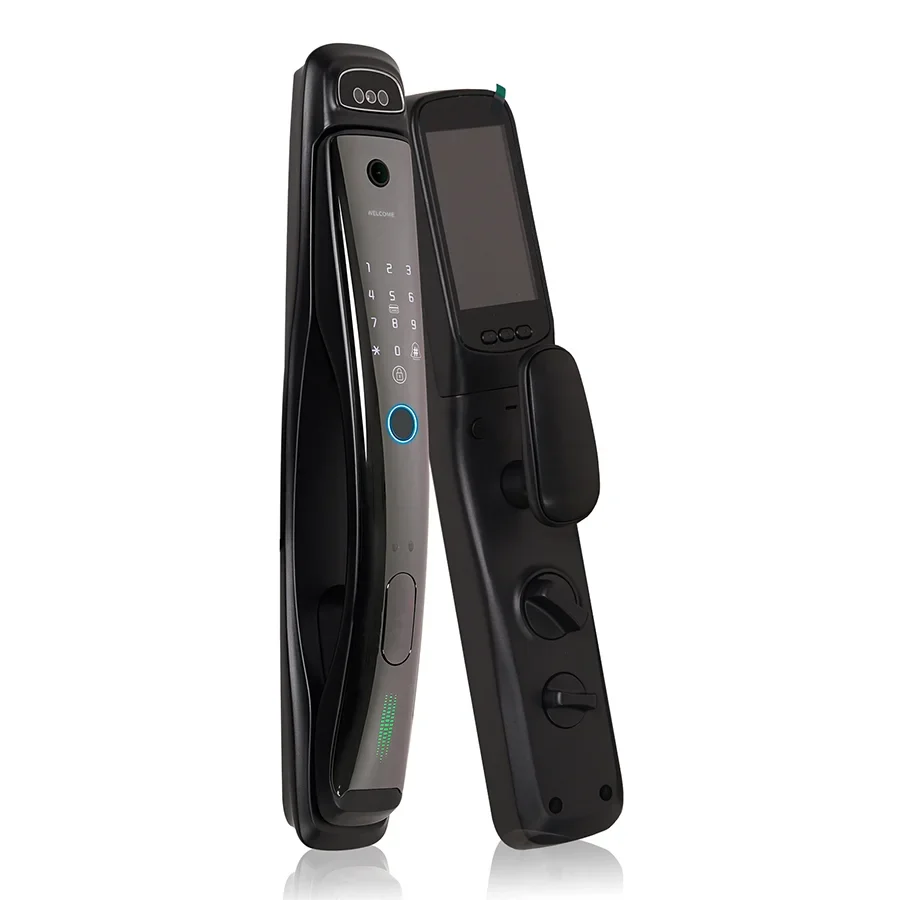
Lock pages such as the Wi-Fi face-recognition lock and the fingerprint lock print unlock methods and App records.
One fingerprint-lock page mentions doorbell alarm text in the App story. That text is still lock-side messaging. It is not a two-piece door contact.
Keep the door-lock class article for lock wording; do not drag a contact SKU out of it.
Start with the open/close wording in the email, not the word Zigbee alone. Zigbee only names the radio family. The sensing job is still magnet and contact.
From the field: Hub users shopping Zigbee contacts warn that battery percentage on cheap contacts is easy to distrust. Those comments are buying objections about the contact class, not measurements for a MOES contact page this catalog does not list. — source: Hubitat thread “Good door/window contact sensor?”
Read the enquiry in three passes:
| Quote field | Ask for | Do not invent |
|---|---|---|
| Sensing job | Open/close contact vs presence vs camera vs lock | Relabeling a presence or lock page as a contact |
| Radio | Zigbee hub dependency only as printed on the page you send | Matter, Thread, or a Zigbee line on a Wi-Fi-only lock page |
| Mount notes | Whatever the contact datasheet would print if one existed here | Reed gap millimetres, battery years, open/close timing |
| Model | Exact model string from a live product page | A fictional door-sensor SKU |
A coordinator who pastes “zigbee door sensor” into a line item should replace that phrase with the model that is actually on the PDF. If the model is missing, say so in the quote notes.
No live product on this site fits a Zigbee door-sensor enquiry as a door/window contact sensor. The closest honest handoff depends on the job the buyer can confirm.
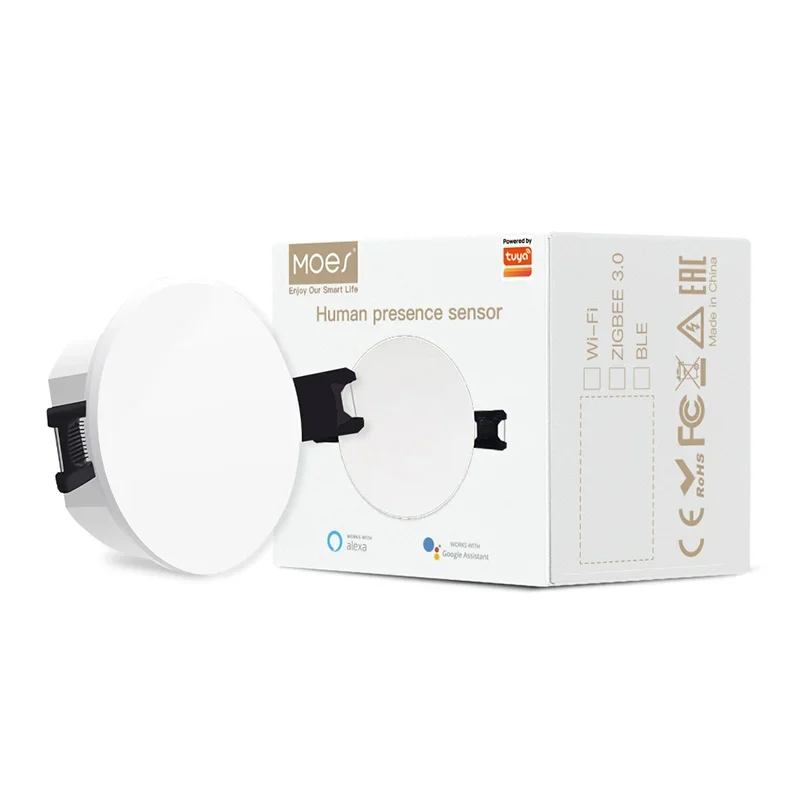
When the buyer confirms occupancy or “someone still in the room,” send a live presence page such as the MOES Zigbee human presence detector. Say it is presence, not a door contact.
When the buyer confirms visual monitoring of an entry, send a live camera page such as the indoor pan-tilt security camera or a solar outdoor camera page. Say it is a camera, not a contact.
When the buyer confirms door access hardware, send a live lock page such as the face-recognition lock or the fingerprint lock. Keep doorbell-alarm wording on the lock page. Do not call either lock a door sensor.
When the buyer only needs a Zigbee bridge for other Zigbee devices, send a hub page. Keep “door sensor” out of the SKU name on that line.
If the buyer still needs a reed or magnetic contact after those checks, the answer is that this catalog does not list one. Offer to confirm the job again, or to point them back to the sensor taxonomy while they source a contact elsewhere. That is a cleaner quote than a renamed presence sensor.
It is a door or window contact sensor that reports open or closed and joins a Zigbee network through a hub. The sensing job is magnetic contact; Zigbee is the radio path.
The sensor body holds a reed or similar magnetic switch. The magnet mounts on the moving leaf.
Opening separates the magnet and changes the switch state so the device can report open. Closing brings the magnet back so the device can report closed.
Yes for the Zigbee contact class described here. The contact joins a Zigbee hub, bridge, or coordinator. A hub page on this site is still a hub, not a contact SKU.
Usually no. The same contact class mounts on doors or windows. Ask what leaf the buyer means before you switch to a gas, presence, or camera page.
No. Presence and radar pages report occupancy in a space. A door contact reports whether a leaf is open or closed.
Keep the presence clarification article for occupancy wording.
No. Lock pages are access hardware. Doorbell-alarm text on a fingerprint-lock App story does not turn that lock into a two-piece contact sensor.
Use the door-lock clarification for lock class questions.
Name the live model that matches the confirmed job, or write that no contact SKU is listed and the line is a research request. Do not invent reed gaps, battery life, Matter, or a fictional door-sensor model.


OTHER SMART DEVICES
Jun 13,2026
OTHER SMART DEVICES
Jun 12,2026
TUYA SMART HOME PRODUCTS
Jun 12,2026
 +86 137 3639 3028





