


by NOVA

Oct 25, 2026
A zigbee doorbell is a visitor-alert path: a button press notifies people inside, and a Zigbee radio still joins through a hub.
On this catalog, product search for doorbell returns a Wi-Fi fingerprint lock with App “doorbell alarm” text — not a dedicated doorbell page. Search for zigbee doorbell returns nothing.
The sections below define the visitor-alert class, separate video from Zigbee control traffic, name the adjacent lock, camera, and door-sensor pages that are not doorbells, and keep any quote on printed fields only.
The smart modules hub and other smart devices category stay as orientation links. This page does not rewrite the Zigbee door lock, Zigbee door sensor, or smart home security camera articles. It only settles the doorbell name against the live shelf.
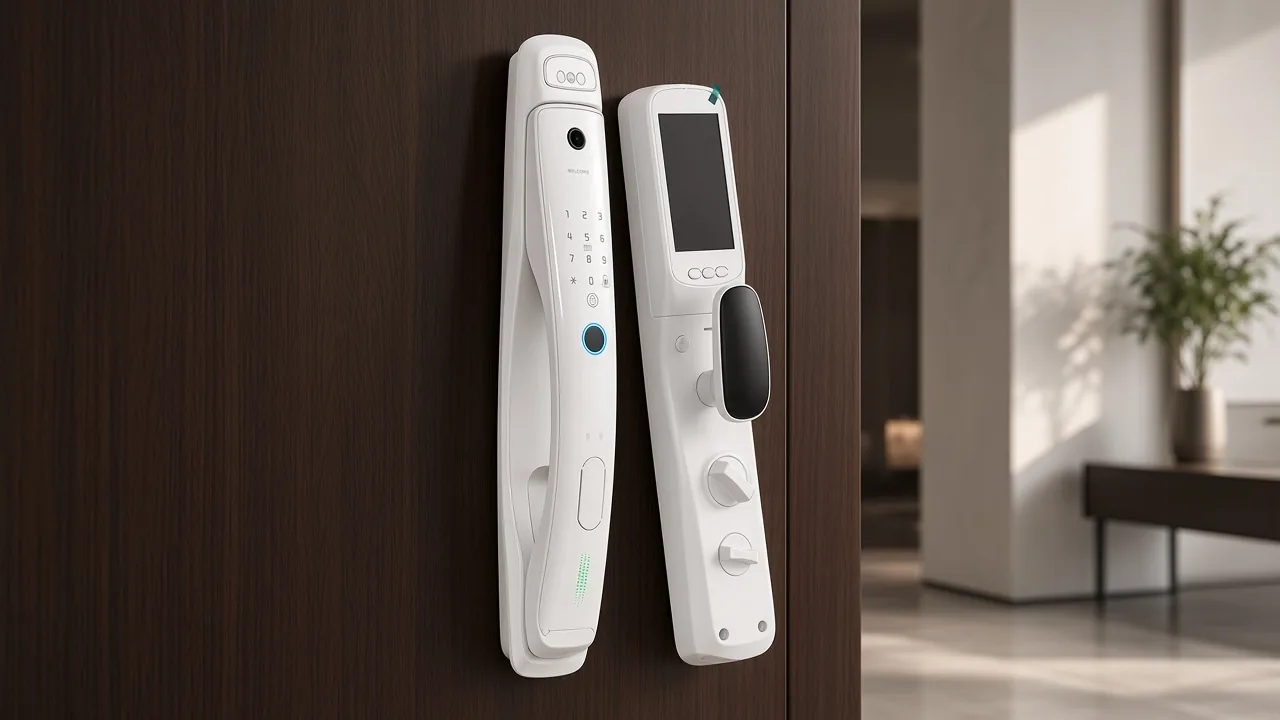
A doorbell is a signaling device at an entrance. When a visitor presses a button, a bell, tone, or notification alerts the people inside that someone is at the door.
That visitor-alert job is the class buyers mean when they write doorbell in a security or smart-home enquiry.
Encyclopedia language describes the same idea: a pushbutton near the door, a signal inside the building, and — on many modern units — an intercom or a small camera added for security.
The camera or two-way talk, when present, sits on top of the same visitor-alert job. It does not turn every camera into a doorbell, and it does not turn every lock into a doorbell.
Nothing in that sentence creates a doorbell SKU on this catalog. Channel staff still read the page they are about to quote.
A zigbee doorbell button enquiry still starts with that visitor-alert job before anyone names a radio.
Zigbee is the radio path, not the visitor-alert job. A device that uses a Zigbee radio for a doorbell button or chime event still joins a Zigbee hub / coordinator, gateway, or bridge.
Independent Zigbee matrices say the same thing: a Zigbee radio pairs with a hub, not with the home Wi-Fi access point by itself.
In hub communities, “Zigbee doorbell” often means a doorbell chime sensor that attaches to an existing chime and reports the button press over Zigbee. That is a chime-side event path. It is not automatically a video faceplate on the door frame.
Buyers also ask for Zigbee or Z-Wave chimes as actuators — speakers that can play a tone when another rule fires. That chime job is still separate from an outdoor camera and from a lock App notification.
From the field: Hub users looking for a Zigbee doorbell path often point at a chime-side Zigbee sensor on the existing doorbell circuit, not at a video doorbell faceplate (Hubitat doorbell advice).
Treat that Hubitat note as buyer language about button and chime jobs. It is not a printed MOES doorbell datasheet.
If the buyer only needs a Zigbee bridge for other devices, send a hub page and keep the word doorbell off that line item.
Live video and two-way audio need bandwidth that Zigbee is not designed to carry as a continuous stream. Protocol explainers put cameras and video doorbells on Wi-Fi for that reason.
Community buyers say the same in plain words: if you need a video doorbell wifi path, plan on Wi-Fi or a wired IP path, not Zigbee as the video pipe.
Some retail kits blur the language. A video doorbell may ship with an indoor chime that also hosts a Zigbee hub for other sensors.
The outdoor audio and video path in those kits still rides Wi-Fi between the door unit and the indoor unit. The Zigbee hub feature on the chime does not mean the video itself is Zigbee.
For a channel quote, that split matters. “Zigbee doorbell” in an email may mean a low-power button/chime sensor path, or it may mean a Wi-Fi video doorbell whose marketing also mentions Zigbee. Ask which job the buyer wants before you attach a PDF.
This catalog has no dedicated doorbell product on the 2026-10-25 product searches used for this article. Product search for doorbell returns the Wi-Fi fingerprint lock. Product search for zigbee doorbell returns an empty list.
| Search or page | What actually prints | Why it is not a Zigbee doorbell |
|---|---|---|
Product search doorbell |
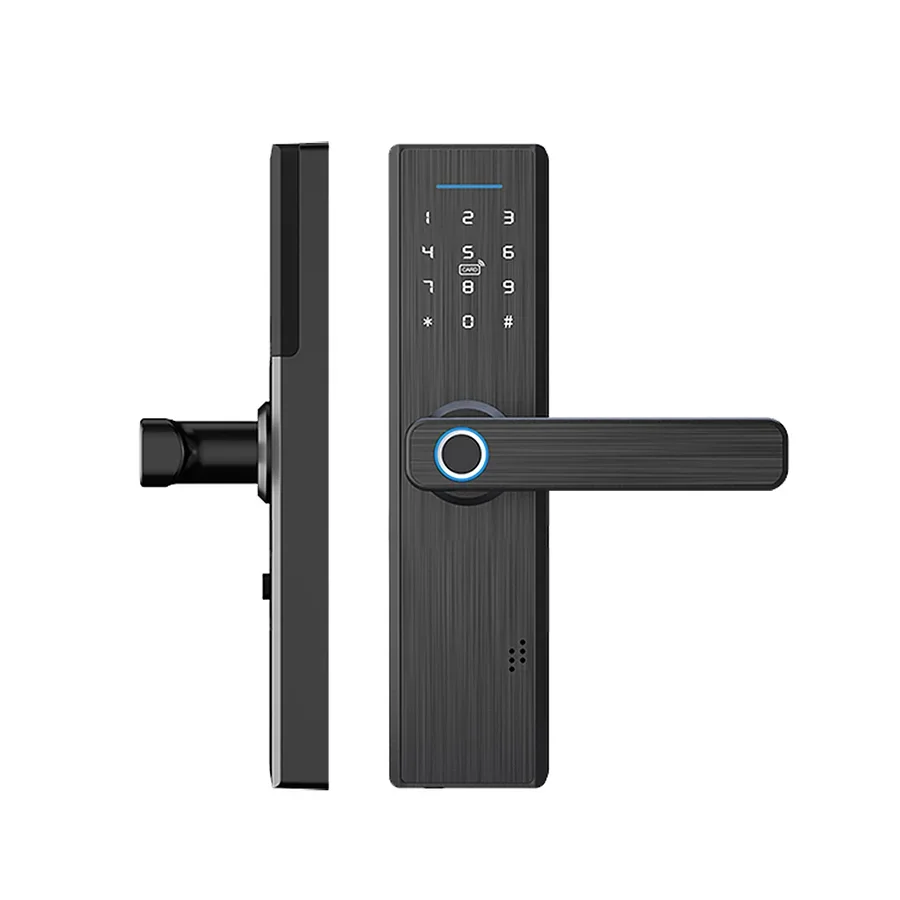
WiFi Multiple Unlocking Fingerprint Lock (WDL-X1) | Lock title and unlock methods; App copy mentions “doorbell alarm,” not a doorbell SKU |
Product search zigbee doorbell |
Empty | No dedicated Zigbee doorbell page to quote |
| Wi-Fi face-recognition lock (WDL-T9P) | Wi-Fi lock with 3D face, fingerprint, and a 1MP camera cell | Access hardware with a camera cell; not a visitor doorbell button/chime |
| Zigbee strings on lock HTML | Related-product widgets only | Widget text does not invent a Zigbee radio on the lock table |
WDL-X1 prints Wi-Fi in the title.
The specification table lists model WDL-X1, 4×AAA battery, working temperature −20℃~60℃, humidity 15%RH~90%RH, FPC semiconductor fingerprint head, unlock methods IC card / key / fingerprint / password / APP, and a 5050 lock body.
The description’s “hijack and doorbell alarm featured in App” line is App messaging on a lock. It is not a doorbell product.
WDL-T9P prints Wi-Fi and 1MP Camera in the title.
The table lists a DC-7, 4V 4200 mAh lithium battery, the same temperature and humidity band, 5V Micro USB emergency power, FRR ≤0.01%, and ≤200μA standby language.
That page is still the door-lock class already clarified in the Zigbee door lock article. Do not rebrand it as a doorbell because the email said doorbell.
Adjacent live pages keep their printed jobs. A quote that swaps classes invents a SKU.
| Live page class | What the page prints | Why it is not a Zigbee doorbell |
|---|---|---|
| Wi-Fi smart door lock | Unlock methods, App records; one page mentions doorbell alarm text | Access hardware; App alarm text is not a doorbell button/chime SKU — keep Zigbee door lock clarification |
| Security camera | Imaging, night vision, motion or human alerts, two-way talk on camera pages | Vision monitoring — keep security camera clarification |
| Zigbee door sensor class | Open/close contact on a door or window leaf | Contact sensing, not a visitor button — keep Zigbee door sensor clarification |
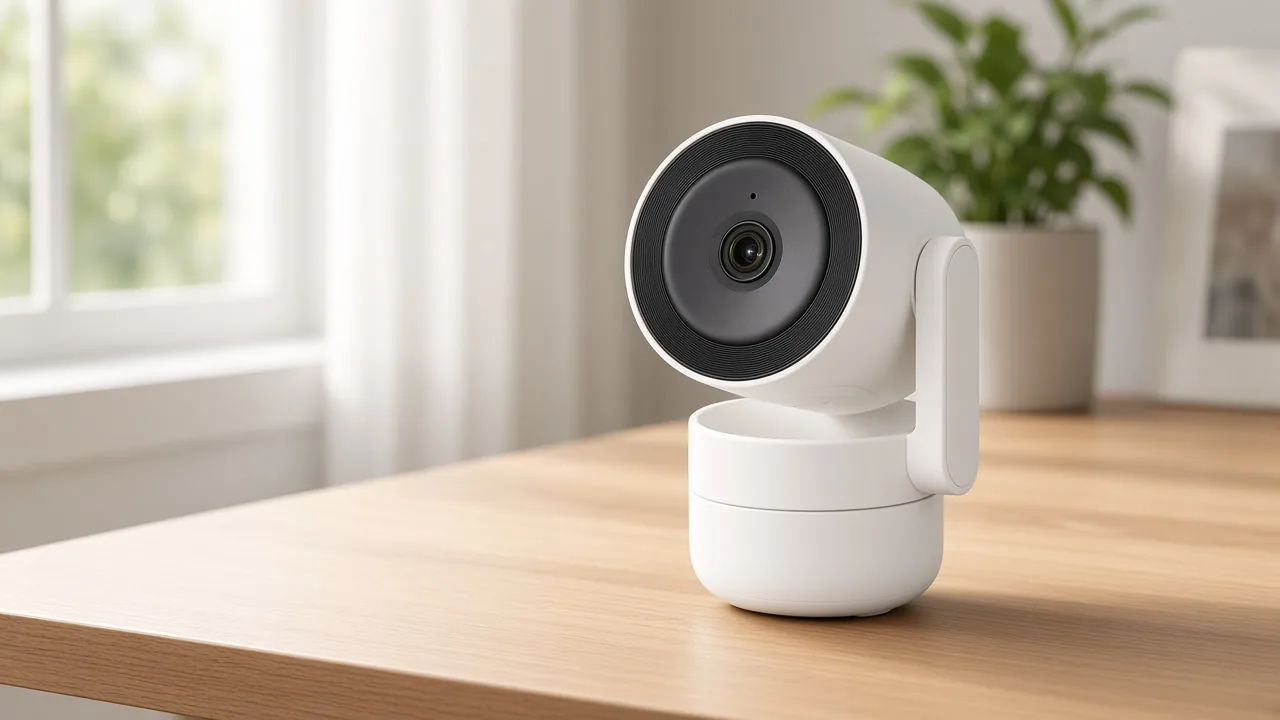
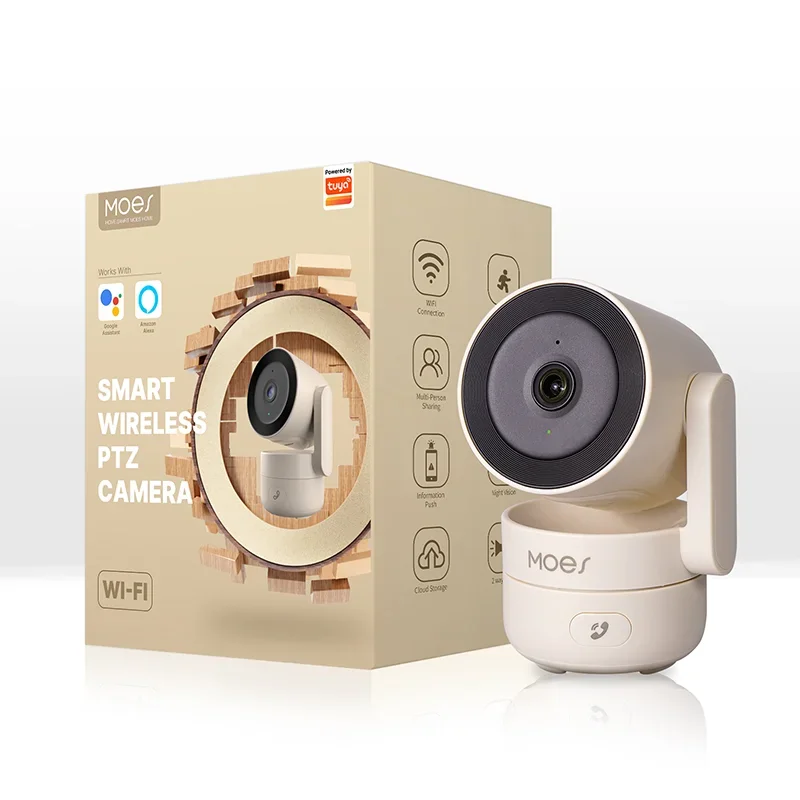
Camera pages such as the indoor pan-tilt security camera (model WCM-P52) print 4MP-class imaging, infrared night vision, motion detection, and two-way intercom.
Solar outdoor camera pages print dual-band Wi-Fi, outdoor enclosures, and doorstep or garden monitoring language. Those pages answer “what does the entry look like,” not “is there a visitor-alert doorbell SKU.”
A door-sensor enquiry is about open or closed on a leaf. A doorbell enquiry is about a visitor pressing a button. Keep those names apart even when both emails mention Zigbee.
No live product on this site fits a Zigbee-doorbell enquiry as a dedicated doorbell SKU. The closest honest handoff depends on the job the buyer can confirm.
When the buyer confirms door access hardware — credentials, face, fingerprint, or App unlock — send a live lock page such as the face-recognition lock or the fingerprint lock. Say App doorbell-alarm wording stays on the lock. Do not call either lock a doorbell.
When the buyer confirms visual monitoring of an entry, send a live camera page such as the indoor pan-tilt monitor or a solar outdoor camera page. Say it is a camera, not a doorbell faceplate.
When the buyer confirms open/close on a door or window leaf, send them to the door-sensor clarification and refuse an invented contact SKU if none is listed.
When the buyer only needs a Zigbee bridge for other Zigbee devices, send a hub page. Keep “doorbell” out of the SKU name on that line.
| Quote field | Ask for | Do not invent |
|---|---|---|
| Visitor job | Button/chime alert vs lock access vs camera view vs door contact | Relabeling a lock or camera as a doorbell |
| Radio | Zigbee hub dependency only when the printed page is Zigbee | A Zigbee radio on a Wi-Fi-only lock or camera page |
| Video need | Whether the buyer needs a live picture | Zigbee as a video stream; Matter doorbell SKU |
| Model | Exact model string from a live product page | A fictional Zigbee doorbell faceplate |
A coordinator who pastes “zigbee doorbell” into a line item should replace that phrase with the model that is actually on the PDF. If the model is missing, say so in the quote notes. That is a cleaner quote than a renamed lock.
It is a visitor-alert path where a button press notifies occupants and a Zigbee radio joins through a hub. On this catalog there is no dedicated doorbell product page for that class.
The visitor presses a button. The device reports that event over Zigbee to a hub or chime path so people inside get a tone or notification. Video, when present in retail kits, usually rides a separate Wi-Fi path.
Yes for the Zigbee button/chime class described here. A Zigbee radio pairs with a hub, gateway, or coordinator. A hub page on this site is still a hub, not a doorbell SKU.
Plan video doorbell streams on Wi-Fi or a wired IP path. Zigbee is treated as a low-power control channel, not as the pipe for continuous doorbell video.
No dedicated doorbell SKU was published on the product searches used for this article. Doorbell search returns a Wi-Fi lock; zigbee doorbell search is empty.
No. The fingerprint lock’s App story mentions doorbell alarm, but that page remains a Wi-Fi lock with printed unlock methods and battery fields — not a doorbell product.
No. A door sensor reports open or closed on a leaf, while a doorbell reports a visitor button press; use the door-sensor clarification for contact wording.
Open the live lock, camera, or hub page that matches the confirmed job, or write that no doorbell SKU is listed and the line is a research request. Do not invent a Zigbee faceplate, Matter doorbell, C-wire, or dB figure.


OTHER SMART DEVICES
Jun 13,2026
OTHER SMART DEVICES
Jun 12,2026
TUYA SMART HOME PRODUCTS
Jun 12,2026
 +86 137 3639 3028





