


by NOVA

Oct 25, 2026
A light socket adapter is a hardware piece that either turns a lamp holder into one or more plug outlets (sometimes keeping a bulb socket) or converts between lamp-base sizes such as E26 and E27. On this catalog, live searches for socket adapter, lamp holder, and E26–E27 adapter converters did not return a dedicated adapter page. The sections below name the two buyer subclasses, separate them from smart bulbs, smart plugs, and remote wall socket switches, and keep any quote on printed fields only.
The smart switch pillar stays as orientation. This page does not rewrite the Zigbee light bulb, smart plug, or remote wall socket switch articles. It only settles the adapter name against the live shelf.
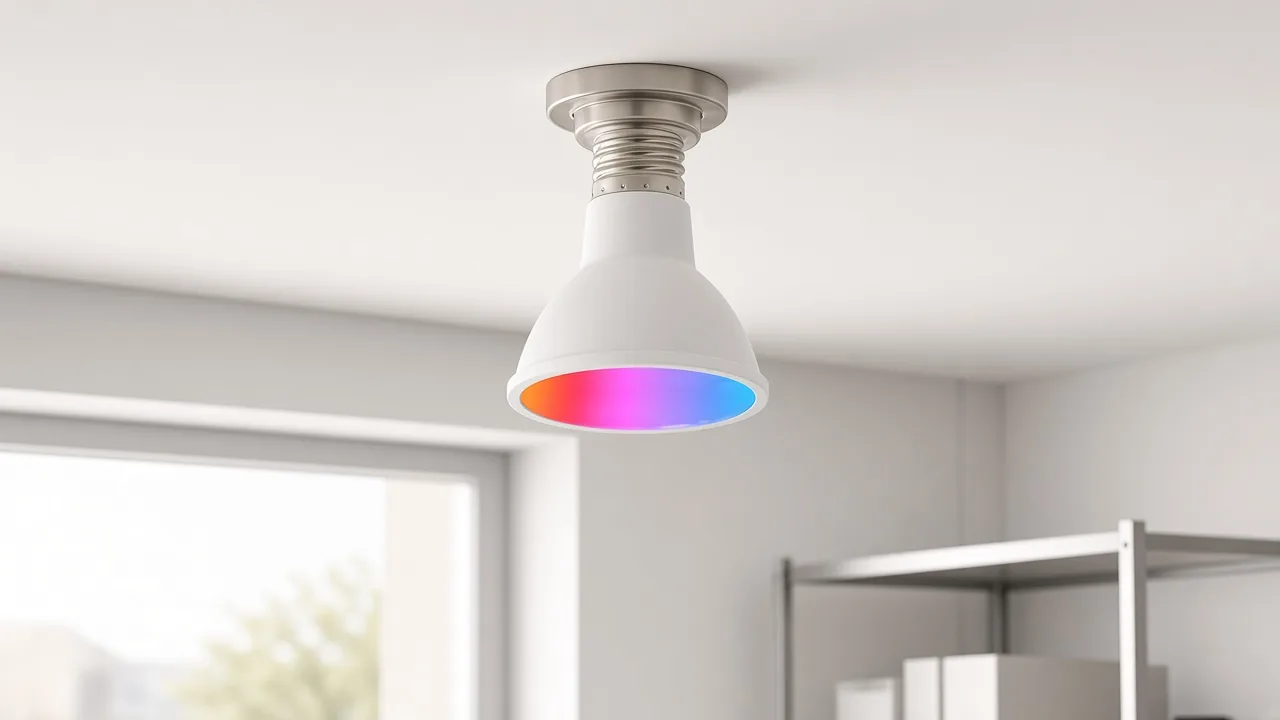
Buyers who write “light socket adapter” usually mean one of two jobs. The first is a lamp-base↔outlet tap: a screw-in piece that sits in an Edison screw / lamp holder and exposes plug outlets so a corded device can take power from a fixture.
The second is a base-size converter: a mechanical sleeve that lets one lamp base fit a different holder. Shoppers also say plug in light socket adapter when they mean the outlet-tap subclass.
Those two jobs share the word adapter. They do not share the same line item. An outlet tap answers “I need a temporary plug where only a bulb socket exists.” A base converter answers “I need this bulb base to fit that holder.”
If the email never says which job is intended, the quote is already under-specified. Neither job is a networked smart endpoint by itself. A passive adapter changes the mechanical interface.
A lamp-base-to-outlet adapter screws into the existing Edison holder after the bulb is removed. On many retail designs, the housing then presents one or two plug outlets.
Some designs also keep a lamp socket so a bulb can remain in the same fixture. Distributor datasheets for legacy lamp-holder adapters describe that pattern: the pull chain may control the lamp while the outlets stay powered when the fixture is live.
The first is a lamp-base-to-outlet tap: a screw-in piece that sits in an Edison lamp holder and exposes plug outlets. What is a light socket adapter in that sense? It is temporary power at the fixture rather than a permanent wall receptacle.
From the field: Hub users who need temporary power at a ceiling Edison holder often separate a “dumb” light-socket-to-outlet adapter from a smart plug, then pair the dumb tap with a hub-native plug instead of hunting a scarce Zigbee screw-in smart socket — source: https://community.hubitat.com/t/does-anyone-know-of-a-smart-light-socket-adapter/119880
Those comments describe market workarounds. They do not prove that this catalog lists either the dumb adapter or a screw-in smart socket.
Electricians and homeowners talking about screw-in outlet taps repeatedly warn that a lamp holder usually does not provide an equipment ground. A third prong on an adapter housing can look grounded while remaining unconnected.
For a B2B quote, grounded-tool language belongs in the RFQ before anyone promises a screw-in tap as a permanent receptacle substitute. Omit invented wattage, listing marks, or surge ratings when the site publishes no adapter SKU.
Base converters change screw size between lamp holders when the bulb base and the fixture disagree.
Medium Edison screws are commonly labeled E26 in 120 V markets that print that base, and E27 in many 230–240 V markets.
Independent lighting educators show that the thread diameters overlap closely enough that many bases fit each other mechanically. The same educators show that insulator height and contact clearance were written with different line-voltage assumptions.
Mechanical fit therefore stays separate from voltage-safe interchange. When a buyer asks for an “E26 light socket adapter” or an “E27 converter,” ask which job they mean.
They may need a base-size converter so one lamp base fits another holder. They may need a lamp-base-to-outlet tap that happens to use an E26 or E27 screw. Or they may need a smart bulb that already prints E27 or E14 in the product title.
Only the first two answers are adapter-class requests. The third is a lamp request that should land on a bulb page.
NIST compliance education materials also note commerce restrictions that touch certain adapters designed to let a non-medium-screw incandescent lamp operate in a medium-screw holder in the 110–130 V range.
That sentence is jurisdiction education for RFQ diligence. It stops short of any MOES adapter certification claim, because this catalog lists none.
This catalog has no dedicated light socket adapter SKU on the 2026-10-25 product searches used for this article. Adjacent live pages stay on their printed jobs.
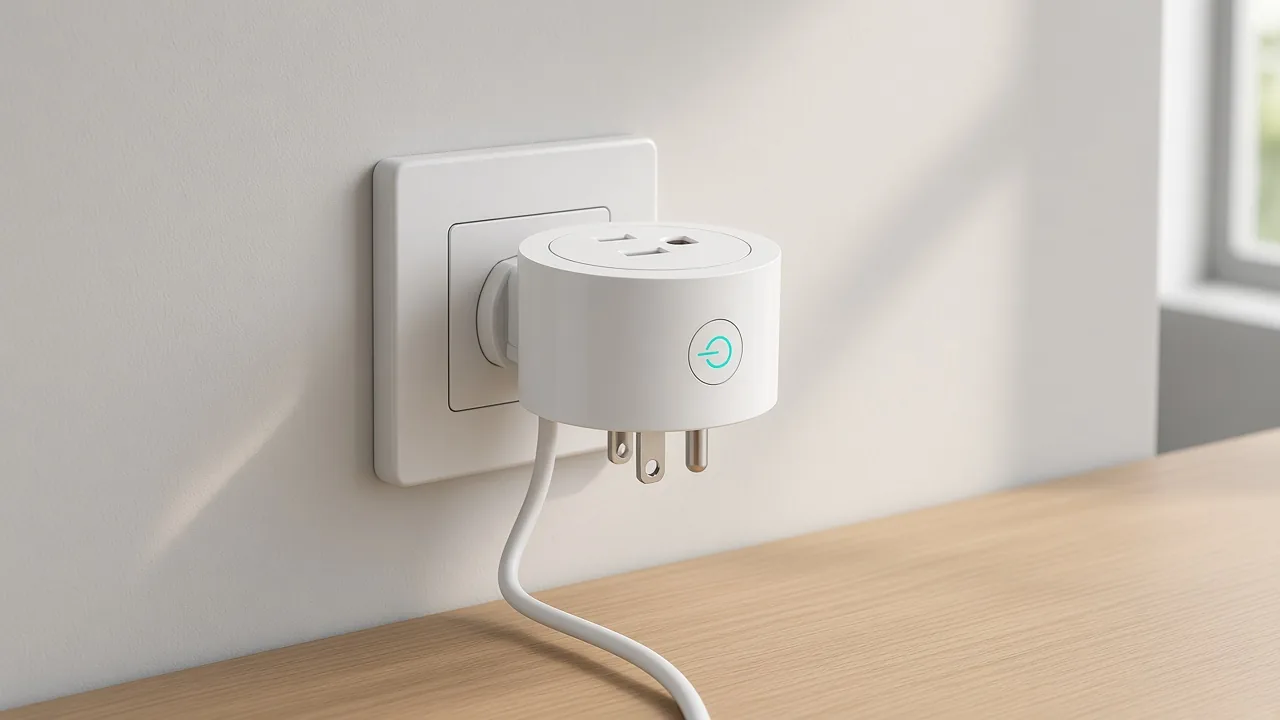
| Live page class | What the page prints | Why the page stays outside the adapter class |
|---|---|---|
| Smart bulb | Networked lamp that screws into a fixture; titles may name GU10, E27, or E14 | It replaces the bulb. It does not turn the holder into plug outlets or convert base sizes as a separate adapter SKU |
| Smart plug | Networked on/off device that sits in a wall outlet and switches a corded load | It plugs into a wall receptacle instead of screwing into an Edison lamp-holder tap |
| Remote wall socket switch | Wall faceplate socket / touch-switch hardware | It replaces or controls a wall socket assembly rather than a screw-in fixture tap |
| Wall socket dimmer (optional neighbor) | Dimmer control for socket or lighting paths | Dimming control remains a control job, separate from lamp-holder outlet taps |
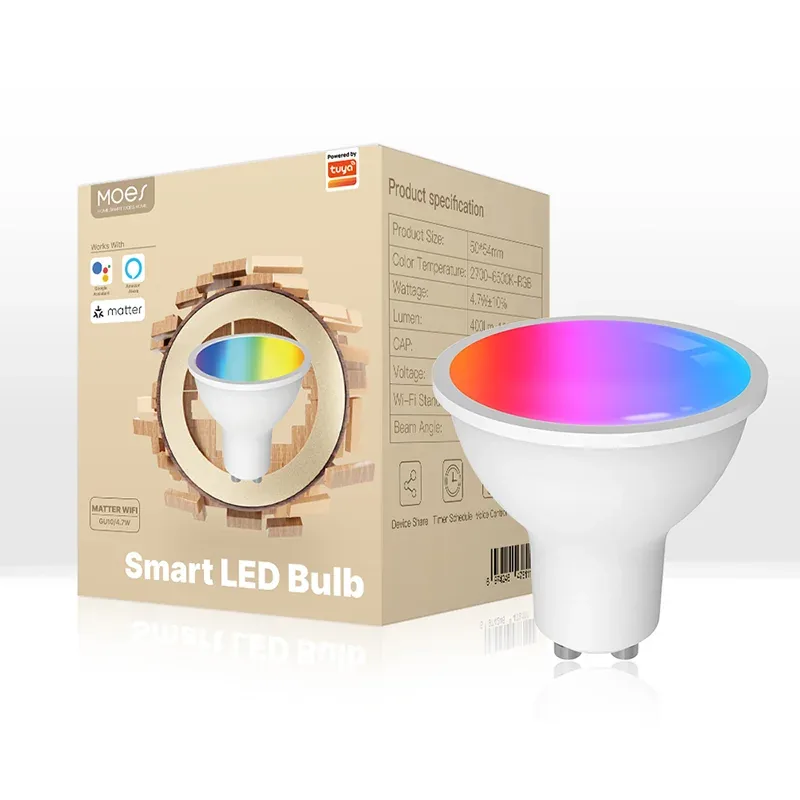
Smart bulb pages such as the MOES Matter WiFi smart bulb and its sister candle-lamp listing print a lamp job. Seeing E27 in the title does not create an adapter. Keep the Zigbee light bulb article for lamp wording, and open the MOES Matter WiFi smart bulb only when the enquiry is a fixture lamp.
Independent buyer guides draw the same cut: a smart plug sits in a wall outlet; a smart bulb screws into a fixture. Smart plug pages such as the WiFi smart power socket plug and the Matter WiFi plug print wall-outlet on/off control.
Remote wall socket switch pages replace wall hardware. They answer faceplate and socket-control jobs.
They do not screw into a ceiling Edison holder as a temporary outlet tap. If the buyer actually needs dimming language on a wall socket path, the wall socket dimmer switch clarification stays in that class.
Start with the mechanical job in the email, not the word smart. Adapter naming alone does not tell you whether the buyer wants temporary outlets at a fixture, a base converter, a networked bulb, or a wall plug.
Read the enquiry in three passes:
| Quote field | Ask for | Do not invent |
|---|---|---|
| Subclass | Outlet tap vs base converter vs bulb vs plug vs wall socket | A fake “smart adapter” SKU name |
| Base sizes | Printed E26 / E27 / E14 / other on the buyer drawing | Interchange promises without voltage context |
| Grounding | Whether the load requires equipment grounding | A three-prong promise for a lampholder that has no ground |
| Listing / jurisdiction | Mark and market the buyer requires | MOES adapter certification that does not exist here |
| Load | Fixture rating and device wattage from buyer docs | Efficiency %, surge, or radio figures for a missing SKU |
Refuse to invent listing marks or wattage for a SKU this catalog does not list. Do not invent Zigbee, Matter, C-wire, efficiency percentages, surge ratings, or sound/gas sensor figures for this adapter class.
No live product on this site fits a light-socket-adapter enquiry as a dedicated Edison screw-in outlet tap or base-size converter. The honest bind is adjacent live pages that match the job the buyer actually has.
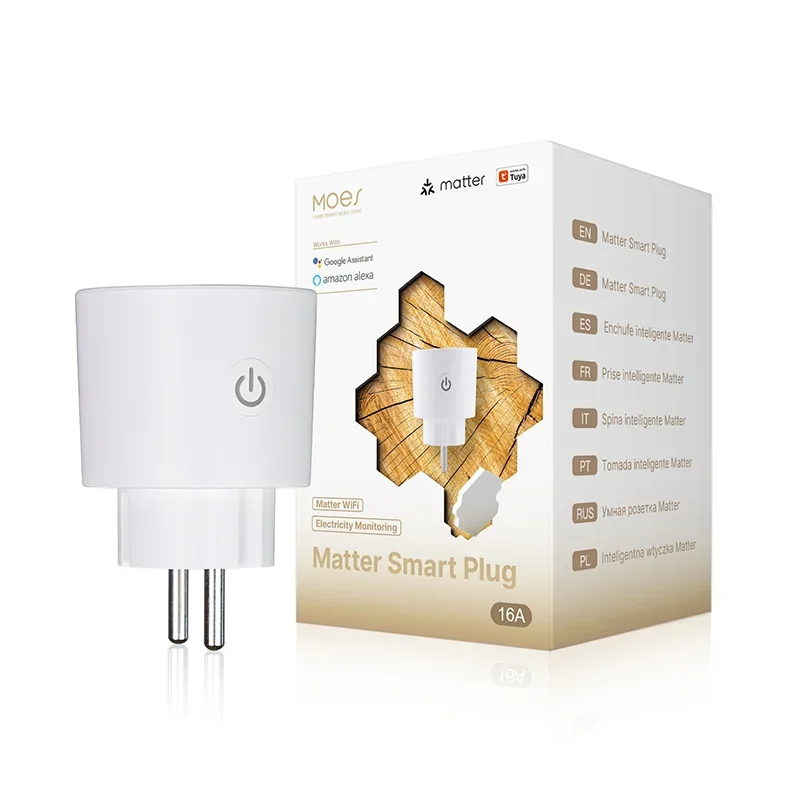
When the buyer confirms they need a networked lamp in an existing fixture, send a live smart-bulb page such as the MOES Matter WiFi smart bulb. Caption every adjacent photo clearly: the product is a lamp.
When the buyer confirms they need app or voice on/off for a corded lamp or other plug-in load at a wall outlet, send a live smart-plug page such as the WiFi smart power socket plug and keep the smart plug clarification for that job.
When the buyer confirms they need wall faceplate socket control, send the remote wall socket switch clarification and the matching wall-socket product family.
When the buyer insists on a screw-in outlet tap or a base-size converter as a shippable line item from this catalog, say the catalog does not list that SKU. Offer research support or a neighboring page only after the job is restated in printed terms.
It is usually either a screw-in piece that turns a lamp holder into plug outlets, or a converter between lamp-base sizes. Confirm which subclass the buyer means before you quote.
It screws into the Edison holder and exposes one or more outlets. Some designs also keep a bulb socket. Many lamp holders do not provide an equipment ground, so a three-prong face can be misleading.
They often fit mechanically.
Lighting educators still separate mechanical fit from voltage and insulation design assumptions for 120 V versus 240 V markets. Ask for the printed base and voltage on the fixture and the lamp.
No. A smart bulb replaces the lamp and may add dimming or color control.
An adapter changes the holder interface or adds outlets. Live bulb pages on this catalog stay in the lamp class.
No. A smart plug sits in a wall outlet and switches a corded load.
A lamp-base-to-outlet adapter screws into a fixture holder. Keep those pages separate on a quote.
Often they do not. Community and safety discussions warn that the third prong may be unconnected. Treat grounding as an RFQ field, not as a photo assumption.
Live product searches for socket adapter, lamp holder, and E26–E27 adapter converters on 2026-10-25 did not return a dedicated adapter SKU. Adjacent hits were bulbs, plugs, wall sockets, or unrelated noise.
State that no dedicated adapter page is listed. Restate the buyer job.
If the job matches a bulb, plug, or wall socket switch, quote that live page. If the job remains a screw-in outlet tap or base converter, keep the line as research-only until a real datasheet exists.


OTHER SMART DEVICES
Jun 13,2026
OTHER SMART DEVICES
Jun 12,2026
TUYA SMART HOME PRODUCTS
Jun 12,2026
 +86 137 3639 3028





