


by NOVA

Oct 24, 2026
A zigbee button, in most buyer emails and shopping guides, is a battery wireless press remote that joins a Zigbee network through a hub and fires scenes or device actions on a tap. On this catalog, the live page that prints ZigBee3.0 and “Push Button Switch” is a mains wall light switch — the MOES Star Ring ZigBee3.0 Push Button Switch. The sections below separate those two jobs, copy only the printed faceplate lines, and say when a dedicated wireless scene-button SKU is missing.
The Smart Modules hub is the upward path for module-style lighting controls. Read the smart switch clarification for the general smart switch noun, the Zigbee relay module page for in-box on/off, and the Zigbee dimmer page for brightness. The button name against the live Star Ring wall plate is the only cut covered here.
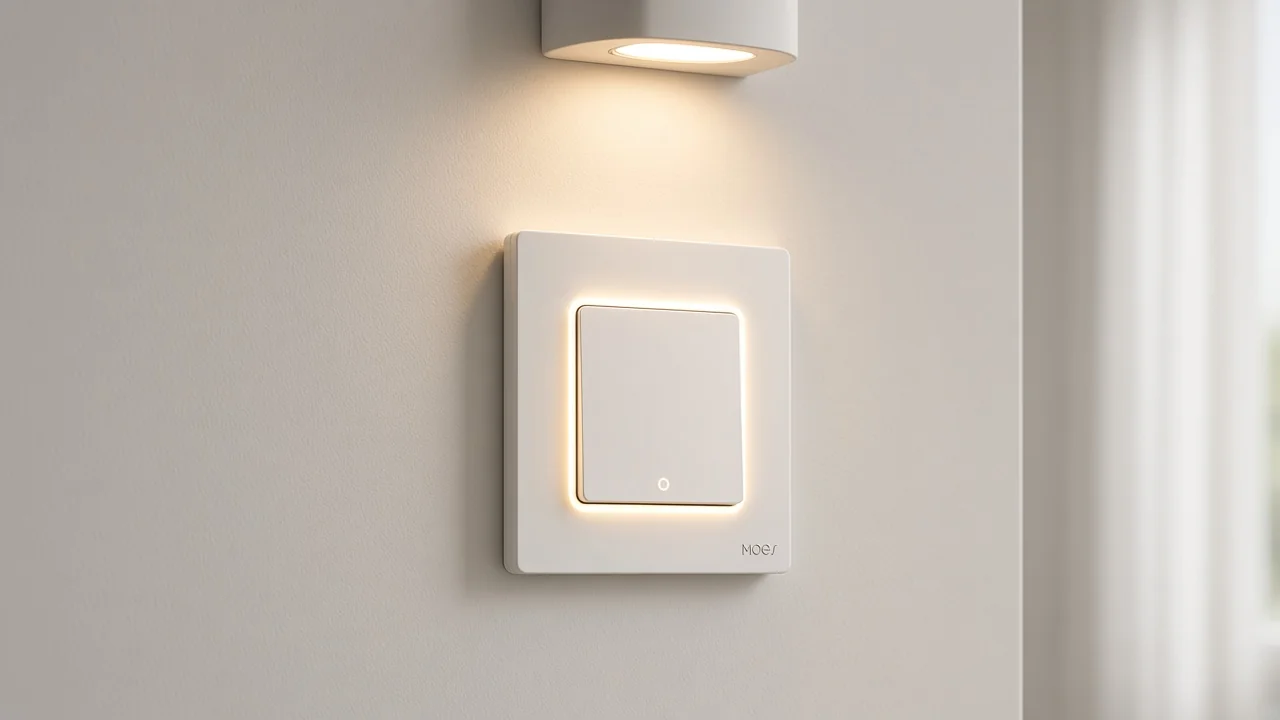
Buyers who type zigbee button into a search usually want a small wireless remote — a Zigbee smart button or wireless Zigbee scene button in shopping language. Guides describe that class as a device you press once, twice, or hold so a hub can run a scene or toggle other devices.
Manufacturer wireless-switch docs show the same pattern: battery power, stick or magnetic mount, and press events. The cable into a lighting circuit is absent from that story.
A wall push-button switch sits in a wall box. It takes line and load wiring, then switches the lamp circuit when someone pushes the plate.
Shopping language still says “button” because the actuator is a push face instead of a rocker. Channel staff can keep both sentences short.
If the enquiry wants a remote that travels with the user or sticks beside a sofa without opening a box, that is the wireless scene button class. If the enquiry wants a Zigbee faceplate that replaces a wall light switch, that is the wall push-button switch class on this shelf.
Independent buyer guides and Hubitat threads treat the first class as a shopping noun of its own. They compare remotes, battery habits, and pairing quirks.
Zigbee is the radio family. The Connectivity Standards Alliance describes Zigbee as a low-power mesh with a shared device language so certified products can work together.
That education explains why a Zigbee hub or coordinator shows up in the quote. It stops short of inventing a battery year or a mesh hop count for MOES.
Wireless Zigbee buttons in the market need a Zigbee hub before press events land in an app or automation engine. The live Star Ring ZigBee3.0 wall plate prints the same dependency: fast pairing with a Tuya ZigBee hub required.
A Wi-Fi wall switch follows a different radio path. Keep the hub sentence on the Zigbee page that actually prints it.
When a buyer only needs the bridge, send a hub page and keep the button or wall-plate name off that line. When they need the wall plate, keep the hub as a companion line if the project has no Zigbee coordinator yet.
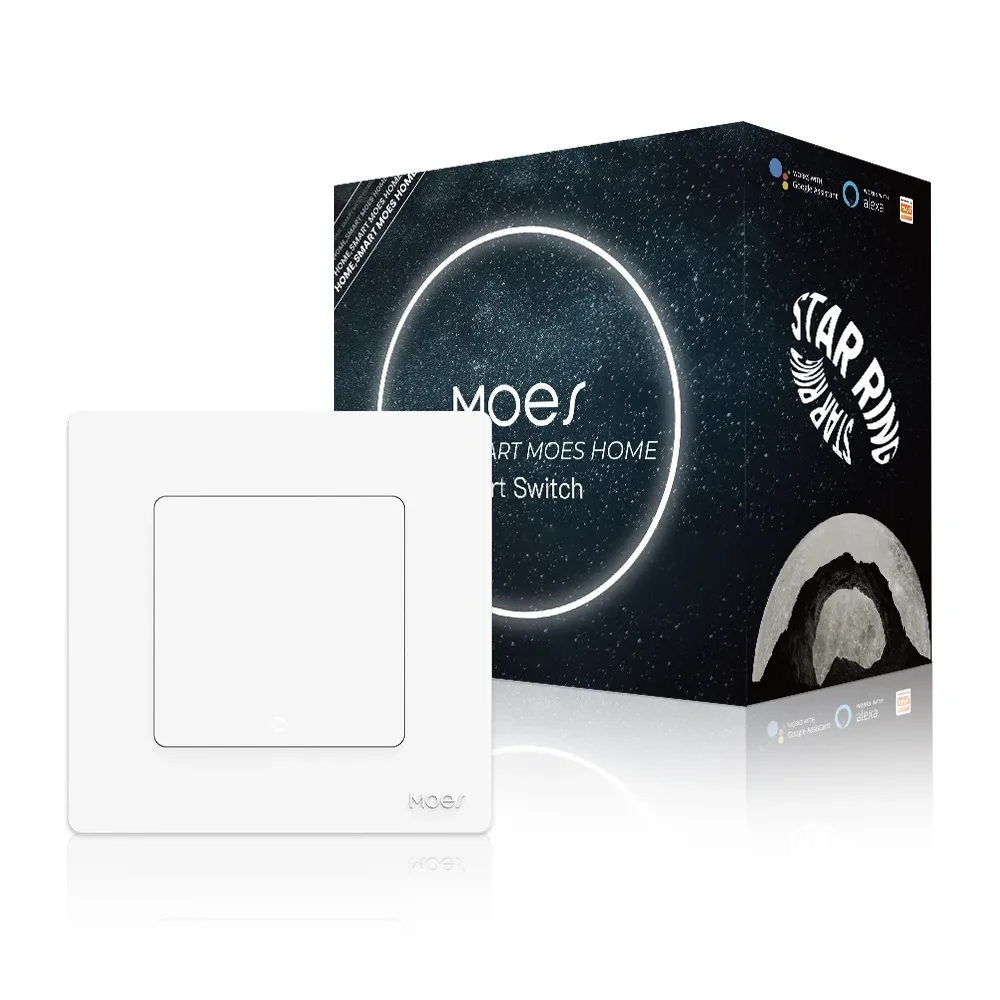
Product 1575 is titled MOES New Star Ring Series Tuya Smart ZigBee3.0 Push Button Switch. That Zigbee push button switch page is a smart wall switch with a light-touch push face and a Star Ring halo used as a backlight indicator when the switch is on.
Copy the electrical lines from that page when the enquiry matches a wall plate.
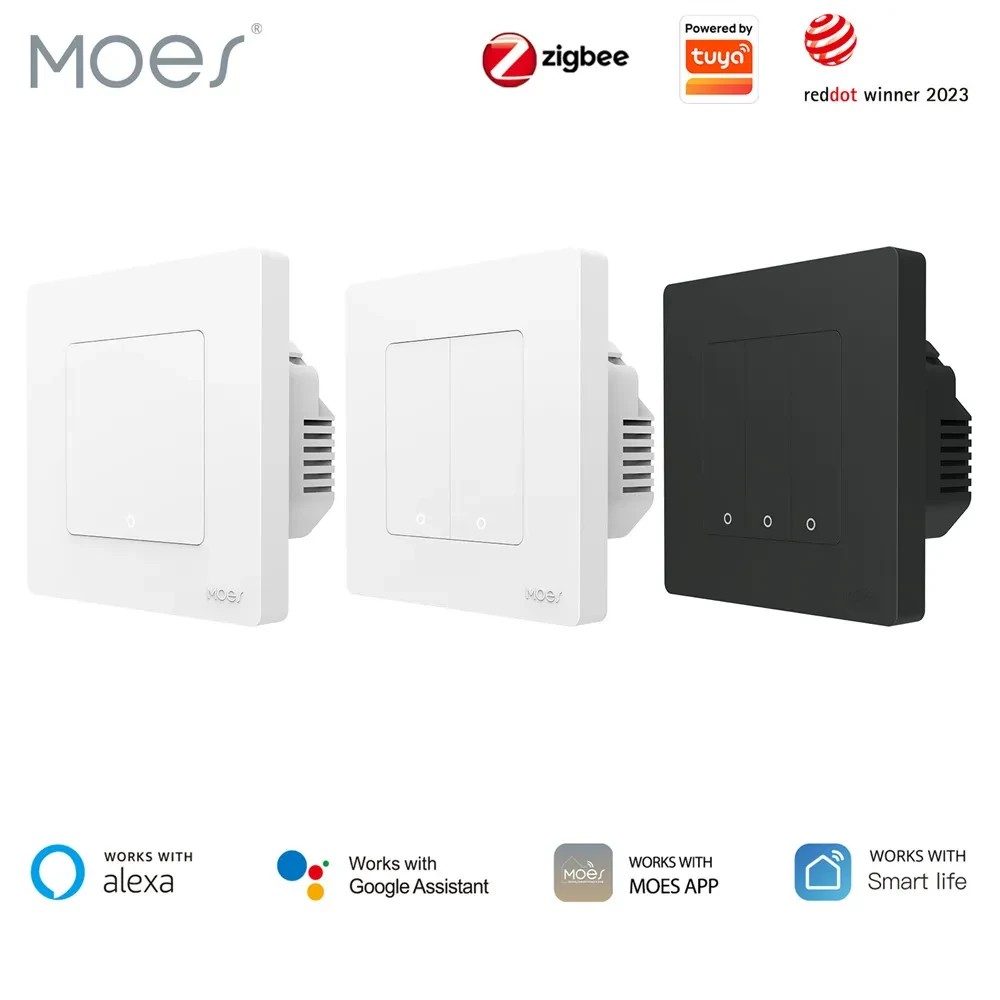
The printed protocol is ZigBee 3.0. Max current is 10A. Working voltage is AC 100V–240V, 50/60Hz.
Gang options on the page include 1/2/3/4 gang assemblies. Wiring language allows single live wire when there is no neutral, or N+L when both are present.
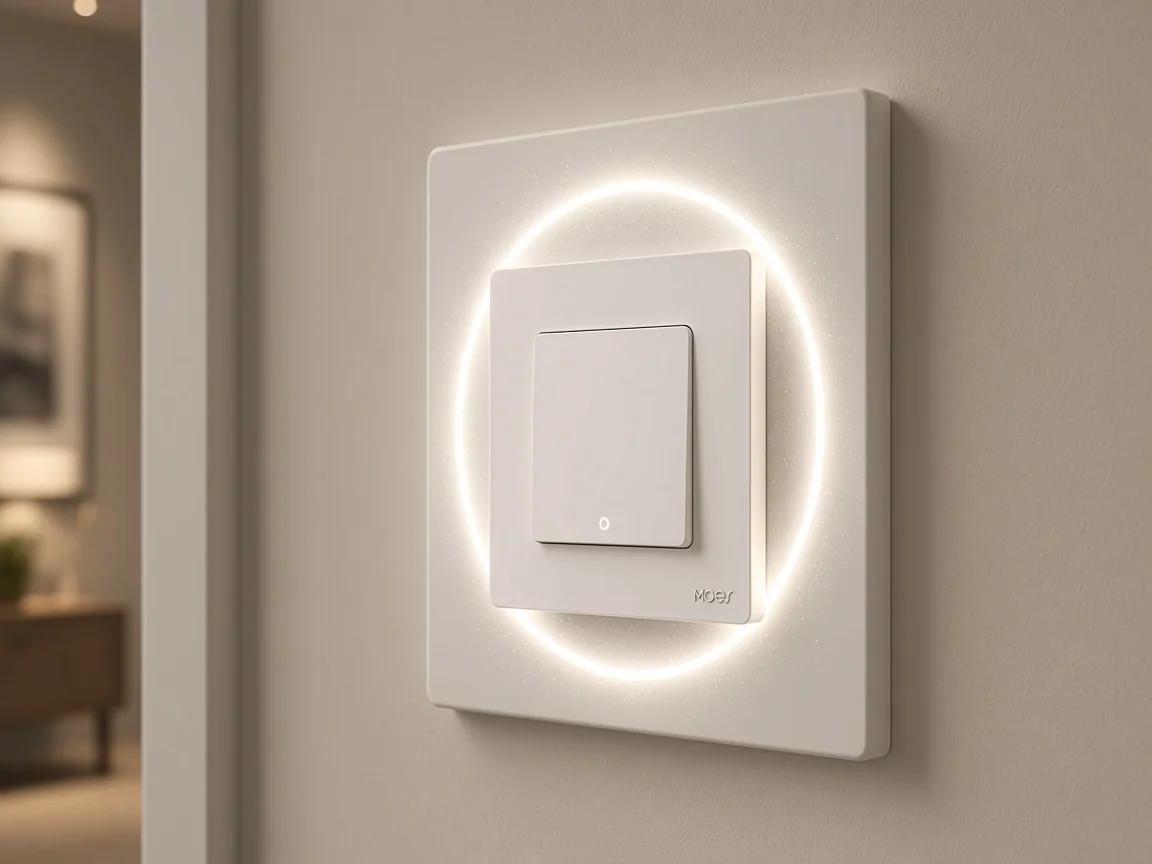
The same page describes an ultra-thin matching RF transmitter front panel that can stick to the wall as a companion remote for the smart switch. That RF transmitter still belongs to the Star Ring wall-switch story.
App copy on the page talks about transforming the smart switch into a scene switch in the Tuya Smart APP for scene controls on other devices. Read that as app scene linkage on the wall switch you are quoting.
| Printed field on Product 1575 | Value to copy | Buyer class that still needs a separate ask |
|---|---|---|
| Product title class | ZigBee3.0 Push Button Switch | Battery wireless scene button / keyfob |
| Protocol | ZigBee 3.0 | Wi-Fi |
| Max current | 10A | Invented wattage beyond the page |
| Working voltage | AC 100V–240V, 50/60Hz | Low-voltage coin-cell remote |
| Hub sentence | Tuya ZigBee hub required | Projects with no Zigbee coordinator yet |
| Actuator / look | Light-touch push + Star Ring halo | Stick-on sofa remote with no wall box |
Leave Matter support, efficiency percentages, C-wire notes, surge ratings, and battery life off the quote unless a printed page actually shows them. Those lines are absent from the faceplate block copied for the quote.
A dedicated wireless Zigbee scene-button / keyfob SKU did not appear in the 2026-10-24 catalog searches used for this package. The keyfob search returned empty. Push-button and scene-switch searches landed on wall switches, panels, and other noise.
Sister-store marketing for wireless scene switches is outside the live moessolar.com product routes used here.
| Live page | What it is | How to use it on a quote |
|---|---|---|
| Product 1575 Star Ring ZigBee3.0 Push Button Switch | Mains wall push-button light switch | Bind when the job is a Zigbee wall plate |
| Product 1569 Star Ring Wi-Fi push-button switch | Wi-Fi push-button light switch; title requires neutral | Radio-class cut only; keep the word Wi-Fi |
| Zigbee relay module article / hidden on/off module class | In-box relay for on/off | Use for hidden on/off, not a press remote |
| Zigbee dimmer article / brightness class | Level control for lamps | Use for brightness, not a simple push-button plate |
| What is a smart switch | General smart switch noun | Parent noun before any button cut |
Keep Product 1569 for radio-class cuts only. If the buyer asked for Zigbee and you ship the Wi-Fi Star Ring plate, the radio line on the PO is wrong even when the push face looks similar.
Start with the object. Ask whether the buyer wants a battery wireless remote that publishes press events, or a wall plate that switches a lighting circuit. Many POs use “button” for both.
Then lock the radio. Zigbee and Wi-Fi Star Ring plates can share a family look and still fail a Zigbee line item. Only the page that prints ZigBee 3.0 belongs on a Zigbee quote.
Then copy load and wiring from the page you are actually selling. For Product 1575 that means the 10A and AC 100–240V lines, the gang count the project needs, and the single-live or N+L path the box supports.
Do not paste a competitor’s coin-cell model or a sister-store scene-switch SKU into the quote.
From the field: Hubitat users shopping for a Zigbee button often treat battery percentage as weakly authoritative, and some quiet remotes only talk to the hub when pressed — https://community.hubitat.com/t/recommended-zigbee-button/135280 — so a wireless-button RFQ should ask how battery state will be checked, rather than inventing a MOES battery year for a wall plate that has none.
| RFQ field | Ask for | Honest source on this catalog |
|---|---|---|
| Object class | Wireless scene remote vs wall push-button plate | Buyer words first; then match a live page |
| Radio | Zigbee vs Wi-Fi | 1575 prints ZigBee 3.0; 1569 prints Wi-Fi |
| Hub | Is a Zigbee hub already on site? | 1575 prints Tuya ZigBee hub required |
| Electrical | Voltage, current, gang, neutral path | Copy Product 1575 printed block only |
| Wireless scene-button SKU | Battery keyfob / stick-on remote | No dedicated SKU listed — say so |
A second Hubitat thread notes that many cheap Zigbee remotes look like keyfobs, while wall-looking remotes on other radios are a different shopping path. Use that only as a form-factor prompt.
Bind the live MOES New Star Ring Series Tuya Smart ZigBee3.0 Push Button Switch for a Zigbee wall push-button light switch — a faceplate that replaces a lighting switch and joins Zigbee through a hub. Quote the printed ZigBee 3.0, 10A, AC 100–240V, gang, wiring, and hub lines from that page.
A battery wireless Zigbee scene button or keyfob enquiry — stick-on, pocket, no lighting load — still has no dedicated wireless Zigbee scene-button SKU on the searches used for the package. Keep Product 1575 on wall-plate jobs instead of forcing it onto a remote line item.
Explicit Wi-Fi Star Ring push-button hardware belongs on Product 1569 with the radio word Wi-Fi. In-box on/off without a new plate belongs on the relay-module article. Brightness belongs on the dimmer article.
Start from the smart-switch clarification when the buyer only has the general smart switch noun before any button cut. That handoff keeps the buyer keyword honest without inventing a SKU the shelf does not show.
It is usually a battery wireless press remote that joins Zigbee through a hub and triggers scenes or devices on single, double, or long presses. Shopping guides use that meaning even when catalog titles say “push button switch” for a wall plate.
No. The Star Ring ZigBee3.0 Push Button Switch page is a mains wall push-button light switch with ZigBee 3.0, a Star Ring halo, and printed AC load lines. App scene linkage on that page is still wall-switch software behavior.
Wireless Zigbee buttons in the market need a Zigbee hub or coordinator. The live Star Ring ZigBee3.0 wall plate also prints that a Tuya ZigBee hub is required for pairing.
The wall switch opens and closes a lighting circuit in a wall box. The battery Zigbee button publishes press events and leaves the mains switching job to a separate device.
No. The wall-switch page mentions scene controls in the Tuya Smart APP on the smart switch. Catalog searches for a dedicated wireless Zigbee scene-button / keyfob SKU did not return one for the package.
Use the Wi-Fi Star Ring push-button page only when the buyer accepts Wi-Fi and the page’s printed constraints, including the neutral-wire requirement in the title. Keep the radio word Wi-Fi on that line item.
Ask object class first (wireless remote versus wall plate), then radio, hub, and the printed electrical block on the page you will ship. If the job is a battery wireless scene button, state that no dedicated SKU is listed.


OTHER SMART DEVICES
Jun 13,2026
OTHER SMART DEVICES
Jun 12,2026
TUYA SMART HOME PRODUCTS
Jun 12,2026
 +86 137 3639 3028





