


by NOVA

Oct 21, 2026
A remote wall socket switch is the wall-mounted outlet that replaces the receptacle and switches the load on the control path printed on its page.
Shopping results for that phrase are usually an RF plug-in kit: a receiver in an existing outlet plus a stick-on wall transmitter. Live wall sockets on this catalog print APP Remote instead.
What follows names the wall object, the remote wording, the plug-in sister article, the dimmer and wall-switch cuts, and the two published wall SKUs.
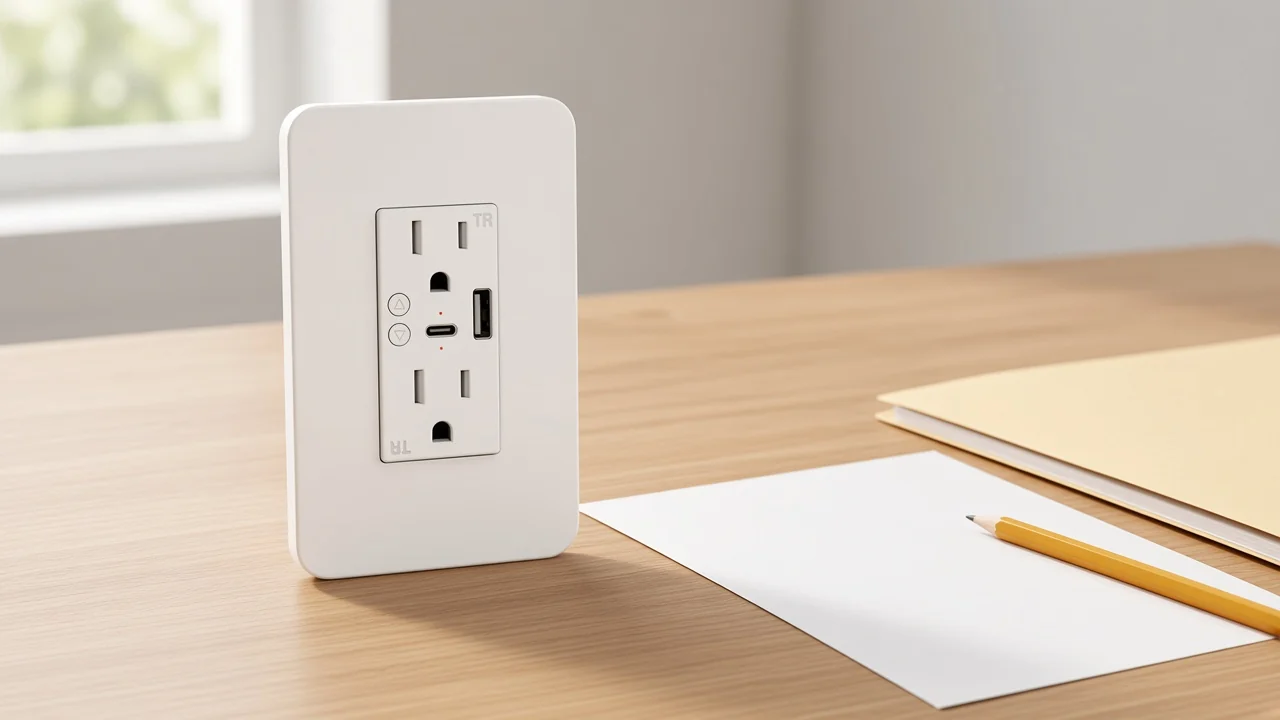
A remote wall socket switch is the in-wall outlet that takes the place of the existing wall receptacle. The corded load plugs into that faceplate. The box in the wall is the install location.
CNET’s comparison is the physical cut. A smart plug goes into an outlet that already exists. A smart wall outlet replaces that outlet, sits flush, and does not occupy the receptacle the way a bulky adaptor can.
Buyers who type smart wall socket switch are usually naming this wall object. A Reddit installer put the same cut in one sentence: they wanted the unit that replaces the actual in-wall outlet, rather than an extra plug between the lamp and the wall.
The wall receptacle is the fixed socket. The plug on the cord is the movable connector.
Wikipedia’s AC plugs-and-sockets article keeps that split, and it is the split a quote needs before anyone talks about an app. A distributor filling a hotel or apartment line can write the wall socket first, then the face shape, then the printed radio.
A lamp-holder adapter that screws into a bulb base is outside this class. If the buyer asked for a wall outlet, that adapter does not answer the line.
Remote on the live wall pages is APP Remote. The printed phrase is the phone-app path.
The Google results for this keyword are full of RF plug-in kit listings. Those kits use a plug-in receiver and a battery wall switch, often with a printed range and a “no wiring” line. That is a different carton.
On the published MOES wall sockets, the description prints APP Remote control through the named phone app. One title also prints WiFi. Neither page prints a handheld RF remote, a no-hub sentence, or a radio range in feet.
A wireless wall socket switch still has to show the radio cell on the shipping page. Read that cell as printed — 2.4 GHz on one wall page, WiFi plus a 2.412–2.484 GHz band on the other — and stop there.
| Object on the SERP or the quote | What the buyer is holding | What “remote” usually means |
|---|---|---|
| Wall smart socket | A faceplate that replaces the receptacle | APP Remote or the radio printed on that page |
| RF plug-in kit | A receiver in an existing outlet plus a stick-on switch | A handheld or wall-mount transmitter |
| Plug-in smart plug | An adaptor in front of the outlet | App, voice, or hub path on that plug page |
| Wall dimmer | A wall plate for light level | Brightness, not this outlet |
| Smart switch | An on-off wall plate | Lighting circuit control, not the receptacle |
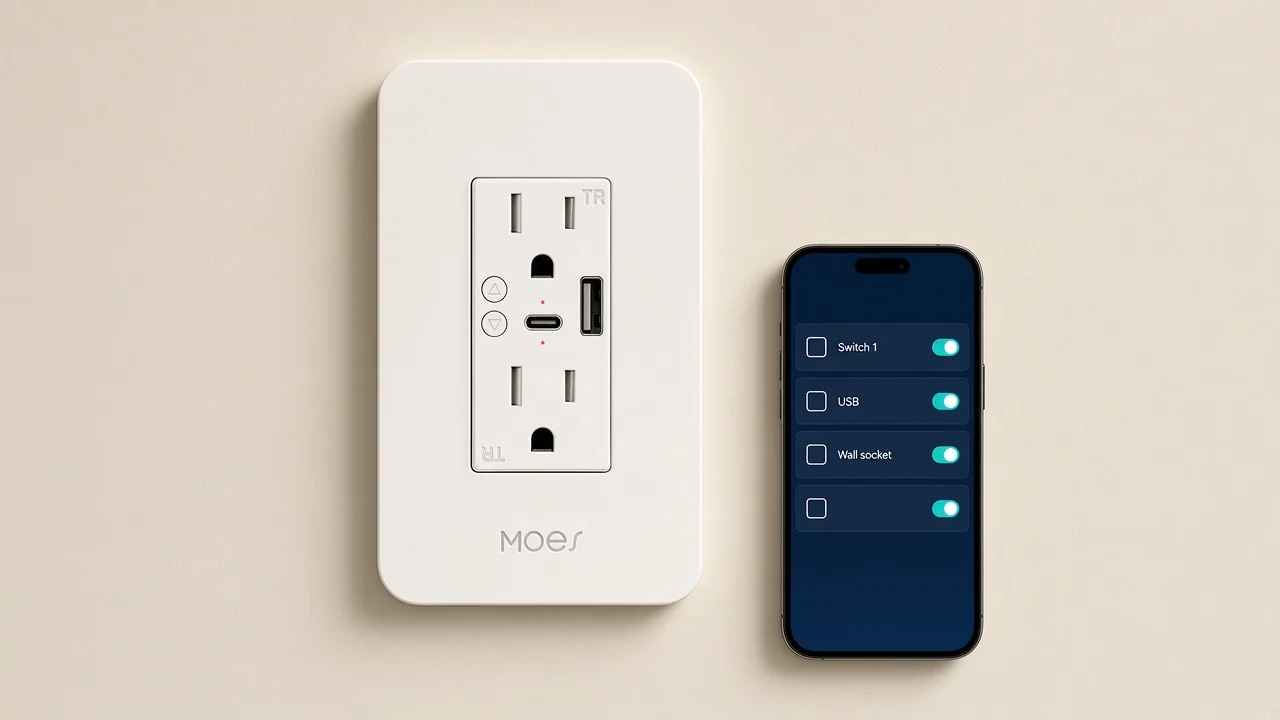
A plug-in smart plug sits in front of an existing outlet. The wall socket replaces that outlet.
Both objects can switch a lamp or a small appliance. The form factor is the line item. CNET’s review keeps the same split: the plug is portable and needs no electrical install; the wall outlet is the permanent faceplate.
The sister article What a Smart Home Smart Plug Does for a Corded Load already owns the plug-in adaptor class. Cross it once. Leave its plug-in load cells on that article.
Plug-in pages keep the amp or watt figures printed on those pages. Those figures stay off this wall-socket quote.
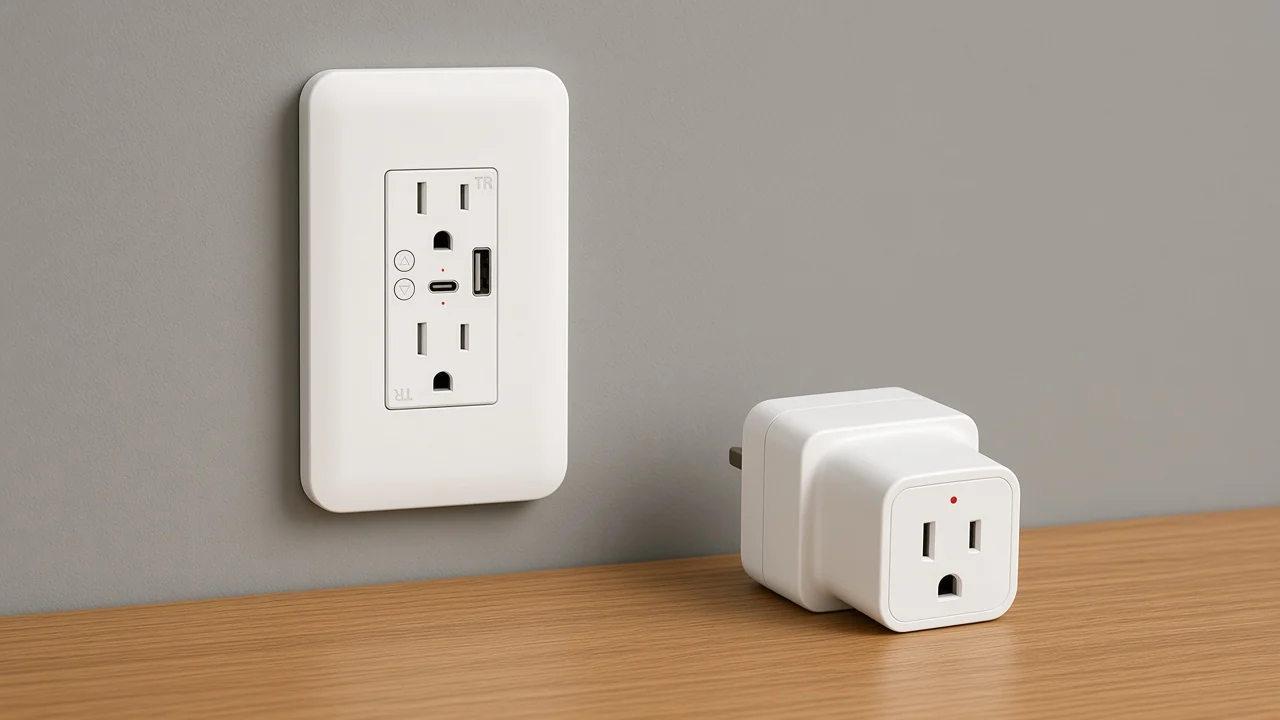
A wall dimmer changes brightness on a lighting circuit. A smart switch is the on-off wall plate. Neither object is the receptacle.
The sister article Wall Socket Dimmer Switch: A B2B Clarification owns the brightness noun. Cross it once. A wall socket on this page leaves watt and percent cells on that lighting article.
The sister article What B2B Buyers Should Clarify About a Smart Switch Before Quoting owns the wall-switch noun. Cross it once.
The switch plate interrupts a lighting circuit. The wall socket is the outlet the cord uses.
Keep those three objects on three rows even when one RFQ lists all of them. The smart switch hub is the cluster home for the wall-control family; it does not collapse socket, dimmer, and switch into one SKU.
Only the two published wall-socket pages belong on this line. Both print APP Remote. Each keeps its own amp, USB, voltage, and radio cells.
| Live page | Model | Printed remote and radio | Printed load and USB cells |
|---|---|---|---|
| WiFi Smart Power Wall Socket with Type C And USB Dual Outlet Plug | WK-US2-TC | APP Remote; title prints WiFi; Wireless Frequency 2.4GHz | AC 100V/15A 250V/10A 50-60Hz; Total 3000W max; Max 1800W/Gang; USB/Type-C Output 5V/2.1A max |
| MOES WiFi Smart Wall Socket UK Outlet 13A Touch Switch | WK-UK2-2A1C-WH | APP Remote; Network Protocol WiFi; Wireless Frequency 2.412~2.484GHz | 90-250V AC; Rated Voltage 220V; Maximum Current 13A (resistive load) / 2A (capacitive load); USB Type C in the title only |
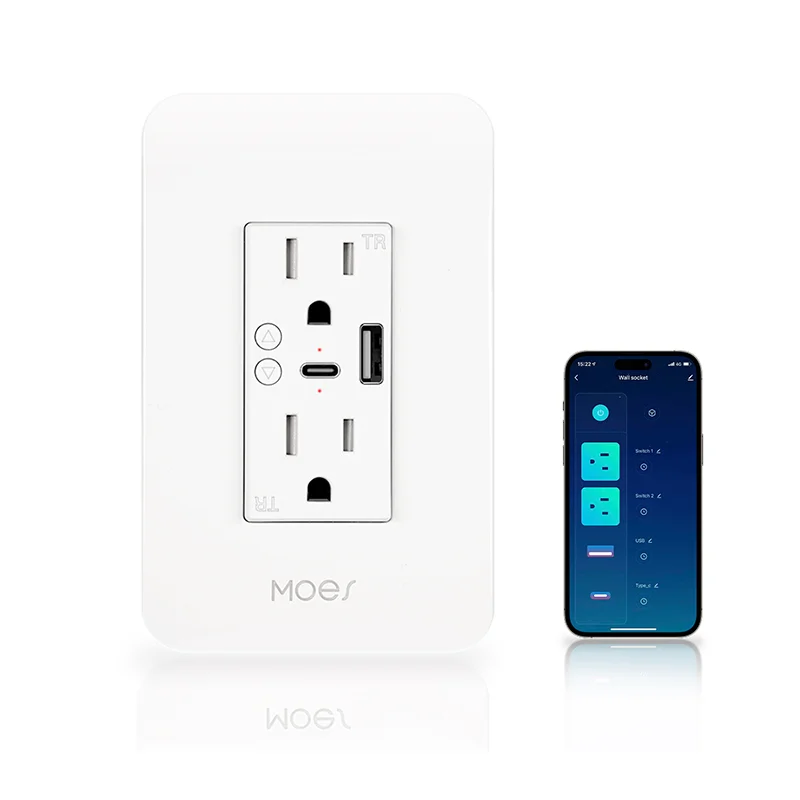
Open the WiFi Smart Power Wall Socket with Type C And USB Dual Outlet Plug when the quote wants the Wi-Fi wall socket that prints dual-outlet control and a USB / Type-C charging port current cell. The 100V/15A and 250V/10A input line, the 3000W total, the 1800W per gang, and the 5V/2.1A USB/Type-C output stay on that page.
That page also prints timer, countdown, Alexa and Google Assistant voice control, divided outlet control, and power memory. It does not print an RF handheld remote, Matter, Zigbee, or a kilowatt-hour accuracy figure.
Open the UK-format wall socket when the quote wants that neighbor. The 13A resistive and 2A capacitive current line stays on that page, with the 90-250V AC input and output and the 220V rated-voltage cell.
That UK page prints power-consumption viewing in the description and names USB Type C in the title. No USB amp cell is printed there. The same table prints a neutral+live power-supply mode and IEEE 802.11b/g/n beside the WiFi protocol cell.
US and UK face shapes on those titles are page labels. Treat them as carton text.
Fill the quote from the page that will ship. Write wall socket first, then the printed APP Remote line, then the amp, USB, voltage, and radio cells on that same page.
EC&M’s NEC receptacle note is the reason the amp cell matters. Receptacles are marked with voltage and ampere ratings, and a replacement follows the protection rules of the location.
Copy the marked cells from the shipping page. Leave the other wall page alone.
From the field: Community buyers asking to replace a fully switched bedroom outlet keep describing one controlled face and one always-live face, and they ask whether a true neutral is in the box — source: https://community.smartthings.com/t/replacing-a-fully-switched-outlet/166645. That language describes a split receptacle. Quote a split only when the shipping page prints it.
The Energy.gov operator-controlled receptacle note makes the same wiring point. A controlled duplex can sit next to an uncontrolled duplex, or one half of a device can be the controlled face.
Treat that as a field condition. Quote a split only when the shipping page prints it.
Power-consumption viewing is printed on the UK wall page. Keep that sentence on that SKU. No live wall page prints a kilowatt-hour accuracy figure.
When the worksheet is complete, the buyer should point at one live wall-socket URL, one cross-link each to the plug-in, dimmer, and wall-switch sister articles if those nouns appeared on the RFQ, and zero merged amp cells from a plug-in page.
The wall-mounted outlet that replaces the receptacle and switches the load on the control path printed on its page. On this catalog, that object is a published wall socket, not an RF plug-in kit.
Not on the live wall pages. Those pages print APP Remote control through the named phone app. They do not print a handheld RF remote or a radio range in feet.
A wall socket replaces the receptacle. A plug-in smart plug inserts into an outlet that already exists. The plug-in sister article owns that adaptor class; its load cells stay there.
A wall dimmer sets light level on a lighting circuit. This wall socket is the outlet the cord uses. Brightness stays on the dimmer sister article.
No. The 100V/15A, 250V/10A, 3000W, 1800W/Gang, and 5V/2.1A cells stay on WK-US2-TC. The 13A resistive / 2A capacitive line stays on WK-UK2-2A1C-WH.
No. The UK wall page prints power-consumption viewing. The other live wall page does not print a metering sentence.
Neither page prints a kilowatt-hour accuracy percentage.
No. A lamp-holder adapter screws into a bulb base. It is a different object from a wall receptacle and from a plug-in smart plug.


OTHER SMART DEVICES
Jun 13,2026
OTHER SMART DEVICES
Jun 12,2026
TUYA SMART HOME PRODUCTS
Jun 12,2026
 +86 137 3639 3028





