


by NOVA

Oct 20, 2026
A smart home smart plug is a plug-in socket that switches a corded appliance and joins the radio path printed on its page — on this catalog, the live plug-in class is Wi-Fi and/or Matter.
The next cut is the radio line on the page that will ship, not a family name on a brochure. A wall smart socket replaces the receptacle, and a lamp-holder adapter is a different object.
This page names the plug-in class, the hub path, the corded load, and the live MOES pages that print Wi-Fi or Matter. The Zigbee sister article already recorded that there is no dedicated plug-in Zigbee plug SKU.
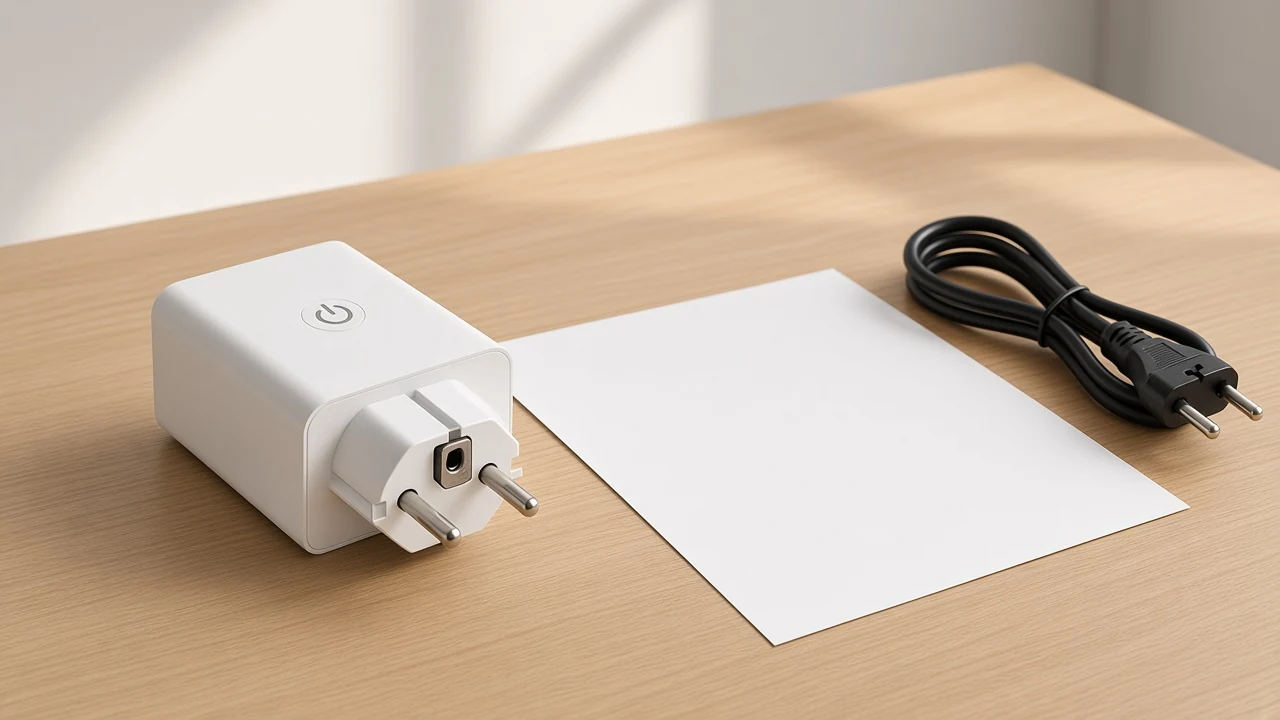
A smart home smart plug is the outlet adaptor you insert into a wall receptacle so a lamp, fan, or other corded device can be switched from an app, a schedule, a voice assistant, or a hub path the radio requires.
Wikipedia’s class description is the clean one: the unit sits between the power cord and the socket and acts as a remote-controlled power switch. Centre for Sustainable Energy’s advice adds the practical list buyers already expect — remote on/off, schedules, and, on many models, energy reports in a phone app.
Shopping pages often stop at “smart plug” and let the radio float. For a line item, the physical cut comes first.
The object sits in an outlet that already exists. It takes a cord. It leaves the wall box, the hidden module, the bulb, and any lamp-holder or light-socket adapter on other rows.
Energy monitoring is common on encyclopedia and advice pages, and it is not universal. Treat metering as a printed feature on the shipping page, not as a property of the class name.
The radio line decides the plug. Read Wi-Fi or Matter as the page prints it, and only then read the amp or watt cell on that same page.
A Wi-Fi smart plug associates to the site’s access point. CSE’s buying checklist puts the hub question next to connection type for that reason: Wi-Fi is the usual path when the buyer already has a router and wants remote control outside the home without adding a separate bridge for that one cord.
Matter is a different printed word. The Connectivity Standards Alliance describes Matter as an IP-based interoperability standard.
The first specification release runs on Wi-Fi and Thread network layers and uses Bluetooth Low Energy for commissioning. On a live MOES plug that says Matter, the wireless cell is a 2.4 gigahertz line.
Treat that as the Matter claim plus the radio cell beside it. Do not invent Thread, Zigbee, or a second radio the table never printed.
| Quote line | What the plug joins | What the phone path usually needs |
|---|---|---|
| Wi-Fi | The site access point | The router and the app account named on the page |
| Matter, as printed on a Wi-Fi-band plug | The Matter wording plus the radio cell beside it | A Matter controller for that radio path, not a Zigbee hub by assumption |
| Zigbee (sister class) | Zigbee mesh when a page prints it | A Zigbee hub path — see the Zigbee smart plug clarification; no live plug-in Zigbee SKU on this catalog |
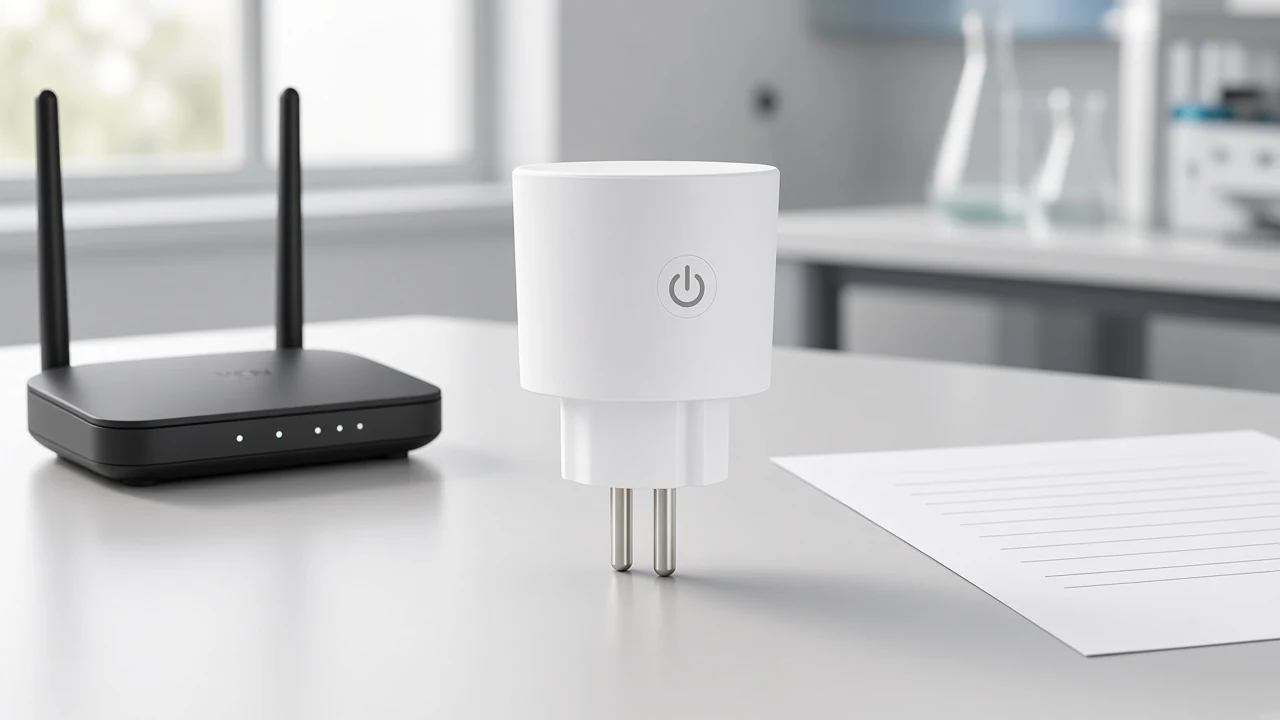
Amp and watt cells travel with the radio cell. A 16 amp figure on a Matter page stays on that model.
A rated-power cell under 200 watts on a Wi-Fi plug stays on that model. Copying either figure onto the other invents a SKU the catalog has not printed.
Not every smart plug needs its own hub. The path follows the printed radio.
CSE notes that connection type varies — Wi-Fi, Bluetooth, or Thread — and that some plugs need an additional hub for control outside the home. Best Buy’s how-to makes the same split: hub-required models talk through a gateway; hub-free models associate to the router.
On the live MOES Wi-Fi power socket page, the description states that no hub or bridge is required. That sentence belongs to that Wi-Fi plug.
It is not a promise for every white adaptor on a shelf, and it is not a Zigbee rule.
When a page prints Matter beside a 2.4 gigahertz wireless cell, the buyer still fills the controller line from that page’s ecosystem wording. Do not assume a Zigbee coordinator simply because another catalog neighbor uses Zigbee elsewhere.
A Reddit buyer comparing wall outlets and plug-in adaptors put the operational trade in plain language: a wall-wart plug is easy to move and replace, and it is also a hint that the behaviour of the socket behind it is no longer “always on.” That is user language for why the plug-in form stays on its own quote row. It is not a lab result.
A plug-in smart plug and a wall smart socket both switch a corded load. They are not the same line item. The smart plug vs smart outlet question is the form-factor cut, not a brand cut.
CNET’s comparison is the physical cut: a smart plug goes into an existing outlet with no electrical install; a smart wall outlet replaces the receptacle, sits flush, and does not block neighboring sockets the way a bulky adaptor can.
Renters and temporary placements tend to keep the plug-in form. Permanent faceplates belong on the wall-socket row.
On this catalog, the plug-in neighbors live under Other Smart Devices. The wall neighbors do too, and that is exactly why the form factor must be written on the quote.
The WiFi Smart Power Wall Socket with Type C And USB Dual Outlet Plug and the MOES WiFi Smart Wall Socket UK Outlet 13A Touch Switch are wall sockets. Their load cells stay on those pages. They are not merged into a plug-in plug row.
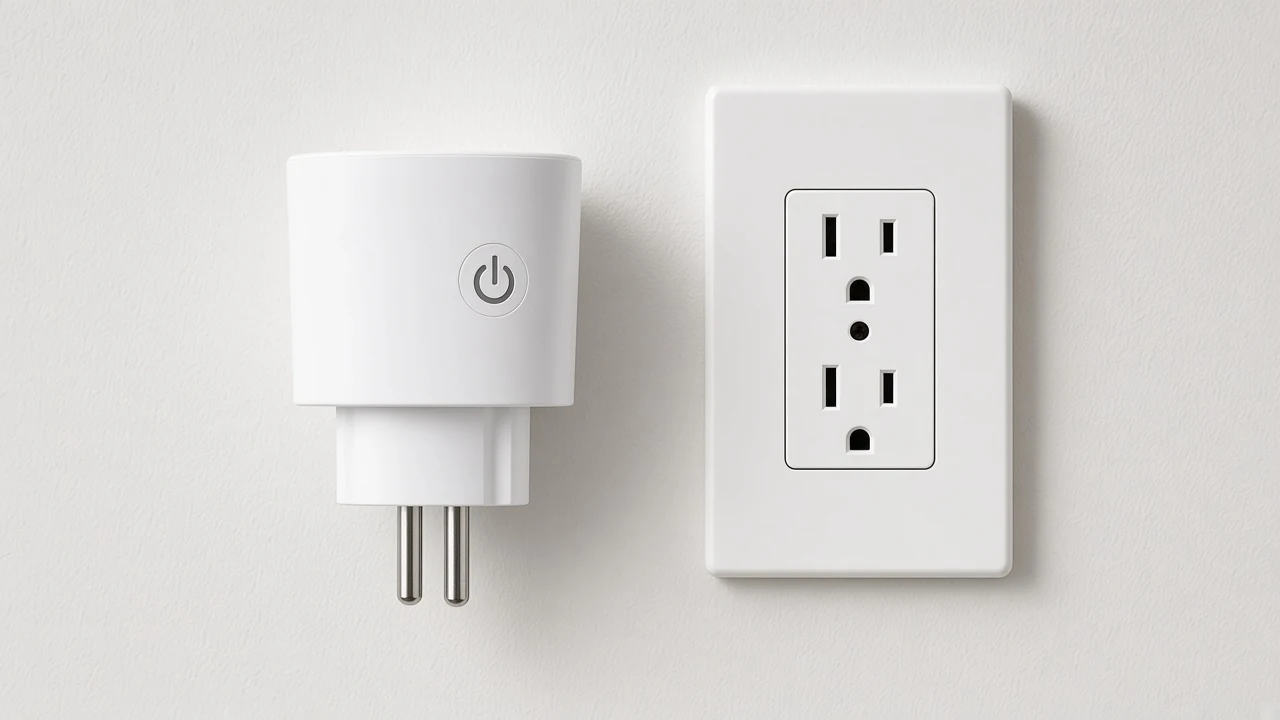
A lamp-holder or light-socket adapter that screws into a bulb base is outside this class. If the buyer asked for a plug-in socket for a corded load, that adapter does not answer the line.
On 20 October 2026 the live plug-in pages that fit this class print Wi-Fi and/or Matter. The Zigbee smart plug clarification already established that there is no dedicated plug-in Zigbee plug SKU on the live catalog. This page is the Wi-Fi / Matter plug-in class.
Two plug-in sockets you can hold are published under Other Smart Devices. Wall sockets stay on the class-separation row above.
| Live page | Model | What the page calls it | Radio as printed | Load cell stays on this row |
|---|---|---|---|---|
| Matter plug | MWP-EU16M | Matter Plug WiFi Socket, in Other Smart Devices | Matter wording; Wireless Type 2.4GHz; band 2.412-2.484GHz | 95V~250V, 16A, 50/60Hz, up to 3680W |
| Wi-Fi power socket | WP-USD | Wifi Smart Plug | Protocol WiFi, 2.4G; no hub or bridge in the description | AC100V-240V 50/60Hz, Rated Power under 200W |
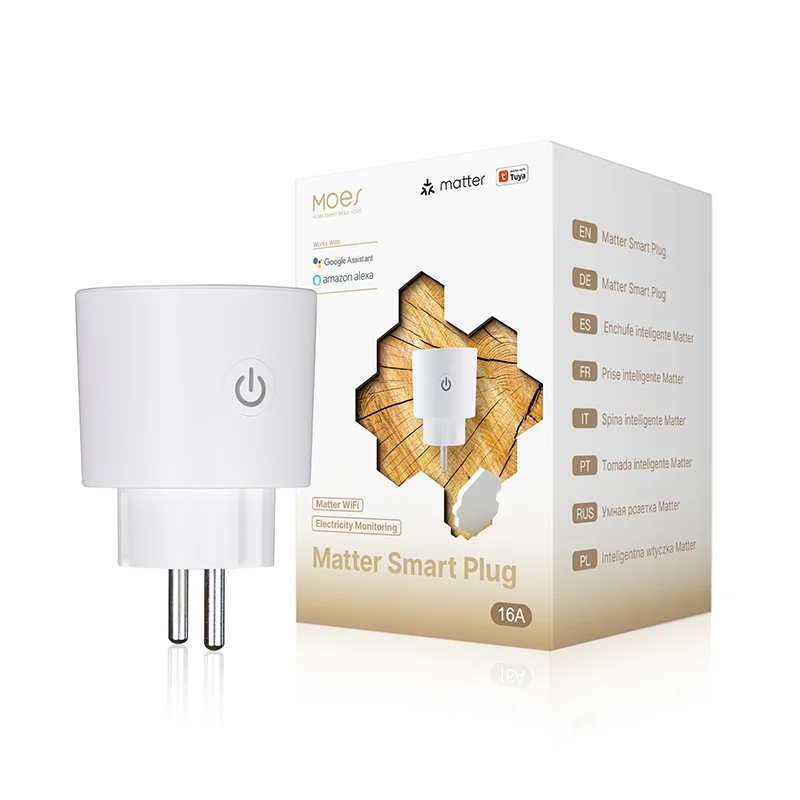
Open MWP-EU16M when the buyer wants a plug-in socket that prints Matter and a 2.4 gigahertz wireless line. The 16A and the up-to-3680W figures belong to that page alone.
The page also prints energy monitoring in the description. It does not print a Zigbee radio, a TRIAC claim, or a kilowatt-hour accuracy percentage.
Open WP-USD when the buyer wants the Wi-Fi-only plug-in neighbor. The protocol cell prints WiFi. The description says no hub or bridge is required.
The rated-power cell sits under 200W. That power cell is easy to over-read. It is this model’s table, not a ceiling for every plug MOES might ship later, and it is not transferable onto MWP-EU16M.
For the Zigbee class name, read What a Zigbee Smart Plug Does for a Corded Load once. That article owns the hub-mesh definition and the missing plug-in Zigbee SKU. Do not rewrite it here.
Fill the quote from the page that will ship. The carton and the table decide the radio, the hub path, and the load cell.
Write the form factor first: plug-in socket for a corded load. Then write the radio exactly as printed — Wi-Fi, Matter, or both as the page shows them.
Then copy the amp or watt cell from that same page. Leave wall-socket ratings on wall-socket pages.
Important: Community buyers on SmartThings threads keep asking for plugs that can survive compressor inrush and long continuous duty — source: https://community.smartthings.com/t/heavy-duty-appliance-smart-plug-for-us-2024/276135. Those threads are a reminder to stay inside the printed rating on the shipping page. They are not a license to invent motor horsepower, TRIAC dimming, or energy-meter accuracy for a MOES page that never printed those figures.
CSE’s scheduling note matters for the same reason. Some washers and dryers do not start a cycle when power alone returns. A plug that restores mains power is still doing its job.
The appliance may still need its own start action. Put that expectation on the quote when the load is a digital appliance, not a simple lamp with a mechanical switch left on.
When the worksheet is complete, the buyer should be able to point at one live URL for the plug-in Wi-Fi or Matter socket that will ship, one cross-link to the Zigbee sister article if someone asked for Zigbee by name, and zero merged amp cells from a wall socket.
A plug-in socket that sits in an existing receptacle, accepts a corded load, and joins the radio path printed on its page. On this catalog, the live plug-in class for that job is Wi-Fi and/or Matter.
No. Hub need follows the printed radio.
Many Wi-Fi plugs associate to the site router and skip a separate bridge. Pages that print a hub requirement, or that print Matter beside a specific radio cell, still need the controller path that page names.
A plug-in smart plug inserts into an existing outlet. A wall smart socket replaces the receptacle and sits in the wall box.
On this catalog, products such as the Type-C USB wall socket and the UK 13A wall socket are wall classes. Their load cells stay off the plug-in row.
No. The 16A and up-to-3680W figures on MWP-EU16M stay on that Matter plug page.
The rated-power cell under 200W on WP-USD stays on that Wi-Fi plug page. Merging them invents a SKU.
No. Many smart plugs include metering, and many do not.
Quote energy monitoring only when the shipping page prints it, as MWP-EU16M does in its description. Do not invent kilowatt-hour accuracy percentages.
That sister article defines the Zigbee plug-in class and records that there is no dedicated plug-in Zigbee plug SKU on the live catalog. This page owns the Wi-Fi / Matter plug-in class for the smart home smart plug keyword. Cross-link once; do not rewrite either page into the other.


OTHER SMART DEVICES
Jun 13,2026
OTHER SMART DEVICES
Jun 12,2026
TUYA SMART HOME PRODUCTS
Jun 12,2026
 +86 137 3639 3028





