


by NOVA

Aug 28, 2026
Advantages of smart home automation that channels can quote are remote operational control, time-based scheduling, and tighter energy discipline when devices stay reachable. Lifestyle listicles stop at convenience; distributors and installers need those outcomes mapped to protocol, hub, wiring, and SKU gates. The sections below convert each advantage into RFQ inputs, then close with a bounded US Wi‑Fi wall-switch example.

For B2B channels, advantages are operational outcomes you can document in a quote—not a homeowner’s lifestyle slogan list.
CEDIA describes home automation as remote or automatic control and monitoring of lighting, temperature, security, and related systems through an app or voice assistant. In procurement language, a home automation system must deliver a named job: change a load state from elsewhere, run a routine without a site visit, or cut idle energy on a schedule.
Consumer articles often blend “smart home” and “home automation.” Treat them as overlapping for this RFQ: the automation layer is the logic (schedules, scenes, remote commands) riding on connected smart home devices. If the RFQ only lists brands and not the job, the advantage cannot be verified at commissioning.
Remote management is an advantage only when app or hub access, user roles, and device reachability are written into the RFQ.
ENERGY STAR notes that smart products can be managed from a phone away from the house and that smart light switches are a practical path for remote lighting control. For a channel quote, remote control is not “an app exists.” It is who can arm, override, or shut down loads after handover, and what happens when the WAN path drops.
Community language mirrors that expectation. Live Google summaries of r/smarthome threads repeatedly surface remote locking, arming, and monitoring as reasons people adopt automation. Translate that into RFQ fields: admin accounts, guest access, alert destinations, and whether local wall control still works offline.
Important: University of Fairfax’s overview of home automation flags internet reliance and weak passwords as real failure modes. If a project sells remote ops without a network readiness note, the advantage fails the first outage—not the first SKU datasheet.
Schedules and occupancy-linked control turn automation into repeatable energy discipline instead of one-off remote taps.
ENERGY STAR’s smart-home tips describe devices that run on a schedule, send performance alerts, and adjust usage with occupancy detection. CEDIA’s energy section likewise points to lighting and heating that can power down while a home is empty.
Those energy management advantages are what facility and residential channels can sell when the RFQ names the schedule owner and the vacant-state behavior.
Home Assistant users make the same demand in practice. In the Home Assistant Scheduler card discussion, the author built dedicated scheduling because controlling many devices by time of day was hard to manage in ordinary automations—sunset lights, morning thermostat setpoints, weekly jobs. Channels should ask whether schedules live in the vendor app, a hub, or both, and who edits them after install.
| Advantage class | What the buyer thinks they bought | RFQ field to lock |
|---|---|---|
| Remote operational control | “We can change loads from off-site.” | App/hub path, admin roles, offline wall behavior |
| Scheduling / routines | “Lights and climate follow a calendar.” | Schedule owner, time base, vacant/away profile |
| Energy discipline | “Idle loads do not stay on.” | Occupancy or schedule rule, which loads are in scope |
| Centralized scenes | “One action sets several rooms.” | Scene vs single-load mode, supported SKUs |
Wi‑Fi and Zigbee can both carry remote and schedule advantages, but they imply different hubs, LAN loads, and assortment rules.
Constellation’s smart-home primer states a working setup needs Wi‑Fi, smart devices, and a connecting system or hub—and that compatibility must be confirmed before purchase. That sentence is the channel version of stack-dependent advantages.
A hub / gateway decision sits behind every remote or scene promise. A Wi‑Fi wall switch may deliver app remote control with no Zigbee gateway, yet it adds per-device traffic. A Zigbee kit can scale rooms more cleanly, but only after the gateway and pairing plan are priced.
Wi‑Fi vs Zigbee is therefore an assortment decision, not a slogan. Channel RFQ buyer teams should price labor and spare nodes against the protocol they actually quote.
MOES’s Tuya smart home products category publicly groups Wi‑Fi and Zigbee automation devices under one commercial pathway. That helps assortment breadth; it does not let one RFQ line claim every protocol advantage. Quote Wi‑Fi remote paths and Zigbee mesh paths as separate lines when the buyer’s hub story differs.
| Protocol path | Typical advantage fit | Channel implication |
|---|---|---|
| Wi‑Fi device + cloud/app | Fast remote control for small projects | Confirm SSID capacity and app account model |
| Zigbee + gateway | Multi-room mesh with hub-centered scenes | Price gateway, pairing labor, and spare nodes |
| Mixed assortment | Broader catalog | Split SKUs by ecosystem; avoid one-line “works with everything” |
Neutral wiring and feature-mode conflicts can cancel remote or scene advantages before the app login is created.
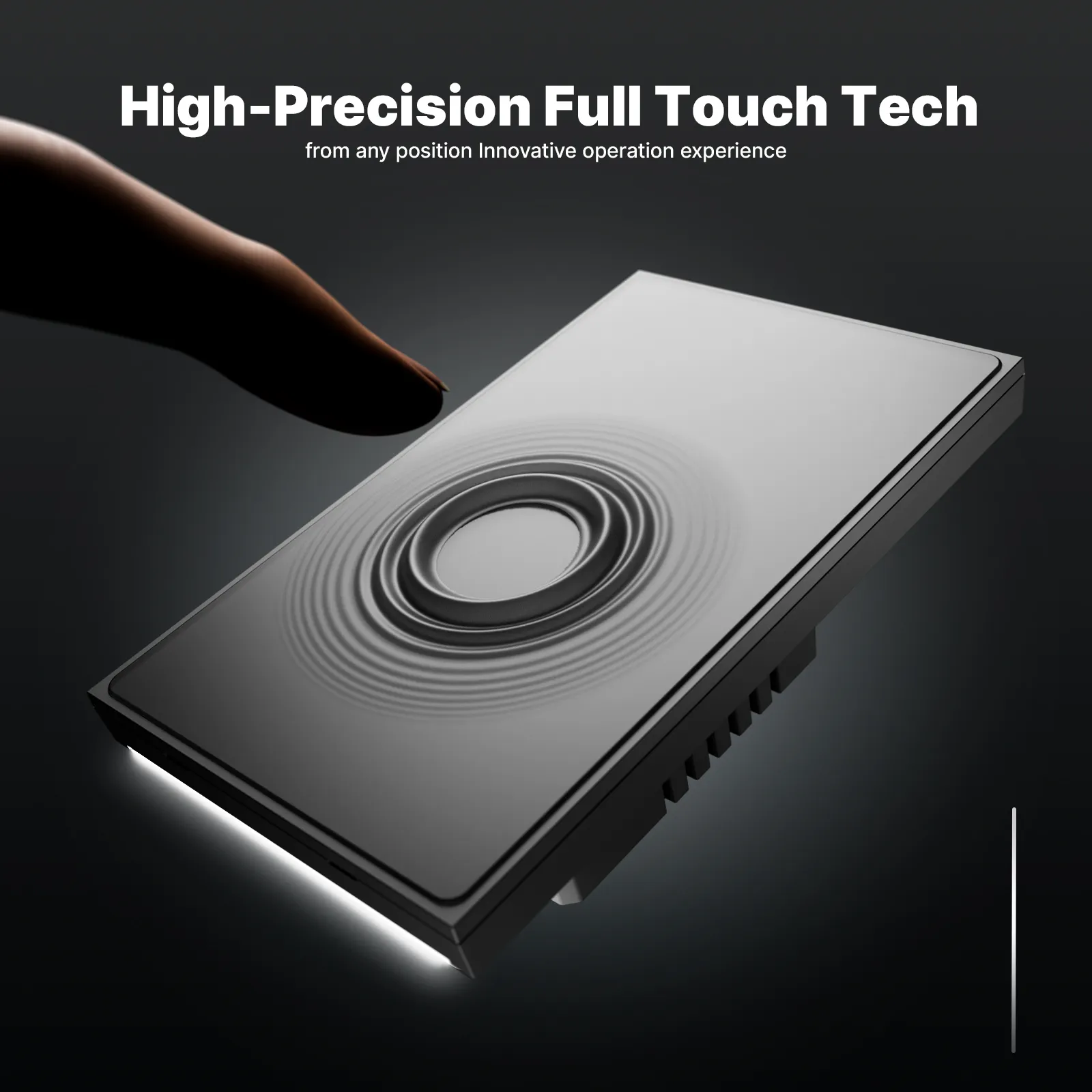
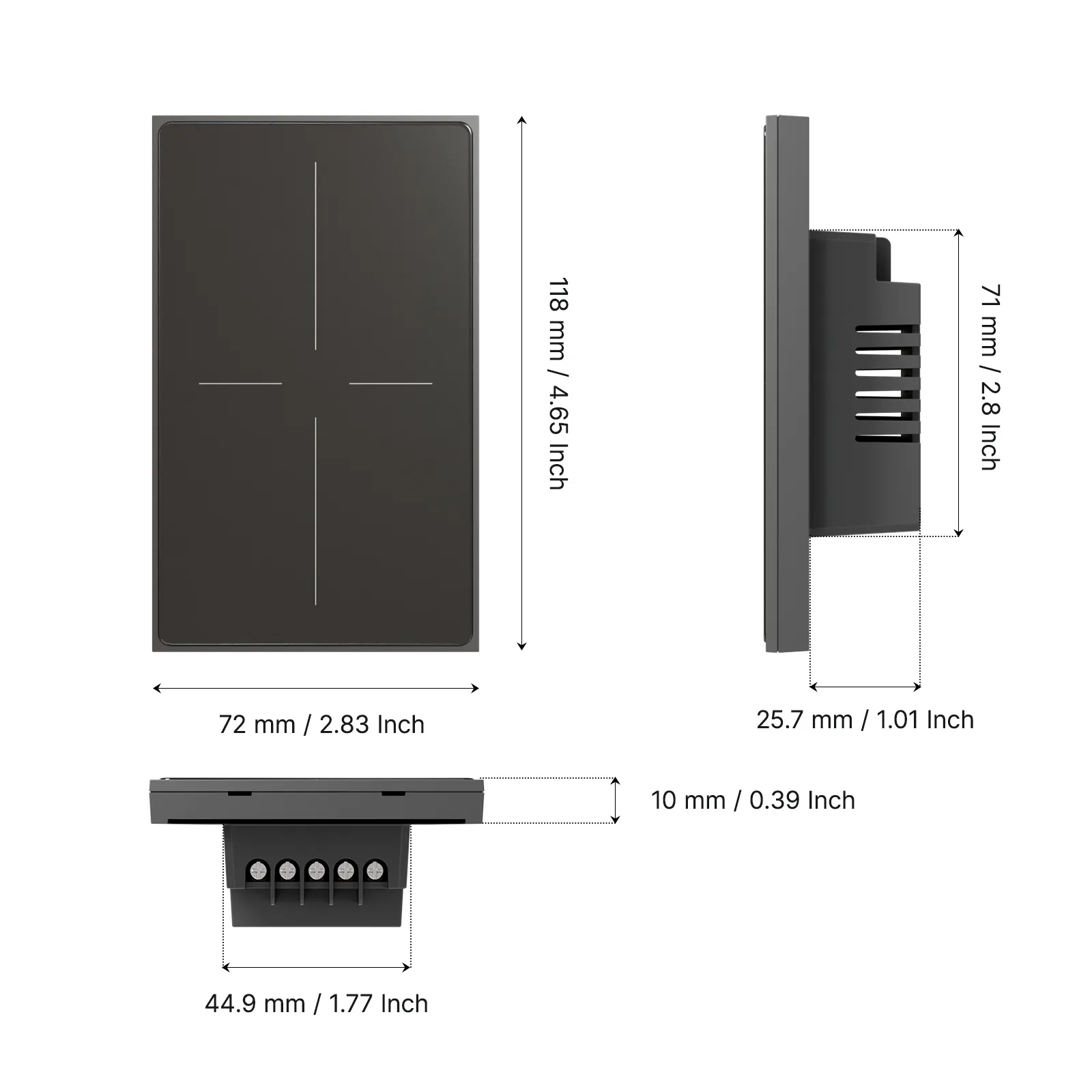
Many smart wall switches need a neutral conductor. Star Feather collection evidence used in MOES site facts describes US and EU gang entries as neutral-wire products and states that Light Mode and Scene Mode cannot run simultaneously. If an RFQ promises scene-style advantages on a Light Mode SKU—or remote wall control in a no-neutral box—the install fails for reasons that never appear in a lifestyle advantages article.
Vendor mixing adds another block. Fairfax’s cons list calls out connectivity issues when brands do not share an ecosystem. Keep protocol families coherent inside one quoted job, or budget integration labor explicitly.
Lock the advantage class, control stack, wiring, and schedule ownership before any SKU is named on the quote.
The checklist exists so the product recommendation below is a fit test, not a contact form.
Use the Star Feather US switch path when the RFQ already needs timer and remote wall control on a US-format, neutral-present switch job.
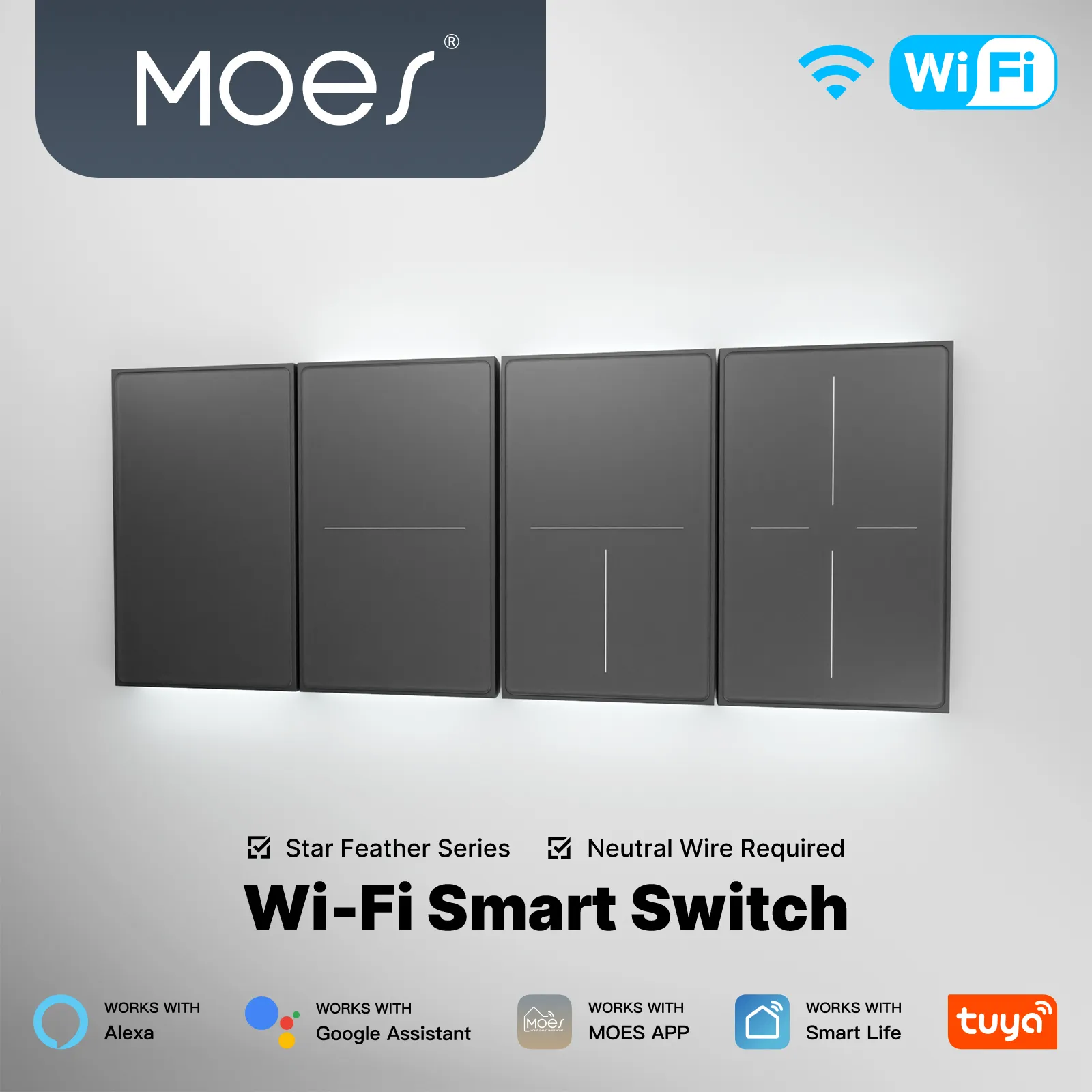
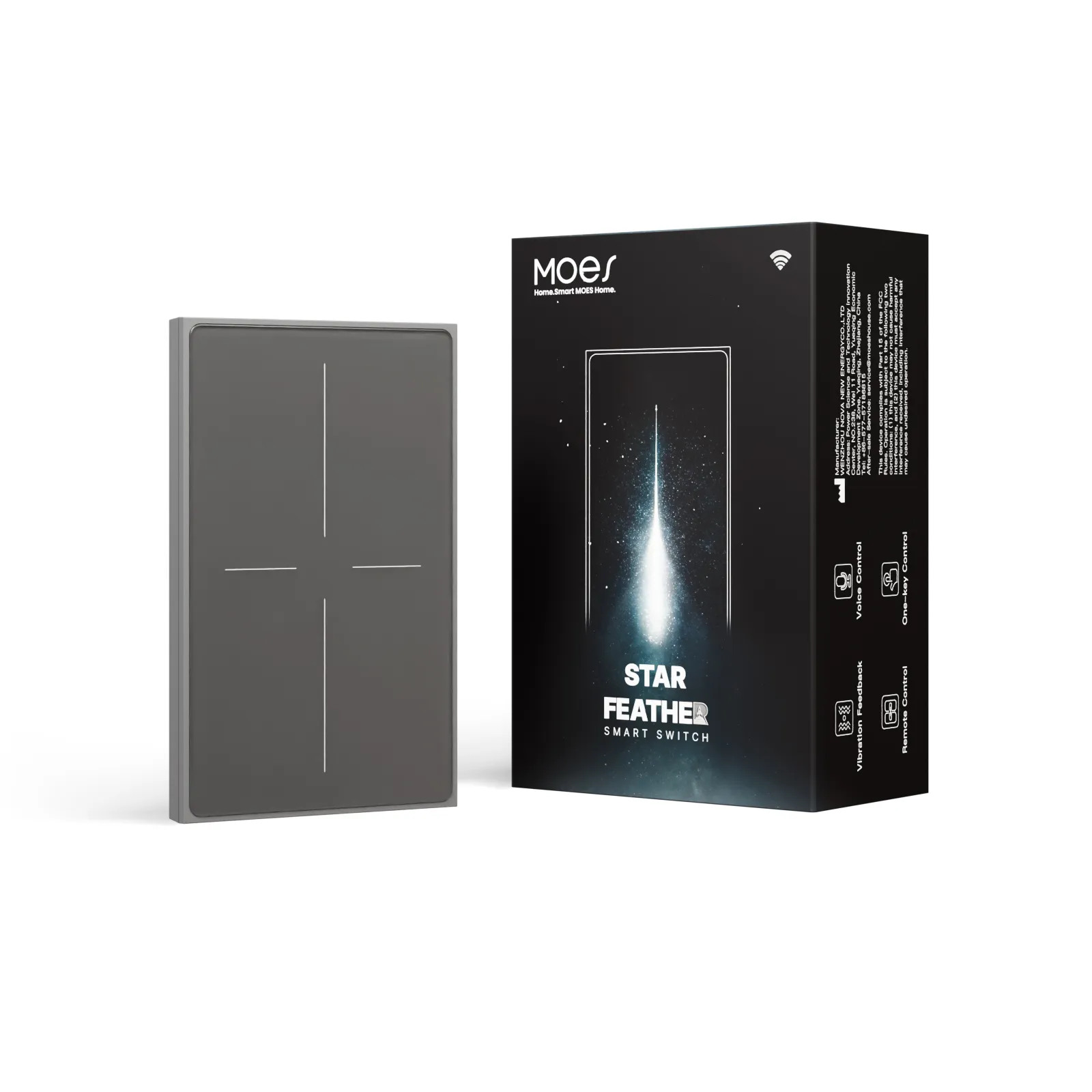
The MOES Tuya WiFi Star Feather Series US Switch is positioned on its public page as a US Wi‑Fi Star Feather switch with timer and voice-assistant language. That aligns with ENERGY STAR’s point that smart switches support remote lighting control—and with channel quotes that need app-reachable wall plates without a Zigbee gateway.
Do not stretch that SKU across EU formats, no-neutral retrofits, Zigbee-only hub plans, or projects that require Light Mode and Scene Mode at the same time on Star Feather collection rules. Confirm gang count and wiring on the product page, then continue to broader Tuya smart home products or contact MOES only when the RFQ line is already locked.
Remote operational control, scheduling/routines, and energy discipline when devices stay reachable—plus scene control when the SKU mode supports it. Quote those as jobs, not slogans.
In channel RFQs they largely overlap. “Smart home” stresses connected devices; “home automation” stresses the logic that runs them remotely or on a schedule. Specify the job either way.
Internet dependency, weak network hygiene, and vendor/ecosystem mismatches. Document offline wall behavior and admin password ownership up front.
It is worth stocking when remote, schedule, or energy advantages match documented wiring and protocol. A catalog without those gates creates returns, not margin.
Not always. Some Wi‑Fi switches schedule inside the vendor app; Zigbee paths usually need a gateway. Lock the schedule host in the RFQ.
Yes at catalog level. On a single quoted job, split lines by ecosystem and hub so remote and scene advantages stay testable.
Many smart wall switches need neutral to stay powered for radio and app control. Missing neutral blocks remote and schedule advantages regardless of the marketing copy.
Star Feather collection evidence states Light Mode and Scene Mode cannot be used simultaneously. Lock mode intent before promising scene-style advantages on that family.
Policy confirmation: References include ≥1 authority/independent technical source and ≥1 community forum source; competitor, manufacturer catalog, marketplace, and first-party product URLs are excluded from this References list. Each URL returned HTTP status <400 on automated check 2026-08-29.


OTHER SMART DEVICES
Jun 13,2026
OTHER SMART DEVICES
Jun 12,2026
TUYA SMART HOME PRODUCTS
Jun 12,2026
 +86 137 3639 3028





