


by NOVA

Aug 28, 2026
The benefits of a smart home that B2B channels can honestly sell are convenience and remote control, energy visibility with HVAC savings language kept inside published ENERGY STAR thermostat rules, and security peace of mind built on sensors and alerts. This page maps those smart home benefits—including the benefits of having a smart home for channel quotes—into RFQ fields, then points to bounded MOES assortment examples under Tuya smart home products.
For distributors and installers, benefits are channel-sellable outcomes—not a gadget catalog. A smart home connects devices through an app, voice path, hub, or panel so buyers can control loads remotely, see where energy goes when metering exists, and get earlier awareness from sensors and alerts.
Academic and utility overviews converge on three pillars: convenience or accessibility, energy control or insight, and security-related peace of mind. They also list vendor lock, internet dependence, and cyber risk as the price of admission.
That framing matters in RFQs. A United States project that wants energy benefits is asking a different question than a project that wants push notifications when someone enters a corridor.
| Benefit pillar | What the buyer feels | RFQ fields to lock early |
|---|---|---|
| Convenience / remote control | Fewer trips to switches; check loads while away | Control path (app/voice/hub), protocol, power format, load type |
| Energy visibility | See waste; adjust HVAC or plugs with evidence | Metering need (yes/no), thermostat class, ENERGY STAR language scope |
| Security peace of mind | Earlier awareness of motion, leaks, or CO events | Alert path, sensor type, whether a certified alarm remains required |
Convenience is the benefit most buyers recognize first: turn appliances or lights from a phone, schedule a plug, or use voice without walking every room. Utility education pages describe greater control of everyday loads once Wi-Fi, devices, and a connecting system are in place.
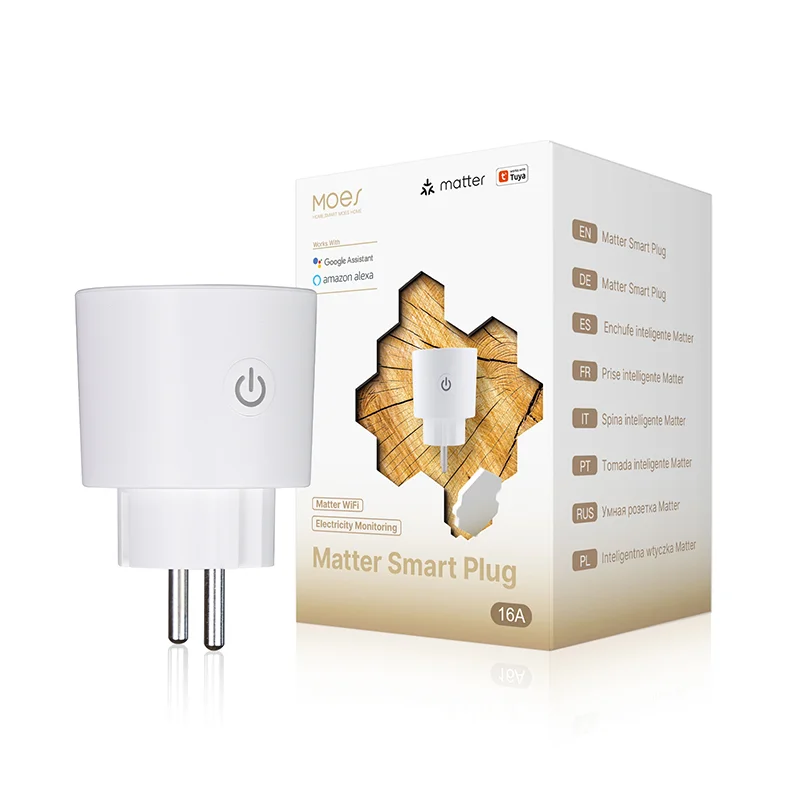
For channel packaging, translate convenience into SKU classes that make remote control tangible. A smart plug / socket converts traditional appliances into app-controlled loads.
Public MOES examples include a WiFi smart power socket plug positioned for Smart Life app control without a separate hub. That is a clean starter story for rentals, showrooms, and phased rollouts.
Voice and multi-app paths belong in the RFQ only when the buyer names Alexa, Google Home, Apple Home, or Matter as a hard requirement.

Convenience fails quietly when the control path is vague. If the project needs local wall control during an outage, say so in the RFQ.
If the buyer expects one app for every brand on the wall, document that expectation before you promise a mixed cart. The benefit is real; the RFQ is what keeps it real.
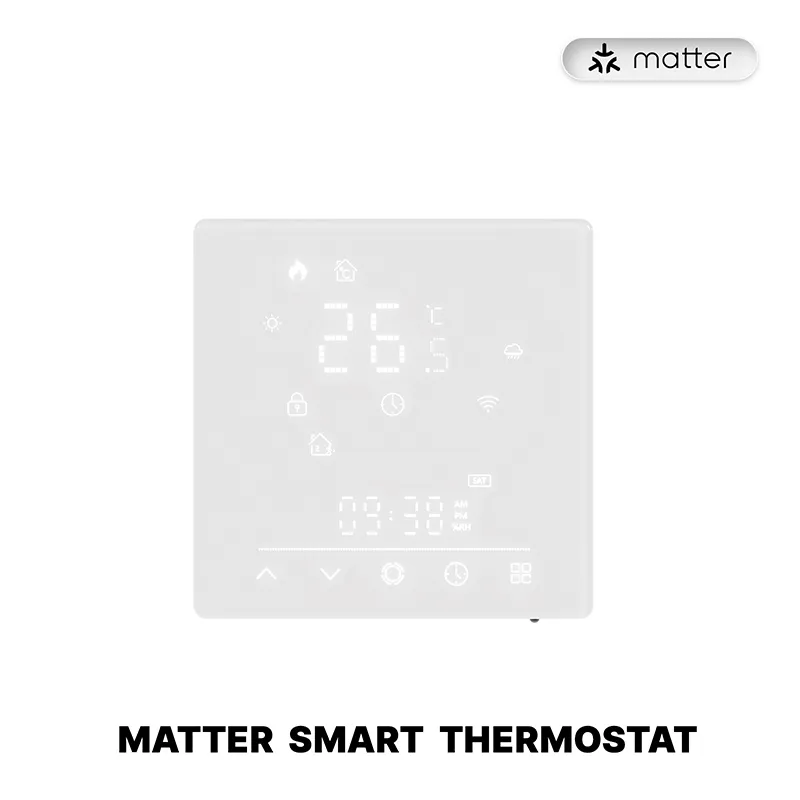
Energy visibility means the buyer can see and act on usage—through a metered plug, a thermostat schedule, or both—rather than hoping people remember to turn things off. Nearly half of home energy goes to heating and cooling in ENERGY STAR’s United States consumer guidance.
That does not authorize every smart gadget to inherit thermostat savings figures. Use published ENERGY STAR thermostat rules when a United States RFQ asks for savings language.
ENERGY STAR states that certified smart thermostats show average savings of about 8% of heating and cooling bills, or about $50 per year, based on field data from homes across the United States. Homes with high heating and cooling bills, or homes empty for much of the day, can save approximately $100 a year with an ENERGY STAR certified smart thermostat.
Those figures describe the certified thermostat class under ENERGY STAR criteria. They are not a license to print the same percentages on a random Wi-Fi plug or on a MOES thermostat page that does not claim ENERGY STAR certification.
When the RFQ needs plug-level insight instead of HVAC claims, ask for energy monitoring explicitly. A Matter WiFi socket that publicly lists real-time energy monitoring is a different SKU decision from a basic remote-only plug.
Benefits of smart home security, in channel language, mean earlier awareness—motion or presence alerts, environmental sensors, remote checks—while passwords, updates, and network hygiene stay part of the offer.
NIST’s human-centered cybersecurity work notes that people often keep connected devices for convenience even when they worry about privacy. It recommends multi-factor authentication, unique passwords, automatic updates, and putting IoT devices on a separate network.
Federal IoT security guidance makes the same trade explicit: convenience benefits require devices that are secure and trusted, with settings reviewed, patches applied, default passwords replaced, and connectivity chosen carefully.
Network segmentation belongs in the RFQ whenever security peace of mind is on the quote. Put gadgets on a guest or IoT Wi-Fi away from work PCs when the project will accept that design.
Community installers reinforce the channel-safe framing. On the SmartThings community, experienced users describe using platforms for lighting and notifications while refusing to treat them as a stand-alone critical security system.
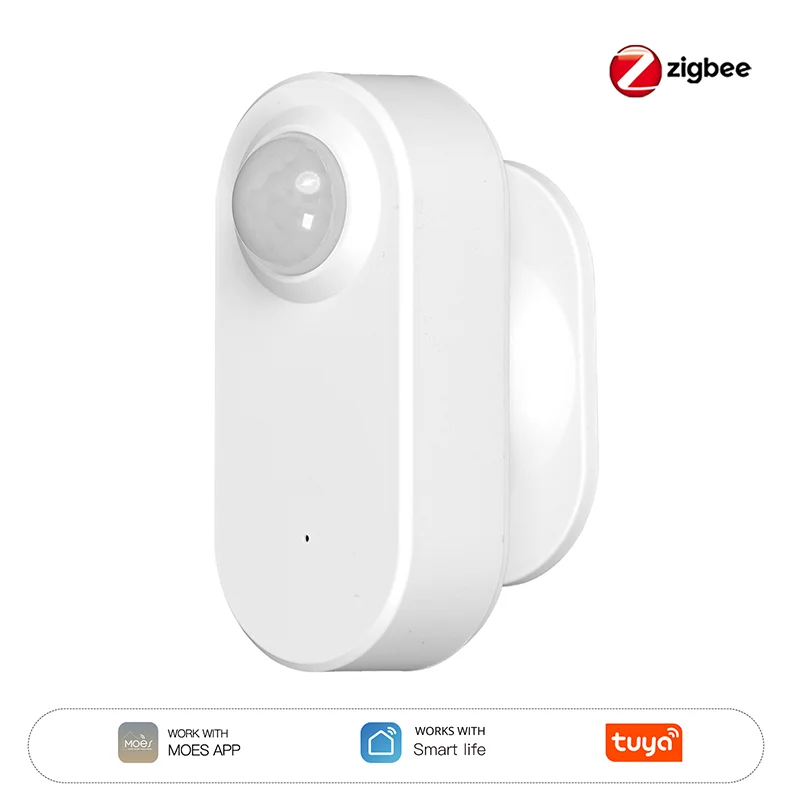
Presence / safety sensor SKUs are assortment tools for this pillar. A ZigBee radar and PIR human presence sensor that sends app notifications supports awareness packaging.
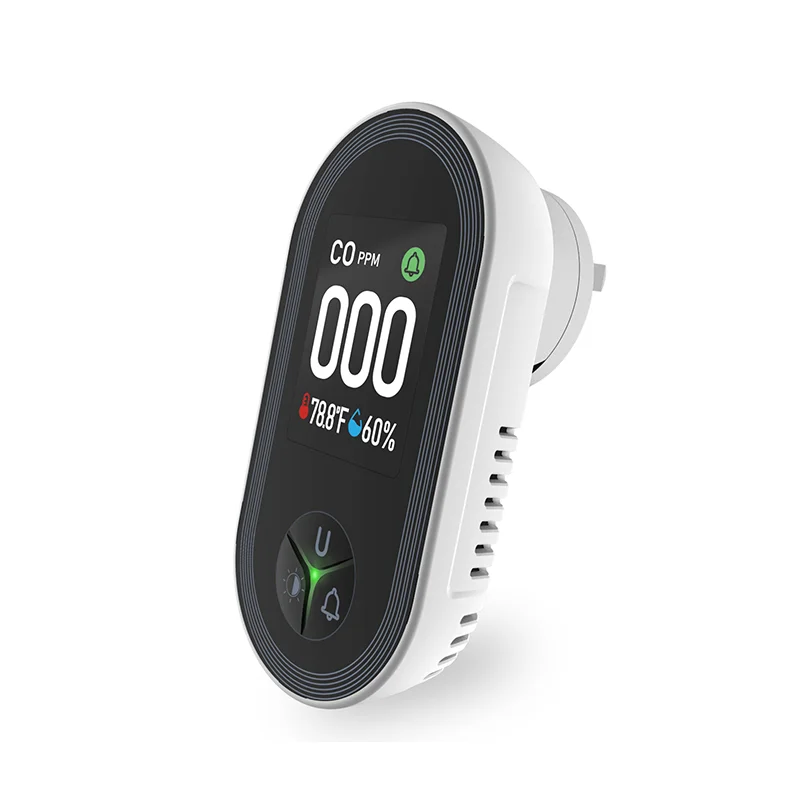
A plug-in carbon monoxide detector with temperature and humidity display supports environmental peace-of-mind packaging when the RFQ asks for those sensing jobs. Neither page turns your catalog into a certified alarm system by itself.
Every benefit travels with conditions. University of Fairfax’s pros-and-cons overview pairs energy and convenience gains with vendor interoperability friction, internet dependence, and security risk.
Independent setup guides add the practical checklist—unique passwords, two-factor authentication, a separate IoT Wi-Fi name, firmware updates, and tighter recording or sharing settings.
| Benefit you sell | Trade-off to disclose in the same conversation |
|---|---|
| Remote convenience | Remote features may pause when internet or cloud paths fail |
| Multi-brand one-app dreams | Hubs, Matter bridges, or third-party software may be required |
| Energy savings talk | Only ENERGY STAR certified thermostat language carries published % averages; other SKUs need metering proof |
| Security peace of mind | Needs MFA, updates, network separation; not a substitute for a required certified alarm |
| “Set and forget” marketing | Someone must own firmware, account recovery, and device retirement |
Important: Treat a smart home like a maintained system, not a one-time box drop. Home Assistant community voices put it bluntly: if nobody is willing to own the setup over years, disappointment shows up fast—and a future owner still has to make sense of it. Put “maintenance owner” on the RFQ before you print lifestyle benefit copy.
Lock outcomes before you lock SKUs. The checklist below turns benefit language into fields a distributor or installer can collect without inventing project facts.
If any field is blank, pause the benefit claim. Empty “security” plus a presence sensor is an awareness quote. Empty “energy” plus a basic plug is a convenience quote.
MOES publishes a Tuya smart home products category that channels can browse when building benefit-led carts. Use public SKU pages as bounded examples after the RFQ fields above are filled.
Shortlist against the checklist, then contact MOES for samples once protocol, power format, and benefit pillar are written down.
Convenience and remote control, energy visibility (including scoped HVAC thermostat language), and security peace of mind through sensors and alerts. Sell the pillar the RFQ names; do not collapse all three into one vague “smart” claim.
No. ENERGY STAR publishes average savings for certified smart thermostats—about 8% of heating and cooling bills or about $50 per year, and about $100 per year in high-bill or daytime-empty homes. Other devices may add visibility or scheduling without inheriting those averages.
Security peace of mind improves awareness when sensors, alerts, passwords, updates, and network separation are in place. Community operators often keep smart platforms for lighting and notifications rather than as a stand-alone critical alarm—mirror that honesty in quotes.
Internet dependence, vendor interoperability friction, setup and learning cost, cloud or support lifecycle risk, and cyber/privacy configuration work. Put the matching trade-off next to each benefit pillar in the sales conversation.
Not automatically. If no one will maintain accounts and firmware, or if the project needs certified life-safety gear the catalog cannot replace, a full smart rollout may be the wrong quote. Start with the primary benefit pillar and a small pilot kit.
Primary pillar, control path, protocol and power format, energy claim class, alert path, criticality, network plan, and maintenance owner. Those eight prevent most oversells.
Match the starter to the pillar: plugs for convenience, metered plugs or thermostats for energy conversations, sensors for awareness. Mixed pilots work when the RFQ ranks more than one pillar.
This article owns channel-sellable outcomes and the RFQ checklist that keeps them honest. Automation advantages as an operations taxonomy—scenes, schedules, and if-then catalogs—belong to a separate piece so the two pages do not cannibalize each other.


OTHER SMART DEVICES
Jun 13,2026
OTHER SMART DEVICES
Jun 12,2026
TUYA SMART HOME PRODUCTS
Jun 12,2026
 +86 137 3639 3028





