


by NOVA

Sep 05, 2026
The durable benefits of installing smart home lighting start on a signed project-input sheet—not on a brochure that only lists convenience, energy savings, and security scenes. Freeze load type, dimming method, circuit and neutral topology, hub and scene ownership, and retrofit constraints before hardware ships so those benefits survive cutover.
This page is for installers, integrator coordinators, and distributors packing lighting retrofit and new-build jobs. You will map each major lighting benefit to the fields that keep it real, then walk a smart lighting installation checklist you can staple to the pick ticket. When the sheet passes, browse Tuya smart home products for wall-switch and lighting-control families that match the documented inputs.
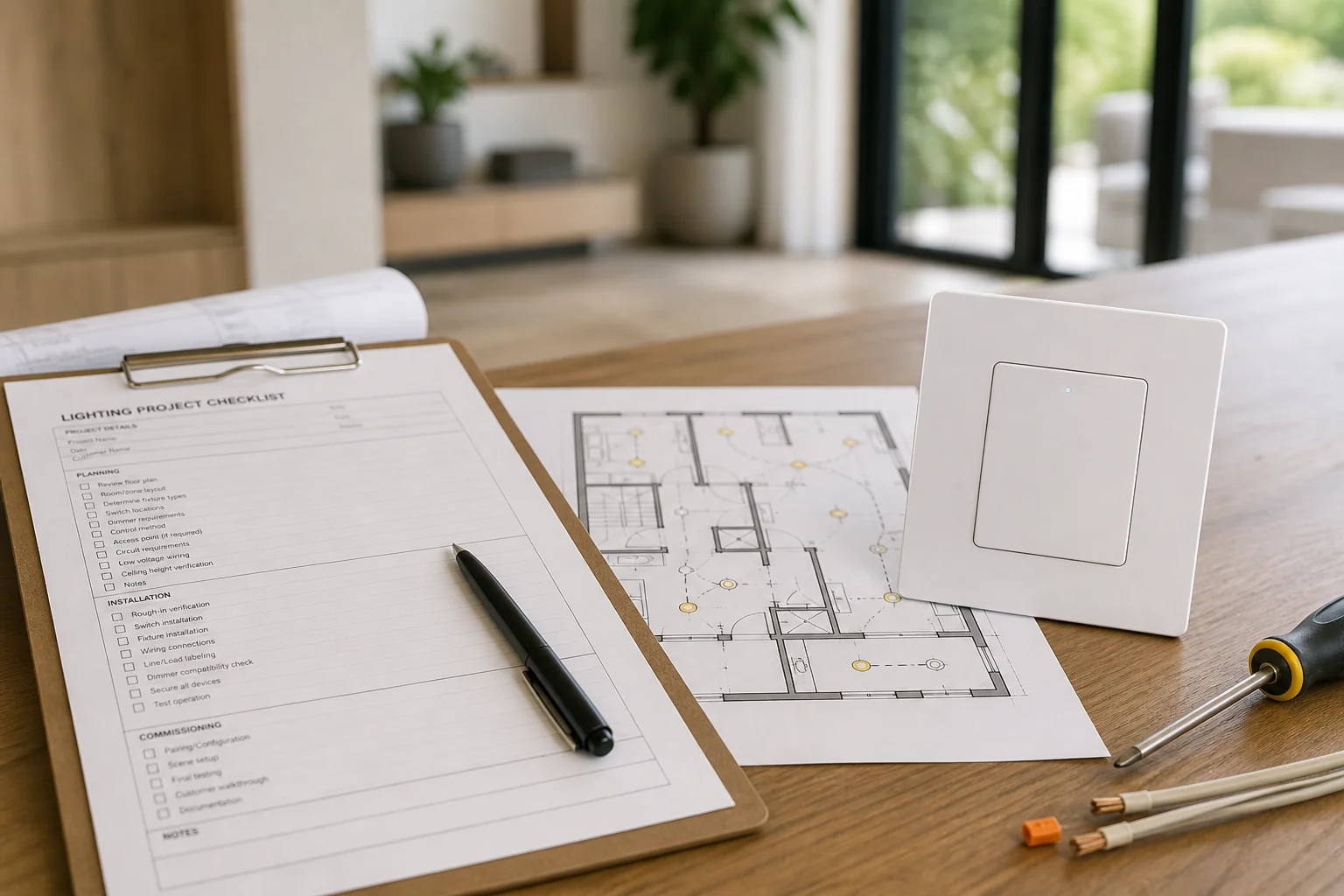
Lighting benefits hold when the control strategies on the job match the hardware and circuits you actually install. Search results for smart lighting still lead with energy, remote control, security schedules, and custom scenes. Those outcomes only stay reliable when schedules, occupancy rules, dimming ranges, and wall control still work after guests, LED drivers, and multi-way boxes enter the picture.
Treat the benefit list as a scope filter, not a packing list. If the channel quote promises “away lighting” and “movie scenes,” the sheet must name which rooms, which devices own those scenes, and which control strategies are in scope. National connected-lighting research frames energy upside as potential that depends on working networked controls—not as an automatic bill cut after any smart SKU lands in a box.
| Marketed benefit | Inputs that keep it real | Failure if skipped |
|---|---|---|
| Schedule / auto-off savings | Which circuits; who owns schedules; occupancy rules yes/no | Lights stay manual; “savings” never run |
| Remote app control | Protocol; SSID/hub owner; pairing after manual test | Offline tickets that are really copper mistakes |
| Security away patterns | Rooms in scope; motion vs schedule; override owner | Patterns conflict with guests or dead bulbs |
| Scenes / mood presets | Control plane (switch vs bulb); scene exclusivity notes | Scenes die when wall power is cut |
| Dimmed comfort levels | Load type; phase-cut method; min/max + LED derating | Flicker, buzz, or no-off glow |
Write the benefit rows first so electrical and hub fields have a job to protect. Do not ship a “benefits kit” that never freezes those rows.
Log Load type / LED driver class, total watts, and Dimming / phase-cut method before anyone orders a smart dimmer for smart dimmer load compatibility. Electronic LED drivers, magnetic transformers, and legacy resistive lamps do not behave the same under phase-cut control.
Independent dimmer guidance stresses matching forward (leading-edge) versus reverse (trailing-edge) methods to the driver, then checking both maximum and minimum load—including LED derating that can shrink a dimmer’s usable watt ceiling.
Capture fixture count, approximate wattage per leg, dimmable versus on/off only, and any known picky driver. If the datasheet publishes an LED compatibility table or names a bypass accessory, write that part number on the sheet before trucks leave. Community threads on LED flicker after smart-switch installs repeatedly ask whether a single low-watt flood sits under the device minimum—treat that question as a documentation field, not a surprise at punch list.
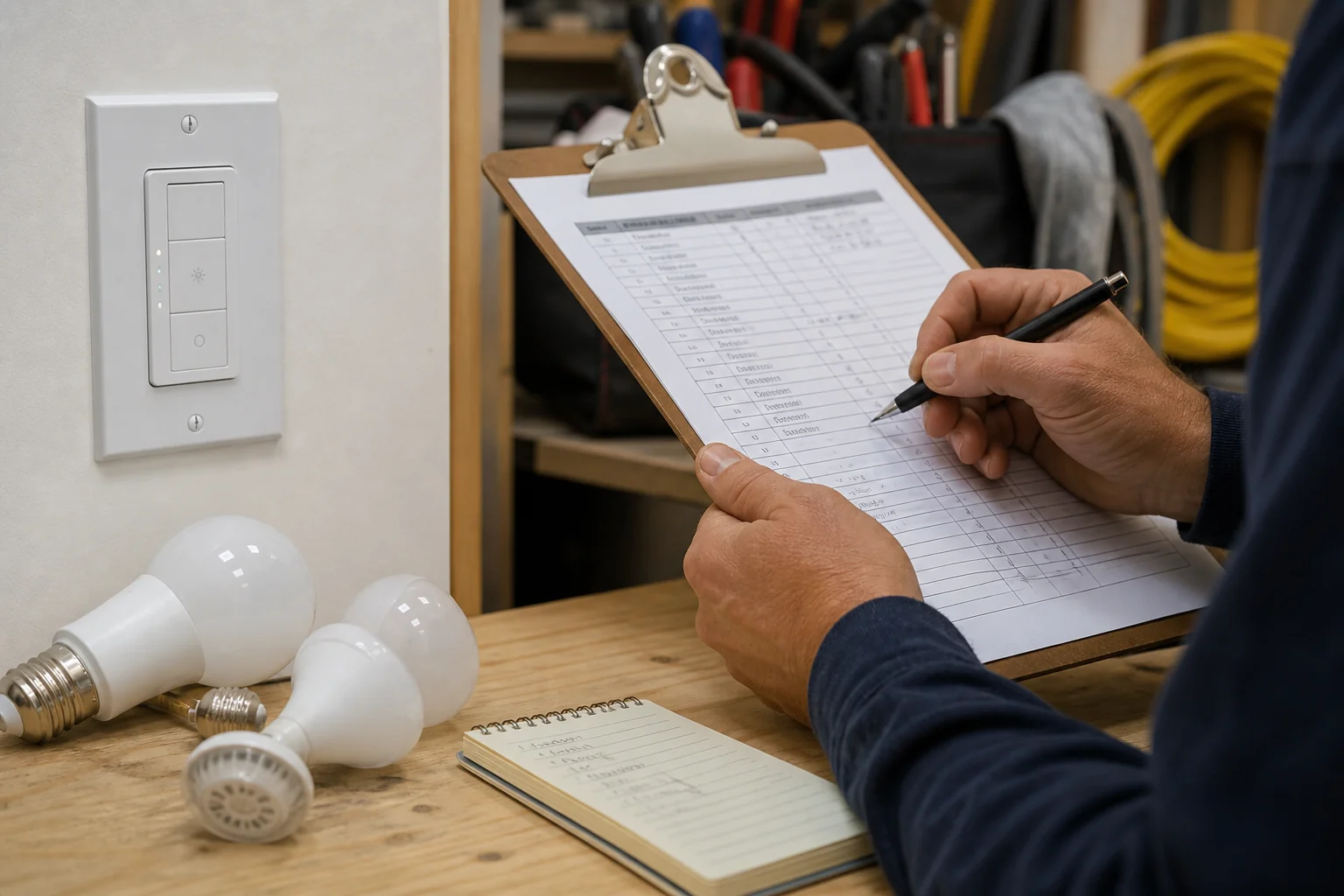
From the field: Installers on SmartThings report LED floods that flicker after a smart-switch swap and immediately ask whether the lamp sits under the switch’s minimum wattage—log watts and neutral mode before promising flicker-free benefits. (source)
Freeze Circuit topology—pole count, traveler roles—and whether a Neutral / grounded conductor (smart switch neutral wire) is present in the wall box, not only at the fixture. Many smart switches and dimmers need a neutral in the back box so their radios and microprocessors can stay powered without leaking current through the lamp.
Educational summaries of NEC 404.2(C) explain why many lighting switch locations are expected to provide that grounded conductor for electronic controls, subject to Code exceptions and local adoption. Ask the project electrician which edition applies; keep the citation as a planning reminder, not an inspection stamp.
Confirm single-pole versus multi-way before disconnect. If the circuit is 3-way or intermediate, name whether the kit uses a matched primary plus auxiliary, a companion path, or another datasheet-supported topology. Separate non-dimmable motor or exhaust loads from dimmer legs on the sheet—mixed dimmable lighting and non-dimmable loads on one dimmer feed is a known planning failure mode.
| Circuit field | What to write | Why it matters |
|---|---|---|
| Pole / multi-way type | 1-way / 2-way / 3-way / intermediate | Kit architecture |
| Neutral in switch box | Present / absent / fixture-only | SKU gate |
| Line / load IDs | Photo + tags before disconnect | Stops swaps |
| Travelers (if any) | Colors + use mode from datasheet | Multi-location logic |
| Non-dimmable co-loads | Separated / still shared — action | Prevents illegal dimmer upstream |
| Ground | Bonded / missing | Safety path |
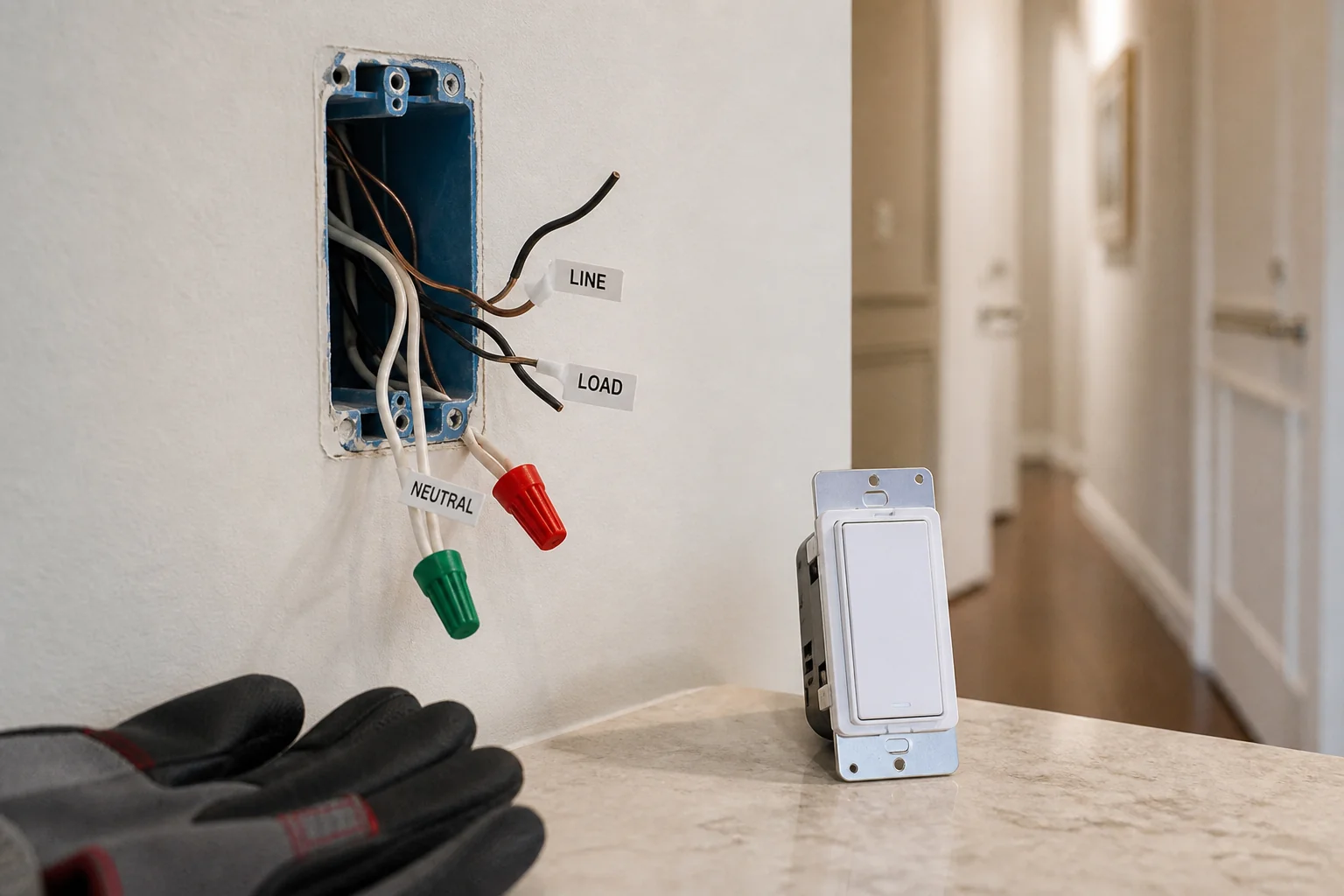
Name the control plane for Smart switch vs smart bulb stacks, hub or Wi-Fi owner, and who may pair after a manual wall test. Scenes / schedules and remote access only stay useful when the wall still leaves the right devices powered and the right person owns commissioning.
Home-automation discussions repeatedly note that smart-bulb stacks fail when guests kill wall power, while smart switches change who can accidentally “brick” the lighting layer.
Write whether the job is switch-primary, bulb-primary, or a documented hybrid. Record protocol (Wi-Fi, hub-based mesh, or mixed), SSID or hub location, and scene owners by room.
Prove local manual switching first; app pairing will not repair reversed line/load or a missing neutral. On the sheet, name who restores the breaker, who runs the manual toggle test, and who is allowed to bind the app or hub afterward.
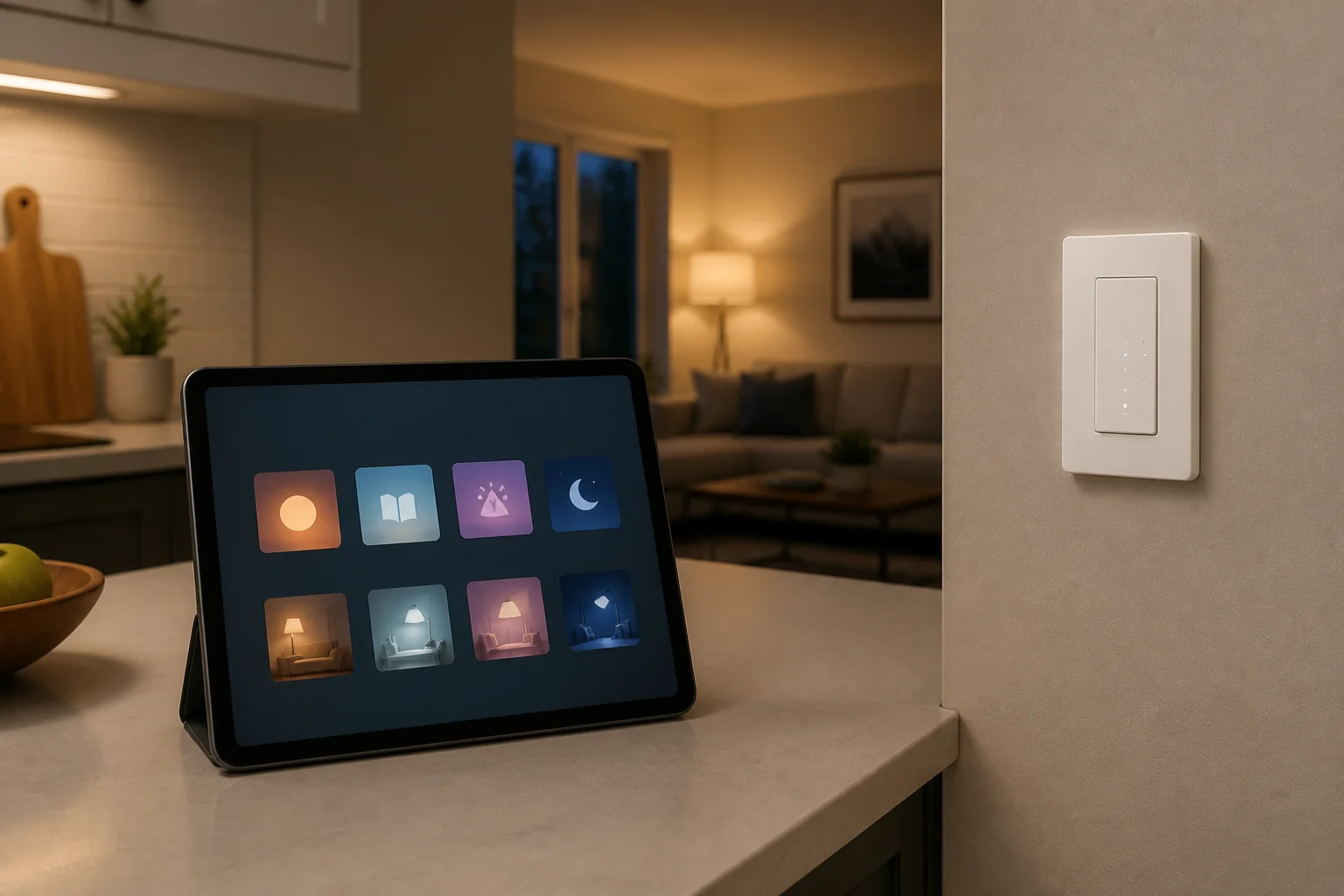
Record box depth, no-neutral mode, mixed loads, and bypass needs before the benefit story leaves the warehouse. Older switch boxes may lack a neutral, run shallow, or share a dimmer leg with a fan.
No-neutral smart controls often lean on the load for standby current and raise minimum-watt thresholds—single decorative LED cans are a classic callback. If the datasheet allows a manufacturer bypass at the fixture, write the part number and who installs it.
Also flag aluminum conductors, damaged insulation, and multi-gang heat crowding. Deep smart modules in cramped boxes create pinched insulation and intermittent faults that look like “app issues.” Escalation is part of the sheet: pull a neutral, change topology, or split loads—do not silently swap SKUs after the truck rolls.
Use one signed smart lighting installation checklist that travels with the purchase order. Professional wiring guidance stresses labeling cables and documenting paths and network schemes so the next crew is not guessing; lighting benefit jobs need the same discipline even when walls stay closed.
| Input | What “done” looks like |
|---|---|
| Benefit scope rows | Schedules / scenes / away patterns named by room |
| Load class + watts | Sum + datasheet min/max + LED derating noted |
| Dimming method | Phase-cut match + dim vs on/off |
| Neutral / multi-way | Box status + topology + kit type |
| Hub / protocol / scenes | Owners named; manual test before pairing |
| Retrofit flags | No-neutral / box depth / mixed loads / bypass |
| Photos archived | Boxes before disconnect; labels readable |
| Sheet sign-off | Name, date, distributor PO reference |
Incomplete rows are stop-work for ordering. When every row is filled, browse assortment pages that match the frozen inputs instead of shopping from a benefit slogan.
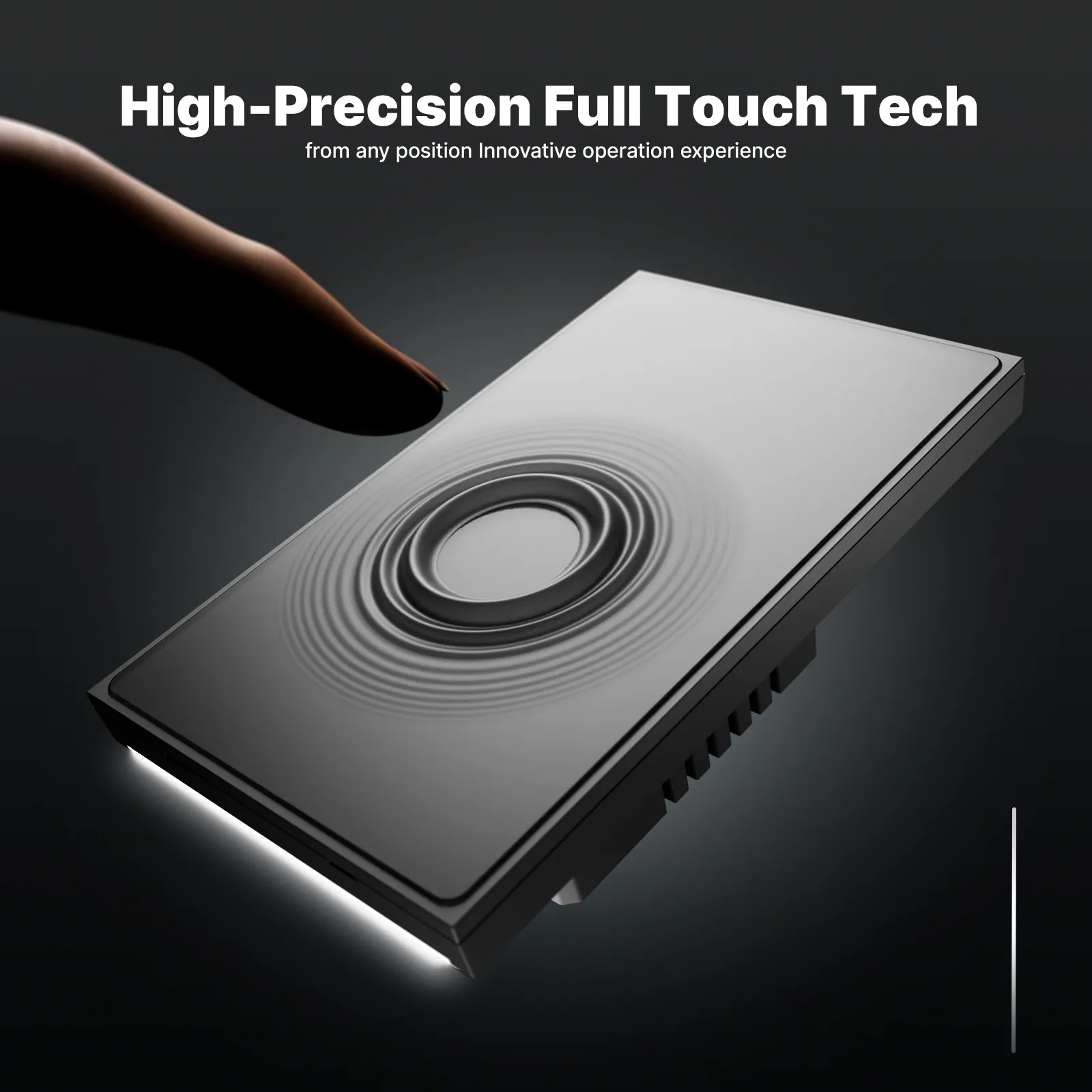
Recommend a bounded wall-switch family only after the electrical and scene rows pass. The MOES Tuya WiFi Star Feather Series US Switch is a Wi-Fi, US-format family (models WS-SF-US1/2/3/4) with page-listed ratings of 90–250V AC and 10A per gang (10A total). Collection evidence describes the US Star Feather entries as neutral-wire products, and Light Mode and Scene Mode cannot be used simultaneously on that family—write that exclusivity on the scene row when this SKU is chosen.
Use this path when the sheet already shows US form factor, neutral present (or an approved alternate SKU path), Wi-Fi protocol ownership, and load within those ratings. If the job still lacks frozen load, circuit, or hub fields—or needs a no-neutral-only product—do not force-fit the family. Browse the Tuya smart home products pillar after the checklist is signed, or Contact Us for channel packaging questions.
No. Connected lighting can add savings potential when schedules, occupancy, and dimming actually run on matching hardware. Document which control strategies are in scope, then commission them after a manual wall test.
Write load class, approximate watts on the leg, phase-cut method, datasheet minimum and maximum including LED derating, and whether a bypass accessory is required.
Many do. Log whether neutral is present in the switch box itself. No-neutral products exist but often raise minimum-load and LED flicker risk—treat that as an explicit sheet exception.
Common causes are low wattage versus the switch minimum, driver mismatch with the dimming method, or leakage current on no-neutral paths. Re-check the load rows before blaming the app.
Freeze the control plane on the sheet. Bulb-only stacks lose power when guests open the wall switch; switch-primary jobs keep paddle behavior for visitors. Hybrids need written rules.
After local manual switching proves stable. Pairing first hides line/load/neutral mistakes behind “device offline” tickets.
Missing neutrals, shallow boxes, mixed dimmable/non-dimmable loads, and multi-way kits that need matched auxiliaries. Escalate pulls or topology changes on the sheet—do not silent-swap SKUs.
When the signed sheet matches form factor, neutral scope, protocol, and load ratings for the chosen family—such as Star Feather US on a documented Wi-Fi neutral job—then browse the Tuya smart-home products pillar for adjacent options.
Humanizer self-audit (Draft Agent moes-draft-agent-20250905-01): removed source-first openers; varied paragraph length; kept numeric claims datasheet-scoped; second pass checked for claim-ID leakage, sibling differentiation meta-language, and mechanical “It’s not X, it’s Y” stacks — none retained in reader prose.


OTHER SMART DEVICES
Jun 13,2026
OTHER SMART DEVICES
Jun 12,2026
TUYA SMART HOME PRODUCTS
Jun 12,2026
 +86 137 3639 3028





