


by NOVA

Sep 05, 2026
The main benefits of zigbee for B2B channels are reliability outcomes from a self-healing zigbee mesh network, battery-sensor economics that cut service churn, faster install and demo cycles on a local Zigbee LAN, and simpler multi-region assortment planning—once the RFQ locks a Zigbee hub and a mains-powered router backbone. Those zigbee mesh network benefits and zigbee battery sensors economics become RFQ outcome fields for distributors and OEM buyers building assortments under Smart Modules, not a full disadvantages matrix and not a technical-driver checklist. In short, the benefits of zigbee technology show up on a channel RFQ only when the Zigbee hub and router backbone are named.
You will map each buyer benefit to RFQ proof fields, then see a bounded ZigBee 3.0 dimmer-module example for channel kits. For technical selection drivers (mesh upsides framed as advantages), keep the Advantages of Zigbee RFQ checklist open beside this page. For lighting vs sensors vs modules vs gateway-first path planning, use the Zigbee application RFQ selection checklist.
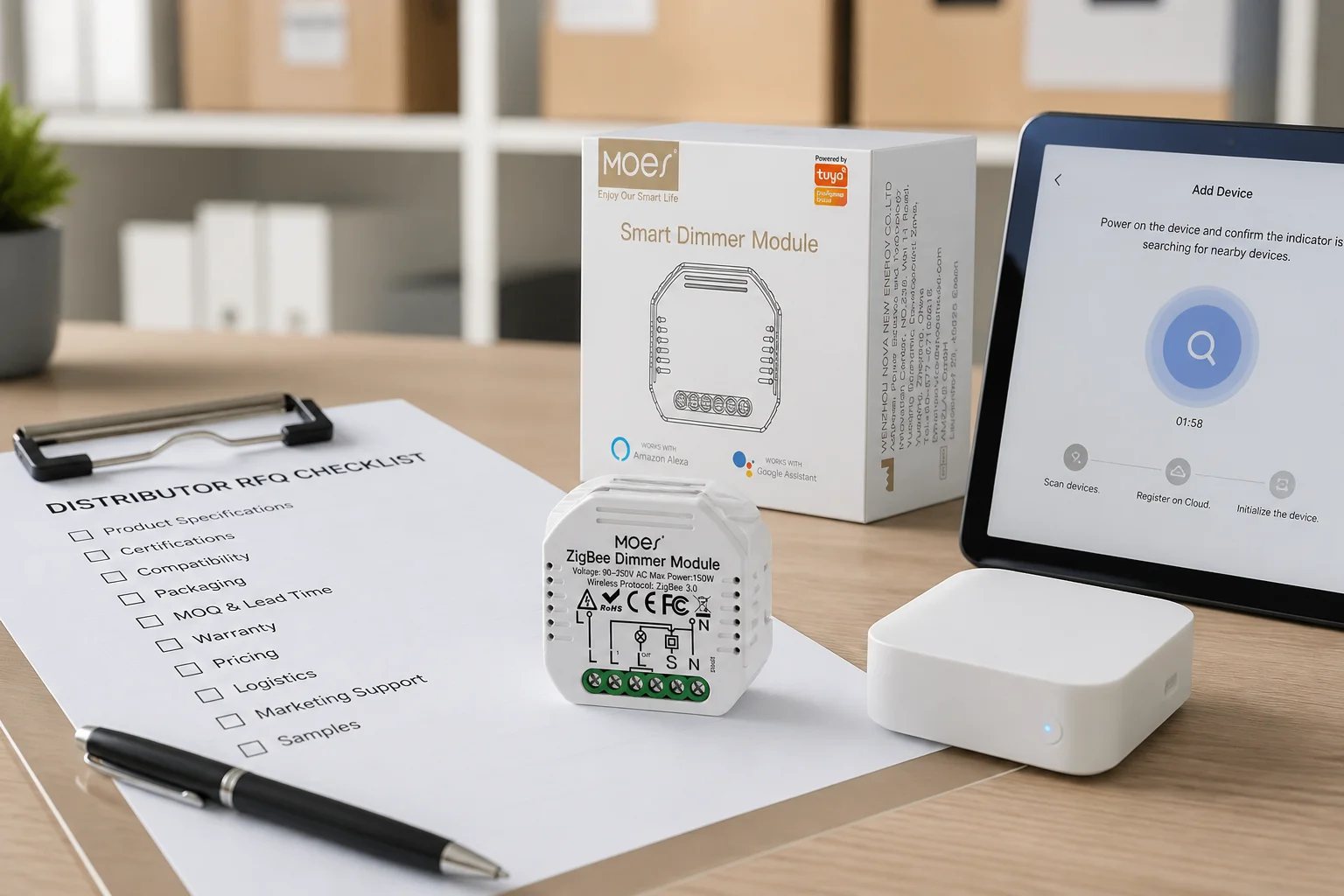
Zigbee’s mesh resiliency becomes a channel reliability outcome when mains routers are planned and RFQ’d. The Connectivity Standards Alliance lists Zigbee’s main benefits as decade-proven reliability, mesh networking that recovers and self-heals, and low-power operation—language procurement teams can turn into “fewer single points of failure” on a multi-room lighting and sensing quote.
Powered Zigbee nodes such as plugs and in-wall modules keep carrying traffic when one actuator drops offline, so a temporary outage does not strand every sleepy end device. That is the buyer outcome: fewer “half the floor went dark” support tickets after a single powered node drops, provided the RFQ named router density instead of shipping only sleepy sensors.
| Buyer benefit | What the mesh delivers | RFQ proof field |
|---|---|---|
| Reliability outcome | Alternate routes after a router drops | Named mains router SKUs + placement density |
| Coverage growth without new APs | More powered nodes extend reach | Floor-plan router count vs end-device count |
| Local continuity | Mesh keeps working if internet is down | Hub model that supports local Zigbee LAN control |
Zigbee sleepy end devices underpin multi-year sensor economics that Wi-Fi keepalives rarely match. Silicon Labs documents the Sleepy End Device pattern: the radio turns off when idle, the parent buffers messages, and the child polls when it wakes—so coin-cell door, window, and motion sensors can stay on the network without living on Wi-Fi association timers.
Silicon Labs’ smart-home technology comparison states the commercial upside plainly: Zigbee consumes very little power, so battery-operated devices can last for years, while a hub/gateway is part of the architecture. Keep that “years” wording as protocol education on the RFQ sheet; it is not a MOES battery warranty claim. The channel benefit is OPEX-shaped: fewer truck rolls to swap batteries across a dense sensor fleet, and fewer returns blamed on “dead Wi-Fi sensors.”
When a channel quote mixes cameras (Wi-Fi) with dozens of contact sensors (Zigbee), write the power model on the sheet: Zigbee end devices sleep; Wi-Fi endpoints stay associated. That single line prevents sales teams from promising “no hub, same battery life.”
Hub-first pairing, local LAN control, and router-before-sensor install order shorten demos and callbacks. CSA notes that Zigbee’s reliable local connectivity still works if the internet is down—useful when a showroom Wi-Fi guest network is flaky but the Zigbee hub and module still dim a lamp on the table. That Local LAN control is the install and demo benefit buyers can time on the floor.
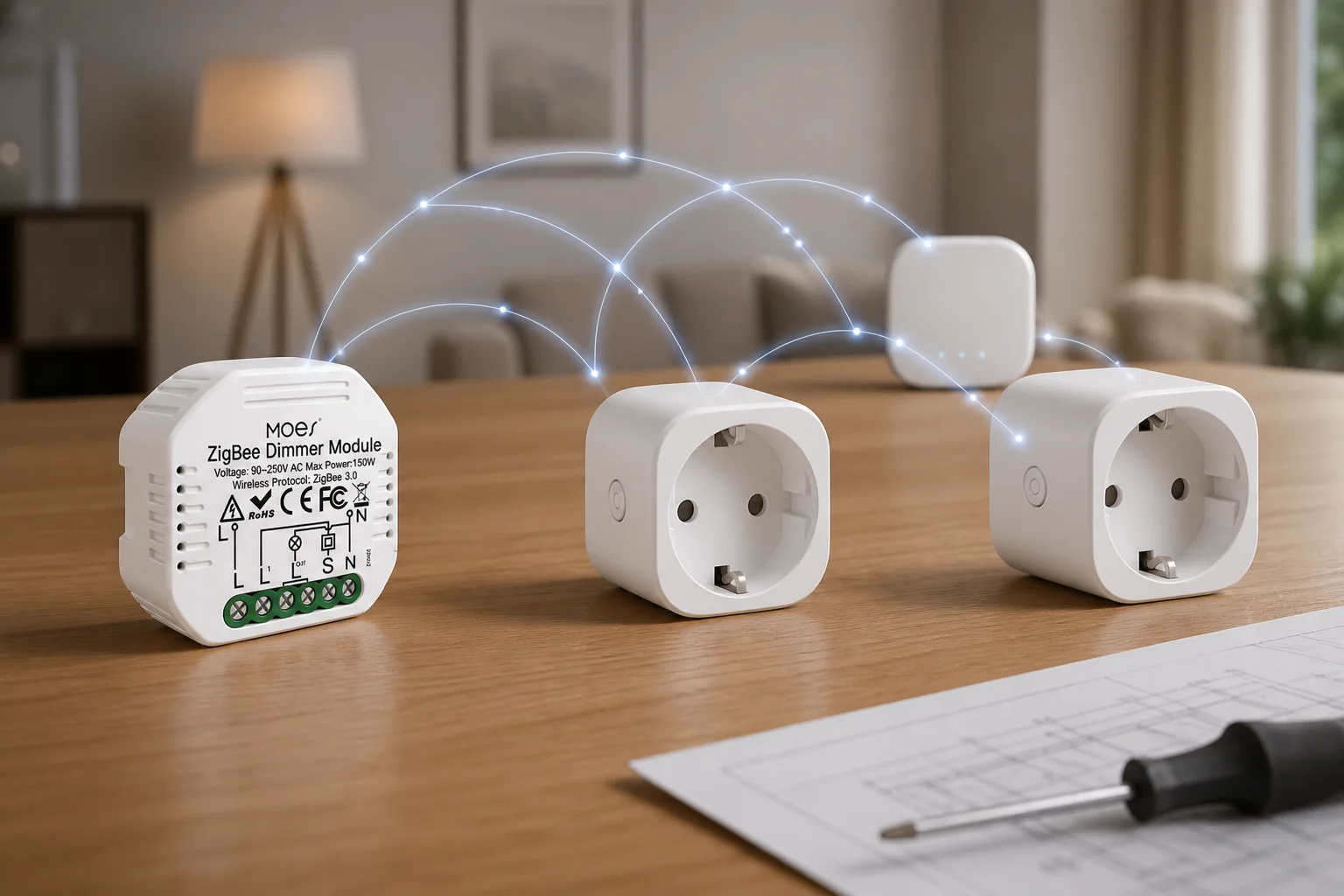
Field installers on Hubitat repeatedly warn to buy and place repeaters first: a sleepy fleet without a router backbone does not deliver the mesh benefit you just sold. Inexpensive mains-powered Zigbee plugs show up as cheap routers, so the install benefit is also a stock benefit—carry router-capable SKUs beside modules.
A showroom script that wins RFQs looks like this: power the ZigBee hub, open pairing, join a ZigBee dimmer/relay module, prove local dimming, then show a second powered node as a router—not “scan a Wi-Fi QR and hope the AP is quiet.” Under Smart Modules, retrofit modules hide in a wall box, keep the rocker, and still sell that demo story.
Global 2.4 GHz Zigbee SKUs and multi-vendor routers simplify multi-region catalogs and backbone stock. Community buyers point out that Zigbee is a worldwide-ish standard without Z-Wave-style regional frequency families, which matters when a distributor stocks one Zigbee module family for multiple export markets.
Assortment economics also show up in supply: Zigbee chips come from multiple vendors, and Zigbee repeaters can be purchased inexpensively as smart plugs. That combination lets channel planners stock a hub family, a short list of router plugs, and ZigBee 3.0 modules without fragmenting the catalog into region-locked radio SKUs.
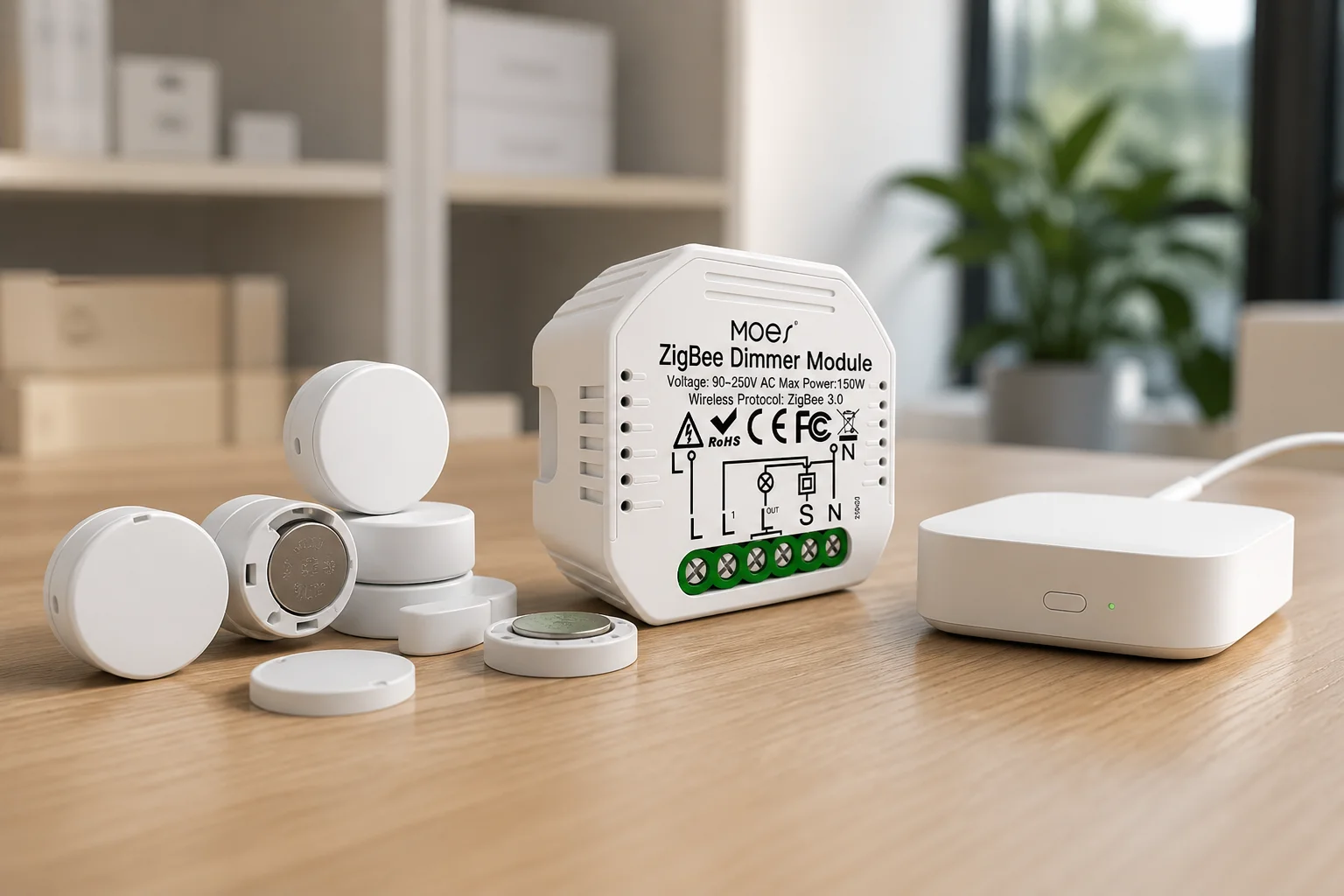
Pairing expectations become a catalog benefit when the RFQ names: hub model, join mode (permit join / hub pairing window), and the in-app family (for Tuya/Smart Life kits, the ZigBee hub path). One pairing SOP across regions reduces support macros and training cost—another buyer benefit that never appears on a consumer “pros list.”
From the field: Hubitat users often prefer Zigbee on motion detectors, note that Zigbee can carry more nodes on a mesh, and value worldwide SKU planning—while warning that crowded 2.4 GHz Wi-Fi (apartments, dense subdivisions) can erase that benefit unless channels are planned. (source)
Lock hub, router density, sensor count, channel plan, and demo SOP before you treat Zigbee benefits as guaranteed. The checklist below is the decision tool for channel buyers; it is not a full disadvantages matrix and not a restatement of technical selection drivers alone.
| Benefit claimed | RFQ field to lock | Pass signal |
|---|---|---|
| Reliability outcome | Mains router SKUs + count vs end devices | Routers on every floor/wing plan |
| Battery-sensor economics | Sleepy end-device SKUs + battery class | Sensors listed as Zigbee ED, not Wi-Fi |
| Install/demo speed | Hub model + timed pairing demo script | Local LAN control proven on showroom power |
| Assortment efficiency | Zigbee 3.0 / hub family named | One pairing SOP across regions |
| Dense fleets off Wi-Fi | Total Zigbee nodes + separate Wi-Fi camera budget | Zigbee mesh ≠ Wi-Fi client count |
Write the outcome language on the quote sheet (“expected support load,” “battery service interval narrative,” “demo minutes to first dim”) so sales and procurement share the same pass signals. If a field is blank, treat the benefit as aspirational—not approved.
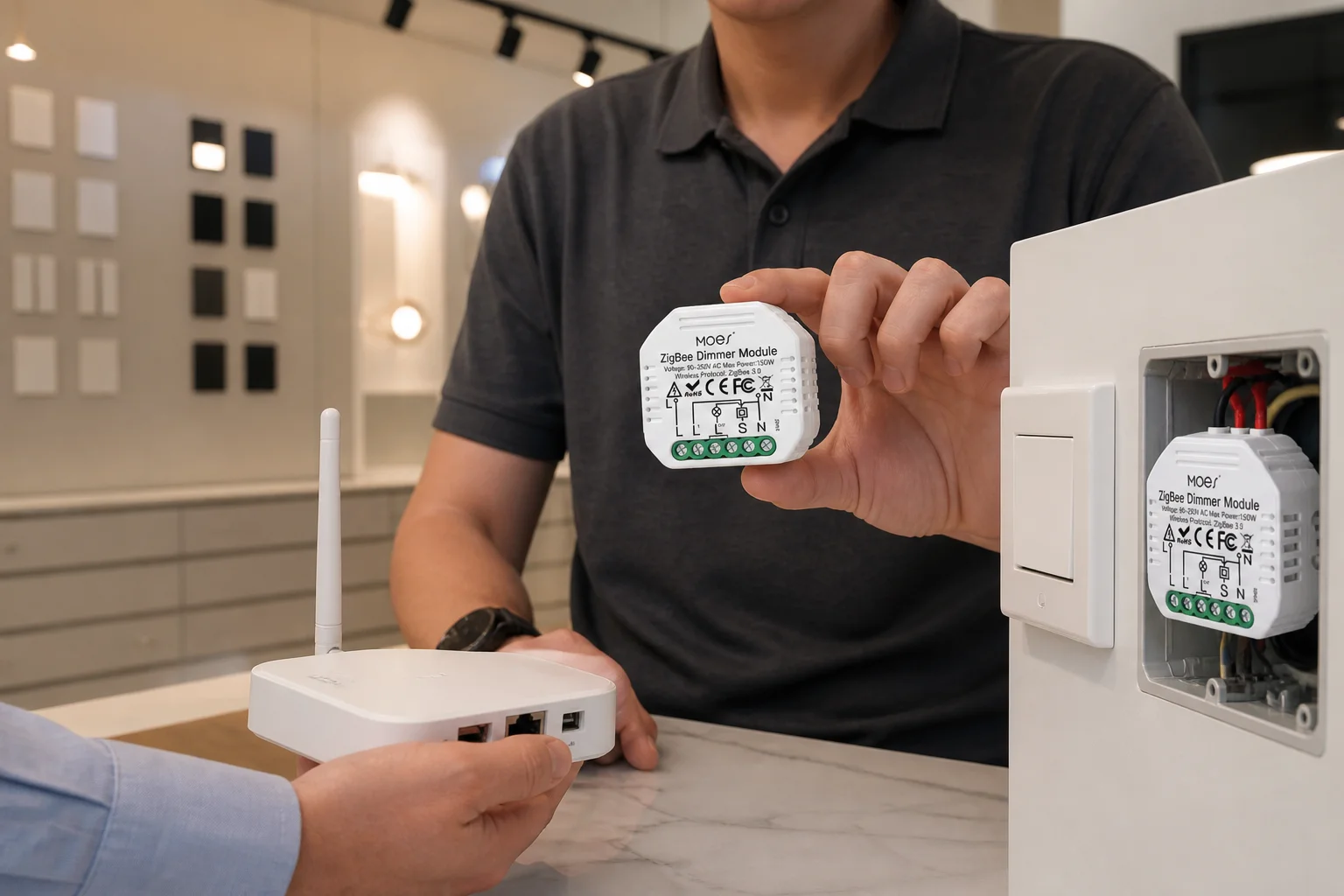
Benefits weaken under dense 2.4 GHz congestion or when sleepy fleets ship without a router backbone. Practitioners flag apartment Wi-Fi saturation as a reliability drag; the RFQ fix is a Zigbee channel plan and enough mains routers, not a promise that mesh “always wins.”
Benefits also weaken when the project needs high-bandwidth video on the same radio story—Zigbee is not a video transport—and when the quote omits the hub. Silicon Labs is explicit that a hub/gateway is required; a “Wi-Fi-only substitute” pitch cancels the local-mesh and battery benefits you just sold.
Deep multi-hop warehouse layouts without intermediate routers turn resiliency into latency and dropouts. Keep hops short in the install plan, stock plugs as routers, and separate those caveats from a full advantages-and-disadvantages matrix owned by sibling pages.
Use the MS-105Z ZigBee dimmer module as a bounded module-assortment example under Smart Modules. The MOES Tuya ZigBee 3.0 Smart Dimmer Switch Relay Module is a ZigBee 3.0 dimmer/relay module that requires a Tuya ZigBee hub, targets EU/UK wall boxes with a 52×47×18 mm form factor, and lists 90–250V AC operation with max power 75W at 110V / 150W at 220V on the product page. Keep the MS-105Z specs SKU-scoped when you attach reliability, demo, and assortment planning benefits to a channel kit.
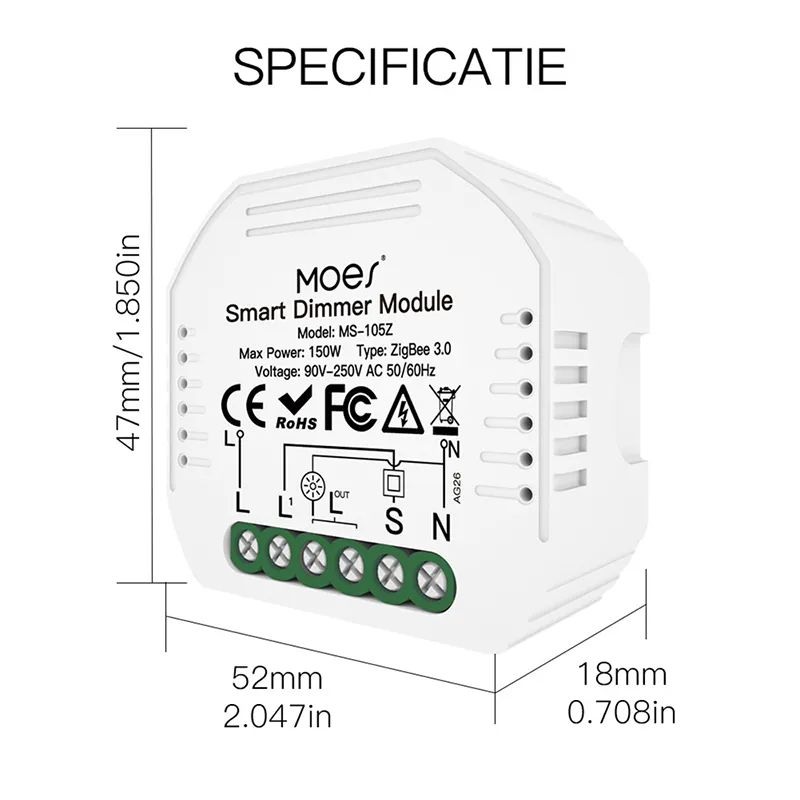
For channel kits, pair it with a named ZigBee hub and at least one mains router SKU so the reliability, demo, and assortment benefits above have something concrete to attach to. Specs and hub requirements apply to this MS-105Z listing only—do not treat them as universal Zigbee performance claims. For project RFQs and samples, use Contact Us.
Reliability outcomes from self-healing mesh, battery-sensor economics for dense fleets, install/demo speed on a local Zigbee LAN, and multi-region assortment efficiency—when hub and router fields are locked on the RFQ.
Use this benefits checklist for business outcomes and RFQ pass signals (support load, battery service narrative, demo minutes, SKU regions). Use the technical advantages checklist when you need selection drivers such as mesh self-healing mechanics and sleepy end-device roles spelled as upsides.
Sleepy end devices turn the radio off when idle and rely on parent routers to buffer messages, which supports multi-year coin-cell economics that Wi-Fi keepalives struggle to match—provided the RFQ plans parents/routers.
Yes. A Zigbee hub/gateway forms and bridges the network. Without it, local mesh control, app pairing, and the demo benefits above do not materialize.
Self-healing routes reduce single points of failure when mains routers are dense enough. Buyers price that as fewer partial-outage callbacks—not as a promise that zero planning is required.
Worldwide 2.4 GHz Zigbee SKUs, multi-vendor chip supply, and inexpensive plug repeaters let distributors stock one hub family plus modules/routers without region-locked radio fragmentation.
Under heavy 2.4 GHz Wi-Fi congestion, when sleepy fleets ship without routers, when video bandwidth is required, or when the hub is omitted from the quote.
Hub model, router SKUs and density, sleepy end-device count, Zigbee channel plan, pairing demo SOP, and a separate Wi-Fi budget for cameras/tablets.


OTHER SMART DEVICES
Jun 13,2026
OTHER SMART DEVICES
Jun 12,2026
TUYA SMART HOME PRODUCTS
Jun 12,2026
 +86 137 3639 3028





