


by NOVA

Sep 06, 2026
Before a c by ge smart switch installation search turns into a truck roll, freeze line and load identity, neutral and ground status, box fill, load class, and who owns Wi-Fi pairing after a manual wall test—on one signed sheet. This page is for electricians, integrator coordinators, and distributors packing US-format smart wall-switch replacements when buyers arrived on that brand-class phrase. It is not a manufacturer install manual and not a product-by-product comparison.
You will get the copper and commissioning fields brand PDFs skip, plus a cutover checklist that keeps smart switch installation paperwork ahead of any SKU ship.
When the sheet passes, browse the smart switch pillar for US/EU wall-switch families. If the open question is whether a job can proceed with no neutral at all, that thesis belongs on a separate without-neutral project-input sheet—not here.
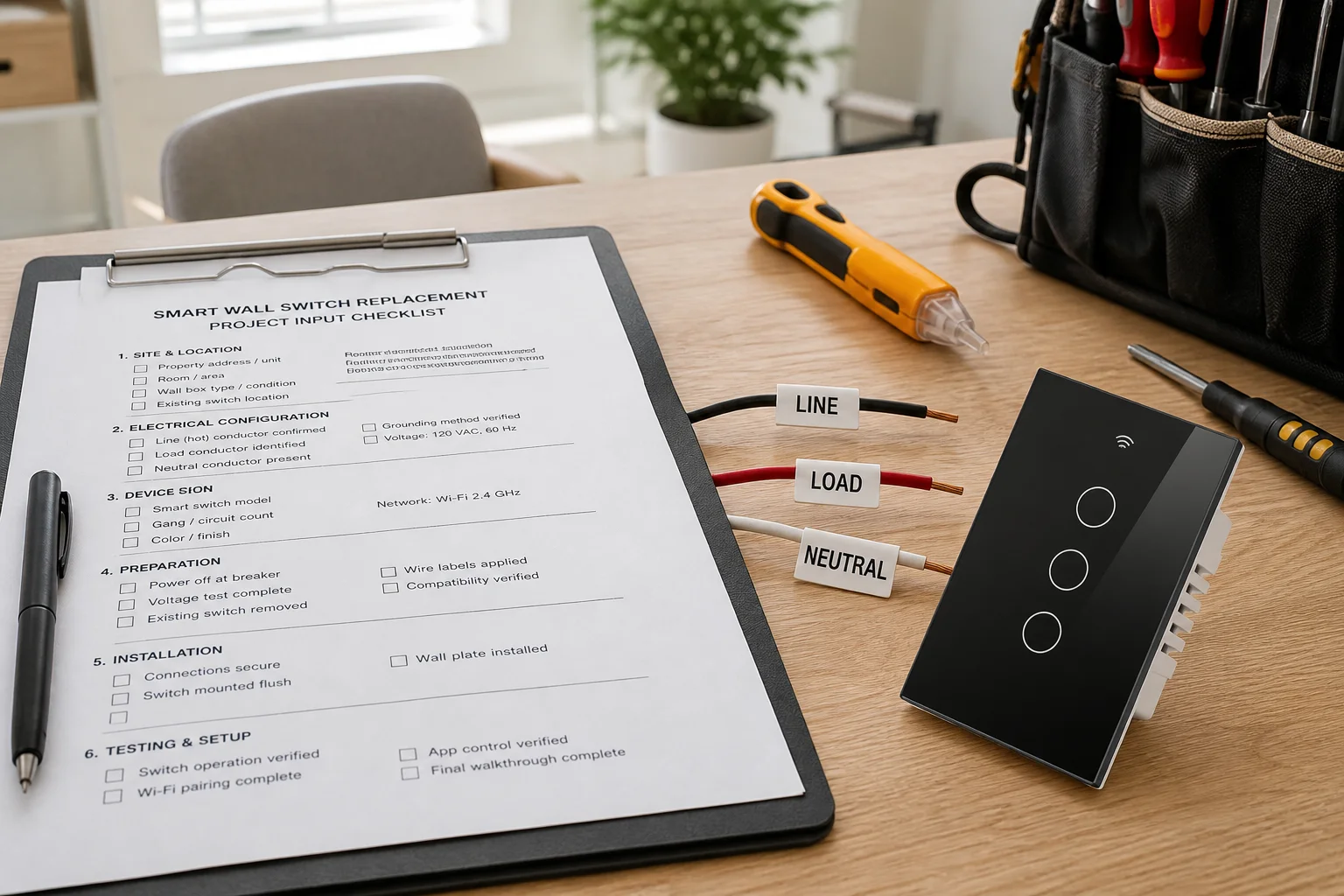
Document the US replacement circuit before anyone reprints a brand PDF or opens the app. Search results for this phrase are packed with manufacturer cards and retailer guides; those pages rarely force crews to archive which conductor was line, whether a neutral wire smart switch family can even wake up, or who is allowed to pair after cutover.
A project-input sheet turns that noise into order gates. Channel teams can staple the signed sheet to the pick ticket so the hardware leaving the warehouse matches the labeled box on site.
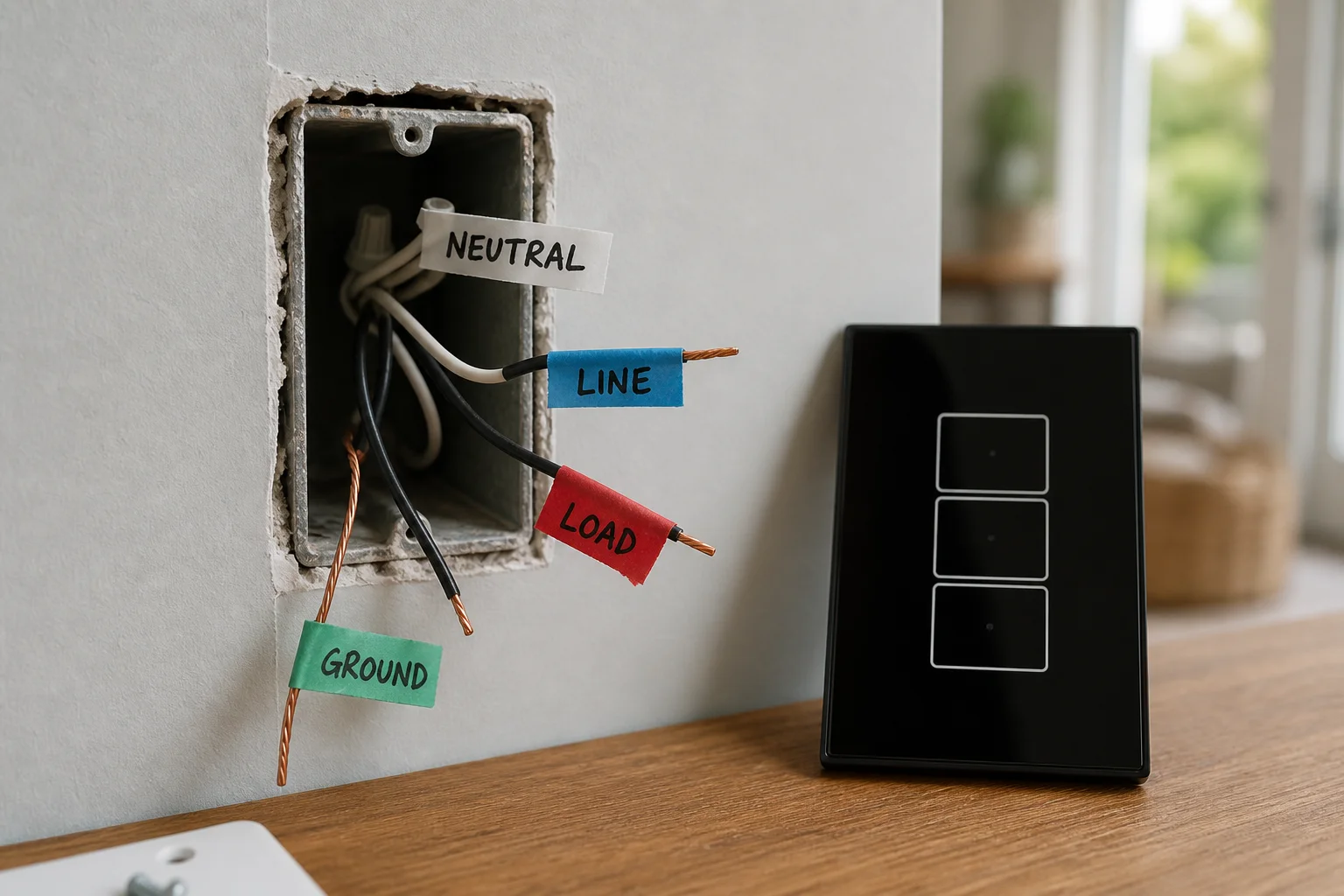
Mark line, load, neutral, and ground before any wire leaves a screw. On a single-pole US box, one black is typically the always-hot feeder and the other is the switch leg to the fixture; the white or gray bundle in the back is often the neutral group that never landed on the old mechanical switch. Treat jacket color as a hint only—community wiring threads repeatedly warn that color is never guaranteed.
Educational summaries of NEC 404.2(C) note that many lighting switch locations serving halls, stairs, and habitable rooms are expected to provide a grounded conductor so electronic controls can stay powered—subject to Code exceptions and local adoption. Ask the project electrician which Code edition applies; keep the citation as a planning reminder rather than treating it like a passed inspection stamp.
Hardwired automated-switch communities make the same practical point: a neutral is the common requirement, and low-wattage LED loads usually cannot lean on old no-neutral leakage tricks. If the sheet shows no neutral at the switch, escalate a pull or pick a datasheet that explicitly supports the no-neutral path for that load class—and still log the exception—without turning this page into a without-neutral buying guide.
Ground stays on the same row. Bond device grounds to the house ground; do not invent a bootleg neutral on the ground path to “make the switch wake up.”
| Field | What to write | Why it matters |
|---|---|---|
| Line | Photo ID + tester confirmation | Always-hot feeder |
| Load | Photo ID + fixture path | Switch leg to lamp |
| Neutral | Present / absent / fixture-only | Powers electronics while lamp is off |
| Ground | Present / bonded / missing | Safety path—not a neutral substitute |
| Multi-way note | Single-pole / 3-way / travelers present | Stops single-pole kits on multi-way boxes |
| Label owner | Who marked wires before disconnect | Archive accountability |
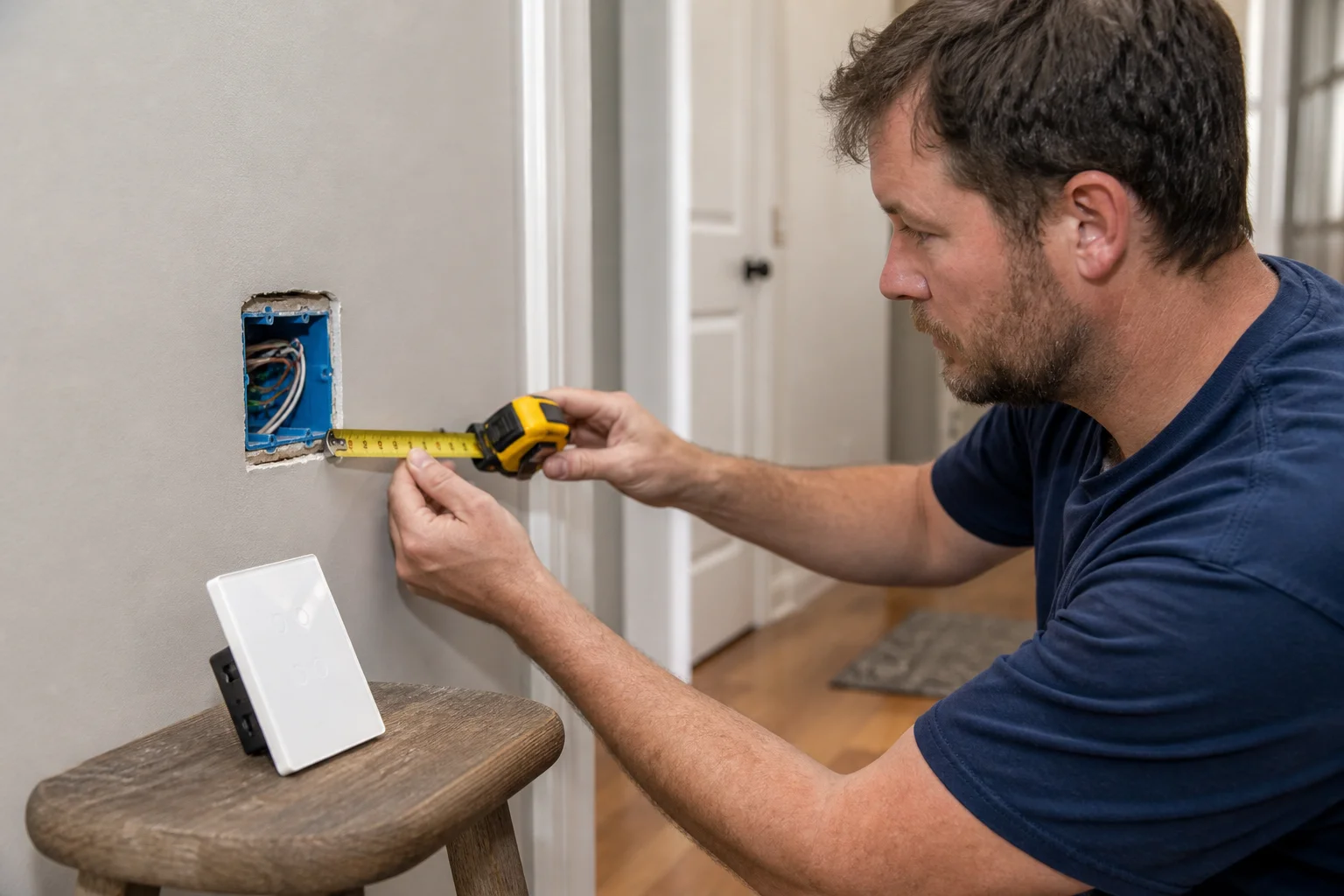
Log whether the smart body will physically land before anyone orders glass-panel hardware. Electronic wall switches are often deeper than a slim mechanical rocker; a shallow remodel box, a crowded multi-gang can, or leftover wirenuts can block a clean seat even when the copper identities are perfect.
Write box type (plastic/metal), approximate depth, gang count, and whether a mud ring or extension will be required. Professional smart-home wiring guidance stresses labeling and documenting paths so the next crew is not guessing; the same discipline applies to box-fill notes that travel with the pick ticket.
If fit is doubtful, escalate box work or a shallower SKU family before the truck leaves—do not discover the interference after cutover when the app is already waiting.
Write the LED load type and other lamp/driver classes beside every smart-switch SKU candidate. Electronic switches often publish maximum current or wattage by load family and sometimes a minimum load; LED hallway strips that sit under that minimum flicker, ghost, or refuse to turn off cleanly.
Record how many fixtures sit on the switched leg, a rough wattage total, whether the job is dimming or on/off only, and any known picky LED driver or ballast. If a datasheet lists an LED compatibility table or a required bypass part, copy that accessory number onto the sheet before the warehouse picks hardware.
Important: Treat LED flicker after a smart swap as a load-compatibility and connection check first—loose landings and undersized LED loads are common culprits—before blaming the app firmware.
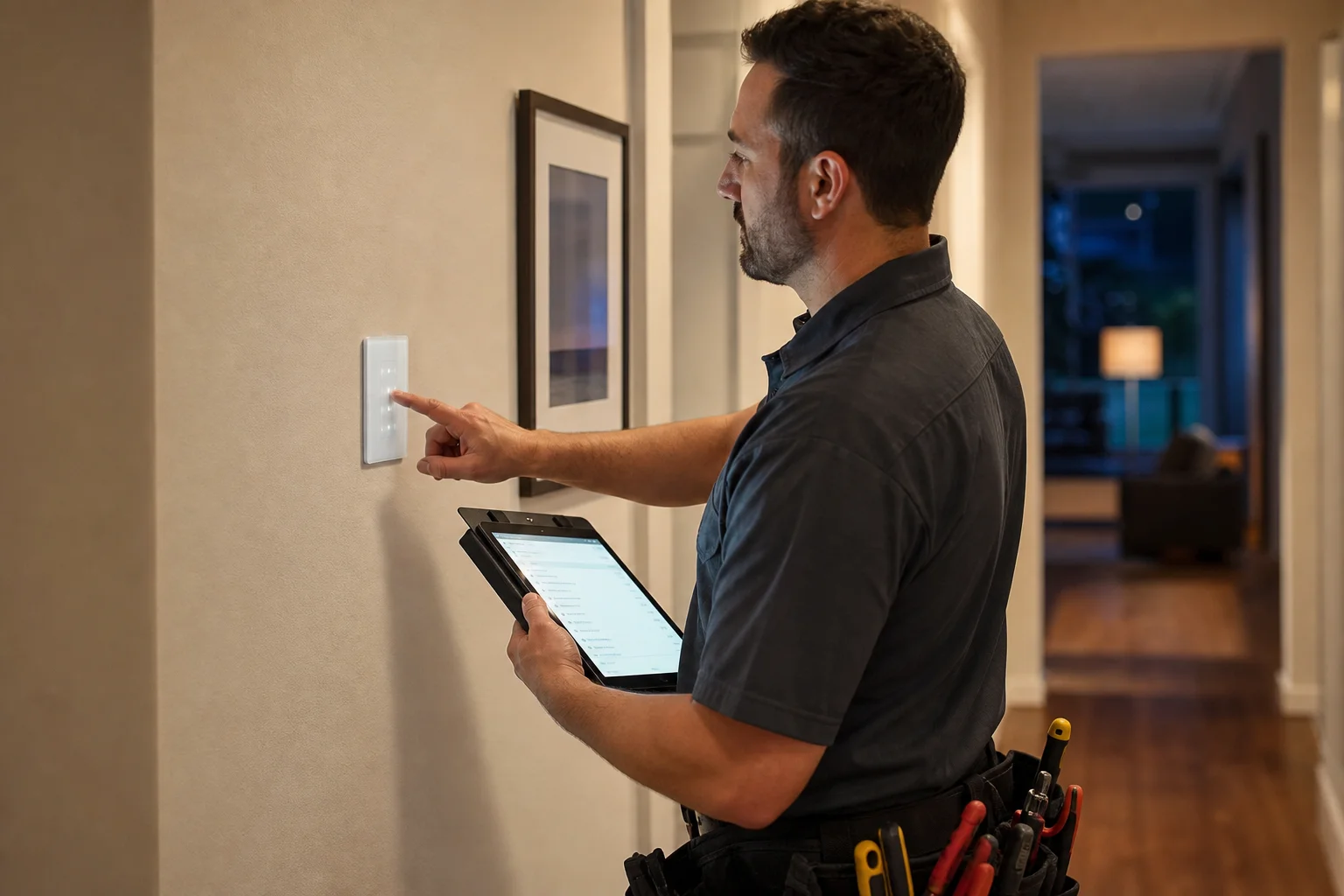
Prove the wall circuit before anyone owns the phone setup. Live install overviews for Wi-Fi smart switches repeatedly sequence the job as restore power, test manual operation, then pair. Pairing a mislabeled line/load set first creates “device offline” tickets that are really copper mistakes.
On the sheet, name who restores the breaker, who performs the wall button test, and who is allowed to bind the Wi-Fi app or hub afterward. If the job uses a hub-based protocol instead of direct Wi-Fi, freeze that path on the same row so warehouse and field do not assume “powered on” equals “paired.”
From the field: SmartThings contributors urge photographing existing wiring—including which screws held which wires—because jacket color is not guaranteed and memory fails after the plate comes off. (source)
Freeze topology photos and fields before purchase orders move. Trade wiring guidance stresses labeling cables and documenting network schemes for future integrators; apply that same habit to a brand-search-triggered US smart-switch cutover even when the walls stay closed.
| Input | What “done” looks like |
|---|---|
| Line / load IDs | Tagged + photo with tester note |
| Neutral status | Present / absent / fixture-only — verified by |
| Ground | Bonded / missing — action noted |
| Box fill / depth | Fits / needs extension / needs box work |
| Load class | LED / CFL / incandescent / mixed + approx. watts |
| Protocol path | Wi-Fi direct / hub — named |
| Pairing ownership | Manual test owner + app bind owner |
| Photos archived | Before disconnect, labeled |
| Sheet sign-off | Name, date, distributor PO reference |
When every row is filled, the sheet is ready to travel with the pick ticket. Incomplete rows are stop-work for ordering—not suggestions.
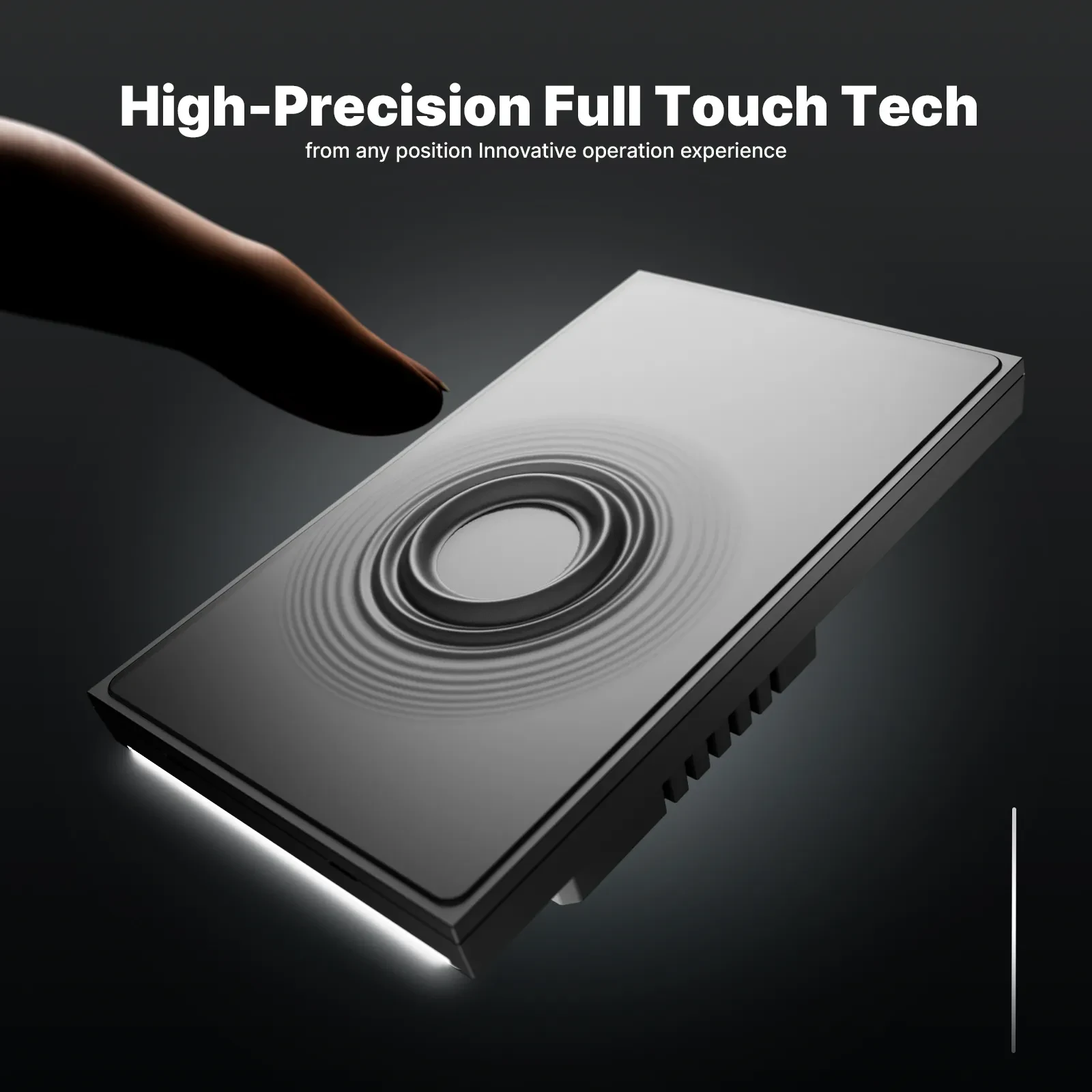
Recommend a bounded SKU only after the copper and fit rows pass. The MOES Tuya WiFi Star Feather Series US Switch lists models WS-SF-US1/2/3/4 as a Wi-Fi US-format wall-switch family with page ratings of 90–250V AC and 10A per gang (10A total). Fact-package and collection wording describe those US Star Feather entries as neutral-wire products, and Light Mode cannot run at the same time as Scene Mode on that family.
Star Feather fits a documented sheet when US form factor, available neutral, Wi-Fi commissioning, and load current all match. It is not a GE substitute claim, not a without-neutral rescue SKU, and not a jurisdiction licensing statement.
Tip: If channel notes still demand Light Mode and Scene Mode at the same moment, clear that exclusivity before samples leave the warehouse. — source: MOES Star Feather collection / fact package (modes cannot run simultaneously).
After the checklist is signed, browse the smart switch pillar for nearby families, or use Contact Us for channel packaging questions. Do not treat this section as an RFQ workflow.
Freeze line/load identity, neutral and ground status, box fill/depth, load class, protocol path (Wi-Fi vs hub), topology photos, and pairing ownership after a manual wall test—not a reprint of a brand PDF.
Many electronic Wi-Fi wall switches do. Log presence or absence before ordering; if neutral is missing, escalate a pull or a datasheet that explicitly supports no-neutral for that load class on a separate sheet.
Shut off the breaker, verify dead, then use a tester plus before-photos. Label before disconnect; do not trust jacket color alone.
Record box type, depth, and gang count first. Escalate a box extension or a shallower family before cutover—fit problems are not app problems.
Restore power, prove manual wall control, then assign who binds the app or hub. Pairing first hides copper mistakes behind offline tickets.
Yes. Write lamp/driver class, approximate wattage, and dimming versus on/off beside every SKU candidate, and note any required bypass accessory.
When the signed sheet shows US format, a present neutral, a Wi-Fi path, and load within the page ratings of 90–250V AC and 10A per gang (10A total) for WS-SF-US models.
No. It is a project-input checklist for US smart-switch replacement jobs that often start from that search phrase. It does not publish third-party wiring diagrams, ratings, or certifications.


OTHER SMART DEVICES
Jun 13,2026
OTHER SMART DEVICES
Jun 12,2026
TUYA SMART HOME PRODUCTS
Jun 12,2026
 +86 137 3639 3028





