


by NOVA

Sep 06, 2026
Sometimes—yes, but only with a no-neutral-rated device, after adding a dedicated neutral, or by moving control off the wall box. If crews ask can you install a smart switch without neutral, document which path applies before anyone orders hardware.
This page freezes the project inputs for that decision: neutral verification, SKU-class versus rewire versus alternate control, LED caveats, traveler notes, and cutover fields. When the sheet already confirms a US-format neutral, the MOES Tuya WiFi Star Feather Series US Switch can be a bounded example. True no-neutral boxes need a different SKU class, not a forced product claim.
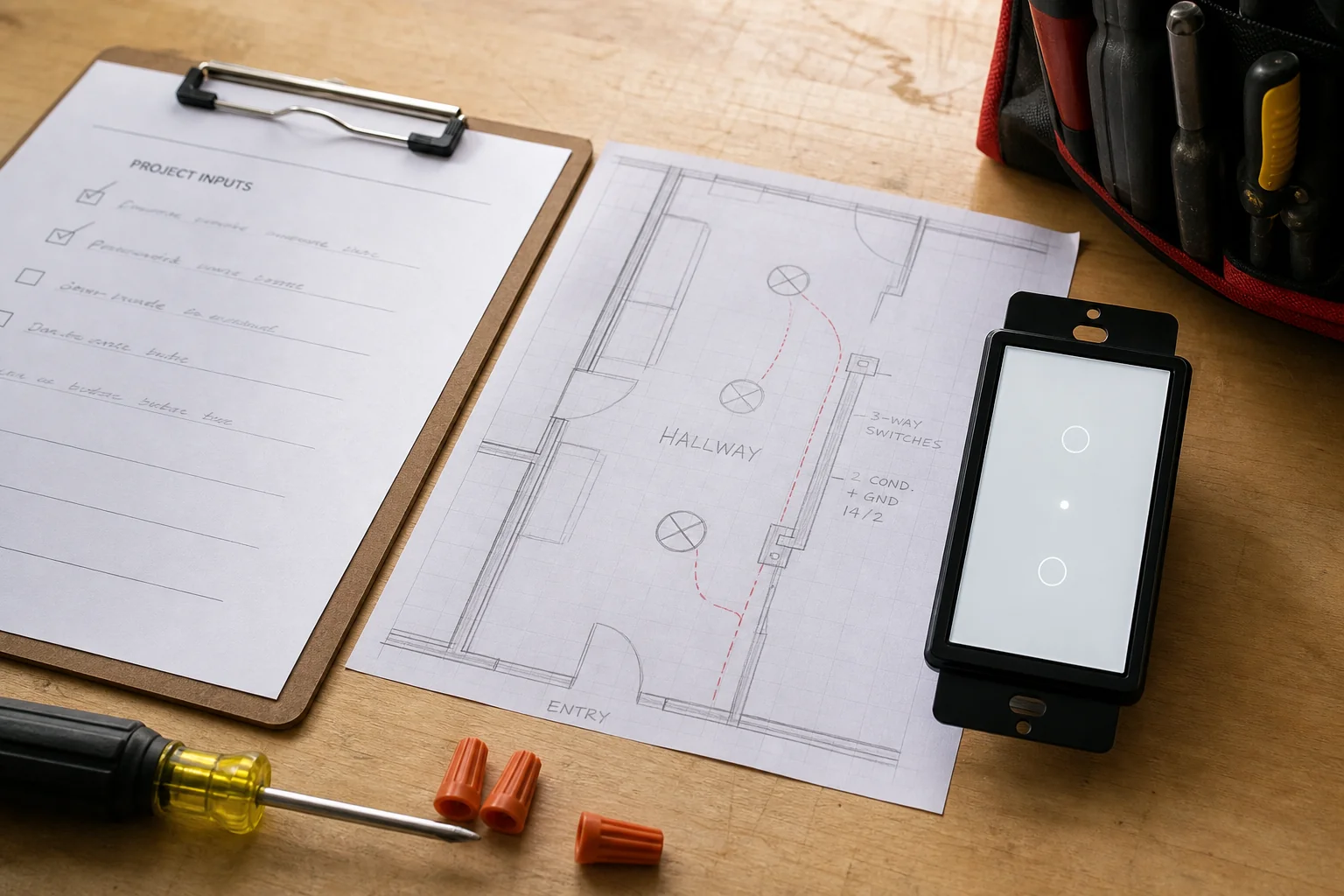
Because the honest answer is path-dependent. A mechanical toggle only interrupts a hot. A smart wall switch keeps radios and logic alive while the lamp is off, so it needs a continuous power path.
In many newer boxes that path is a dedicated neutral conductor. In older switch loop boxes the wall only holds hot and switched-hot, and the neutral sits at the fixture.
Consumer guides often stop at “buy a no neutral smart switch.” Channel jobs cannot. Distributors still need a signed project input sheet that names topology, path, load class, and who owns bypass or rewire labor.
Without those fields, a failed install becomes a wrong-kit return and a callback fight. The sheet also protects the next crew when a second truck opens the same hallway weeks later.
Browse the MOES smart switch assortment only after those electrical path inputs are frozen—not before.
Confirm whether a smart switch no neutral wire condition actually exists before you lock a SKU path. Power off the breaker, prove the circuit dead with a tester, open the plate, and look for a white bundle capped in the back of the box.
That bundle is the usual neutral landing for electronic controls. If the box only shows hot, switched-hot, and ground—with no spare white conductors—treat it as a switch loop / no-neutral wall location until a licensed electrician proves otherwise.
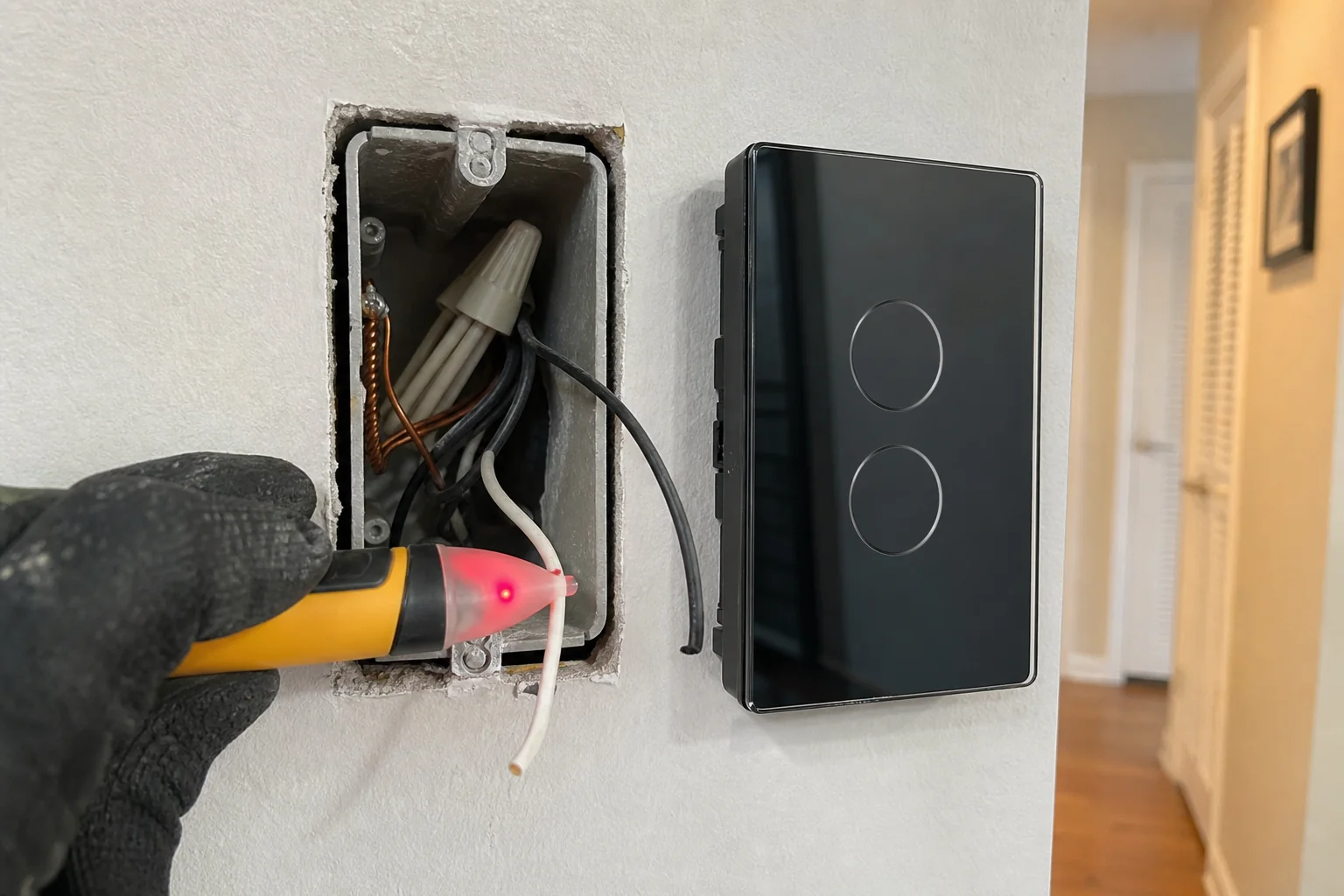
Two hard sheet rules belong next to that observation:
For planning language only—not a job verdict—note that NEC 404.2(C) education materials expect a grounded (neutral) conductor at many lighting switch locations so electronic controls can draw standby power, subject to Code exceptions and local adoption. Record presence or absence as a field; do not stamp the sheet as a compliance certificate.
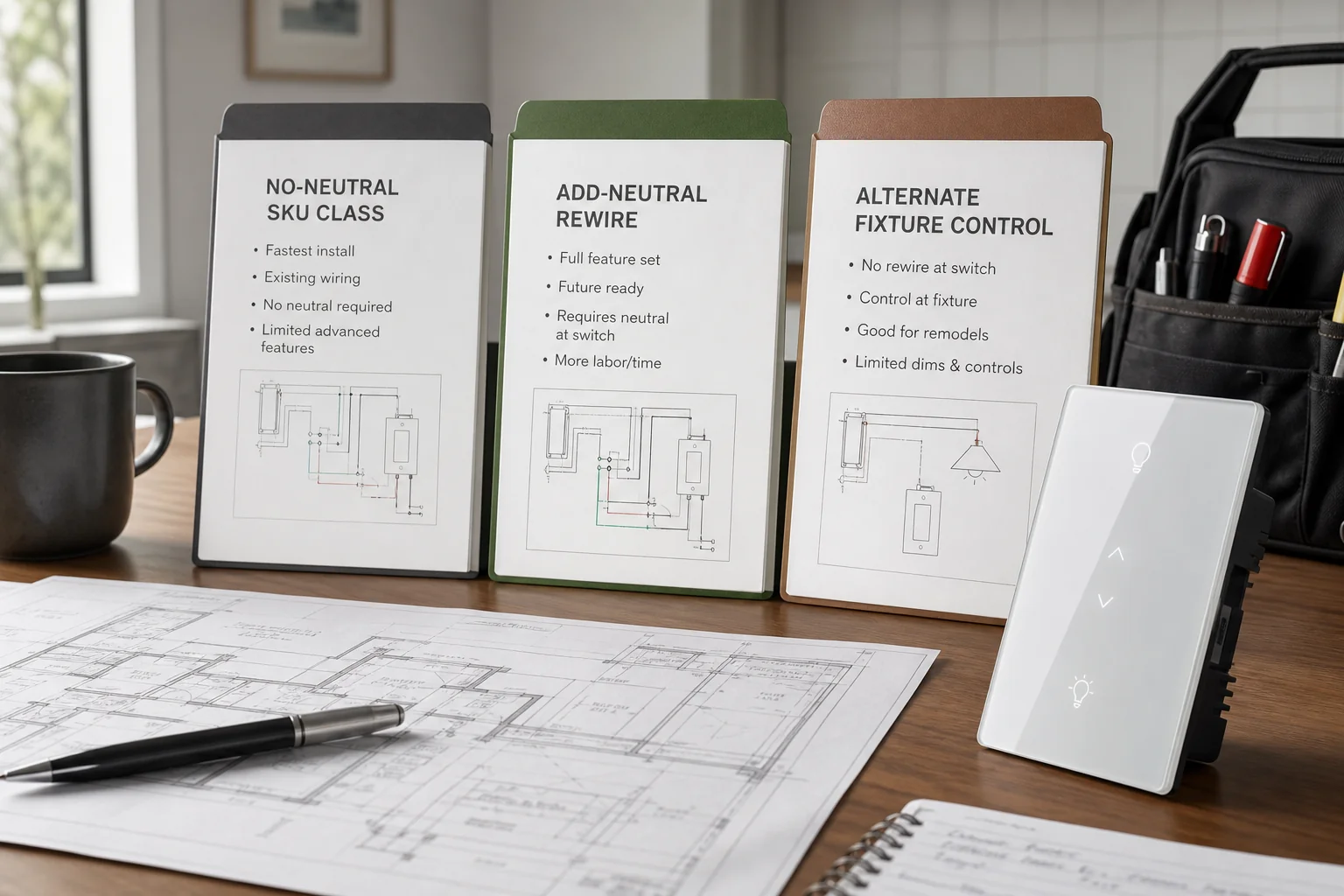
Pick one path and freeze it before purchase orders move. Mixed folklore—“we’ll figure it out on site”—is how kits arrive that cannot land.
| Documented path | When it fits | What must appear on the sheet |
|---|---|---|
| No-neutral-rated device / SKU class | Datasheet explicitly supports two-wire / no-neutral for the load class | Exact SKU class, protocol, min-load / LED notes, bypass kit ownership |
| Add-neutral rewire | Crew will rewire so a neutral reaches the wall box | Who pulls cable, which boxes open, finish impact, schedule owner |
| Alternate control (fixture module, smart lamp, keep wall mechanical) | Wall box stays two-wire; intelligence moves elsewhere | Module location, always-hot policy at wall, pairing owner |
For first-party MOES recommendations on this page, Star Feather US is a neutral-present path example only. The live product page and site fact package treat that US family as a neutral-wire product; they do not authorize a no-neutral claim. If the job is truly no-neutral, keep the sheet field as “no-neutral-rated SKU class — RFQ against datasheet” rather than inventing a MOES capability.
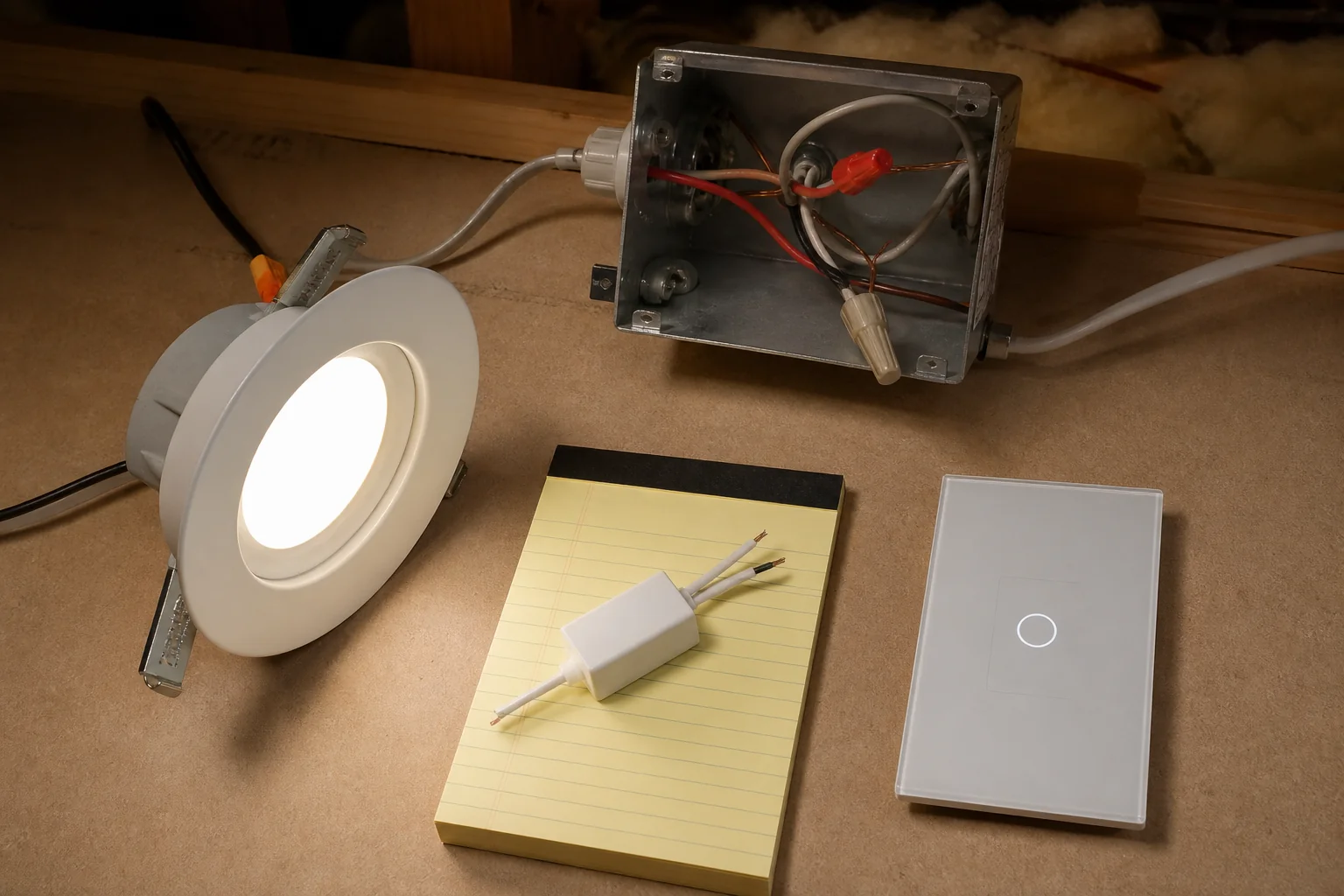
No-neutral wall devices typically stay awake by bleeding a small continuous current through the lamp when the circuit is “off.” That trickle is usually harmless for legacy resistive lamps.
Modern LED drivers often respond with flicker, faint LED ghosting / flicker glow, or erratic behavior. Log lamp and driver type on the sheet before the no-neutral path is approved.
Important: If the path is no-neutral, log lamp/driver type, approximate wattage class, and whether a manufacturer bypass module belongs at the fixture, not as an afterthought after callbacks. Community threads repeatedly flag no-neutral rockers that behave poorly on LED-only loads without a bypass or a different architecture. (Source: SmartThings community no-neutral / LED threads; Engineer Fix bleed-current notes.)
Also record any datasheet minimum-load notes and who owns the fixture open if a bypass is required. Treat qualitative bleed-current risk as a documentation gate—not as a lab measurement from this article.
Traveler / 3-way circuits add traveler identity on top of the neutral question. One box may have a white bundle while the other is a classic dead-end drop.
Smart kits often need a matched primary/auxiliary architecture. Traveler roles may not land like mechanical brass-to-brass folklore.
On the sheet, require:
Do not collapse “3-way” and “no-neutral” into one checkbox. They are separate gates that both must pass.
Tip: If either location lacks a documented topology photo, stop the PO. Color of insulation is not a reliable identity when crews reopen boxes weeks later. (Source: CEDIA documentation practice; community photo-before-disconnect advice.)
Archive a signed project input sheet that a second crew can read without guessing. Use it whenever teams are installing a smart switch without neutral or confirming a neutral-present path instead.
| Field | What “done” looks like |
|---|---|
| Topology photos | Before-disconnect images at every switch location involved |
| Neutral status | Present / absent / uneven across boxes — with box IDs |
| Chosen path | No-neutral SKU class or add-neutral or alternate control (one mark) |
| Load class | LED / mixed / other; wattage class; bypass ownership if needed |
| Multi-way notes | Traveler count; primary vs aux / companion decision if applicable |
| Ground rule | Ground-as-neutral forbidden; borrowed-neutral forbidden |
| Manual test gate | Power restored and wall control proven before app pairing |
| Pairing owner | Named person/team after manual prove-out |
| SKU / protocol | Exact family and wireless notes matching the path |
| Finish / rewire notes | Drywall or cable-pull impact if add-neutral was chosen |
When those fields are frozen, channel buyers can browse US/EU families on the smart switch pillar without treating a catalog photo as proof that every wiring condition is covered.
Recommend MOES Tuya WiFi Star Feather Series US Switch only when the signed sheet already shows a dedicated neutral at the install location, a US form factor, Wi-Fi as the protocol choice, and load within the published ratings.
Collection and fact-package language describe the US/EU Star Feather gang entries as neutral-wire products. Light Mode and Scene Mode are exclusive modes on that family—record which mode the job expects. On the live product page, Star Feather US lists models WS-SF-US1/2/3/4 as a Wi-Fi US wall-switch family at 90–250V AC with 10A per gang and 10A total—use those figures only when the sheet already marks neutral present.
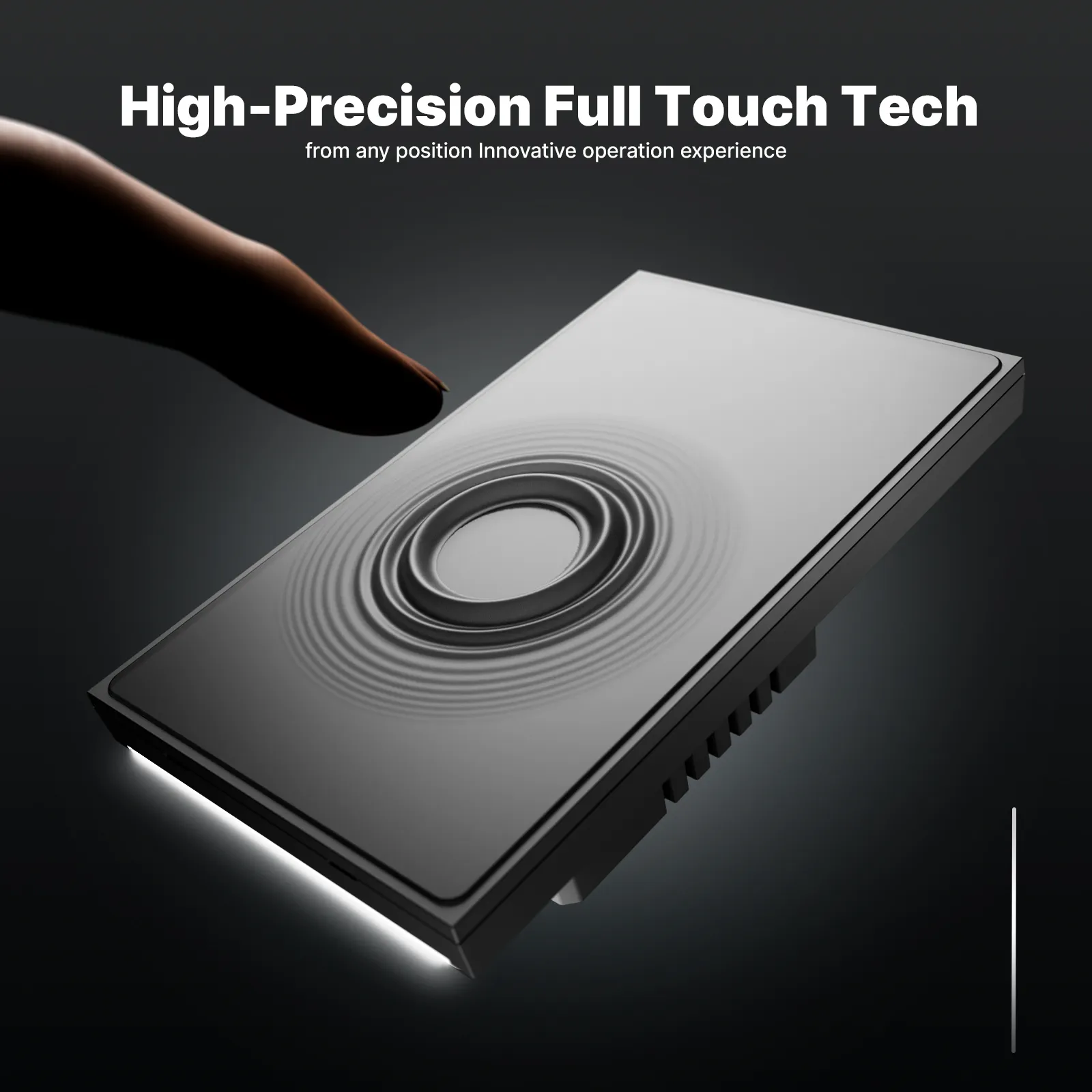
If the box is still a true no-neutral switch loop, Star Feather US is the contrast example: it explains why the sheet must keep a separate no-neutral SKU-class RFQ field instead of forcing a neutral-wire family into the wrong box. Do not stretch the product page into a no-neutral claim.
Sometimes. Use a no-neutral-rated device, add a dedicated neutral to the box, or move smart control to a fixture module / lamp path—and document which path applies before cutover.
With power off and verified dead, look for a capped white bundle in the back of the box. Two conductors plus ground with no spare white usually means a switch-loop location.
Document one of three: no-neutral-rated wall SKU class, add/pull neutral, or alternate control at the fixture or lamp while the wall stays simple.
Many no-neutral devices bleed standby current through the load. LED drivers can glow or flicker; datasheets often call for a fixture-side bypass module.
No. Ground-as-neutral is unsafe and non-compliant. Borrowed neutrals from other circuits create fault paths and device errors—keep both forbidden on the sheet.
Yes. Travelers and uneven neutrals across boxes are separate inputs. Photograph both ends, mark which location has neutral, and confirm the kit architecture before ordering.
When the sheet already confirms neutral present plus US format, Wi-Fi, and load within published Star Feather US ratings. It is not a no-neutral product claim.
Topology photos, neutral status, chosen path, load/bypass notes, multi-way traveler notes, manual-test-before-pairing, and named pairing ownership.


OTHER SMART DEVICES
Jun 13,2026
OTHER SMART DEVICES
Jun 12,2026
TUYA SMART HOME PRODUCTS
Jun 12,2026
 +86 137 3639 3028





