


by NOVA

Sep 11, 2026
Before crews place floor probes for a govee water sensor installation, freeze the sensing class, risk-zone map, surface type, hub and Wi-Fi ownership, battery versus leak alert routing, and any valve or shutoff adjacency onto one signed sheet. Installers, integrators, and distributors use this form when a buyer arrives with a Govee-class water-leak / point-of-use moisture-sensor request. It is not a brand pairing manual, not a panel energy-monitor CT sheet, and not a claim that MOES sells a water-leak sensor clone.
Treat water leak sensor placement, Wi-Fi water sensor gateway ownership, and water shutoff valve linkage as separate rows on the same sheet.
The sections below turn those fields into an order gate, then show when a live MOES pipeline shutoff valve controller belongs on the pick ticket only after the sensor path is already settled.
After every row passes, open the Tuya Smart Home Products pillar for adjacent control and shutoff SKUs.
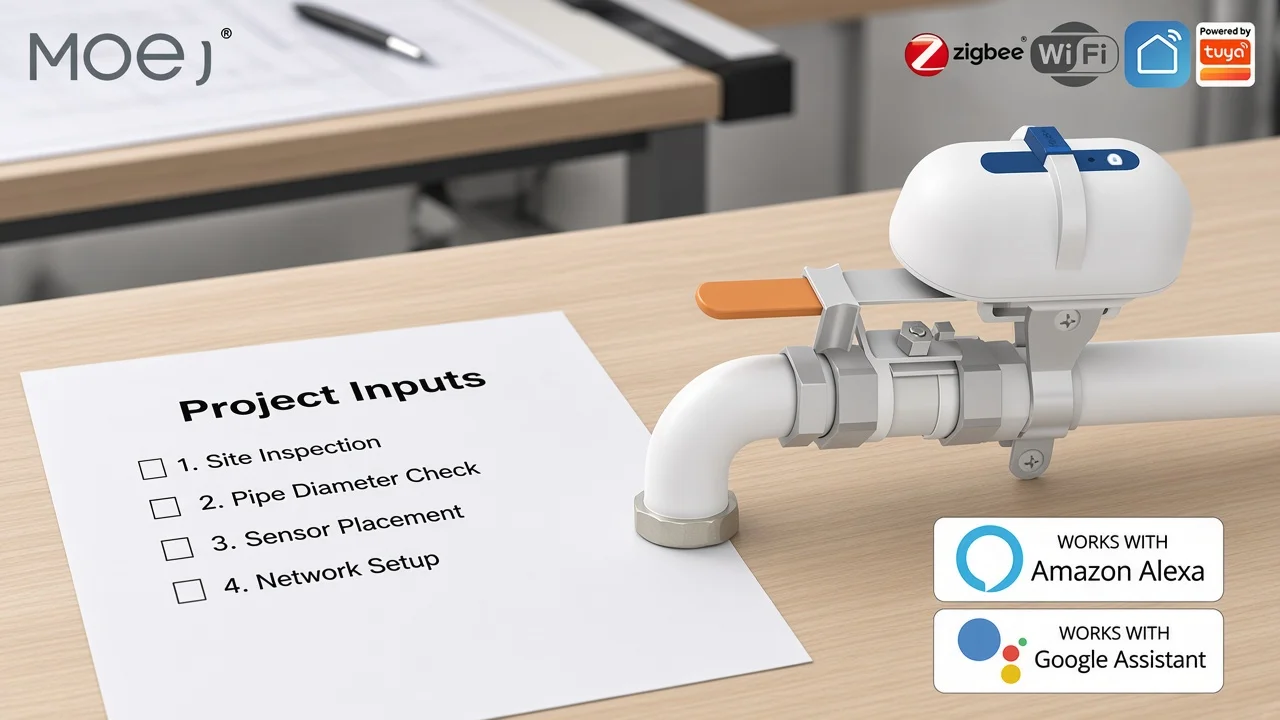
Capture the job on paper before anyone mirrors a retail setup video or prints a sensor BOM from a product page. Search results for this brand-plus-installation query lean on app wizards and kit manuals; those assets almost never force a channel archive of what the sensors must cover, who owns the gateway outlet, or whether the response is alert-only versus shutoff-linked.
The signed form becomes the order gate. Warehouse staff can attach it to the pick ticket so probes, gateways, batteries, and any later shutoff SKUs leave only when the sheet matches the site.
Building water guidance puts the same idea in plainer words: decide whether you are placing point-of-use moisture sensors or a point-of-entry flow monitor before you choose hardware. Write that sensing class as the first row.
Write which rooms and fixtures get a sensor before anyone peels battery tabs.
A point-of-use moisture sensor sits on the floor or a hard surface and detects conductivity when water bridges its electrodes—plainly, it is a puck that alarms when its metal feet get wet. Facility and residential leak guidance keeps pointing crews to the same hard-to-see risk zones: under sinks, near water heaters, behind clothes washers, beside toilets and dishwashers, and other low spots where a small puddle becomes expensive quietly.
Surface type is not decoration. Contact probes need a flat, hard path to the water film. Thick carpet, deep vinyl ridges, and uneven thresholds can hold the contacts above the puddle so the “installed” sensor never sees the leak it was bought to catch.
Chronic basement damp is a different failure: sensors parked against a sweating foundation or pipe chase can cry wet for weeks even when no supply line has failed. Move the placement a short offset away from that chronic damp and write the offset on the sheet.
Keep coverage honesty on the same page. A point-of-use puck watches the puddle at its feet; it will not see an upstream leak on the other side of a wall. If the buyer actually wants whole-building flow watching at the meter or main, that is a different architecture—log it instead of shipping more floor discs.
| Field | What to write | Why it matters |
|---|---|---|
| Risk zone ID | Room + fixture (laundry sink, WH, basement low spot) | Stops “put some somewhere” oral installs |
| Surface type | Tile / concrete / vinyl / raised pad — not carpet | Probe contact physics |
| Mount height / attitude | Flat, probes down, or elevated pad note | Matches how contact sensors work |
| Damp offset | Distance from foundation sweat / pipe condensate | Cuts chronic false wet |
| Coverage limit | POU puddle vs upstream / POE flow | Prevents wrong BOM class |
Important: If the sheet says “under the washer” but the floor is carpet, the probes may never bridge. Freeze a hard surface or a thin hard pad under the contacts before the truck rolls. — contact-sensor placement practice.
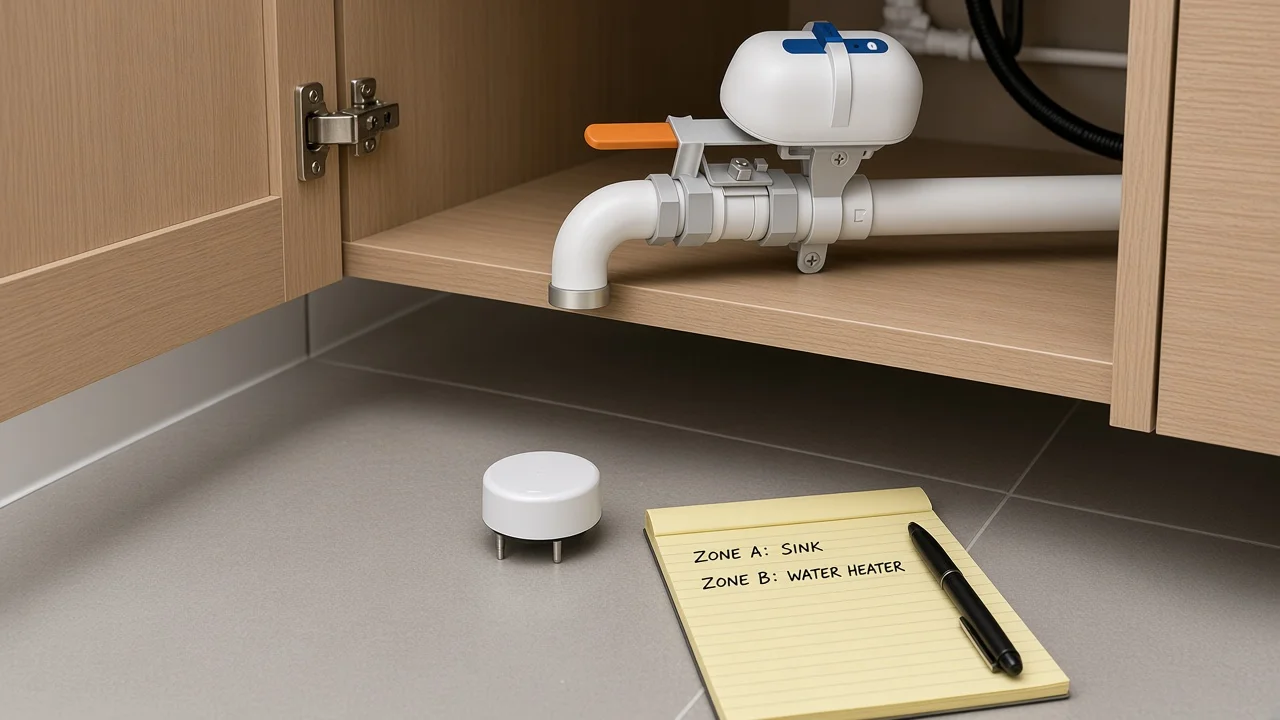
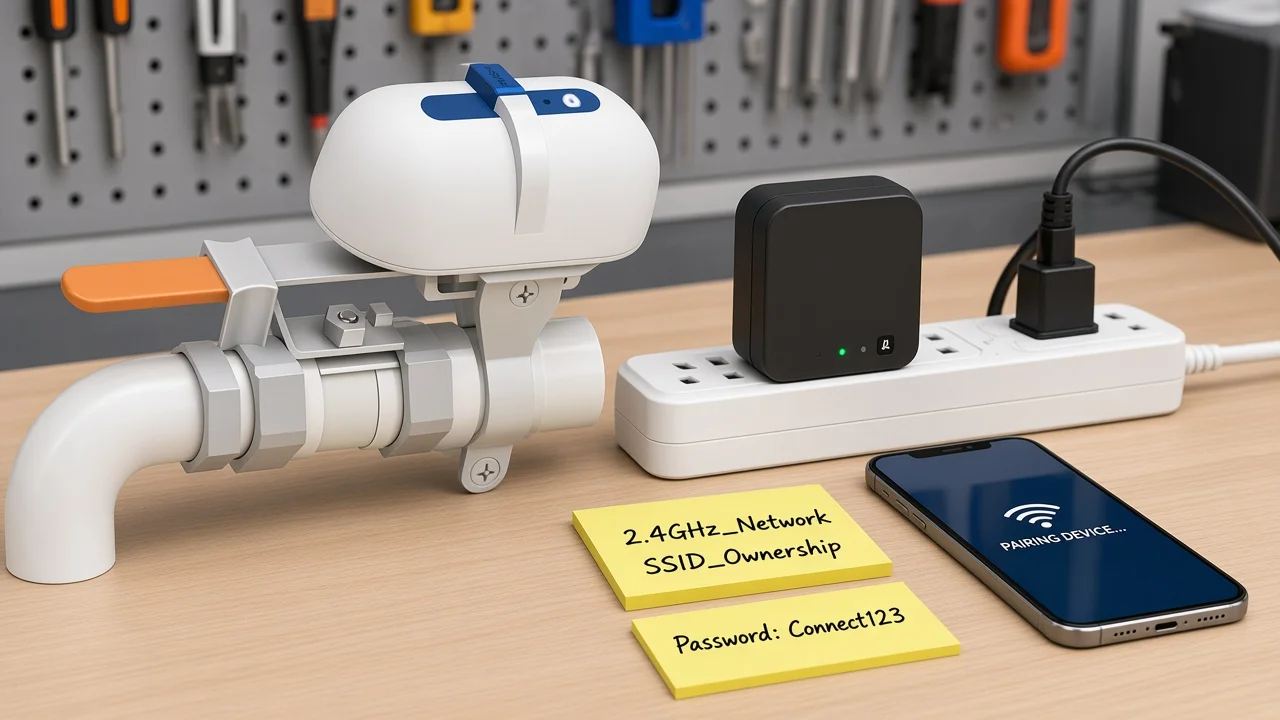
Freeze the network path as a separate row from the floor map. Many Wi-Fi water-leak kits commission through a powered gateway or hub plus a phone app; that only works when someone owns the outlet for the hub, the 2.4 GHz path, password custody, and who may create the monitoring account.
Walk the planned sensor rooms against the planned radio path. Interior bathrooms, mechanical closets, and metal racks regularly starve signal. Kit manuals often publish a maximum gateway-to-sensor distance and warn about walls or metal between them—copy the field from the kit paperwork onto your sheet instead of inventing a universal number.
If the job expects a temporary hotspot during pairing, write who brings the phone and which SSID is allowed after the hotspot step.
Credentials custody matters for B2B handoff. Property managers and GC offices should know whether the homeowner, facility desk, or integrator keeps the app login after cutover. Leaving that blank manufactures “we never got the leak push” tickets that have nothing to do with probe placement.
| Field | What to write | Why it matters |
|---|---|---|
| Hub / gateway present? | Yes/No + outlet ID | Many kits need powered bridge for app alerts |
| Wi-Fi band | 2.4 GHz SSID name / owner | Dual-band routers strand 5 GHz-only phones |
| Radio-distance field | Value copied from kit manual | Archives manufacturer path limit |
| Obstruction notes | Walls/metal between hub and zones | Explains missed events |
| App account owner | Name + role after handoff | Stops orphaned notifications |
Write how people will hear about water—and how they will not confuse a dying battery with a flood.
Community installers keep rediscovering the same pattern: low batteries trip loud local alarms or noisy automations even when the floor is dry, and a sensor that only half-touches a film of water can flap between wet and dry until phones melt under notification spam.
Separate the leak path from the battery path on the sheet. Name who gets push, SMS, email, or a local siren for a true wet event, and name a quieter path for battery maintenance. If automations will debounce or require a hold time before paging the whole building, write that hold expectation so integrators do not invent it after the first false storm.
Also freeze a battery change plan. Sensors tucked under dishwashers and behind washers are easy to install and hard to service; the sheet should say who owns quarterly battery checks and where spare cells live.
From the field: Crews that treat every beep as a flood train tenants to ignore the siren. Log battery-versus-leak routing before the first overnight ticket. — integrator false-alarm pattern.
Freeze whether the job is alert-only or shutoff-linked before anyone promises “the sensor will stop the water.”
Sensing and shutting are different ownership problems. Leak guidance for buildings often pairs floor sensors with an alert and, separately, with a shut-off valve response when that response is in scope. A floor puck cannot close a main by wishing.
If the sheet expects automatic or remote closure, name the valve location, who may authorize a close, whether plumbing work needs a licensed person, and how the shutoff path is tested without stranding a building.
Accessibility and conflict checks belong here too. Homes and light-commercial guidance tells installers to keep leak devices reachable for service, to avoid interfering with fire-sprinkler systems, and to confirm installed locations at turnover. Write those rows even when the first phase is sensors only—future shutoff add-ons inherit the same sheet.
Do not confuse this water-sensor documentation job with a panel energy-monitor install or a motion-occupancy lighting package. Those tickets measure current or presence; this one documents puddle sensing and optional valve response.
Verify placement photos, a controlled wet test, alert delivery, and turnover confirmation against the signed sheet before you call the job done.
| Check | Pass evidence | Signer |
|---|---|---|
| Zone map matches installed locations | Photo per zone + sheet IDs | Lead installer |
| Surface / probe attitude | Photo showing flat hard contact | Lead installer |
| Hub online / band correct | App device list screenshot | Integrator |
| Leak alert path | Controlled wet test + notification proof | Integrator + owner |
| Battery path distinct | Battery warning test or documented setting | Integrator |
| Shutoff path (if in scope) | Supervised close/open timing note | Authorized person |
| Sprinkler / access conflict | Written N/A or cleared note | Project lead |
| Turnover confirmation | Owner initials on final zone list | Owner / PM |
Tip: Dry the contacts thoroughly after a wet test before you expect a clean dry state in the app—residual film keeps some sensors reporting wet. — contact-sensor commissioning practice.
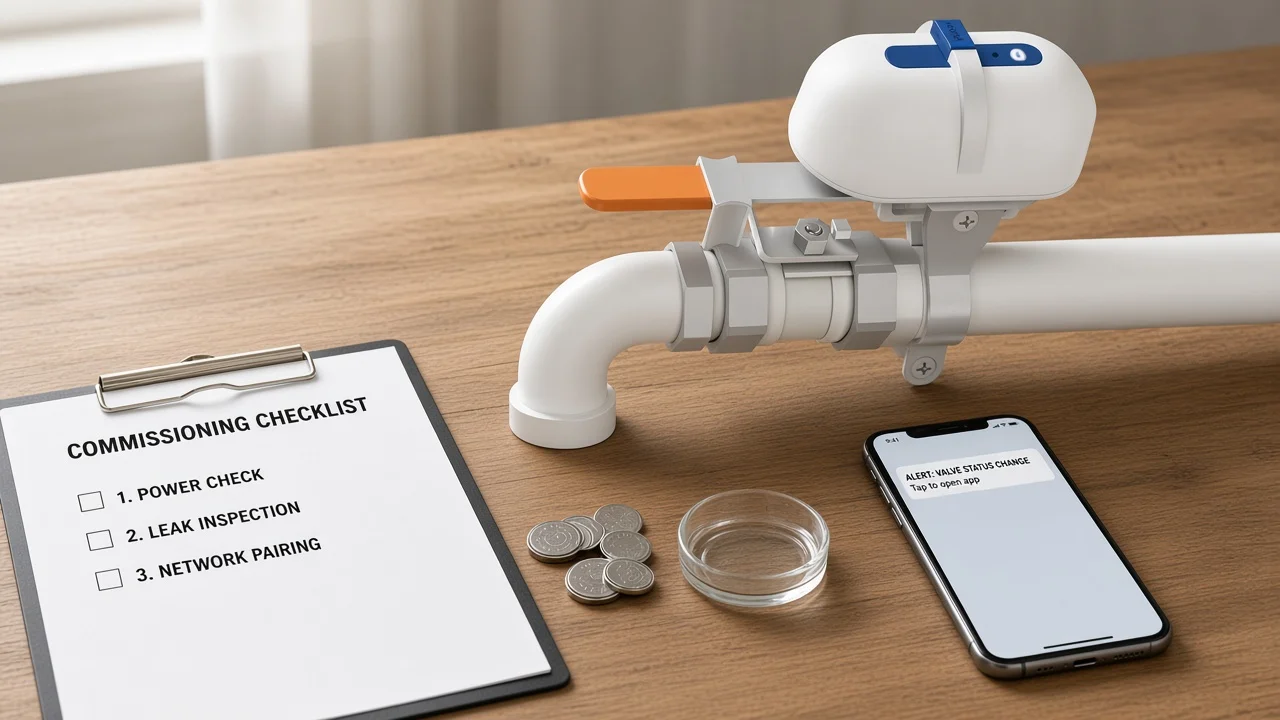
Recommend a live MOES pipeline shutoff valve controller only when the water-sensor path is already documented and the remaining need is pipeline close/open—not another floor probe.
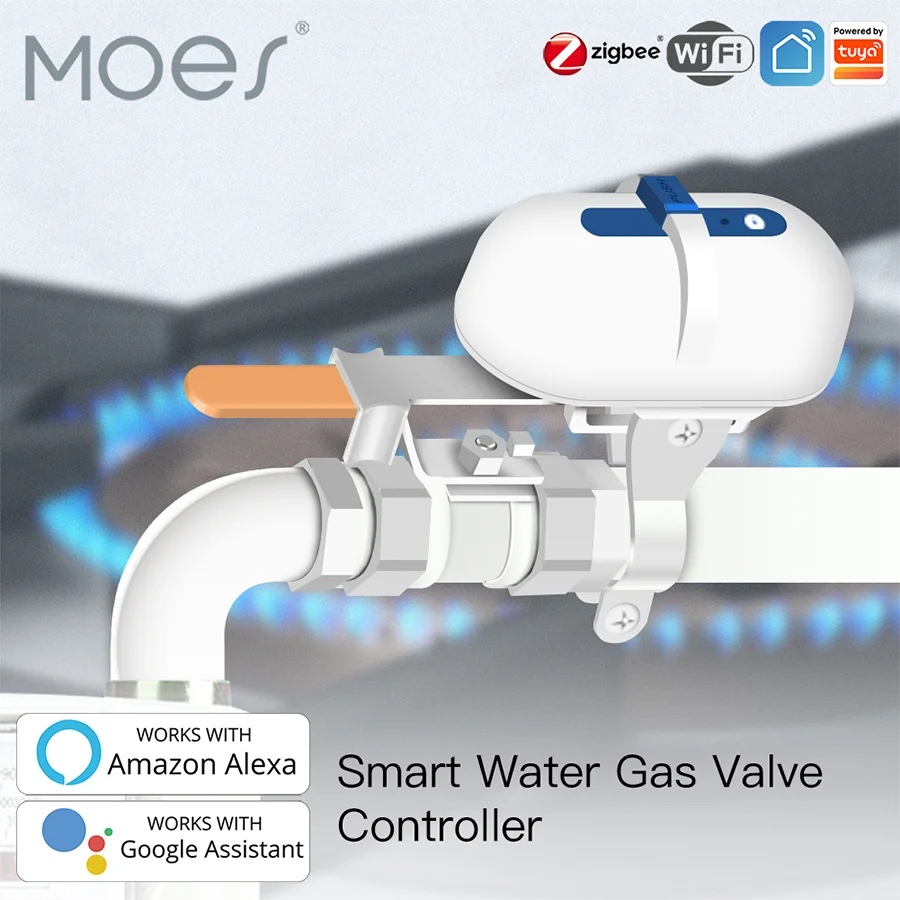
Live catalog checks on MOES do not show a dedicated water-leak / moisture / flood sensor SKU. Inventing one for this article would mislead the channel. When the signed sheet already froze zones, hub ownership, and alert routing, and the buyer still needs a motorized valve path for water (or separately owned gas) lines, the MOES WiFi Water Gas Pipeline Auto Shut OFF Valve Controller is a bounded next hardware example.
On the live product page, model WV-QY-WH lists a 12 V / 1 A supply, 6 MPa valve pressure rating, 5–10 second open and close times, and 1 inch / 1.25 inch valve specifications, with Wi-Fi or ZigBee protocol options and app/voice control.
Page copy also describes leakage linkage so a detected leak can drive an automatic close and an app alarm when sensors are linked in the automation plan. That language supports shutoff adjacency after sensing is specified—it does not turn this controller into a floor moisture sensor, and it does not claim MOES replaces a Govee-class detector on the puddle.
Use the valve when the sheet already says shutoff-linked response, valve size, power availability, and who may close the supply. Skip it when the ticket is sensors-only, when the real ask is a point-of-entry flow meter certification the catalog does not publish here, or when someone wants a MOES water-leak puck that is not on the live shelf.
Not every architecture does, but many Wi-Fi water-leak kits rely on a powered gateway or hub for app and email alerts. Freeze whether the packed kit includes a hub, where it plugs in, and who owns the 2.4 GHz network before commissioning day.
Start with leak-prone, hard-to-see zones: under sinks, near water heaters, behind washers, and other low spots called out in building leak guidance. Write surface type and any offset from chronic damp on the same row.
Low batteries, residual moisture on the contacts, partial wetting that flaps wet/dry, and placement on a chronically damp slab are common non-flood triggers. Separate battery maintenance alerts from leak alerts on the sheet.
Sensing and shutting are different jobs. A floor sensor can notify people; closing a supply needs a valve path, authorization, and often licensed plumbing work. Document alert-only versus shutoff-linked response explicitly.
The live MOES smart-home catalog checked for this package does not list a dedicated water-leak / moisture / flood sensor SKU. Do not invent one. After the sensor path is documented, adjacent hardware such as the WV-QY-WH pipeline shutoff controller may fit shutoff needs—with clear “not a water sensor” scoping.
Zone photos, probe attitude, hub/band proof, a controlled wet-test notification, distinct battery routing, shutoff timing if in scope, sprinkler/access notes, and owner turnover initials against the signed sheet.
Contact electrode sensors need the probes to meet the water film. Carpet and uneven soft surfaces often hold contacts above the puddle—plan a hard surface or pad and write it down.
Many water-sensor kits and gateways expect 2.4 GHz networks. Dual-band homes that only hand the phone a 5 GHz SSID create pairing loops that look like hardware failure.


OTHER SMART DEVICES
Jun 13,2026
OTHER SMART DEVICES
Jun 12,2026
TUYA SMART HOME PRODUCTS
Jun 12,2026
 +86 137 3639 3028





