


by NOVA

Aug 13, 2026
The MOES Star Feather Smart Switch Series is a smart wall-switch family with a matte anti-glare glass panel, full-touch control and adjustable vibration feedback.
The wireless protocol, gang count, region and installation requirements still change from one version to another.
The shared design does not remove the buying decisions. Light or Scene role, WiFi or Zigbee protocol, regional gang format and the wiring condition can change from one listing to another.
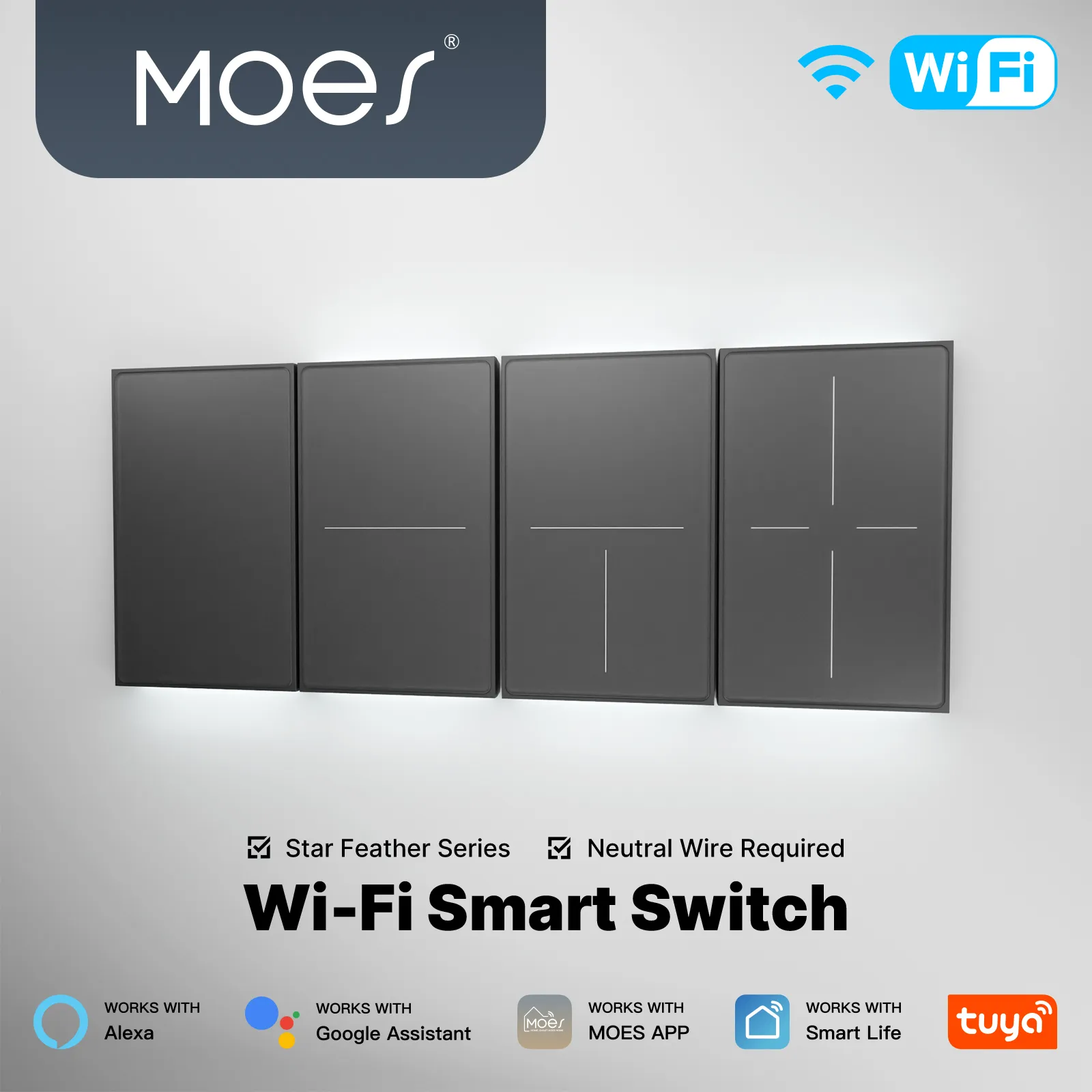
The easiest way to understand Star Feather is to start with what a person touches. MOES describes an anti-glare glass surface with a matte, skin-like finish. That is a stated design position; the collection does not establish a universal fingerprint, readability or durability result.
The second part is the way the panel acknowledges a tap. The US WiFi product page describes full-touch operation and four adjustable vibration levels. In plain language, the panel can provide physical confirmation when a tap registers.
This matters in different ways depending on the room. In a hallway, feedback can tell someone in the dark that a light command registered.
In a bedroom, some users may prefer haptic feedback to a mechanical click. The documented feature is the adjustable feedback itself, not a guaranteed sound level or identical feel for every user.
The product pages also describe control from the Tuya / Smart Life mobile app, voice assistants such as Alexa / Google Assistant, and the touch panel. That makes Star Feather more than a decorative wall plate, but it does not make every version the same: the product card still determines which wireless route and control ecosystem are involved.
MOES presents Light Mode and Scene Mode as two roles in one switch, with a clear limitation: Light Mode and Scene Mode cannot be used simultaneously according to the collection. Light Mode is the direct lighting role. Scene Mode is the automation role, where a tap starts a programmed routine.
Imagine the difference at home. A switch beside the front door may need to turn the hallway light on immediately.
A panel beside a sofa may be more useful when one tap starts a “movie night” scene involving several smart devices. Both are sensible uses, but they are not the same hardware job.
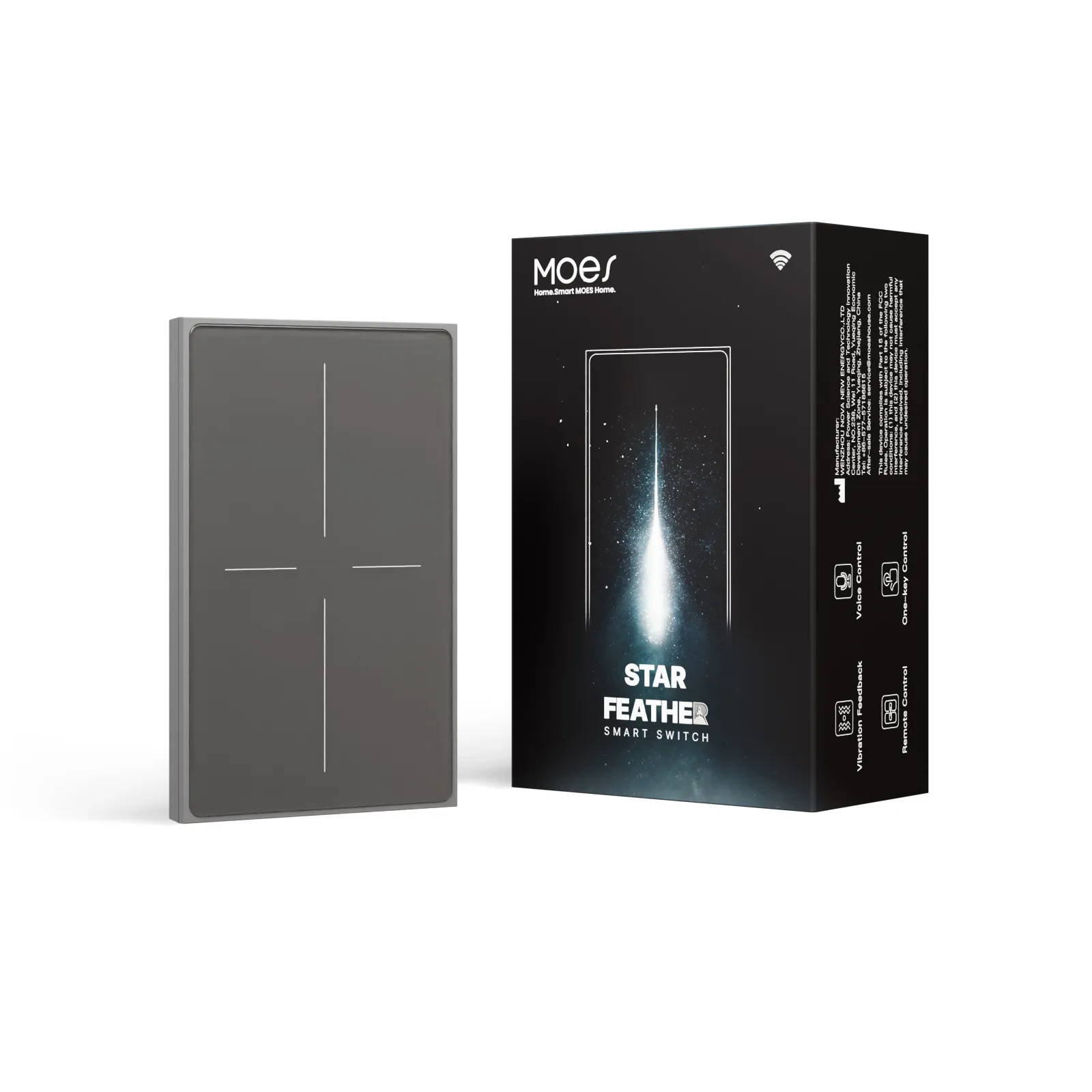
The word “scene” can also create a bad assumption. One Amazon buyer described a scene-oriented use that did not meet a dimmer expectation. That is one person’s experience, not a verdict on every Star Feather model, but it shows why a dimming requirement should be stated directly. A scene can tell compatible devices what to do; it should not be treated as proof that the wall switch itself dims a load.
Before choosing a listing, state the intended job plainly: operate a physical light, start a programmed scene, or provide documented dimming. The word “2-in-1” does not answer all three questions.
The Star Feather design is shared, but the connection method is not. The collection displays WiFi and Zigbee versions under the Star Feather design. A wireless protocol is the communication method used by a variant; in everyday language, it is the connection language of the switch.
One Home Assistant user asked whether a Star Feather device would act as a Zigbee router or an end device, then corrected the link: it was the WiFi version, not the Zigbee one. That question is a reminder to confirm the protocol before discussing integration behavior; it does not prove mesh behavior for either version.
The regional and gang labels deserve the same attention. The collection’s American summary states 1–3 gang, while the featured US product card exposes 1–4 style choices. Those US/EU route labels are part of the product choice, not decoration.
The EU summary describes 1–4 gang installations and standard 86mm wall boxes. The selected listing therefore matters more than the family photograph when checking fit.
| Choice on the listing | What it changes | A practical example |
|---|---|---|
| WiFi or Zigbee | The wireless route and the integration conversation | A buyer using a Zigbee hub should not save a WiFi page under the same short name. |
| US or EU | The regional product route and physical format described by that route | A coordinator comparing an American wall box with an EU 86mm box needs the matching page. |
| 1, 2, 3 or 4 gang | The number of controls presented in the selected product card | A four-button listing should not be assumed to represent every route in the family. |
| Light or Scene role | Whether the button operates a light or triggers an automation | A hallway and a living-room scene panel may need different setup decisions. |
Those labels prevent two different products from being compared as though they were one.
In an AC lighting circuit, the neutral conductor provides the return path to the supply; it is distinct from the line (live) conductor that brings power to the switch. In plain language, the cited installation configuration expects both the required conductors to be present in the wall box, and the front glass cannot tell a retrofit buyer whether that condition exists.
The US two-gang installation guide asks for power isolation, an off-state check and neutral confirmation before installation. Those are sensible checks to raise with the person responsible for the electrical work before an order is treated as final.
The concern is easy to understand from a real buyer discussion. One smart-home buyer wrote that they bought switches requiring neutral in the box and then found that the box did not have it. That is a buyer’s experience rather than electrical authority, but it points to the timing problem: discovering the missing conductor after purchase is more expensive than asking about it during selection.
Important: If the chosen Star Feather route is the neutral-required configuration described in the installation material, ask the installer to confirm the wall-box condition before ordering. The buyer discussion explains the concern in the user’s own words; it is not a wiring instruction.
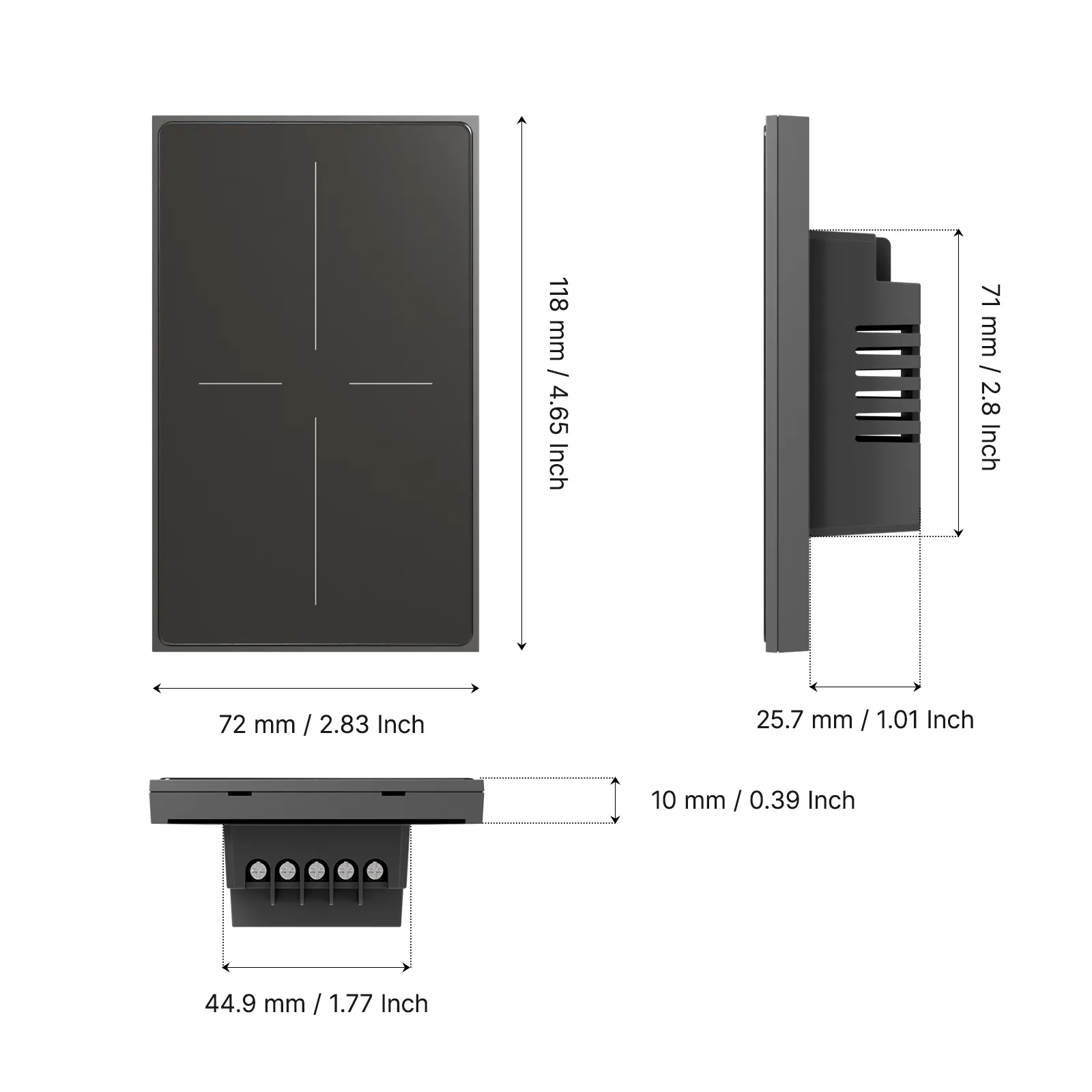
The current US WiFi route is the useful reference when a procurement reader needs actual values rather than feature language. MOES’s current US WiFi page lists WS-SF-US1/2/3/4, 90-250V AC, 50/60Hz, 10A/Gang; Total 10A, 2.412-2.484GHz, and <+10dBm.
Those figures belong to the US WiFi route shown on that page. They should be kept with the model label in a quotation or internal product note, especially when another person may later compare the item with a Zigbee or EU listing.
| Published US WiFi field | Value | Why it is useful |
|---|---|---|
| Model | WS-SF-US1/2/3/4 |
Gives the selected route a precise identity. |
| Voltage and frequency | 90-250V AC, 50/60Hz |
Supplies the published range for that page. |
| Maximum current | 10A/Gang; Total 10A |
Gives the project team a concrete figure to discuss. |
| Wireless band | 2.412-2.484GHz |
Records the band shown for the WiFi route. |
| Maximum RF transmit power | <+10dBm |
Preserves the radio figure stated on the page. |
These figures apply to the cited US WiFi route. They are not a family-wide rating and do not answer a Zigbee integration question.
For the US WiFi version, the most direct next page is MOES Tuya WiFi Star Feather Series US Switch. That is the page behind the model and radio values above, as well as the documented full-touch, app, voice and vibration features.
The MOES Tuya WiFi Star Feather Series EU Switch is the separate route for an EU WiFi listing. If the product in front of you is Zigbee, start from the matching Zigbee route instead of using a WiFi page as a substitute. If the family itself is still undecided, the broader MOES smart switch category is the better starting point.
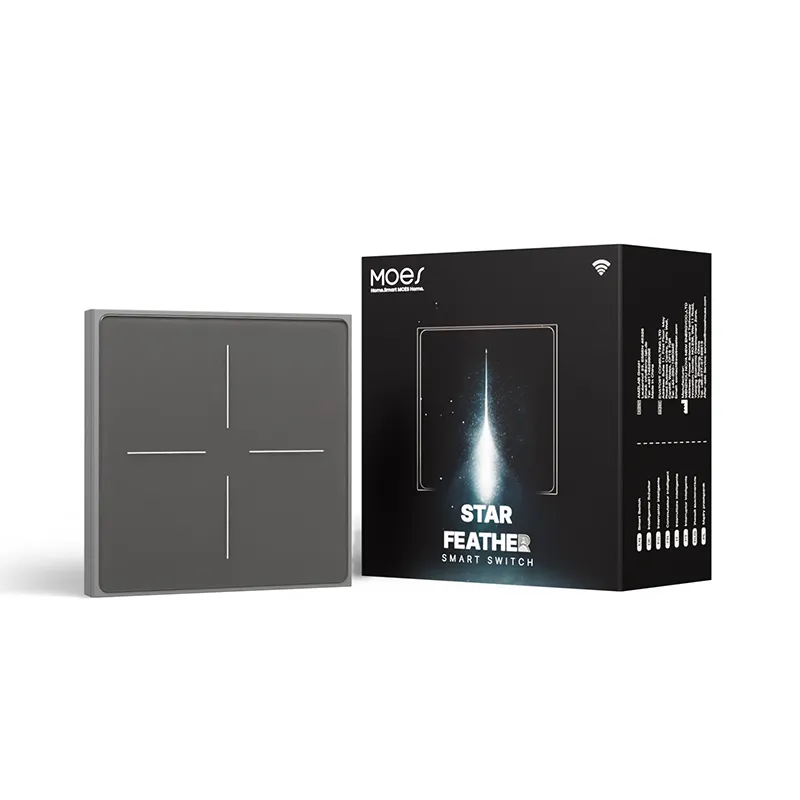
Identify the room’s job, then open the page that carries the same protocol and regional label. The design may be shared, but the decision is made at the route level.
Star Feather’s appeal is easy to see: a clean matte panel, touch feedback with four adjustment levels and the option to use a button for either direct lighting or a programmed scene. Those details are meaningful when a homeowner wants the switch to look and behave like part of a modern smart-home system.
The trade-offs are just as concrete. A polished family design can hide protocol and regional differences.
Scene control does not automatically equal dimming, and the cited US installation path expects a neutral wire. Gang count can also differ between the family summary and a specific product card.
Keep the protocol, region/gang choice, intended control job and wall-box condition beside the chosen link. Then use the matching product page for the exact parameters.
It is a MOES smart-wall-switch family built around an anti-glare matte glass interface, full-touch control and adjustable vibration feedback. Individual products can differ by protocol, region, gang count and installation configuration.
MOES describes a matte, skin-like surface intended to reduce visible reflections. The page does not establish a universal fingerprint, durability or scratch-resistance result.
The current US WiFi page lists touch, mobile-app and voice-assistant control. The exact ecosystem and available functions still depend on the selected variant and its product documentation.
No. The collection presents both WiFi and Zigbee routes. Select the protocol that matches the hub or platform the installation is intended to use.
Not automatically. Scene Mode starts a programmed routine, while dimming is a separate control requirement. One attributed buyer review shows why a scene-oriented use should not be read as proof of dimming.
The collection’s American summary states 1–3 gang, while the featured US product card shows 1–4 style choices. The EU summary describes 1–4 gang installations. Confirm the count on the specific listing before ordering.
Yes, the cited US two-gang installation guide asks for neutral confirmation before installation. Whether an existing wall box has the required conductor is a site condition, so have the responsible electrical professional confirm it.
The page lists WS-SF-US1/2/3/4, 90-250V AC, 50/60Hz, 10A/Gang; Total 10A, 2.412-2.484GHz, and <+10dBm. These are the values published for the current US WiFi route.




OTHER SMART DEVICES
Jun 13,2026
OTHER SMART DEVICES
Jun 12,2026
TUYA SMART HOME PRODUCTS
Jun 12,2026
 +86 137 3639 3028



