


by NOVA

Aug 30, 2026
Smart home wiring partner marketing only works when channel teams freeze partner scope, lead handoff fields, and wiring readiness evidence before co-branded ads or dealer routes go live—not after the first truck rolls. This page maps those partner-marketing and installer lead handoff project inputs for distributors, installers, and authorized dealers, then shows where MOES assortment examples belong once the co-branded sheet is signed. Pair it with the smart home device types B2B classification guide when RFQ lines need a shared vocabulary before co-marketing starts.
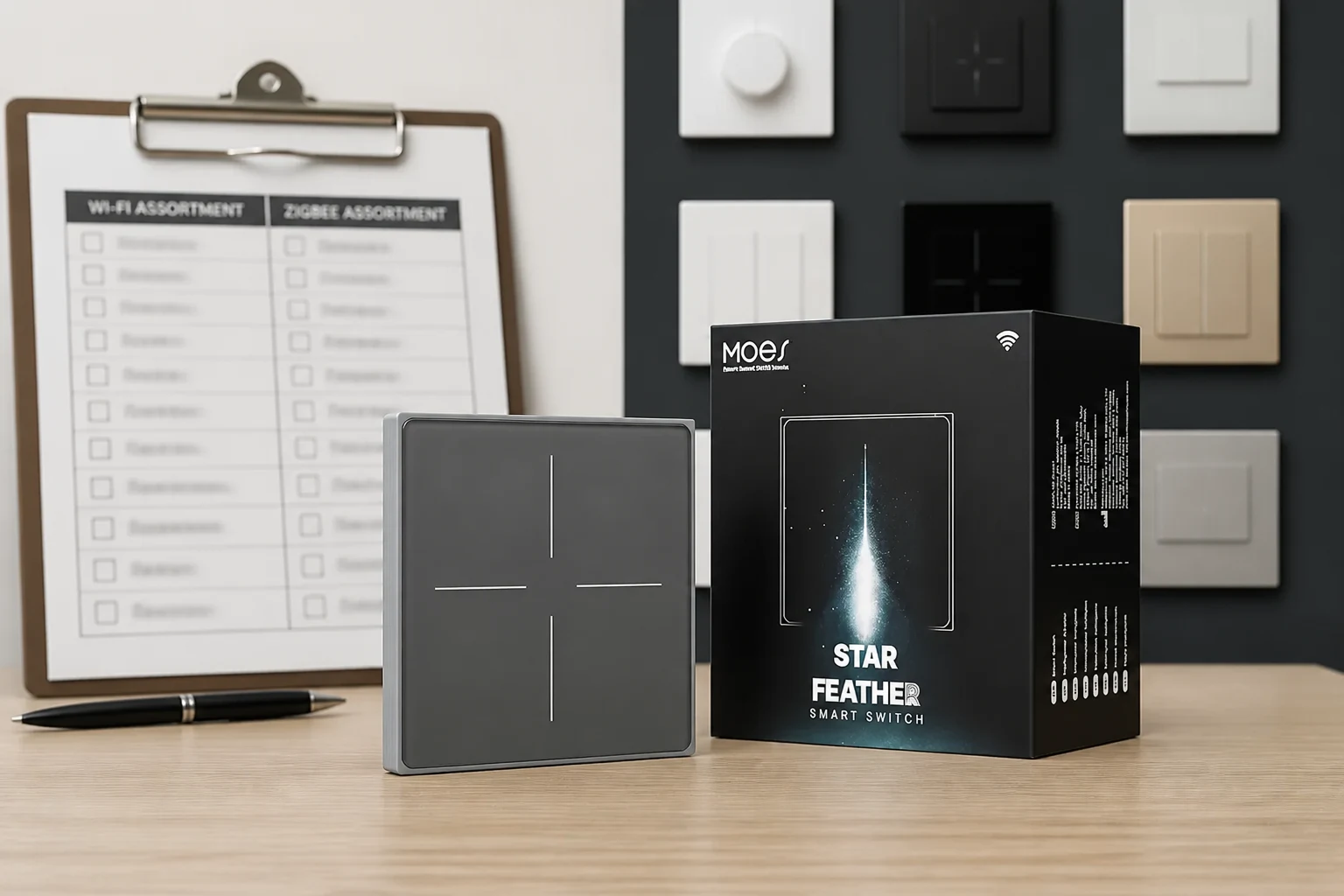
Name who may co-brand, quote, install, and support before any creative or dealer list goes live.
Manufacturer, distributor, and installer tiers rarely share identical rights. A distributor may co-brand catalog pages while an electrical contractor may install but not alter product claims. Dealer programs often separate catalog data ownership, pricing tiers, and co-marketing approval—partners should write those boundaries on the project sheet instead of assuming every logo on a flyer is allowed.
| Scope element | Manufacturer / supplier | Distributor / dealer | Installer / integrator |
|---|---|---|---|
| Co-branded creative | Approves brand usage | May localize with approval | Uses approved templates only |
| Public wiring claims | Publishes spec boundaries | Must not exceed approved claims | Documents site facts; does not invent specs |
| Pricing / quote | Sets tier rules | Owns channel pricing | Installs to signed scope |
| Post-install support | Firmware/app baseline | Stock / RMA path | Owns site callback per RACI |
If a partner tier is missing from the sheet, stop the campaign until scope is signed. Channel partner marketing disputes usually start as scope arguments, not wiring faults.
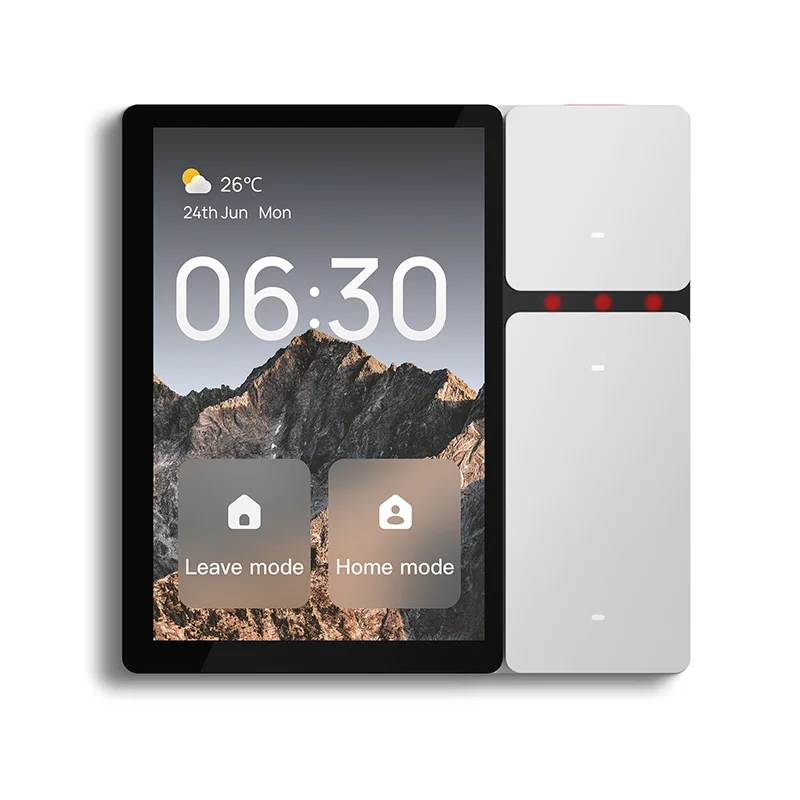
Route sales-ready jobs with structured CRM fields—not free-text call notes.
OEM-style dealer programs expect timeline, decision authority, budget range, and equipment need captured as data before a lead reaches an installer queue. Leads without disposition (qualified, nurture, or coded disqualification) create ambiguous records that waste truck rolls. A practical handoff packet includes the campaign source, structured qualification fields, site access window, and the wiring survey status.
| Handoff field | Why installers need it | Example entry |
|---|---|---|
| Purchase timeline | Schedules crew and material cutoffs | 30–60 days |
| Decision authority | Avoids demo-only visits | Homeowner + GC |
| Budget / scope band | Filters unrealistic kit lists | Retrofit, 12 openings |
| Equipment / protocol need | Prevents wrong radio family | Wi-Fi switches + hub |
| Wiring survey status | Gates marketing claims | Box photos uploaded |
| Disposition code | Closes the loop for marketing | Qualified → install queue |
Multi-touch outreach cadences (phone plus email over roughly ten business days) are common in dealer qualification workflows—the sheet should record which cadence produced the handoff so installers know what was already promised verbally.
Tie every public wiring statement to a signed survey—not to brochure optimism.
Pre-wire guides consistently call for neutrals at switch boxes, adequate box depth for smart bodies, and dedicated circuits for media or hub panels. Community installers still discover missing neutrals after marketing implied an easy swap. Partners should publish readiness language only when box photos, panel notes, and hub-power plans exist on the project sheet.
| Claim type | Safer when documented | Avoid without survey |
|---|---|---|
| “Retrofit existing switches” | Neutral/ground photos on file | “Works in any old box” |
| “Whole-home smart wiring” | Home-run / rack layout documented | “No pre-wire needed” |
| “Hub-ready home” | Continuous power circuit noted | “Plug hub anywhere” |
| “Fast install weekend” | Scope band + authority confirmed | “Same-day guaranteed” |
Smart home wiring readiness is a marketing gate, not a creative opinion. When surveys fail, marketing pauses—not the install crew alone.
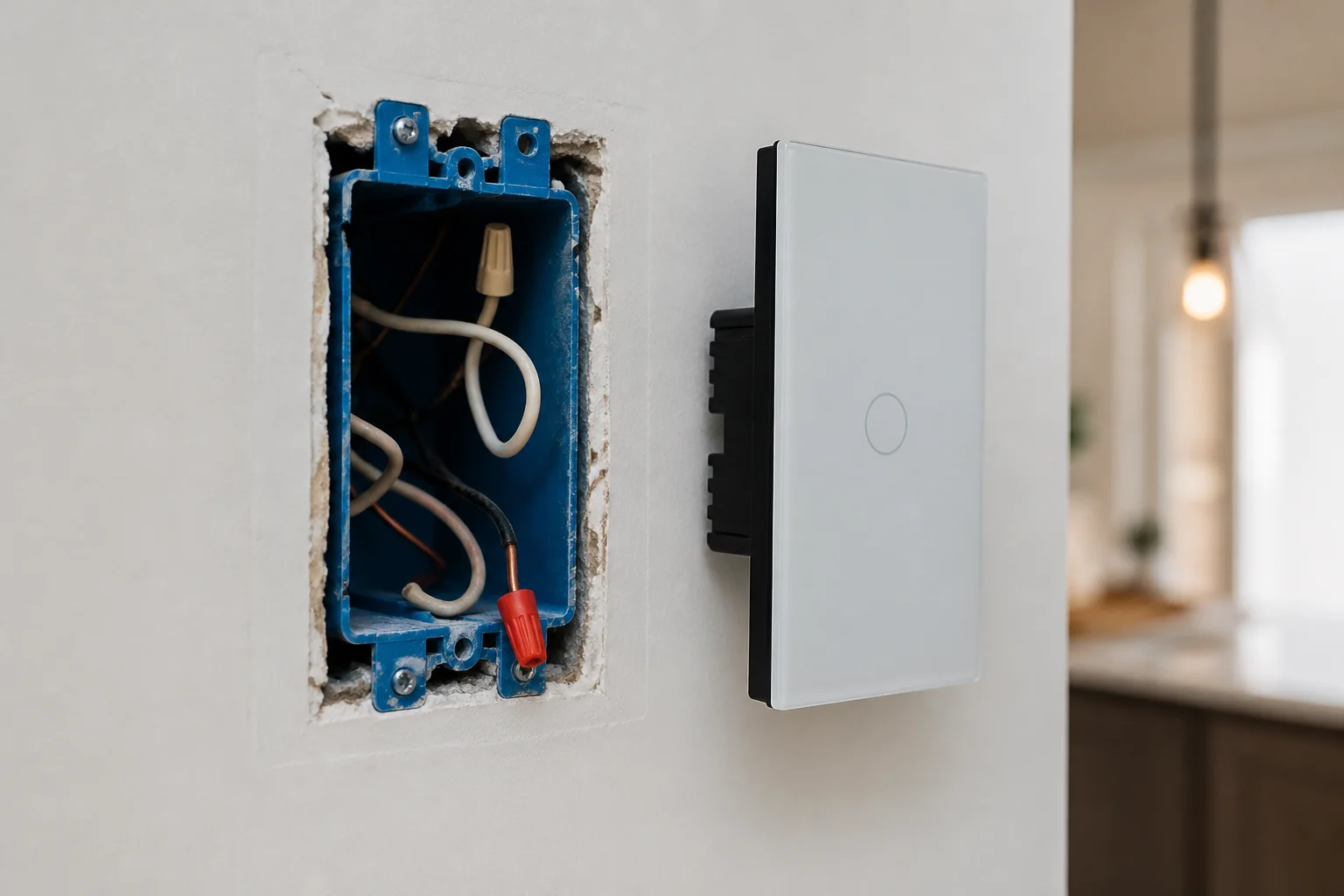
Require labelled paths, box surveys, and rack photos before co-branded assets cite wiring quality.
Trade wiring guidance treats labelled home-runs, cable-path notes, rack layouts, and network schemes as baseline photo/documentation standard discipline—not optional extras. Partner marketing should mirror that discipline: wide shots of each switch box, close-ups of conductors, panel schedule lines, and hub locations with circuit IDs. File names should include room, date, and photographer initials so distributor and installer folders stay aligned.
Minimum photo set for a co-marketing wiring job:
Photos belong in the same shared folder as the signed partner sheet. Marketing must not crop survey images to imply conditions that the full frame disproves.
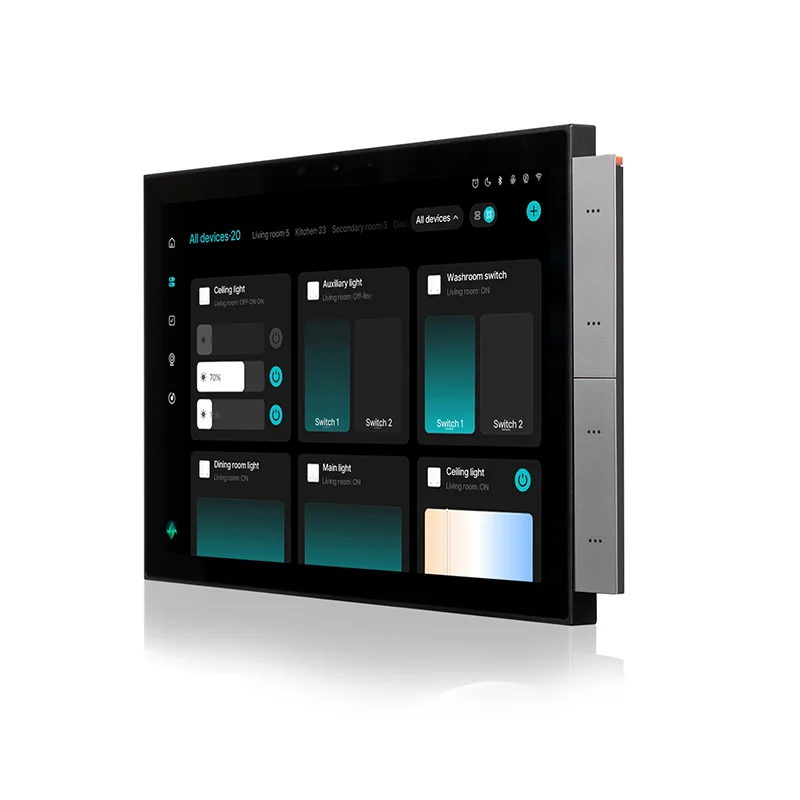
Keep one archive page—the co-branded project sheet—that links partner scope, handoff fields, readiness claims, and photo links.
| Field block | Owner (typical) | Sign-off |
|---|---|---|
| Partner scope + tiers | Distributor | Marketing lead |
| Lead handoff / CRM IDs | Sales ops | Installer foreman |
| Wiring readiness claims approved | Marketing + technical | Licensed electrician of record |
| Photo folder URL / IDs | Installer | Project manager |
| RACI (ads vs surveys vs support) | Channel manager | All parties |
| Revision date | Project manager | Required on every change |
Print or PDF the sheet beside the floor plan. Revision dates matter when a remodel changes boxes after the first walkthrough. That single page is what turns channel partner marketing into an installable, defensible job—distinct from the cross-class electrical input matrix crews may still need for device power classes.
Download the same field blocks as CSV: co-branded partner project input sheet for mail-merge or CRM import.
Split responsibility so ads, surveys, and support do not collapse into one vague “partner.”
Marketing owns creative, campaign sources, and approved readiness language. Install crews own box surveys, panel verification, and as-built photos.
Distributors own tier rules, pricing bands, and escalation to the supplier. Support ownership (app onboarding, warranty path, callback window) must be named before handoff—community discussions still warn that smart-home outcomes disappoint when nobody owns maintenance after the install photo is posted.
Important: Treat long-term system ownership as a handoff field, not a footnote. CEDIA’s smart-home wiring guidance stresses documented cable paths, rack power, and labelled home-runs—pair that discipline with a named support owner on the RACI row before the co-branded promotion ends. (CEDIA wiring guide)
Place MOES SKUs only after partner scope, handoff, readiness, and photo gates pass—never as a substitute for documentation.
Browse the MOES Tuya smart home products category—the MOES Tuya assortment hub—to map switches, modules, thermostats, sensors, and gateways to the signed scope band.
Cross-check device classes on the smart home device types classification guide before shortlisting SKUs. For wall-switch-heavy scopes see the smart switch category; for HVAC rows see smart thermostat listings.
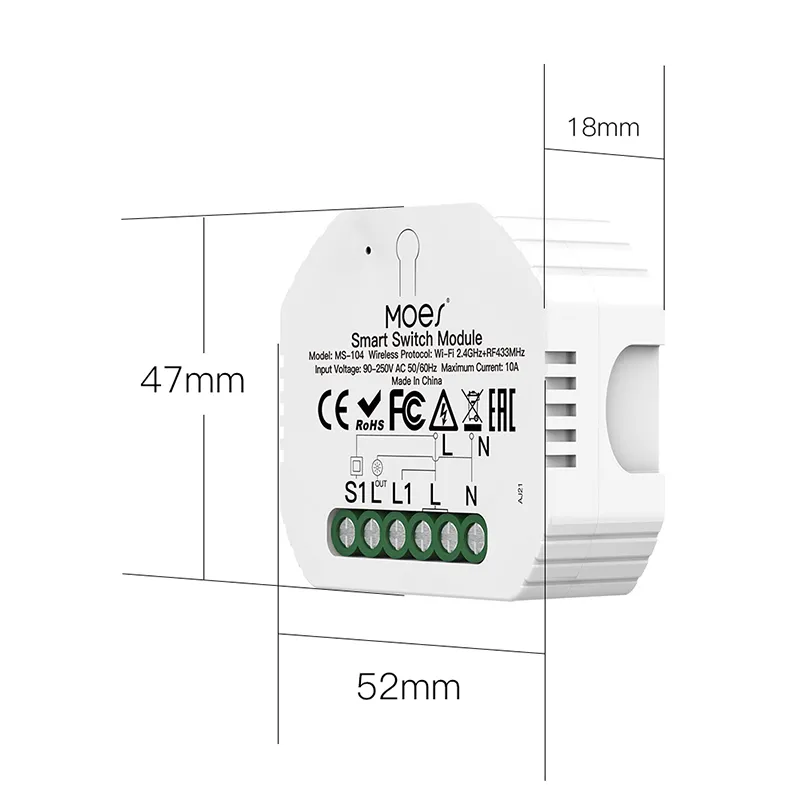
For module-class retrofits where junction surveys are complete, evaluate the MOES Mini DIY Smart Light Switch Module against the documented box condition—not against ad copy alone.
When the sheet logs continuous hub power and placement, the MOES Wireless Bluetooth MESH Gateway is a hub-row example to compare with rack photos.
Star Feather collection-scoped listings are described as neutral-wire products, and Light Mode and Scene Mode cannot run at the same time—carry those conditions on co-branded assets when that family is shortlisted. US labels on MOES pages indicate form factor, not market approval. Crews that also need load, neutral, and panel fields should complete the related smart home devices electrical installation project inputs sheet before cartons ship.
Skip a SKU when readiness gates fail for its class. When documentation is complete and samples are needed, use Contact Us.
Partner scope, structured lead handoff fields, approved wiring readiness claims, mandatory photo links, RACI rows, and revision dates—signed before co-marketing goes live.
The manufacturer or supplier brand owner approves creative; distributors localize within that approval; installers supply site evidence but do not expand public claims beyond the signed readiness list.
Timeline, decision authority, budget or scope band, equipment or protocol need, wiring survey status, campaign source, and a disposition code—not unstructured call notes alone.
Claims tied to documented neutrals, box depth, hub circuits, and panel notes—such as “retrofit where neutral is present”—not universal “works everywhere” language.
Box surveys, panel or breaker labels for relevant circuits, hub power locations, rack or head-end shots when in scope, and an annotated plan matching the promoted device count.
Partner marketing documentation governs co-branding, leads, claims, and photos; electrical install inputs govern device power class, load, junction, and panel fields—a separate live checklist covers that layer.
After partner scope, handoff, readiness, and photo gates pass—map MOES classes to the signed scope band, not to unfinished surveys.
The RACI row must name whether the distributor, installer, or homeowner owns app setup, callbacks, and warranty routing—before the lead is marked qualified.


OTHER SMART DEVICES
Jun 13,2026
OTHER SMART DEVICES
Jun 12,2026
TUYA SMART HOME PRODUCTS
Jun 12,2026
 +86 137 3639 3028





