


by NOVA

Sep 29, 2026
A what is a smart home device question on a channel RFQ is really about one quote object: a connected endpoint that can be monitored or controlled on a home network—not a phone, and not automatically a hub.
This page locks that definition, separates endpoint roles from hub lines, and names the minimum attributes buyers should print before they price a SKU. It also shows one live Wi-Fi actuator page as a bounded example.
For the wider connected-home system definition, see What Is Smart Home. For class lists, use the smart home device types guide instead of rewriting them here.
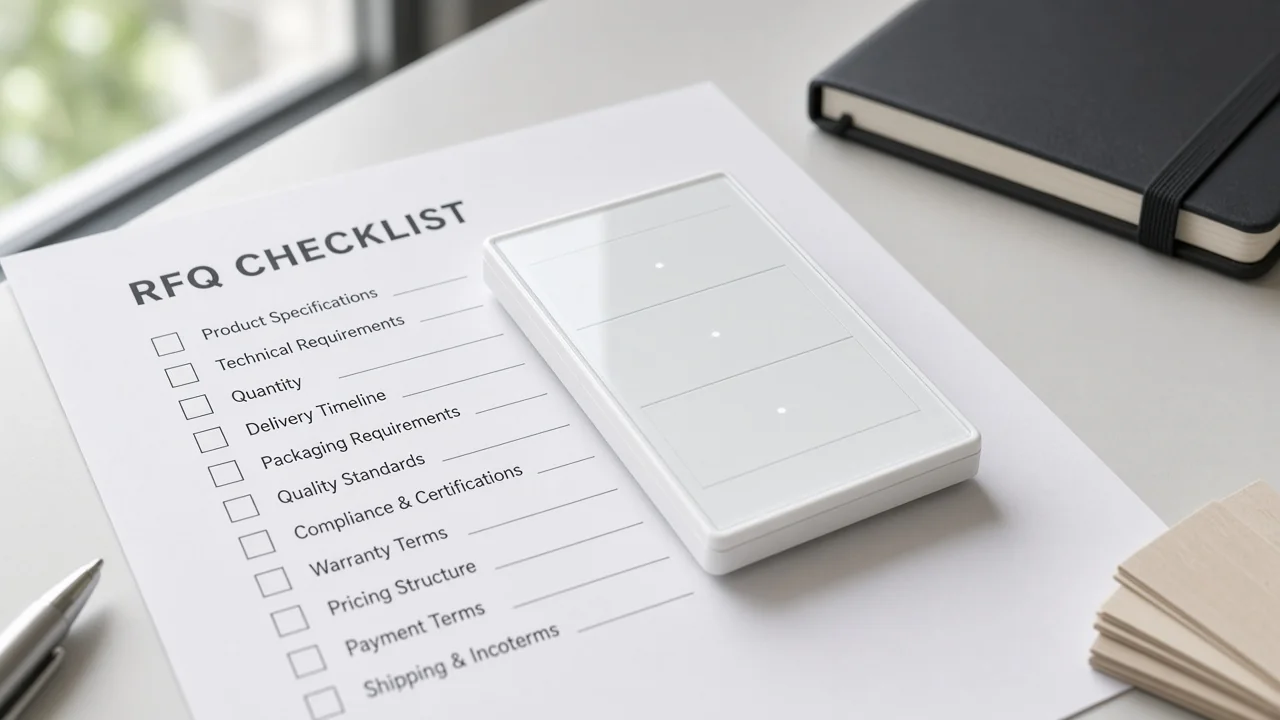
A smart home device is a connected endpoint SKU that can be monitored or controlled on a home network—not a phone and not automatically a hub.
On a distributor or installer quote, “device” should mean something that lives at the edge of the home system: a switch, plug, thermostat, lock, camera, or sensor that joins a stated radio or network path and accepts a control path.
Independent IoT glossaries describe smart homes as residences that use internet-connected devices for remote monitoring and management. Encyclopedia definitions of a smart device stress wireless connectivity plus interactive or autonomous operation. Those ideas are useful, but channel buyers still need a sharper filter.
Consumer “smart device” lists often include smartphones, wearables, and robot vacuums. Those products may be intelligent, yet they are rarely the SKU a lighting or electrical channel prices as a smart home devices line on a project BOM.
If the RFQ treats every gadget with an app as interchangeable, the quote mixes phone accessories, speakers, and wall hardware under one vague label. Lock the endpoint job first.
Also separate the endpoint from the home system. A smart home system is a connected set of devices under an app or hub path with scenes and account rules; that system story belongs on the smart home clarification page. This article only answers whether a single line on the RFQ is a home endpoint worth naming as a device SKU.
Lock whether the line is an endpoint, a hub/gateway, a sensor, or an actuator before you mix catalog families.
Buyers get stuck when catalogs reuse friendly nouns. A wall switch, a battery door sensor, and a Zigbee gateway can all appear in a “smart home” brochure, yet they are not the same quote object.
NIST’s IoT glossary groups sensors, controllers, and household appliances as connected devices. Utility explainers split a smart device (the connected unit) from the smart home system or hub that gathers and controls those units. On a quote sheet, that split should be explicit.
| Role on the RFQ | What the line does | Typical quote mistake |
|---|---|---|
| Connected endpoint | Senses or actuates at a room, circuit, or opening | Calling every endpoint a “hub kit” |
| Hub / gateway | Forms or bridges a device radio network toward IP/app | Pricing endpoints only when mesh radios still need a hub SKU |
| Sensor role | Reports state (open/closed, motion, temperature) | Asking for actuator load ratings on a battery sensor |
| Actuator role | Changes state (switch, plug, valve, lock drive) | Omitting load/current when the page prints amps |
Use role labels to steer the conversation, not to rebuild a full taxonomy. Detailed type trees live on the device types classification and sensor types pages.
Hub SKUs as quote objects are owned by What Is A Smart Home Hub. Switch-only wording stays on the smart switch clarification.
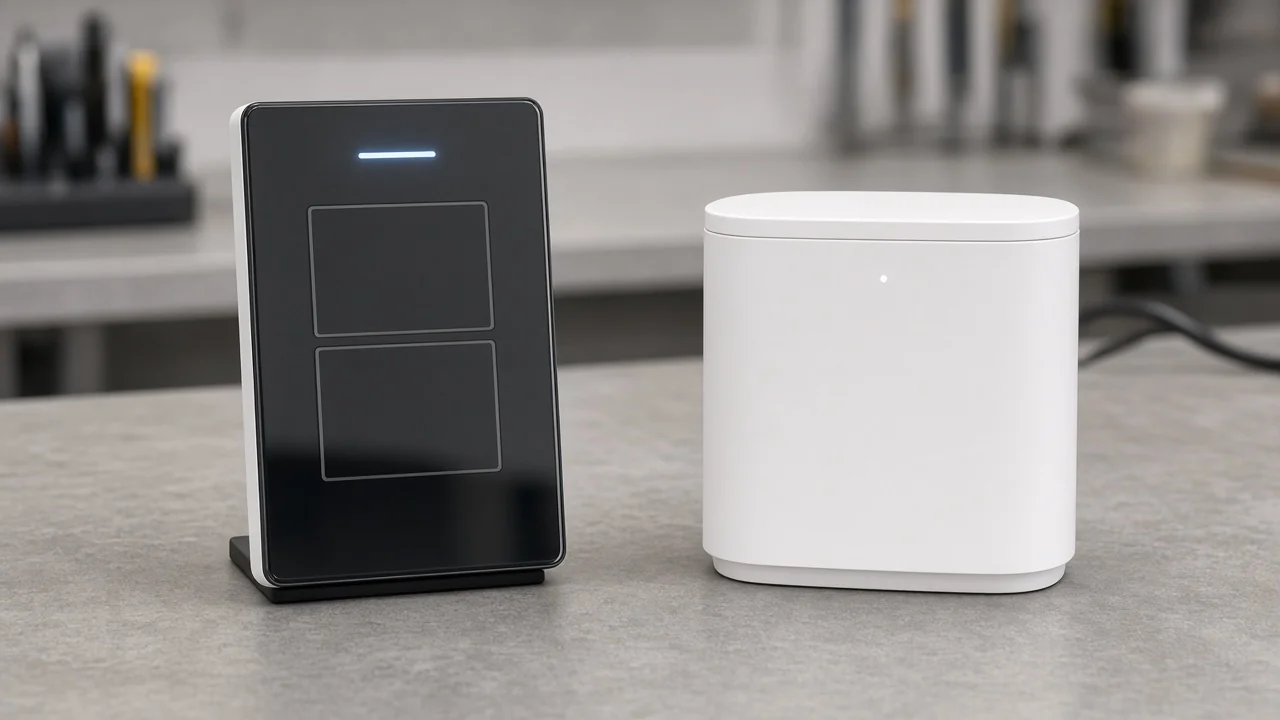
For quoting, “smart” means stated connectivity, a usable control path, and a clear power class—not a marketing adjective alone.
When a factory sheet only says “smart” without those three attributes, channel teams cannot compare apples to apples. Community threads make the same practical point from the field: hubless Wi-Fi endpoints are easy to start with, but they still depend on a control path.
Mesh radios change both connectivity and whether a hub line appears. Treat the following as minimum printable fields before you name a catalog number.
Connectivity. Print the radio or network the SKU actually uses—Wi-Fi, Zigbee, Bluetooth, or another page-stated protocol. Do not invent Matter or multi-radio claims on a Wi-Fi-only page. Frequency bands and transmit-power figures matter only when the product page prints them for that exact model.
Control path. Name how commands reach the device: mobile app, voice assistant pairing, local button/touch, and whether a hub or cloud path is required. A device that only works inside a closed demo account is not yet quote-ready for a channel that must recover pairing later.
Power class. Separate mains-powered actuators from battery sensors, and copy load or electrical ratings when the page prints them. A 10 A wall switch and a coin-cell sensor are both “smart,” but they fail for different reasons if power class is left blank.
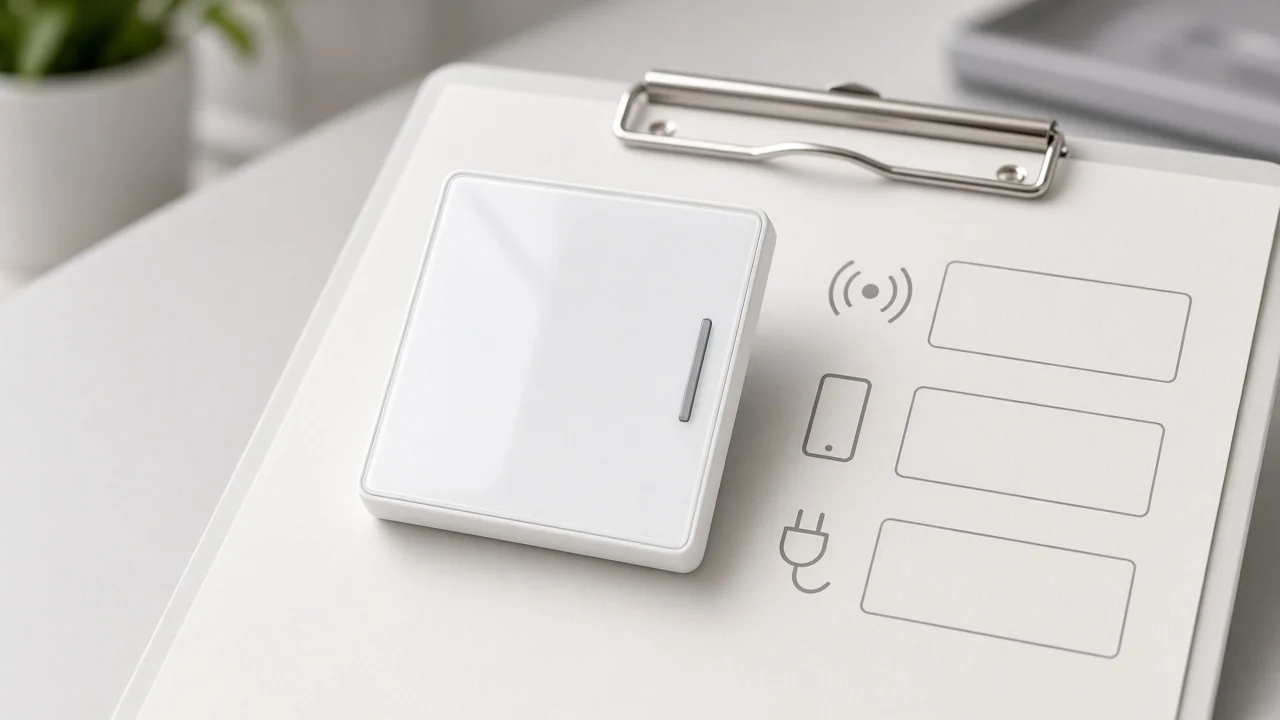
Important: If connectivity, control path, and power class are still blank, do not freeze a catalog number. Requotes usually come from missing amps, the wrong radio, or an assumed hub that was never on the BOM—not from the word “smart” itself.
Wi-Fi actuator and plug lines often omit a hub line; radios a router cannot speak usually need one.
Reddit and independent hub explainers converge on a simple BOM rule: if every endpoint is Wi-Fi, a dedicated smart home hub SKU is often unnecessary; if the assortment uses Zigbee or similar mesh radios, those devices connect to a hub that then reaches the app or IP path.
That rule does not decide architecture logistics for whole warehouses—that comparison lives elsewhere—but it does decide whether “device” lines secretly imply a missing gateway.
For a Wi-Fi wall switch that the product page describes as app-controlled without a hub, the quote can stay on endpoints plus site Wi-Fi readiness. For a Zigbee sensor pack, the same “devices only” wording is incomplete until a matching hub/gateway line is accepted or deliberately declined.
Keep the hub definition on its own page; here you only decide whether the endpoint’s connectivity forces a hub SKU onto the sheet.
Close role, connectivity, control path, power/load, and rooms or circuits before you price SKUs.
A short lock list beats a long brochure when the buyer’s real job is to stop wrong catalog numbers from entering the ERP.
| RFQ field | What to freeze | Why it blocks a wrong SKU |
|---|---|---|
| Role | Endpoint vs hub; sensor vs actuator | Prevents hub kits and wall hardware from sharing one line |
| Connectivity | Page-stated radio / Wi-Fi | Stops Matter or Zigbee assumptions on Wi-Fi-only pages |
| Control path | App, voice, local, hub requirement | Clarifies commissioning ownership and account recovery |
| Power / load | Mains vs battery; printed amps/volts | Matches electrical design and spare policy |
| Rooms / circuits | Where the endpoint installs | Avoids gang-count and format mismatches |
Rooms and circuits are not decoration. A US wall-switch family with multiple gang options fails if the RFQ still says “smart switch” without format and gang count.
Account or region rules can wait until architecture is clear, but they should not stay silent if the control path depends on a specific app ecosystem. Scenes and automation rules are a different layer—see smart home automation clarification when the buyer is pricing routines rather than endpoints.
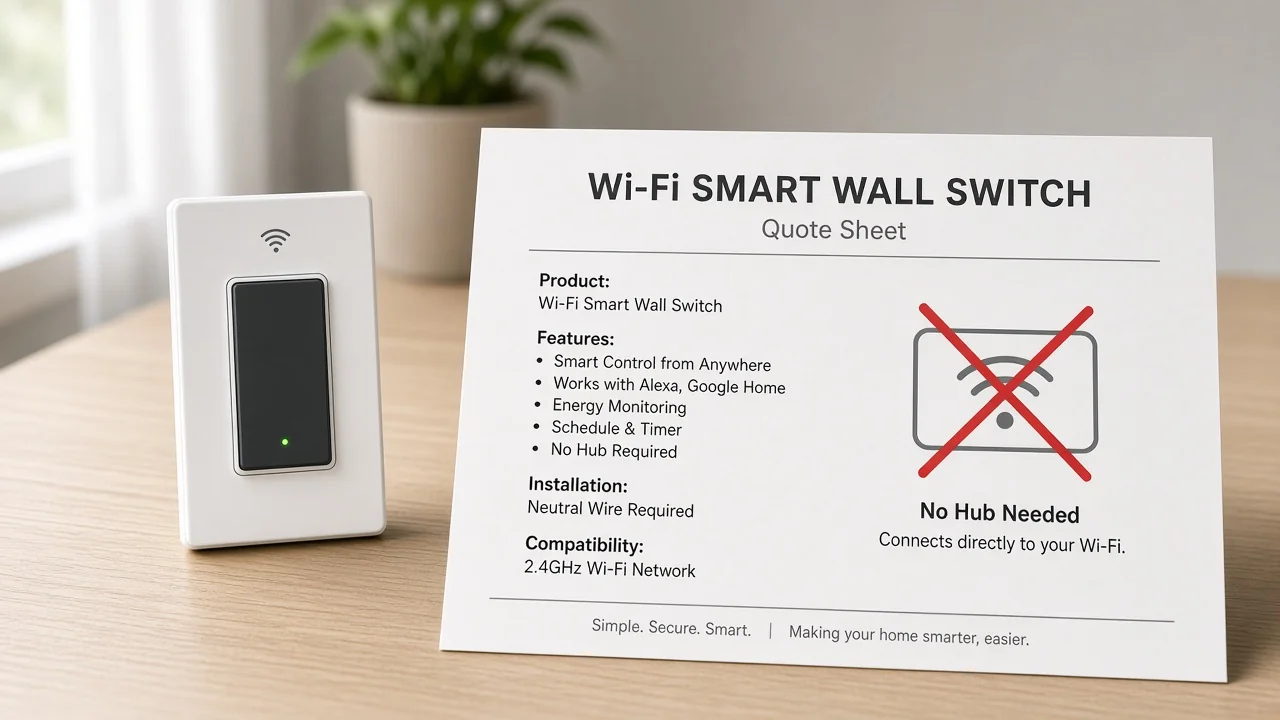
This page defines the device quote object; system, taxonomy, and hub jobs stay on their live siblings.
Use this page when the disagreement is “what counts as the device line.” Use sibling pages when the job changes:
Cross-link once, then return to attributes. Do not paste class catalogs or hub spare-policy essays into this definition.
Star Feather US shows how a Wi-Fi switch prints connectivity, control path, and load on one endpoint page.
When the RFQ needs one concrete actuator-class connected endpoint, open the Star Feather US Wi-Fi switch product page. It is published as the MOES Tuya WiFi Star Feather Series US Switch under Tuya smart home products.
The page states Wireless Protocol Wi-Fi, Voltage 90-250V AC, 50/60Hz, Max.Current 10A/Gang; Total 10A, Frequency Band 2.412~2.484GHz, and control through mobile app, voice assistant, and touch. Product wording also frames the line as working without a hub—consistent with the Wi-Fi-endpoint pattern above.
Model family labels on that page include WS-SF-US1/2/3/4; treat gang and format as RFQ fields, not as proof that every regional variant shares every feature.
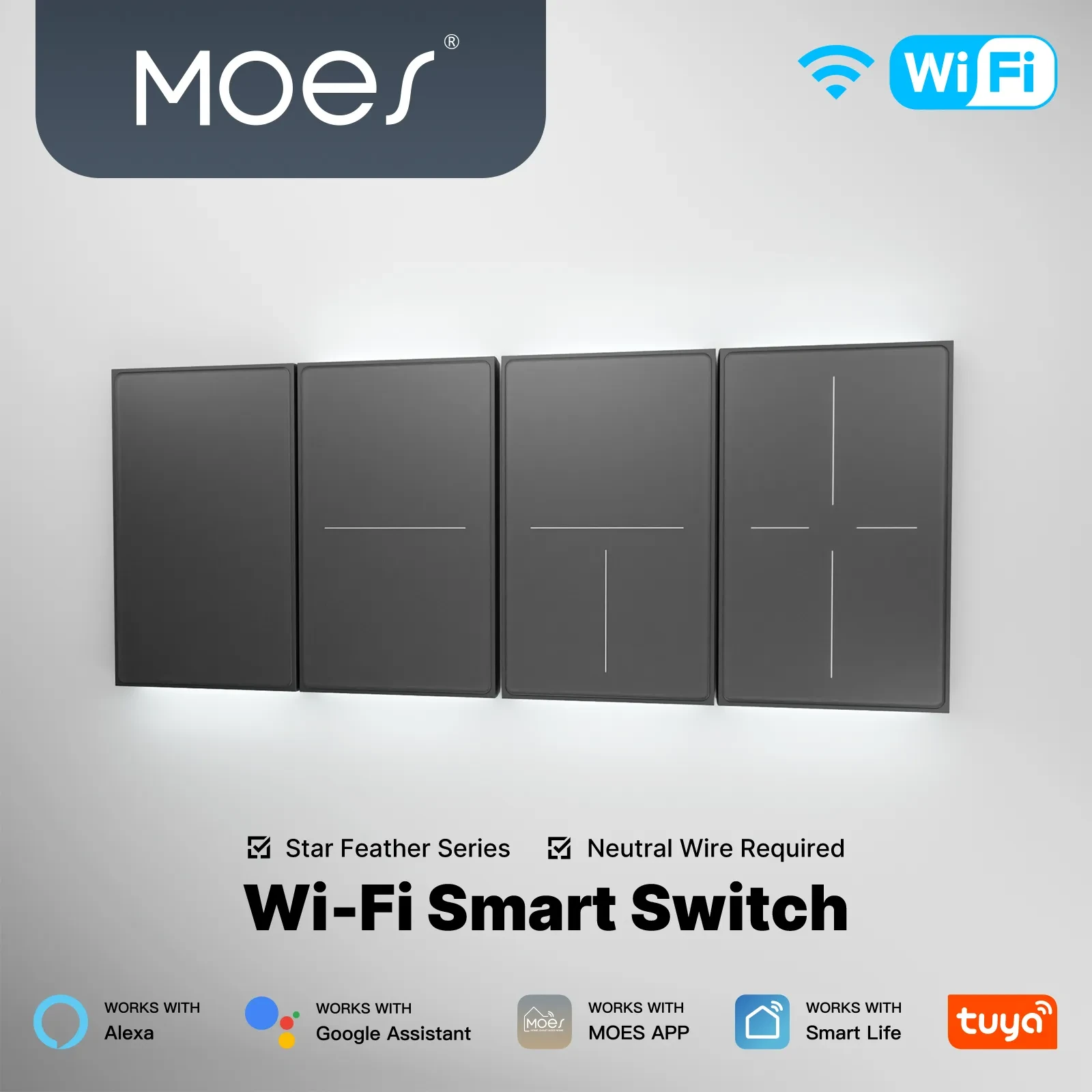
Use those printed fields to practice the lock list: role = actuator endpoint; connectivity = Wi-Fi; control path = app / voice / touch; power class = mains with a 10 A total rating. Do not add Zigbee or Matter claims to this Wi-Fi page.
If the assortment instead needs a Zigbee bridge, quote a hub SKU from its own product page—for example a ZigBee gateway listed as a bridge/control center—rather than stretching a Wi-Fi switch into a hub.
A connected endpoint SKU that can be monitored or controlled on a home network, with a stated role (sensor or actuator), connectivity, control path, and power class. Phones and hubs are usually different quote objects.
Usually no. Phones may control the system, but they are not the wall, circuit, or sensor SKU a lighting or electrical channel prices as a home endpoint.
No. A hub or gateway forms or bridges a device radio network; endpoints sense or actuate. Define the hub on the smart home hub clarification page, then keep device lines as endpoints.
Print connectivity (radio/network), control path (app, local, hub requirement), and power class (mains vs battery, plus load when stated). “Smart” alone is not enough to freeze a catalog number.
Often no separate hub SKU is required when every endpoint is Wi-Fi and the control path is app-direct. Mesh radios such as Zigbee usually need a matching hub/gateway line.
Role, connectivity, control path, power/load, and rooms or circuits. Freeze those before ERP catalog numbers and price breaks.
No. This page defines the device quote object and attributes. Class lists belong on the device types guide.
The Star Feather US Wi-Fi switch page prints Wi-Fi connectivity, app/voice/touch control, and 10A/Gang with total 10A on a mains actuator endpoint—useful practice for the attribute lock list without inventing other protocols.




OTHER SMART DEVICES
Jun 13,2026
OTHER SMART DEVICES
Jun 12,2026
TUYA SMART HOME PRODUCTS
Jun 12,2026
 +86 137 3639 3028



