


by NOVA

Sep 24, 2026
what is smart home automation, for B2B buyers, is the schedule, rule, and scene layer that makes connected devices act without a continuous tap. Owning Wi-Fi switches or sensors can still leave every change manual. The rest of this page locks trigger types, scene ownership, where automation rules run, and which device classes participate — then points to one bounded Wi-Fi wall-switch example.
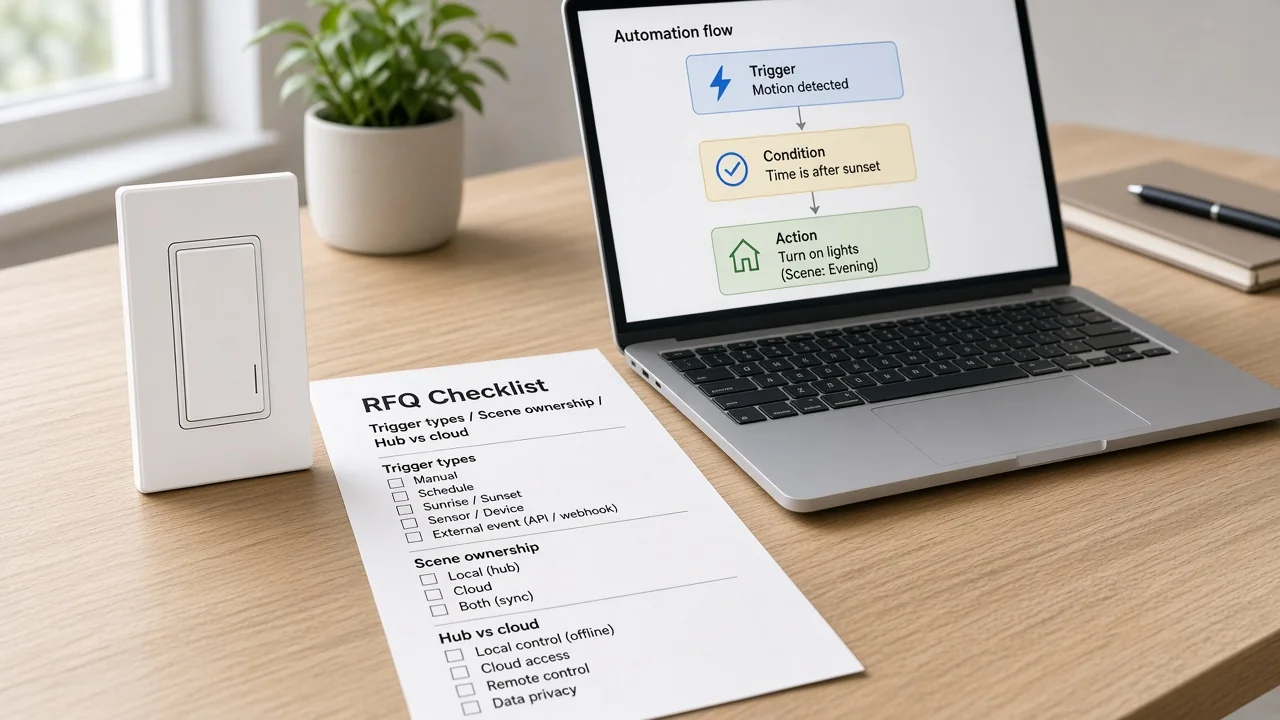
A connected smart home lets someone control devices remotely or from a central panel. Automation is different: it runs preset actions without ongoing manual intervention.
You can fill a house with app-controlled loads and still have zero automation. Every light, lock, or setpoint can wait for a finger or a voice command.
That split shows up on an RFQ. Some teams price only connected SKUs when the buyer writes “smart home automation package.” Others price sensors, actuators, a rule host, and named smart home scenes.
| Buyer language on the RFQ | What it usually means | What still needs locking |
|---|---|---|
| Connected / smart devices | App or voice control exists | Whether any rule runs without a tap |
| Smart home automation | Schedules, rules, or scenes are expected | Trigger types, scene owner, rule host, device classes |
| “Works with Alexa / Google” | Voice path may exist | Voice is a control path, not proof of automation |
Trade association guidance draws the same line: automation is autonomy after setup; connected control still relies on the user. Community builders describe a full system as sensors, actuators, and a hub / controller brain that applies rules.
Keep general smart-home definition pages on the connected-home job. Setup wiring belongs on project-inputs packages. Radio architecture depth belongs on hub-versus-Wi-Fi comparison.
An automation is easier to quote when everyone uses the same three moving parts. A trigger is the event that starts the rule. A condition is an optional gate checked after the trigger.
An action is what actually changes — turn a load on, set a thermostat, notify a phone, or activate a scene. Independent controller documentation treats that structure as the baseline.
Consumer guides often fold the same idea into “schedules, rules, and scenes.” For quoting, keep the labels separate. A scene is a named package of device states; it is not automatically an automation until something triggers it or someone calls it.
Channels get stuck when a buyer says “add movie mode” without saying whether movie mode is a one-tap scene, a voice routine, or a full automation. Write the parts into the RFQ so engineering and sales price the same object.
Trigger type is the first field that turns a slogan into a bill of materials. Timed triggers follow a clock or calendar. Event triggers follow a state change — motion, door open, temperature threshold, geofence, or sun position.
Technical glossaries call these timed versus triggered events. Controller platforms expose longer lists such as time, state, sun, and zone. You do not need every platform name on a quote, but you do need the buyer’s expected classes.
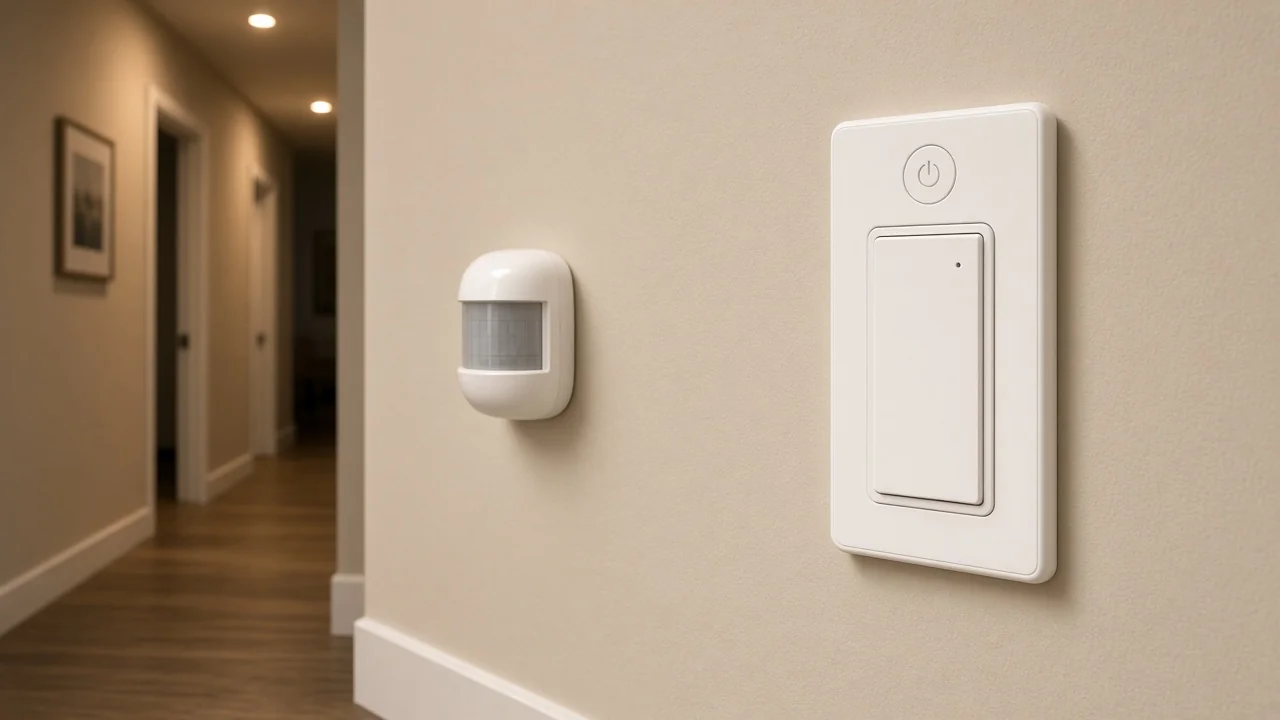
Ask for examples in the buyer’s own words, then map them:
If the RFQ only says “automation included,” installers invent triggers later and the channel absorbs change orders. Locking trigger classes early also keeps install-duration and how-to-use packages in their own lanes.
Scenes fail quotes when ownership is fuzzy. A scene needs a name, a list of participating devices and target states, and a party who may edit that list after handover.
Brand app “scene mode” on a wall switch is useful product language. It is not the same as a project-level Away or Welcome scene owned by an integrator’s controller.
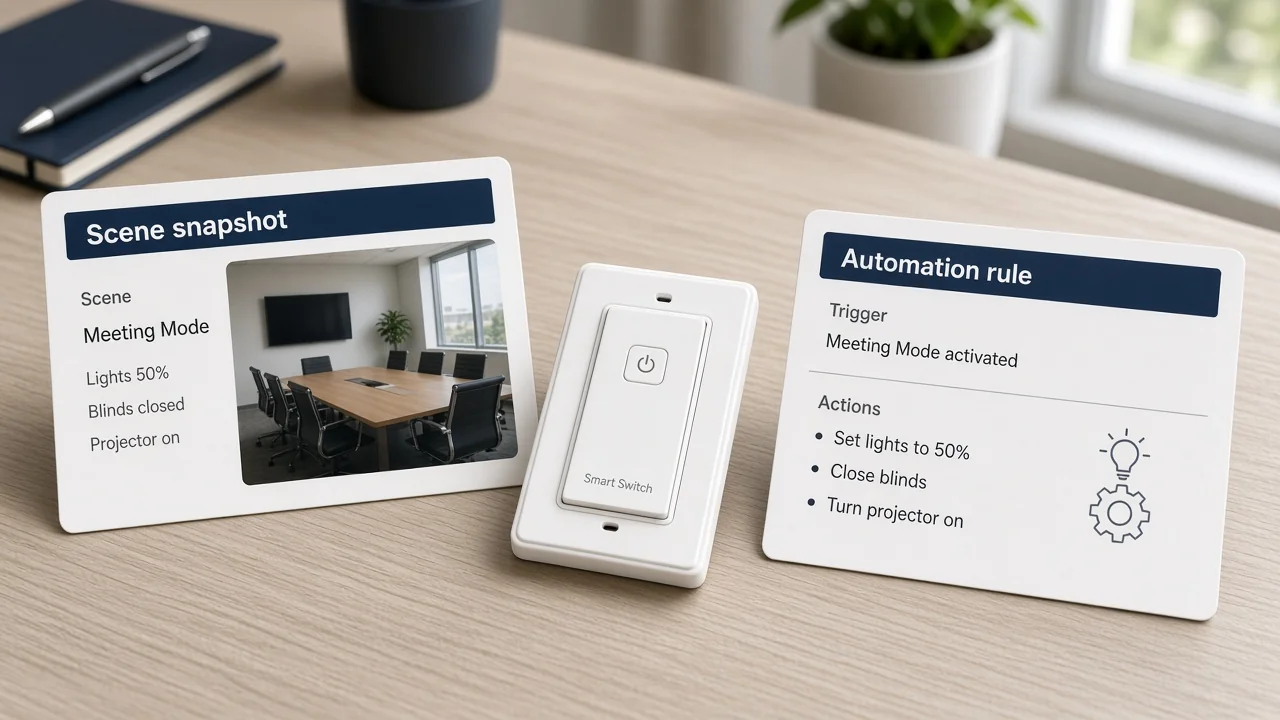
Before pricing, write three ownership lines:
Without those lines, two teams can both claim they “included scenes” while shipping incompatible packages. Matter or Zigbee definition debates stay on their own pages; scene ownership is still an automation-quote problem when every radio is already decided.
Where the rule executes changes support, failure modes, and sometimes the BOM. Local hub or controller automation keeps the brain on the premises. Cloud automation evaluates rules off-site and depends on upstream connectivity.
Many projects mix both. Consumer guides treat cloud-versus-local as a first decision for a reason: a rule that only lives in the cloud behaves differently during an outage than a rule that still runs on a local host.
From the field: Builders who describe a “full system” as sensors, actuators, and a rule brain also warn that cloud downtime can block even basic thermostat or door checks when the stack has no local path. Treat that as a quote question: ask whether critical automations must survive WAN loss. — source: Hubitat community local vs cloud thread
Hub-versus-Wi-Fi comparison packages own mesh hubs versus direct Wi-Fi device paths. Here the question is narrower: for each named automation, where does the logic run, who hosts it, and who gets the ticket when it stops?
Automation is interdependent. A motion-to-light rule needs a sensing class and a lighting actuator class. An Away sequence may add locks, cameras, or HVAC setpoints.
Pricing only the wall switch leaves the rule incomplete. Group the BOM by role, not by marketing family:
When a channel already standardized on Wi-Fi wall actuators, say so explicitly and list the sensors that must join the same project. One device class rarely invents the whole automation story.
Use this checklist before catalog numbers leave the quote.
| Field to lock | Why it changes the quote | Example buyer answer |
|---|---|---|
| Trigger types | Decides which sensors/events enter the BOM | Time + occupancy after 23:00 |
| Conditions | Adds logic that may need extra entities | Only if someone is home |
| Scene ownership | Assigns who maintains named modes | Integrator controller owns Away/Welcome |
| Rule host (hub / cloud / mixed) | Changes support and outage behavior | Local hub for security lighting; cloud for notifications |
| Participating device classes | Completes sensors + actuators + host | Contact sensors + Wi-Fi switches + local hub |
| Human override path | Keeps the wall usable when rules fail | Physical paddle remains primary lighting control |
If any row is blank, the quote is still a connected-device estimate, not an automation estimate. Send wiring questions to the smart-home project-inputs package once these fields are filled.
When the RFQ already locked Wi-Fi wall actuators for lighting, and you need a first-party US page with published protocol and load lines, the MOES Star Feather US Wi-Fi switch is the bounded example here.
The live page states model WS-SF-US1/2/3/4, voltage 90-250V AC at 50/60Hz, max current 10A/Gang with total 10A, wireless protocol Wi-Fi, and frequency band 2.412~2.484GHz. The same page states lighting modes and scene modes can be switched in the app — useful when the quote treats the wall unit as an actuator that can also participate in named scenes.
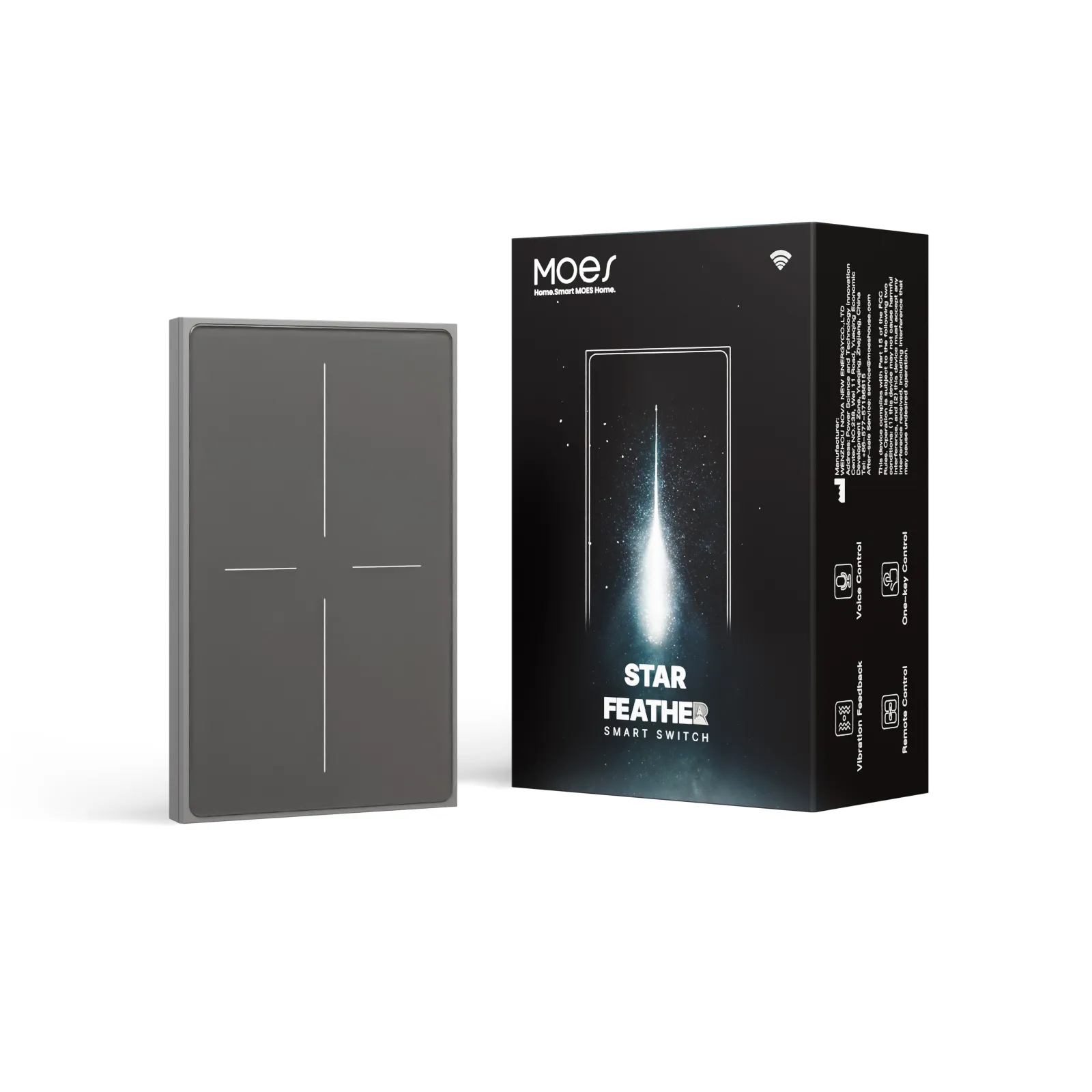
Do not stretch this SKU into a hub, a Zigbee claim, or a full automation brain. It does not replace sensors or a rule host.
It does not carry electric-heating current ratings published on some thermostat pages — those SKUs stay out of this recommendation. For category browsing, start from Tuya smart home products.
No. A smart home can be a set of connected devices under remote or panel control. Automation is the preset schedule, rule, and scene layer that acts without a continuous tap.
At minimum a trigger and an action, often with a condition in between. A scene can be the action target, but a scene list alone is not the full automation.
Name timed triggers versus event triggers, then list the classes you expect — for example time, occupancy, contact, sun, or presence — so sensors and logic are priced intentionally.
Write the owner on the quote: brand app, integrator controller, or end user. Also name which devices belong in each scene and who updates the list after handover.
Yes. Local, cloud, or mixed hosting changes outage behavior and support ownership. Ask where each critical rule executes before you price the package.
List sensors/inputs, actuators/loads, the rule host, and a human override path. Pricing only one device class rarely delivers the automation the buyer described.
Not by itself. A Wi-Fi switch can be a strong actuator and may expose scene mode, but automation still needs triggers, logic, and usually more than one participating class.
No. Those definitions live on their own clarification pages. Protocol only needs naming when it bounds a catalog example or a quote field.




OTHER SMART DEVICES
Jun 13,2026
OTHER SMART DEVICES
Jun 12,2026
TUYA SMART HOME PRODUCTS
Jun 12,2026
 +86 137 3639 3028



