


by NOVA

Sep 24, 2026
Compare zigbee vs wifi as a protocol choice for channel assortment: Zigbee runs as a low-power mesh that expects a hub or coordinator, while Wi-Fi puts each station straight onto the customer’s access point. The rest of this page turns that contrast into a decision matrix for zigbee vs wifi for home automation quotes, RFQ fields for device density, AP load, hub logistics, sleepy sensors and commissioning, and two live MOES SKUs whose wireless protocols are stated exactly as each product page states them.
Browse modules and in-wall parts on the Smart Modules pillar. Architecture and bill-of-materials logistics for hub-based versus direct Wi-Fi quotes live on the smart home hub vs wifi comparison. Application-layer versus mesh-radio questions belong to Matter versus Thread; a plain Zigbee definition sits on what is Zigbee.
It changes which radio language the SKUs speak, which network object they attach to, and which line items appear when the quote leaves the spreadsheet.
Zigbee, as described by the Connectivity Standards Alliance, is a full-stack low-power mesh solution: endpoints form a self-healing mesh and rely on a coordinator role to reach the wider network.
Zigbee’s mesh sits on a low-rate IEEE 802.15.4-class radio stack built for control and sensor traffic rather than video streams. Wi-Fi, on the IEEE 802.11 family, puts stations on an access point and carries far higher throughput for the same building’s phones, cameras and laptops.
Read that commercially for zigbee vs wifi pros and cons on a quote. A Zigbee assortment implies a hub SKU, pairing labour and mains-powered repeaters around sleepy endpoints. A Wi-Fi assortment implies credential joins to whatever access point the site already owns, with every switch counting as another wireless client.
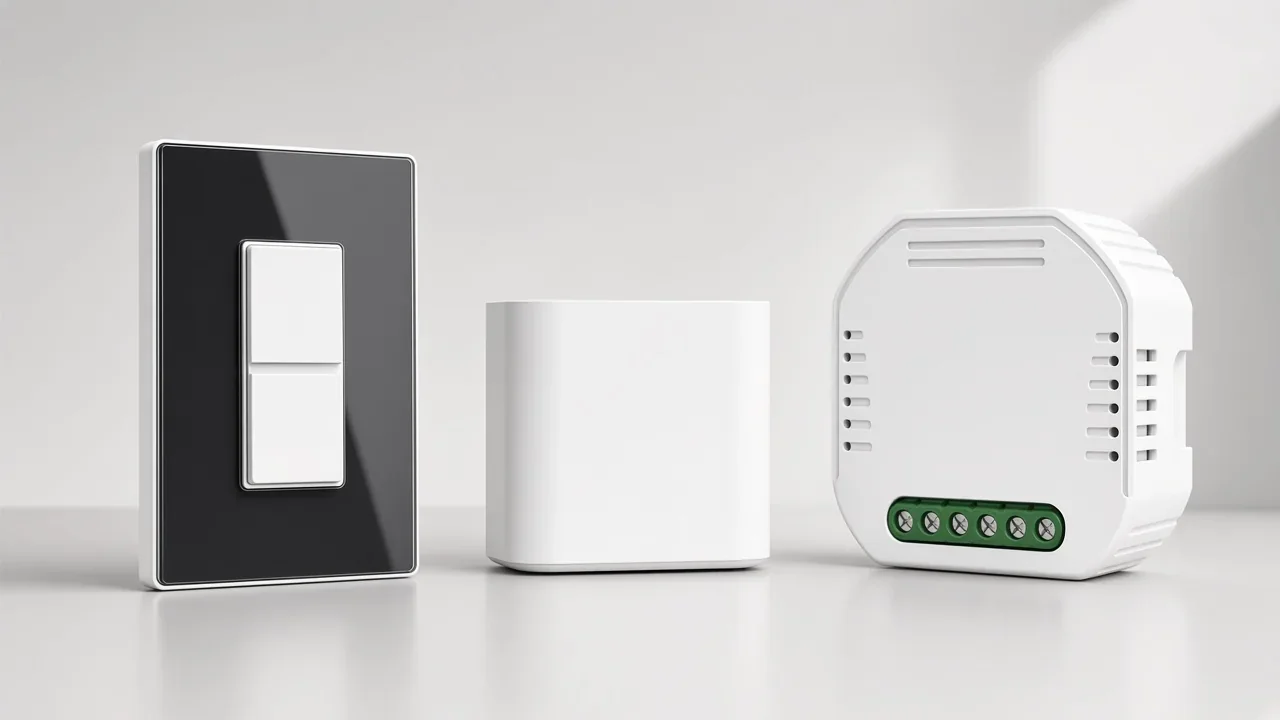
Zigbee commands hop through neighbouring mains-powered devices toward a hub that bridges the mesh onto IP. Wi-Fi commands travel from each station to the access point on the same contention medium phones and laptops already use.
That topology difference drives density behaviour. On Wi-Fi, available throughput to each device falls once multiple stations transmit on the shared channel, and collision avoidance still leaves retransmissions that consume airtime. Crowding is also a property of the building: in North America the familiar non-overlapping 2.4 GHz channel set is 1, 6 and 11, and Zigbee often occupies the same band neighbourhood.
Important: Moving switches onto a Zigbee hub removes them from the access point’s client list — it does not remove radio energy from the 2.4 GHz band (Wikipedia Wi-Fi band occupants). Promising a customer “clean Wi-Fi” because you chose Zigbee is only half true; the honest claim is a smaller client table, not an empty spectrum.
Practitioners who stayed on Wi-Fi alone describe the failure mode in client counts rather than marketing slogans. On the Home Assistant forum, one member reported that once a home Wi-Fi network grew past roughly sixty to seventy clients, an ISP-issued router started refusing new joins and dropping stations. Another ran exclusively Wi-Fi gear across four access points and called the radio side fast and reliable — until cloud-tied smart plugs became the weak link.
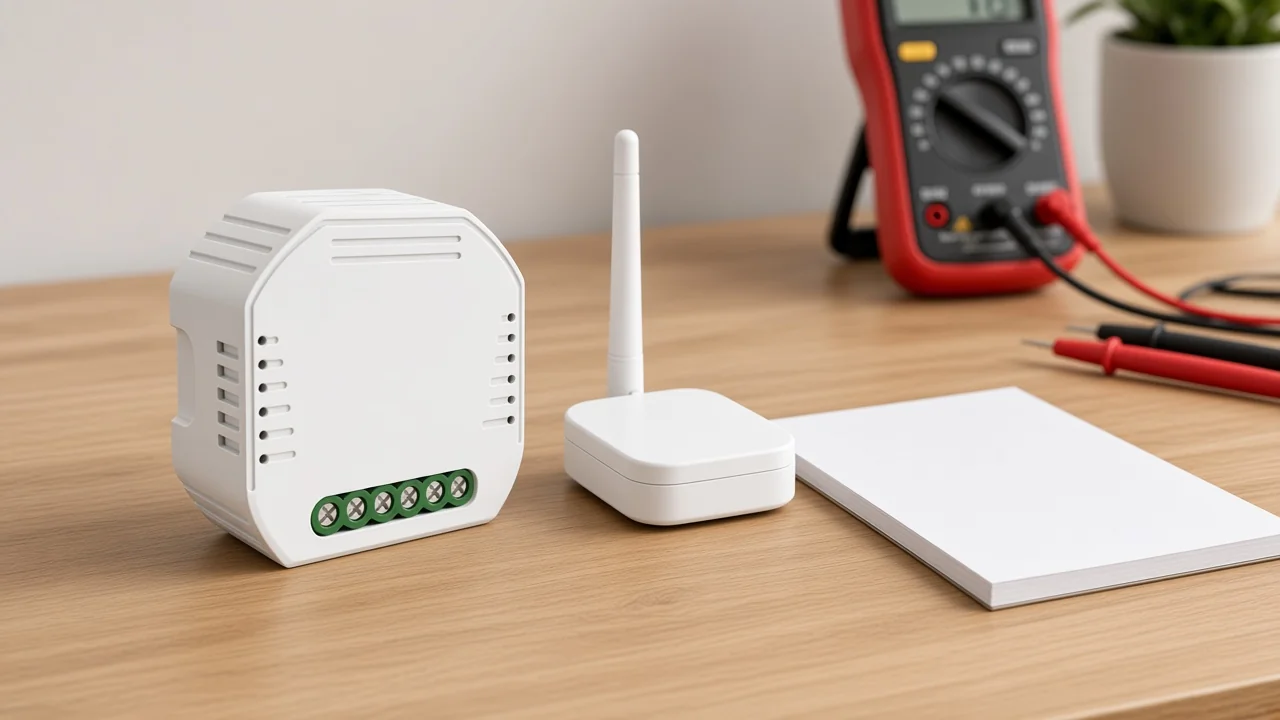
Use the fields that change money, labour and callbacks — not the consumer slogan columns both sides publish.
| Decision field | Zigbee protocol path | Wi-Fi protocol path |
|---|---|---|
| Attachment point | Hub / coordinator bridges the mesh to IP | Each device associates to the customer’s access point |
| Topology | Mesh (mains devices can repeat) | Star to the AP (device-to-device mesh is not the default) |
| Typical traffic | Low-rate control and sensor updates | Can carry high-bandwidth streams as well as control |
| Hub on the quote | Usually yes for Zigbee endpoints | Usually no extra hub SKU |
| AP / client load | Devices leave the Wi-Fi client table | Every device is another station and address |
| Sleepy / battery endpoints | Designed for constrained-node power budgets | Rarely a good fit for long-life coin cells |
| Commissioning shape | Hub setup, then repeated Zigbee joins | Credential join per device to the SSID |
| Expansion headroom | Bounded by hub capacity and mesh health | Bounded by AP class, band plan and existing clients |
| Best-fit assortment | Dense switches, modules, battery sensors | Few mains devices, cameras, or hub-free demos |
The MS-105Z product page states that the module “allows for more devices connected via ZigBee than WiFi protocol”. Treat that as page wording on that SKU, not as a measured capacity you can print on every quote. Ask for the sub-device figure on the specific gateway model the channel stocks.
Nothing in the matrix ranks Zigbee as automatically safer engineering. A well-designed Wi-Fi estate with enough access points can hold control traffic; the recurring practitioner complaints are cloud dependency and weak hardware, not the wireless rulebook itself.
They force Zigbee when the endpoint is a constrained node — limited in size, weight and available energy — and must wake briefly, report, then sleep for months or years.
The IETF’s terminology for constrained-node networks exists precisely because those devices cannot behave like ordinary Internet hosts. Wi-Fi radios that stay associated and chatty drain cells that Zigbee (and similar low-power meshes) were built to protect.
That is the practical zigbee vs wifi battery life question on a channel sheet. Cameras and high-bandwidth gear stay on Wi-Fi; motion, contact and temperature sensors lean Zigbee.
If the bill of materials is mostly mains switches and a handful of plugs, Wi-Fi can still be the simpler protocol path. If the same project adds dozens of battery contacts along corridors, the Zigbee path becomes the realistic power budget for each sleepy sensor.
From the field: Installers who insist Wi-Fi is “fine for everything” are often describing a mains-only build with strong access points — the Home Assistant community thread on Wi-Fi-only homes is the source for that pattern. The moment the RFQ adds sleepy sensors, that story and the battery-replacement labour diverge.
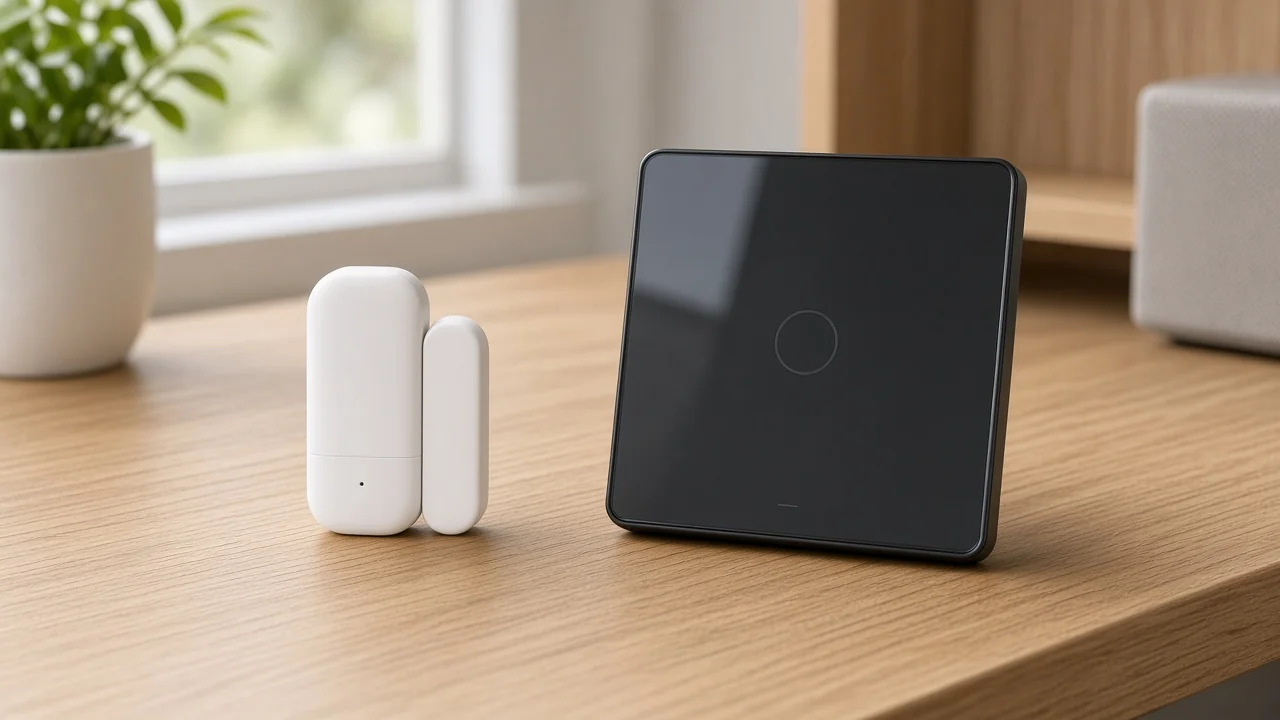
Five fields usually settle the protocol path before anyone argues brand preference.
| RFQ field | What to capture | Why it picks a protocol |
|---|---|---|
| Device density | Count of switches, modules, sensors by room | High counts stress Wi-Fi client tables; mesh absorbs low-rate endpoints |
| AP load | Existing Wi-Fi client count, AP class, 2.4 GHz plan | Direct-to-AP paths inherit whatever the site already congests |
| Hub logistics | Gateway model, power, spare policy, who supplies it | Zigbee quotes fail when the hub SKU is forgotten |
| Sleepy-sensor share | Battery endpoints as a fraction of the BOM | Constrained nodes push the assortment toward Zigbee |
| Commissioning | Join method, who holds credentials, revisit labour | Zigbee pairing ≠ Wi-Fi SSID joins; price both |
Hub logistics deserve a blunt line on the sheet. Architecture and warehouse depth for hub-based quotes are covered on the hub-versus-Wi-Fi architecture page linked above; here the only rule is protocol-level: if the SKU page says a Tuya ZigBee hub is required, the quote either carries that hub or it is incomplete.
AP load deserves equal bluntness. Do not print a universal “maximum Wi-Fi devices” number. Capture the access point class and the current client count, then decide whether another twenty stations belong on that radio or on a separate mesh.
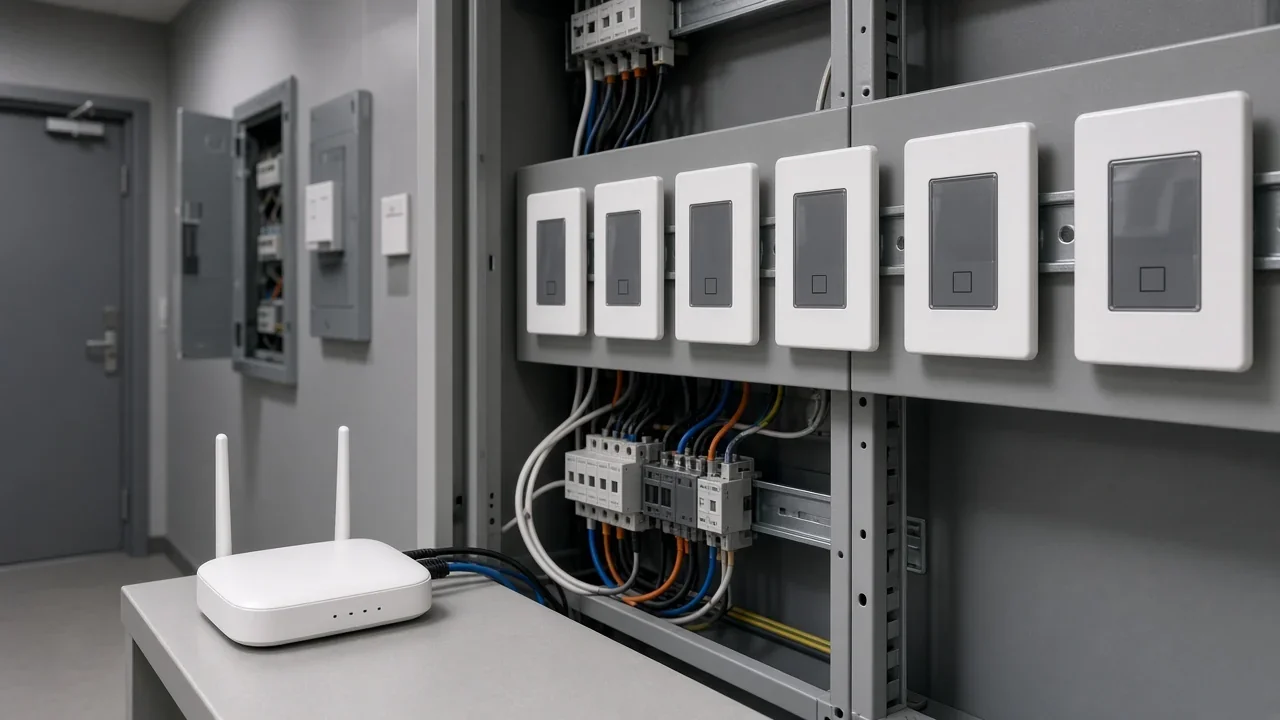
Zigbee commissioning is hub-first: bring the coordinator online, then repeat a join or permit-join cycle per endpoint. Wi-Fi commissioning is credential-first: every station needs the SSID, passphrase or provisioning flow the site uses.
Labour shapes follow from that. A Zigbee roll-out concentrates setup time on the hub location and then walks rooms with a pairing rhythm. A Wi-Fi roll-out repeats the same credential ceremony in every box and inherits the site’s captive-portal, VLAN or IoT SSID policy.
Forum contributors also flag that many Wi-Fi plugs “phone home” through a vendor cloud unless the firmware path is deliberately local. That service risk belongs on the commissioning notes even when the radio joins cleanly.
Price the revisit. Zigbee hubs become a spare-part and a single failure object. Wi-Fi devices fail one station at a time but can each depend on a backend the installer does not control.
Two live catalog pages bound the examples. No Matter, Thread or certification claim is made here because neither page states one.
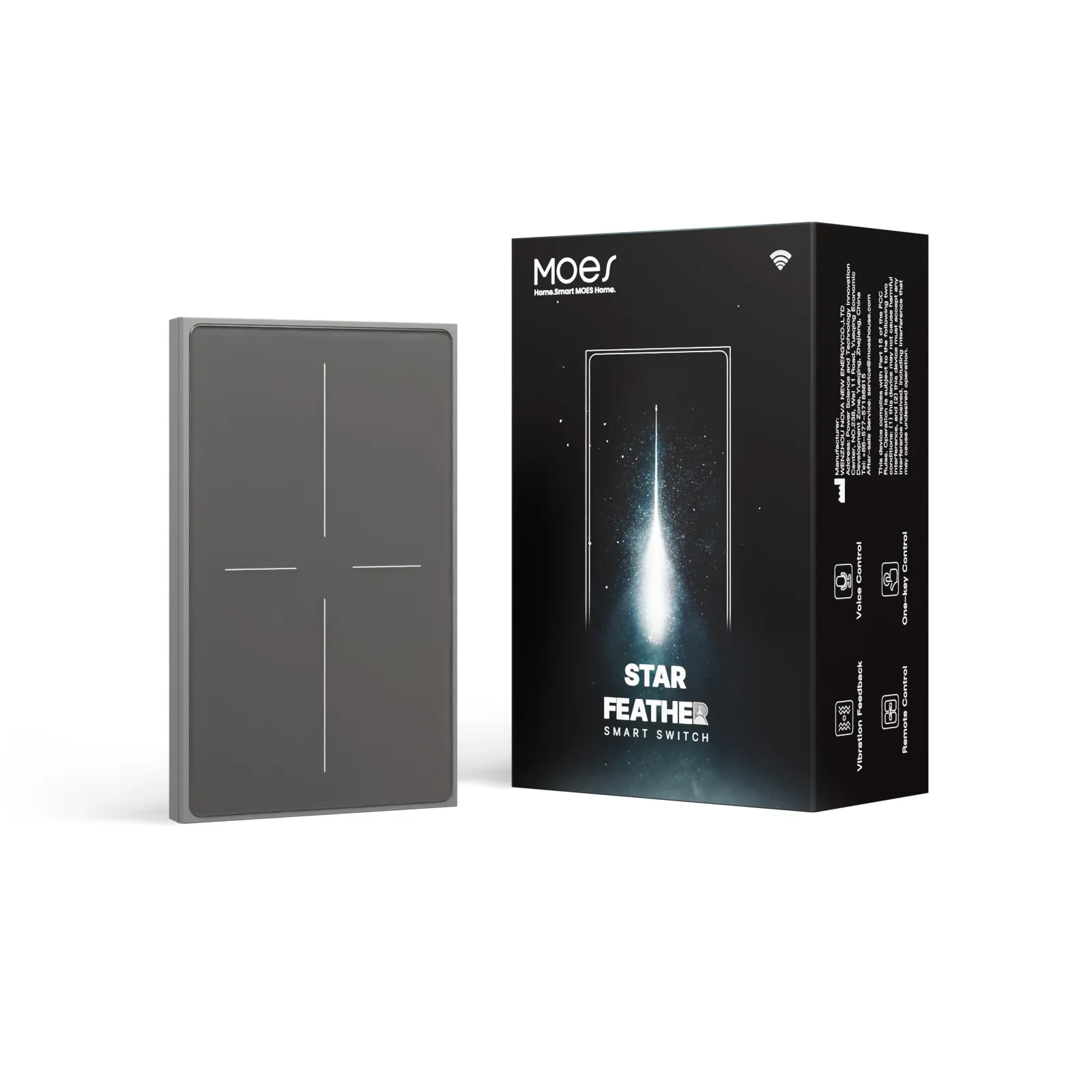
For the Wi-Fi path, use the Star Feather US switch.
The Star Feather US page lists Model WS-SF-US1/2/3/4; Voltage 90-250V AC, 50/60Hz; Max Current 10A/Gang and Total 10A; Wireless Protocol Wi-Fi; Frequency Band 2.412~2.484GHz; Maximum RF Transmit Power <+10dBm.
Visible copy describes anti-glare glass, full-touch operation, adjustable vibration levels, and control through app, voice assistant and touch. Use it when the RFQ is a hub-free, mains Wi-Fi assortment. Product page: MOES Tuya WiFi Star Feather Series US Switch.
For the Zigbee path, use the MS-105Z dimmer module.
The MS-105Z page lists Model MS-105Z; Wireless Protocol ZigBee 3.0; Voltage 90-250V AC 50/60Hz; Max Power 75W 110V / 150W 220V; dimensions 52×47×18 mm; IP20; Frequency Band 2.400-2.483GHz; Maximum Radio Transmit Power <+20dBm.
Page copy states a special Tuya ZigBee 3.0 hub is required and connected for app and voice control.
It also states the module can combine with a ZigBee gateway to form a home LAN when the network is weak or absent. Use it when the RFQ accepts hub logistics for a Zigbee mesh path. Product page: MOES Tuya ZigBee 3.0 Smart Dimmer Switch Relay Module.
Match the SKU to the RFQ fields, not the other way around. If the sheet still cannot name density, AP load, hub ownership, sleepy share and commissioning method, the protocol choice is not ready to price.
For Zigbee endpoints that are not native IP devices, yes — a coordinator or hub bridges the mesh. The MS-105Z page states that a special Tuya ZigBee 3.0 hub is required and connected for app and voice control. Do not leave that line off the quote.
Only if local logic and the local mesh stay up. The MS-105Z page describes combining the module with a ZigBee gateway to form a home LAN when the network is weak or absent. That is page-stated behaviour for that pairing, not a promise about every cloud-managed hub.
Both often sit in the 2.4 GHz neighbourhood. Plan channels the way any dense WLAN would — the North American non-overlapping Wi-Fi set is commonly 1, 6 and 11 — and do not invent transmit-power numbers beyond what a product page states.
No. Zigbee is built for on/off and sensor updates on a low-rate control path; Wi-Fi remains the high-bandwidth path for cameras and streams.
There is no universal ceiling. Capture AP class and existing clients. Field reports describe ISP routers struggling once client counts climb into the sixty-to-seventy range on one residence — treat that as a warning to measure, not as a printed limit.
When endpoints are energy-constrained and must sleep for long intervals. Constrained-node design is why low-power meshes exist; Wi-Fi association habits fight that budget.
Often yes: cameras and a few mains Wi-Fi switches beside a Zigbee sensor and switch mesh. Document both RFQ paths so commissioning and spares do not collide.
No. That architecture and logistics question is covered on the hub vs wifi comparison. This page compares Zigbee and Wi-Fi as protocols for assortment and RFQ fields.




OTHER SMART DEVICES
Jun 13,2026
OTHER SMART DEVICES
Jun 12,2026
TUYA SMART HOME PRODUCTS
Jun 12,2026
 +86 137 3639 3028



