


by NOVA

Oct 04, 2026
A what is a zigbee hub question on a channel quote is about the coordinator appliance that forms one Zigbee network.
Sleepy end-devices join that PAN through a parent. Lock the coordinator radio separately from any Wi-Fi uplink, then printed child count, power, and pairing, before you name a catalog number.
Browse hub-required modules on Smart Modules. Network roles for the nodes that join live on What Is A Zigbee Device.
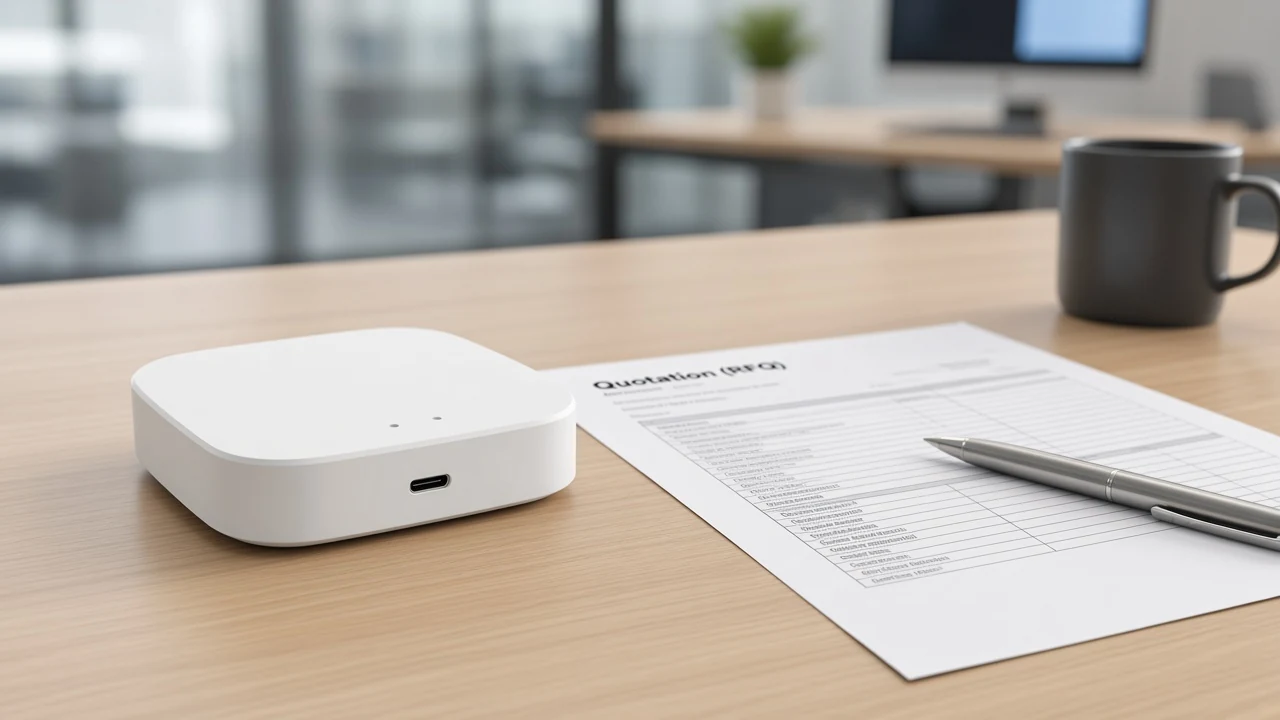
A Zigbee hub is the coordinator appliance that forms one Zigbee network; gateway and bridge are carton labels for that role.
Silicon Labs describes a centralized network with at most one coordinator. That node selects a channel and PAN identity, then keeps routing after the PAN exists.
Digi’s coordinator notes add the same start sequence: channel, PAN ID, security policy, and stack profile. After the network exists, that unique coordinator can permit joins and still route.
Consumer catalogs sell the object as a Zigbee hub or Zigbee gateway. Forum language matches the factory spec: the coordinator is the center of the network, and buyers hear “hub.”
A lighting wholesaler quoting a pallet of battery sensors still needs that one coordinator appliance on the same sheet. Without it, the sensors have no PAN to join and the phone app has no radio to talk to.
From the field: Home Assistant users put it bluntly — hub, gateway, dongle, and adapter are marketing words with inconsistent meaning from brand to brand, while a given mesh still has only one Coordinator.
A channel that writes “hub” without that role will mix a boxed Tuya gateway, a speaker with a Zigbee chip, and a USB Zigbee dongle on the same line. Print coordinator appliance first so the carton matches the PAN job.
Trust-center and network-manager duties often sit on that same coordinator after the PAN exists. Silicon Labs treats those as extra coordinator jobs on the original boxed hub.
The Zigbee coordinator radio differs from a Wi-Fi access point; many cartons add a 2.4 GHz Wi-Fi uplink beside it.
IEEE 802.15.4 is the radio the Zigbee coordinator uses. A Wi-Fi access point associates phones and laptops on 802.11. Those are different radios even when they share a plastic shell.
Digi’s public hub FAQ treats hub, coordinator, and gateway as interchangeable names, then sends that coordinator toward IP over Wi-Fi, Ethernet, or cellular. The IP hop is how an app reaches the PAN. It is not how sleepy leaves speak Zigbee.
ZHUB-W copy states the zigbee hub must work in the 2.4Ghz WiFi frequency band. Treat that as uplink and setup for the app path.
CSA notes that local Zigbee connectivity can still work if the internet is down. Read that as stack-level language, separate from a lab result for one MOES carton.
| Quote object | Radio job | Typical carton |
|---|---|---|
| Zigbee coordinator | Form one 802.15.4 PAN; permit join | Boxed hub, or USB Zigbee dongle plus host |
| Wi-Fi access point | Associate 802.11 clients | Site Wi-Fi AP / router |
| USB coordinator stick | Coordinator radio only; host software elsewhere | Dongle on a PC or appliance |
When an installer powers the hub on USB and still cannot open the app, the miss is often the 2.4 GHz Wi-Fi path.
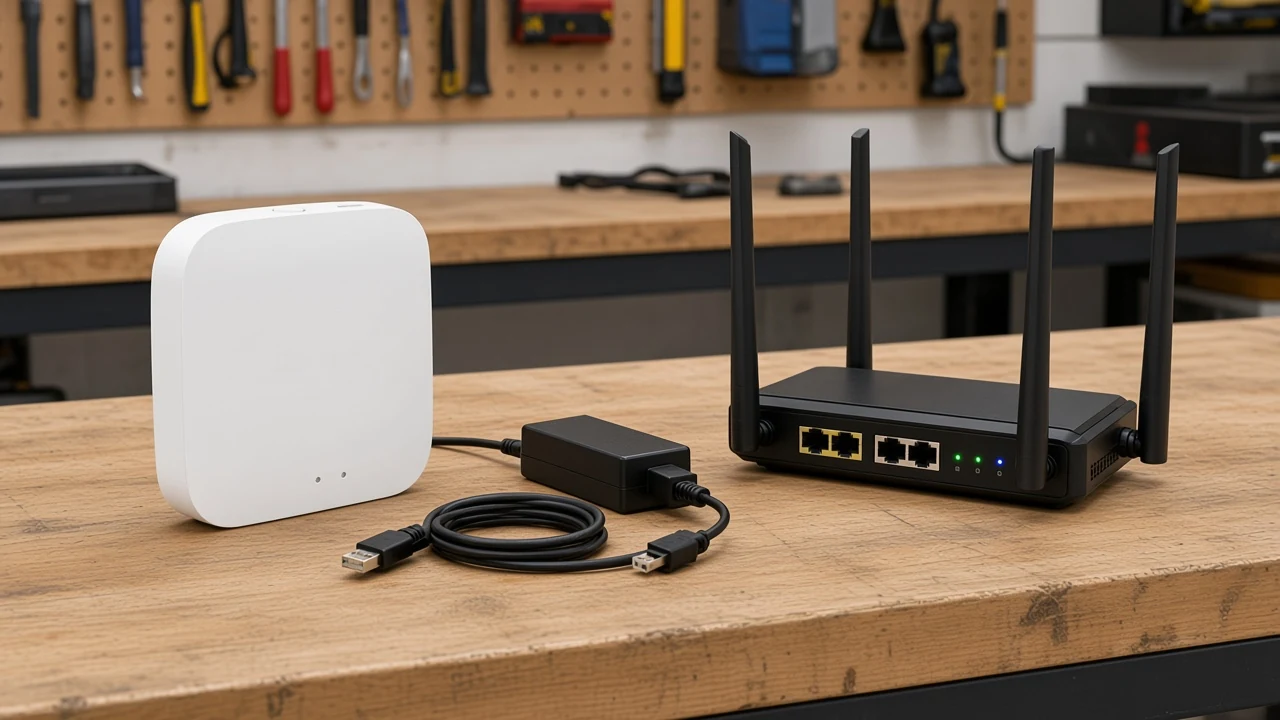
Sleepy leaves join after the hub or a router permits join, then depend on a parent node; they do not form the PAN.
Permit-join / pairing is the hub-side window. Digi states that only the coordinator can start the network, and that after start it can allow new devices to join.
Zigbee2MQTT’s network notes describe the leaf: an end device may sleep, has one parent, and sends all traffic through that parent. If the parent later drops, child traffic stops until the leaf finds a new parent.
A battery sensor on a quote is that sleepy end device. Full role language for leaves and routers belongs on the device-role page linked above.
On a job, the hub goes live first. Join is opened in the owner app.
The module is then added while that window is open. Closing join after the last SKU is a security habit lighting distributors already use on other gateways.
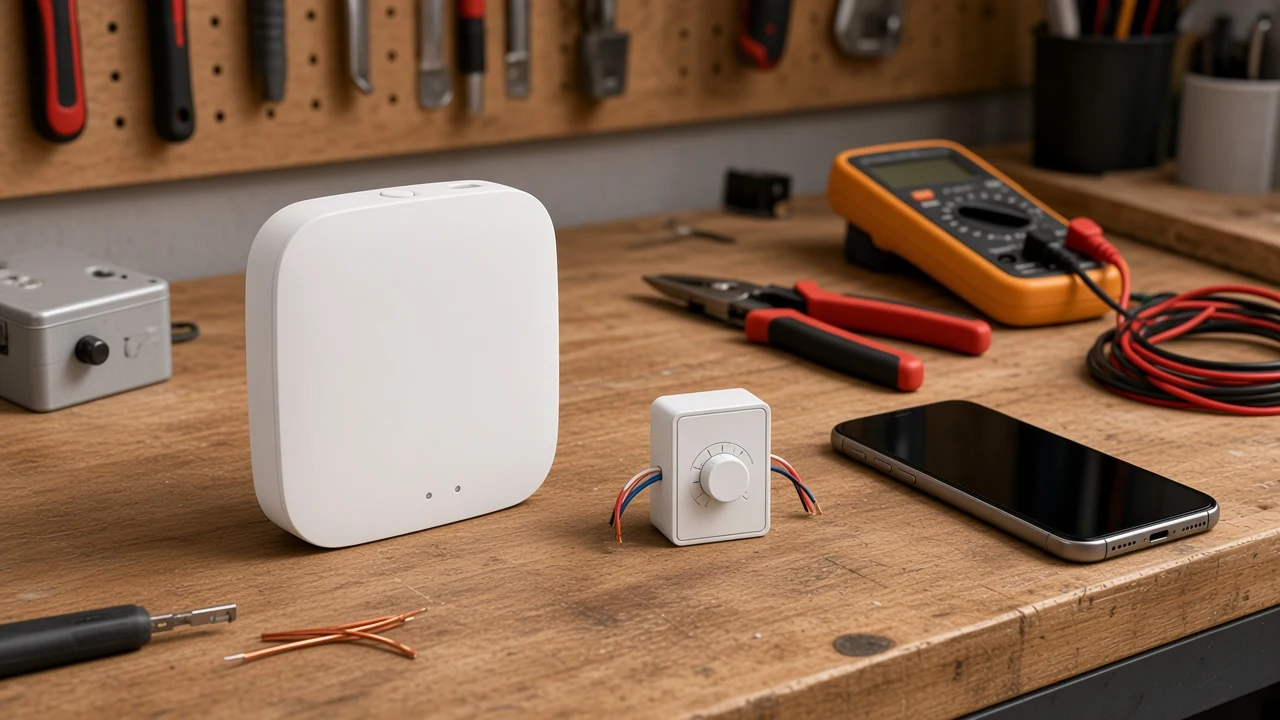
Child-device count is a quote field only when the page prints a number; ZHUB-W does not.
Addressing schemes in alliance FAQs talk about large logical networks. Those marketing ceilings stay off the ZHUB-W warranty line.
Ask the factory for the printed child or device maximum if the project needs a number. If the table is blank, leave the cell blank or attach the datasheet PDF rather than inventing a headcount.
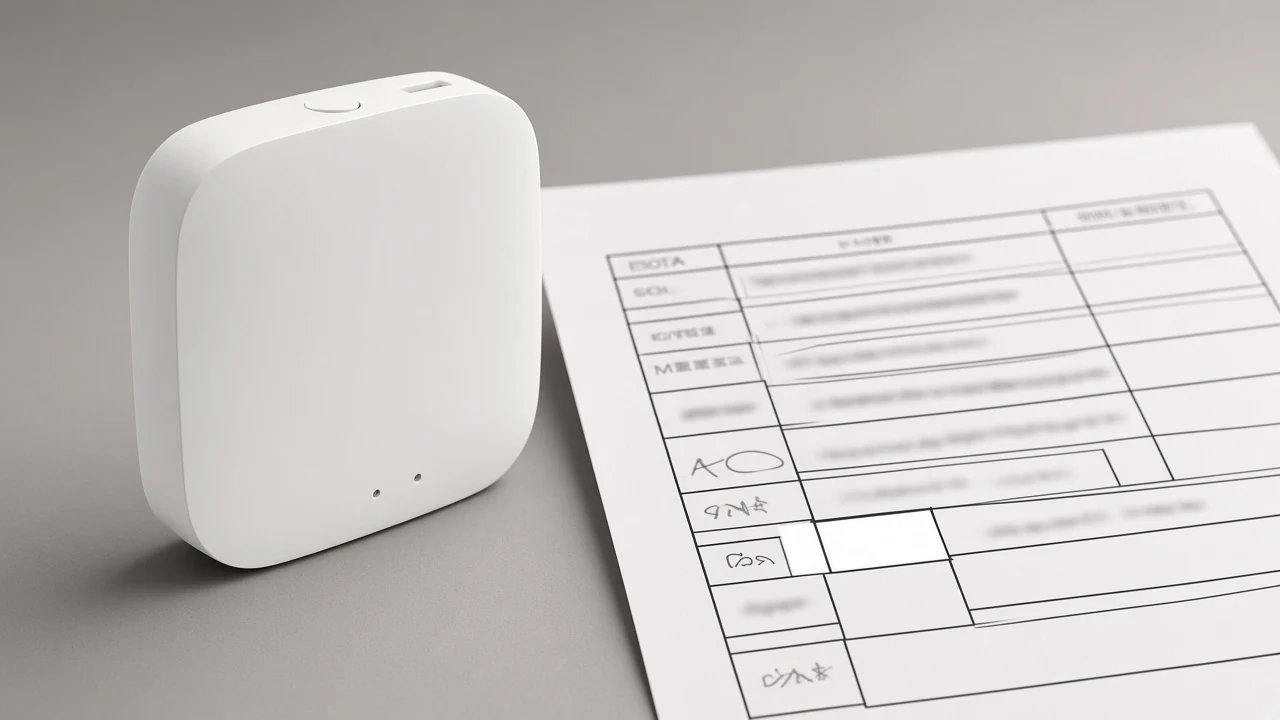
A tender that writes “supports thousands of nodes” against ZHUB-W will fail the first datasheet check. Print “not stated on page” and move on.
Router density still matters after the hub exists. Hubitat users planning a mesh prefer reliable mains-powered Zigbee routers as the backbone.
Mains-powered nodes may parent sleepy children, and that stocking choice stays separate from a printed child-count on ZHUB-W.
Lock the printed rail and the app pairing owner, including the Tuya ZigBee 3.0 family lock on ZHUB-W.
ZHUB-W prints electrical parameters of 5V 2A with Micro USB DC5V. That USB wall-wart job differs from the 90-250V module rail.
The spec table lists Wireless Protocol as ZigBee 802.15.4. Frequency Band is 2.412-2.484GHz. Maximum Radio Transmit Power is printed as less than +20 dBm on the same table; treat it as a transmit-power spec, separate from range or hop claims.
The same table lists Operating Temperature from -10℃~45℃. Pairing copy lists adding devices, device reset, third-party control, and group control in the owner app.
Compatibility copy limits it to Tuya ZigBee 3.0 smart products. A mixed “any Zigbee” line does not match that page.
The page also states a full 2-year warranty. Keep that as page copy for this SKU rather than a program-wide promise.
This page owns the Zigbee hub appliance, not the generic hub noun, the Wi-Fi gateway noun, the device-role catalog, or a Home Assistant stack choice.
A generic smart-home hub carton can mix controller, coordinator, and gateway jobs in one sentence. A Wi-Fi gateway noun is an IP/STA object. A Zigbee device page splits end device, router, and coordinator as node roles.
A USB Zigbee dongle plus host software is a coordinator radio with the automation brain elsewhere. ZHA versus Zigbee2MQTT is that host choice. It is a different quote from a boxed Tuya ZigBee hub.
Keep those objects on their own URLs. Use this URL when the RFQ names a Zigbee hub SKU that must form the PAN.
Installers who already standardized on a self-hosted coordinator should still list that stick as a radio SKU, separate from ZHUB-W. Mixing the two on one BOM creates two join apps and two PANs.
ZHUB-W is the Tuya ZigBee 3.0 wireless hub example; MS-105Z is a hub-required module that joins that family.
The live hub page calls ZHUB-W a must for ZigBee products and a bridge plus control center. Compatibility copy limits it to Tuya ZigBee 3.0 smart products.
A distributor quoting dimmer modules without this hub line will ship a kit that cannot complete the printed add-device step. Keep the hub SKU on the same sheet as the modules that name Tuya ZigBee 3.0.
Ask the channel to write Tuya ZigBee hub on the line next to ZHUB-W so receiving factories do not substitute a Wi-Fi-only gateway. That label matches the module pages that require the Tuya ZigBee 3.0 family.
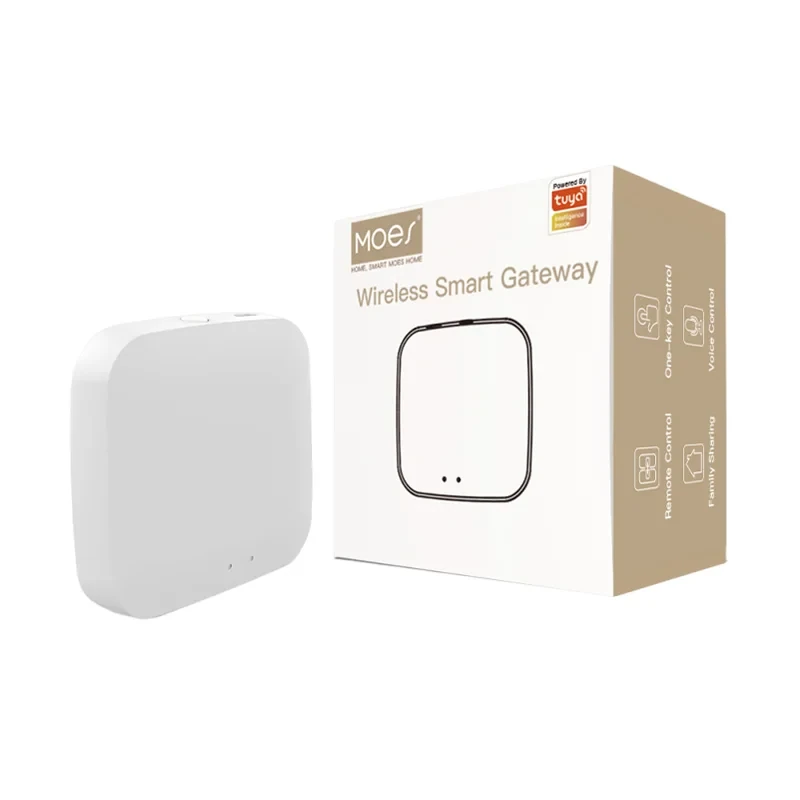
See the ZHUB-W ZigBee wireless hub for the printed 5V rail, 802.15.4 line, and 2.4 GHz Wi-Fi band note.
MS-105Z prints ZigBee 3.0 and a Tuya hub requirement. App and voice control on that page need a special Tuya ZigBee 3.0 hub connected.
Page-stated electrical lines for this module only: Voltage 90-250V AC 50/60Hz; Max. Power 75W at 110V / 150W at 220V; Frequency Band 2.400-2.483GHz.
Add the MS-105Z ZigBee 3.0 dimmer module when the quote needs a hub-required join example.
| RFQ field | What to write | ZHUB-W page as printed |
|---|---|---|
| Coordinator vs Wi-Fi AP | Coordinator appliance; Wi-Fi is uplink/setup | Must work in the 2.4Ghz WiFi frequency band |
| Radio / channel family | ZigBee 802.15.4; band as table | 2.412-2.484GHz |
| Child-device count | Printed number or “not stated” | Not stated |
| Power | Rail and connector | 5V 2A; Micro USB DC5V |
| Pairing model | App owner and product family | Tuya ZigBee 3.0 only; add-device in app |
If the project needs a printed child maximum, a non-Tuya hub family, or a USB coordinator for a self-hosted stack, this SKU is the wrong carton.
On the radio, yes: the hub buyers name is the coordinator appliance that forms one PAN. Carton words still drift among hub, gateway, and bridge.
No. The coordinator radio is IEEE 802.15.4. A Wi-Fi access point is a different job, even when 2.4 GHz Wi-Fi sits on the same carton for app uplink.
MS-105Z copy requires a special Tuya ZigBee 3.0 hub connected before app and voice control. Direct Wi-Fi modules on the same catalog are a different path.
A Zigbee network has one coordinator. Two boxed hubs are two PANs unless a datasheet describes a documented multi-hub architecture, which ZHUB-W does not.
The live ZHUB-W table does not print a child-device count. Leave the RFQ cell as not stated unless a later datasheet adds a number.
The dongle is a coordinator radio. The host stack is a separate quote.
A boxed Tuya hub includes app pairing and the Tuya ZigBee 3.0 family lock.
Some speakers include a Zigbee radio and act as a multi-purpose hub. That is a different carton from a dedicated Tuya ZigBee 3.0 gateway such as ZHUB-W.
The coordinator starts the PAN and later permits join. A sleepy end device then attaches to a parent node and polls that parent; it does not form the network.




OTHER SMART DEVICES
Jun 13,2026
OTHER SMART DEVICES
Jun 12,2026
TUYA SMART HOME PRODUCTS
Jun 12,2026
 +86 137 3639 3028



