


by NOVA

Oct 03, 2026
Compare zha vs zigbee2mqtt as a Home Assistant integration-stack choice for channel and integrator RFQs: ZHA is the native Zigbee path inside Home Assistant, while Zigbee2MQTT is an MQTT bridge that needs a broker before HA or other clients consume devices. Lock coordinator radio, device-support and OTA ownership, broker ops, maintenance when HA restarts, multi-instance needs, and network visibility before you lock brands.
This page gives a decision matrix, those RFQ fields, and Zigbee product-path examples. It does not rewrite Zigbee radio taxonomy or protocol-versus-protocol pages. Browse modules on the Smart Modules pillar.
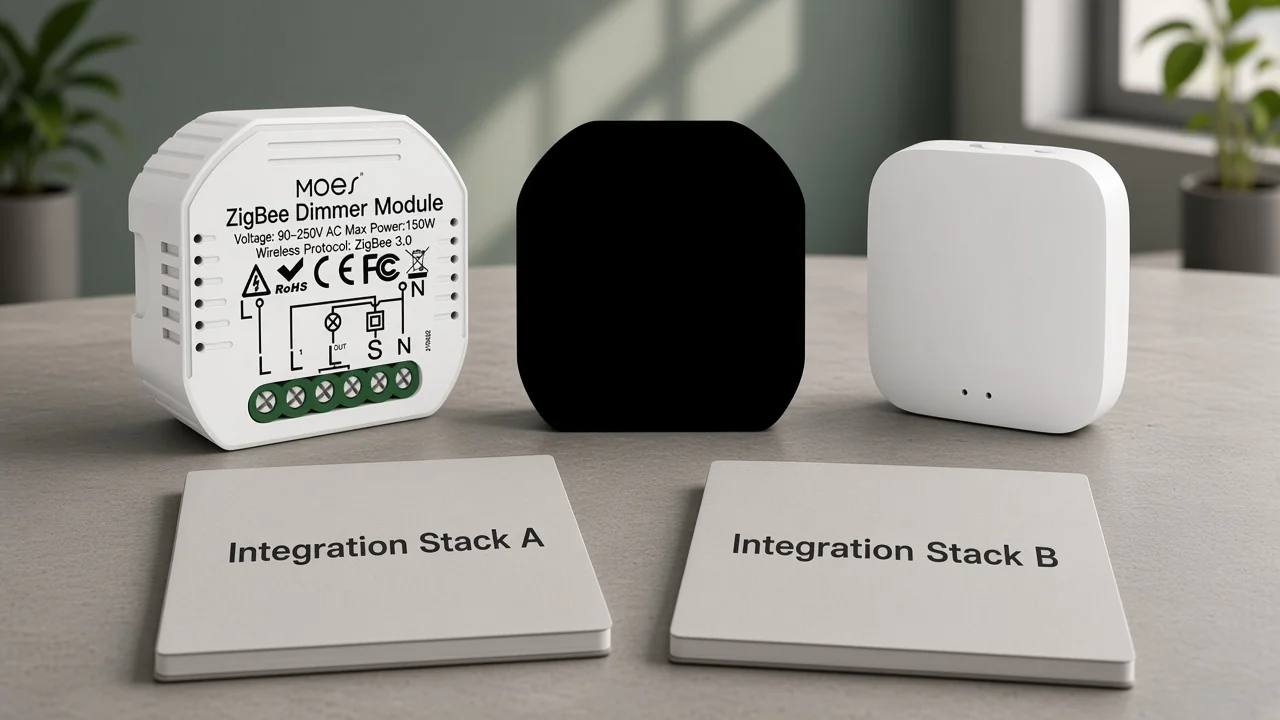
Pick ZHA when the project wants the fewest moving parts inside Home Assistant. Pick Zigbee2MQTT when the quote needs MQTT portability, converter-driven support workflows, or a Zigbee service operated beside HA.
Channel teams often meet the flip phrasing Zigbee2MQTT vs ZHA in the same meeting. Keep one stack decision — do not stock two competing winner pages for the same pair.
| Buyer job on the quote | Lean ZHA when… | Lean Zigbee2MQTT when… |
|---|---|---|
| Minimize dependencies | No MQTT broker is budgeted for Zigbee | Mosquitto (or another broker) is already an ops line |
| Device onboarding model | Mainstream devices pair cleanly in HA UI | Projects expect converter/external-handler workflows |
| OTA ownership | HA-integrated OTA path is enough for the SKU list | Explicit OTA frontend / MQTT OTA topics are required in the runbook |
| Service lifecycle | Zigbee may pause with HA core restarts | Zigbee service should stay independently operable |
| Multi-network campus | One HA + one coordinator is the standard | Separate instances/radios are on the drawing |
| Who consumes Zigbee data | Home Assistant is the only consumer | Other MQTT clients may subscribe too |
Absolute device-count trophies and speed scores do not belong on a B2B RFQ. Both stacks maintain their own support paths; the matrix above is job-based, not a lab ranking.
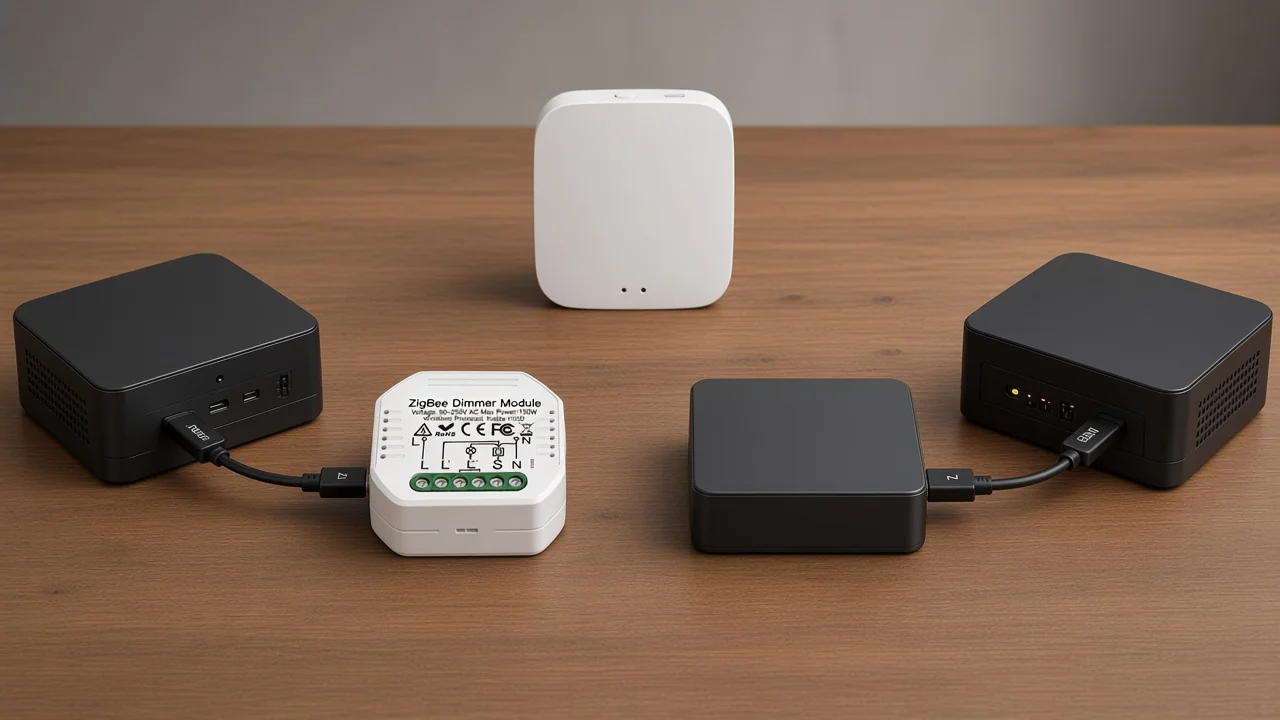
ZHA talks to a Zigbee coordinator from inside Home Assistant. Zigbee2MQTT runs as its own bridge: a Zigbee adapter on a host, an MQTT broker in the middle, then Home Assistant or any MQTT client consuming topics.
Home Assistant Zigbee work under ZHA uses compatible coordinator hardware documented by the ZHA integration. Official getting-started docs for Zigbee2MQTT list three prerequisites before pairing starts: a Zigbee adapter, a host with an MQTT broker installed (Mosquitto is the recommended example), and devices to join.
For assortment language:
If the project already operates MQTT for energy meters or industrial sensors, Zigbee2MQTT can reuse that ops ownership. If the project refuses another daemon, ZHA keeps Zigbee inside HA’s integration model.
Both stacks need a compatible Zigbee coordinator. Choosing ZHA or Zigbee2MQTT does not replace the stick SKU — it decides which software owns that stick.
Home Assistant’s ZHA documentation lists tested coordinator families, including Silicon Labs EmberZNet/EZSP, Texas Instruments Z-Stack/ZNP, and deCONZ-based adapters. The adapters guide for Zigbee2MQTT likewise assumes coordinator firmware on the radio and publishes recommended versus not-recommended families.
RFQ lines that belong here:
Radio hardware taxonomy — chip families, stick classes, and assortment naming — belongs in the separate Zigbee radio type classification guide. This section only locks the stack-facing radio fields so the quote does not confuse a Tuya vendor hub with a Home Assistant coordinator stick.
Treat support and OTA as ownership models, not as invented device-count trophies. ZHA quirks extend awkward devices through ZHA Device Handlers. Zigbee-herdsman converters extend Zigbee2MQTT devices through converter-style handlers, and Zigbee2MQTT documents a first-class OTA workflow against a default firmware index.
Home Assistant’s ZHA docs describe device-specific Python quirks that convert custom Zigbee behavior on the fly, and they document OTA firmware updates for Zigbee devices. The OTA guide for Zigbee2MQTT describes update states (idle, available, scheduled, updating), default retrieval from the maintained zigbee-OTA image index when the host has internet access, and manual or scheduled update flows through its frontend or MQTT request topics.
The same OTA guide warns that firmware can change behavior in ways that affect compatibility. Put these lines on the RFQ:
Community threads often migrate after one niche dimmer or remote fails to expose cleanly on the first stack. That is a support-model failure on the quote, not proof that Zigbee itself failed.
Ask who owns Zigbee uptime while Home Assistant core restarts, and who patches the broker versus the integration. ZHA’s Zigbee path lives inside HA’s process model. Zigbee2MQTT is operated as a separate service that publishes through MQTT, so the restart boundary is a design choice the RFQ should name.
From the field: Integrators on Home Assistant community threads repeatedly call out Zigbee networks that bounce when HA core restarts under a ZHA-only design, and they contrast that with an external Zigbee2MQTT service that can keep running while HA comes back. Treat that as an ops objection to price into maintenance ownership — not as a universal reliability score.
Write the ownership block in plain language:
Channels that hand finished HA appliances to facility teams need this paragraph more than another feature table.
One coordinator owns one Zigbee network per stack instance. If the campus needs two Zigbee fabrics, budget two radios and two instances — do not assume one stick can serve two independent networks.
According to the Zigbee2MQTT FAQ, an installation instance connects a single dedicated Zigbee coordinator radio to a single Zigbee network, and the coordinator cannot already be used by another application. Home Assistant’s ZHA documentation likewise frames Zigbee around a coordinator that forms one network and documents network map / visualization tools for link inspection.
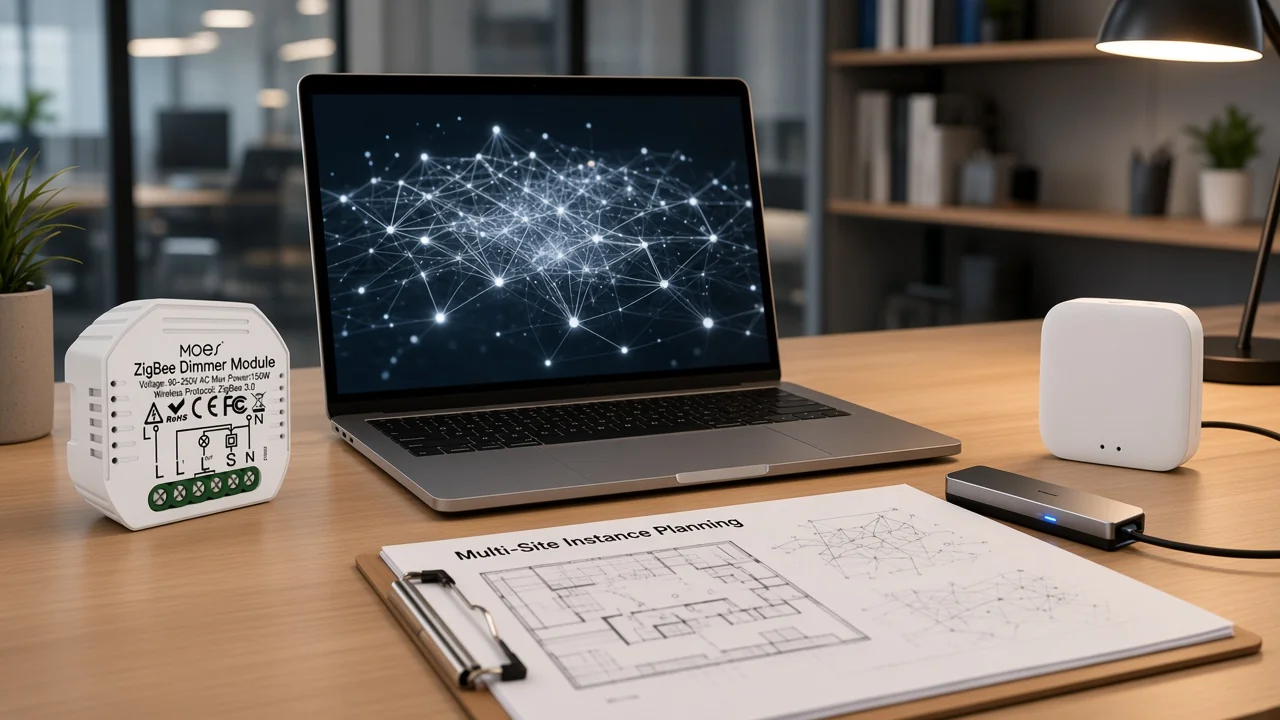
Use multi-instance language when:
Visibility UX differs — HA-native maps and diagnostics versus Zigbee2MQTT’s frontend map and MQTT-exposed diagnostics — so the quote should name which UI the field team is trained on.
Standardize the stack only after radio, broker, support/OTA, restart policy, and instance count are named. The checklist below is the paste-ready sheet most hobby comparisons skip.
| RFQ field | What to capture | ZHA implication | Zigbee2MQTT implication |
|---|---|---|---|
| Stack standard | ZHA / Zigbee2MQTT / dual during migration | Native HA integration | MQTT bridge service |
| Coordinator SKU | Model, interface, firmware owner | Must be ZHA-compatible family | Must be Z2M-supported adapter/firmware |
| MQTT broker | Required? Host? Owner? | Not required for Zigbee path | Required (Mosquitto or equivalent) |
| Device support model | Quirks vs converters; escalation contact | ZHA Device Handlers / quirks | Converters / external handlers |
| OTA policy | Allowed brands; window; air-gap index | HA ZHA OTA path | Documented OTA states + optional local index |
| Restart policy | Accepted Zigbee downtime on HA update | Zigbee tied to HA lifecycle | Separate service lifecycle possible |
| Instance count | Networks × radios × hosts | One coordinator per ZHA network | One coordinator per Z2M instance |
| Visibility tool | Map/UI the field team uses | HA ZHA visualization | Z2M frontend / MQTT diagnostics |
| Non-HA consumers | Any other MQTT subscribers? | Usually HA-only | MQTT-portable |
| End-device / hub kits | Vendor Zigbee assortment separate from HA stick | Still list Zigbee SKUs | Still list Zigbee SKUs |
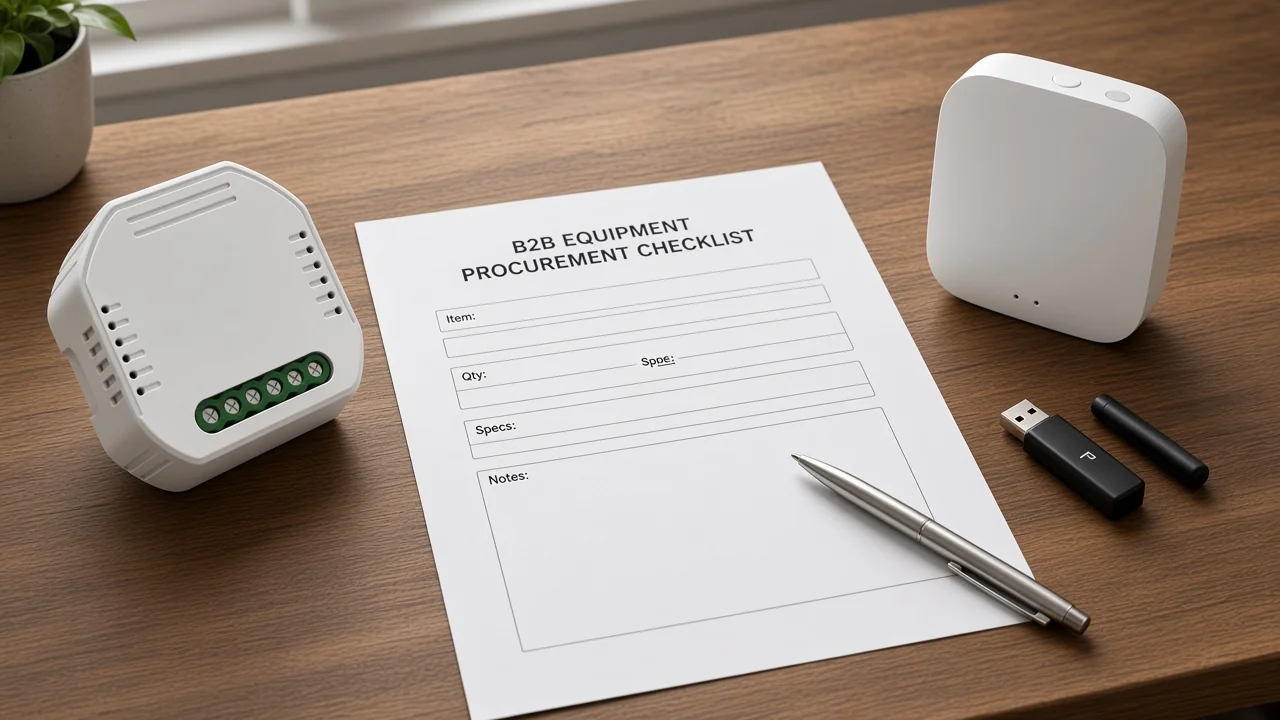
Do not invent performance scores, node ceilings, or certified-for-ZHA/Z2M claims for brand SKUs unless the live product page states them. Keep Zigbee end-device and vendor-hub logistics on their own lines.
Use MOES Zigbee modules and hubs as end-device and hub-kit examples for assortment — not as ZHA or Zigbee2MQTT vendors. After the stack is standardized, channels still need Zigbee SKUs for vendor-app kits and for projects that are not Home Assistant at all.
The Moes Tuya ZigBee 3.0 Smart Dimmer Switch Relay Module (MS-105Z) is documented as a ZigBee 3.0 dimmer module.
It requires a Tuya ZigBee 3.0 hub for the Smart Life / Tuya control path.
The companion MOES Tuya ZigBee Wireless Smart Gateway Hub ZHUB-W is positioned as a hub for Tuya ZigBee 3.0 products.
ZHUB-W electrical parameters are listed as 5V 2A, with a note that the hub must work on the 2.4 GHz Wi-Fi band.
Those facts support hub-kit logistics. They do not mean ZHUB-W is a drop-in Home Assistant coordinator stick for ZHA or Zigbee2MQTT, and they do not create a MOES ZHA certified claim.
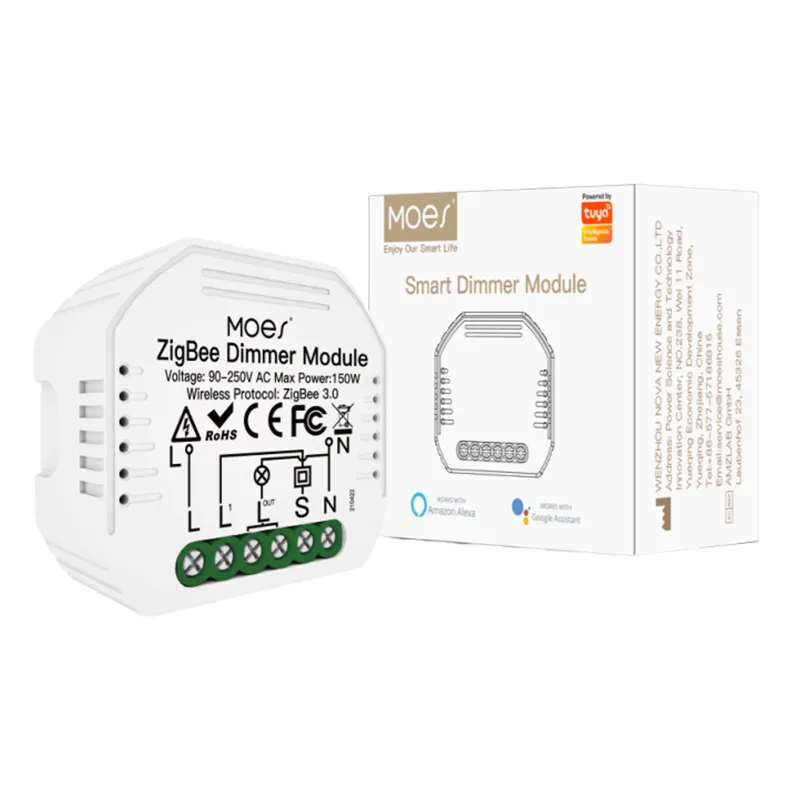
For HA-coordinator projects, keep the coordinator stick on the radio RFQ from earlier sections, and keep MS-105Z / ZHUB-W on the Zigbee assortment line under the smart modules pathway. That separation prevents a quote from treating a Tuya hub kit as proof of stack support.
ZHA is Home Assistant’s native Zigbee integration that drives a coordinator from inside HA. Zigbee2MQTT is a separate bridge that publishes Zigbee devices to an MQTT broker for HA or other clients to consume.
Yes. Getting-started prerequisites for Zigbee2MQTT include a host with an MQTT broker; Mosquitto is the commonly recommended example. ZHA does not require MQTT for its Zigbee path.
Not as a hard rule. Both need a compatible Zigbee coordinator, and supported radio families overlap, but firmware and validation still belong on the RFQ. For radio-type assortment detail, use the Zigbee radio classification article linked above rather than rewriting chip taxonomy here.
There is no honest universal scoreboard. ZHA relies on quirks for awkward devices; Zigbee2MQTT relies on converter-style handlers and often moves niche support through that community process. Put the support model and escalation owner on the quote instead of a device-count trophy.
Name who approves OTA windows and which tool runs them. Home Assistant documents ZHA OTA; Zigbee2MQTT documents explicit OTA states and a default firmware index, with warnings that firmware can change device behavior.
Under a ZHA-centered design, Zigbee rides HA’s lifecycle, and community operators often report mesh disruption during HA core restarts. A Zigbee2MQTT service can be operated as a separate process with its own restart boundary — if the RFQ assigns that ownership.
Yes, with more than one coordinator and more than one stack instance. The FAQ for Zigbee2MQTT limits one dedicated coordinator radio and one Zigbee network per instance. Parallel ZHA and Zigbee2MQTT migrations likewise need separate radios.
No such claim is made on the live MS-105Z or ZHUB-W pages reviewed here. Treat them as Zigbee assortment examples, and keep Home Assistant coordinator support on the separate radio/stack RFQ lines.




OTHER SMART DEVICES
Jun 13,2026
OTHER SMART DEVICES
Jun 12,2026
TUYA SMART HOME PRODUCTS
Jun 12,2026
 +86 137 3639 3028



