


by NOVA

Oct 01, 2026
A how does smart switch work question is a path question: the wall device still opens or closes the lighting circuit at line and load, and a radio plus app path command the relay or dimmer that does that switching. For a noun-only class check, use what is a smart switch. This page stays on mechanism.
Upward hub: smart switch.
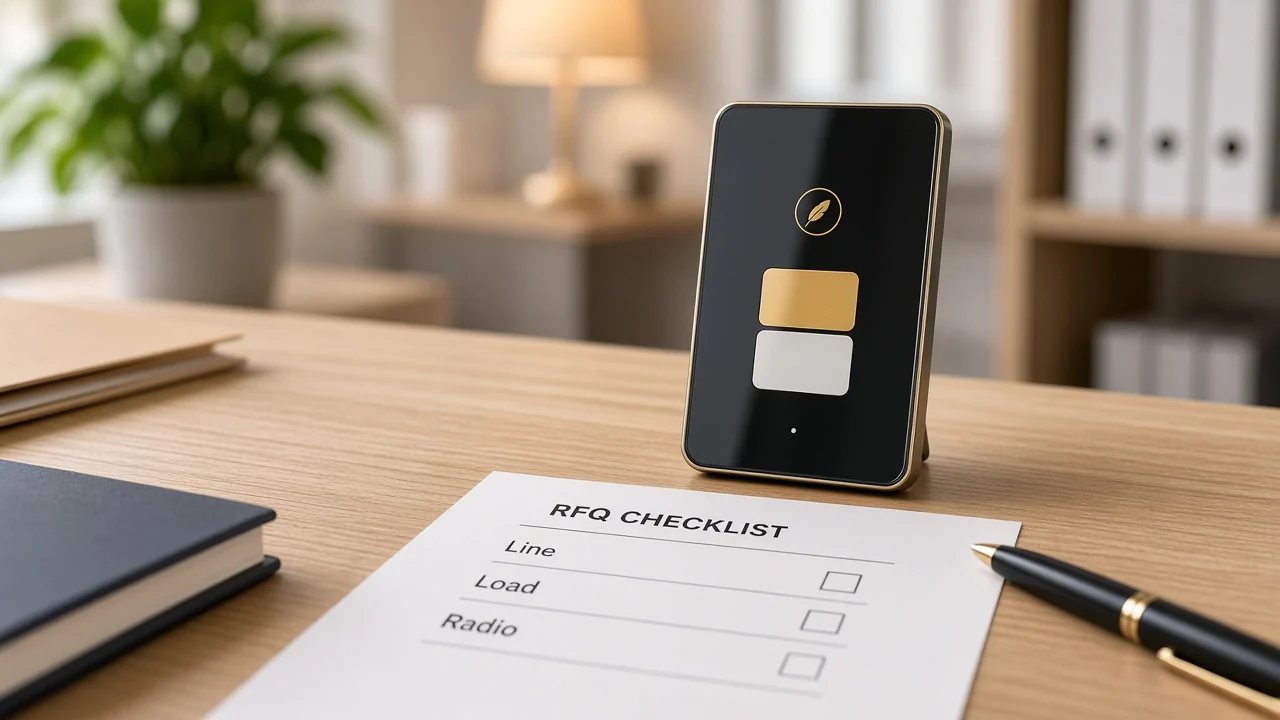
The wall device still opens or closes the lighting circuit at line and load.
A mechanical paddle only interrupts the hot path. A smart wall switch keeps that copper job and adds electronics that can drive the same interrupt.
The incoming hot is line. The conductor that leaves for the fixture is load. That line / load pair is the electrical job, not the app job.
Guests still expect the wall to work. The quote should still name gang count, because each gang is another switched position on that same copper story.
A two-gang plate is still two switched loads, even after the radio is added. The microcontroller can report both positions to the app, but the copper still has two load legs unless the SKU says otherwise.
When a channel ships a four-gang faceplate against a one-load drawing, the extra gangs become unused electronics that still need power and addressing. Fix that on the quote, not after the carton is opened.
App or voice traffic hits the radio and microcontroller, then the same switching element the paddle uses.
Buyers who type how does a smart switch work are asking for this command path after commissioning: the control plane is wireless, the load plane is still the wall circuit. How smart switch works on a quote is that same path, not a second fixture.
A typical remote path is phone → access point or hub → microcontroller → relay. Some hops stay on the LAN; some go through the vendor cloud. Either way, the last electrical act is the switching element.
| Input | What it talks to | What it moves |
|---|---|---|
| Wall paddle or touch | Local electronics in the switch | The same relay or dimmer module |
| Smart Life / Tuya app | Radio on Wi-Fi or through a hub | The same module, plus status back to the phone |
| Voice assistant | The commissioned app family, then the radio path | The same module after the name is linked |
The paddle and the phone are two inputs. They are not two different lighting circuits.
If a showroom sample toggles from the phone and the wall paddle stays visually “off,” the microcontroller still moved the relay. Status LEDs and paddle position are reporting, not a second power path.
Commissioning only teaches the radio which network and which name to use. It does not add a second set of line and load conductors.
If the WAN drops, local touch can still change the load. Remote and scheduled commands wait for the radio path to return. Day-to-day app, timer, and voice choreography lives on how to use a smart switch.
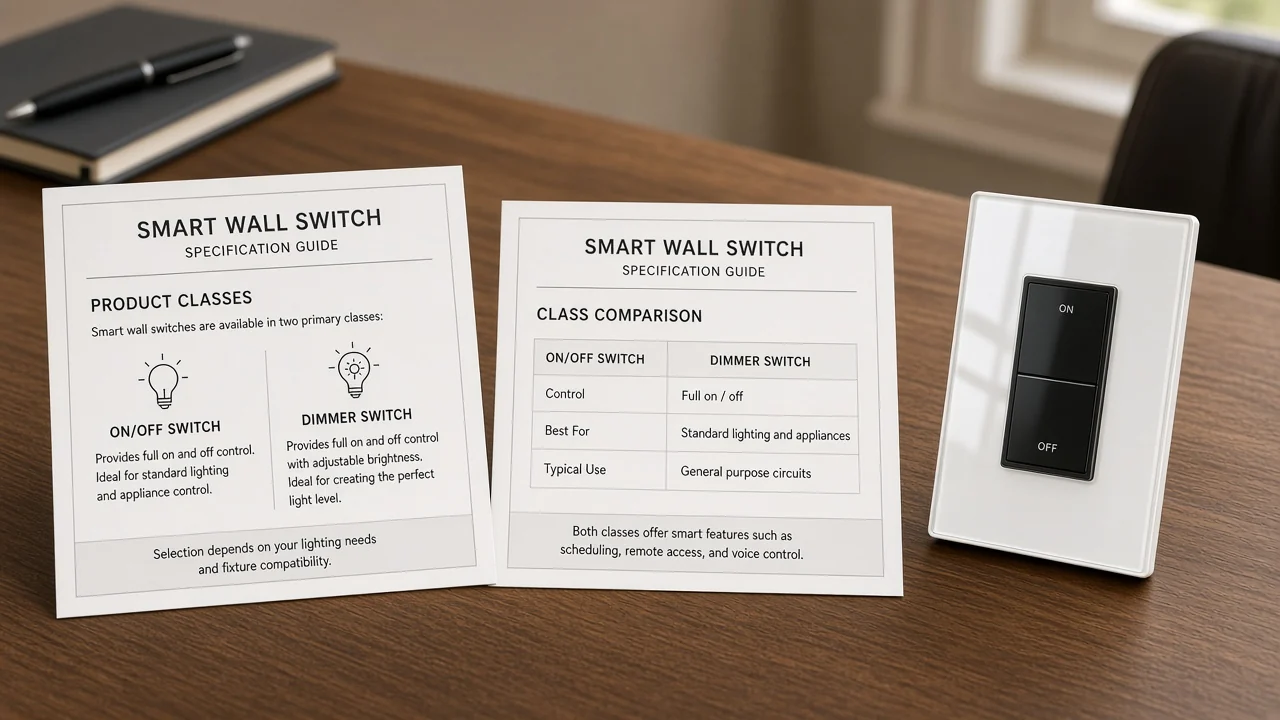
An on/off relay is not a dimmer; dimmers vary light level and carry different load lines.
A relay is an electrically operated switch. A low-power control signal opens or closes contacts on the load side. In a wall smart switch that module is the usual on/off stage.
A smart dimmer switch uses a different stage. It varies light level instead of only making or breaking the circuit. Lighting-control guidance treats dimmers and timers as ways to cut runtime or light level, and it asks for lamps that match the control method.
On the live MOES Wi-Fi multi-gang dimmer page, that fork is printed as wattage bands, not a single 10A on/off line: 600W incandescent at 220V, 300W incandescent at 110V, 150W LED/CFL at 220V, and 75W LED/CFL at 110V, with 90-250V AC and 2.4 GHz Wi-Fi. The same page states a neutral is required and no hub is required.
If the RFQ wants on/off only, keep the relay family. If it wants 0–100% brightness, lock a dimmer SKU and a dimmable lamp class. Those two module jobs belong on separate line items.
The switch is itself a small load; many designs use a dedicated return. Some live Zigbee SKUs print a no-neutral option.
The radio and microcontroller stay awake when the lamp is dark. A conventional two-wire switch loop does not give that electronics path a return of its own.
Community threads say the same thing in plainer words: the smart switch needs constant power, so it wants a neutral that is not the load leg feeding the lamp.
From the field: On a SmartThings no-neutral switch thread, installers treat missing common and LED compatibility as purchase blockers.
Some no-neutral rockers were called out as incandescent-only. Bypass hardware was discussed for dimmers, not as a generic relay fix.
Write the powering path on the quote. Ground is not a substitute return for the radio.
One live MOES Zigbee wall page prints both a neutral option and a single-live / no-neutral setup, plus “a Tuya Zigbee hub is required.” It also prints load bands: LED/CFL 3-120W, incandescent 3-300W at 110V and 3-600W at 220V, total 10A, ZigBee, standby ≤0.5W.
Treat that as a published SKU class, not a field wiring recipe. Crew inputs for two-wire boxes stay on can you install a smart switch without neutral.
Wi-Fi can sit on the access point; printed Zigbee SKUs require a Tuya Zigbee hub.
Home-automation architecture often puts controlled devices behind a hub / gateway. That pattern is normal when the wall radio is not itself an IP endpoint.
Federal lighting-controls notes make the same split at building scale: a hub is a central radio point; a mesh shares paths between devices; “wireless” still usually needs a physical power source.
On MOES live pages the fork is printed, not inferred. Star Feather US lists protocol Wi-Fi and the product description says no hub needed. The no-neutral Zigbee wall switch and the Star Ring ZigBee 3.0 push-button switch both say a Tuya Zigbee hub is required.
Keep those two radios as separate SKU families. The longer architecture comparison already lives on smart home hub vs Wi-Fi. Zigbee selection depth stays on the Zigbee smart switch buyers guide.
A Wi-Fi paddle assumes a 2.4 GHz access point the switch can join. A Zigbee paddle assumes a hub that already exists on the same project, plus enough powered neighbors if the job is counting on mesh.
If the takeoff already standardized on one hub SKU, every wall switch on that job should speak that radio. Mixing one Wi-Fi “easy sample” into a Zigbee house creates a second app path and a second failure desk.
Lock protocol, hub vs direct, powering path, load type, and gang count.
Those five fields are how the quote proves it understood the path. They are not a contact form.
A distributor can price glass, color, and carton quantity after those five cells are filled. Pricing the carton first is how a Wi-Fi paddle lands on a Zigbee hub job, or how a dimmer lands on a non-dimmable LED driver.
Write the fields next to the room name on the takeoff. The mechanism does not change from lobby to guest suite; only the printed SKU family and the load class change.
| Field | Why it proves the mechanism | What to write |
|---|---|---|
| Protocol | Sets the radio the microcontroller speaks | Wi-Fi, Zigbee, or another printed family |
| Hub vs direct | Sets whether a gateway is in the command path | No hub / Tuya Zigbee hub required |
| Powering path | Sets how electronics stay up when the lamp is off | Neutral present, or a no-neutral-rated SKU class |
| Load type | Sets relay vs dimmer and LED vs resistive limits | On/off vs dimmable; LED/CFL vs incandescent bands |
| Gang count | Sets how many switched positions share the plate | 1–4 as printed on the chosen family |
If any cell is blank, the RFQ has not finished the mechanism. Faceplate color can wait.
Recommend only the page-stated US Wi-Fi Star Feather ratings as a mechanism example.
When the quote already locked US format, Wi-Fi, a router path with no extra hub, and an on/off wall paddle, open the MOES Star Feather US Wi-Fi switch.
The live page states model WS-SF-US1/2/3/4, voltage 90-250V AC at 50/60Hz, max current 10A/Gang with total 10A, wireless protocol Wi-Fi, frequency band 2.412~2.484GHz, and max RF transmit power under +10 dBm. The same listing names touch, Smart Life / Tuya app, and voice, and it says no hub needed.
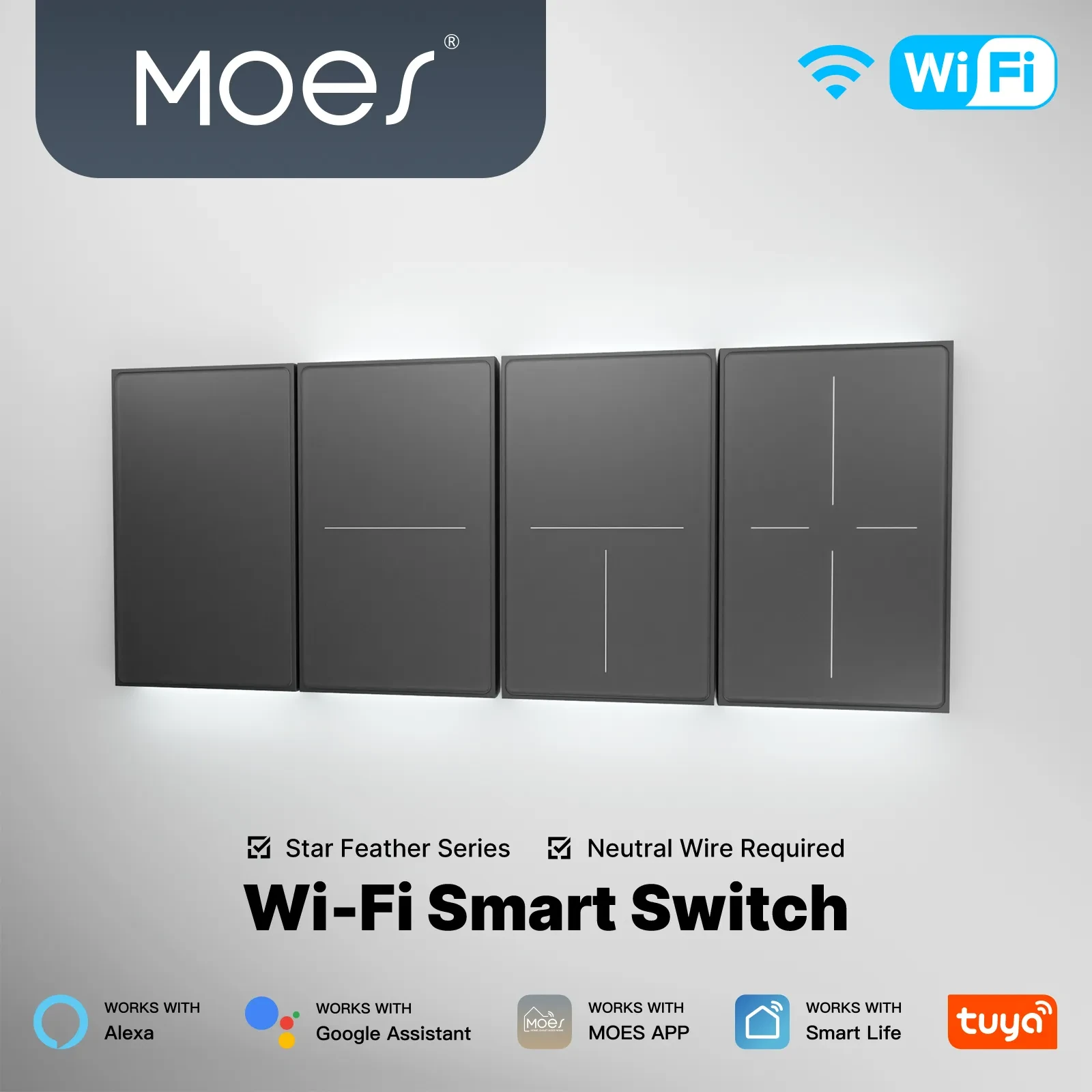
Use those printed lines only.
This SKU stays a Wi-Fi on/off example. For dimming, open the Wi-Fi multi-gang dimmer page instead.
For Zigbee plus a printed single-live option, RFQ that other family against its own hub and load lines.
It switches line and load at the wall, while a radio and microcontroller command the relay or dimmer that performs that interrupt.
Yes. Local touch still drives the switching element. App, voice, and cloud schedules wait for the radio path.
Wi-Fi models join a 2.4 GHz access point. Zigbee models on the live MOES pages named above require a Tuya Zigbee hub instead of talking to the router as a Wi-Fi client.
Many designs need a return so the electronics stay powered when the lamp is off. Some live Zigbee SKUs print a no-neutral option. Lock the powering path on the RFQ; do not turn this page into a two-wire install.
A relay opens or closes the circuit. A dimmer varies light level and publishes different load limits. Match the module to the lamp class.
No. Samsung Smart Switch on Android is phone-backup software. This page is a wall lighting control.
No. The intelligence sits in the wall device, so ordinary lamps can stay on the fixture. Mixing a power-cutting switch with smart bulbs on the same circuit can take those bulbs offline when the wall device opens the load.
What is a smart switch owns the class name versus a mechanical switch. This page owns the signal path and the RFQ fields that prove it.




OTHER SMART DEVICES
Jun 13,2026
OTHER SMART DEVICES
Jun 12,2026
TUYA SMART HOME PRODUCTS
Jun 12,2026
 +86 137 3639 3028



