


by NOVA

Aug 15, 2026
A WiFi smart switch project brief should make the network and installation questions visible before an installer compares products. Record the site zones, network context, wiring boundary, control roles, evidence requests, and handover owner instead of treating “WiFi” as a complete specification.
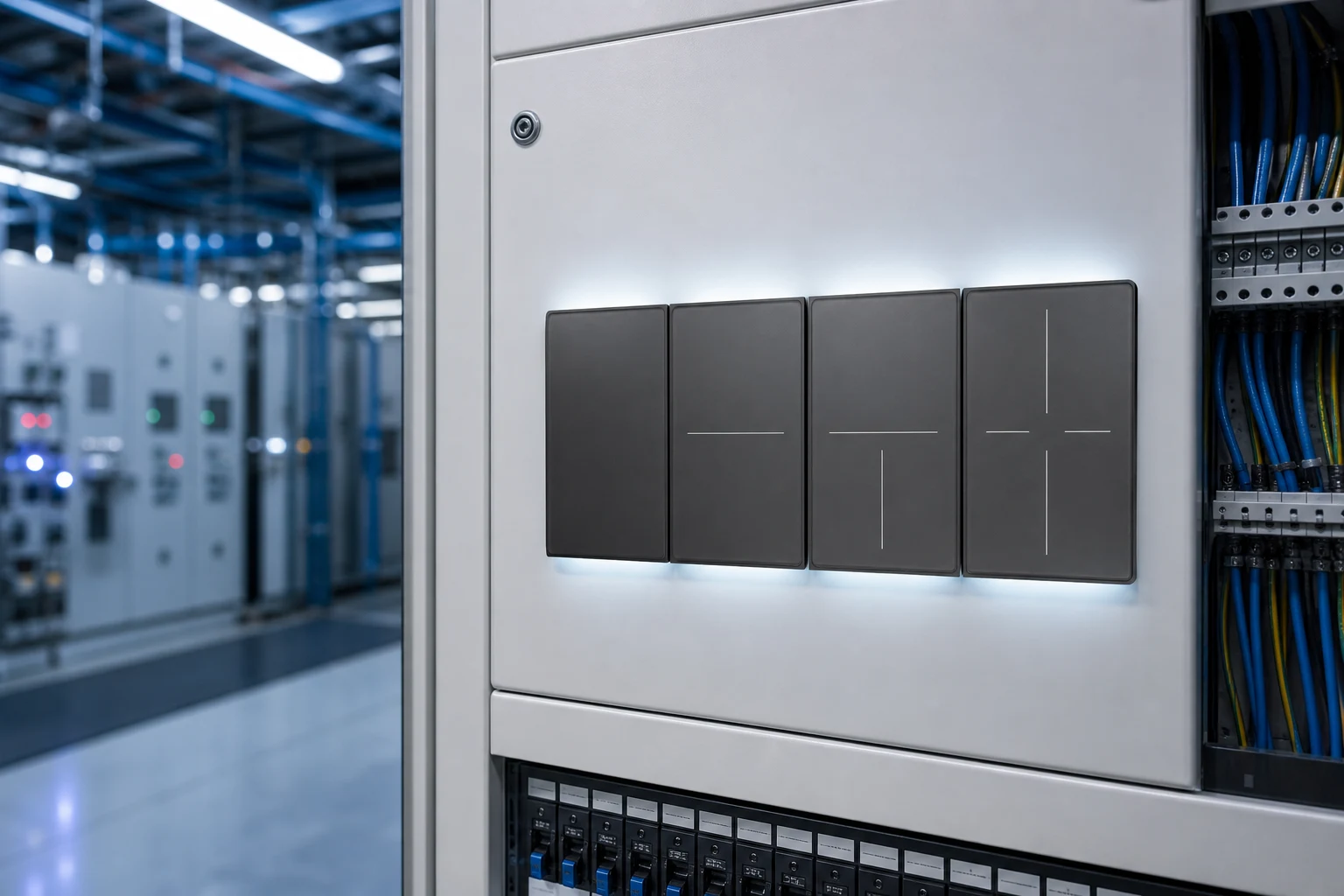
This first-party MOES image illustrates smart-switch project context. It does not prove range, router compatibility, app behavior, certification, or SKU fit.
See the MOES Smart Switch category as a navigation route only.
Important: WiFi wording does not confirm coverage, pairing, network security, neutral-wire requirements, or an installation result. Source note: general project-brief guidance; no model claim.
Start with the project purpose, site type, number of zones, control roles, target market, requested quantity, and decision owner. State whether the enquiry is for a replacement, a new installation, a distributor sample, or an OEM/ODM discussion.
Keep required, preferred, observed, and unknown fields separate. A project brief is useful because it gives the supplier a controlled question rather than an assumption that one WiFi label covers every site.
Record the network context that is known: access-point or router arrangement, installation zones, expected control path, network owner, commissioning responsibility, and any site restrictions. Do not infer a supported band, security mode, range, or cloud behavior from the word WiFi.
| Network field | What to record | Owner |
|---|---|---|
| Site network | Known router/AP context and restrictions | Network owner |
| Zone map | Rooms, panels, distances, and control roles | Installer |
| Control path | Local input, app, gateway, or unknown | Project lead |
| Commissioning | Test window, access, and evidence format | Installer |
| Open item | Missing proof and closure owner | Project lead |

The image is a project-record illustration and does not establish a supported network configuration.
Pair each zone with its switch location, load description, wiring evidence, access constraints, and control role. Record whether the neutral/line/load arrangement is known, unknown, or awaiting a current model diagram. Do not convert a photo or category page into a wiring approval.
Use a simple boundary table:
| Installation field | Evidence | Status |
|---|---|---|
| Switch location and zone | Plan, photo, or installer note | Observed / open |
| Wiring arrangement | Current diagram or site record | Confirmed / open |
| Load and operating role | Load schedule and owner | Confirmed / open |
| Network commissioning | Test record and responsible person | Planned / open |
Send the site brief, zone map, wiring questions, network context, desired control path, quantity, target market, and exact document requests. Add the model identity and document revision once a supplier proposes a sample.
| RFQ input | Send with quote | Owner |
|---|---|---|
| Zone and wiring record | Yes | Installer |
| Network and control questions | Yes | Network owner |
| Quantity and document requests | Yes | Buyer |
Close the review with a named owner for each unresolved item. Keep installation notes, test conditions, access approvals, configuration records, and handover documents together. A successful action in one zone does not prove every zone or future batch behaves the same way.
For lateral context, compare the wireless switch commercial retrofit guide and WiFi vs Zigbee distributor comparison.
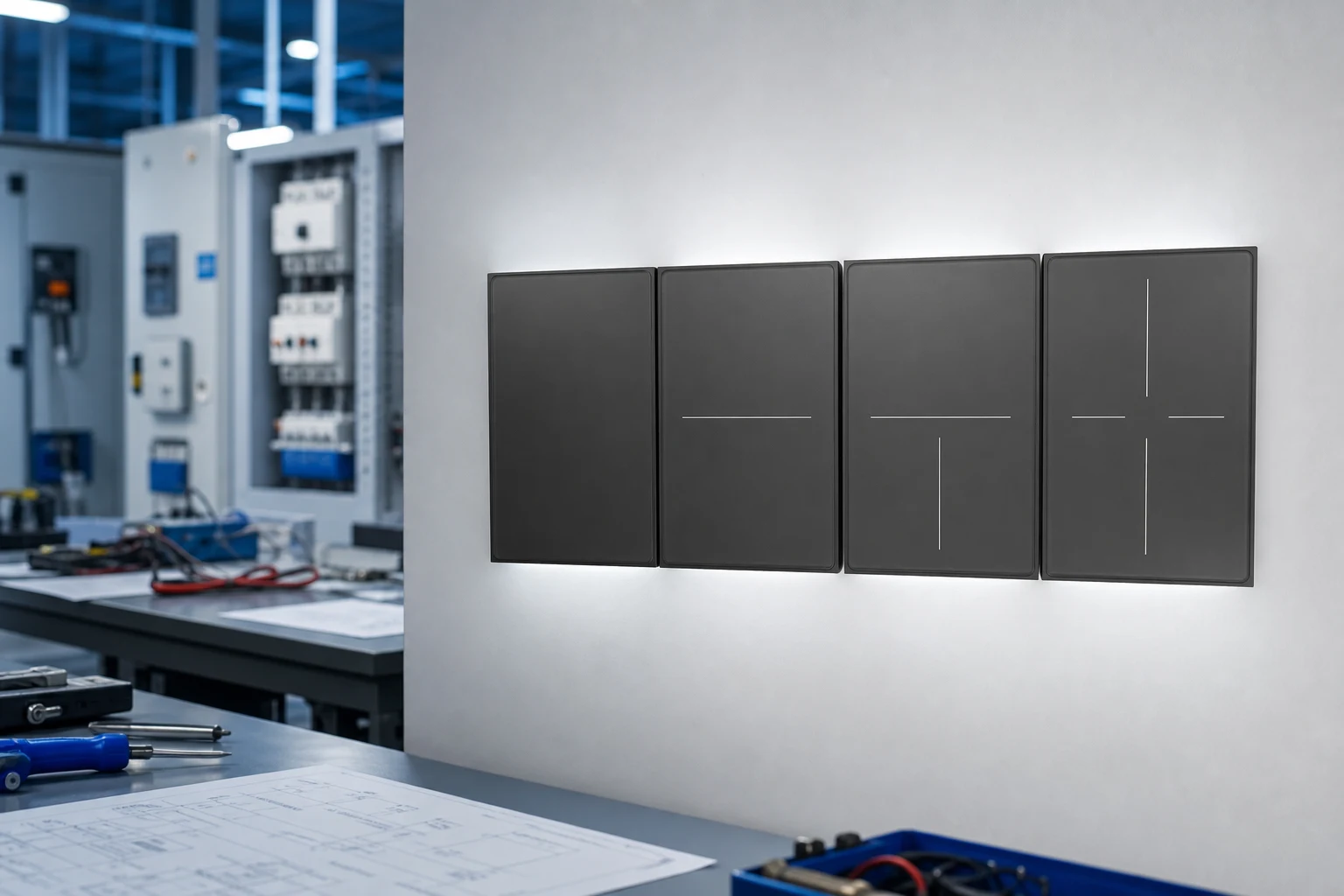
This first-party image is a handover-context illustration only; it does not prove an installation result or network capability.
Product recommendation: use the MOES Smart Switch category only as a navigation starting point; no named model or coverage result is recommended until the project evidence is closed. Send model-specific questions through Contact Us.
No. Coverage depends on the site, network, device, installation, and conditions that must be verified separately.
Record the known router/AP context, zones, control path, network owner, commissioning plan, and unresolved questions.
No. Request the current model diagram and compare it with the site record.
Send the zone map, wiring record, network context, control questions, quantity, target market, and requested documents.
Name the installer, network owner, project lead, and person responsible for closing each open item.
Keep it open when the network, wiring, model identity, test condition, or handover evidence is unconfirmed.


OTHER SMART DEVICES
Jun 13,2026
OTHER SMART DEVICES
Jun 12,2026
TUYA SMART HOME PRODUCTS
Jun 12,2026
 +86 137 3639 3028





