


by NOVA

Aug 27, 2026
A zigbee application for distributors and installers is the project job Zigbee must perform—lighting and load control, in-wall modules, sensing, or a gateway-led mesh—before anyone quotes a SKU or hub. This checklist maps those application paths for B2B channels, separates them from generic “what is Zigbee” encyclopedia pages, and lists RFQ inputs that keep a Zigbee mesh quoteable.
Zigbee application work means naming the job the wireless mesh must do on a project—not listing every certified chip on the market. The Connectivity Standards Alliance describes Zigbee as a full-stack mesh IoT solution used across residential, commercial building, and utility/energy deployments, with certified products sharing a common application language.
Texas Instruments’ Zigbee 3.0 overview frames the protocol as an industry-proven standard for low-power, self-healing mesh networks in home and building automation, including large multi-device networks. That capability statement belongs to the protocol discussion; it is not a capacity rating for any MOES SKU.
| Application path (primary job) | What the buyer is trying to control | Typical SKU shape | First RFQ gate |
|---|---|---|---|
| Lighting / load control | Circuit power or dimming at the plate | Zigbee wall switch or dimmer | Load type; neutral; gang/region |
| Module / retrofit | Smart logic behind an existing plate | Zigbee relay or dimmer module | Box depth; wiring mode |
| Sensing / security | Status or event inputs | Zigbee sensors / security devices | Battery vs mains; placement |
| Gateway-led mesh | One network for many end devices | Zigbee gateway / hub | Platform; channel; router plan |
For switch-specific Zigbee SKU selection after the application path is fixed, see MOES’s Zigbee smart switch buyers guide.
Lighting and load-control paths are the most common Zigbee applications in channel assortments. Semiconductor application maps routinely list smart lighting and smart-home controls as core Zigbee domains alongside metering and security.
In practice, that means wall switches, dimmers, and fan/light plates that join a Zigbee network instead of each holding a separate Wi-Fi connection. Channels should still treat dimming as a different job from simple on/off, and they should not quote a lighting SKU for a sensing-only tender.
When the RFQ says “Zigbee lighting,” document region format, gang count, neutral availability, and whether dimming is required. Those fields decide whether the buyer needs a plate SKU, a dimmer module, or a hybrid assortment.
Module and retrofit paths keep the visible wall plate while adding Zigbee switching or dimming behind it. That job is common when design teams want to preserve finishes or when OEM panels need a compact relay.
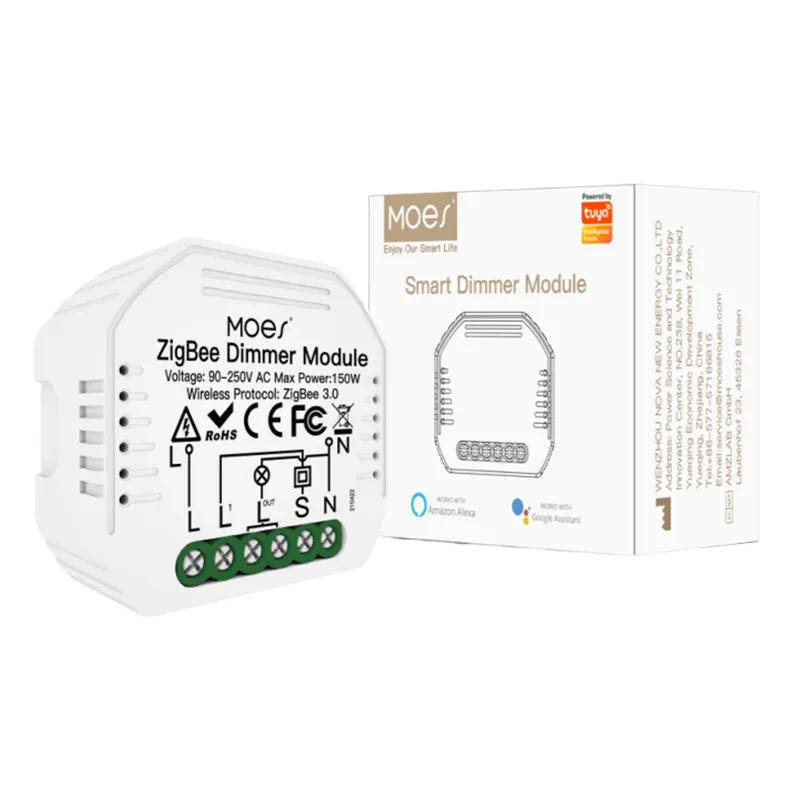
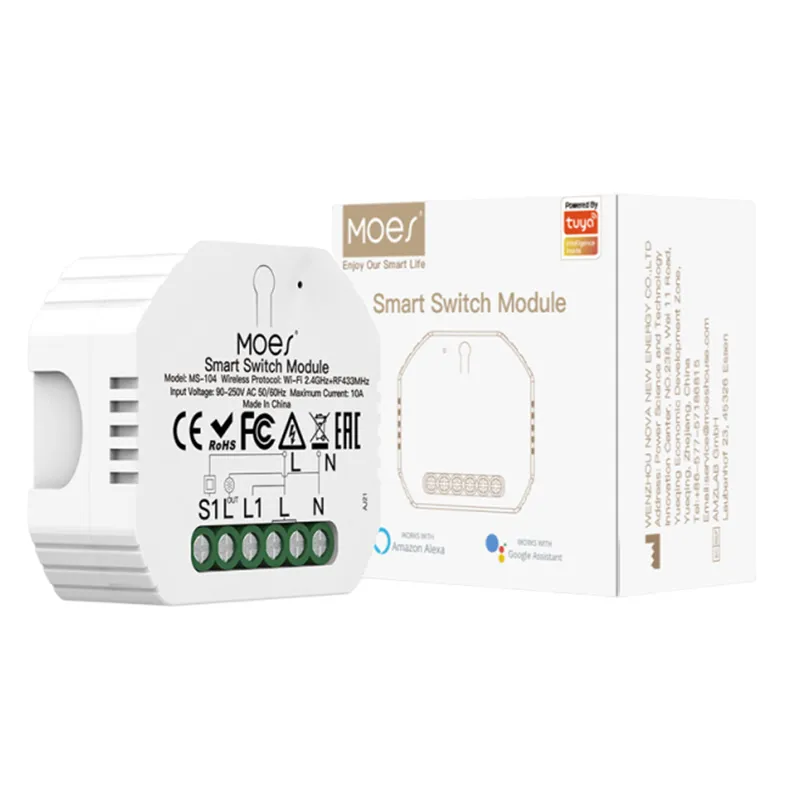
MOES groups these form factors under the smart modules category, which publicly includes mini switch modules and a Tuya ZigBee 3.0 Smart Dimmer Switch Relay Module. Those listings are bounded product-page examples for module application paths—not proof that every module fits every box.
Channels quoting modules should collect box depth, switch type (rocker vs reset), multi-way needs, and whether the project expects the module to act as a mains-powered mesh router.
Sensing and multi-domain paths cover temperature/humidity, contact, motion, and security-related inputs that ride the same Zigbee network as lighting. Application taxonomies from chip vendors list smart home, lighting, metering, and home security as separate domains for a reason: the RFQ inputs differ even when the radio is the same.
A sensing path needs placement, battery life expectations, and reporting behavior documented. A lighting path needs load and wiring documented. Mixing those into one vague “Zigbee package” quote creates callbacks when the hub is sized for the wrong device mix.
If a tender spans lighting plus sensing, list both domains in the RFQ and decide whether one Zigbee gateway can host both—or whether the project should stage domains separately.

Gateway-first planning treats the Zigbee gateway—the Zigbee coordinator / hub that forms the network—as the root every end device will join. Open Zigbee integrator documentation states a hard protocol limit: a Zigbee device can join only one coordinator and one network at a time. Moving a device to another hub requires a factory reset and re-pair.
That limit matters for hotels, multi-dwelling projects, and OEM kits that try to “share” devices across two apps. Channels should document the hub platform (for example Tuya), whether the gateway is wired or wireless, and which rooms’ routers will keep the mesh alive.
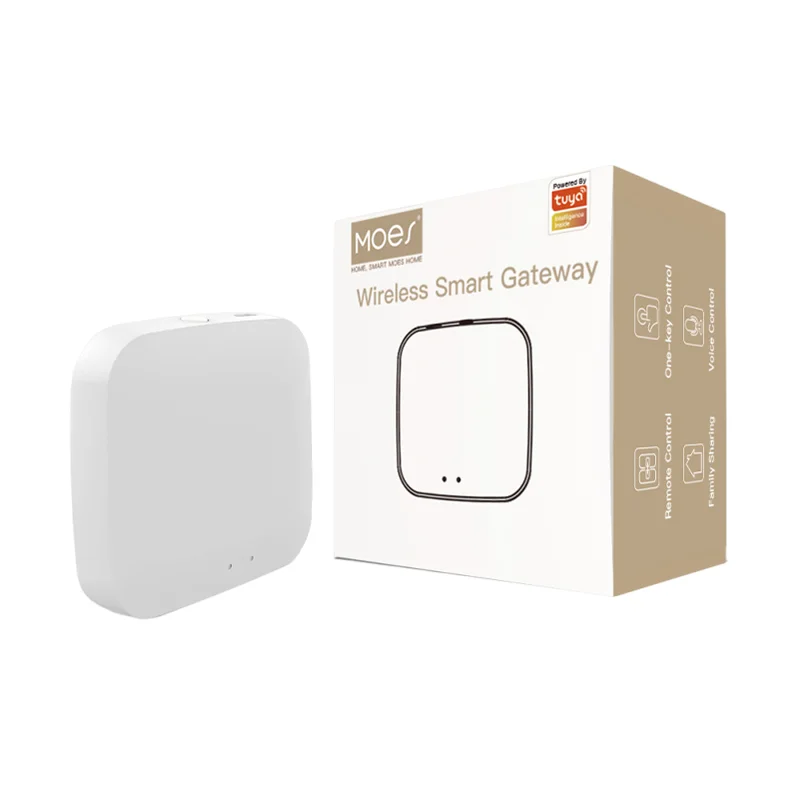
A bounded MOES example is the Tuya ZigBee 3.0 Wireless Smart Gateway Hub listing for smart home remote control—product-page scope only. Control-panel SKUs with built-in Zigbee gateways are a different form factor when the project wants local scene UI at the wall.
Mesh stability inputs decide whether a Zigbee quote survives after install. Community integrator FAQ guidance treats unstable meshes as a planning problem: restart weak nodes, reduce interference, and rely on mains-powered devices such as bulbs or always-on Zigbee router nodes to extend the network beyond the coordinator’s direct child count.
Important: Zigbee2MQTT’s FAQ notes that AC-powered devices serving as routers extend network size, and that unstable performance often needs mesh improvements—not only a different end-device brand. Channels should document router candidates before promising full-floor coverage.
| RFQ field | Why channels need it | Example values |
|---|---|---|
| Primary Zigbee application path | Prevents lighting SKUs on sensing-only jobs | Lighting, module retrofit, sensing, gateway kit |
| Gateway / platform | Locks one-network membership | Tuya ZigBee 3.0 hub present |
| Mains-powered router plan | Stabilizes mesh beyond coordinator | Always-on switches/modules per floor |
| Channel / interference note | Avoids Wi-Fi clash | Prefer ZLL channels; note dense Wi-Fi |
| Load / placement details | Matches modules vs plates vs sensors | Neutral present; box depth; sensor rooms |
An RFQ becomes quote-ready when every RFQ / channel buyer—distributor, installer, or OEM sourcing contact—can see the application path and mesh inputs in one table.
Wi-Fi vs Zigbee remains a separate channel decision after the application path is fixed. For protocol comparison, see MOES’s Wi-Fi vs Zigbee smart switch guide.
MOES public navigation places retrofit and module Zigbee jobs under smart modules, while wall-switch Zigbee SKUs sit under the smart-switch pillar covered by the buyers guide. Start assortment work after the RFQ table is filled.
Bounded examples from live listings:

None of these examples replace a project datasheet review. If the RFQ still omits hub platform, router plan, or load type, send the missing fields through the MOES contact page with the application-path table—not a generic “quote any Zigbee” request.
These questions collect residual decisions channel buyers raise after mapping a Zigbee application path—especially hub need, mesh stability, and Wi-Fi comparisons.
Zigbee is used for lighting and load control, in-wall modules, sensing and security inputs, and gateway-led multi-device meshes in homes and commercial buildings.
Most channel projects need a planned Zigbee coordinator or gateway so devices join one network. Confirm the hub platform in the RFQ before quoting end devices alone.
Zigbee typically uses a mesh with a hub and mains-powered routers; Wi-Fi SKUs often connect per device to a router. Choose after the application path and density are documented.
End devices talk to the network through the coordinator and through router nodes that relay traffic, which is why always-on devices matter for coverage.
No. A Zigbee device joins one coordinator and one network; moving it requires reset and re-pair.
Quote a module when the project must keep the existing plate or needs a compact behind-wall relay/dimmer rather than a full smart plate.
Primary application path, gateway/platform, router plan, interference notes, and load or placement details.
No. Match the public SKU page to the documented path—modules, gateways, and wall switches are different jobs.


OTHER SMART DEVICES
Jun 13,2026
OTHER SMART DEVICES
Jun 12,2026
TUYA SMART HOME PRODUCTS
Jun 12,2026
 +86 137 3639 3028





