


by NOVA

Aug 27, 2026
Smart switch uses are the functional jobs a connected wall control performs in a project—on/off load switching, dimming, fan and light combo control, or scene triggering—before a distributor or installer quotes a SKU. This checklist maps those jobs for B2B channels, separates them from phone migration software, and lists RFQ inputs that should be locked before anyone opens a smart wall switch catalog.
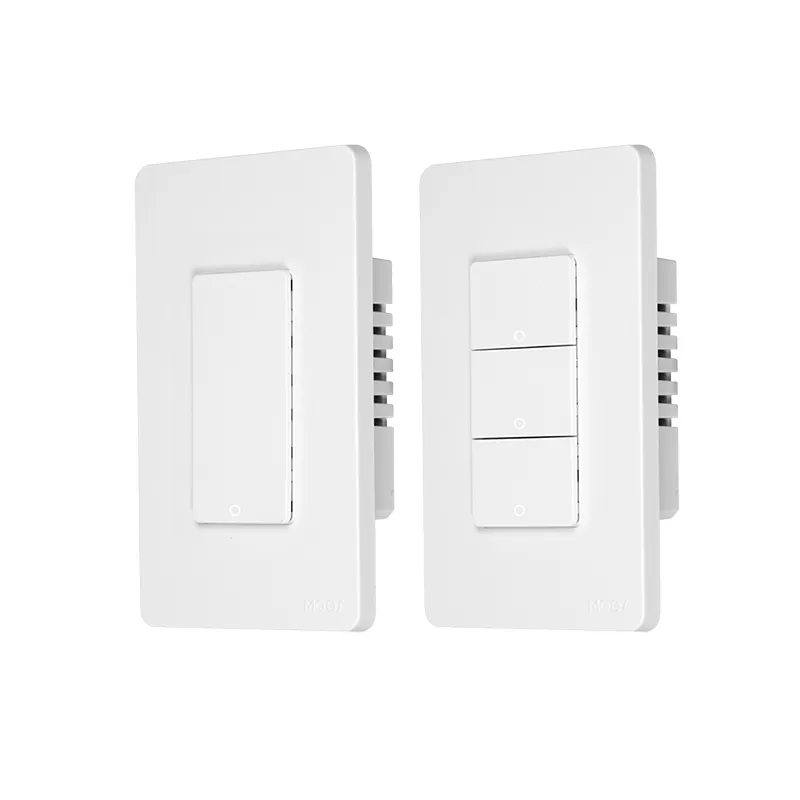
Smart switch uses describe what the control is supposed to do electrically and operationally—not which phone app migrates contacts. In a channel line review, each SKU should map to one primary job: control fixed circuit power, adjust brightness, coordinate fan and light loads, or send automation events without cutting smart-bulb power.
Search results still mix wall controls with Samsung Smart Switch phone migration software. RFQs and product pages should state wall-switch scope in plain language so installers are not sent phone-support pages. MOES groups wall switches, dimmers, fan/light plates, and touch panels under one smart switch category, which is useful navigation—but the category label is not proof that every SKU fits every job.
| Use path (primary job) | What the buyer is trying to control | Typical SKU shape | First RFQ gate |
|---|---|---|---|
| Fixed-circuit on/off | Power to a wired load at the plate | 1–4 gang wall switch | Neutral present? Region format? |
| Dimming | Brightness of a dimmable circuit | Dimmer switch | Load type and dimmer compatibility |
| Fan / light combo | Separate fan and light control from one location | Fan/light smart switch | Multi-load wiring and max loads |
| Scene / smart-bulb trigger | Automation events without killing bulb power | Mode-specific switch or module | Wiring mode supported by model? |
| Retrofit module | Smart logic behind an existing plate | Module or relay behind plate | Box depth and neutral availability |
Fixed-circuit on/off uses are the baseline job: the wall control opens or closes the path that feeds a wired load. SparkFun’s switch tutorial describes a switch as selecting between an open circuit and a closed circuit for on/off control—smart versions add app, schedule, and voice layers on top of that same electrical role.
For B2B channels, on/off uses show up in new construction with neutral present, multi-gang plates in common areas, and standard LED loads where dimming is not requested. A Tuya smart switch example on MOES is the WiFi Smart Switch US 1–4 Gang listing, which publicly states US format, 1–4 gang options, neutral wire required, and Tuya app with Alexa/Google voice support—bounded to that product page only.
Important: SmartThings community installers note that whether a load terminal actually controls a device depends on how the switch is designed—some models allow bypass and some do not. Confirm the wiring mode on the exact SKU before quoting a scene job as a standard on/off switch.
Channels should not assume an on/off SKU covers every region or box condition. Gang count, neutral requirement, and load rating still belong in the RFQ even when the use path is “simple” on/off.

Dimming uses adjust brightness on compatible circuits; they are not interchangeable with basic on/off plates. Fan and light combo uses—often handled by a fan/light switch SKU—add another layer: one wall location may need separate control paths for a fan motor and a light circuit, which usually maps to a dedicated fan/light smart switch rather than a single-gang on/off switch.
The MOES public catalog includes a WiFi RF Smart Light Dimmer Switch positioned as a dimmer-class product with Tuya app and voice assistant support—useful as a dimming-path example, not as proof that every MOES switch dims.
| Use path | Wrong SKU shortcut | What to document instead |
|---|---|---|
| Dimming | Quoting a standard on/off gang switch | Load type, dimmer protocol, min/max load |
| Fan + light | Using a single-gang switch for both loads | Separate load descriptions and max currents |
| Multi-gang on/off | Mixing US and EU formats in one RFQ | Region, gang layout, and neutral status per box |
When a project mentions “smart switch uses” for hospitality corridors or showroom lighting, ask whether dimming is in scope before narrowing the assortment. If the answer is yes, the RFQ should say so explicitly.
Scene triggers and smart bulb mode uses address a different problem: the wall control should send automation commands without removing power from smart bulbs that need continuous power to stay online. Home automation guides describe detached or decoupled modes where toggling the paddle records an event for the hub instead of cutting load power; Zooz documents a similar smart bulb mode that disables relay load control so bulbs remain powered while paddles act like remote buttons.
That use path matters for retrofits where bulbs are already smart but occupants still expect a physical control. It is not the same as fixed-circuit on/off, and not every switch supports it. SmartThings community threads repeat the same concern: bypassing the load depends on the specific design—teams should not infer compatibility from the words “smart switch” alone.
Channels pitching a scene-heavy project should list hub platform, bulb ecosystem, and whether the installer expects load terminals to carry power continuously. If those answers are missing, hold the SKU recommendation until the wiring mode is confirmed.
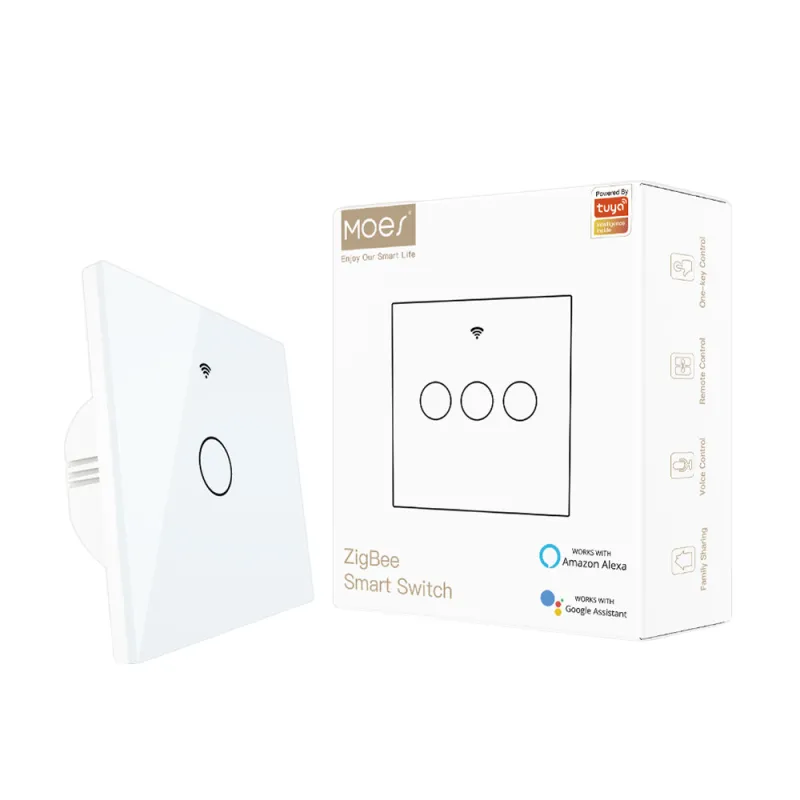
Retrofit module uses keep the visible plate while adding smart control behind it—common when design teams want to preserve existing finishes. Full wall switch uses replace the visible control with a smart plate that includes buttons, touch surface, or combined fan/light controls.
Module paths suit OEM integrations and shallow retrofits where only the logic must change. Full plate paths suit distributor SKUs that installers pick from a price list. MOES assortments include both module-oriented blog topics and full wall-switch products; the use decision comes first, then the form factor.
For OEM buyers, module uses often trigger questions about depth, heat, and neutral availability in the box. For distributors, full plate uses trigger questions about finish, gang count, and protocol printed on the carton. Neither question is answered by the word “smart” alone.
An RFQ becomes quote-ready when the use path and electrical context are written down. Every RFQ / channel buyer—distributor, installer, or OEM sourcing contact—should receive a completed use-path table before SKU comparison begins.
SparkFun’s switch applications section reminds readers that switches carry current ratings—exceeding them is a hardware failure risk, not an app inconvenience. ENERGY STAR consumer guidance notes that timers, dimmers, and compatible controls save electricity only when matched to the right bulbs and fixtures.
| RFQ field | Why channels need it | Example values |
|---|---|---|
| Primary use path | Prevents on/off SKUs on dimming or scene jobs | On/off, dimming, fan/light, scene trigger |
| Protocol / hub | Separates Wi-Fi SKUs from Zigbee/Matter paths | Tuya Wi-Fi, Zigbee gateway present |
| Neutral availability | Filters no-neutral retrofits vs new build | Neutral present / not present |
| Gang count and region | Matches plate format | US 2-gang, EU 1-gang |
| Load description | Supports rating review | LED count, fan motor, dimmable driver |
Document these fields before comparing MOES SKUs to competitor lines.
Wi-Fi vs Zigbee is a separate channel decision. Wi-Fi SKUs suit small deployments with stable router capacity, while Zigbee paths scale better when a Zigbee gateway already anchors the project.
For protocol comparisons, see MOES’s Zigbee smart switch buyers guide and Wi-Fi vs Zigbee smart switch comparison after the use path is fixed. For application-domain RFQ framing, see Smart Switch Applications for Channels.
MOES public navigation treats smart wall controls as a family that spans multiple jobs—on/off plates, dimmers, fan/light products, and touch panels—under the smart switch category. Start assortment work there after the RFQ table is filled, not before.
Bounded examples from live listings:
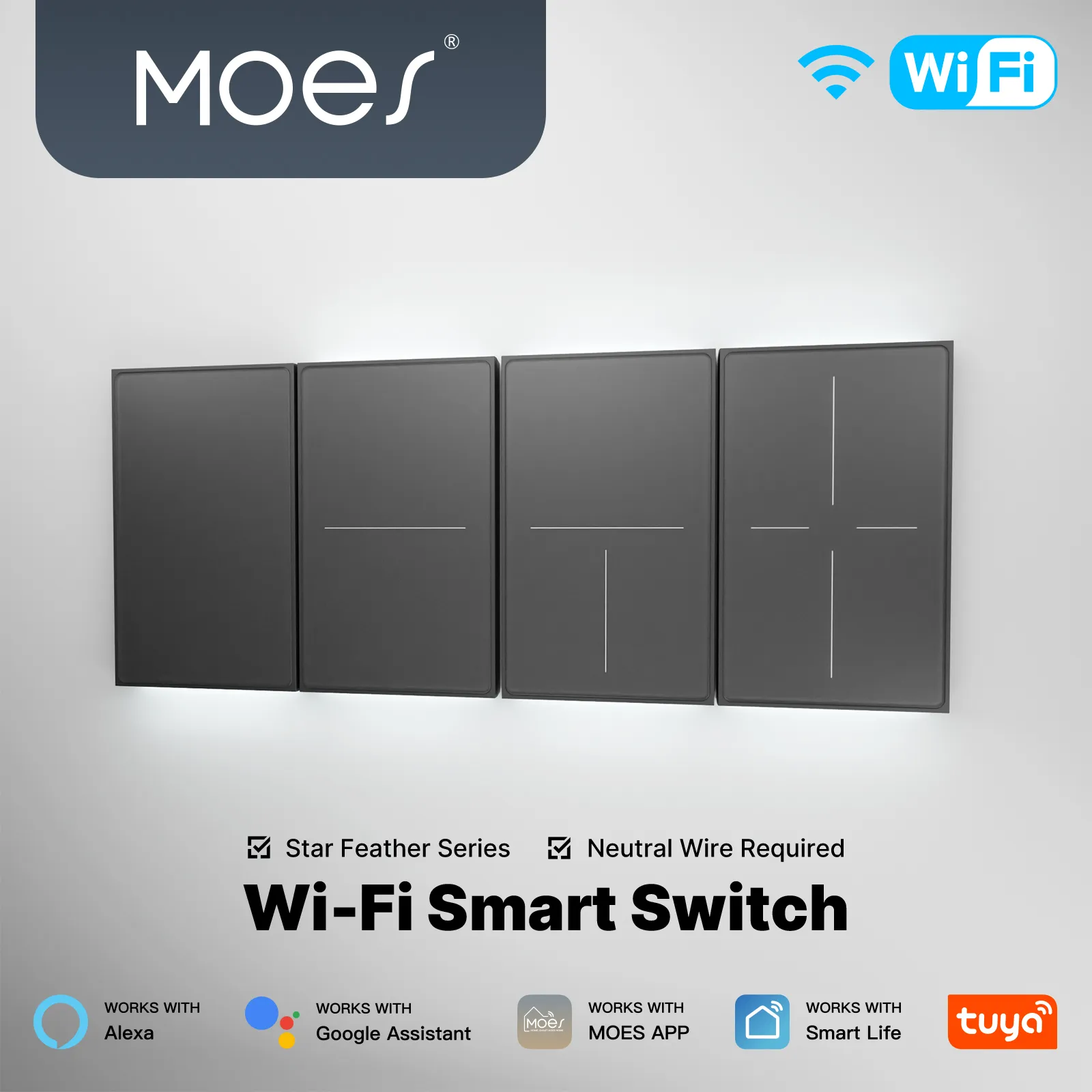
None of these examples replace a project-specific datasheet review. If the RFQ still omits neutral status, load type, or protocol, send the missing fields through the MOES contact page with the use path table—not a generic “quote any smart switch” request.
These questions collect the residual decisions channel buyers raise after mapping smart switch uses to a project—especially bulb compatibility, non-light loads, and quote-ready documentation.
They are used to control wired loads remotely, schedule lighting, support voice scenes, dim compatible circuits, combine fan and light control, or—in compatible modes—trigger automations while smart bulbs stay powered.
Only when the SKU rating and project conditions match that load. Treat non-lighting loads as datasheet-verified exceptions, not as automatic smart-switch uses.
Yes for standard on/off or dimmer SKUs that switch circuit power to conventional bulbs, provided the circuit and bulb type match the SKU intent.
Sometimes, but only when the switch supports a compatible mode—such as smart bulb or detached wiring—that keeps power on the bulb while the paddle sends hub events.
Samsung Smart Switch is phone migration software. Wall smart switches are electrical controls for circuits in a building.
Primary use path, protocol, neutral availability, gang count, region format, and load description—at minimum.
When the project requires brightness control on a compatible dimmable circuit rather than simple power switching.
No. The category spans multiple jobs; match the public SKU page to the documented use path and wiring gates.


OTHER SMART DEVICES
Jun 13,2026
OTHER SMART DEVICES
Jun 12,2026
TUYA SMART HOME PRODUCTS
Jun 12,2026
 +86 137 3639 3028





