


by NOVA

Aug 26, 2026
For channels, smart home applications are the project domains you stock and quote—lighting, climate, security and leak sensing, energy monitoring, occupancy—not the “best app” list that dominates consumer search results.
Google’s results lean toward Apple Home, Alexa, Google Home, and Home Assistant tours. Useful for homeowners. Incomplete for distributors and installers who need a domain map, a clean split between apps and radios, and an RFQ checklist before a purchase order freezes the wrong mix.
This guide stays on the B2B job: map domains, separate layers, ask security questions without fake certificates, collect quote inputs, then sample a lighting path on MOES. For wall-switch-only use cases see the smart switch application RFQ checklist. For install documentation see smart home automation installation project inputs.
For B2B channels, “smart home applications” means the jobs a project must cover—and the device classes that implement those jobs—not a ranking of phone apps.
Consumer pages treat the phrase as software: which dashboard controls the house. Channel quotes treat it as assortment architecture: which domains appear on the RFQ, which radios and gateways those domains need, and which install constraints block a SKU family.
If a buyer only names an app brand, the quote is still incomplete. Keep the vocabulary tight:
Mixing those three words in one sentence is how SKUs get swapped late and returns show up early.
Start every channel conversation by listing domains before SKUs. Encyclopedia and IoT application summaries repeatedly group home automation around lighting control, HVAC / climate, security and access, Leak / smoke / CO sensing, energy and metering, occupancy-aware comfort, and accessibility support.
That list is a planning map, not a promise that every project needs every line.
| Domain | Typical device classes | What the RFQ must still freeze |
|---|---|---|
| Lighting control | Wall switches, dimmers, relays, scene panels | Gang count, faceplate format, neutral vs no-neutral, load type |
| HVAC / climate | Thermostats, TRVs, related sensors | Voltage, wiring ownership, schedule vs scene expectations |
| Security / access | Sensors, locks, cameras, alarms (as scoped) | Local vs cloud alerts, power path, mounting constraints |
| Leak / smoke / CO sensing | Water leak, smoke, CO detectors | Battery vs mains, notification path, placement rules |
| Energy / monitoring | Meters, plugs with energy readouts, usage sensors | Measurement need vs control need; circuit coverage |
| Occupancy / comfort | Presence, environmental sensors | Automation triggers without over-claiming “AI” |
A multi-unit housing RFQ that only says “smart home package” usually hides three domains under one vague line. Split lighting from leak sensing from climate early.
Then ask whether the buyer wants a demo-friendly Wi-Fi sample line, a mesh-heavy Zigbee line, or a mixed cart with a gateway plan. Domains drive device classes; device classes drive radio and power questions.
Do not turn the domain map into a consumer “top 10 devices” ranking. Rankings answer curiosity. Channels need coverage and constraints.
Apps answer “how do people control it.” Radios answer “how do devices link.” Platforms sit in the middle—sometimes cloud, sometimes local-first.
Matter adds an interoperability goal for certified devices and treats local control as a design option. It still does not erase the need to name radio, hub, and commissioning path on the quote.
Consumer forums and search blurbs show the same frustration in plain language: people want fewer apps and one place to manage everything. That pain is real. It is still not a substitute for stocking decisions.
A channel can standardize on a Tuya / Smart Life style cloud path for fast Wi-Fi demos, stock a Zigbee line that expects a gateway, or support local-first integrator workflows. Each choice changes the bill of materials—especially the Wi-Fi vs Zigbee stocking split.
| Layer | What to write on the RFQ | Common mix-up |
|---|---|---|
| Application domain | Lighting / climate / leak / … | Calling a domain an “app” |
| Platform / app | Cloud app, local dashboard, voice ecosystem | Assuming the app brand equals the radio |
| Radio / protocol | Wi-Fi, Zigbee, others as specified | Treating Matter as a radio replacement without infrastructure |
| Gateway / hub | Required / not required / multi-mode | Leaving mesh devices without a coordinator path |
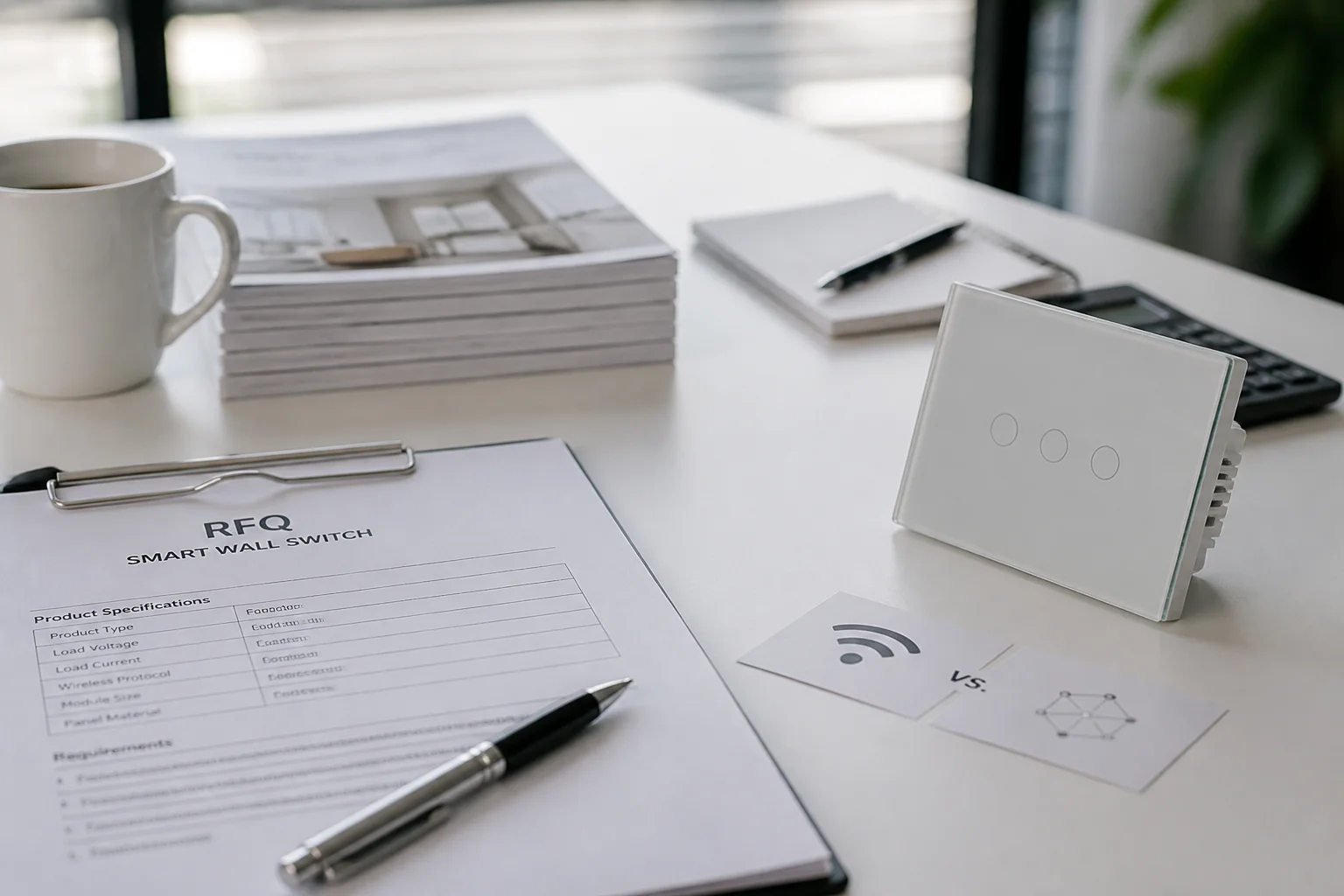
Practical rule: if the RFQ names only “works with Alexa” or “Tuya app,” ask for radio and gateway next. Voice and app compatibility are control-plane notes. They do not tell an installer whether a neutral is present or whether fifty endpoints should sit on household Wi-Fi alone.
“Is it secure?” is not a yes/no checkbox on a datasheet slogan.
Organizational cybersecurity guidance such as the NIST CSF (NIST Cybersecurity Framework) gives channels a calmer vocabulary: identify what is connected, protect access paths, detect unusual behavior, respond when something fails, and recover service.
You do not need to recite the framework in a sales call. You do need better questions than “secure: yes.”
Useful RFQ prompts:
Stay inside evidence. Do not invent penetration-test results, certification marks, or “military-grade” language. Point buyers to a posture conversation and to the product pages that actually publish features for the SKUs on the quote.
Collect these inputs before price and lead time. Missing rows are how lighting SKUs land in switch-loop boxes and how mesh devices ship without gateways.
| RFQ field | Why it matters | Incomplete answer looks like |
|---|---|---|
| Domains in scope | Drives device classes | “Full smart home” with no split |
| Control platform / app expectation | Sets commissioning and support | App logo only |
| Radio / protocol per domain | Sets gateway and Wi-Fi load | “Wireless” with no radio named |
| Gateway / hub plan | Unblocks Zigbee-scale carts | Mesh SKUs, blank hub line |
| Wiring / power path (esp. lighting) | Blocks wrong switch families | “Replace existing switch” with no neutral note |
| Regional faceplate / box format | Avoids US/EU mixups | Photo of a plate with no standard named |
| Load type (lamp, fan, motor, etc.) | Protects dimmer vs on/off choices | “Lights” with no load detail |
| Security / account ownership | Sets handover expectations | “Secure” with no owner named |
| Scene vs per-circuit control | Avoids mode conflicts on some panels | “Scene switch” with no mode rule |
From the field: Installer threads on genuine device communities report no-neutral lighting jobs where smart dimmers blink, reboot, or hum—even after bypasses—especially beside low-draw smart bulbs or older switch-loop boxes (Inovelli Community thread). Treat those reports as risk language, not as a test of any one MOES SKU. If the lighting domain is in scope, document neutral presence (or the approved no-neutral family) before the carton ships.
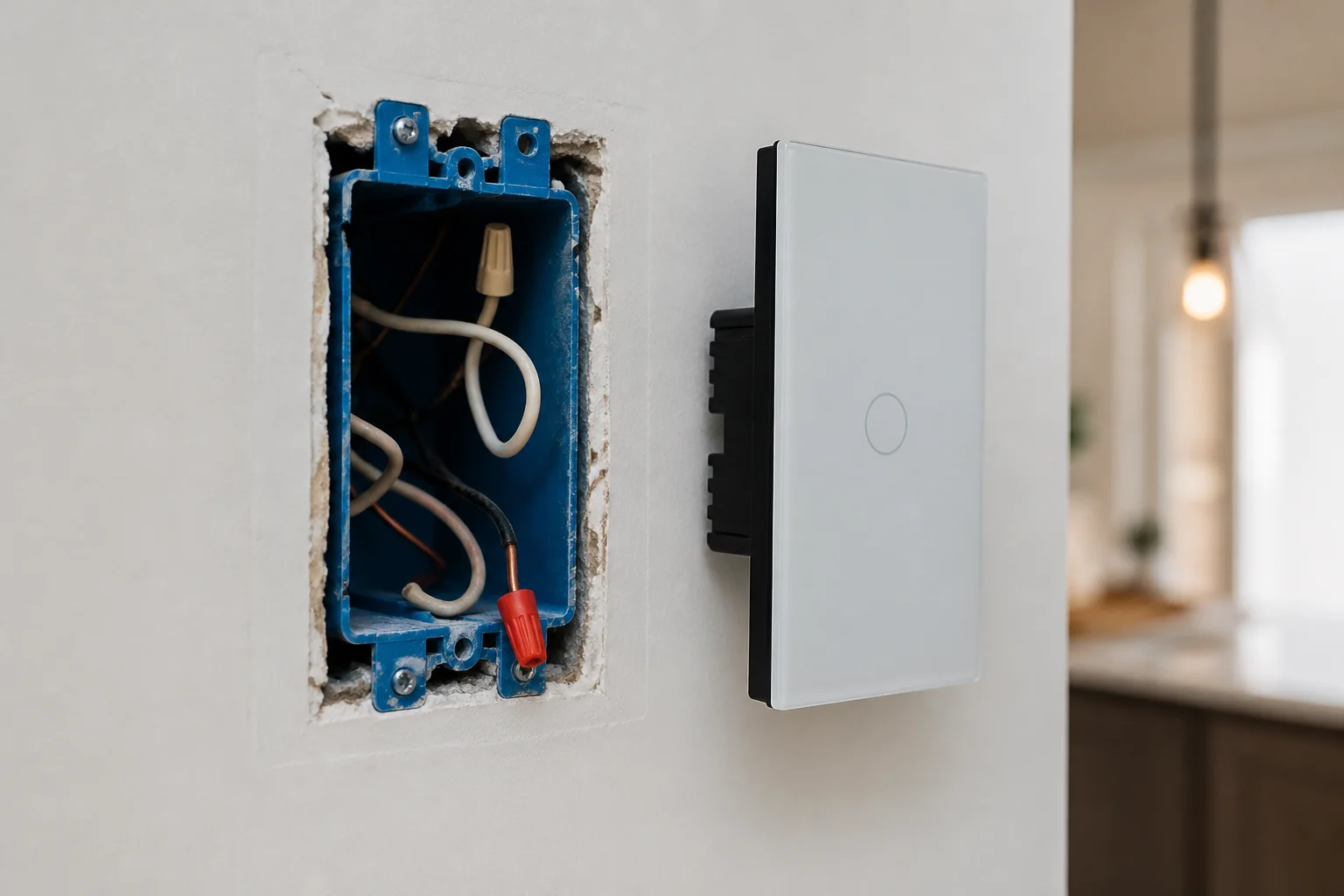
After domains and RFQ gates are clear, open the MOES Tuya Smart Home Products hub to scan switches, thermostats, modules, gateways, and related devices for the domains on the quote.
For a lighting-domain sample with a glass wall control, the MOES Star Feather Wi-Fi US smart switch product page is a concrete next step when the project records a neutral wire and a Wi-Fi demo path. See the MOES Star Feather Wi-Fi US smart switch for published page details.
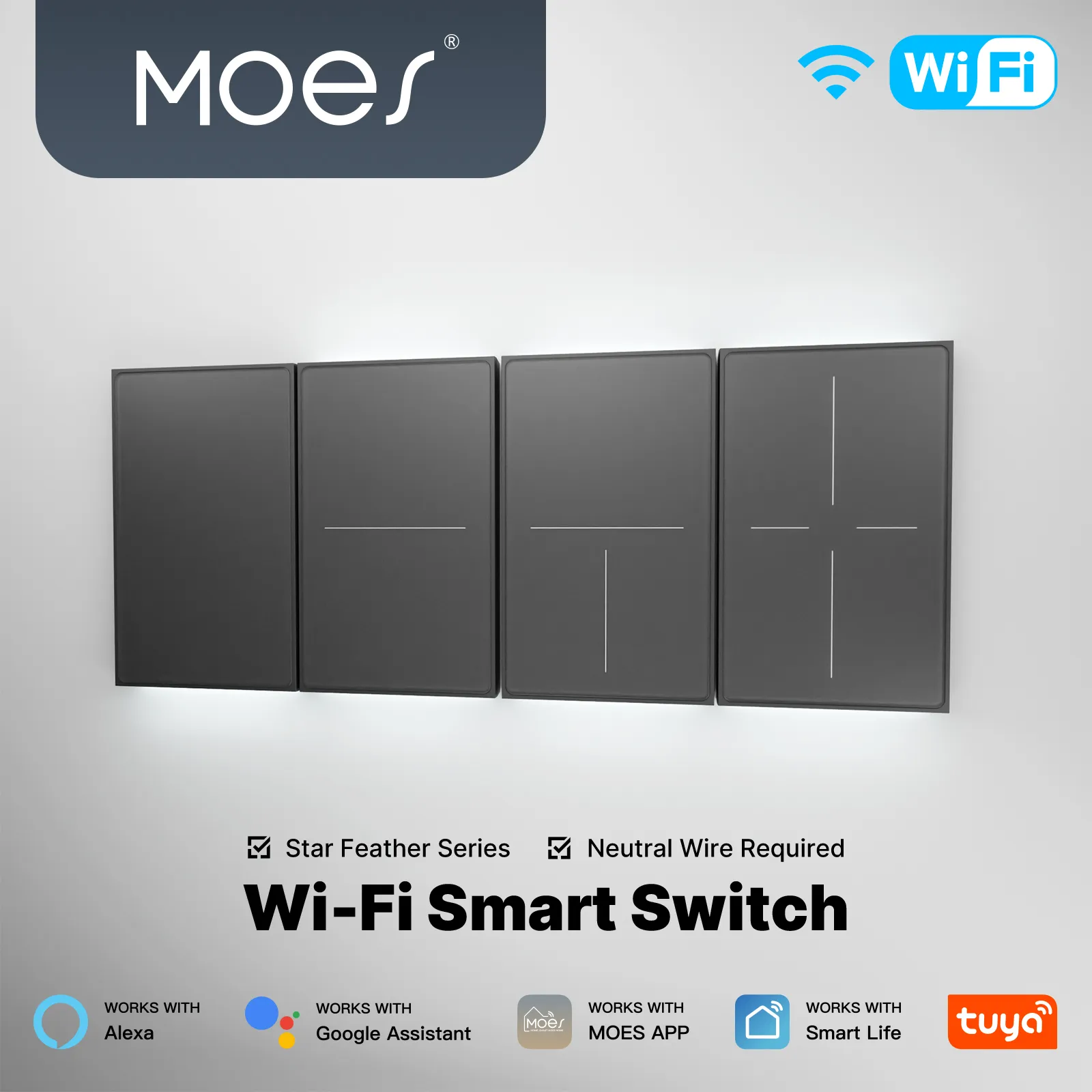
Star Feather collection copy for listed US/EU entries describes neutral-wire products and states that Light Mode and Scene Mode cannot be used simultaneously. Keep that constraint beside the Star Feather series sample—do not promise simultaneous light-plus-scene behavior on the same panel.
If the cart is Zigbee-first or boxes lack neutrals, stay on the hub and choose a different family instead of forcing the sample.
Need a human follow-up on a mixed-domain RFQ? Use Contact Us with the checklist fields above filled in. For switch-only deep dives, return to the smart switch pathway rather than stretching this page into a wiring manual.
Tip: If a buyer wants one faceplate to run both continuous lighting control and multi-device scenes at once, do not quote a Star Feather panel as if both modes can be active together—collection copy says they cannot (Star Feather collection).
No. In consumer search, “applications” often means phone apps and ecosystems. For channels, it means project domains and the device classes that implement them.
Apps still matter for control, but they are one layer—not the whole RFQ.
Lighting, HVAC / climate, security and access, Leak / smoke / CO sensing, energy monitoring, and occupancy/comfort appear repeatedly in home-automation application summaries. Projects rarely need every domain on day one; they do need the in-scope list written down.
Domains, platform/app expectation, radio/protocol, gateway plan, wiring/power (especially for lighting), regional format, load type, and account/security ownership. Price without those fields is a guess.
Wi-Fi and Zigbee are radio/link choices with different hub habits. Matter is an interoperability standard aimed at certified multi-ecosystem devices and allows local control as a design option. Name each layer separately so “Matter” does not silently replace a missing gateway line.
Many smart wall controls need a constant power path. Community install reports show no-neutral and low-load smart-bulb combinations can blink, reboot, or buzz. Document the box wiring before locking a lighting SKU family.
Ask posture questions—what is connected, who can access it, what happens offline, who updates firmware—using a NIST CSF-style conversation rather than a one-word “secure” claim. Tie features only to what the specific product page publishes.
When lighting is in scope, a neutral is present on listed collection entries, and a Wi-Fi glass wall sample matches the demo plan. It is a poor fit for no-neutral boxes, Zigbee-only mesh carts without a matching family, or buyers who need simultaneous light and scene modes on one panel.
This page maps multi-domain smart home applications and channel RFQ inputs. The smart-switch application article focuses on wall-switch use cases and switch RFQs.
The installation article focuses on project inputs before trades overlap. Use each page for its job.


OTHER SMART DEVICES
Jun 13,2026
OTHER SMART DEVICES
Jun 12,2026
TUYA SMART HOME PRODUCTS
Jun 12,2026
 +86 137 3639 3028





