


by NOVA

Sep 07, 2026
Before crews pull a plate on a job that started as a commercial electric smart switch installation query, lock line versus load, neutral versus ground, gang count and box depth, lamp class, and who may open the pairing app after a wall test—onto one signed cutover checklist. Electricians, integrator coordinators, and distributors use this form when US-format wall-switch replacements arrive through that brand-class search. It is not a Hubspace reprint and not a model-by-model bake-off.
The pages that follow list the copper and commissioning fields retailer cards omit, then a sign-off table that keeps smart switch installation paperwork—and any neutral wire smart switch quote—ahead of warehouse picks.
After every row passes, open the smart switch pillar for US and EU wall families. A true no-neutral decision belongs on its own worksheet; do not stretch this form to cover that thesis.
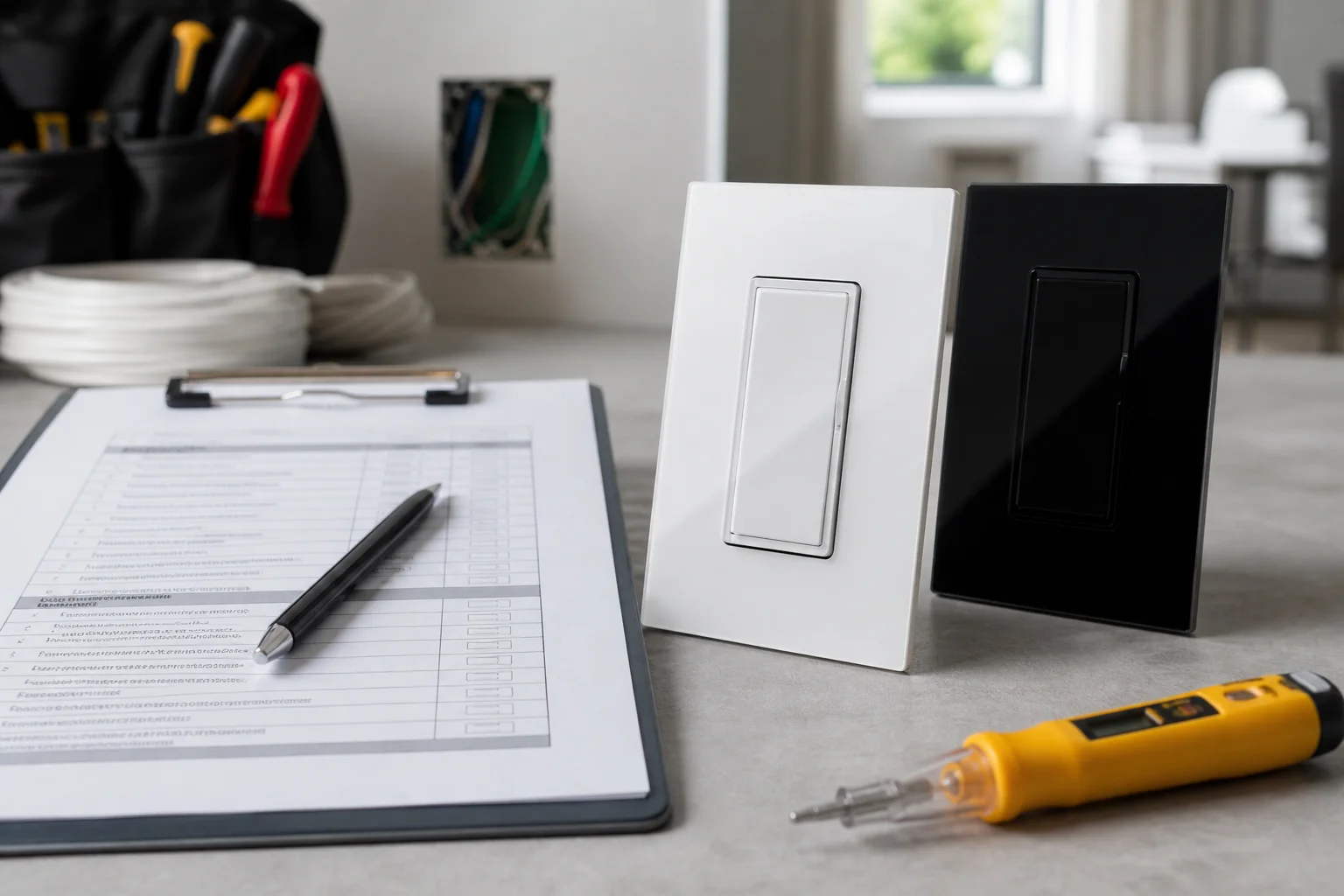
Capture the replacement circuit on paper before anyone mirrors a store listing or launches a phone wizard. Results for this phrase lean on Hubspace-branded SKUs and short DIY clips; those assets almost never force a channel archive of which conductor fed the fixture, whether electronics can power themselves, or who is cleared to pair after cutover.
The signed form becomes the order gate. Warehouse staff can attach it to the pick ticket so single-gang and multi-gang kits leave only when the labeled box on site matches the sheet.
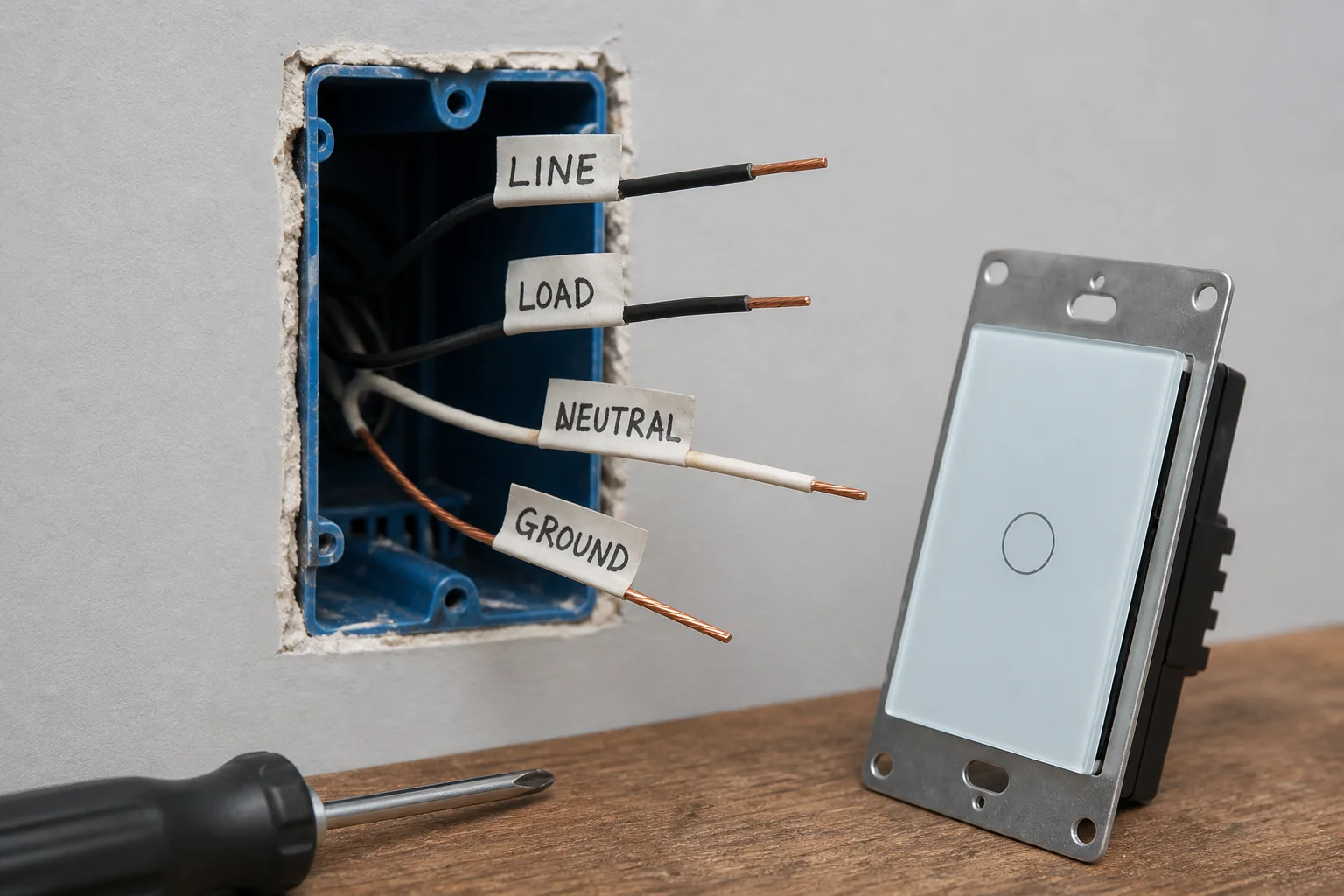
Identify feeder hot, switch leg, neutral wire group, and equipment ground while the old device is still mounted. In a typical one-pole US can, one black stays hot from the panel and the other runs to the lamp; the white or gray nest deeper in the box is often the unused neutral that powered nothing on the mechanical rocker.
Every gang slot in a multi-device can deserves its own tags. Jacket tint is only a clue—field threads keep repeating that paint and age scramble color maps.
Planning notes tied to NEC 404.2(C) expect a grounded conductor at many hall, stair, and living-area lighting controls so electronic devices can sip power continuously, with Code exceptions and local adoption still deciding the job. Ask the responsible electrician which edition governs; cite the rule as a planning flag, not as an inspection stamp you invent.
Community installers who automate hardwired boxes say the same thing in plainer words: neutrals show up on most Wi-Fi bodies, and tiny LED loads rarely forgive old leakage tricks. Missing neutrals mean escalate a pull or choose a datasheet that openly supports a no-neutral path for that lamp class—then log the exception without turning this page into that buying guide.
Keep ground on its own row. Bond green/bare to the house ground. Never borrow ground as a standing return so the electronics “wake up.” People-also-ask answers under this brand search call that shortcut a shock and fire hazard and a Code break—treat it as a hard stop on the sheet.
| Field | What to write | Why it matters |
|---|---|---|
| Line | Photo ID + tester confirmation | Always-hot feeder |
| Load | Photo ID + fixture path | Switch leg to lamp |
| Neutral | Present / absent / fixture-only | Powers electronics while lamp is off |
| Ground | Present / bonded / missing | Safety path—not a neutral substitute |
| Gang / topology | Single-pole / multi-gang / travelers noted | Stops wrong kit architecture |
| Label owner | Who marked wires before disconnect | Archive accountability |
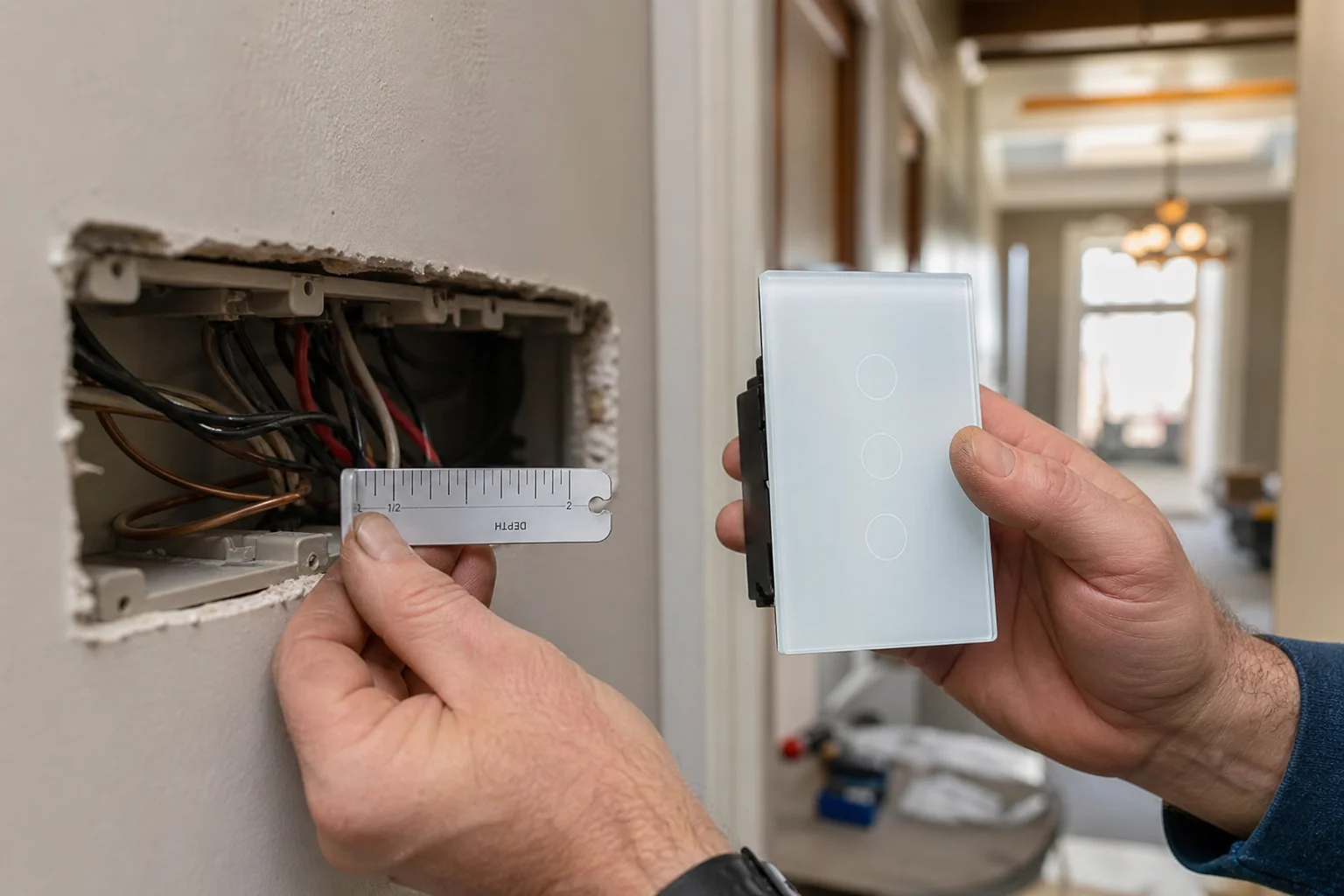
Decide physical fit before glass-panel SKUs leave stock. Smart bodies usually sit deeper than a thin mechanical rocker; remodel cans, stuffed multi-gang boxes, and leftover wirenuts stop a flush seat even when copper tags are perfect.
Note plastic versus metal, approximate depth, how many gangs share the can, and whether a mud ring or extension is already planned. Trade wiring guides push labeling and path records so the next crew is not guessing; carry the same habit onto fill notes that ride with the pick ticket.
Doubtful fit means escalate box work or pick a shallower family before the truck rolls—do not learn the interference only after cutover while the app waits.
Park lamp and driver class—the LED load type plus any CFL, halogen, or mixed bank—next to every candidate part number. Electronic switches publish current or wattage ceilings by load family and sometimes a floor; skinny LED strips under that floor flicker, ghost, or refuse a clean off.
Count fixtures on the switched leg, estimate total watts, mark on/off as the default for this sheet (send dimming jobs to a separate datasheet), and call out picky drivers or ballasts. When a manufacturer table lists a bypass accessory, copy that accessory onto the sheet before picking starts.
Important: When lights flicker after a smart swap, check landings and LED load size first—those failures show up more often than firmware ghosts.
Make the wall circuit tell the truth before anyone owns the phone. Live Wi-Fi install walkthroughs keep the same order: restore the breaker, press the paddle, then pair. Binding a mislabeled feeder set early manufactures “offline” tickets that were copper mistakes all along.
Name who restores power, who proves the paddle, and who may bind Wi-Fi or a hub afterward. Hub jobs need that protocol frozen on the same row so stock and field stop treating “powered” as “commissioned.”
From the field: Contributors on SmartThings urge crews to photograph which screws held which conductors, because tint lies and memory fades once the plate is gone. (source)
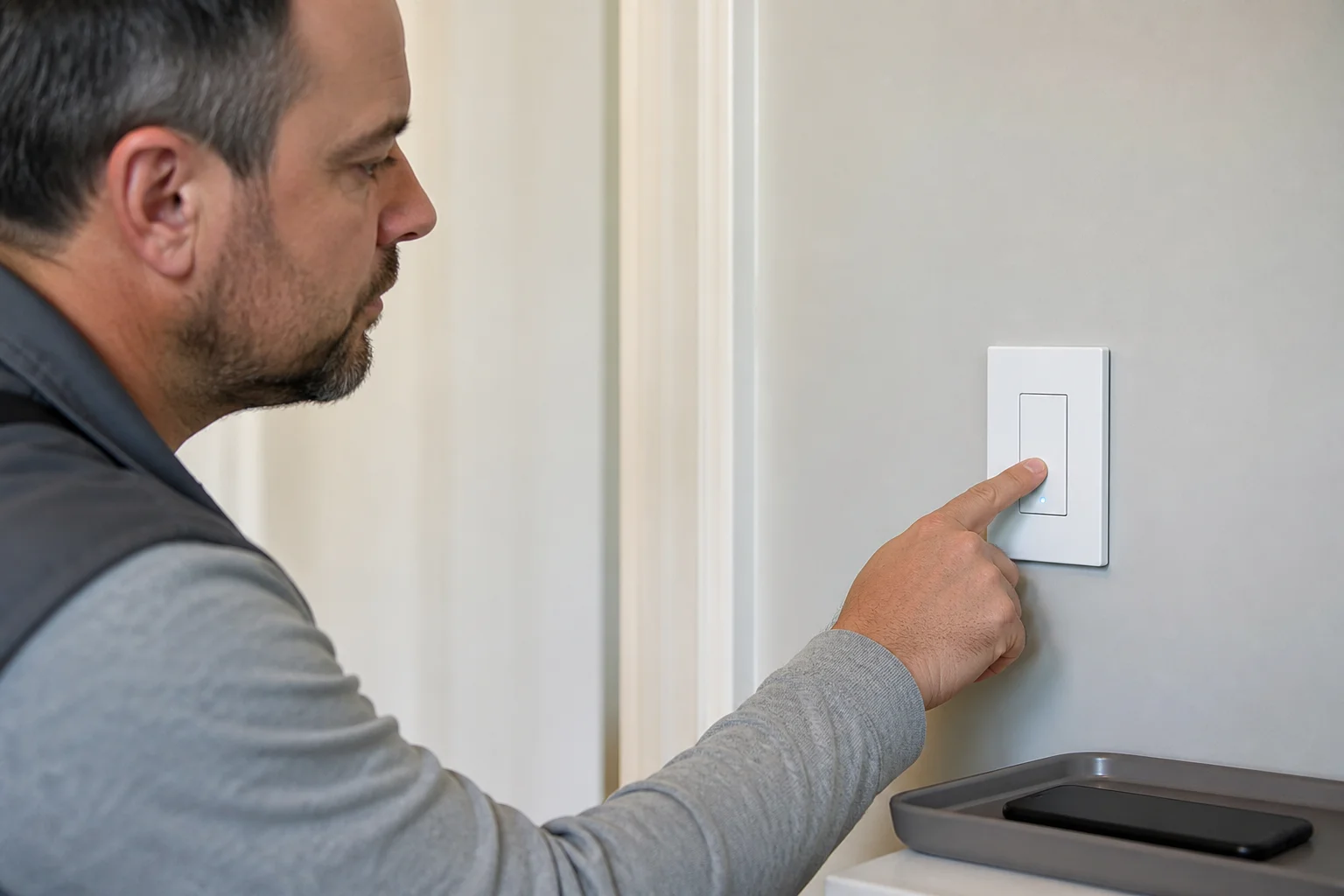
Lock photos and field values before purchase orders leave the channel desk. CEDIA-style infrastructure practice asks crews to label runs and archive network schemes for whoever comes next; apply that habit to a Commercial Electric–intent wall-switch cutover even when drywall never opens.
| Input | What “done” looks like |
|---|---|
| Line / load IDs | Tagged + photo with tester note |
| Neutral status | Present / absent / fixture-only — verified by |
| Ground | Bonded / missing — action noted; never used as neutral |
| Box fill / depth / gangs | Fits / needs extension / needs box work |
| Load class | LED / CFL / incandescent / mixed + approx. watts |
| Protocol path | Wi-Fi direct / hub — named |
| Pairing ownership | Manual test owner + app bind owner |
| Sign-off | Installer + channel buyer initials + date |
Store the signed PDF or photo with the job folder. Later “never paired” tickets then show whether copper and fit were ever frozen.
Offer MOES Tuya WiFi Star Feather Series US Switch only after the signed form already shows US geometry, a confirmed neutral, a Wi-Fi path, and load notes inside the published limits.
Page data for WS-SF-US1 through WS-SF-US4 describes a Wi-Fi US wall-switch family rated 90–250V AC with 10A per gang and 10A total. Collection language treats those US entries as neutral-wire devices, and Light Mode cannot share runtime with Scene Mode—record which mode the job needs so commissioning does not collide.
Skip Star Feather US when neutral is missing, when load exceeds those page limits, when multi-way kit architecture is still fuzzy, or when the reader still wants a Commercial Electric manual reprint. After the sheet is signed, use Contact Us for channel packaging questions.

Lock feeder versus switch-leg tags, neutral and ground status, gang count and box depth, lamp class, Wi-Fi or hub ownership, and cutover sign-off. The brand phrase only explains how the lead arrived.
Most electronic Wi-Fi wall bodies do. Log present or absent before quoting a neutral-required family. Empty boxes need a pull or a datasheet that openly supports no-neutral for that lamp class—on a separate worksheet.
No. Ground is a fault path.
Borrowing it as a standing return risks shock and fire and breaks Code practice. Escalate a real neutral or a datasheet-backed no-neutral path instead.
Under qualified procedure, energize briefly for testing, photograph screws before disconnect, and label both conductors. Jacket color is a clue, not a map.
Record box type, depth, gang count, and fill notes before ordering. Escalate a mud ring, extension, or different body depth rather than forcing glass into a shallow can after cutover.
After the breaker returns and the paddle proves the circuit. Pairing first hides copper mistakes as offline tickets.
It fits after the signed form shows US geometry, a present neutral, a Wi-Fi path, and load inside the published 90–250V AC and 10A-per-gang (10A total) limits for WS-SF-US models.
No. It is a project-input checklist for US smart wall-switch replacements discovered via that search phrase, plus a bounded MOES next step when the sheet matches.


OTHER SMART DEVICES
Jun 13,2026
OTHER SMART DEVICES
Jun 12,2026
TUYA SMART HOME PRODUCTS
Jun 12,2026
 +86 137 3639 3028





