


by NOVA

Sep 09, 2026
The disadvantages of zigbee that matter for B2B channels are RFQ-owned failure modes: hub and coordinator dependency, mesh planning burden behind walls and range limits, interoperability quirks, 2.4 GHz interference, and sleepy end devices that usually do not repeat. This page turns those downsides into selection fields so distributors and installers know what to price—and when NOT to stock Zigbee into the wrong jobs.
For a balanced upside-and-downside trade-off matrix, see Advantages And Disadvantages Of Zigbee: RFQ Checklist. Upside-only selection drivers live on Advantages Of Zigbee; buyer-outcome framing on Benefits Of Zigbee; application-path taxonomy on Zigbee Application RFQ Checklist. This checklist stays on downside ownership.
For channels, disadvantages of Zigbee are procurement risks with named owners—not a hobbyist scare list.
Zigbee is a low-power, low-data-rate wireless mesh stack built on IEEE 802.15.4 for personal-area control and sensing. It fits lighting, sensors, and related automation. It is not a general Wi-Fi replacement for video or heavy LAN traffic.
Independent overviews put the same stack next to a single Coordinator / hub per network, limited zigbee range, End device / sleepy device roles, and RF interference / congestion planning with other 2.4 GHz radios. Alliance messaging still describes a certified mesh ecosystem, which does not erase those failure modes from a channel quote.
A United States distributor filling multi-unit lighting carts feels the downside first as ticket volume: unnamed hubs, thin Mesh router / repeater maps, and Wi-Fi channel clashes. The job of this checklist is to lock those failure modes before anyone picks a Zigbee SKU under Smart Modules.
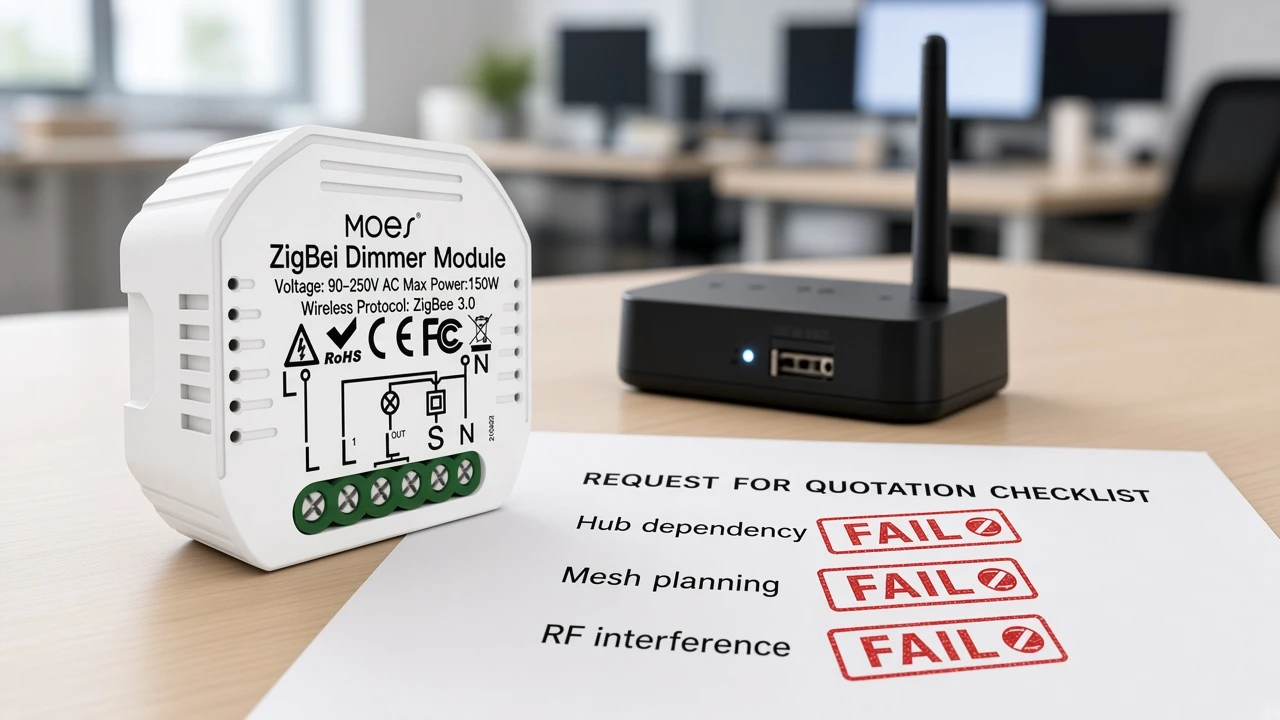
Most Zigbee networks need one hub or coordinator; if it is unnamed or fails, the local network—and the quote—fail with it.
The coordinator commissions devices, holds network keys, and often bridges to apps or other networks. Educational and encyclopedia sources describe that role as singular: typically one coordinator per Zigbee network. Channel carts that sell battery sensors or dimmer modules without naming who supplies, stocks, and supports the hub are selling half a system.
Price the dependency as line items:
Local mesh control when WAN is weak still assumes that on-site coordinator is alive—it does not remove the hub from the bill of materials.
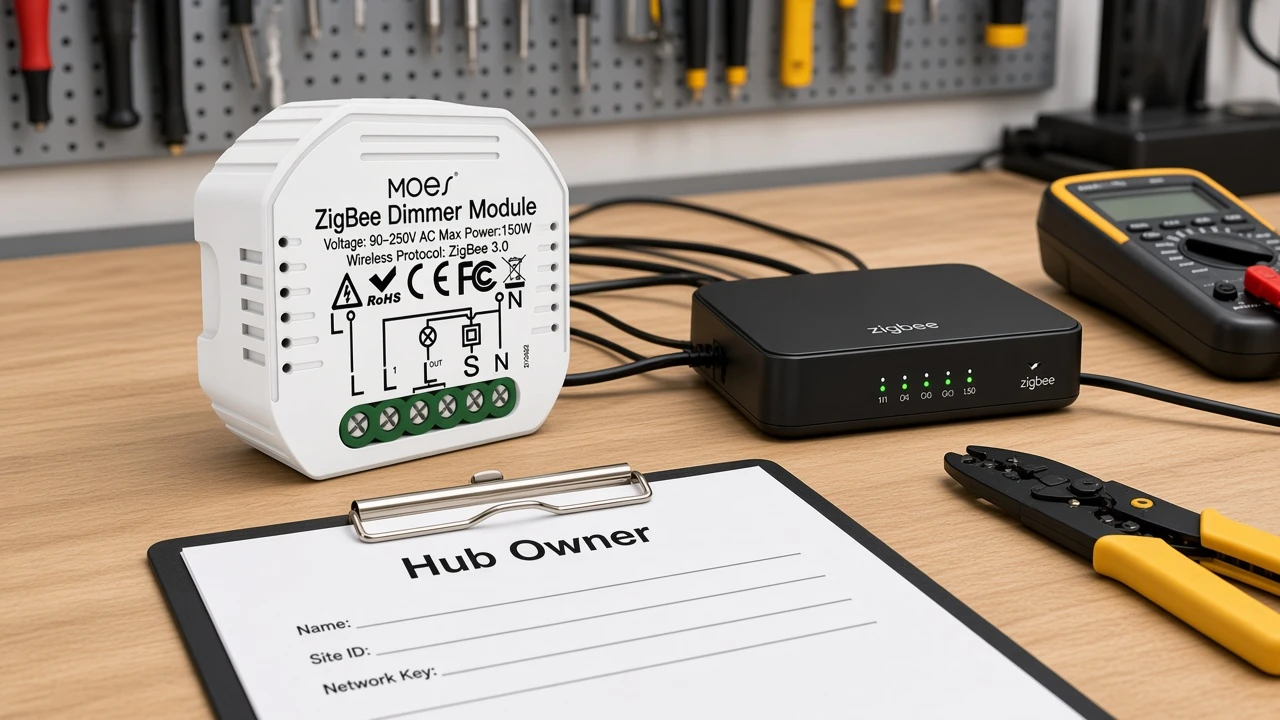
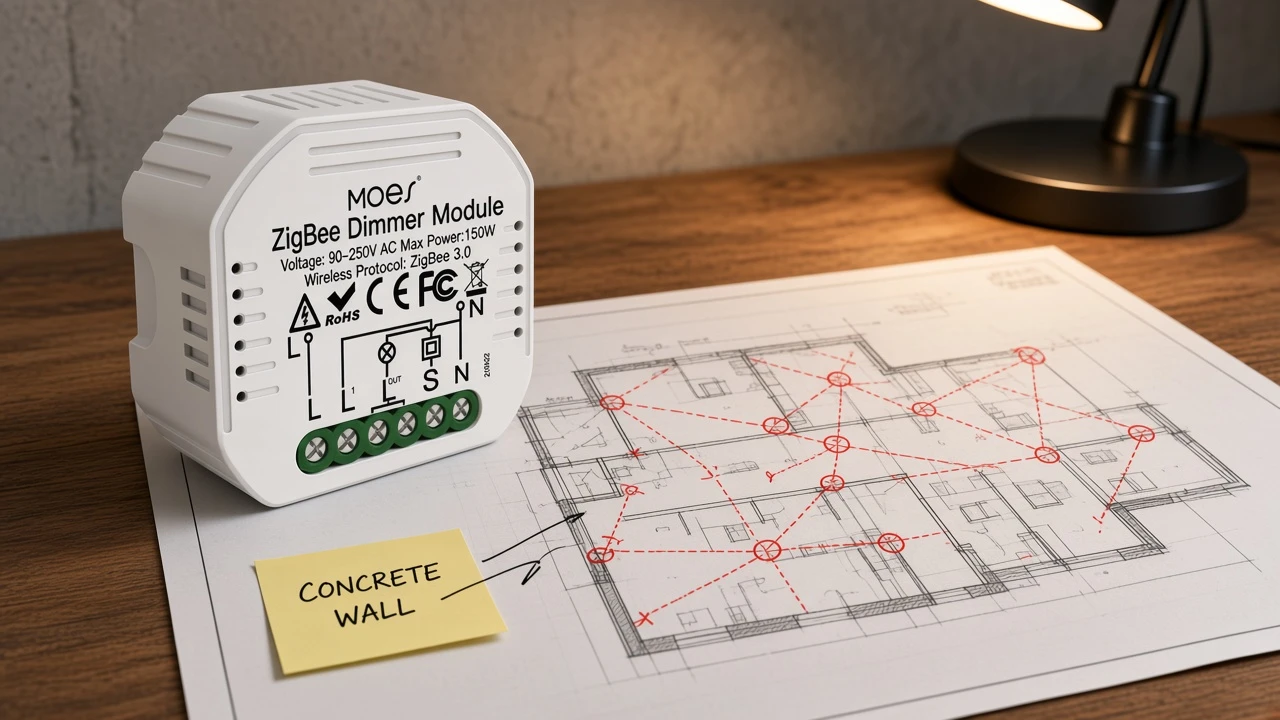
Limited per-hop range and wall attenuation make router density a priced disadvantage, not a free property of the Zigbee logo.
Published line-of-sight bands are often cited around 10–100 meters depending on power and environment. Indoor 2.4 GHz paths commonly shrink toward tens of meters—encyclopedia notes often land near a 10–20 meter class indoors—when drywall gives way to brick, concrete, or metal. Mesh hops extend coverage only when intermediate routers exist between the coordinator and the farthest leaf.
That is planning labor for zigbee range. Someone must draw a mains-powered Mesh router / repeater map and place always-on plugs or switches as repeaters behind hard walls.
Community planning language for typical United States construction often targets roughly one mains-powered repeater about every 40 feet—or tighter behind brick and metal. You do not need that exact spacing on every quote, but you do need a density rule the installer accepts before promising “mesh just works.”
Mixed-brand quirks and non-repeating battery leaves turn “works with Zigbee” into ticket volume unless the RFQ gates them.
Certification intent describes a shared application language. Field carts still hit proprietary clusters, custom attributes, and hub-app profile limits. Educational summaries list interoperability challenges across manufacturers as a standing disadvantage.
RFQs that promise any Zigbee end device on any hub without a compatibility table create support debt before the first floor is commissioned.
Sleepy end devices amplify the planning burden. Battery leaves spend most of their life asleep and wake to talk to a parent router or coordinator.
Community operators repeatedly note that mains-powered Zigbee devices usually act as repeaters, while battery devices typically do not, because they conserve power. Selling a cart full of sleepy sensors without enough always-on routers is how mesh reliability becomes a day-two disadvantage.
Important: Treat missing mains-powered repeaters and Wi-Fi/Zigbee channel overlap as quote risks, not after-sales surprises. SmartThings community threads on reliable mesh and interference FAQs repeatedly tie dropouts to thin router backbones and stacked channels—lock repeater density and channel ownership in the RFQ when you sell dense Zigbee lighting or sensing.
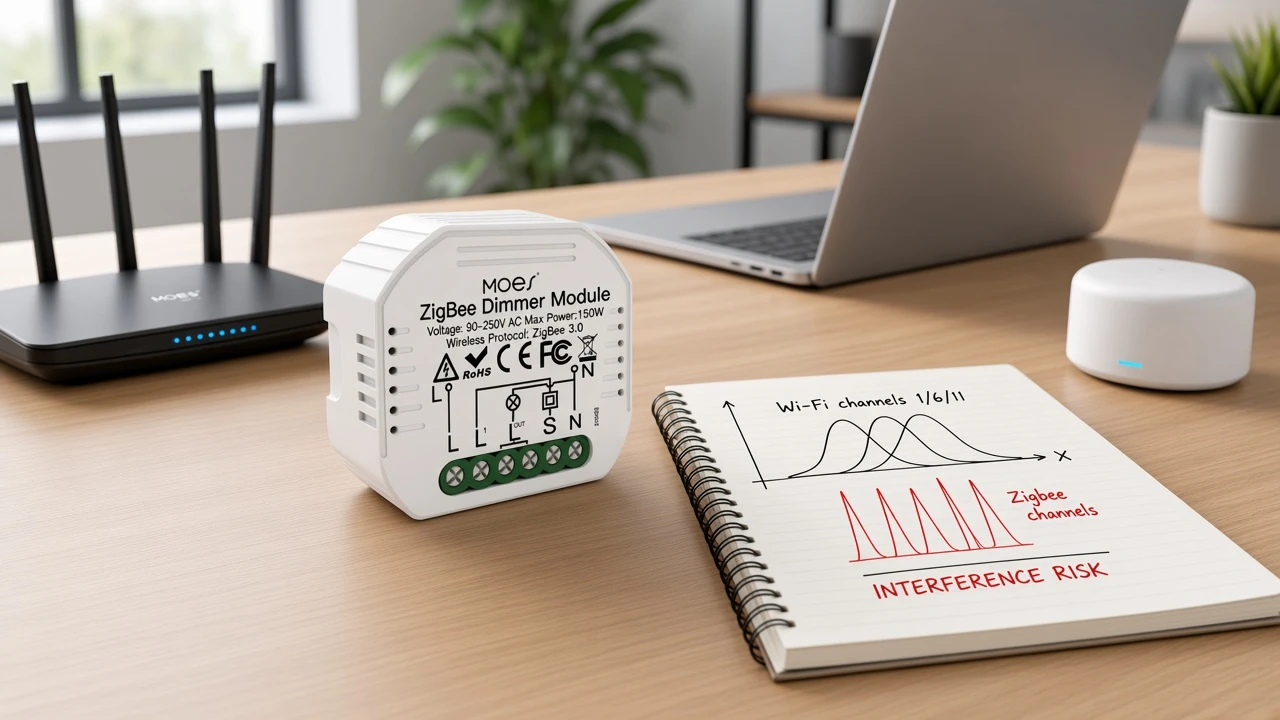
2.4 GHz clashes plus bandwidth and no-hub mandates are clear signals to stock another path.
Zigbee commonly shares the 2.4 GHz ISM band with Wi-Fi. Educational notes suggest parking Wi-Fi on channels such as 1, 6, or 11 while placing Zigbee on spaced channels such as 15, 20, or 25 when the gear allows.
Community interference FAQs add practical habits: keep the hub away from the access point and metal cabinets, and move heavy Wi-Fi traffic to 5 GHz when the site allows it. Ignore coexistence and dense Zigbee lighting starts competing with apartment Wi-Fi for the same airtime.
Bandwidth is the other hard stop. Protocol-class rates on the order of ~250 kbit/s fit switch commands and sensor packets. They do not fit streaming video or large file transfers.
On zigbee vs wifi stocking decisions, channels should refuse Zigbee as the “wireless everything” answer when the buyer’s real job is high-bandwidth media on the same radio path.
| Buyer or site condition | Why Zigbee is the wrong default | Prefer instead (channel language) |
|---|---|---|
| Explicit “no hub / no gateway” mandate | Coordinator dependency cannot be priced or accepted | Wi-Fi or other no-hub SKUs the RFQ already names |
| Video, continuous high-rate telemetry, or large transfers on the same path | ~250 kbit/s-class Zigbee is control-grade, not media-grade | Keep high-bandwidth loads on Wi-Fi/Ethernet |
| No owner for hub pairing, recovery, or replacement | Hub failure becomes an unowned outage | Delay Zigbee SKUs until hub ownership is signed |
| Concrete/metal-heavy plan with almost no mains router budget | Range and wall attenuation without repeaters orphan leaves | Fund router density or choose a different topology |
| Multi-vendor “any Zigbee works” promise with no compatibility table | Interoperability quirks become ticket volume | Hub SKU + tested profile table before assortment |
| Dense 2.4 GHz Wi-Fi with no channel owner | RF congestion turns mesh into intermittent dropouts | Coexistence plan first—or Wi-Fi-centric assortment |
Use a failure-mode table that names an owner for every Zigbee disadvantage before SKU approval.
| Zigbee disadvantage / failure mode | What breaks if unowned | RFQ fields to lock early |
|---|---|---|
| Hub / coordinator dependency | Network cannot form or recover; half-system quotes | Hub SKU; who commissions; who recovers on hub swap |
| Limited per-hop range + walls | Dead zones behind concrete/metal; orphaned leaves | Coverage sketch; wall materials; hop budget |
| Thin mains router density | Mesh cannot heal; sleepy leaves lose parents | Router/repeater map; which SKUs are mains routers vs end devices |
| Sleepy end devices do not repeat | Battery-heavy carts without backbone | End-device count vs always-on router count |
| Interoperability quirks | Mixed-brand baskets fail on hub apps/profiles | Hub model; compatibility table; profiles in scope |
| 2.4 GHz Wi-Fi coexistence | Intermittent dropouts after Wi-Fi APs go live | Wi-Fi channel plan; Zigbee channel owner; hub↔AP distance |
| Low data-rate ceiling | Buyer expects video/media on Zigbee | Explicit exclusion of high-bandwidth loads from Zigbee path |
| No-hub or Wi-Fi-only mandate | Zigbee SKUs fight the buyer’s constraint | Stock path decision: Zigbee deferred or refused |
Walk the table top to bottom before approving Zigbee modules. If any row has no owner, do not treat Zigbee as the default assortment for that job.
Use the Moes Tuya ZigBee 3.0 Smart Dimmer Switch Relay Module only when hub, reset-switch wiring, load watts, and downside owners are already locked.
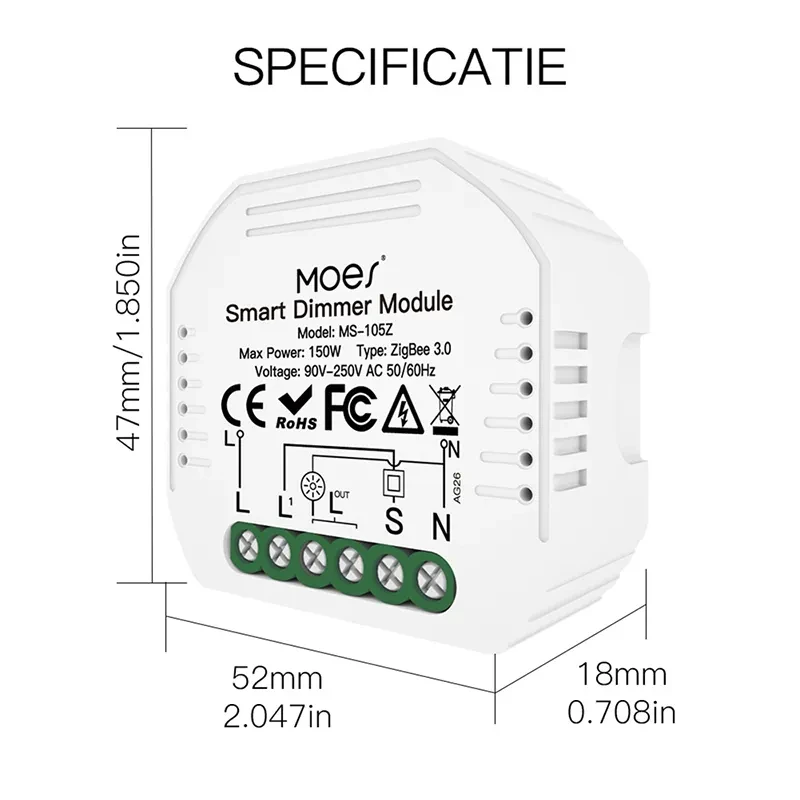
The Moes Tuya ZigBee 3.0 Smart Dimmer Switch Relay Module (model MS-105Z) is a ZigBee 3.0 dimmer relay in the Smart Modules assortment.
First-party copy states it is designed for the ZigBee 3.0 protocol with a Tuya ZigBee hub required, and positions local Zigbee LAN control when WAN is weak.
Published electrical and radio gates for this Smart modules / MS-105Z example include 90–250V AC 50/60Hz, maximum power 75W at 110V / 150W at 220V, 52×47×18 mm housing, 2.400–2.483 GHz operation, transmit power under +20 dBm, and a reset-switch suitability note.
That SKU is a bounded example after the failure-mode checklist above—not a workaround for unnamed hubs, missing routers, or no-hub mandates. If the RFQ still lacks downside owners, keep the module on hold and reopen the Smart Modules path only when the gates close. For assortment questions after the checklist is filled, use Contact Us.
Hub and coordinator dependency, mesh planning behind limited range and walls, interoperability quirks across mixed brands, 2.4 GHz interference with Wi-Fi, sleepy devices that usually do not repeat, and a control-grade data-rate ceiling that blocks media workloads.
Typical channel carts still need a named Zigbee hub or coordinator. One coordinator usually forms each network, commissions devices, and holds keys—so hub SKU and support ownership belong in the RFQ before end-device SKUs.
Signals can pass lighter materials, but brick, concrete, and metal attenuate them. Published LOS bands often sit around 10–100 meters; indoor paths commonly shrink toward tens of meters. Mesh routers—not the logo alone—extend coverage.
On zigbee vs wifi decisions, avoid Zigbee as the default when the buyer bans hubs, needs high-bandwidth media on the same path, cannot fund router density, or has no coexistence plan for busy 2.4 GHz Wi-Fi. Those jobs belong on Wi-Fi or another named topology.
Battery end devices sleep to save power and typically do not repeat packets. Without enough mains-powered routers, a sensor-heavy cart leaves holes in the mesh and raises orphaned-leaf tickets.
Name the hub SKU, list profiles in scope, and attach a compatibility table for mixed brands. Do not promise “any Zigbee works with any hub” without tested gates.
Do not stock or refuse Zigbee on rumor. Decide from RFQ fit: hub ownership, router density, coexistence, quirks, and bandwidth needs—not from obsolescence headlines.
When the RFQ already names a Tuya ZigBee hub, reset-switch wiring, load watts within the published 75W/150W limits, and the disadvantage owners in the failure-mode checklist above.


OTHER SMART DEVICES
Jun 13,2026
OTHER SMART DEVICES
Jun 12,2026
TUYA SMART HOME PRODUCTS
Jun 12,2026
 +86 137 3639 3028





