


by NOVA

Sep 29, 2026
Successful smart home thermostat installation for channel and installer projects starts as a paperwork freeze, not as an open-ended DIY video. Before crews pull a faceplate or pack a SKU, document HVAC system type, power path, load amp class, wireless protocol, mount and sensor evidence, app ownership, and commissioning order so the wrong kit does not leave the warehouse.
This article is that freeze sheet for thermostat jobs — complementary to broader first-kit planning such as how to set up a smart home project inputs, and scoped only to thermostat copper, power, and pairing decisions. Use it when the RFQ is really about smart thermostat wiring, a C-wire thermostat swap, or thermostat commissioning on a documented heating path.
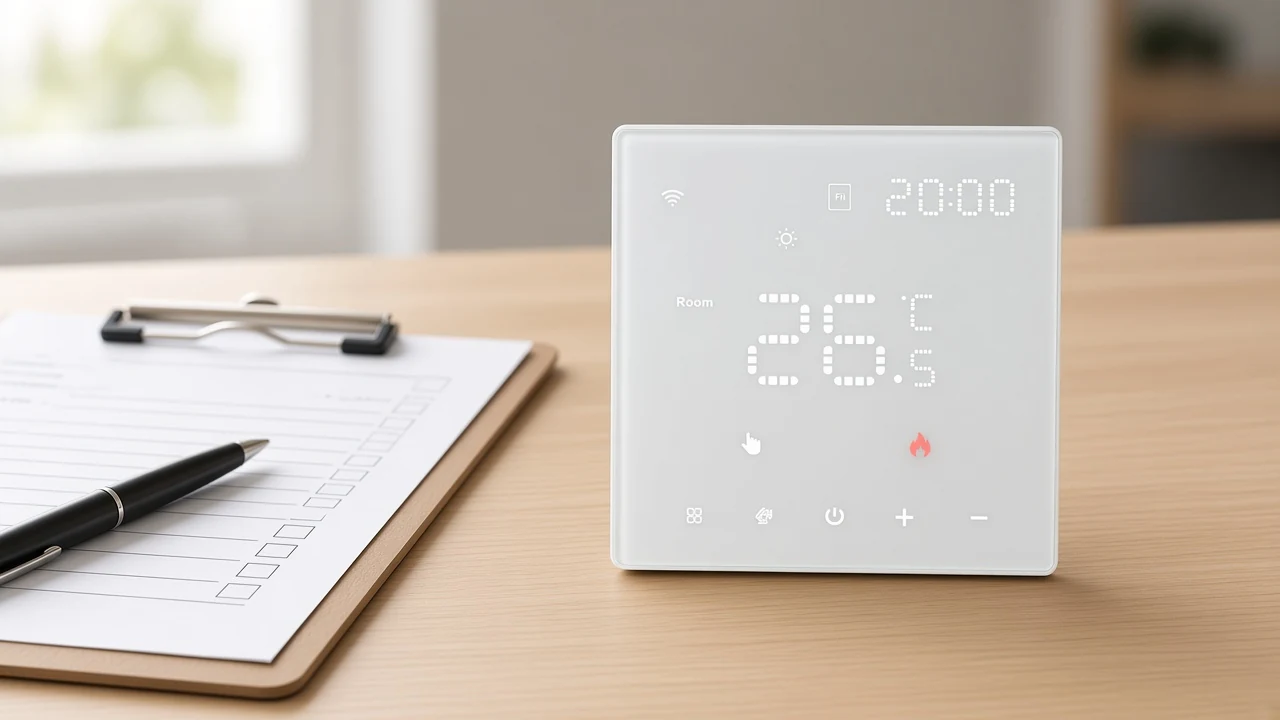
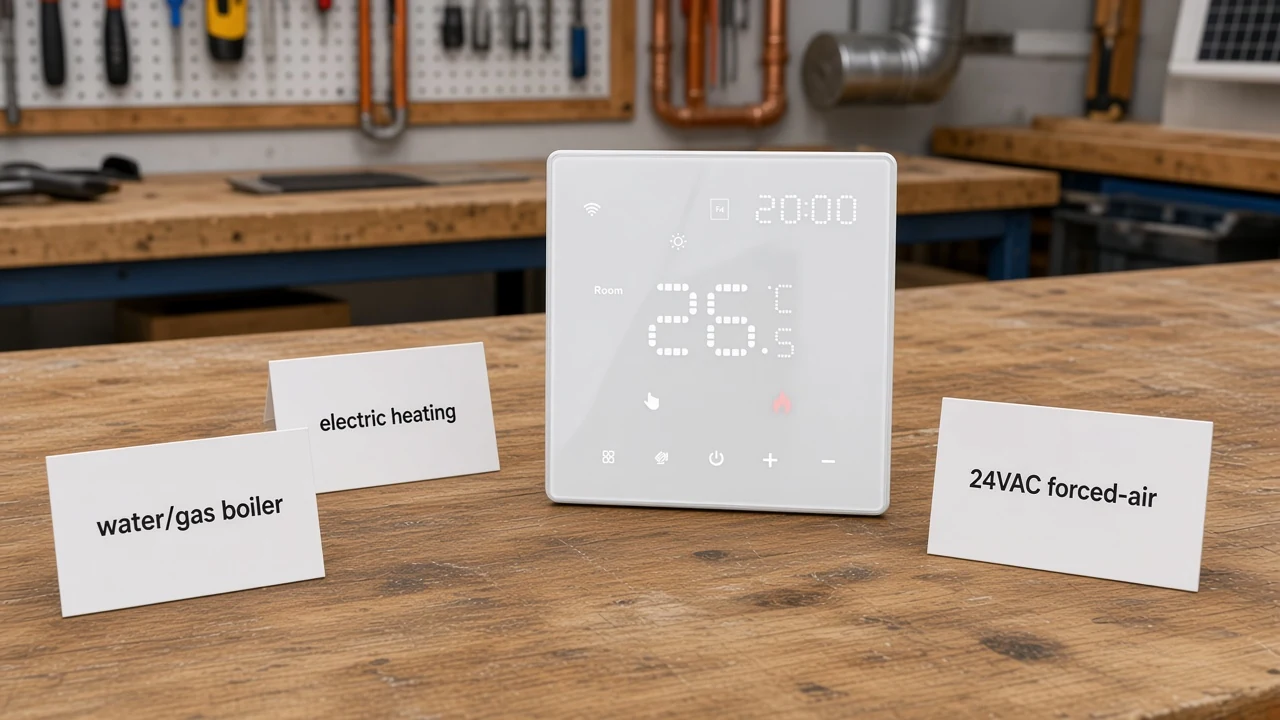
Name boiler/water, electric heating, or 24VAC forced-air before shopping — system type decides which power path and amp class even apply.
A water or gas boiler job, an electric heating load, and a classic 24VAC furnace/air-handler thermostat are not interchangeable shopping carts. Utility guidance starts with equipment compatibility before brand selection.
If the sheet only says “smart thermostat,” the truck can leave with a line-voltage controller for a low-voltage C-wire swap, or the reverse. Freeze one primary system type on the job packet, then note secondary loads if the site mixes zones.
For channel quotes aimed at MOES smart thermostat assortments, the category itself is framed around water boiler and electric heating controllers. That is useful when the documented path is line-voltage heating — and a warning when the site is actually a Nest-class 24VAC forced-air retrofit that still needs C-wire documentation.
Write the system type in plain language the receiving crew can verify at the equipment nameplate.
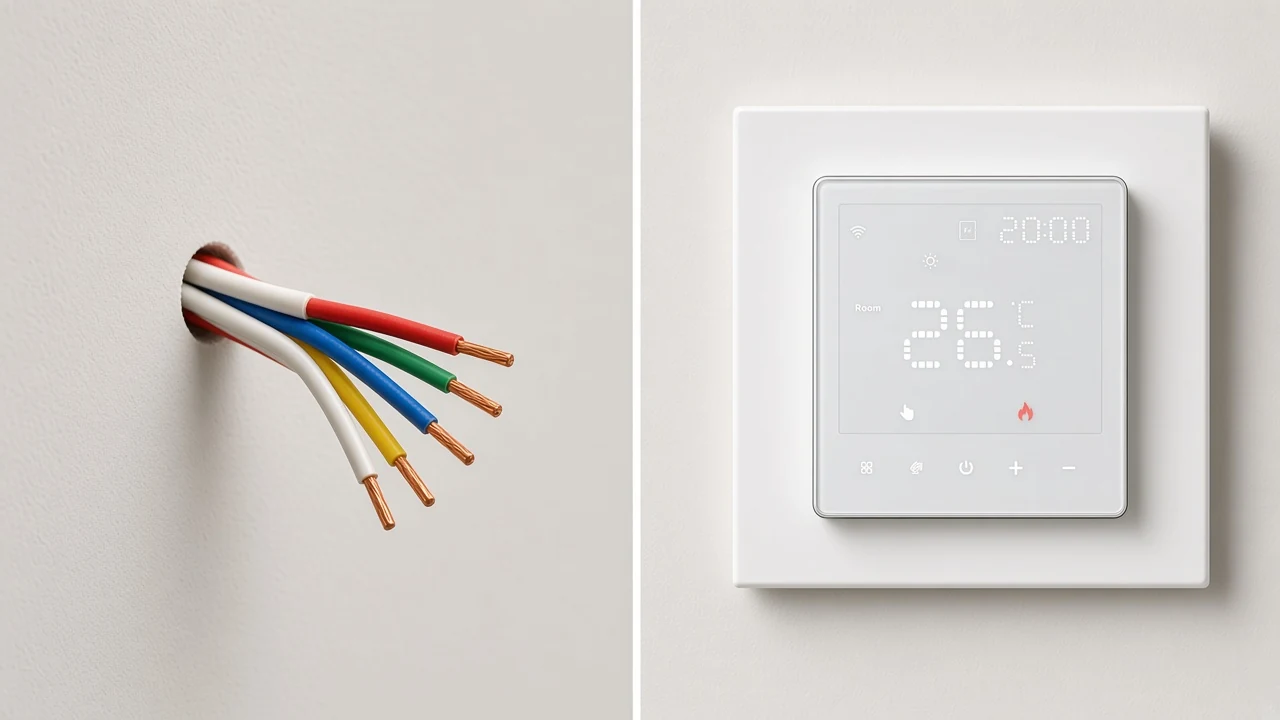
Freeze whether the job is 24VAC C-wire or line-voltage L/N/load before anyone assumes “extra blue wire equals power.”
On low-voltage HVAC controls, R and C complete a continuous 24VAC circuit that keeps Wi-Fi radios and displays alive. Independent install guides recommend a dedicated C-wire when possible.
Adapters or power-extender kits exist when an unused conductor is missing, but they change the bill of materials and the evidence pack. On line-voltage water/gas or electric heating controllers, the power story is mains L/N plus a switched load — not a furnace board C terminal.
Mixing those classes on one RFQ is how “no power after install” tickets appear with photos of the wrong terminals.
Important: An unused conductor in the wall is not a live C-wire until the same color lands on C at the thermostat and on C (or the documented common) at the equipment. Color alone proves nothing — both ends must be landed and photographed.
Kill power at the correct breaker before any terminal work. Consumer guides treat multi-breaker HVAC shutoff as a standard safety input; record which breakers were opened so the next shift does not assume the circuit is still isolated.
Record page-stated amps for the heating path you are switching — water/gas and electric heating rarely share the same maximum load on one controller family.
When the documented path is line-voltage heating, amp class is a hard freeze field. A water-heating or gas-boiler path that needs a few amps is not the same RFQ as an electric heating path rated at a much higher switched current.
Quoting the electric rating into a water-only job, or the reverse, creates returns and unsafe substitutions. Put the heating path and the maximum switched current on the same line of the packet, then pick SKUs only after that line is signed.
| System type freeze | Power-path class | Load / protocol freeze to write |
|---|---|---|
| 24VAC furnace / air handler / heat pump thermostat | Low-voltage R/C (C-wire or approved adapter) | Conductor count both ends; C landed or adapter SKU; heat/cool terminal map |
| Water heating / gas boiler controller | Line-voltage L/N + switched load | Water/gas amp class from the product page; protocol (Wi-Fi / Zigbee / Matter) |
| Electric heating controller | Line-voltage L/N + switched load | Electric amp class from the product page; protocol; mount location away from direct radiant bias |
Keep invented “universal amp” language out of the packet. If the product page publishes separate water/gas and electric maxima, the job sheet must choose one path and cite that row.
Lock protocol path and hub/app prerequisites with the SKU — wireless language is a logistics field, not a post-install surprise.
A Wi-Fi-direct thermostat, a Zigbee thermostat that expects a hub ecosystem, and a Matter Wi-Fi thermostat do not share the same commissioning prerequisites. If the channel freezes “Wi-Fi” on the RFQ but ships a Zigbee knob without hub notes, pairing stalls on day one.
Record: protocol selected, whether a hub/gateway row is required, whether Matter commissioning tooling is required, and which app family owns the account. That freeze belongs next to the load line so purchasing cannot split them across two emails.
For multi-unit projects, keep protocol consistent inside a building unless the packet explicitly documents mixed paths by floor or dwelling. Mixed protocols without a named owner for each path produce orphan devices that support cannot reproduce.
Archive leveled mount, sensor placement, and terminal photos — physical evidence closes more tickets than adjectives.
Install guides from utilities and independent labs converge on the same physical inputs: photograph terminals before disconnect, label conductors, level the new baseplate, and confirm the display seats without pinched wires.
Add sensor location for room-temperature accuracy. Built-in NTC sensing assumes the thermostat sees representative room air; mounting over a draft, in direct sun, or inside a cold exterior wall cavity creates “thermostat wrong” tickets that are really placement tickets.
Log planned height, wall orientation, and any remote sensor plan before permanent screws go in. Wire photos should cover both ends when a C-wire or new conductor is claimed — community HVAC threads repeatedly show unused conductors cut short at the furnace.
Freeze account owner/region and publish the power→document→pair→test order so pairing does not start on a live, unlabeled circuit.
Companion-app setup is part of install completion in consumer guides; for B2B crews it is also an ownership field. Name the admin account, the region or data residency assumption the channel uses, and who holds recovery credentials.
Do not leave the thermostat paired under a technician’s personal login if the property manager must own the tenancy later.
Use a commissioning order the crew can follow without improvising:
Skipping straight to app pairing before the power-path and amp lines are frozen is how “device online, load wrong” escalations appear.
Attach system type, power path, amps, protocol, photos, and step log — support cannot reverse-engineer a missing freeze sheet.
| Evidence item | Why it matters | Minimum artifact |
|---|---|---|
| System type line | Selects power-path and amp class | One chosen type + nameplate photo if available |
| Power-path class | Separates 24VAC C-wire from line-voltage | R/C map or L/N/load note |
| Load amp match | Prevents water/gas vs electric mis-packs | Page amp row cited next to path |
| Protocol + hub/app | Prevents pairing dead-ends | Wi-Fi / Zigbee / Matter + hub yes/no |
| Terminal photos both ends | Proves C-wire or load landing | Timestamped images |
| Commissioning step log | Shows where the job failed | Ordered checklist with pass/fail |
Escalate only after this pack exists. Tickets that say “thermostat dead” without breaker ID, amp path, or photos waste a day that documentation would have saved on site.
Match live MOES thermostat pages only to page-stated load and protocol paths — never invent C-wire claims those pages do not publish.
When the freeze sheet says line-voltage water/gas or electric heating with Wi-Fi or Zigbee, the MOES WiFi/Zigbee programmable thermostat (product 1602) publishes Power Supply 100~250VAC, Max. Load 16A for electric heating and 3A for water heating/gas boiler at 250VAC, Temperature Display Accuracy ±0.5°C, and WiFi Frequency 2.400~2.483GHz.
Use the 3A water/gas row or the 16A electric row according to the documented path; do not treat either number as universal.
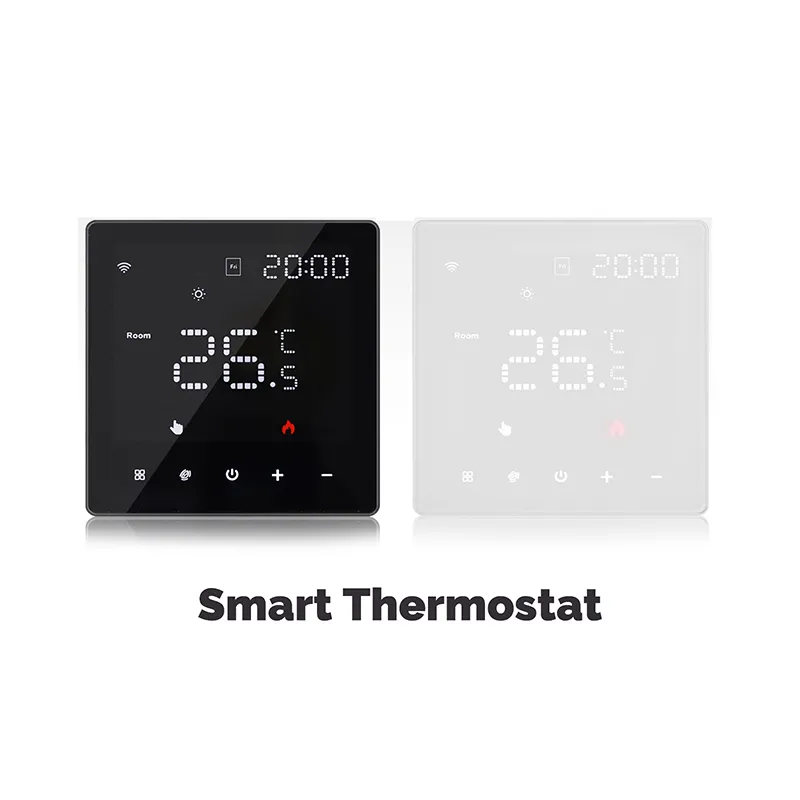
When the packet freezes Matter Wi-Fi on the same heating families, the MOES Matter WiFi smart thermostat (product 1603) states Current Load 5A for water heating/gas boiler and 16A for electric heating, Sensor NTC3950 10K, Accuracy ±1°C, and Power Consumption under 1.5W.
When the packet freezes a Zigbee knob path, the MOES ZigBee Star Ring smart knob thermostat (product 1722) states Voltage 95-245V AC, Current Load 5A water/gas and 16A electric, ZigBee module ZT3L, Range Of Power 300W~6000W, Accuracy ±1°C, and IP20.
Add hub/app prerequisites on Zigbee jobs before the truck leaves. None of these pages publish a 24VAC C-wire claim — keep C-wire documentation on true low-voltage HVAC swaps, not as invented copy on these SKUs.
Freeze HVAC system type, power-path class (24VAC C-wire versus line-voltage), load amp row for water/gas or electric heating, wireless protocol, mount/sensor evidence, app account/region, and commissioning order before copper or pairing starts.
No. Many 24VAC Wi-Fi thermostats need continuous R/C power or an approved adapter, but line-voltage water/gas and electric heating controllers follow mains L/N and load ratings instead. Document the class first; do not assume every smart thermostat is a C-wire device.
Use the product page’s separate maxima for each path. For example, live MOES pages publish 3A or 5A for water/gas boiler paths and 16A for electric heating on the same family — pick the row that matches the documented load, not a blended average.
Freeze the protocol with hub/app prerequisites on the same line as the SKU. Wi-Fi-direct, Zigbee-with-hub, and Matter Wi-Fi commissioning are different logistics paths; shipping mixed assumptions without a named owner creates orphan devices.
Capture terminal photos before disconnect, both-end photos when claiming a C-wire, a leveled baseplate shot, sensor/mount location notes, breaker IDs, and a timed commissioning checklist with heat/cool test results.
Isolate power, document wires and freeze fields, confirm SKU match, mount and land conductors, restore power, pair on the documented account/region, then run controlled heat/cool calls with a written pass/fail log.
Escalate when system type is unknown, conductor count cannot be verified at both ends for a claimed C-wire, amp path does not match any page row, or protocol/hub prerequisites are missing from the RFQ — not after a failed afternoon of improvisation.




OTHER SMART DEVICES
Jun 13,2026
OTHER SMART DEVICES
Jun 12,2026
TUYA SMART HOME PRODUCTS
Jun 12,2026
 +86 137 3639 3028



