


by NOVA

Sep 30, 2026
Compare zigbee vs bluetooth as a protocol assortment choice for the channel / distributor buyer: a Zigbee mesh that usually needs a hub, versus a Bluetooth Mesh path that can use phone-native provisioning and an optional Wi-Fi plus Bluetooth mesh gateway — after you split Classic Bluetooth and BLE point-to-point accessories out of the same RFQ line. Use topology, hub versus provisioner, device density, sleepy endpoints, hops/range assumptions, and commissioning labour as the quote fields before you lock brands.
This page gives the protocol frame, a Classic-versus-Mesh split, a decision matrix, those RFQ fields, and live MOES SKU evidence. It does not rewrite the Zigbee versus Wi-Fi radio/AP comparison or the Zigbee versus Thread border-router comparison. Browse modules on the Smart Modules pillar.
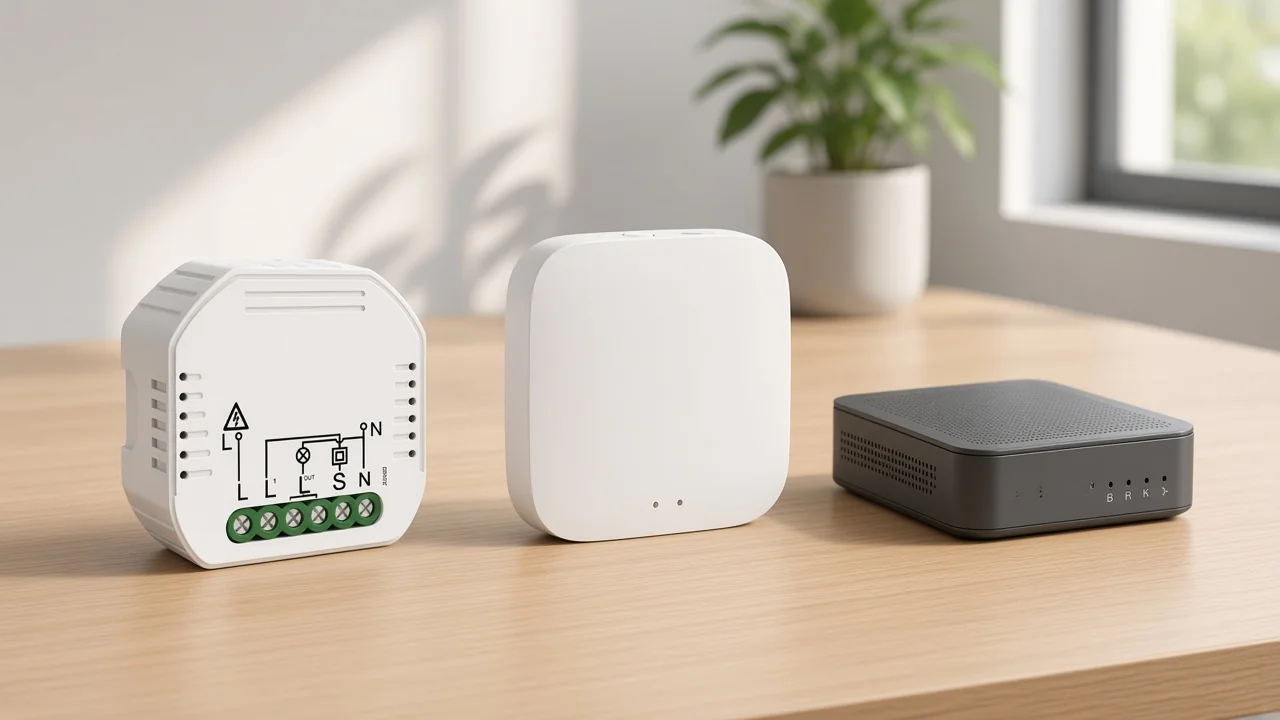
It changes which logistics SKU you must stock, how endpoints attach to the rest of the LAN, and whether the RFQ is talking about a mesh kit or a phone-paired accessory.
On the Zigbee path, distributor kits typically pair low-power endpoints with a dedicated hub that forms the mesh and bridges toward IP apps. The Connectivity Standards Alliance describes Zigbee as a full-stack low-power mesh solution with an application language devices share — so the assortment line is “Zigbee endpoints + Zigbee hub,” not “Bluetooth accessories that happen to be wireless.”
On the Bluetooth side, the label hides three different jobs. Classic Bluetooth and BLE point-to-point links are personal-area connections. Bluetooth Mesh is a multi-hop mesh built for control and automation.
Digi’s protocol note treats those families separately for a reason. A quote that only says “Bluetooth” can mean a headset-style pairing path or a mesh lighting/control path, and those kits do not stock the same way.
For distributors and installers quoting smart modules, the first kit line is either “Zigbee endpoints + Zigbee hub” or “Bluetooth Mesh endpoints + provisioner/gateway assumptions.” Phone-paired Classic/BLE accessories stay on a different line so they do not inflate mesh density promises. A ble mesh gateway line belongs only when Mesh remote control or printed sub-device limits are part of the kit.
Whenever the packing list uses the word “Bluetooth” without naming Mesh, Classic, or BLE roles — because those words do not stock the same hardware.
Digi frames Bluetooth Classic as a high-throughput short-range link (audio and similar jobs), BLE as a point-to-point personal-area protocol with a typical tens-of-metres class reach in Digi’s education wording, and Bluetooth Mesh as a later mesh formation layer that lets nodes relay beyond any single radio’s reach. Bluetooth SIG’s Mesh overview adds the commercial intent: hundreds or thousands of devices in control, monitoring, and automation systems, with commissioning apps that talk from phones and tablets.
That split matters on a channel quote. A BLE door sensor that pairs to a phone is not proof that the same RFQ can promise multi-hop coverage across a corridor of relays.
A Bluetooth Mesh lighting job needs relay planning and a mesh provisioner story. Mixing those sentences under one “Bluetooth” SKU family is how installers get density claims they never priced.
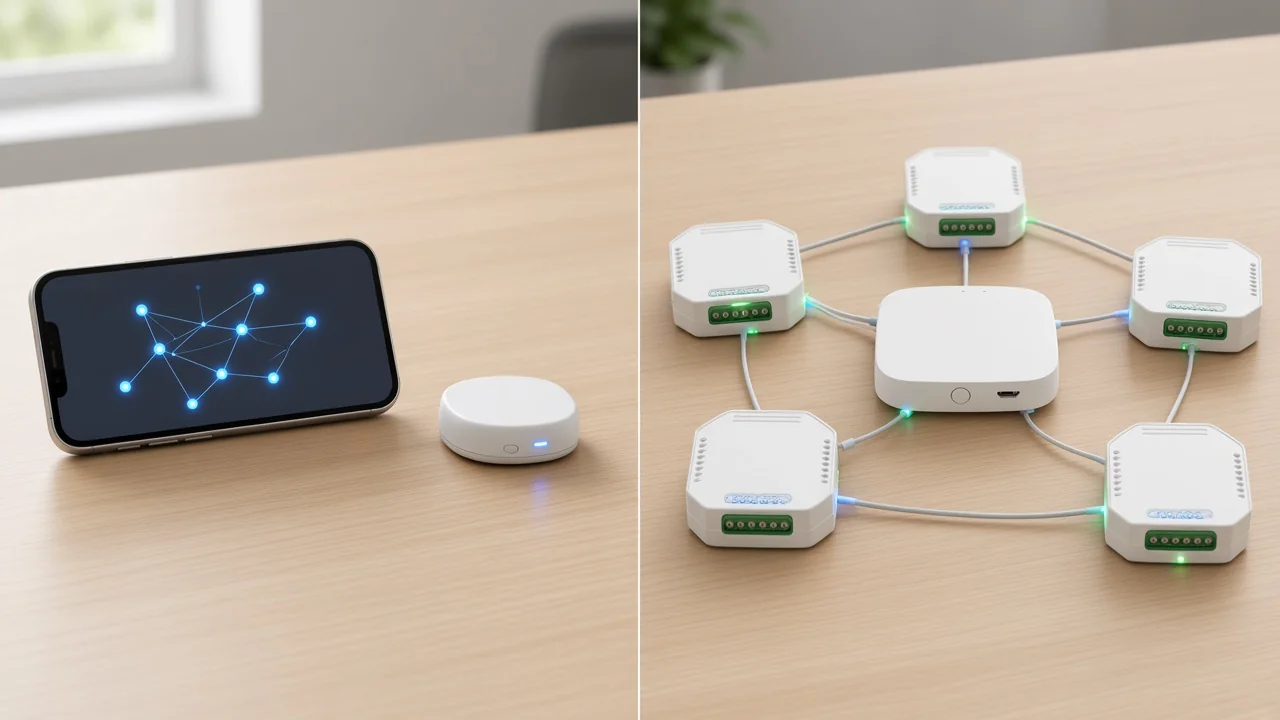
Zigbee moves commands through a routed mesh toward a hub that bridges to IP apps. Bluetooth Mesh moves commands through a multi-hop managed-flood mesh that phones can provision, often with an optional Wi-Fi plus Bluetooth gateway when remote IP control is part of the kit.
On Zigbee, mains-powered neighbours typically act as routers. Digi’s Zigbee note is blunt: nodes that route or hop messages stay powered; sleepy end devices can join the mesh but do not extend it. Home Assistant community language matches that backbone expectation — Zigbee is not sold as a point-to-point substitute for a house full of routers.
On Bluetooth Mesh, Bluetooth SIG describes Managed Flood multi-hop relay and phone-native commissioning. Silicon Labs’ public mesh benchmark table contrasts Zigbee’s full routing with Bluetooth Mesh’s managed flooding, and notes smartphone temporary-gateway patterns versus a dedicated Zigbee gateway pattern. For channel buyers, the practical translation is simple: Zigbee quotes usually allocate a hub line; Bluetooth Mesh quotes allocate either phone/app provisioning labour, a Wi-Fi plus Bluetooth mesh gateway line, or both — and they still need mains relays where the mesh must hop.
Important: Treat Zigbee as a router-backbone mesh, not a phone-paired accessory path — Home Assistant Community / Digi. Community installers who expect point-to-point behaviour from Zigbee are the ones who under-stock mains routers. The same RFQ discipline applies when a buyer assumes every “Bluetooth” line is already a Mesh kit.
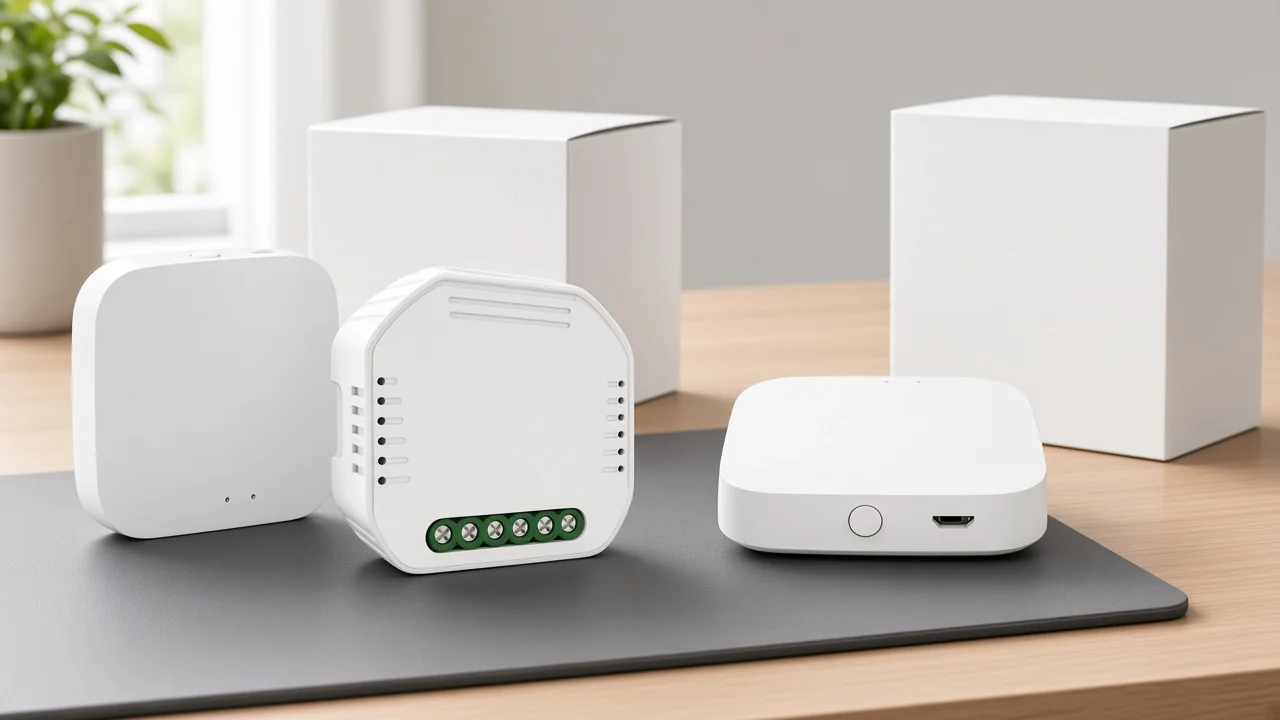
Scan the trade-offs as assortment logistics, not as a consumer “winner” list.
| Decision field | Zigbee hub path | Bluetooth Mesh path |
|---|---|---|
| Attachment model | Endpoints mesh to a coordinator/hub that bridges toward IP | Nodes relay in a Mesh; phones can provision; optional Wi-Fi+BT gateway for remote IP |
| Routing pattern | Full routed mesh (Silicon Labs table language) | Managed flood mesh (SIG / Digi / Silicon Labs language) |
| Always-on backbone | Mains routers required to hop; sleepy ends do not extend | Relay/router nodes need continuous power on Digi’s Mesh note |
| Accessory confusion risk | Lower if the RFQ says Zigbee | High if the RFQ only says “Bluetooth” without Mesh |
| Commissioning labour | Hub-first pairing into the Zigbee network | Phone/app provisioning; gateway setup when remote control is quoted |
| Density language | Ask for page-stated hub/sub-device limits per model | Ask for page-stated Max Node / sub-device limits per model |
Use the matrix to pick the path, then lock the six RFQ fields below before brand talk.
Six fields usually settle the protocol path before anyone argues brand preference.
| RFQ field | What to write on the quote | Why it locks the path |
|---|---|---|
| Topology | Zigbee routed mesh + hub, or Bluetooth Mesh managed flood, or Classic/BLE P2P only | Stops accessory lines from pretending to be mesh kits |
| Hub vs provisioner | Zigbee hub SKU line, and/or Mesh phone provisioner + optional Wi-Fi+BT gateway | Decides the always-on logistics box |
| Device density | Expected endpoint count and any page-stated Max Node / sub-device figure | Density without a printed model limit is a guess |
| Sleepy / battery share | Count of battery ends vs mains routers/relays | Sleepy ends do not replace routers on either mesh story |
| Range / hopping | Single-radio P2P assumption vs multi-hop relay plan | BLE P2P reach is not Mesh hop coverage |
| Commissioning | Hub pairing steps vs phone Mesh provisioning labour | Labour hours diverge even when endpoint counts match |
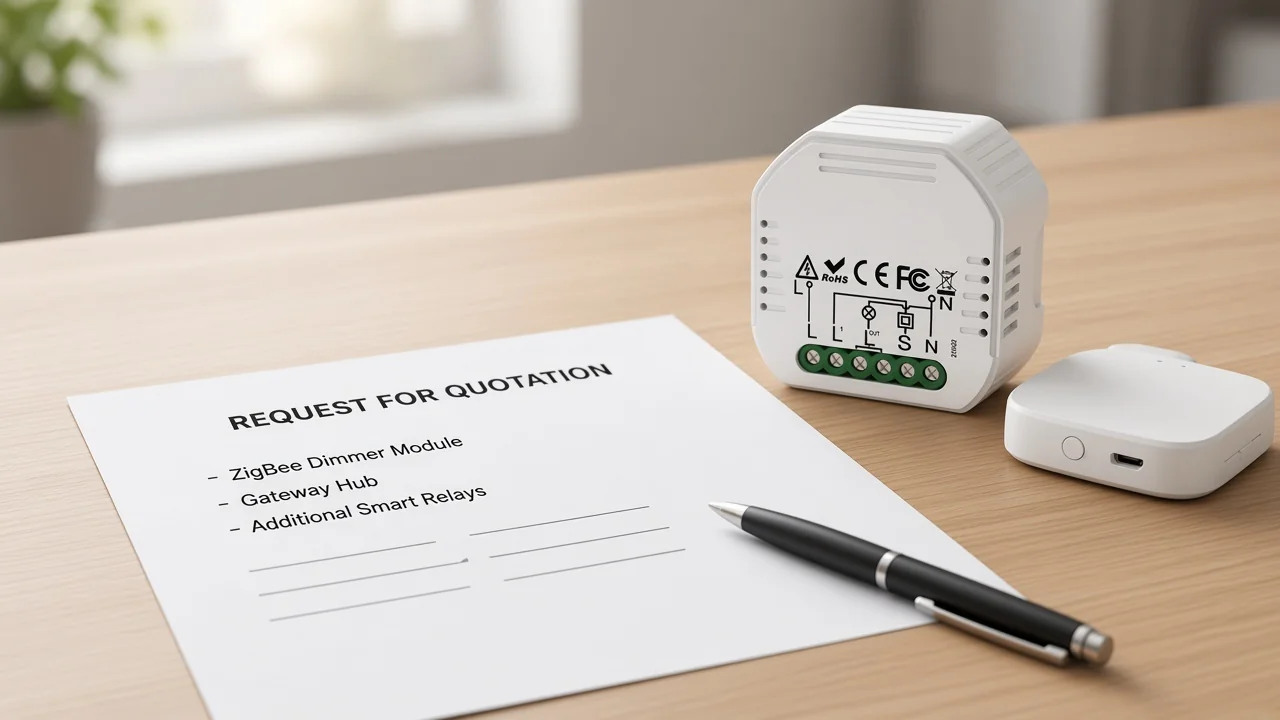
Write density only from a live page when you need a number. On MOES’s Bluetooth Mesh gateway page, Maximum Sub-devices Max Node = 128 applies to that gateway model only — do not transfer it to ZHUB-W or to a Zigbee hub.
Zigbee labour usually starts with a powered hub, then joins endpoints into that network. Bluetooth Mesh labour often starts with a phone or tablet commissioning app, then adds gateway bridging when the kit needs remote Wi-Fi control.
For Zigbee modules such as MS-105Z, the product page tells the installer to add the device to a Tuya ZigBee hub before Smart Life / Tuya App control. That is hub-first labour: hub online, then module join, then app scenes.
For Bluetooth Mesh, Bluetooth SIG emphasises commissioning apps on smartphones and tablets, plus remote provisioning features for larger installs. Digi also notes Classic pairing UI overhead on non-Mesh Bluetooth jobs. Channel quotes should price those minutes separately: hub bring-up versus phone Mesh provisioning versus Classic pairing for accessory SKUs that never join a mesh.
If the Bluetooth Mesh kit also ships a Wi-Fi plus Bluetooth mesh gateway, add gateway power, Wi-Fi join, and sub-device capacity checks as their own lines — especially when Max Node is printed on that gateway page.
Use live pages as bounded examples, not as universal protocol certifications.
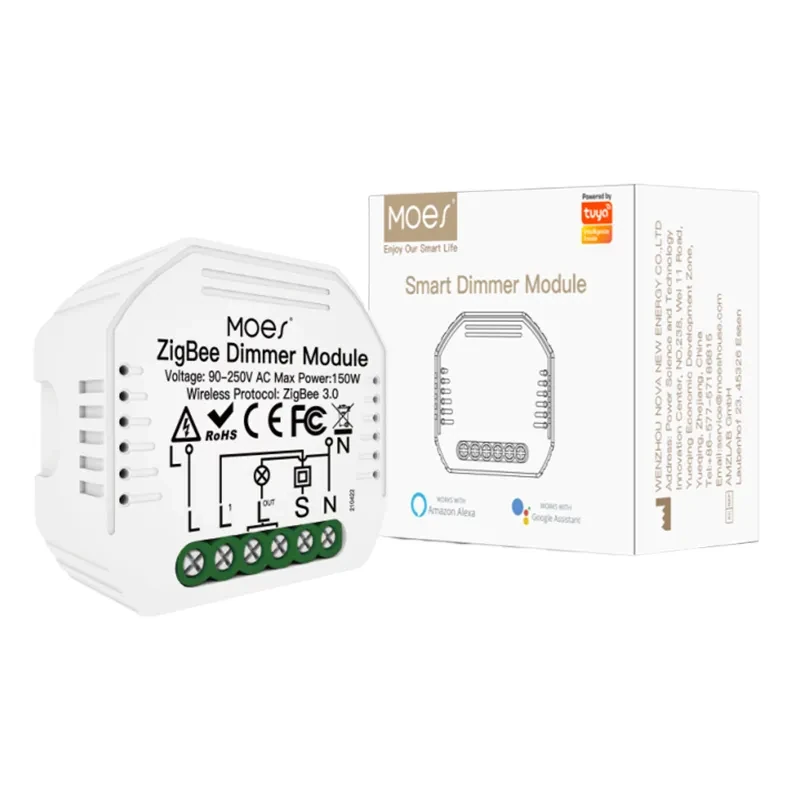
The MS-105Z ZigBee 3.0 smart dimmer switch relay module states Wireless Protocol ZigBee 3.0 and that a special Tuya ZigBee 3.0 hub is required and connected for app and voice control.
Page specs include Voltage 90-250V AC 50/60Hz; Max. Power 75W 110V / 150W 220V; dimensions 52×47×18 mm; IP20; Frequency Band 2.400-2.483GHz; Maximum Radio Transmit Power less than +20 dBm; reset-switch only note.
The ZHUB-W ZigBee wireless smart gateway hub is positioned as a must for ZigBee products, works with Tuya ZigBee 3.0, notes the hub must work in the 2.4 GHz Wi-Fi frequency band, and lists Electrical Parameters 5V 2A with Micro USB DC5V.
The Smart WiFi Hub / Bluetooth Mesh gateway — the live Product 1877 gateway on this catalog — states Wireless Technology Wi-Fi 802.11 b/g/n plus Bluetooth Single Point & Mesh, and Maximum Sub-devices Max Node = 128.
Page specs include Size 65×65×14.5 mm, Power Micro USB DC 5V, Working Current less than 1A, Adapter Output 5V 1A. Cite Max Node and protocols only as printed on that page.
The page does not state Matter, Thread, or a transmit-power dBm figure — do not invent them.
Tip: Max Node = 128 is a page-stated figure for the Bluetooth Mesh gateway model above — source: MOES product page. Keep it on that SKU line when density enters the RFQ.
Neither path on these pages claims Matter or Thread certification. If the job needs those layers, read the sibling Matter and Thread comparison pages instead of stretching these SKU sheets.
No. Digi’s protocol note separates Classic, BLE point-to-point, and Bluetooth Mesh. Write Mesh explicitly when the kit needs multi-hop relays and Mesh models; keep Classic/BLE accessories on a separate line.
Treat hub logistics as mandatory whenever the product page says a Zigbee hub is required. MS-105Z explicitly requires a special Tuya ZigBee 3.0 hub for app and voice control. Stock ZHUB-W or an equivalent hub line with those modules.
Not always for local Mesh operation — Bluetooth SIG emphasises phone-native commissioning. When the channel kit needs remote Wi-Fi control or a printed sub-device limit, a Wi-Fi plus Bluetooth mesh gateway such as MOES’s Max Node = 128 gateway becomes a logistics SKU of its own.
Both meshes can carry sleepy ends, but Digi’s Zigbee note is clear that battery ends do not extend the mesh — mains routers still carry hops. Price router share separately from battery sensor count on either path. Classic BLE accessories are a different job than Mesh density.
On the live Bluetooth Mesh gateway page, Maximum Sub-devices Max Node = 128. Do not transfer that number to ZHUB-W or to Zigbee modules.
No. The Zigbee-versus-Wi-Fi page owns mesh-plus-hub versus direct-to-AP attachment and AP load. This page owns Zigbee versus Bluetooth / Bluetooth Mesh for assortment RFQs.
No. The Zigbee-versus-Thread page owns hub versus Thread border-router logistics and Matter pairing assumptions. This page owns hub versus Bluetooth Mesh provisioner/gateway logistics and the Classic-versus-Mesh split.
No. Digi treats BLE without Mesh as point-to-point. Community installers also warn that Zigbee itself is not a point-to-point substitute — and Classic Bluetooth accessories do not become Mesh relays just because the RFQ says “Bluetooth.”




OTHER SMART DEVICES
Jun 13,2026
OTHER SMART DEVICES
Jun 12,2026
TUYA SMART HOME PRODUCTS
Jun 12,2026
 +86 137 3639 3028



