


by NOVA

Oct 03, 2026
A what is a zigbee device question on a channel quote is about a network node that occupies one role: end device, router, or coordinator.
Lock that role, then power class, hub dependency, and profile, before you name a catalog number. The protocol name itself is a different object; finished-goods classes are a different list.
Browse in-wall hardware on Smart Modules. For the radio-standard noun, use What Is Zigbee once and come back here for the device.
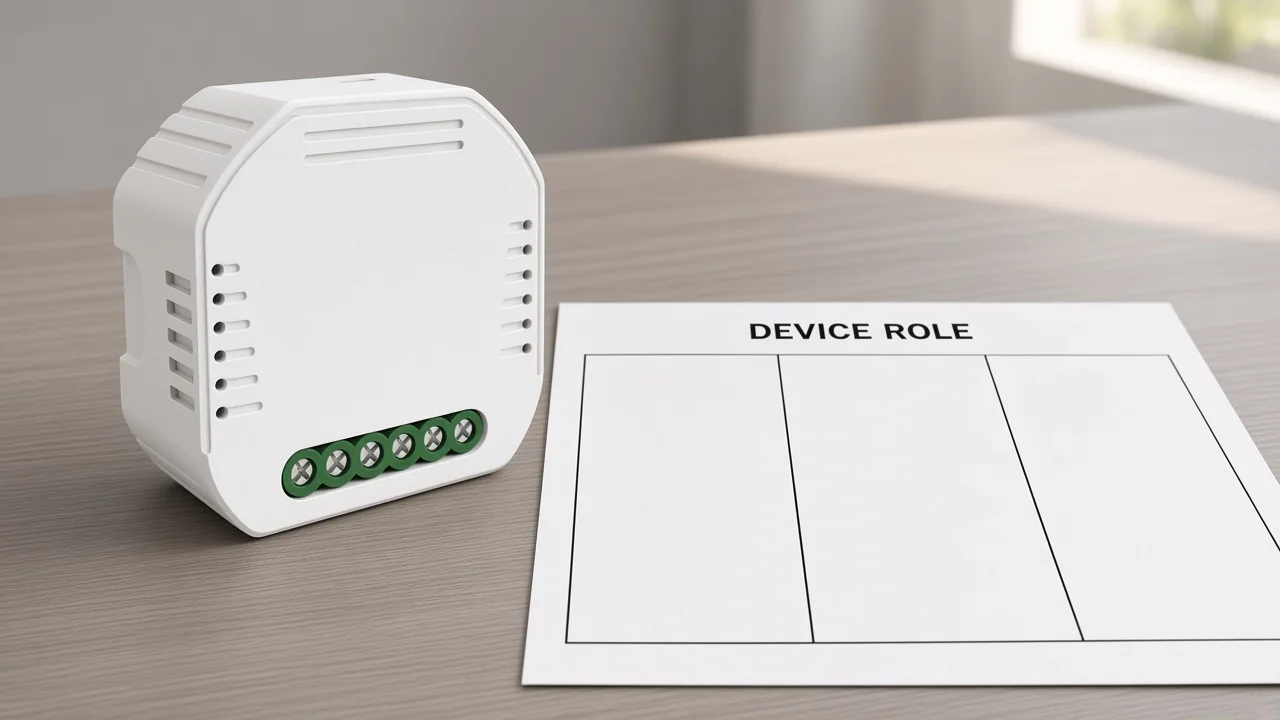
A Zigbee device is a network node with one role, not the Zigbee protocol itself and not a finished-goods type list.
On IEEE 802.15.4, the stack that node speaks is Zigbee. Buyers still mix three objects: the protocol, the catalog class (switch, sensor, module), and the network role.
NXP’s node notes make the split explicit: an application function can sit on a coordinator, a router, or an end device. A temperature sensor SKU is still a catalog class until the datasheet or firmware map says which role the radio actually runs.
When a distributor writes “Zigbee devices” on an RFQ, the receiving factory may hear protocol, wall SKU, or hub kit. Print the node job first so the carton matches the mesh job.
One coordinator forms the network; routers relay and stay awake; end devices are leaves that cannot relay.
Silicon Labs describes a centralized network with at most one coordinator. That node selects a channel and PAN identity, then keeps routing after the PAN exists. Digi states the same three types and adds that a device operates as only one of them at a time.
Consumer catalogs sell the former as a Zigbee hub or gateway. After the PAN exists, that unique coordinator still routes and often holds trust-center work.
Vendor training uses mains-powered lamps and plugs that never turn the radio off. Those routers relay, may parent children, and stay awake.
Call the leaf a Zigbee end device when it talks only to a parent. It cannot relay neighbor traffic and cannot let other nodes join through it.
| Network role | What it may do | What it must not be asked to do |
|---|---|---|
| Coordinator | Form the PAN; then route; often hold security/join policy | Share the PAN with a second coordinator |
| Router | Relay; parent children; stay powered | Sleep like a battery leaf |
| End device | Send and receive via a parent | Extend the mesh or accept children |
From the field: Installers on r/ZigBee put the same three boxes in one sentence: devices are the coordinator, a router, or an end device, and the coordinator is what consumers call a hub. If the RFQ only says “Zigbee gadgets,” those three jobs are still unsigned. — source: Reddit r/ZigBee
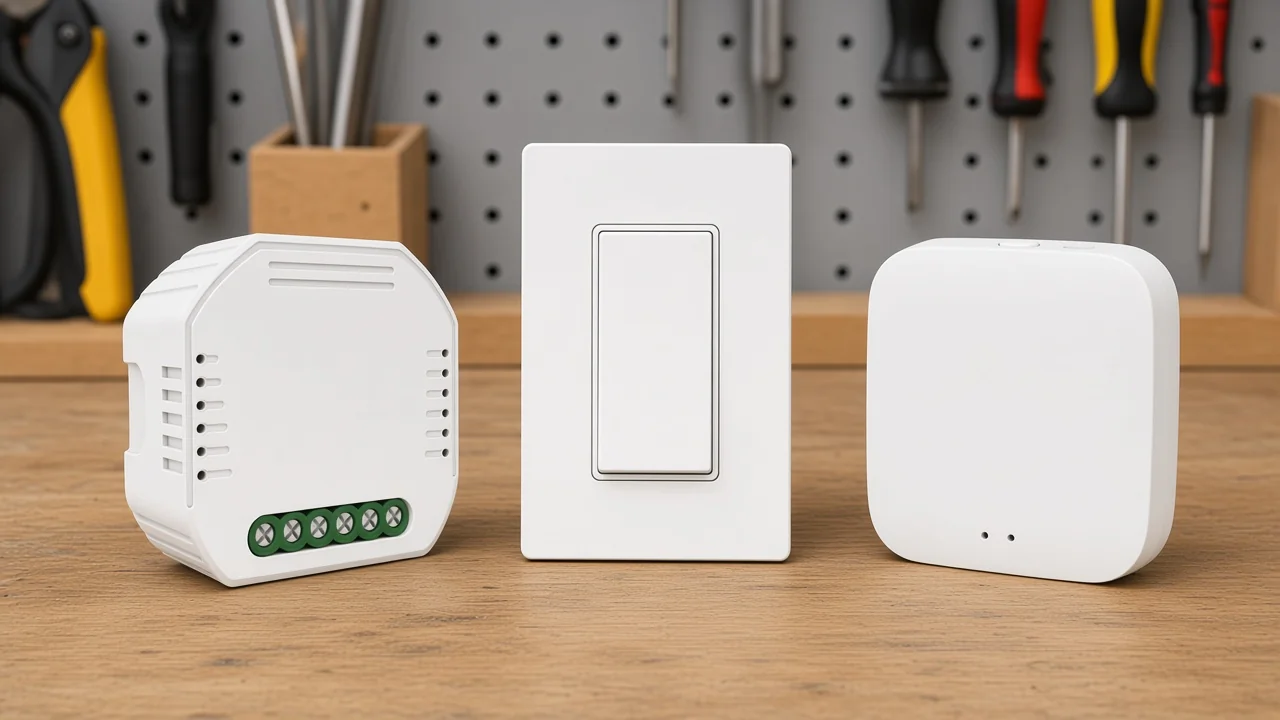
Routers are not designed to sleep; sleepy end devices poll a parent.
Digi and Silicon Labs both treat router radios as always-on. Wikipedia’s typical pairing is mains-powered routers and battery end devices. That pairing is a planning default, not a law that every SKU page prints.
Sleepy end devices power the radio down when idle and poll the parent for buffered frames. Non-sleepy end devices stay awake but still refuse to route. Either leaf still needs a parent.
A battery PIR quoted as a “repeater” is the usual mismatch. If the line is sleepy, stock a parent strategy beside it: a powered router or the coordinator close enough to answer polls.
Mains modules can still be leaves. Role is a firmware and stack choice, not “anything with a live conductor is a router.” Ask the supplier for the node type the SKU actually ships.
A joining node associates with a parent that is permitting join; a leaf depends on that parent.
The coordinator starts the PAN first. Routers and end devices then look for a parent node that is allowing joins. Digi: the router or coordinator that accepted the end device becomes its parent and must buffer packets while the child sleeps.
Home Assistant users describe parent choice in field language: the parent is often the first node to answer the join request. Pairing a leaf on a bench and then walking it to a far room is how sticky parents get frozen in the wrong place.
If that parent later drops, child traffic stops until the leaf finds a new parent. Zigbee2MQTT’s network notes add that some models never hunt a new parent and stay isolated until they are paired again.
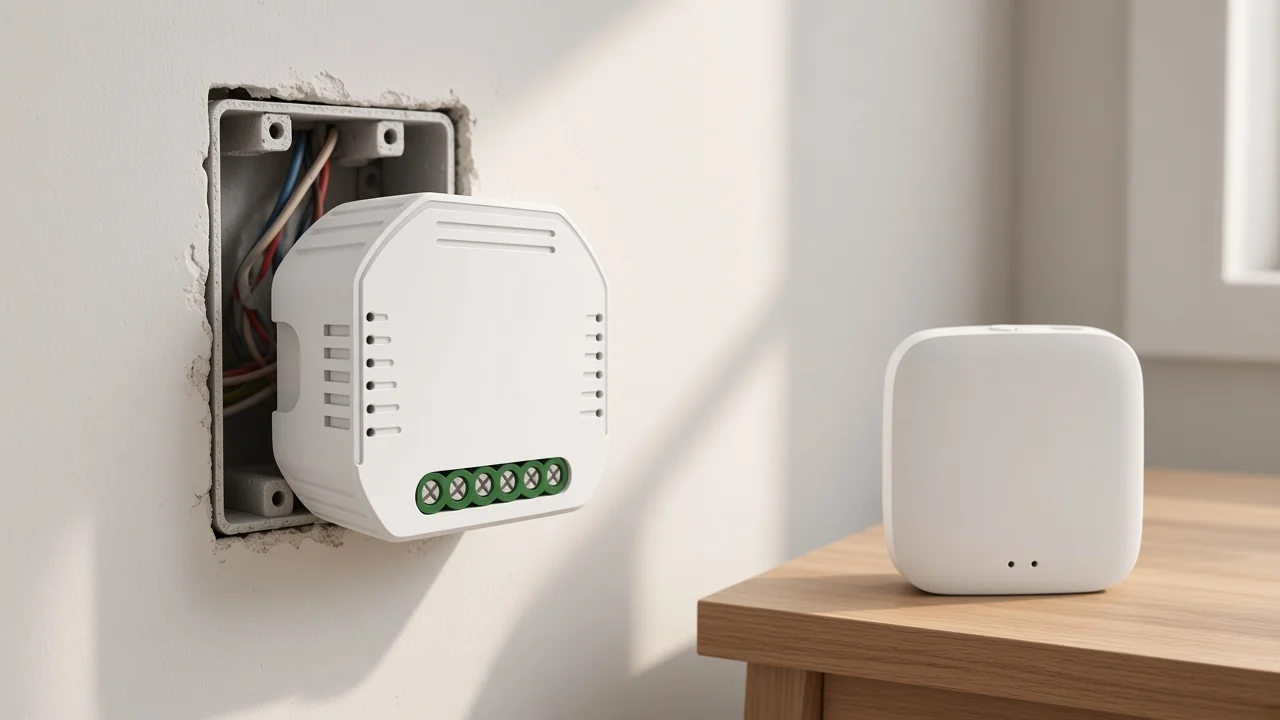
Join windows, permit-join UI, and stack names belong on commissioning runbooks. The quote only needs the principle: every end device has a parent node, and that parent is a stocking and placement input.
Hubitat users planning a backbone make the power-class point in field language: put reliable mains-powered Zigbee routers in rooms and avoid treating old bulbs as the only repeaters.
Phone/app paths usually need a coordinator/hub SKU, and the profile printed on the page must match that hub family.
CSA frames Zigbee as a stack on IEEE 802.15.4 with certified products sharing an application language. Local mesh traffic can continue when the wide-area internet is down. The phone still needs something that speaks IP toward the app, which is why commercial kits sell a hub.
Reddit installers say the same thing in shorter words: you need a hub-like coordinator if the phone is supposed to talk to the Zigbee side.
Profile is the language lock. If the module page prints ZigBee 3.0 and a named hub family, copy both onto the RFQ. Mixing a Tuya ZigBee 3.0 module with an unnamed “any Zigbee stick” is how pairing tickets start.
The Connectivity Standards Alliance also discusses neighboring ecosystems. Those neighboring names stay off this SKU path unless a live MOES page prints them.
Role, power class, hub dependency, and profile belong on the sheet before a model number.
Those four fields stop a quote from treating a sleepy leaf as backbone, omitting the hub line, or mixing profile families. They are not a finished-goods taxonomy and not a protocol explainer.
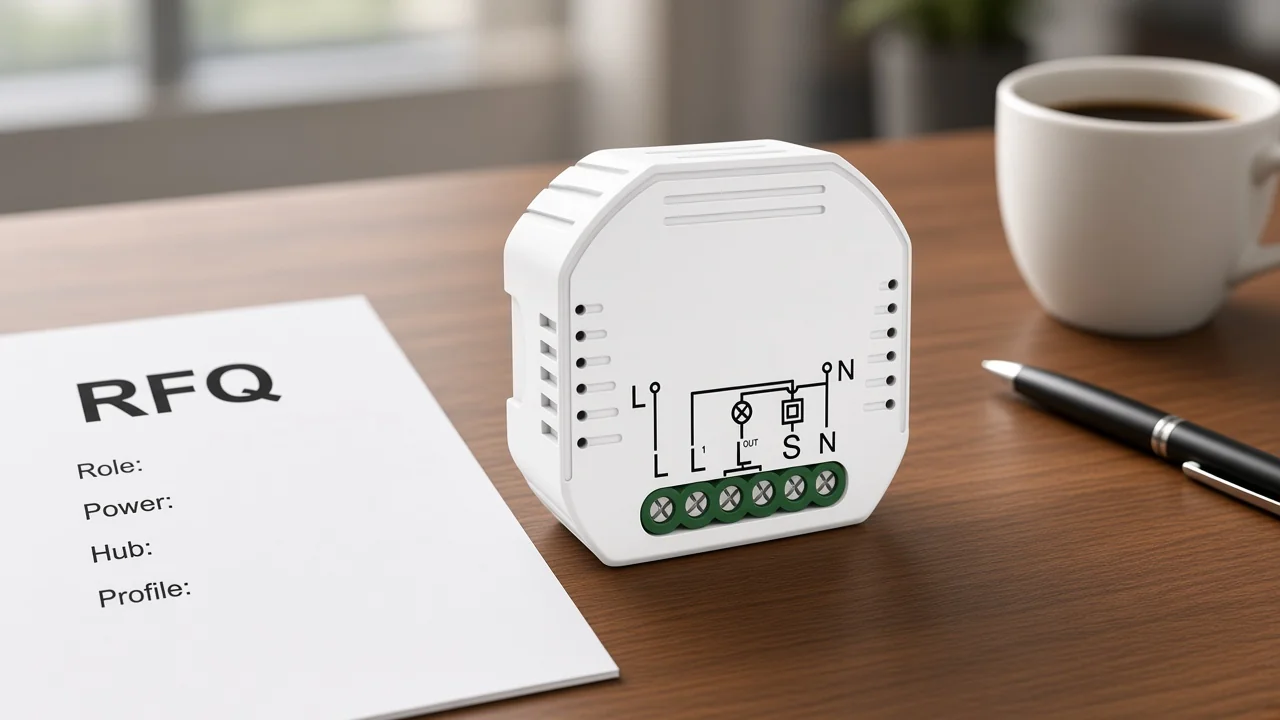
| RFQ field | What to write | Why it changes the carton |
|---|---|---|
| Role | Coordinator, router, or end device | Sets whether the SKU forms, extends, or only hangs off a parent |
| Power class | Mains always-on vs sleepy/battery (and sleepy vs Rx-on leaf) | Sets whether the radio can parent neighbors |
| Hub dependency | Hub family required, or coordinator already on site | Sets whether app/voice control has a path |
| Profile | Printed stack/profile line, e.g. ZigBee 3.0 with named hub family | Sets which hub SKU may sit on the same PO |
Fill the table, then pick catalog numbers. If a datasheet is silent on role, leave the cell blank and ask; do not guess from the housing.
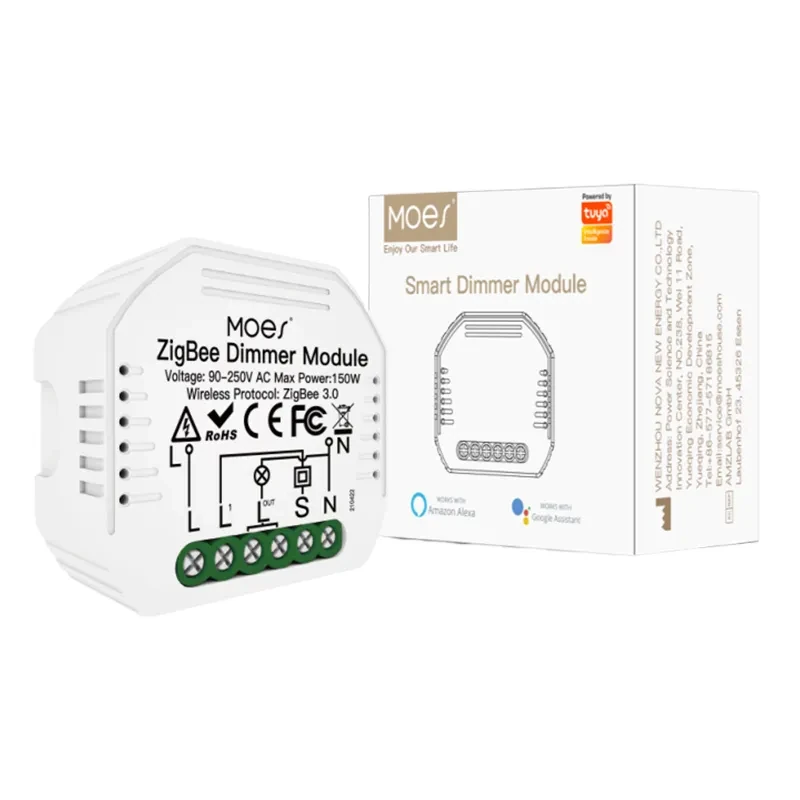
MS-105Z prints ZigBee 3.0 and a Tuya hub requirement; ZHUB-W is the Tuya ZigBee 3.0 hub companion on that path.
The MS-105Z ZigBee 3.0 dimmer module sits under Smart Modules. Wireless protocol is ZigBee 3.0.
App and voice control on that page need a special Tuya ZigBee 3.0 hub connected. The same copy says the module can combine with a ZigBee gateway to form a home LAN when the wide-area network is weak or absent.
Page-stated electrical lines for this SKU only: Voltage 90-250V AC 50/60Hz; Max. Power 75W at 110V / 150W at 220V; Frequency Band 2.400-2.483GHz; housing 52×47×18 mm; IP20; reset-switch only.
That page does not print coordinator, router, or end-device as a mesh role. Treat MS-105Z as a hub-required module example on an end-device plus hub path, not as a lab-classified router.
The companion MOES Tuya ZigBee Wireless Smart Gateway Hub ZHUB-W is positioned as a must for ZigBee products and a bridge/control center. Compatibility copy limits it to Tuya ZigBee 3.0 smart products.
Electrical parameters are 5V 2A with Micro USB DC5V. Wireless protocol is ZigBee 802.15.4.
A note says the zigbee hub must work in the 2.4Ghz WiFi frequency band. Frequency Band on the table is 2.412-2.484GHz.
Use ZHUB-W for hub-kit logistics on that Tuya ZigBee 3.0 path. It is not a claim that the hub is a Home Assistant coordinator stick.
If the RFQ needs a printed mesh role, a non-Tuya hub family, or a different profile, keep those lines on the datasheets that actually print them.
No — Zigbee the protocol is the mesh stack on IEEE 802.15.4. A Zigbee device is a node that occupies one network role on that stack.
A Zigbee coordinator is the unique node that forms the PAN. A Zigbee hub is the commercial SKU that usually carries that coordinator job plus an IP/app bridge. Quote both the role and the hub family when the phone must reach the mesh.
Routers are not designed to sleep, so battery leaves are typically end devices. Confirm the shipped node type on the datasheet instead of inferring it from the housing.
The coordinator forms the PAN. Other nodes associate with a parent that is permitting join. An end device then depends on that parent for traffic, including buffered frames while it sleeps.
Coordinator-class hardware is required to form a network. Phone and app control on commercial kits usually adds a hub SKU. MS-105Z states a Tuya ZigBee 3.0 hub is required for its app and voice path.
End-device traffic through that parent stops until the leaf finds a new parent. Some models never re-parent and stay isolated until they are paired again.
No. Spec practice is one coordinator per network. Extra hubs are extra PANs unless a bridging product is actually on the quote.
Lock role, power class, hub dependency, and profile. Then name catalog numbers that print those four facts.




OTHER SMART DEVICES
Jun 13,2026
OTHER SMART DEVICES
Jun 12,2026
TUYA SMART HOME PRODUCTS
Jun 12,2026
 +86 137 3639 3028



