by NOVA

Oct 11, 2026
A zigbee thermostat is a wall climate controller that joins a Zigbee network and switches heating or cooling loads the way the product page prints them.
Buyers usually need that class locked before they mix in radiator valves, Wi-Fi cartons, or a hub line. This page defines the product class, the radio and load fields on the quote, and the hub path most Zigbee lines still need.
Browse live SKUs on Smart Thermostat. Install wiring inputs stay on Project Inputs Installers Should Document for Thermostat Jobs. The hub appliance itself is defined on What Is A Zigbee Hub.
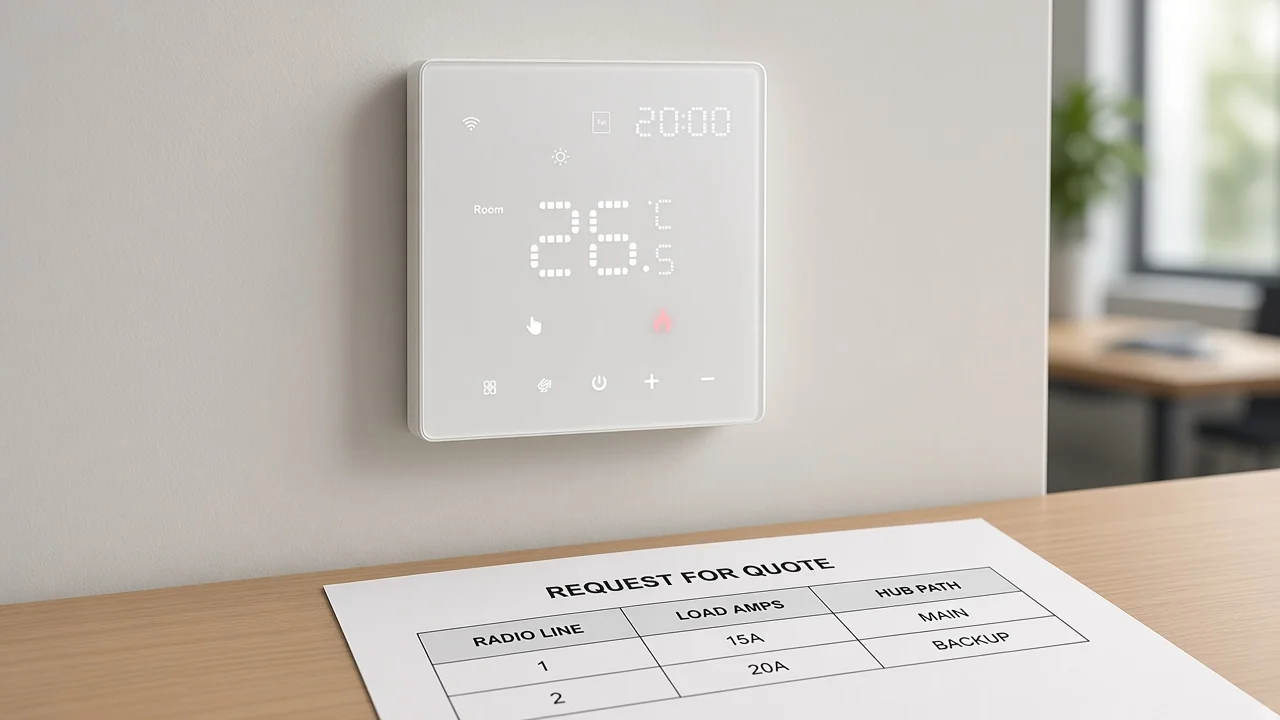
A Zigbee thermostat is a wall climate controller on Zigbee; it is not a radiator TRV and not a generic “smart thermostat” without a radio line.
The Connectivity Standards Alliance describes Zigbee as a mesh stack on IEEE 802.15.4. The thermostat is the wall object that uses that radio to hold a setpoint and switch a printed load.
Shopping results blur the noun. A Thermostatic radiator valve (TRV), a Wi-Fi Nest-style panel, and a Zigbee wall thermostat often share the same search page.
The useful cut is physical and electrical. A Zigbee wall thermostat sits on the wall or in a wall box and speaks for a heating zone or appliance contact. A TRV sits on a radiator valve and does not replace that wall job by itself.
From the field: Home Assistant users regularly catch the mix-up — a product sold as a “Zigbee thermostat” on a marketplace link is often a smart TRV, and a TRV alone will not automate the boiler the way a wall thermostat does.
Call the object a Zigbee wall thermostat on the quote when the buyer wants a wall climate SKU. Keep TRV lines on a separate row so the BOM does not pretend one part does both jobs.
Print Zigbee or Wi-Fi as the page states; dual-line cartons still need one radio chosen per line item.
Zigbee is not Wi-Fi. Zigbee rides an 802.15.4-family mesh. A Wi-Fi thermostat associates to a site access point as an 802.11 client.
Some MOES cartons print a dual product type: WiFi or Zigbee Smart Thermostat. That Wi-Fi thermostat radio line is a SKU choice, not a free mix of both radios on one installed unit without naming which line ships.
When the channel writes only “smart thermostat Zigbee hub ready” without picking Zigbee or Wi-Fi, purchasing cannot match firmware, pairing, or the hub BOM.
| Quote object | Radio job | Typical path to the phone |
|---|---|---|
| Zigbee wall thermostat | Joins a Zigbee PAN | Usually through a Zigbee hub or coordinator |
| Wi-Fi thermostat | Associates to site Wi-Fi | Often direct app/cloud on that Wi-Fi path |
| Smart TRV | Valve actuator on a radiator | Hub/platform path; still not a wall thermostat |
Matter is a different technology from Zigbee in alliance FAQ language. Do not assume Matter on a Zigbee heating thermostat line unless that SKU page prints Matter.
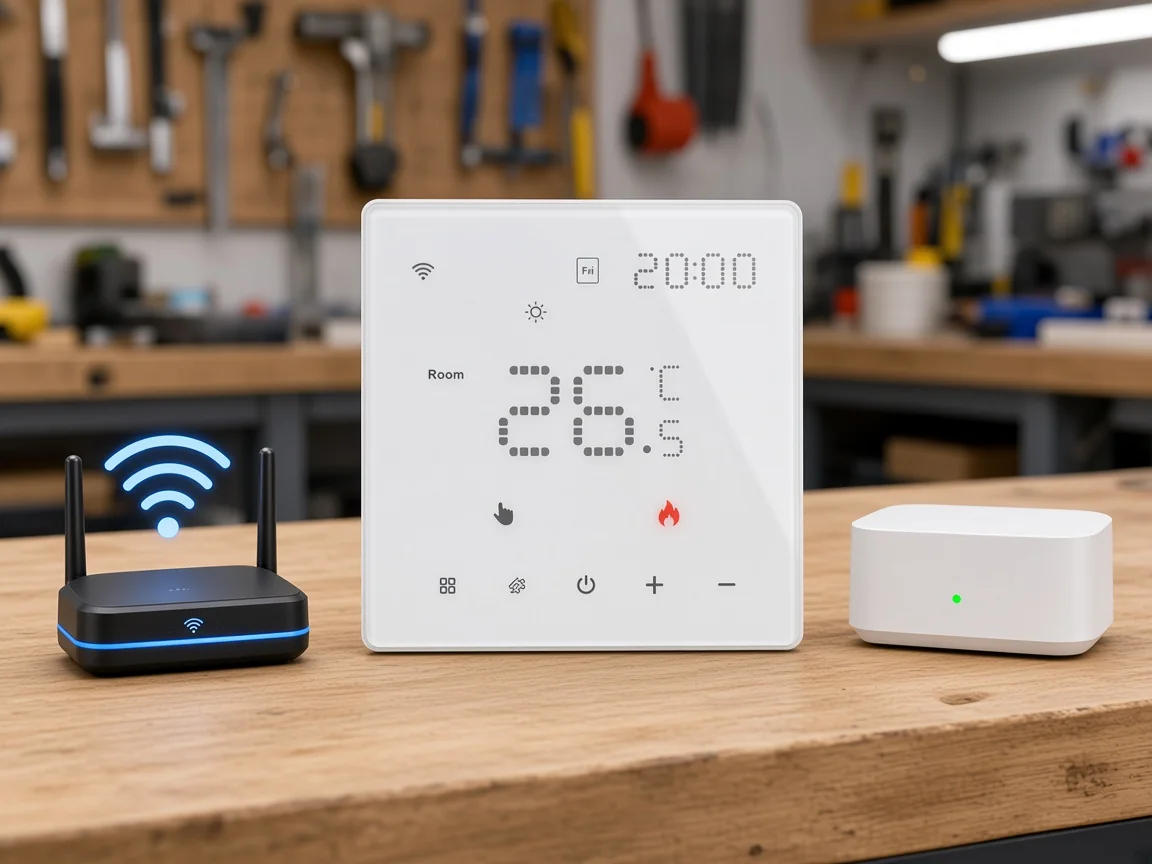
App and IP paths usually need a Zigbee hub / coordinator; the thermostat does not replace that appliance.
Silicon Labs describes a centralized Zigbee network with at most one coordinator. That node forms the PAN. Sleepy leaves then depend on a parent.
Digi’s public education treats hub, coordinator, and gateway as interchangeable labels for the appliance that connects Zigbee devices and then reaches IP over Wi-Fi, Ethernet, or cellular.
For a Zigbee thermostat, the wall unit joins that network. The phone app usually talks to the hub side, not to the thermostat as a lone Wi-Fi client.
MOES hub copy for ZHUB-W states it is a must for all ZigBee products and works with Tuya ZigBee 3.0 smart products. Treat that as the hub-path example for Zigbee family lines that require it.
Local Zigbee connectivity can still work when the internet is down at the stack level. Cloud features still need an uplink when the project depends on remote phones outside the site.
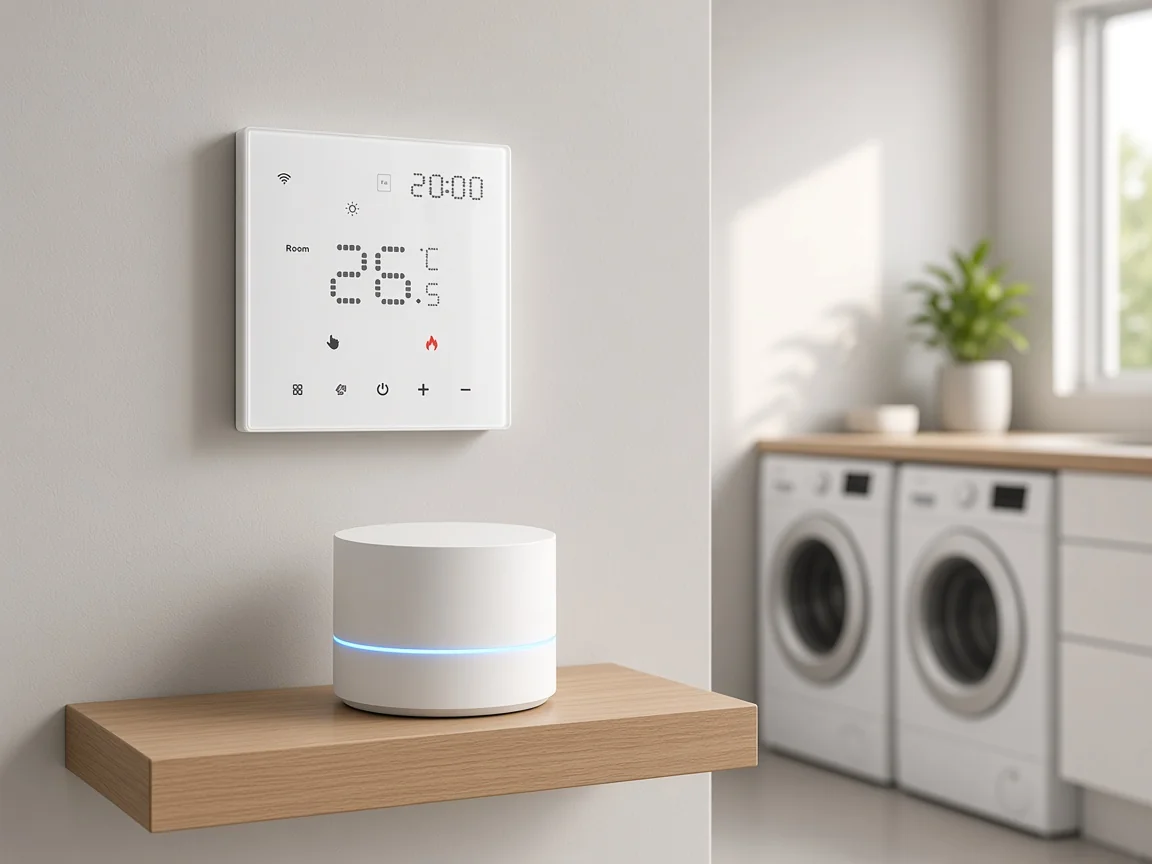
Copy electric versus water/gas amp lines and VAC exactly as printed; do not mix SKU tables.
A Zigbee heating thermostat fails in the field when the quote copies the wrong load class. Electric heating load and water heating / gas boiler load contacts are different rows on the live MOES tables.
On the MWHT-S02 WiFi or Zigbee page, power supply is printed as 100~250VAC 50/60Hz. Max load is printed as 16A for electric heating at 250VAC and 3A for water heating or gas boiler at 250VAC.
On the ZHT-SR ZigBee knob page, voltage is printed as 95-245V AC, 50/60Hz. Current load is printed as 5A for water heating or gas boiler and 16A for electric heating. Range of power is printed as 300W ~ 6000W.
Do not invent a C-wire requirement from Wi-Fi retrofit articles when the cited MOES pages do not print C-wire. Stay on the VAC and amp rows that exist.
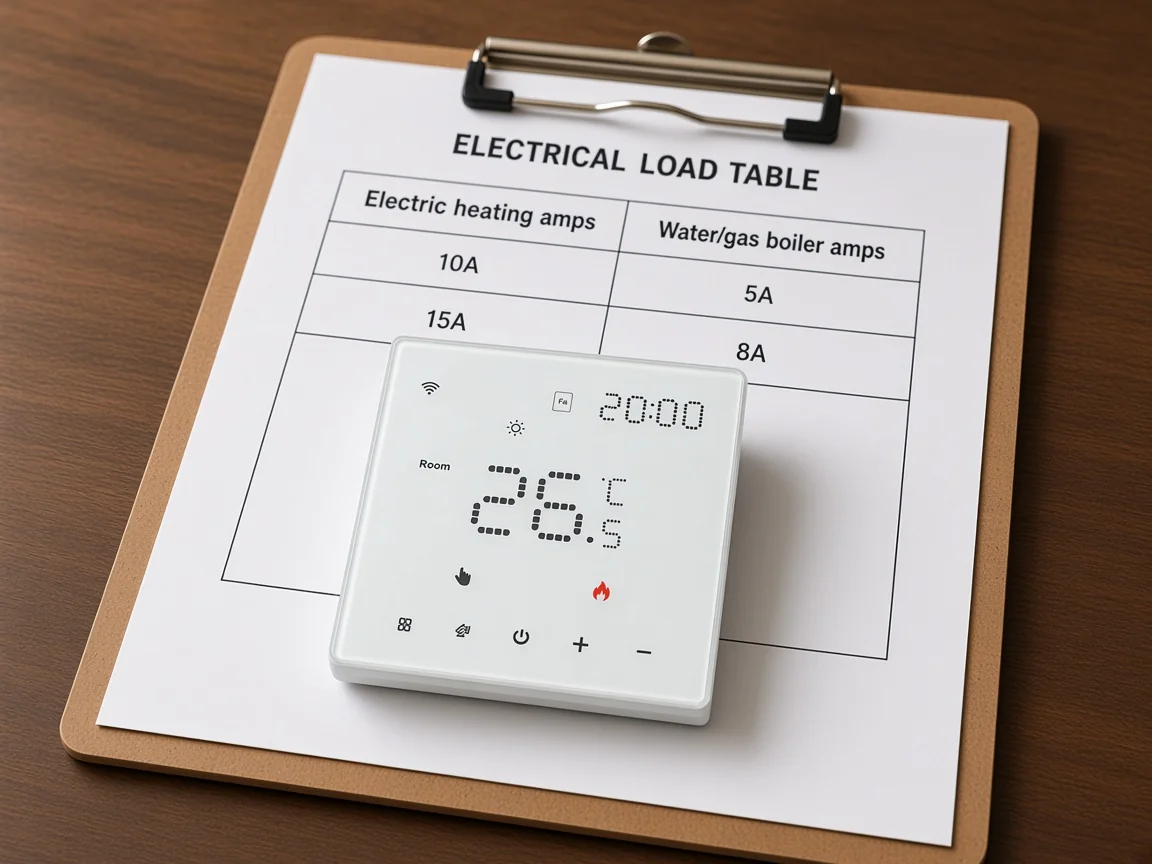
Weekly programming counts and app or voice names stay page-scoped; do not invent remote sensors.
MWHT-S02 application copy states weekly programmable support up to 42 schedules in one week. Temperature display accuracy is printed as ±0.5℃. Product dimensions are printed as 86×86×38.5mm.
ZHT-SR prints set temperature range 5~35℃, accuracy ±1℃, and protection class IP20. The display panel supports 9 languages on that page. Those are carton facts, not a universal schedule warranty for every thermostat in the category.
App and voice names on MWHT-S02 mention MOES, Apple Home, Alexa, Google Home, and Homekit in the application bullets. Keep those names on the dual-line page that prints them. Do not invent a remote-room-sensor package when the page does not list one.
Energy-saving marketing language on product pages is not an efficiency percentage for the quote. Omit percent savings unless a verified figure exists on the page you are quoting.
This page owns the thermostat product class, not install inputs, hub appliance, device roles, or mesh mechanism.
Installers who need terminal photos, C-wire discovery steps, or job-site checklists should use the thermostat installation project-inputs article linked above. That sibling owns the install worksheet, not the product-class definition.
The Zigbee hub clarification owns the coordinator appliance carton. Device-role language for end device, router, and coordinator lives on the Zigbee device clarification.
Mesh formation and routing mechanics live on how Zigbee works. A generic smart-home hub noun is a different page again.
Cross-link those siblings once when a buyer asks the adjacent question. Do not paste their H2 outlines into this URL.
MWHT-S02 covers the WiFi-or-Zigbee programmable wall unit; ZHT-SR covers the ZigBee knob example; ZHUB-W is the hub path only.
Use the MOES Tuya WiFi or Zigbee Smart Thermostat when the quote needs a dual-line wall SKU with the printed electric and water/gas load rows plus the weekly schedule count from that page.
Use the MOES Tuya ZigBee Smart Knob Thermostat when the line must say ZigBee Module communication with the ZT3L module and the load split printed on that page.
Add the ZHUB-W ZigBee wireless hub when the Zigbee thermostat line needs a Tuya ZigBee 3.0 hub path. Keep hub power (5V 2A) and protocol rows on the hub page.
| RFQ field | What to print | Live MOES example |
|---|---|---|
| Radio SKU line | Zigbee, Wi-Fi, or WiFi-or-Zigbee as the page states | MWHT-S02: WiFi or Zigbee; ZHT-SR: ZigBee Module |
| Load class | Electric vs water/gas with printed amps | MWHT-S02: 16A electric / 3A water-gas; ZHT-SR: 16A electric / 5A water-gas |
| Voltage | VAC range from the same page | MWHT-S02: 100~250VAC; ZHT-SR: 95-245V AC |
| Programming | Schedule count only if printed | MWHT-S02: up to 42 schedules / week |
| Hub dependency | Hub/coordinator SKU when Zigbee app path is required | ZHUB-W for Tuya ZigBee 3.0 family path |
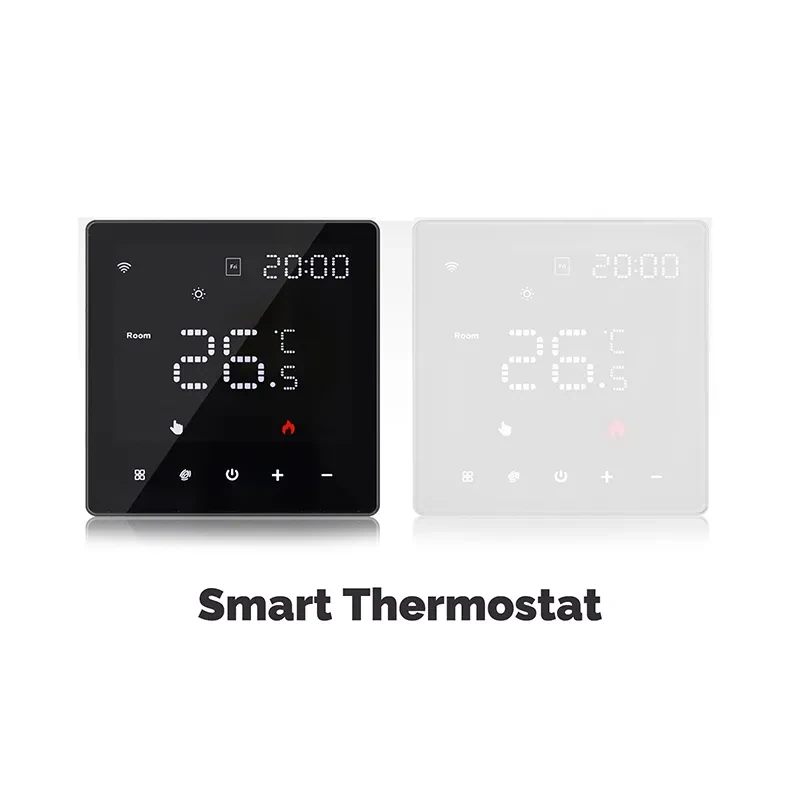
Most Zigbee thermostat projects need a Zigbee hub or coordinator for app and IP access. The wall thermostat joins the PAN; it does not replace the hub appliance.
No. Zigbee and Wi-Fi are different radios. Dual-line cartons still need the shipped radio named on the quote.
No. A wall Zigbee thermostat and a thermostatic radiator valve are different objects. A TRV does not automatically become the boiler’s wall thermostat.
Local Zigbee control through the hub can continue when the internet drops, at the stack level. Remote cloud features still need an uplink.
Copy the electric heating amp row and the water heating or gas boiler amp row from the same product page, plus the printed VAC range. Do not mix MWHT-S02 and ZHT-SR tables.
No. Home Assistant still needs a compatible Zigbee coordinator radio or bridge. Software choice does not erase the radio on the BOM.
No. Zigbee and Matter are different technologies. Quote Matter only when that SKU page prints Matter.
Use the thermostat installation project-inputs article for job-site wiring fields. This page stays on product-class and RFQ radio/load locks.

OTHER SMART DEVICES
Jun 13,2026
OTHER SMART DEVICES
Jun 12,2026
TUYA SMART HOME PRODUCTS
Jun 12,2026
 +86 137 3639 3028