


by NOVA

Oct 20, 2026
A smart home control panel is a dedicated wall- or tabletop-mounted touchscreen with local controls for connected devices. It is the fixed interface people walk up to—not a hub carton without a screen, not a phone, and not a thermostat line unless a live product page actually prints climate controls.
This article locks that SKU class before a quote is written, separates it from a smart home hub, shows when a built-in Zigbee gateway belongs on the same carton, and points to live MOES panel pages for printed model, power, radio, and load lines.
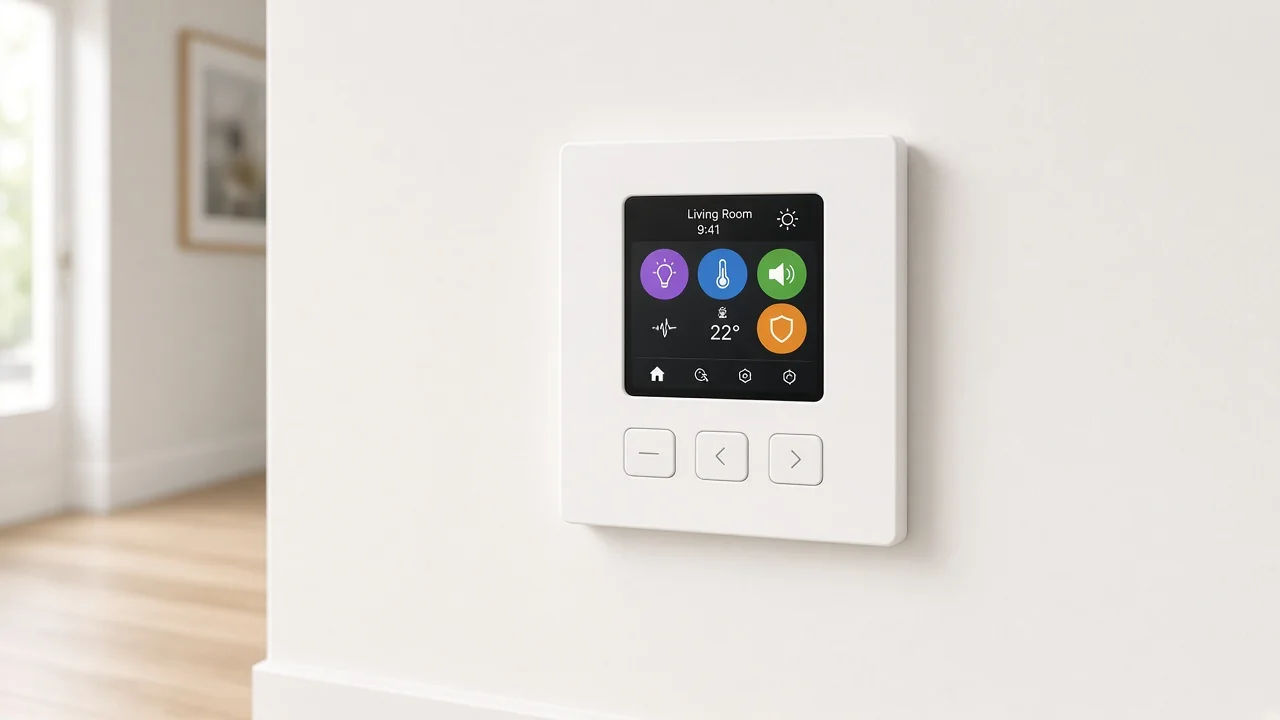
On a B2B quote, the panel is a purpose-built touch interface that stays in the room. Guests and family can run lights, scenes, or other printed functions without borrowing someone’s phone.
Trade groups that brief homeowners on smart displays make the same practical point: a fixed wall surface is easier for visitors than a folder of apps on a personal device. Buying guides that define the class describe a dedicated wall control panel—a touchscreen on a wall or counter—not a media speaker that happens to show a few tiles.
Local relays and physical buttons matter on the carton. Some panels print physical buttons beside the glass. Some print relay channels that can switch ordinary loads.
Those lines travel with the panel SKU. They do not turn the panel into a separate hub definition, and they do not turn it into a DIY tablet project.
A distributor sample room makes the split concrete. One line item is a wall touch panel next to the entry lights. Another line item is a coordinator hub in a closet.
A third “panel” turns out to be a Fire tablet in a plastic mount. Only the first object belongs on this quote title.
A hub joins compatible devices and helps them talk—often as the radio layer for Zigbee or similar meshes. A control panel is the on-wall or tabletop screen people actually touch.
Many catalogs reuse hub, controller, gateway, and panel for overlapping hardware, so the noun on the carton is not enough. CEDIA’s controller guidance says buyers should compare supported devices, local behavior, and growth—not the marketing name alone.
Independent buying guides add a clean cut: a hub can exist with no screen at all. A control panel adds a dedicated touch surface, and only some panels also include hub radios.
Use the smart home hub clarification when the RFQ is really about the coordinator or gateway carton. Stay on this page when the buyer asked for a wall or desk screen as the interface SKU.
| Buyer object | What it mainly is | Screen required? | Typical quote mistake |
|---|---|---|---|
| Smart home control panel | Dedicated wall/tabletop touch interface with local controls | Yes | Calling any hub a “panel” |
| Smart home hub | Radio / coordinator / controller appliance | No | Assuming the hub is the hallway screen |
| DIY tablet dashboard | Consumer tablet locked to a dashboard URL | Yes (tablet) | Pricing a Fire/iPad kit as a panel SKU |
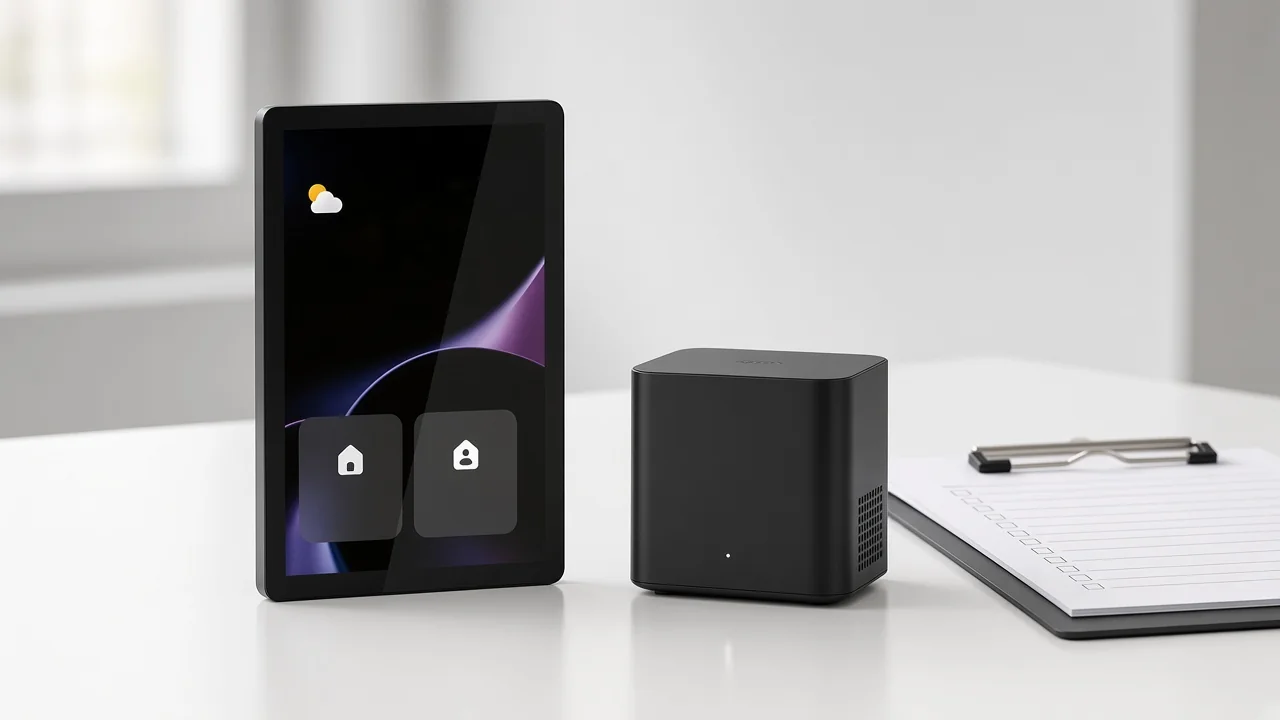
A panel includes a Zigbee gateway built-in only when the live product page prints that claim. Screen size and a pretty UI do not prove a coordinator is inside the same carton.
Several MOES center-control pages print ZigBee gateway language in the title or H1, and their technical blocks list Wi-Fi with Zigbee. Other panels print Wi-Fi with Sigmesh and IR and do not list Zigbee.
Copy the wireless-protocol line and any gateway label from the page you are quoting. Do not paste Zigbee onto a Wi-Fi/Sigmesh panel. Zigbee as a mesh radio standard still needs a coordinator or gateway path when child devices use that radio.
When the RFQ needs a Zigbee coordinator as its own appliance—not a panel that happens to print a gateway—open the Zigbee hub clarification once and keep that job there.
| Live panel page | Printed interface cues | Printed radio / gateway cues | Printed electrical cues |
|---|---|---|---|
| 3.5-inch WiFi panel (1859) | 3.5-inch central control screen; three physical buttons; three separate relays; IR remote | Wi-Fi, Sigmesh, IR; H1 names Bluetooth Sigmesh hub built-in | Model CCP-S01-EU; Input 100-240V~ 50/60Hz; max total load 600W; max per channel 200W |
| Touch screen center control (1847) | Touch screen center control panel | Title/H1: ZigBee Gateway Built-in; specs: Wi-Fi, Zigbee | Model CCP-TY-EU-LN; Input 100-240 VAC, 50/60Hz; Rated Current 74mA |
| 10.1-inch control panel (1853) | 10.1-inch touch screen; 1920×1200 FHD; four physical buttons for volume/brightness | H1: Bluetooth Zigbee Gateway Built-in; specs: Wi-Fi, Bluetooth, Zigbee | Model CCP-TY10; Enter 100-240VAC, 50/60Hz; page also prints wiring or type-c power options |
| 5-inch US center control (1842) | 5-inch touch screen US center control | H1: ZigBee Gateway; specs: Wi-Fi, Zigbee | Model CCP-US-AVS; Input 100-240V~, 50/60Hz, 5A MAX; Tungsten/Incandescent 200W; Dimmable CFL/LED 200W; Ballast/Fluorescent 200VA |
Keep each number on the row that prints it. Do not average load lines across rows.
A phone, iPad, or Fire tablet on a wall mount can show a dashboard. Installer communities discuss Fully Kiosk, recessed USB power, and always-on tablets at length.
That pattern is real—and it is still a different quote object. Dedicated panel SKUs ship as purpose-built appliances with printed electrical and radio blocks.
DIY tablets bring consumer OS updates, kiosk apps, and battery behavior that communities warn about when devices stay plugged in for years. None of that belongs on a control-panel line item unless the buyer explicitly ordered a tablet kit.
From the field: Hubitat users who mount Android or Fire tablets for dashboards talk about mounts, Fully Kiosk, and power from old keypad wiring—not about treating those tablets as the same carton as a hardwired control-panel SKU. (Wall Mounted Tablet Dashboards)
If the sample on the table is a consumer tablet, name it as a dashboard tablet on the PO. If the sample is a wall or tabletop control-panel appliance with a product page, keep it here.
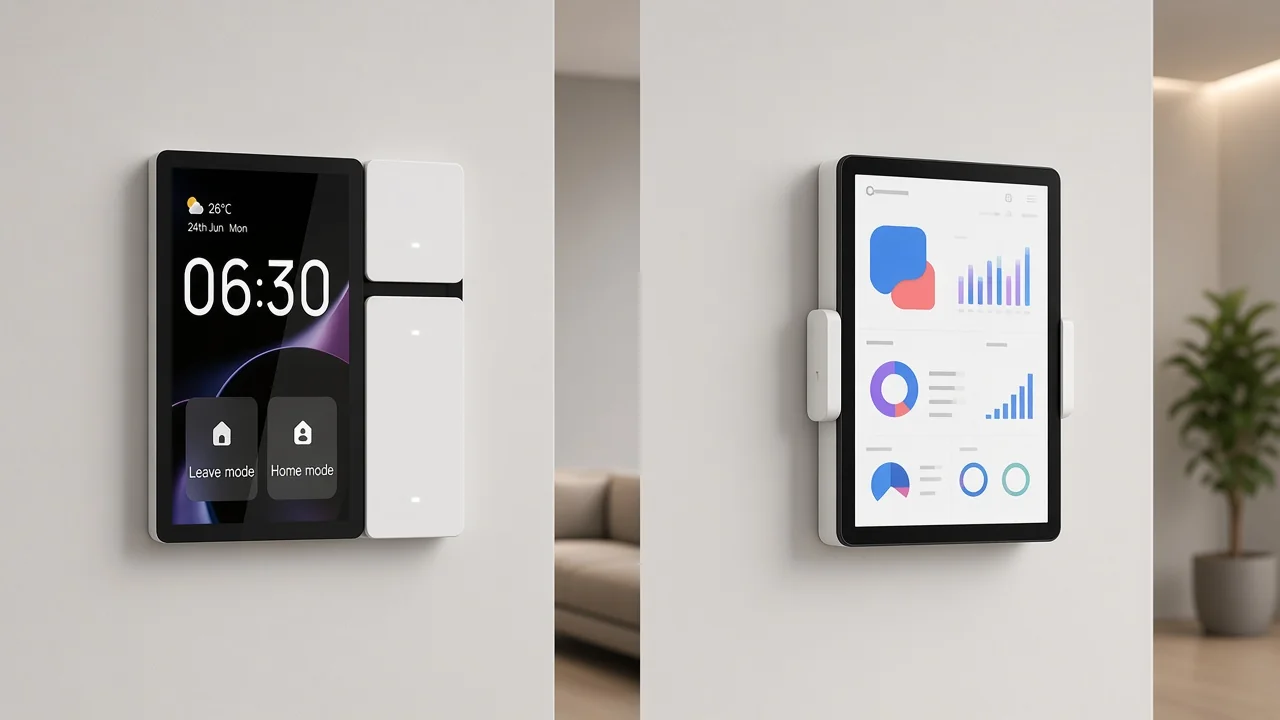
Before price, copy the fields the page actually prints. A usable minimum looks like this:
Skip efficiency percentages, noise figures, C-wire requirements, surge multipliers, and gas-sensor units when the panel page is silent. If the page is silent, the quote stays silent.
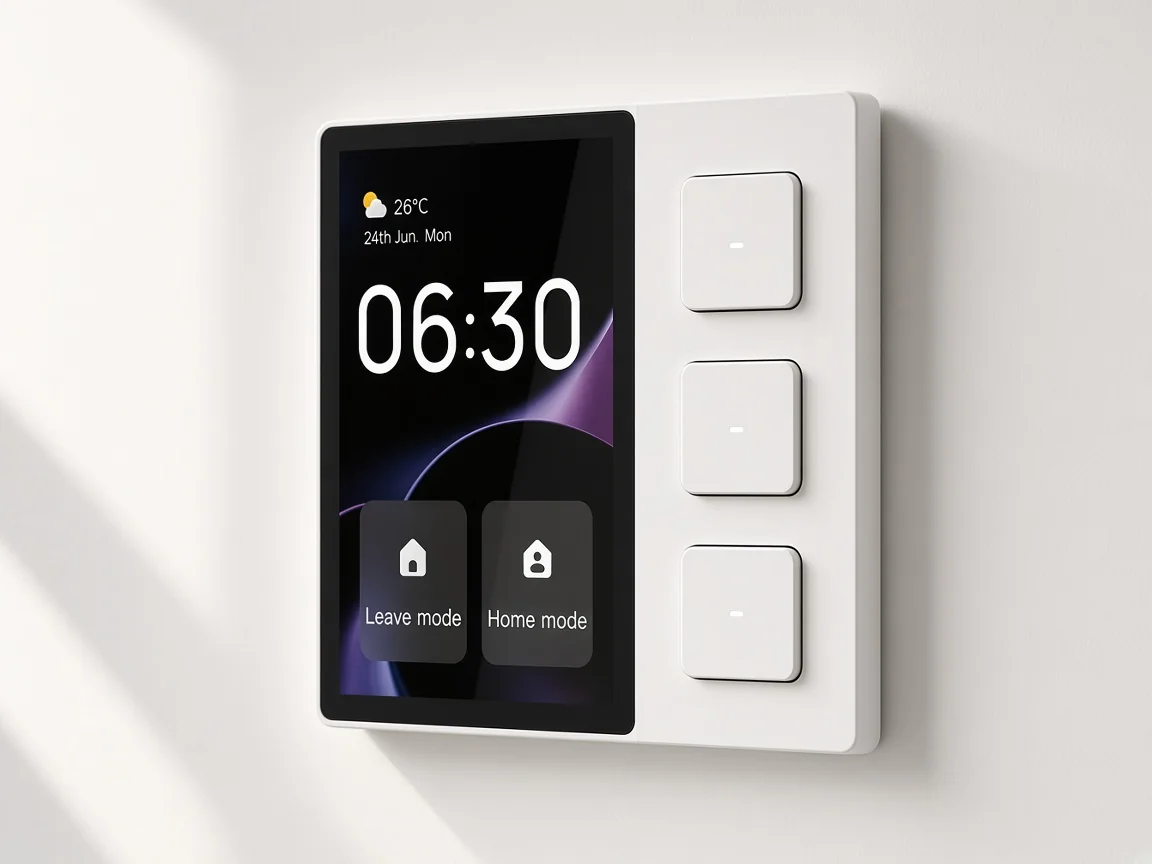
Region and box format still matter. A US 5-inch center-control page is not interchangeable with an 86-type EU form factor just because both say “control panel.”
Match the live URL to the project geography before the carton ships.
Start with the 3.5-inch WiFi smart control panel when the RFQ needs a compact wall panel with a printed 3.5-inch screen, Wi-Fi/Sigmesh/IR, three relays, three physical buttons, and the CCP-S01-EU electrical block above.
That page is the clearest small-panel example for this class on the live catalog. The Model CCP-S01-EU line prints Input 100-240V~ 50/60Hz, Maximum total load 600W, and Maximum Load Per Channel 200W.
Choose the touch screen center control when the buyer’s language is gateway-on-panel and the page’s Wi-Fi + Zigbee specs match the RFQ. Prefer the Model CCP-TY-EU-LN and Rated Current 74mA lines on that page.
Use the 10.1-inch panel when the project needs the larger FHD touch surface and the multi-radio line printed there. The Display Screen line prints 1920×1200 FHD 10.1 inch touch screen for Model CCP-TY10.
Use the 5-inch US center control panel when the quote needs the US form factor. Model CCP-US-AVS prints Input 100-240V~, 50/60Hz, 5A MAX, plus Tungsten/Incandescent 200W, Dimmable CFL/LED 200W, and Ballast/Fluorescent 200VA.
Browse other interfaces under Tuya smart home products only after the panel-versus-hub-versus-tablet fence is locked.
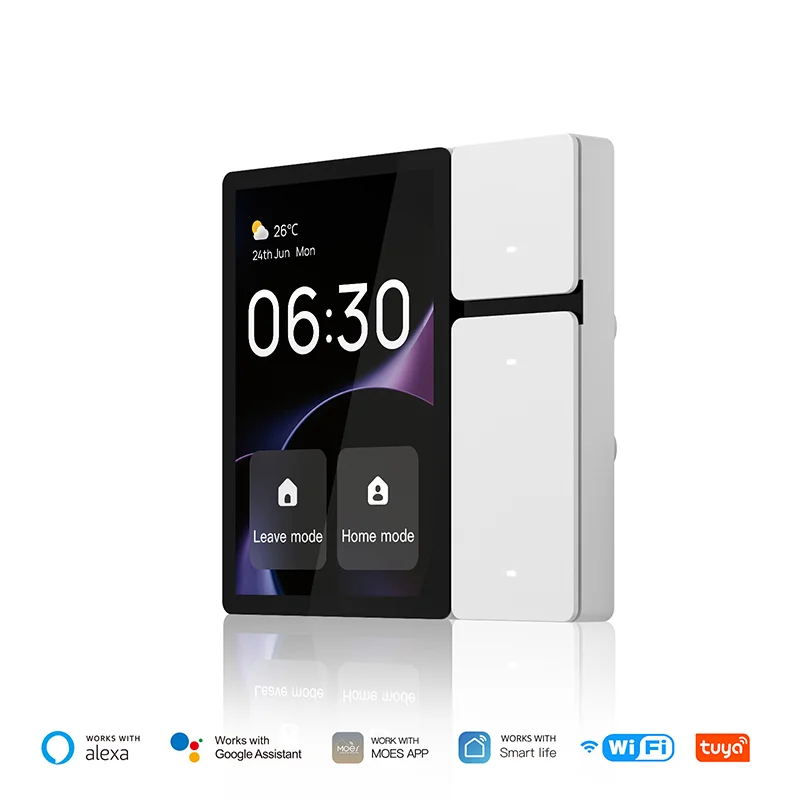
It is a dedicated wall or tabletop touchscreen appliance with local controls for connected devices—the fixed interface SKU on a quote, not a phone app and not a hub-only carton.
A hub is mainly the radio or coordinator layer. A control panel is the screen people touch.
Some panels also print a built-in gateway. Many hubs have no screen.
Use the hub clarification article when the RFQ is the coordinator carton.
No. Only panels whose live pages print Zigbee gateway (or equivalent) language include that job. A Wi-Fi/Sigmesh/IR panel does not gain Zigbee because another SKU in the family prints it.
No. A consumer tablet running a dashboard browser is a DIY interface path. A control-panel SKU is a purpose-built appliance with printed electrical and radio blocks.
Copy model, input, wireless protocol, any gateway label, local relays/buttons, and load or size lines from the same product URL. Do not blend numbers across SKUs.
No. Thermostat exclusion keeps climate-control install work on its own class. The live panel pages bound here do not print thermostat installation controls as their product job.
Use it when the buyer needs a Zigbee coordinator appliance as its own line—not when they only need a touch panel that may or may not print a gateway.
The 3.5-inch WiFi panel (CCP-S01-EU), the touch screen center control that prints ZigBee Gateway Built-in (CCP-TY-EU-LN), the 10.1-inch multi-radio panel (CCP-TY10), and the 5-inch US center control (CCP-US-AVS), each with facts taken only from its own page.


OTHER SMART DEVICES
Jun 13,2026
OTHER SMART DEVICES
Jun 12,2026
TUYA SMART HOME PRODUCTS
Jun 12,2026
 +86 137 3639 3028





