


by NOVA

Oct 24, 2026
A zigbee motion sensor reports movement in its field of view and joins a Zigbee network, usually through a hub. On this catalog, a buyer search for a classic motion-only puck often lands on human-presence / radar listings instead of a separate PIR-only SKU. The sections below lock the class meaning, separate a walk-by pulse from a still-person hold, and bind the three live adjacent listings a distributor actually opens.
The other smart devices pillar stays as orientation. This page does not rewrite the Zigbee presence sensor or motion sensor how does it work articles. It only settles the motion noun against the live shelf.
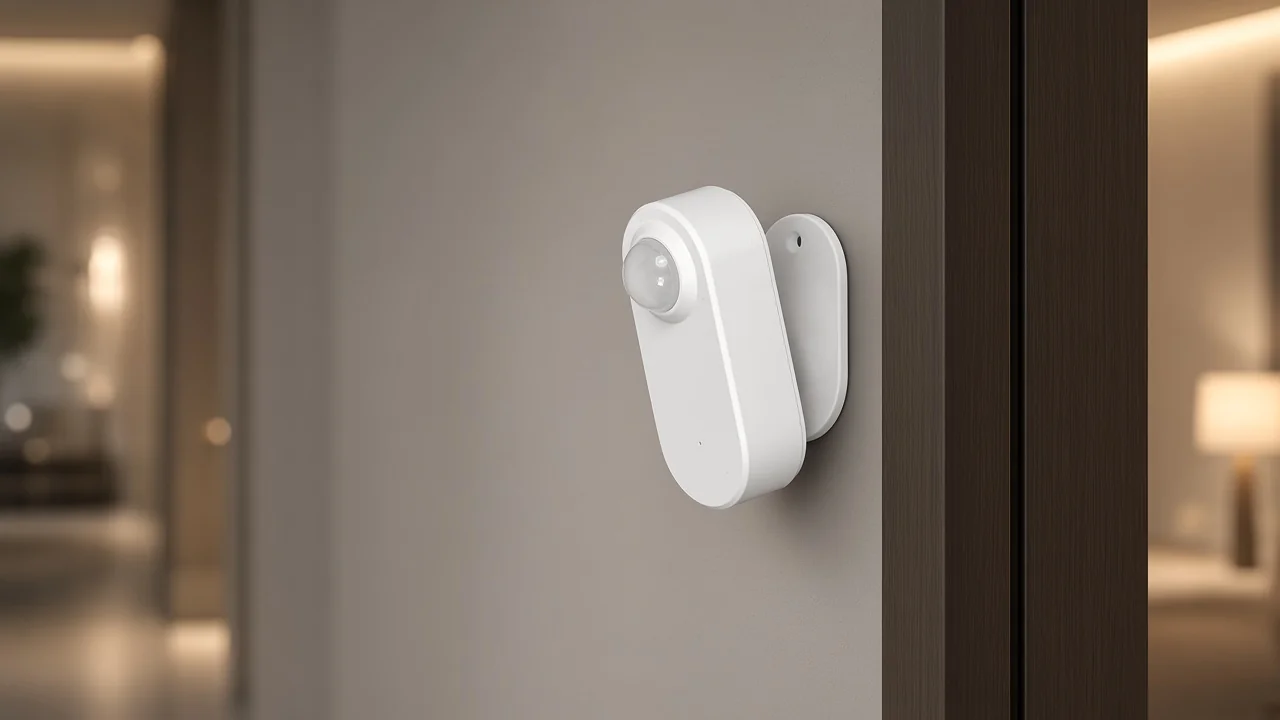
A Zigbee motion sensor tells the network that something moved in its view, then sends that event over Zigbee.
Procurement readers meet the phrase as a line item under other smart devices or smart modules. The object is a room sensor, not a wall switch and not a lock. The useful report is “movement happened,” not “who walked.”
Wikipedia’s motion-detector language is blunt: the device notices nearby motion and then performs a task or raises an alert. Zigbee is the radio half of the same line.
Wikipedia’s Zigbee note adds that every Zigbee network has one coordinator. That is why a hub or gateway usually sits on the same project sheet.
A buyer who only writes “Zigbee” has named the join and skipped the sensing job. A buyer who only writes “motion” has named the job and skipped the join. The class name only fits when both halves are true.
A walk-by pulse is a change event. A still-occupancy hold is a different job.
A PIR motion sensor is passive infrared change detection across Fresnel zones as a warm body crosses the field. That path is already set out in how a motion sensor works. This page does not rebuild the pyroelectric physics.
It keeps the buyer cut: hallways, stairs, and entries that need a fast notice that someone walked through are motion jobs.
A seated person is where that cut fails. Texas Instruments’ conference-room comparison showed a PIR unit catching walking while missing typing and breathing in the chairs.
Independent room guides say the same thing in buyer language: PIR is strong for entry, weak for a person who then sits still. Extending a software occupancy timeout only hides the miss.
The neighboring class for a still-room hold is a zigbee presence sensor built around mmWave radar. That class already has its own clarification on what a Zigbee presence sensor reports.
Open that page when the RFQ needs the room to stay occupied after walking stops. Stay here when the noun on the sheet is still “motion.”
From the field: On Hubitat, a buyer added a Tuya mmWave unit and watched it file as a motion sensor. The light came on at the door, then went off after the person sat down, while the hardware was still reporting presence without movement. The fix was to watch the still-present attribute the driver exposed, not the motion-inactive flag alone (Hubitat rules thread).
Live product search for a classic PIR-only “motion sensor” on this site returns human presence sensor / mmWave radar pages, not a separate motion-only contact class.
That is the catalog honesty line. Three published listings carry the adjacent assortment: ZSS-HP05-A (product 1790), ZSS-QY-HP (product 1772), and ZSS-LP-HP02 (product 1783).
Titles and descriptions may print PIR, motion, radar, or human-presence verbs on the same page. None of those pages becomes a motion-only SKU simply because a buyer typed “motion” into search.
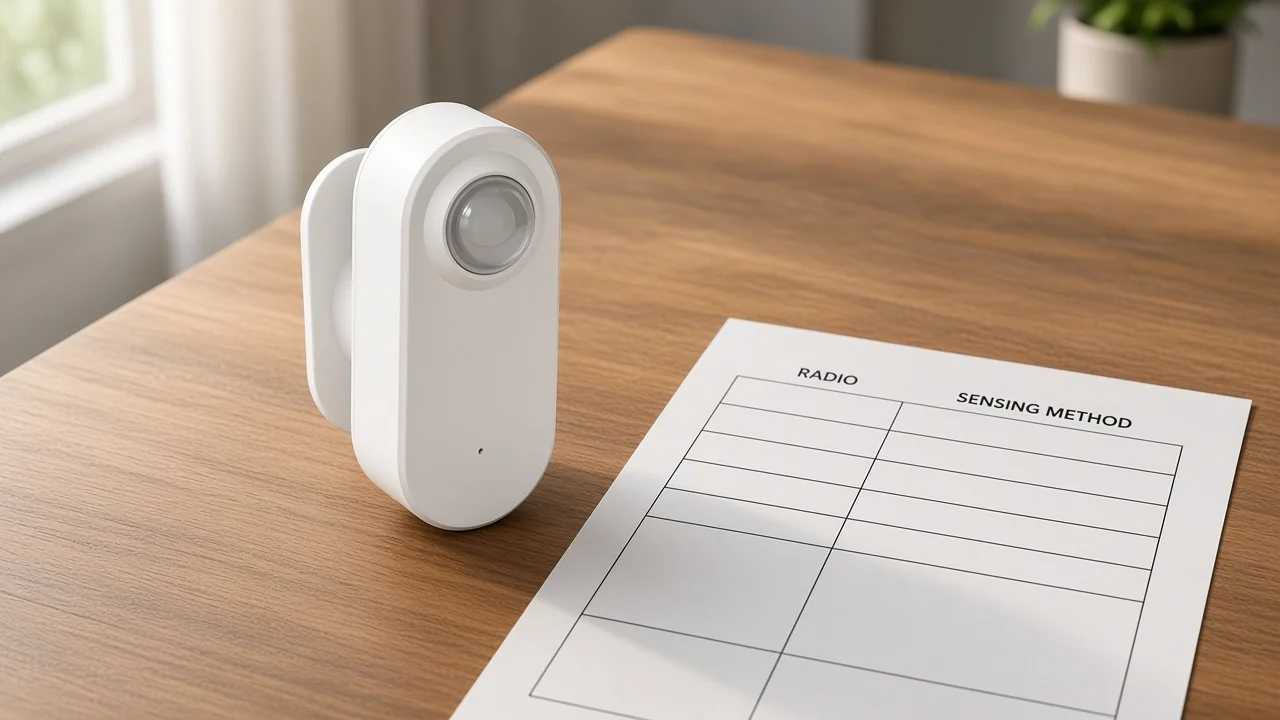
Do not invent a Zigbee motion-only carton to fill the search. Quote the printed cells on the page you link.
If the project truly needs a PIR-only walk-by puck with no radar line, that requirement stays on the RFQ as a gap against this catalog’s live assortment—not as a fabricated model number.
The sensing method and the Zigbee radio are two quote lines, and each one has to be copied from the same listing.
Zigbee is the message path. A Wi-Fi sensor can watch a hallway with PIR and never join a Zigbee network.
A Zigbee button can join the network and never watch a walk-by. Compatibility tables are plain about the hub half: a Zigbee radio pairs with a Zigbee hub or coordinator, not with Wi-Fi.
On the motion RFQ worksheet, copy the radio spelling exactly as printed—Zigbee3.0, Zigbee, or ZigBee—from the listing you open. Put the sensing method in its own cell: PIR change, radar / millimetre-wave, microwave, or a printed hybrid from that same page.
Calling a Wi-Fi listing a zigbee motion sensor would invent a radio the carton does not show.
| Quote line | What belongs in the cell | Where it comes from |
|---|---|---|
| Motion / occupancy job | Walk-by pulse, still-person hold, or “not this class” | The RFQ verb, then the page’s sensing verbs |
| Sensing method | PIR, radar, millimetre-wave, microwave, or printed hybrid | The method or frequency cell on that same page |
| Radio | Zigbee3.0, Zigbee, or ZigBee—or Wi-Fi if that is printed | The wireless / protocol cell |
| Network path | Coordinator / hub / gateway sentence only where the page prints one | Wikipedia’s coordinator fact, plus any gateway sentence on that page |
None of the three faceplates below prints Matter. A Matter claim would be an extra protocol the cartons do not show.
Coverage job, sensing method, radio, hub path, and power/mount are the five fields that make the line item quotable.
| Field | What to write | Why it changes the page you open |
|---|---|---|
| Coverage job | Transit walk-by, still-room hold, or door open/close | Motion vs presence vs contact |
| Sensing method | PIR-only, radar/mmWave, or printed hybrid | Stops pasting centimetres from the wrong carton |
| Radio | Zigbee word as printed, or Wi-Fi if printed | Hub line appears or disappears |
| Hub / coordinator | Named box only if the page prints it; otherwise a project network note | Ceiling listing vs battery listing differ |
| Power and mount | Battery, AC ceiling, or 5 V base—as printed | Housing and install path follow the page |
If those fields are blank, a catalog number is a guess. Fill them, then open a matching live page.
Illuminance / lux, sensitivity, and hold-time cells stay inside the page you link. They are not averaged into a family figure.
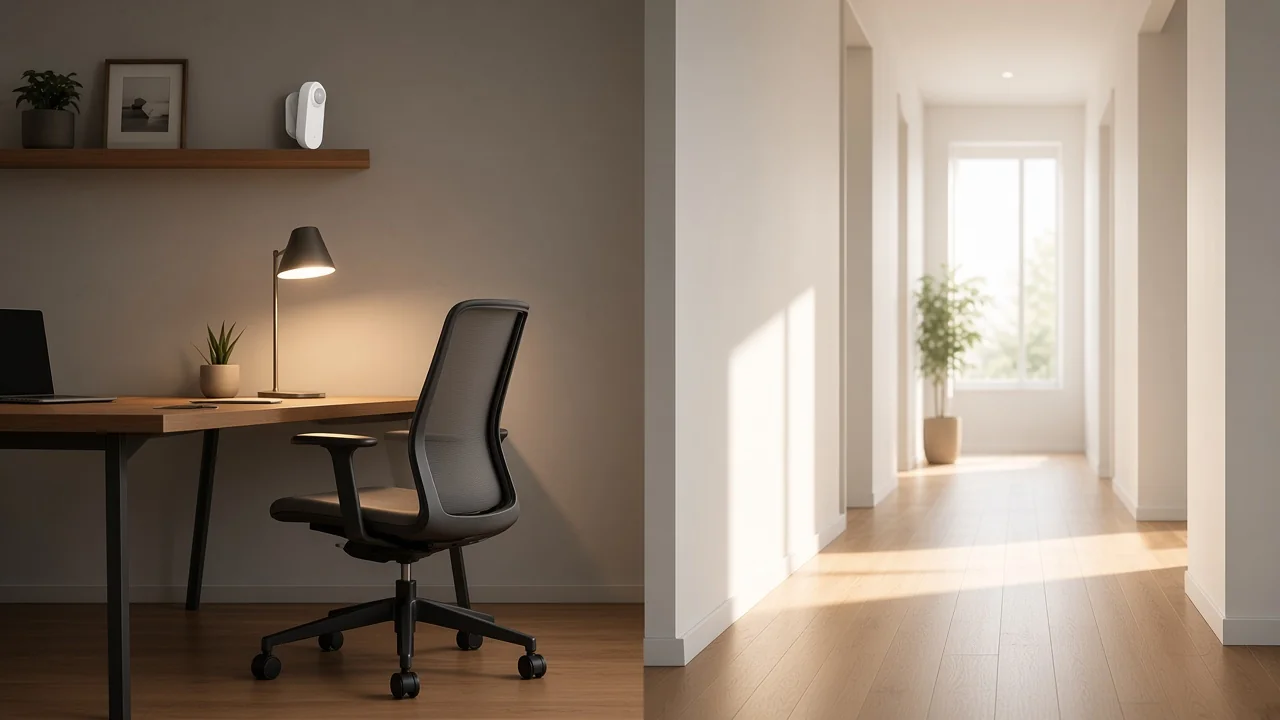
The three live listings are Zigbee human-presence pages, and they do not print the same power, band, or mount.
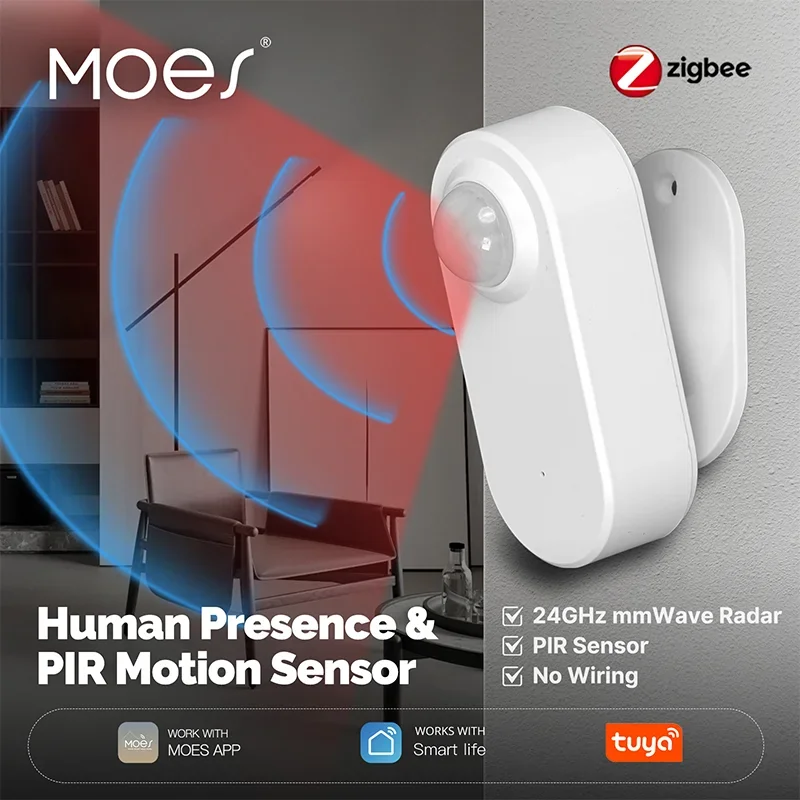
ZSS-HP05-A prints a millimeter-wave radar line beside PIR, Zigbee3.0, and two AAA cells.
ZSS-HP05-A’s specification table prints stationary detection of 0 to 600 cm and moving detection of 0 to 1000 cm.
It also prints illuminance 0 to 3000 lux and a battery-life cell of more than 6 months for PIR plus radar.
Description copy states a 24 GHz radar sensor combined with PIR motion sensing. Those centimetre and lux cells stay on this model.
ZSS-QY-HP prints ceiling installation, Zigbee, AC 100 V to 250 V, and a microwave operating frequency of 5.8 GHz in the specification table.
Detect distance prints 0 to 9 m with 7 m as the default. Description language talks about human presence, static state, micro-motion, and movement. Quote the table when the band is the question—even where marketing copy says mmWave.
ZSS-LP-HP02 prints ZigBee, a radar frequency from 24 GHz to 24.25 GHz, and a 5 V supply at 1 A.
Light sensitivity prints 0 to 10000 lux. Mount language on that page is magnetic or wall. It does not inherit the battery model’s centimetres or the ceiling model’s metres.
| Model | Radio as printed | Sensing line as printed | Power and mount as printed |
|---|---|---|---|
| ZSS-HP05-A | Zigbee3.0 | 24 GHz radar combined with PIR | DC 3.3 V, two AAA cells, wireless |
| ZSS-QY-HP | Zigbee | Microwave at 5.8 GHz; description also says mmWave radar | AC 100 V to 250 V, ceiling |
| ZSS-LP-HP02 | ZigBee | Radar from 24 GHz to 24.25 GHz | 5 V at 1 A, magnetic or wall |
Copy range, lux, and band only from the page you link.
This sheet is the Zigbee motion / adjacent-presence clarification. Door contacts and the broad sensor map are neighboring jobs with their own pages.
A magnet on a door reports open or closed. It does not report a hallway walk-by or a seated person.
The Zigbee door sensor clarification keeps that open/close class. A full map of sensor families sits on the types of smart home sensors guide.
Open those when the question is “what kinds of sensors exist” or “is this a door contact.” Stay here when the question is what a Zigbee motion sensor reports and which printed lines belong on its quote.
For a still-room quote that needs the printed millimetre-wave line and Zigbee3.0 on the same page, the matching listing is ZSS-HP05-A.
ZSS-HP05-A is the battery hybrid on this shelf: millimetre-wave radar together with PIR, Zigbee3.0, and the centimetre cells quoted above. It fits a seat or desk where the buyer wants the still-person hold and can accept a battery unit.
The project still needs a Zigbee network with a coordinator. The carton itself does not invent Matter.
Choose the ceiling listing when the job is a mains-powered ceiling mount and the band cell must follow that page’s microwave table. Choose the wired listing when the job is a powered radar sensor with a magnetic or wall base and the radar cell that page prints.
If the RFQ insists on a PIR-only walk-by puck with no radar line, say so on the quote as a catalog gap against these three pages. Do not paste a fictional motion-only model number.
Product pages: ZSS-HP05-A, ZSS-QY-HP, ZSS-LP-HP02.
It is a room sensor that reports a movement or change event in its field and joins a Zigbee network, usually through a hub. The sensing method and the radio word are separate quote cells.
Zigbee still needs a coordinator on the mesh, so the sensor needs a network that already has that role. Copy any gateway sentence only from the product page that prints it.
Motion is a walk-by or change pulse. Presence is a still-person hold. PIR is strong for entry and weak for a seated person; radar presence is the neighboring class when the page actually prints that method.
Not reliably. A timeout can delay the off command, but it does not mean the PIR sees a motionless body. Seated work is the usual miss.
Live search for a classic motion-only SKU returns the human-presence / mmWave listings above. Quote those printed cells. Do not invent a motion-only SKU.
No. Zigbee and Wi-Fi are different joins.
These three listings print Zigbee, Zigbee3.0, or ZigBee. A listing that prints Wi-Fi is a different radio row.
No. None of the three faceplates prints Matter. Leave Matter off the quote unless a different live page prints it.
Start with ZSS-HP05-A when you need Zigbee3.0 and a printed radar plus PIR hybrid on one battery page. Use the ceiling or wired pages when their printed power and band cells match the job.


OTHER SMART DEVICES
Jun 13,2026
OTHER SMART DEVICES
Jun 12,2026
TUYA SMART HOME PRODUCTS
Jun 12,2026
 +86 137 3639 3028





