


by NOVA

Aug 31, 2026
Clever uses for light sockets that B2B channels can package are fixture USB power for low-draw devices, smart-bulb retention when wall switches stay in the loop, and motion- or schedule-driven lighting from existing circuits—each path needs RFQ gates for power continuity, fixture ratings, and control method before anyone quotes adapters, switches, or plugs. This checklist maps those fixture-level applications for distributors and installers under the MOES smart switch pillar without treating consumer lamp-socket reviews as procurement specs or adapter shopping lists.
Clever uses for light sockets describe fixture-level jobs—not generic “smart home” slogans. For channel assortments, three paths show up repeatedly in search and community threads: screw-in adapters that add USB power at the bulb socket, smart-bulb setups that must survive wall-switch behavior, and scheduled or motion-linked lighting on the same fixture circuit.
Consumer articles showcase Wyze-style lamp sockets and marketplace USB adapters. They rarely convert fixture wattage limits, listing requirements, or wall-switch cutoffs into distributor RFQ fields. MOES public navigation groups wall switches, dimmers, fan/light controls, touch panels, and GaN outlet chargers under one smart switch category—useful for mapping circuit-control examples, not proof that MOES sells E26 lamp-socket adapters.
| Clever use path (primary job) | What the buyer is trying to do | Typical hardware shape | First RFQ gate |
|---|---|---|---|
| Fixture USB power | Run a camera or sensor from an existing bulb socket | E26 screw-in adapter + low-draw device | Fixture max wattage and UL/ETL listing |
| Smart-bulb retention | Keep connected bulbs online while occupants use wall controls | Smart bulb + switch mode or workaround | Does the wall switch cut socket power? |
| Motion / schedule lighting | Automate porch, corridor, or bathroom fixtures | Dimmer or switch on fixture circuit + automation rules | Load type and timer/dimming compatibility |
This article owns fixture-socket application paths. The sibling smart switch uses article owns wall-switch functional jobs (on/off, dimming, fan/light, scene triggers)—read that piece when the question is switch taxonomy, not bulb-socket repurposing.
Fixture USB power is the most searched “clever” path: a screw-in light socket adapter adds USB power from fixture wiring while still accepting a bulb, so installers can power a small camera or sensor where no receptacle exists. Third-party reviews describe roughly 5V USB output from E26 adapters sized for porch lights, bathroom ceilings, and sheltered outdoor fixtures.
That path works only when the project respects fixture ratings and heat. ENERGY STAR LED guidance notes that thermal management governs LED life—higher operating temperatures accelerate lumen depreciation. Stacking an adapter, bulb, and powered device in one enclosure adds heat and wattage accounting work; channels should RFQ max fixture load and bulb type before quoting bundles.
Important: SmartThings community installers note that habitually cutting fixture power at the wall switch can destabilize Zigbee routes when bulbs or adapters act as repeaters. Fixture USB projects need a documented plan for continuous power—or an accepted workaround such as pairing a smart bulb that keeps the circuit behavior predictable.
Channels should treat adapter SKUs as third-party accessories unless the distributor holds listing evidence. MOES public pages do not list E26 lamp-socket USB adapters; assortment work here focuses on the wall switch, dimmer, or receptacle that governs whether the socket stays energized.
Smart-bulb retention solves a different fixture problem: occupants expect a smart bulb wall switch pairing that feels normal, but connected bulbs need fixture power continuity to stay online. SparkFun’s switch tutorial describes on/off control as placing a switch in series with the power line—when the switch opens, everything downstream in the bulb socket loses power, including USB adapters and smart bulbs.
Consumer guides therefore recommend smart-bulb pairing: leave the wall switch on, control light output through the bulb app, and power low-draw devices from the adapter below the bulb. SmartThings community discussions on mesh stability reinforce that bathroom or porch adapter setups need the wall switch behavior understood upfront.
Wall smart switch and wall smart switch modes add another channel option when fixture power continuity must be preserved. SmartThings community threads ask for switches that pass energy for radio power while load terminals behave in scene-only or bypass modes—so paddles send automation events without cutting bulb power. That is not universal; confirm wiring mode on the exact SKU before quoting.
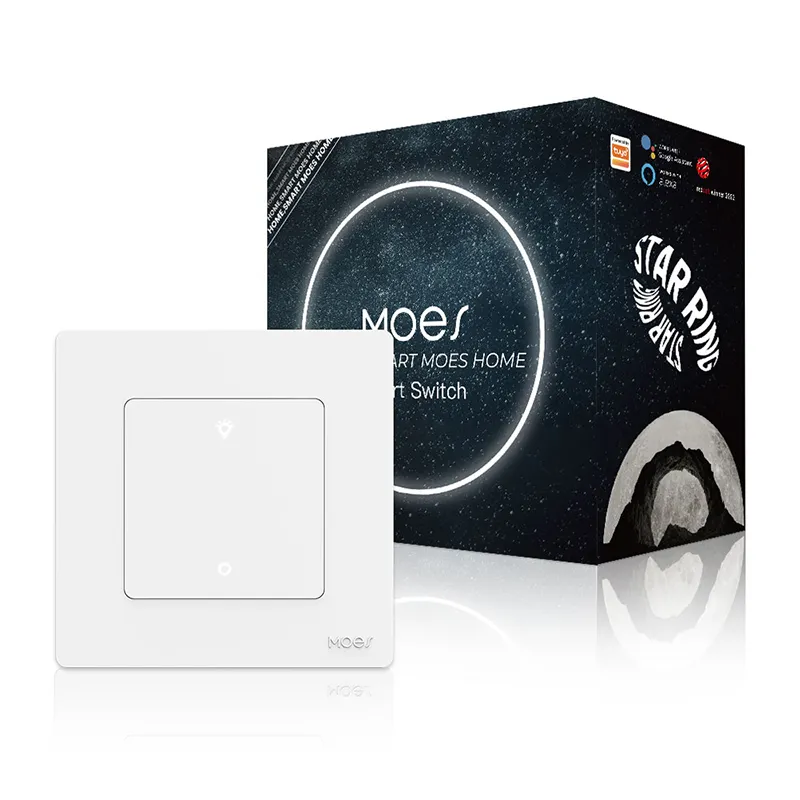
For US projects with neutral-present boxes, the MOES Tuya WiFi Star Feather Series US Switch public page lists 90–250V AC operation, 10A per gang (10A total), Wi-Fi control, and app/voice/touch operation—bounded to that product line when the RFQ documents US format and neutral wiring. It is an example of circuit-level control, not a substitute for verifying smart-bulb mode support on the chosen model.
Motion-triggered and scheduled lighting reuse the fixture circuit itself—without adding a new outlet. Consumer lamp-socket accessories describe motion-activated porch lights when a camera detects movement; B2B channels achieve similar outcomes by controlling the fixture circuit with a dimmer or switch that supports timers and automation rules.
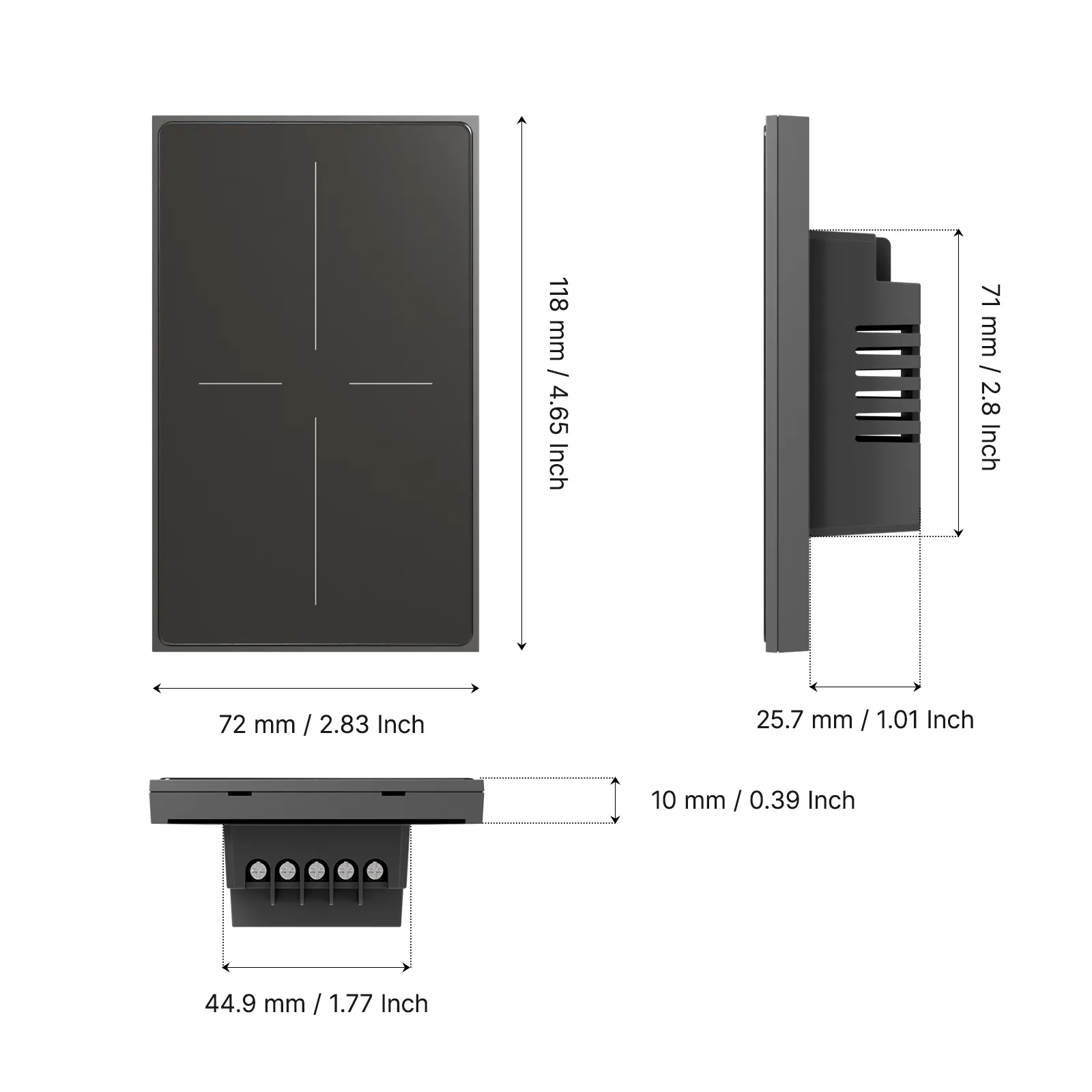
The MOES Star Ring ZigBee Smart Dimmer Switch product page documents on/off/brighten/darken control, timer-based schedules, and published max loads (including 100W LED/CFL at 110V and 200W LED/CFL at 220V on the live listing)—useful when the RFQ calls for dimmable porch or corridor fixtures, scoped to that dimmer SKU only.
Channels should still separate “motion via camera rules in a third-party app” from “motion via fixture circuit control.” The RFQ should state who owns the automation logic (hub, camera vendor, or wall control) and whether loads are dimmable LEDs or simple on/off bulbs.
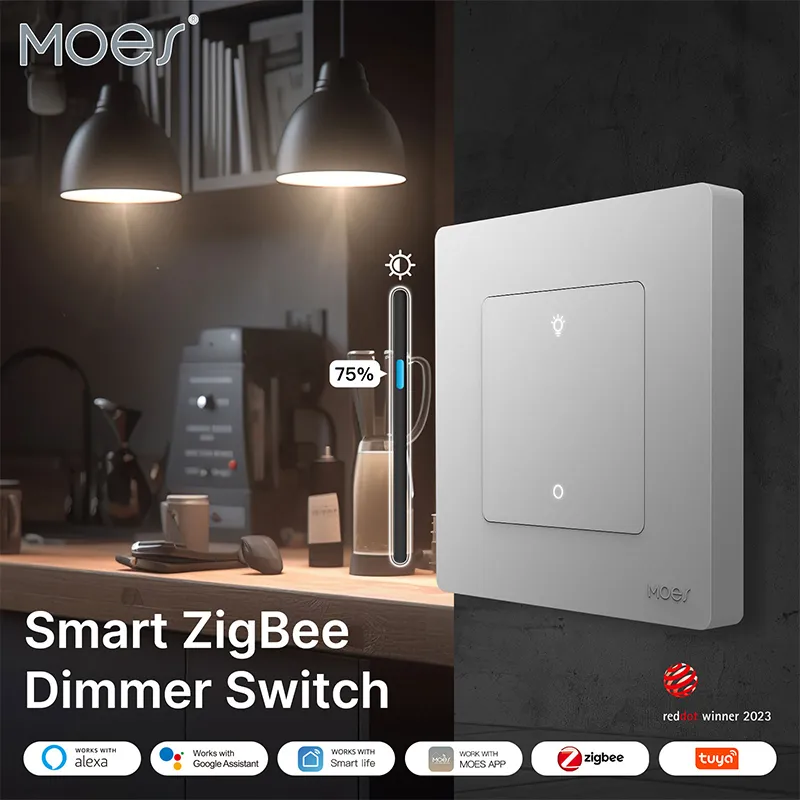
Adapter, wall switch, and plug form factors solve different access problems—channels should not collapse them into one SKU line.
Screw-in lamp socket uses fit when only the bulb socket is available and load stays low. Wall switches fit when the project controls the entire fixture circuit from the box and the RFQ documents neutral, gang count, and load type. Plug-in smart sockets fit when a receptacle already exists nearby and the device does not need to hide inside the fixture.
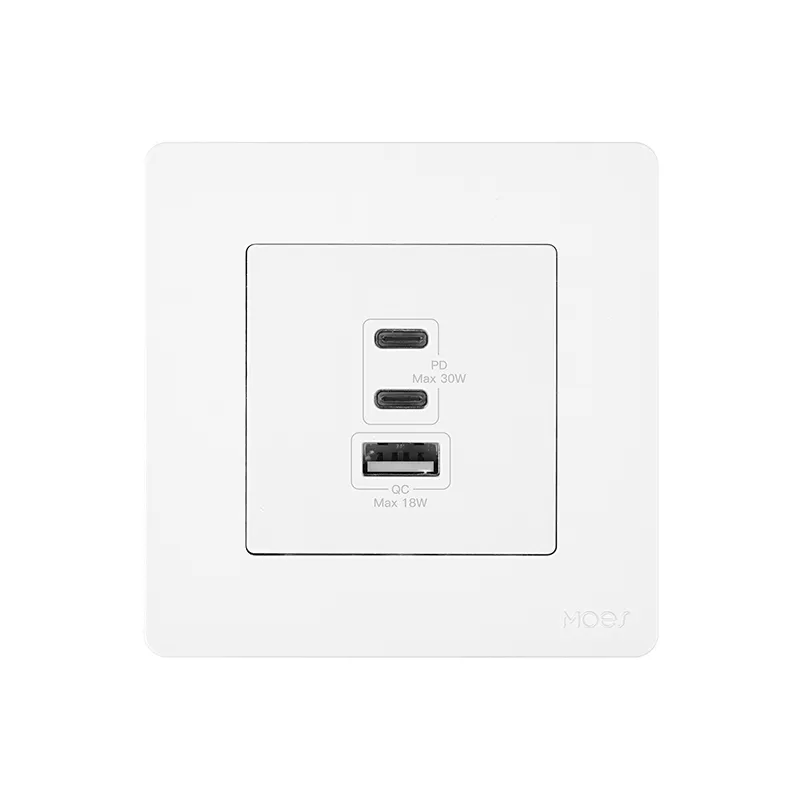
MOES publishes a wall-receptacle path distinct from E26 adapters: the Star Ring 30W GaN Wall Outlet Charger Socket lists 100–240Vac input, PD3.0 fast charging, 2C1A ports, and overtemperature protection on the product page—appropriate when renovations can add USB power at the wall rather than inside the bulb socket.
Plug-in options such as the MOES WiFi Smart Power Socket Plug suit lamp-adjacent loads when a standard outlet is reachable. Pick the form factor after the RFQ states where power must appear—inside the fixture, at the wall plate, or at a nearby receptacle.
Quote-ready RFQ checklist rows for clever light-socket projects document power continuity before SKU comparison. Once fixtures host cameras or sensors, channel documentation should cover device settings, patch habits, and strong non-default passwords—security belongs in the RFQ, not as an afterthought.
| RFQ field | Why channels need it | Example values |
|---|---|---|
| Primary clever-use path | Prevents quoting a dimmer for a USB-adapter-only brief | Fixture USB power; smart-bulb retention; motion/schedule |
| Fixture/socket type | Sets adapter compatibility | E26 porch; E27 corridor; multi-bulb vanity |
| Power continuity plan | Determines whether downstream IoT stays online | Wall switch always on; smart-bulb mode; scene trigger |
| Max load and bulb type | Supports heat and rating review | LED A19; fixture label max wattage |
| Listing / certification ask | Filters uncertified adapters | UL or ETL listing required |
| Protocol / hub | Separates Wi-Fi switches from Zigbee dimmers | Tuya Wi-Fi; Zigbee gateway present |
| Automation owner | Clarifies who maintains rules | Installer; end-user; monitoring vendor |
| Clever use path | What to disclose beside the sell | Typical MOES class (bounded) |
|---|---|---|
| Fixture USB power | Adapter is third-party; MOES controls circuit upstream | Star Feather switch; Star Ring dimmer |
| Smart-bulb retention | Switch may cut power unless mode documented | Star Feather US switch (verify mode on SKU) |
| Motion / schedule lighting | Load limits and dimmer compatibility | Star Ring ZigBee dimmer |
| Wall USB near lighting | Receptacle install scope | Star Ring GaN wall socket |
| Plug-in fallback | Requires nearby outlet | WiFi smart power socket plug |
Send completed tables with project photos before opening catalog comparisons. For protocol decisions after the use path is fixed, see MOES’s Wi-Fi vs Zigbee smart switch comparison.
Start assortment review at the MOES smart switch category after RFQ fields are filled—not before. Public listings span switches, dimmers, and GaN outlet sockets; none replace a distributor’s obligation to match the documented clever-use path and wiring gates.
Bounded examples from live product pages:
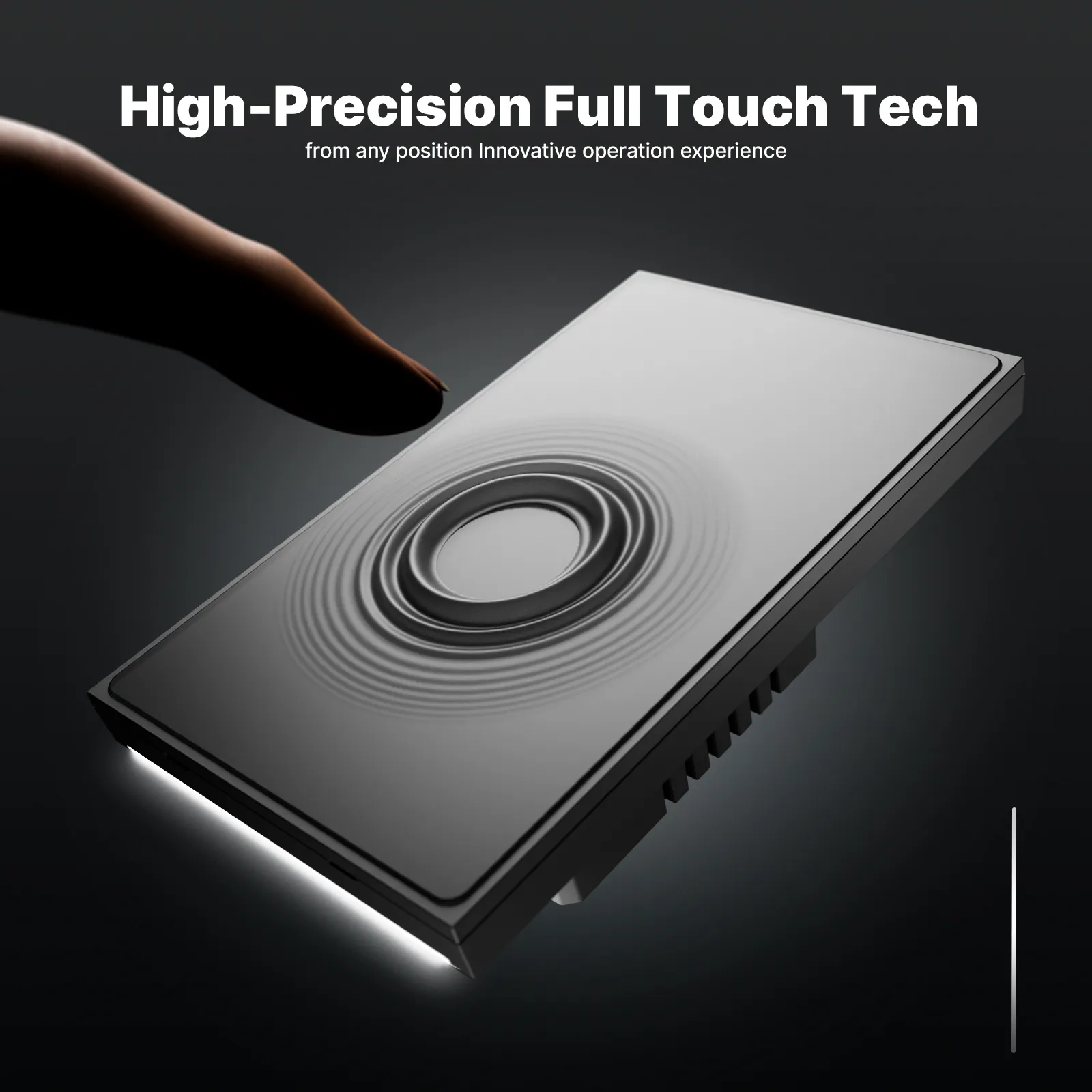
None of these examples certify an uncertified third-party adapter, guarantee outdoor weatherproofing, or promise smart-bulb mode on every switch SKU. If neutral status, load type, or power-continuity answers are still missing, send the RFQ table through the MOES contact page before requesting samples.
These questions cover residual decisions channel buyers raise after mapping clever light-socket paths—especially safety, camera power, switch behavior, and overlap with sibling articles.
They can be when the adapter carries appropriate listing marks, stays within fixture wattage, and powers only low-draw devices. RFQs should require UL or ETL evidence and document bulb type and heat limits—especially in enclosed fixtures.
Yes in principle via screw-in USB adapters on many E26 fixtures, subject to wattage and shelter requirements. Power drops when the wall switch opens unless the project documents a continuity plan; MOES does not publish E26 adapter SKUs on the current site.
Not if the switch removes circuit power—the bulb and any socket adapter lose power together. Smart-bulb retention projects need the switch left energized, a compatible smart-bulb or bypass mode, or a documented workaround.
Choose a wall switch when the project controls the whole fixture circuit from the box and wiring/neutral conditions are known. Choose adapters when only the bulb socket is accessible and loads stay low—with listing evidence held by the distributor.
Use the fixture label and published control ratings together. MOES Star Ring dimmer pages publish max LED/incandescent loads by voltage; adapters and bulbs share the same fixture budget—do not exceed the lowest rated component.
This article covers fixture-socket application paths (USB adapter power, bulb retention, motion/schedule on fixture circuits). The sibling smart switch uses article classifies wall-switch functional jobs (on/off, dimming, fan/light, scene triggers).
Only if power stays continuous enough for mesh stability. Community installers report mesh disruption when switches power-cycle Zigbee nodes; RFQs must state switch behavior before bundling sensors on adapter power.
At minimum: primary use path, fixture type, power continuity plan, max load/bulb type, listing requirement, protocol/hub, and automation owner—before comparing MOES or third-party SKUs.


OTHER SMART DEVICES
Jun 13,2026
OTHER SMART DEVICES
Jun 12,2026
TUYA SMART HOME PRODUCTS
Jun 12,2026
 +86 137 3639 3028





