


by NOVA

Sep 01, 2026
The smart home advantages and disadvantages that matter for B2B channels are a paired trade-off set: remote control, scheduling, and occupancy-linked energy discipline on one side, versus privacy exposure, multi-vendor complexity, support debt, protocol lock-in, and retrofit cost on the other. This page turns that balance into RFQ fields so distributors and installers can quote upsides without hiding the disadvantages buyers will feel after install.
For outcome-benefit packaging, see Benefits Of A Smart Home: RFQ Checklist. For automation-operations advantages, see Advantages Of Smart Home Automation: RFQ Checklist. This article stays on balanced selection trade-offs.
For channels, advantages and disadvantages of a smart home—and the shorter phrase advantages and disadvantages of smart home—are procurement language, not a lifestyle blog scorecard. A smart home connects devices so lighting, climate, sensing, and related loads can be controlled or monitored remotely or automatically through an app, voice path, hub, or panel.
Trade associations and utility education pages describe that control/monitoring upside. Academic and ISP overviews put the same systems next to vendor clash, internet dependency, privacy risk, and upfront complexity.
That pairing is the job of this checklist. A United States distributor quoting wall switches for a retrofit is answering a different question than a buyer who wants camera locks without naming who owns passwords and patches.
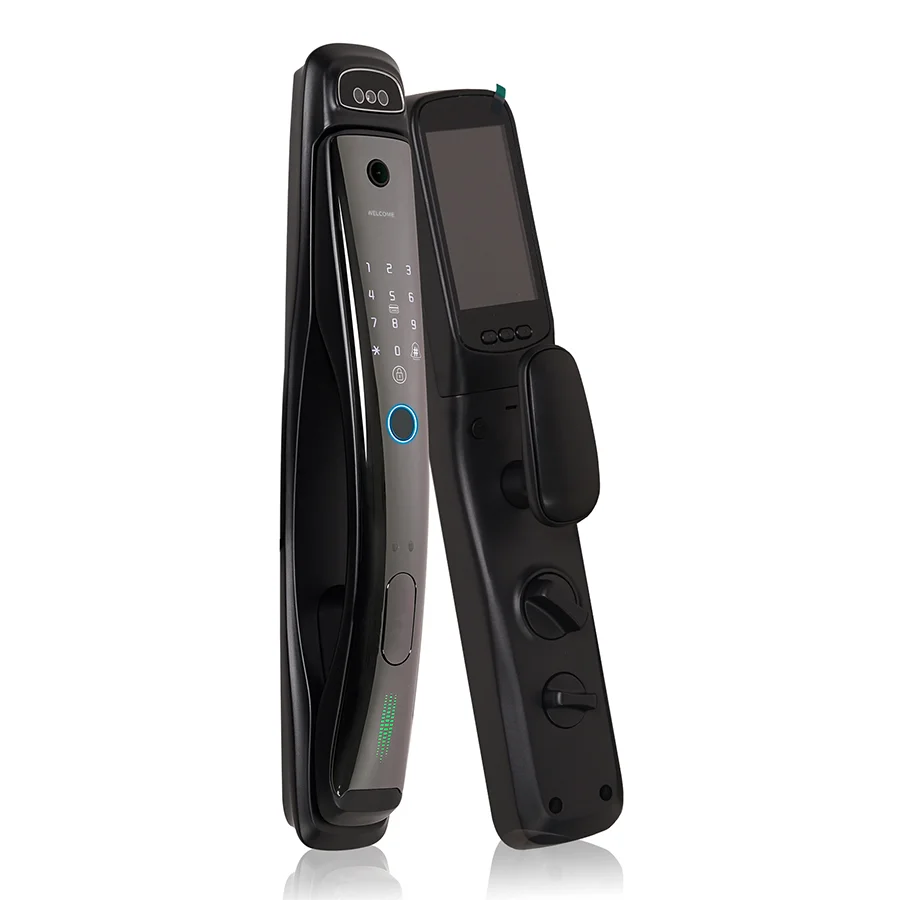
The sellable upsides still start with remote management, scheduling, and occupancy-linked control. That remote / schedule upside remains worth selling when disadvantages are gated.
ENERGY STAR notes that smart products can be managed from a phone, programmed on a schedule, alerted on performance issues, and adjusted based on occupancy. Smart lighting can be controlled remotely or on a schedule, and smart light switches are named as one remote path.
CEDIA frames home automation as remote or automatic control and monitoring of lighting, temperature, security, and entertainment for convenience, energy efficiency, and safety. Those are real advantages when the RFQ also names the disadvantages below.
Do not expand those upsides into a full outcome-benefit matrix or an automation-ops taxonomy here. Keep them short: they are the “advantage” half of the trade-off that this checklist prices.
The disadvantages of a smart home that channels must document are not abstract warnings. They are line items someone will own after the quote.
Privacy and security posture come first. Connected devices share more information than dumb switches. Privacy / data exposure is one of the core disadvantages a channel RFQ buyer must price.
Owners need strong passwords, private networks, reviewed security settings, and timely software updates. Weak passwords and public Wi‑Fi raise exposure.
Channels that sell cameras, locks, or always-on sensors should assign who owns patch policy and data access—not leave it implied.
Complexity and vendor clash come next. Different brands often create connectivity issues.
Mixing hubs, apps, and protocols without a compatibility table creates ticket volume before the first retrofit finishes.
Support debt is the ongoing cost of keeping devices online, pairing stable, and alerts honest. Treat complexity / support debt as a quoted ownership line, not a soft warning.
In SmartThings community language, experienced users treat some platforms as fine for lighting and notifications but not as a stand-alone critical security system. When internet drops, intrusion-style events and notifications can fail.
That is a channel disclosure, not a footnote.
Protocol lock-in follows. Call it protocol / hub lock-in when the RFQ names an ecosystem. A smart home typically needs Wi‑Fi, smart devices, and a connecting system or hub.
Many hubs work only with specific ecosystems, so compatibility must be confirmed before purchase. Quoting “Zigbee assortment” without gateway ownership, or “Wi‑Fi only” without LAN capacity, is how lock-in becomes a surprise.
Retrofit cost closes the set. Upfront equipment, professional installation, Wi‑Fi upgrades for larger homes, and a learning curve are material drawbacks.
Phased starts beat “fully automate everything” when the RFQ cannot fund the support load. Ask early about smart home cost envelopes for install labor and Wi‑Fi upgrades.
Important: Do not sell sensor or lock awareness as a certified alarm replacement. Community operators repeatedly separate lighting/notification use from critical security — SmartThings Community thread on platform reliability. If the project needs life-safety or monitored intrusion response, keep that requirement outside the smart-assortment claim.
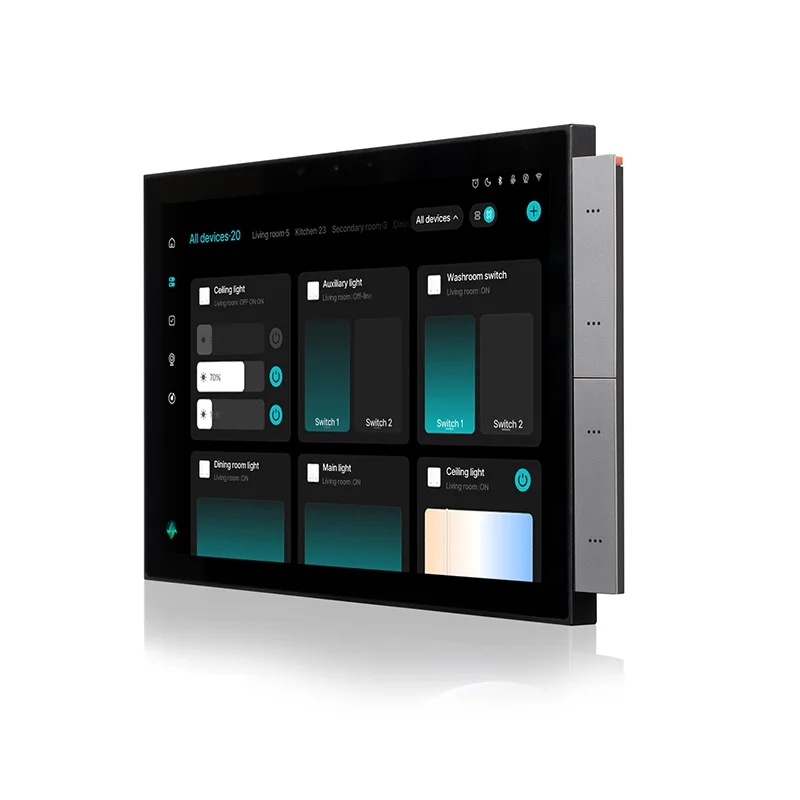
Each upside creates a paired disadvantage. Lock both in the RFQ before SKU selection.
| Upside buyers hear | Paired disadvantage | RFQ fields to lock early |
|---|---|---|
| Remote control from app/voice | Internet dependency; tech frustration when apps glitch | Control path; offline/local expectation; who resets hubs |
| Schedule / occupancy energy discipline | Feature sprawl; unused gadgets gathering dust | Which rooms/loads are in scope; who owns schedules |
| Earlier awareness from sensors/alerts | Privacy exposure; support debt; non-critical security limits | Sensor class; alert owner; certified-alarm boundary |
| One-app / one-hub convenience | Protocol lock-in; vendor clash | Protocol (Wi‑Fi/Zigbee/BLE mesh); hub SKU; compatibility table |
| Wall-switch intelligence | Retrofit cost; neutral/wiring surprises; mode conflicts | Gang/format; neutral available; Light vs Scene intent |
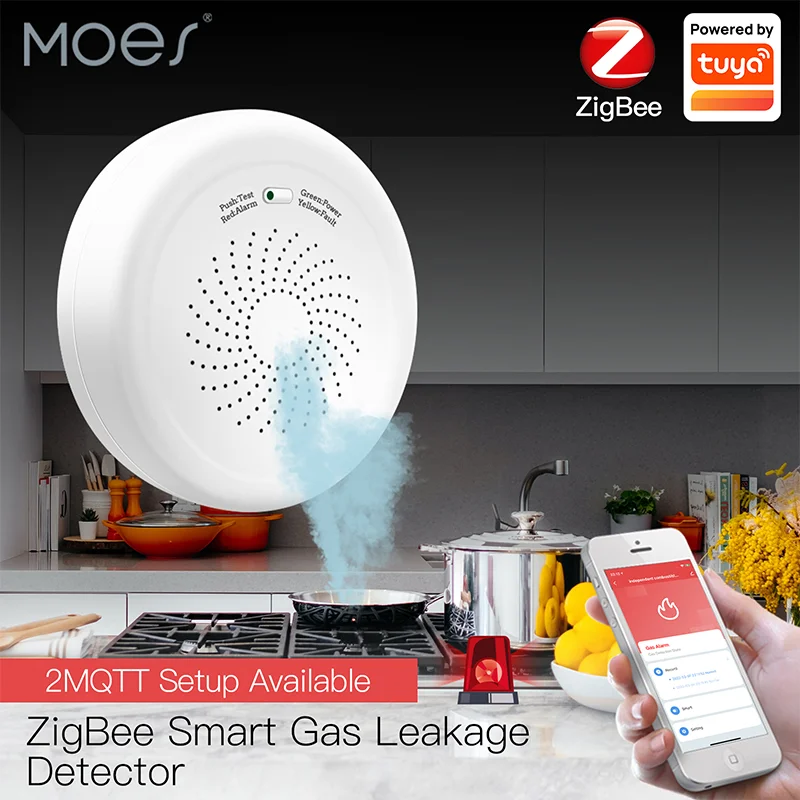
Disadvantages shrink when scope is honest. Identify the job first—remote lighting, awareness sensors, climate schedules, or wall-control retrofit—then pick the smallest device set that does that job.
Utility education pages warn buyers not to purchase fancy gadgets that gather dust. Channel RFQs should do the same: forbid “everything smart” language when the support owner is undefined.
Protocol and gateway ownership belong on page one of the quote.
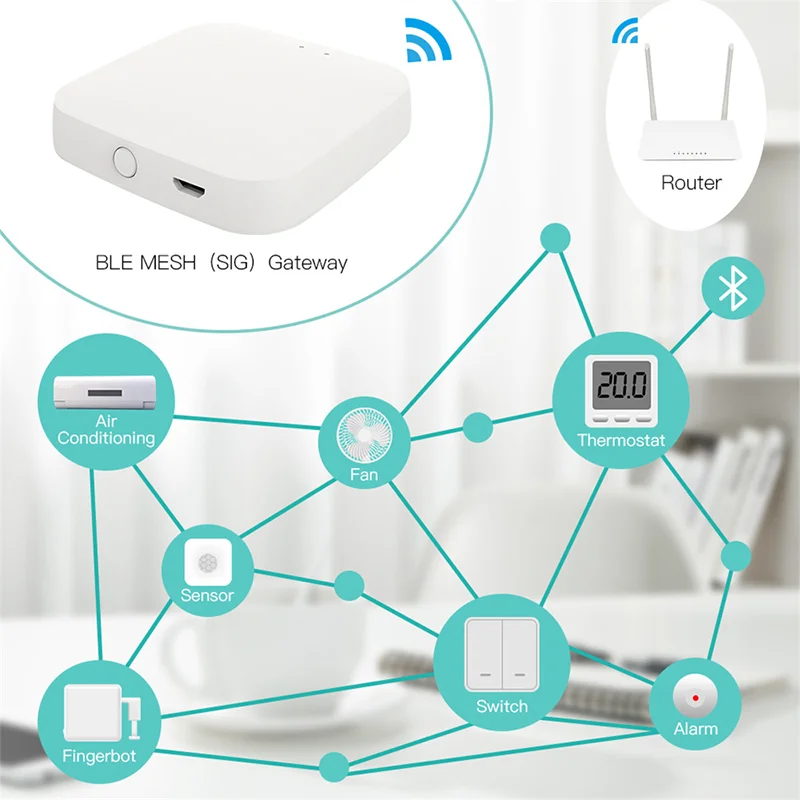
Decide Wi‑Fi vs Zigbee / BLE mesh before mixing carts. Wi‑Fi SKUs can simplify small projects but load the LAN. Zigbee or Bluetooth mesh paths need a planned gateway.
MOES public Tuya smart home products span both families—match the cart to one documented path.
Wiring and mode gates block wall-switch upsides. Confirm neutral wire availability before promising a glass touch switch story.
Star Feather collection notes describe US and EU gang entries as neutral-wire products, and Light Mode and Scene Mode cannot be used simultaneously on listed entries.
Use this checklist so every channel RFQ buyer keeps smart home advantages and disadvantages paired in the quote.
| RFQ field | What to capture | Fail condition |
|---|---|---|
| Project job | Remote lighting / awareness / climate / wall retrofit | “Make it all smart” with no job owner |
| Upsides promised | Which advantages are in the sales story | Upsides copied from a lifestyle listicle with no RFQ fields |
| Privacy / security owner | Password, patch, network segmentation owner | Cameras/locks sold with no policy owner |
| Support owner | Who handles offline devices and alert tickets | No post-install contact named |
| Protocol + hub | Wi‑Fi vs Zigbee/BLE mesh; hub SKU; app path | Mixed cart without compatibility table |
| Network readiness | Wi‑Fi capacity; offline expectation | Remote features promised on weak LAN |
| Wiring / format | Neutral; gang; US vs EU format | Wall switches quoted without box survey |
| Mode intent | Light Mode vs Scene Mode (where applicable) | Simultaneous Light+Scene assumed |
| Criticality boundary | Awareness vs certified alarm / life-safety | Sensors sold as stand-alone security |
| Retrofit budget | Install labor, Wi‑Fi upgrades, training | Upside sold without cost envelope |
Cross-check sibling pages when the quote needs a different thesis: outcome benefits packaging, or automation remote/schedule ops—not this trade-off checklist.
When the RFQ already locks Wi‑Fi wall control, US format, neutral availability, and Light-versus-Scene intent, a bounded Star Feather US switch example is the MOES Tuya WiFi Star Feather Series US Switch.
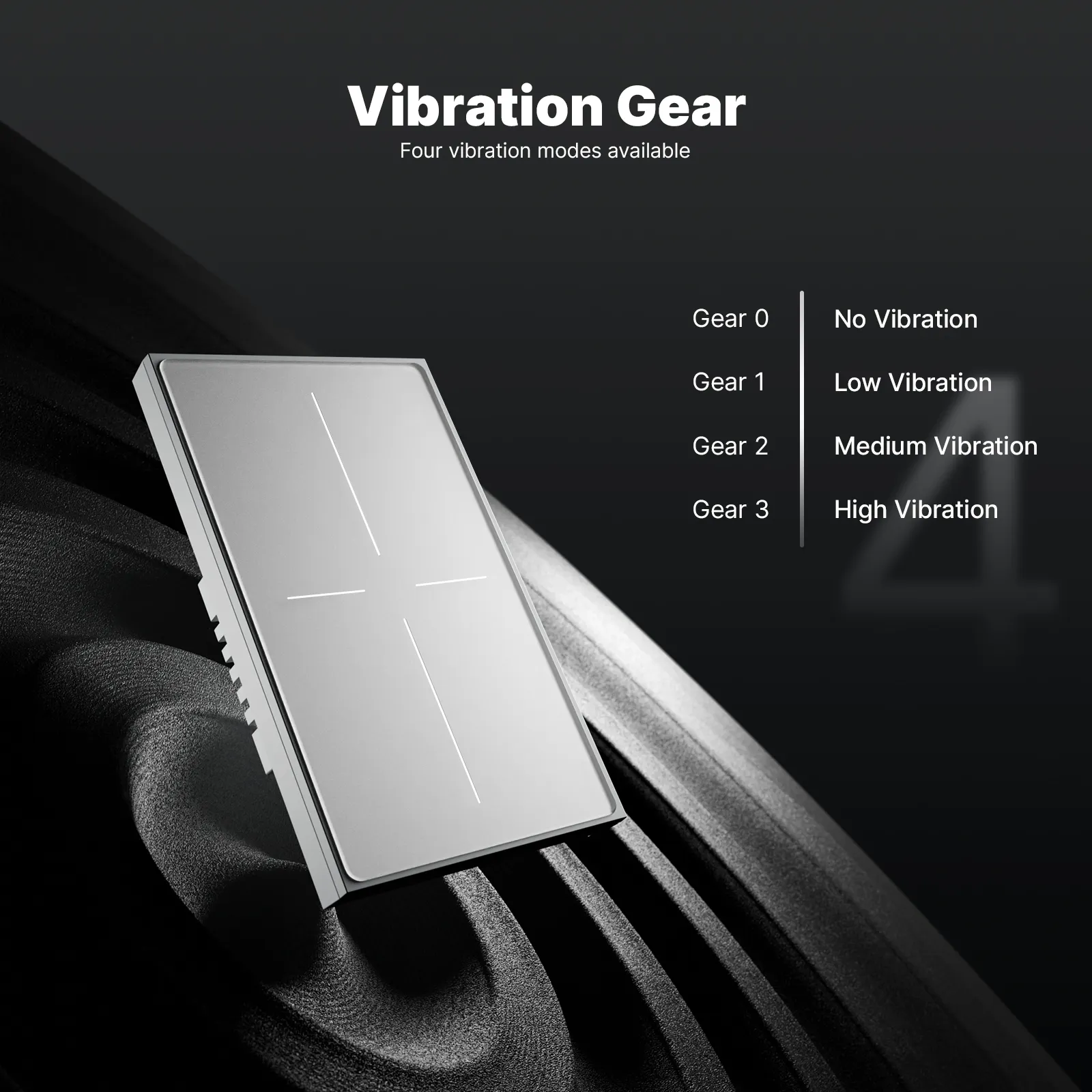
Public product copy positions full-touch glass control, APP/voice/touch paths, Light Mode and Scene Mode switching in the app, and four vibration levels. Specs list Model WS-SF-US1/2/3/4, 90–250V AC, max 10A per gang with total 10A, and Wi‑Fi as the wireless protocol.
That is a wall-control example for trade-offs already gated—not proof that every smart-home disadvantage disappears, and not a substitute for Zigbee gateway planning or certified alarm systems.
Do not recommend this SKU when neutral is missing, EU gang format is required, Zigbee is mandatory, Light and Scene must run together, or the buyer expects life-safety monitoring from a wall switch.
Browse the broader Tuya smart home products category after the checklist is complete, or contact MOES for channel assortment questions.
Advantages that still sell are remote management, scheduling, and occupancy-linked control when devices are configured for those jobs. Disadvantages channels must price are privacy exposure, multi-vendor complexity, support debt, protocol lock-in, and retrofit cost.
No. It is worth stocking when the RFQ pairs promised upsides with owners for privacy, support, protocol/hub, wiring, and budget. Projects that refuse those fields should stay on conventional controls.
Connected devices increase data sharing and attack surface. RFQs should name password/patch ownership, private-network expectations, and whether cameras or locks are in scope. Do not imply certified alarm performance from consumer smart assortments.
Hubs and apps are often ecosystem-specific. Confirm Wi‑Fi versus Zigbee/BLE mesh, gateway ownership, and compatibility before mixing brands. Lock-in is a disadvantage that appears as “these SKUs will not join the cart” after the quote.
Support debt is the ongoing work of firmware, pairing, offline recovery, and alert honesty after install. Community operators often keep platforms on non-critical lighting and notifications for that reason.
Capture install labor, possible Wi‑Fi upgrades, training, and box surveys for neutral/gang before selling wall-switch intelligence. Phased room or load starts reduce cost surprises.
Benefits of a smart home owns channel-sellable outcome benefits. Advantages of smart home automation owns automation-operations taxonomy. This page owns balanced advantages and disadvantages for RFQ selection.
On Star Feather collection entries reviewed in site facts, Light Mode and Scene Mode cannot be used simultaneously. Lock mode intent in the RFQ before quoting those switches.
Patterns found and fixed: removed source-first openings; avoided restating sibling benefit/ops matrices; shortened dense trade-off paragraphs; kept Important callout as single sourced risk insight; no claim IDs or assertion labels in prose.
No-fabrication boundary: no bill-savings %, no MOES project prices, no firsthand testing, no certified-alarm claims.
Second-pass owner: moes-draft-agent-20250901-02 — re-read for AI rhythm, twin-sibling phrasing, and mechanical rule-of-three lists; varied sentence length across H2 openings.


OTHER SMART DEVICES
Jun 13,2026
OTHER SMART DEVICES
Jun 12,2026
TUYA SMART HOME PRODUCTS
Jun 12,2026
 +86 137 3639 3028





