


by NOVA

Oct 17, 2026
A thermostat with remote sensor is a wall thermostat plus a separate temperature sensor for another room. The wall plate still decides when the heating or cooling equipment runs. The extra sensor only changes which room’s air that decision uses.
Buyers meet the same phrase in two different quotes. One quote means a thermometer you can place in a bedroom. The other means a phone that can change the setpoint.
The sections below separate those jobs, then copy the lines the live MOES wall pages actually print.
A phone command and a remote room sensor do different work. The phone tells the wall plate to change a setpoint. The sensor tells the wall plate what the air is doing in a room that is not the hallway.
On the live MOES pages, “APP remote control” is the phone path. The Matter WiFi page and the programmable page both say you can watch and change the home temperature through MOES, Apple Home, Alexa, or a similar platform. That sentence is about a person with a handset.
It does not add a probe on the other side of a closed door.
ENERGY STAR describes a smart thermostat as a Wi-Fi device that adjusts heating and cooling settings. The Department of Energy’s building-science note adds that a smart thermostat can also be reached from a smartphone.
Both descriptions fit a wall plate with a radio. Neither description is a wireless room sensor sitting on a bedroom shelf.
If a quote says “remote” and the only supporting line is the app sentence, ask which room’s temperature the plate will read. If the answer is “the room where the plate is mounted,” you are still buying a wall thermostat.
The separate sensor does not turn the boiler or the electric heat on by itself. It reports a temperature. The wall plate compares that reading with the setpoint and makes the call.
People who already use extra sensors describe the same split. A community controller note puts it this way: when the plate is in a poor spot, several sensors can be averaged, and that average becomes the value that decides heating or cooling. The plate’s own sensor is usually still one of the readings in the mix.
The equipment still takes its order from the plate.
That is why a second probe does not create a second zone. One plate, one call. If the bedroom is cold and the hallway is warm, the plate can be told to care about the bedroom.
It cannot heat the bedroom and leave the hallway untouched unless the building already has a separate circuit for that room.
The Zigbee thermostat clarification covers which MOES wall plates print a Zigbee radio. This page does not reopen that radio class. A radio lets the plate join a hub.
It does not, by itself, put a thermometer in another room.
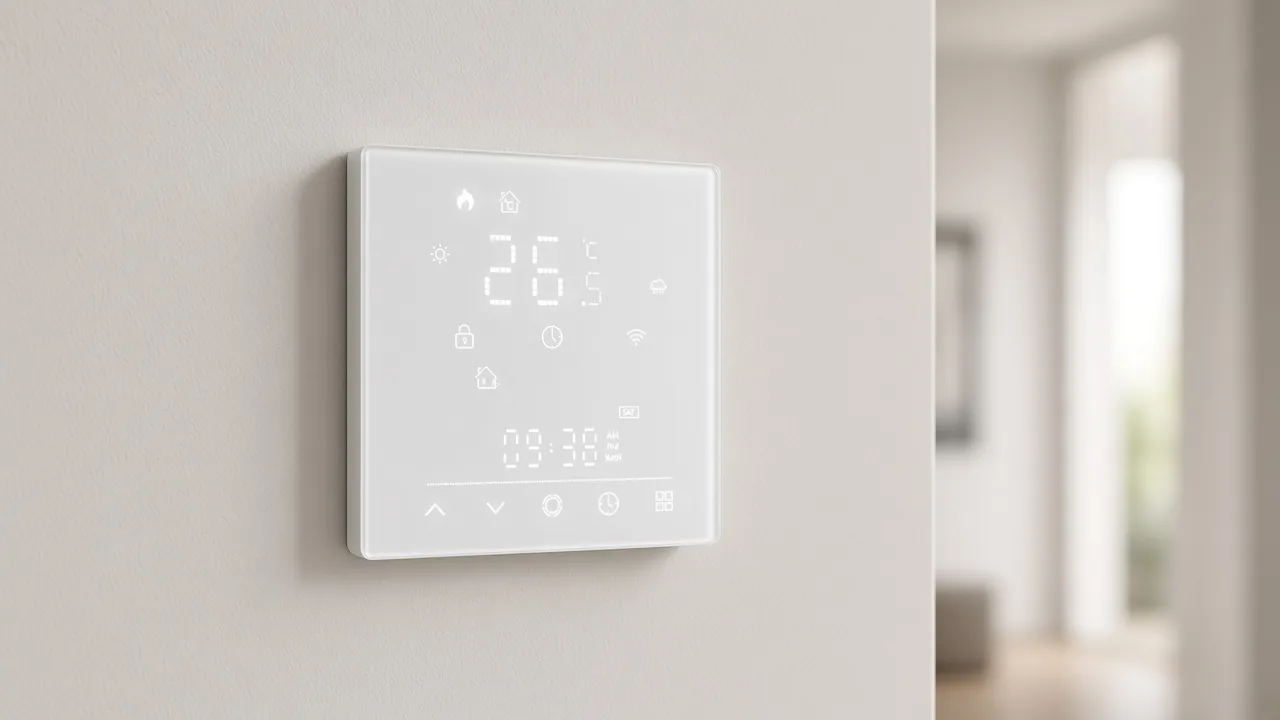
The three published thermostat pages on MOES, read on 17 October 2026, are wall climate SKUs. None of them prints a remote-room sensor, a room sensor, or a remote probe.
Two of the pages do print a sensor line. On the Star Ring knob page and on the Matter WiFi wall page, that line reads NTC3950, 10K. The pages do not say the sensor is wireless, do not say it ships as a second puck, and do not say it can be moved to another room.
Treat it as the sensor line for that wall plate. Do not relabel it as a remote room sensor.
The programmable page’s parameter block does not even print that NTC line. It prints supply, load, and a Wi-Fi frequency. Its title says WiFi or Zigbee.
The block itself prints the Wi-Fi protocol and frequency.
Copy the block on the page, and keep the title’s radio words beside it rather than inventing a second radio table.
The category that holds these plates is the smart thermostat range. The cards there are the same three wall products. A buyer who needs a separate room thermometer will not find that accessory named on those cards.
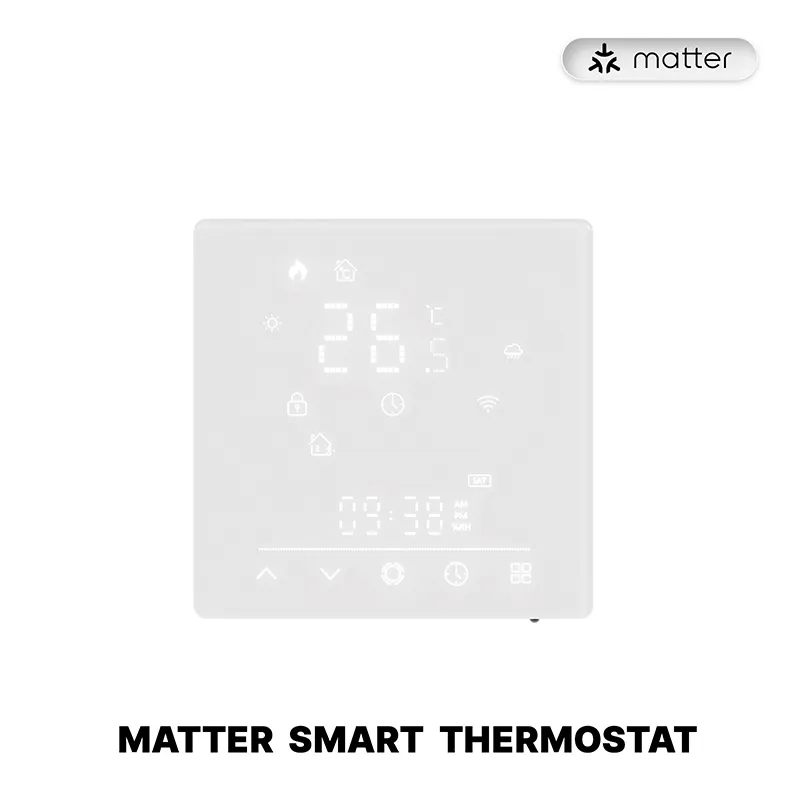
A quote can still be specific. It should repeat the lines the chosen page prints, and it should leave a blank where a remote-room sensor would have been listed.
| Live page | Radio line that is printed | Load | Voltage or supply | Schedule |
|---|---|---|---|---|
| Star Ring knob | ZigBee | 5A water heating or gas boiler; 16A electric heating | 95-245V AC, 50 or 60 hertz | No weekly count on the lines reviewed |
| Matter WiFi wall plate | Matter WiFi in the product title | 5A water heating or gas boiler; 16A electric heating | No supply-voltage line in the parameter block reviewed | Up to 42 schedules in one week |
| WiFi or Zigbee programmable plate | Title says WiFi or Zigbee; the block prints Wi-Fi at 2.400~2.483GHz | 16A electric heating at 250VAC; 3A water heating or gas boiler at 250VAC | 100~250VAC, 50 or 60 hertz | Up to 42 schedules in one week |
The knob page also prints a set range of 5~35℃ and an accuracy of ±1℃. The Matter WiFi page prints a set range of 5-35°C, a room-temperature display span, and accuracy of ±1°C.
Those are wall-plate display lines. They are not a promise about a sensor in a second room.
The programmable page is the one that splits the load by heating type and prints both the supply and the Wi-Fi frequency. Use that page when the quote must show amps and volts together. Use the knob page when the quote must show the ZigBee line and the NTC3950 line on the same sheet.
Use the Matter WiFi page when the quote must show the weekly program next to the 5A / 16A load, and say plainly that voltage was not in the parameter block you read.
Wiring steps, terminal names, and the rest of the install sheet belong on the smart home thermostat installation inputs. This clarification stops at the product lines a quote can copy.
The reason buyers ask for a remote room sensor is usually a door, not a missing app.
From the field: On a heating forum, a homeowner with hot-water baseboard said the thermostat sat in the south bedroom and the door stayed closed at night, so the spare bedroom and bathroom on the same zone went cold. The request was a sensor in the front room so that room could call for heat too. Source: https://www.garagejournal.com/forum/threads/i-need-a-thermostat-with-remote-sensor.527805/
That story matches the hallway complaint that shows up in other buyer threads. The plate sits where the air barely moves, or it sits in the one room that is already comfortable. The rooms people actually use never get a vote.
A wireless room sensor, in the ordinary trade sense, is the small thermometer you place in the room that should have the vote. Retail pages for other brands sell that puck as an accessory to a named wall model. The MOES pages reviewed here do not.
If the project needs that puck, the quote has to ask for it as its own line. It cannot be assumed from the word “smart” or from the word “remote” in an app feature.
One plate still means one call. If the bedroom sensor is the only reading in use, the hallway can drift. If the plate averages the hallway and the bedroom, neither room is guaranteed to sit on the setpoint.
Say which reading the plate should follow before the order is placed.
A presence sensor notices that a person is in a room. A temperature probe reports degrees. They can be bought for the same project, and they still answer different questions.
The Zigbee presence sensor clarification is the page for occupancy and radar-style sensing. Do not paste that product into a thermostat quote and call it a remote room sensor. It will not give the wall plate a temperature for the spare bedroom.
Some other brands combine motion and temperature in one accessory. That combination is theirs. It is not printed on the three MOES thermostat pages.
If a customer asks for “the sensor that sees the room,” ask whether they want occupancy or degrees. Write the answer on the quote before anyone picks a SKU.
For a water-boiler or electric-heating quote that does not include a separate room probe, start with the programmable wall thermostat. Its page is the one that prints the supply range, the split between electric-heating amps and water-heating amps, and a weekly programmable line of up to 42 schedules.
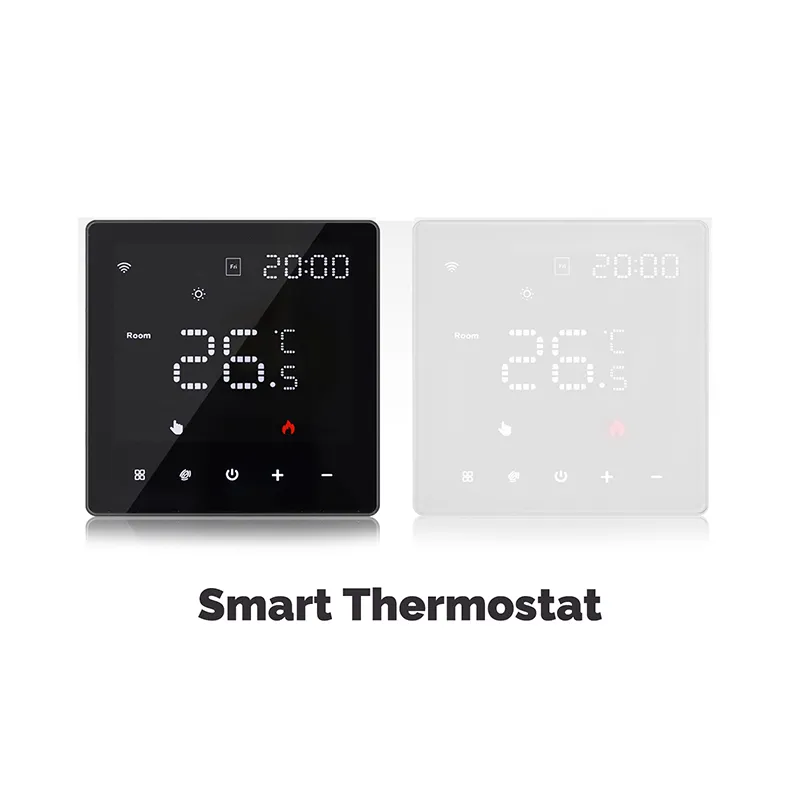
Name the heating type next to the load, because the amps are not the same for electric heat and for a water or gas boiler. Name the radio from the title and from the Wi-Fi lines in the block, and point radio-class questions to the Zigbee article rather than stretching this page into a protocol guide.
If the project needs the knob form, use the Star Ring page and copy its ZigBee line, its voltage line, and the NTC3950 line. If the project needs the glass-panel weekly program beside the 5A and 16A load, use the Matter WiFi page and leave voltage blank unless a later reading of that page shows a supply line.
When the customer still wants another room’s temperature in the decision, add the fields below. They are requests, not features found on the live pages.
| Quote field | What to write | Why it is separate |
|---|---|---|
| Room that must be comfortable | Bedroom, bath, or other named room | The wall plate only knows the air around it unless a probe is added |
| Probe wanted | Yes or no, as its own line | None of the three live pages prints a remote-room sensor |
| Reading the plate should follow | Plate only, other room only, or both | One plate still makes one call |
| Heating type | Water or gas boiler, or electric heat | The printed amp line changes with that choice |
| Schedule | Copy the weekly line only if that page prints it | The knob page did not print a weekly count |
Send the quote with the product URL in it. A buyer can then check the same lines you copied. If a later edit of the page adds a remote-room sensor, the quote should change with that page, not with a retail roundup of other brands.
It is a wall thermostat sold with, or able to use, a separate temperature sensor for another room. The sensor reports that room. The wall plate still makes the equipment call.
Retail roundups name Ecobee, Nest, and Honeywell models that are sold with room sensors. Those names are not MOES specifications. On the three live MOES thermostat pages, a remote-room sensor is not printed.
They are worth discussing when one room stays comfortable and another room on the same call does not. A closed bedroom door is the usual case. They do not add a second heating zone.
Only if the thermostat page, or a matching accessory page, prints one. The MOES wall pages reviewed here do not. An app login is not that accessory.
Yes, in the phone sense, when the page prints app or platform control. You can change the setpoint from somewhere else. That still uses the temperature at the plate unless a separate probe is part of the quote.
It measures temperature where you place it and gives that reading to the wall plate. The plate then calls for heat or cooling from the setpoint. The sensor does not switch the load by itself.
Honeywell sells separate wireless room sensors for selected Honeywell Home models. That is a Honeywell accessory. It does not transfer to a MOES wall plate, and it should not be typed into a MOES quote.


OTHER SMART DEVICES
Jun 13,2026
OTHER SMART DEVICES
Jun 12,2026
TUYA SMART HOME PRODUCTS
Jun 12,2026
 +86 137 3639 3028





