


by NOVA

Sep 22, 2026
After copper is correct, the practical answer to how to use smart switch for channel buyers and installers is to prove four control surfaces on the same load — local touch, app on/off and scenes, schedules or timers, and linked voice — then lock RFQ fields so that use path is quoteable. This page is a B2B application guide for day-to-day use and showroom demos. It is not a wall-wiring tutorial, not a definition rewrite, and not Samsung’s phone-migration software.
If you landed here from a phone-backup article, stop: Android/Samsung “Smart Switch” moves contacts and photos between phones. For that name collision and PC tooling context, see what is smart switch and how do I install smart switch on my PC. Install duration, no-neutral decisions, and 3-way copper stay on their project-input packages — for example how long does a smart switch take to install.
Upward hub: smart switch.
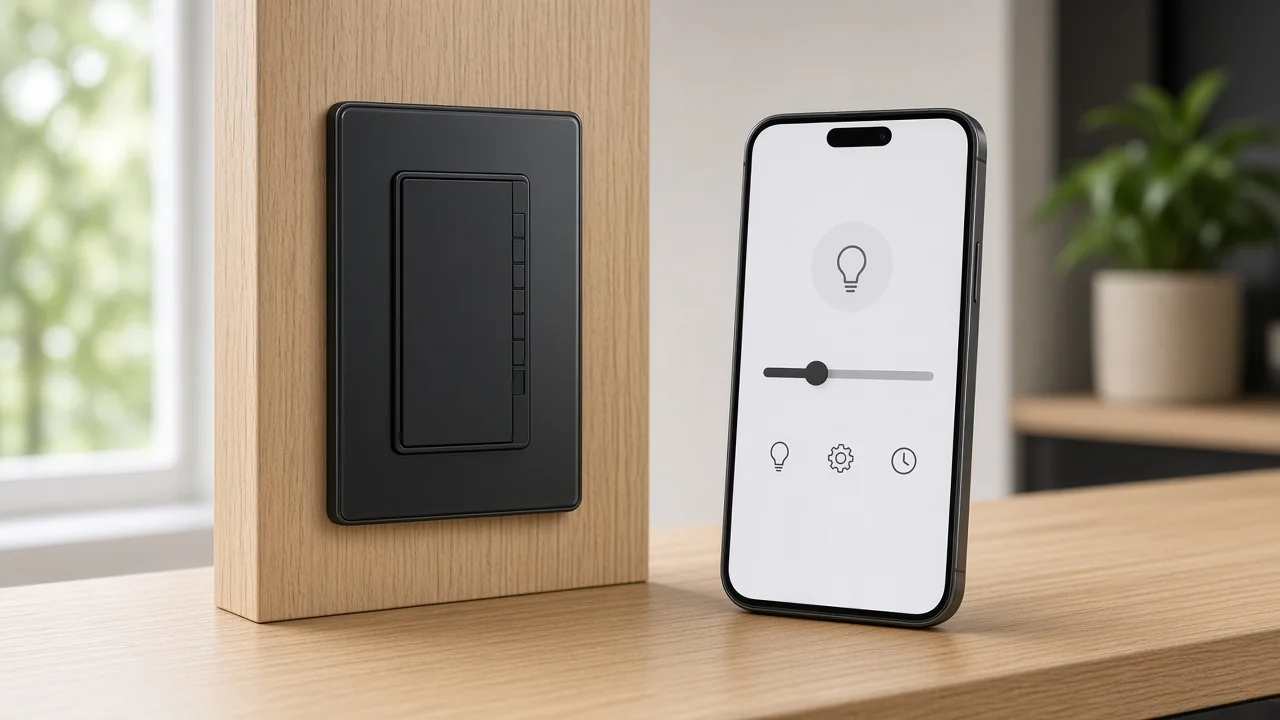
Local touch remains the first day-to-day control surface after install.
A smart wall switch still breaks or connects the lighting circuit at the wall. Guests and facility staff expect a paddle or full-touch panel to work when the phone is charging in another room. That local path is not optional marketing language — it is the electrical switch path that keeps the fixture usable when Wi-Fi is noisy or a visitor has no app account.
Channel demos should start here.
Power the sample, press the rocker or touch zone, and confirm the load follows. Only then move to app and voice.
If local control fails, stop the software demo and treat the sample as incomplete for showroom use.
Full-touch panels add vibration feedback and larger hit areas, but the buyer job is the same: prove that wall control survives after commissioning. Do not bury local control under a long app tutorial.
Commission the app family, then use on/off and scene shortcuts for remote day-to-day control.
Once the switch is joined to the buyer’s mobile ecosystem, the phone becomes the remote control plane. Typical day-to-day moves are simple: open the device card, toggle on/off, rename the circuit so voice and schedules stay readable, and — when the product supports it — fire a scene shortcut that groups several actions into one tap.
Scenes are not the same as a single-gang on/off.
A lighting toggle changes one circuit. A scene can turn several loads or set mixed states.
Channel quotes must say which behaviour the rocker is supposed to deliver after commissioning, especially on multi-gang faces.
App pairing labour, account ownership, and scene naming are project inputs. When the buyer’s question is broken pairing screens rather than intentional use, hand them to Tuya Smart app problems instead of expanding troubleshooting here.
Use-case taxonomy — which loads and scene patterns belong on which SKUs — stays on smart switch uses RFQ selection checklist. This guide only teaches the daily remote path after copper is already correct.
| Control surface | What the user does | What the channel must prove |
|---|---|---|
| Local touch | Press paddle / touch zone | Load follows without the phone |
| App on/off | Toggle device card | Remote path works on the named circuit |
| Scene shortcut | One-tap multi-action | Scene map matches the RFQ story |
| Schedule / timer | Clock-driven on/off | Routine matches store or home hours |
| Voice | Speak the configured name | Assistant link + naming are locked |
Schedules and timers automate on/off so lighting follows store or home routines.
A schedule is the clock path for a wall smart switch schedule: set a time (or sunrise/sunset where the app supports it), choose repeat days, and let the smart light switch change state without a person at the wall.
Timers add countdown behaviour — for example, turn off after a fixed delay.
Away-style random on/off patterns appear in some consumer apps as occupancy simulation; treat them as optional demo features, not as a promise of security outcomes.
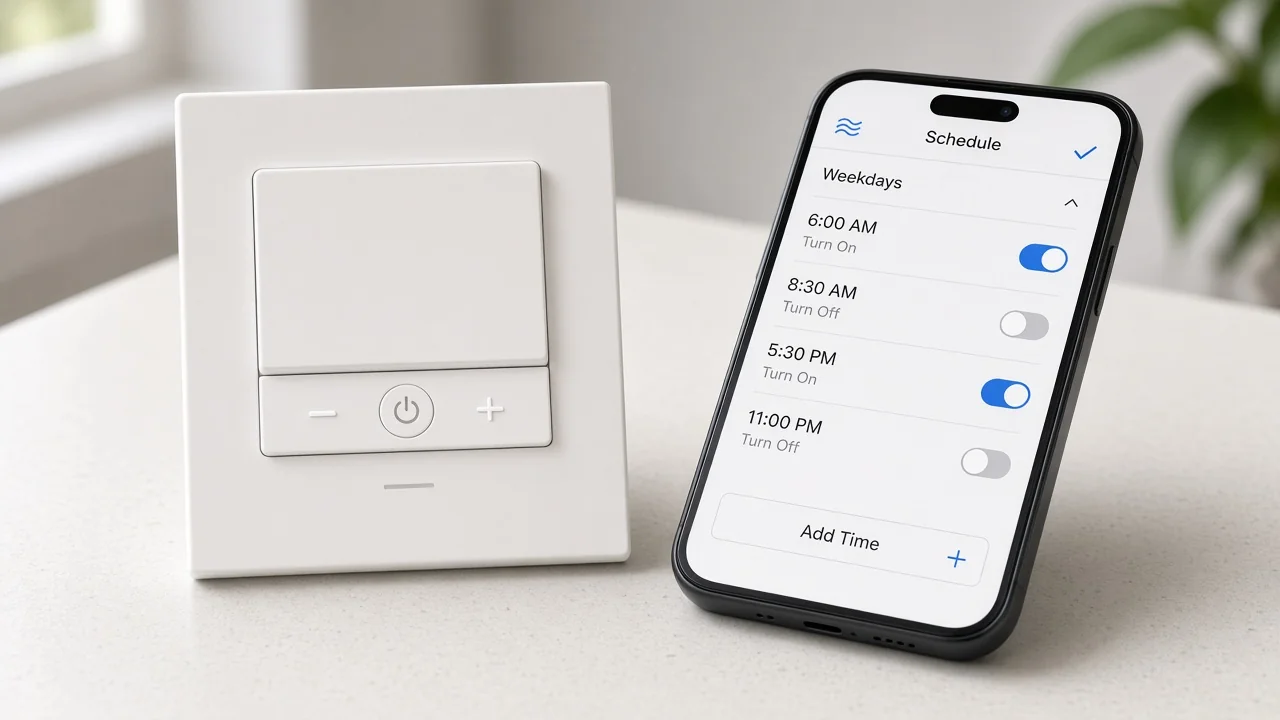
Lighting controls such as timers and schedules matter because they cut lighting runtime when spaces are empty. That is a control-method point from energy-education materials, not a fixed percent savings claim for any named wall SKU.
On the showroom table, create one weekday schedule the buyer can see fire (or preview) during the visit. If the RFQ never names operating hours, schedules become an after-sales surprise instead of a sold feature.
Voice works only after the switch’s app ecosystem is linked and named for the assistant.
Wall switches do not magically appear in Alexa or Google Assistant. The usual path is: commission in the manufacturer or platform app, link that ecosystem to the assistant skill or service, rediscover devices, then speak the configured device name. If the app name is “Gang 2,” voice will sound like “Gang 2,” not “kitchen island.”
Channel quotes should name the voice ecosystem the end customer expects. A Wi-Fi switch that only links through one app family is a different support story than a hub-backed path already standardized on another assistant stack. Architecture depth for hub versus Wi-Fi stocking stays on smart home hub vs Wi-Fi; this page only requires the voice link to be proven in the demo and written in the RFQ.
On Star Feather, Light Mode and Scene Mode cannot run simultaneously — lock the mode in the RFQ.
Multi-gang smart wall switches often look like ordinary multi-rocker plates. Buyers then assume every gang is an independent lighting circuit. On MOES Star Feather, the series offers lighting modes and scene modes that can be switched in the app, with an explicit collection note that Light Mode and Scene Mode cannot be used at the same time.
Important: If a sales sample is left in Scene Mode, a rocker may fire a scene map instead of toggling only its local lighting circuit. Demo both modes only as an either/or choice, and write the chosen mode into the RFQ before the buyer orders multi-gang counts. — source: MOES Star Feather collection
That exclusivity is a use-path fact for Star Feather, not universal advice for every brand. Still, any multi-gang quote should answer: are the gangs lighting circuits, scene triggers, or a mix that the firmware will not allow in parallel?
Plan sharing or household account rules before a second user fails the demo.
Day-to-day use often fails at the second phone. One engineer commissions under a personal app login. A partner, retailer floor staffer, or facility manager then opens a different account and cannot see the device, or voice assistants ask which household profile to use.
Consumer manuals commonly expose a device-sharing path inside the manufacturer app (invite by account ID). Voice ecosystems add a second layer: skills and groups may need to be linked again under each adult account. Community discussions of multi-account Alexa households repeatedly report that devices and routines live with the commissioning account unless sharing is planned.
For channels, treat sharing as an RFQ field: single admin account with shared logins, manufacturer app share invites, or separate skill links per adult. Do not leave it as a hallway conversation after the pallet ships.
Demo local touch, app toggle, one schedule, and one voice command on the same sample.
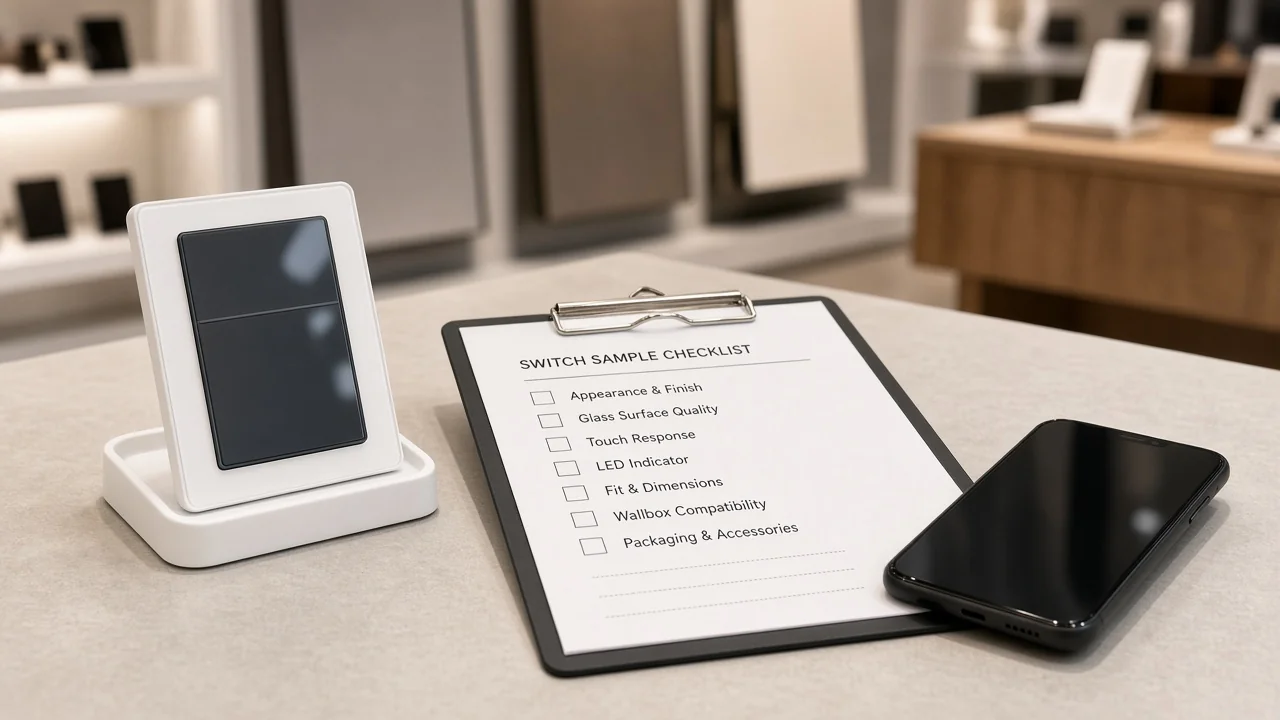
A channel demo should be short and repeatable. Use one powered sample on the table:
If any step fails, document the failure as a commissioning or RFQ gap, not as “the switch is broken,” unless local touch itself fails.
Lock Wi-Fi vs hub, app family, voice ecosystem, gang/mode plan, and sharing model.
Functional use-case lists belong to the uses checklist package. This table locks the fields that prove the buyer can actually use the switch the way the demo showed:
| RFQ field | Why it proves the use path | Wrong assumption cost |
|---|---|---|
| Wi-Fi vs hub / gateway | Decides whether a separate hub line item and radio family are required | Wrong SKU family; missing gateway |
| App family / commissioning account | Owns pairing, scenes, schedules, and shares | Devices invisible to the second phone |
| Voice ecosystem | Names Alexa/Google (or none) and naming rules | Voice demo fails on floor |
| Gang count + Light vs Scene plan | Multi-gang behaviour and Star Feather exclusivity | Buyer presses a scene when they expected a light |
| Sharing model | App share vs household skill links | Support tickets after install |
| Load class and amp rating | Keeps use inside published ratings | Oversubscribed circuits |
NIST’s IoT component discussion notes that specialty networking or gateway hardware can be separate from the end device, while Wi-Fi products may assume router infrastructure. Write that fork explicitly. For architecture trade-offs, open hub vs Wi-Fi rather than expanding it here.
Community threads such as the Home Assistant Wi-Fi-only smart home discussion treat Wi-Fi density and hub-backed paths as different stocking stories — useful language for RFQ pushback, not a reason to rewrite the hub article. Read the full thread when you need the community wording.
Recommend only the page-stated US Wi-Fi Star Feather ratings for a Wi-Fi touch/app/voice path.
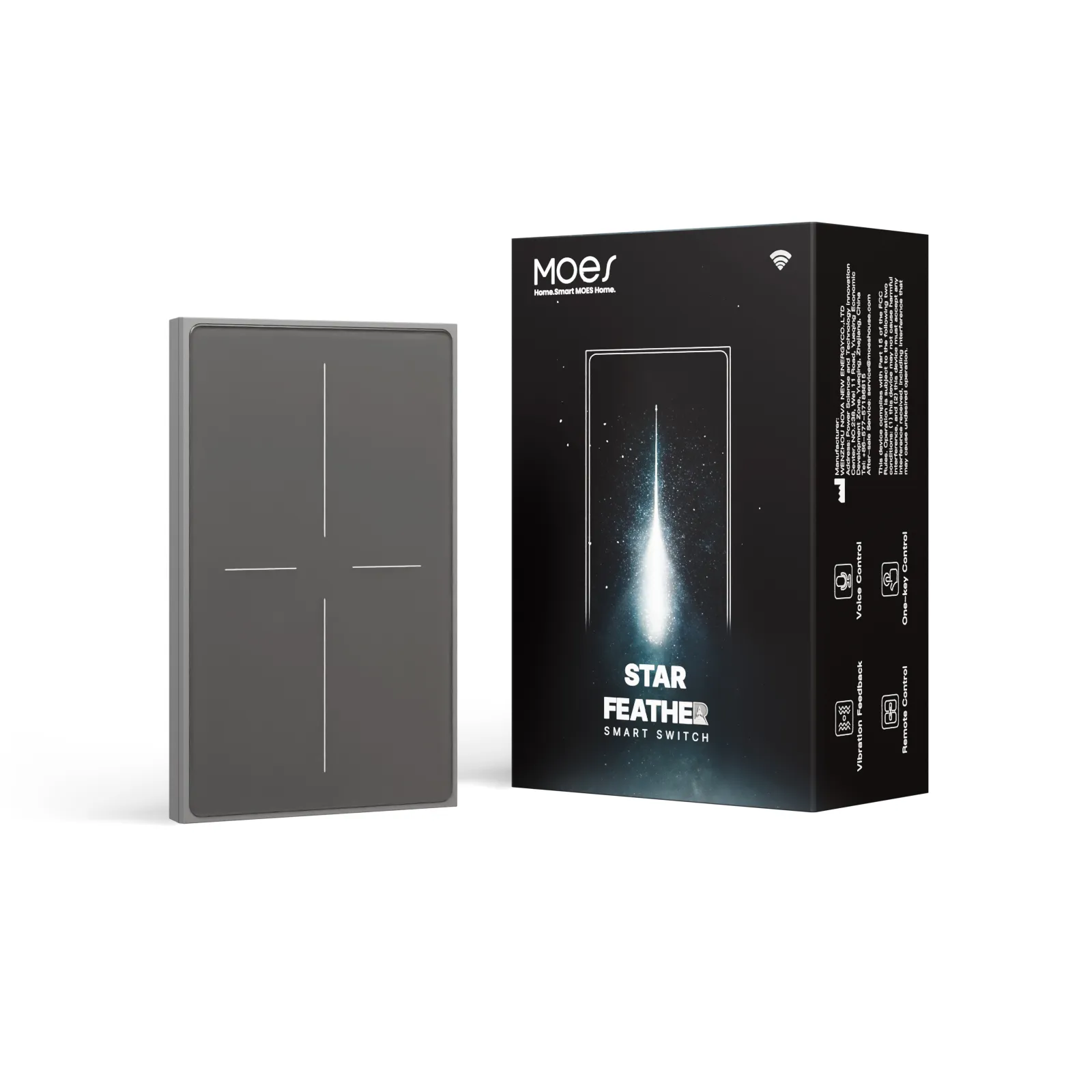
When the RFQ locks a US Wi-Fi wall path with local touch, app control, schedules, and voice linking — and does not require a hub-backed radio — a concrete first-party example is the MOES Star Feather US Wi-Fi switch.
The live page states model WS-SF-US1/2/3/4, voltage 90-250V AC at 50/60Hz, max current 10A/Gang with total 10A, wireless protocol Wi-Fi, frequency band 2.412~2.484GHz, and max RF transmit power under +10dBm. On-page product language covers anti-glare glass, full touch with adjustable vibration, lighting modes and scene modes switchable in the app, and smart control through mobile app, voice assistant, and touch.
Do not invent Matter or Thread claims for this SKU. Do not copy EU Star Feather ratings onto a US Wi-Fi quote. If the RFQ locked a hub-backed radio instead, stop and re-select — this recommendation is scoped to the Wi-Fi US path above.
For commercial questions after the use path is locked, use contact us.
Yes. Local touch remains a primary control surface after copper is correct. App and voice add parallel paths; they should not erase wall control for guests and staff.
Schedules and timers automate on/off by clock (and often sunrise/sunset in consumer apps) so lighting follows store or home routines and reduces idle runtime. They are a sold use feature, not a free afterthought.
Commission the switch in its app family, link that ecosystem to the assistant, rediscover devices, and speak the configured device name. Voice proves the ecosystem link, not only the wall hardware.
No. The Star Feather collection states that Light Mode and Scene Mode cannot be used simultaneously. Lock the chosen mode in the RFQ for multi-gang samples.
At minimum: Wi-Fi vs hub/gateway, app family and account owner, voice ecosystem, gang count with Light vs Scene plan, sharing model, and load/amp ratings. Functional use-case lists stay on the uses checklist package.
Often in consumer search results, yes — but that is a different product class. This page covers wall lighting control after install. For phone/PC tooling context, see the definition and PC project-input packages linked above.
It depends on the radio path. Wi-Fi models may use site router infrastructure; hub-backed families need a gateway line item. Lock the fork before quoting and use the hub-vs-Wi-Fi package for architecture depth.
Local touch, app on/off, mode disclosure on multi-gang samples, one schedule, one voice command, and a stated second-user sharing path — all on the same powered sample.




OTHER SMART DEVICES
Jun 13,2026
OTHER SMART DEVICES
Jun 12,2026
TUYA SMART HOME PRODUCTS
Jun 12,2026
 +86 137 3639 3028



