


by NOVA

Oct 27, 2026
A zigbee outlet is the wall receptacle that replaces a standard outlet face and switches a plugged load on a Zigbee path.
Shopping pages often use the same words for a plug-in adaptor that sticks out of an existing socket. Those two shapes are different line items. On this catalog, the live ZigBee socket faceplate is the EU model ZK-SR-EU, and Wi-Fi or Matter plug-in sockets stay on their own rows.
The sections below name the wall object, cut the plug-in sister once, place the hub path, separate the Wi-Fi/Matter and APP Remote classes, bind the live EU socket page, and lock the quote cells to that carton. Orientation sits under smart modules; socket shopping neighbors may also sit under other smart devices.
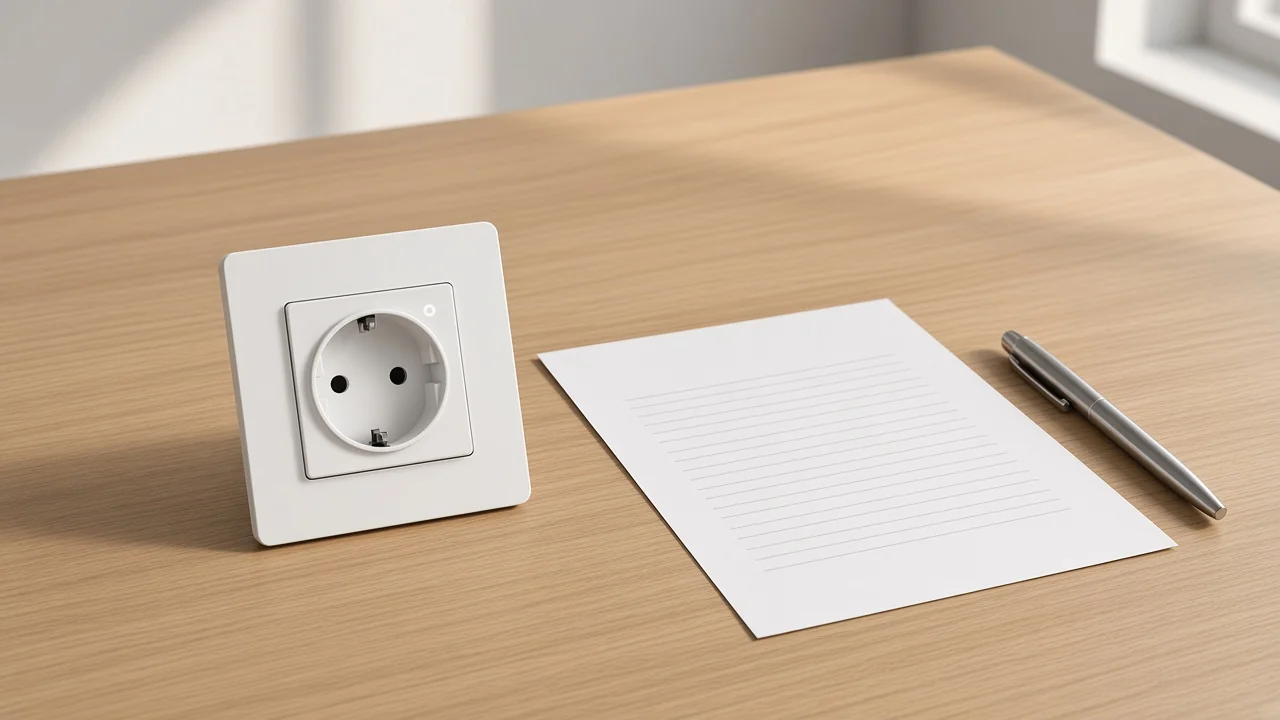
On the quote line, the Zigbee outlet replaces the outlet already in the box and joins a Zigbee mesh so a lamp, fan, or other corded load can be switched from that radio path.
In electrical language the receptacle is the female socket in the wall. The plug is the male connector on the cord. Buyer language sometimes blurs those words, but the object on this line is the wall face that stays after install.
Across homes and commercial buildings, Zigbee runs as a full-stack mesh. Message security on that stack includes AES-128 bit encryption in the alliance overview.
That is the network the outlet joins. It is not a promise that every white wall plate on a shelf speaks Zigbee.
The physical cut comes first on a quote. The unit sits in the wall. It accepts a plug.
It leaves the protruding adaptor, the hidden lighting module, and the USB wall charger on other rows. Call the wall object a zigbee wall outlet when the radio cell prints Zigbee.
Start with form factor: a plug-in Zigbee adaptor sits in front of an existing outlet, while a wall Zigbee outlet replaces that outlet.
Retail titles often call both shapes an “outlet.” Leviton-style plug-in cartons and wall-wart “smart outlets” are still adaptors you can unplug and move. The wall receptacle is the permanent faceplate class.
Use the plug-in shape when the project needs a movable cord switch and the wall box should stay untouched. Use the wall receptacle when the buyer wants a flush face and is ready for circuit work.
On this site the plug-in Zigbee class already has its own clarification. Cross once to the Zigbee smart plug page when the RFQ really means a zigbee plug that hangs off the wall. Keep that secondary noun to one mention here so this URL stays on the wall object.
From the field: Hubitat buyers shopping for a Zigbee 3.0 in-wall receptacle say they want to “get rid of some wall-warty Zigbee smart plugs that are hanging off of the current dumb receptacles” (Hubitat in-wall receptacle thread). That is user language about form factor, not a MOES mesh lab result.
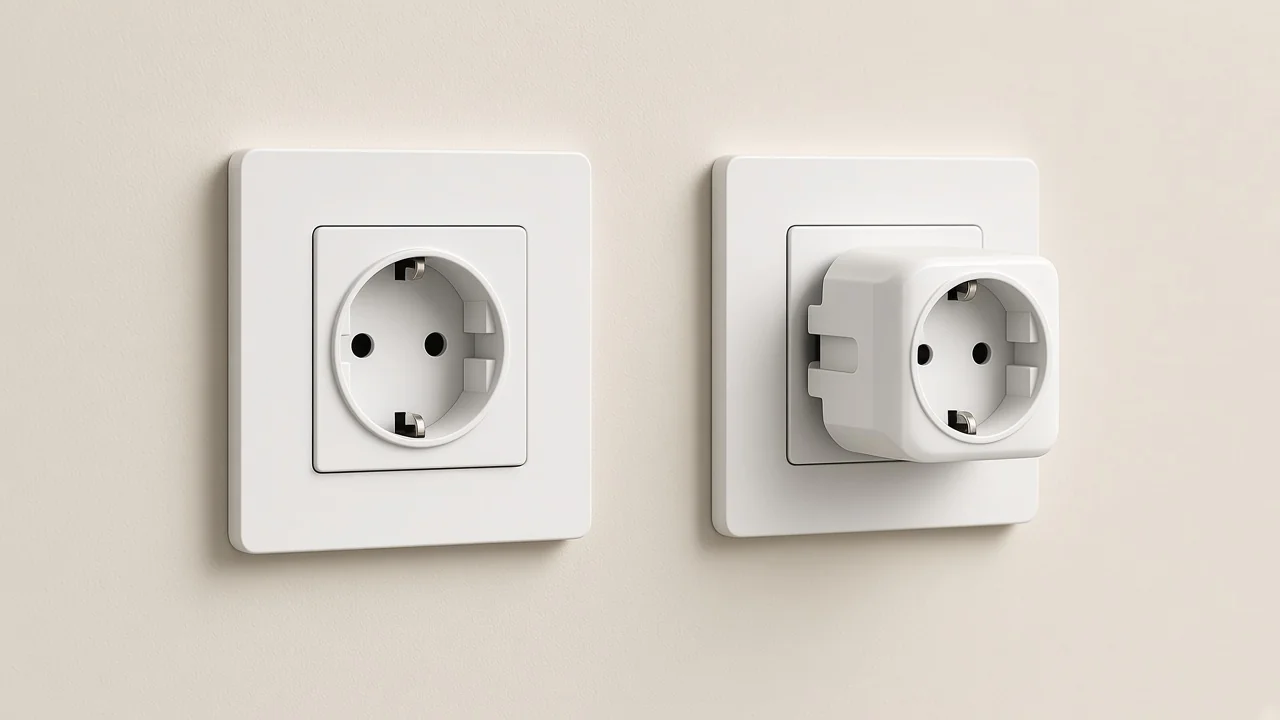
Phone control for most Zigbee outlets runs through a Zigbee hub or another coordinator that already holds the mesh.
Zigbee defines coordinator, router, and end-device roles. The coordinator forms one network. Routers stay powered and can relay traffic.
Battery nodes usually sit as end devices. A wall outlet is a mains device, so industry mesh guides often treat it as a Zigbee router candidate once it is paired.
Hubitat’s mesh documentation names a Zigbee outlet as an example of a Zigbee router / repeater that relays traffic for devices too far from the hub. Treat that as role language for planning. It is not a printed hop count, meter range, or guarantee on the MOES faceplate.
Some speakers and displays already contain a Zigbee hub / coordinator. In that case the “extra box” may already be on the quote as the speaker. The outlet still needs a coordinator somewhere on the path.
A Wi-Fi plug that prints “no hub” does not transfer that sentence onto a Zigbee outlet line. Read the radio cell first, then write the hub cell from that same page.
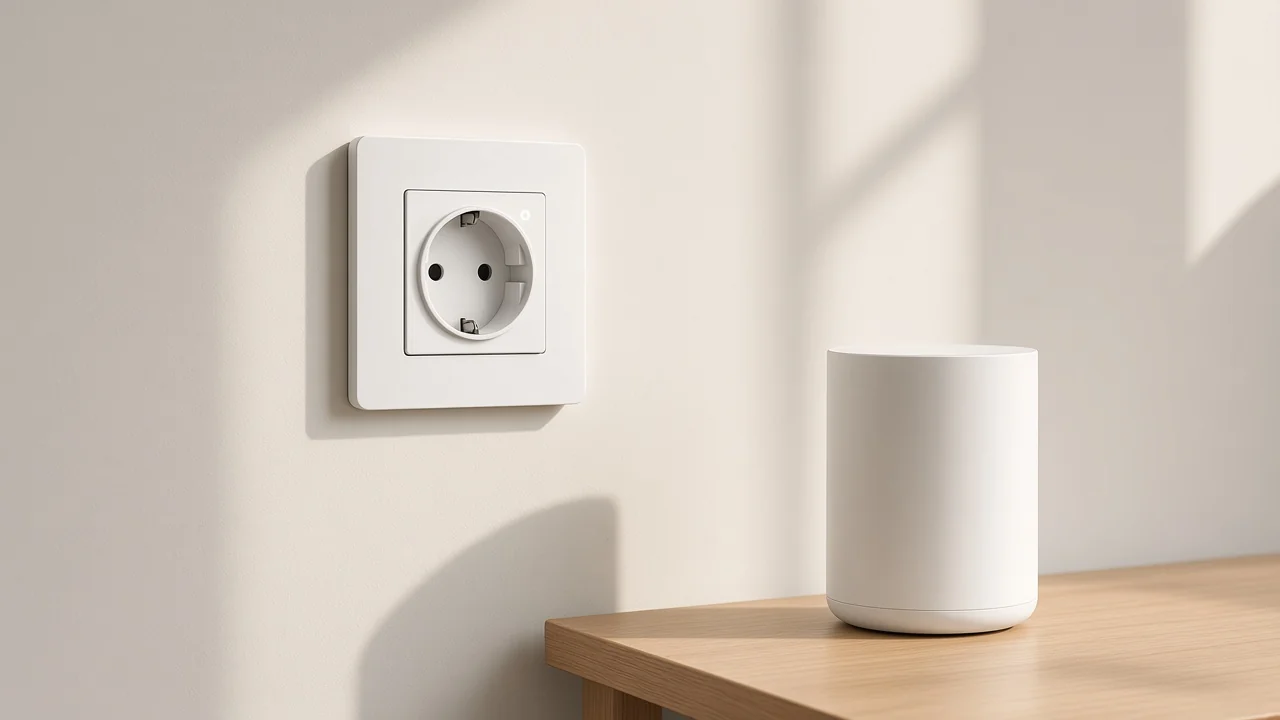
On this catalog, Wi-Fi or Matter plug-in sockets stay in a different radio class and a different form factor.
Live plug-in pages that channel staff can hold today print Wi-Fi and/or Matter wording, not a Zigbee plug-in socket claim. Those SKUs belong on the smart home smart plug clarification. The Zigbee plug-in sister page already recorded that the plug-in Zigbee SKU search was empty and pointed wall ZigBee socket readers to the wall device.
Do not copy a 16 amp figure from a Matter plug page onto a Zigbee outlet row. Do not copy a “under 200W” Wi-Fi plug cell onto ZK-SR-EU. Amp cells travel with the radio cell on the page that will ship.
If the buyer only has a Wi-Fi router and no Zigbee coordinator, the Wi-Fi or Matter plug-in line may be the faster match. If the buyer already runs a Zigbee mesh and wants a wall face, stay on the Zigbee outlet class.
| Quote line | Form factor | Radio as the page must print it | Typical phone path |
|---|---|---|---|
| Zigbee outlet (this class) | Wall receptacle | ZigBee / Zigbee on the faceplate | Zigbee hub or built-in coordinator |
| Zigbee plug (sister class) | Plug-in adaptor | Zigbee on a plug-in page | Zigbee hub or built-in coordinator |
| Wi-Fi / Matter smart plug | Plug-in adaptor | Wi-Fi and/or Matter as printed | Router / Matter controller per that page |
| Remote wall socket switch | Wall receptacle | APP Remote / Wi-Fi as printed on sister pages | App path printed there — not a Zigbee claim by default |
Sister pages already own the remote wall socket switch: a wall outlet that replaces the receptacle and prints an APP Remote control path.
That class already has a clarification at remote wall socket switch. Products on that line are wall sockets. They are not automatically Zigbee outlets.
Read the radio cell. If the page does not print ZigBee, do not write Zigbee on the quote.
USB wall chargers are another false friend. Fast-charging GaN wall outlets that print USB power delivery are charger SKUs.
They are not Zigbee outlets, even when the carton shows a wall face. Keep those charger pages off this line.
A wall dimmer or a lighting switch module is yet another object. The sibling article for a 2-gang Zigbee switch module without a neutral owns gang count and neutral-wire module language. This page does not rewrite that job.
On this catalog the live socket page that prints ZigBee for this class is the MOES Tuya ZigBee Smart EU Socket — product 1532, model ZK-SR-EU / EU socket.
The page sits under Smart Switch. The body calls it a smart switch supporting the ZigBee protocol. The technical table is the quote source.
EU in the title and Schuko-style face in the photo are logistics notes for that carton. They are not approval to invent a US or UK Zigbee outlet SKU on this site.
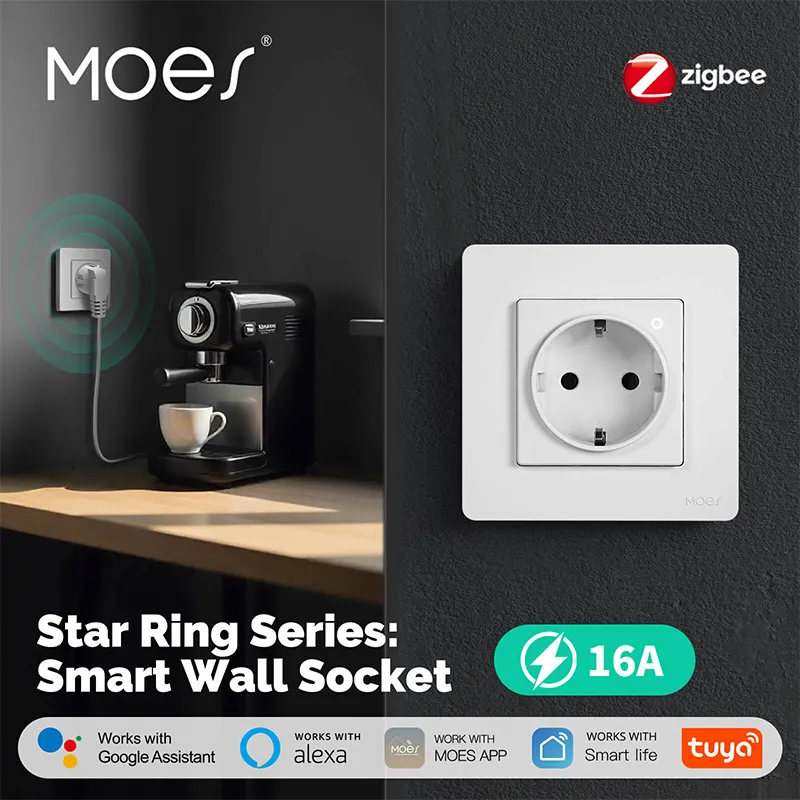
The product photo above is the live ZK-SR-EU faceplate used for this bind.
| Live page cell | Printed value on ZK-SR-EU | Quote rule |
|---|---|---|
| Model | ZK-SR-EU | Keep on this row only |
| Wireless Protocol | ZigBee | Do not rewrite as Wi-Fi or Matter |
| Voltage / Frequency | 95~245V AC, 50/60Hz | Copy only from this page |
| Max Current (pure resistive load) | 16A | Keep the pure-resistive note |
| Max Load Power | 3500W | Stays with this model |
| Rated Voltage | 220V | Stays with this model |
| Zigbee Standard | IEEE 802.15.4 | Protocol line as printed |
| Working Channel | 11 – 26 @ 2.400–2.483GHz | As printed |
| Data Transfer rate | 250Kbps | As printed |
| Max Transmit Power | +10dBm | As printed — not a range meter claim |
If a project needs a US or UK face with Zigbee printed on the carton, wait for a page that prints that face. Do not paste ZK-SR-EU’s current into a fictional NEMA or UK line. Do not point USB charger pages or Wi-Fi wall sockets at this Zigbee outlet RFQ.
A usable Zigbee outlet line has five cells taken from one page: form (wall receptacle), radio (ZigBee as printed), hub (required unless that same page says otherwise), load (only the amp, watt, and voltage that page prints), and face (EU or other only as that page shows).
Write the hub as a Zigbee hub when the radio cell says ZigBee. Write metering as yes only when the page prints energy monitoring. ZK-SR-EU’s published table used for this article does not hand you a kWh accuracy claim, so leave metering blank unless a later faceplate print adds it.
Face shape follows the model suffix and the photo. It is a logistics note for packing. It is not a market-approval stamp for every country that uses a similar plug shape.
Keep sister numbers on sister pages. Matter plug amps stay on the Matter plug page.
APP Remote wall-socket USB cells stay on those wall-socket pages. The Zigbee outlet row only carries what the ZigBee socket page prints.
A wall receptacle that prints Zigbee (or ZigBee) on the radio cell and replaces the outlet in the box. A plug-in adaptor that shopping sites also call an “outlet” is a separate plug-in line.
Usually yes. The outlet speaks Zigbee, and the phone path runs through a coordinator.
That coordinator can be a separate Zigbee hub or a speaker that already includes one. A Wi-Fi plug’s “no hub” sentence does not transfer.
The outlet replaces the wall receptacle. The zigbee plug is the plug-in adaptor that sits in front of an existing outlet. Same radio family can appear on both shapes, but they are different packing lines.
No. The live ZigBee socket page for this class is the EU model ZK-SR-EU. Face shape stays with the page that prints it.
Wait for a printed US or UK Zigbee outlet page before writing those faces on the quote.
No. Metering is a second printed feature on some market models and absent on others.
Quote metering only when the shipping page prints it. Do not invent kWh accuracy for ZK-SR-EU from the class name alone.
A remote wall socket switch is the wall outlet class explained on its own page, where the control path prints as APP Remote on the live wall-socket neighbors. A Zigbee outlet must show Zigbee on the radio cell. Cross-check the sister clarification before merging the two rows.


OTHER SMART DEVICES
Jun 13,2026
OTHER SMART DEVICES
Jun 12,2026
TUYA SMART HOME PRODUCTS
Jun 12,2026
 +86 137 3639 3028





